Skillberry Visuals
Visual Schedules & Token Board
Diseñada para iPhone, iPad
Gratis · Compras en la aplicación
- Clasificación por edad4+
- CategoríaEducación
- DesarrolladorRenee Gomez Alvarez
- IdiomasInglés
- Tamaño180,6 MB
Enlaza a la página oficial de App Store
Download.org no aloja ningún archivo de Skillberry Visuals. El botón abre la página de la aplicación en App Store, donde la publica Renee Gomez Alvarez. Ficha comprobada por última vez el 24/11/2026.
Capturas de pantalla


Acerca de
El desarrollador no ha proporcionado este texto en tu idioma.
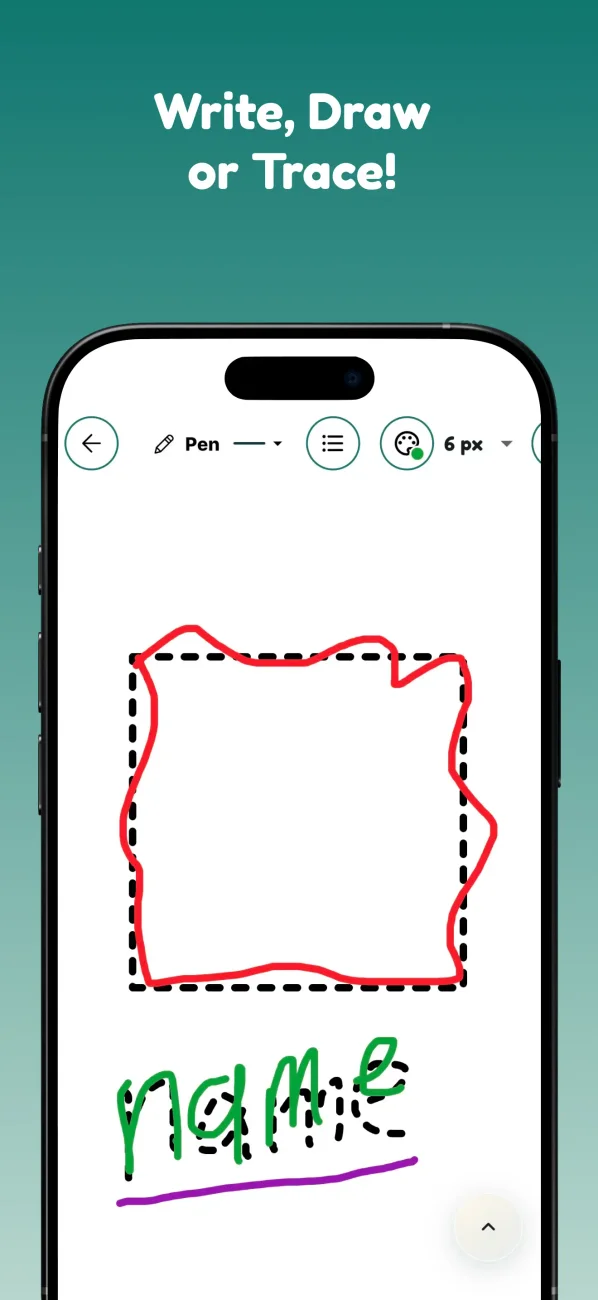
Help make the next step clear and celebrate progress along the way.
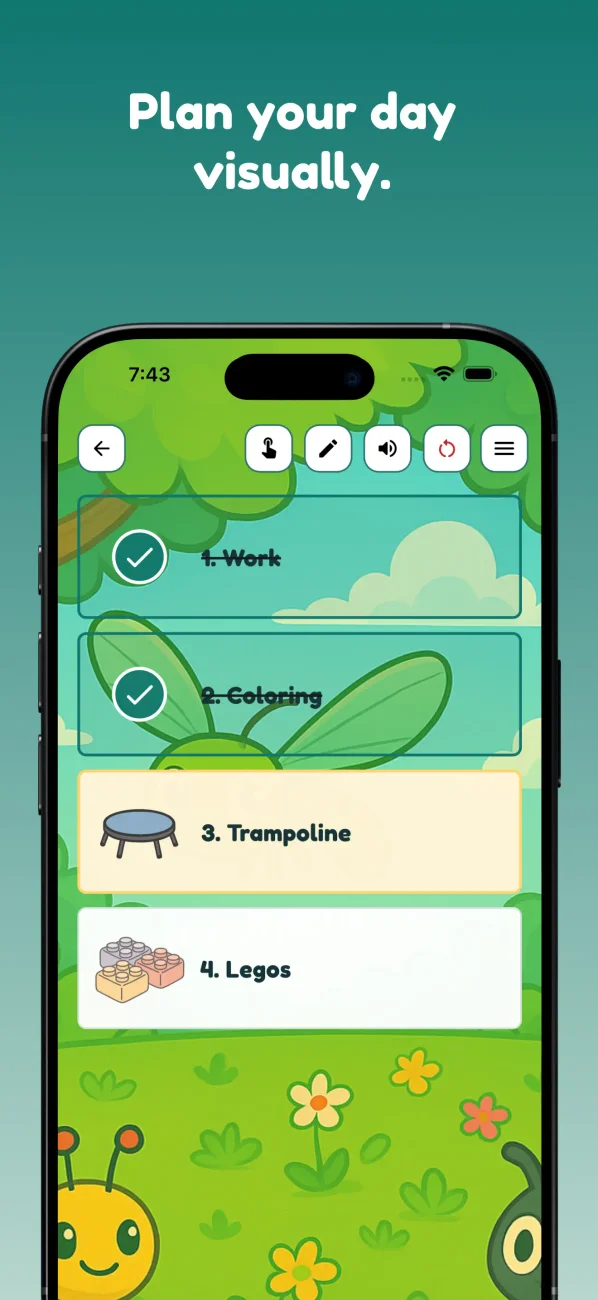
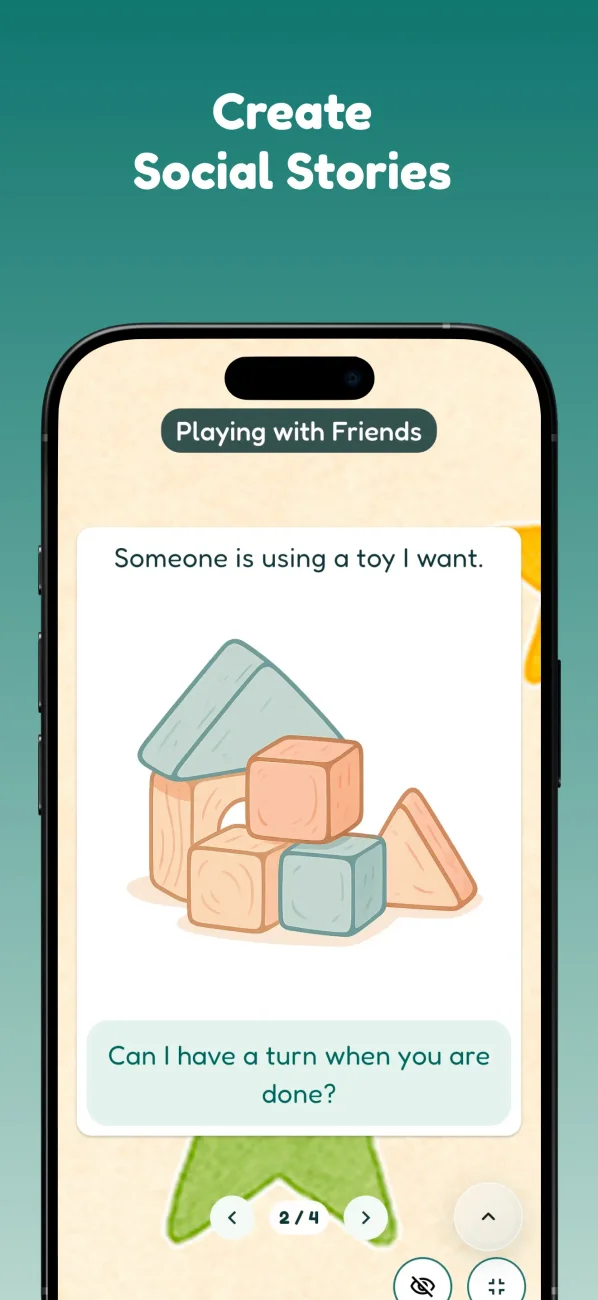
Skillberry Visuals gives parents, teachers, and therapists practical visual tools to support daily routines, transitions, and learning. From getting dressed to following classroom activities, create visual supports that fit the person you’re helping.
MAKE ROUTINES EASIER TO FOLLOW
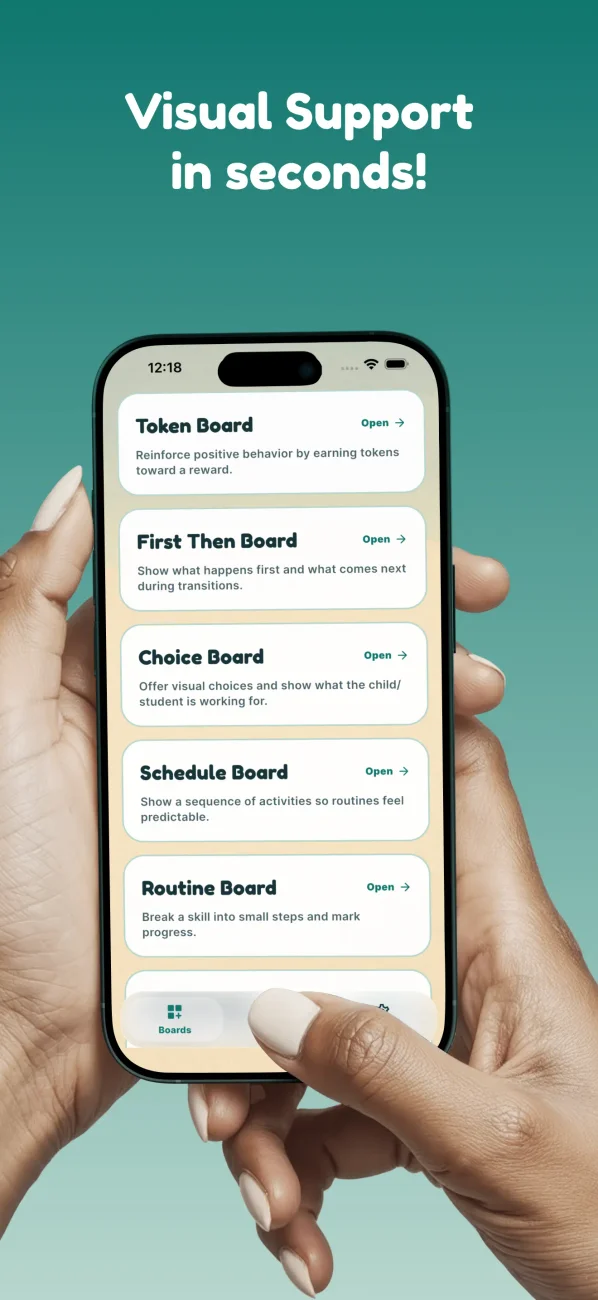
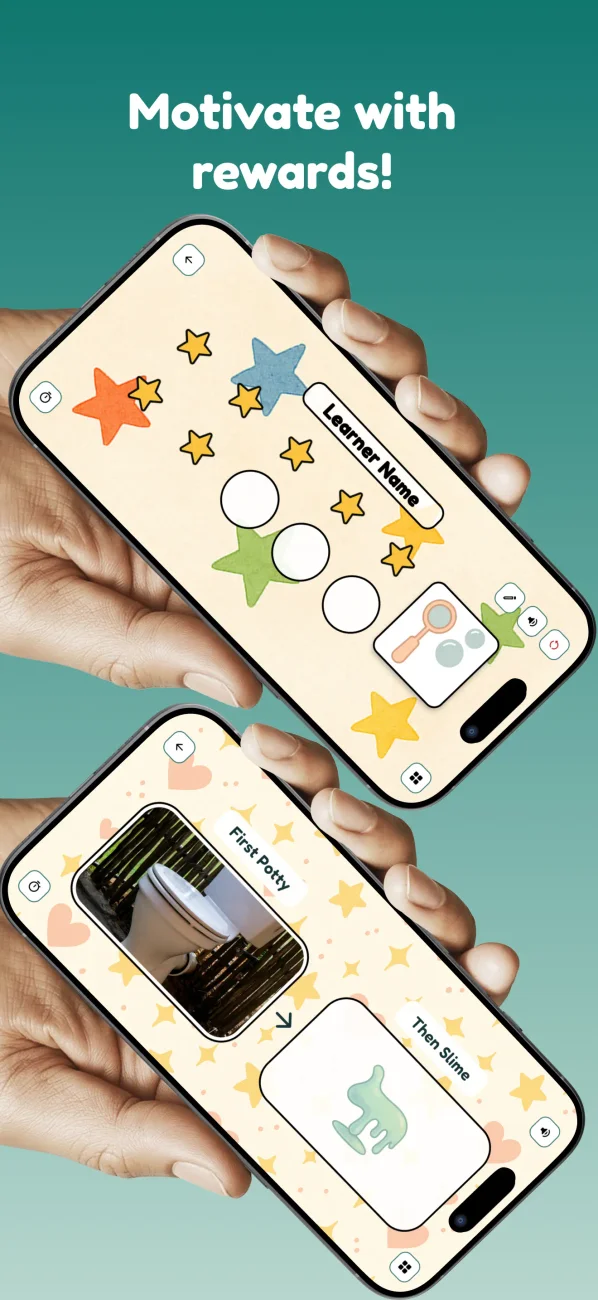
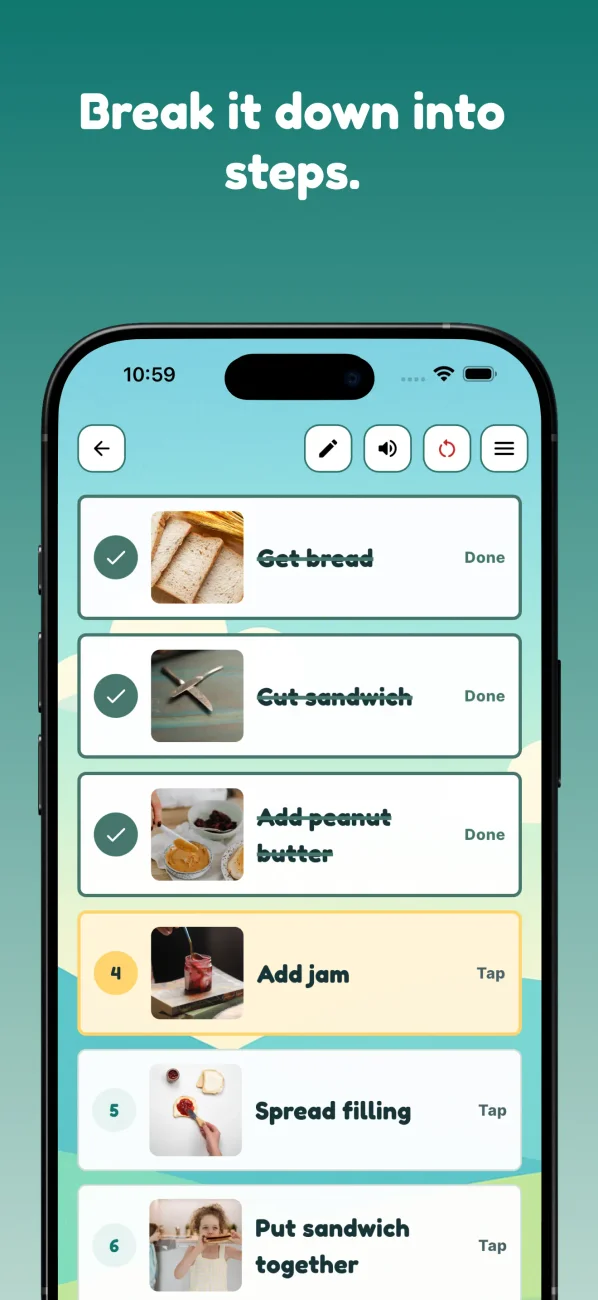
Turn everyday tasks into clear, manageable steps. Use visual schedules, First Then boards, and step by step routines to show what’s happening now and what comes next.
CELEBRATE EVERYDAY PROGRESS
Use token boards and personalized rewards to recognize effort and keep goals visible. Small accomplishments deserve to be noticed.
MAKE IT PERSONAL
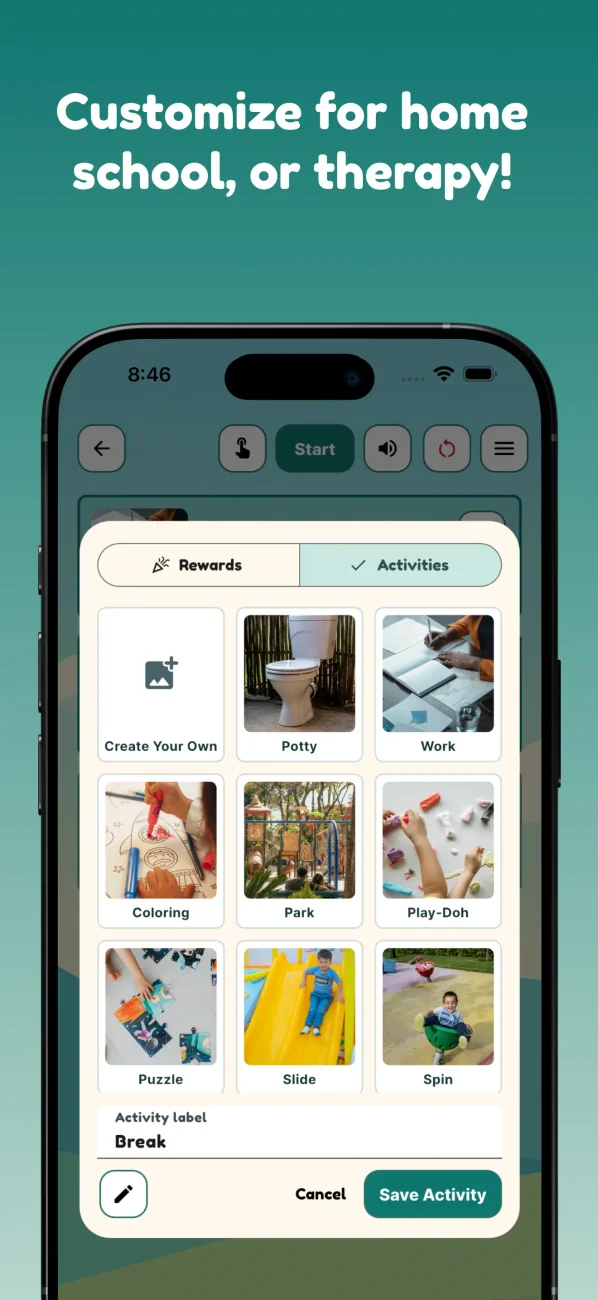
Choose images from your library, add your own pictures, and customize labels to make activities familiar and meaningful.
SUPPORT DIFFERENT NEEDS
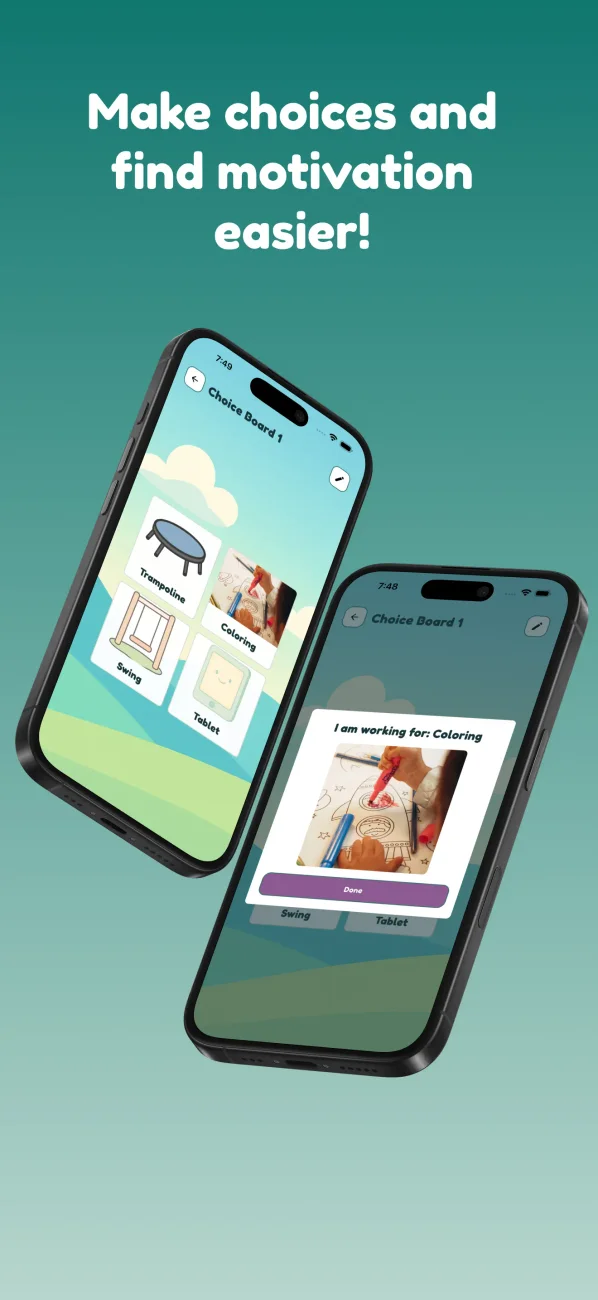
Bring together visual timers, choice boards, visual cues, and other tools to support communication and participation. Build routines around each learner’s preferences and pace.
KEEP SUPPORTS ORGANIZED
Use profiles and folders to organize visuals for different children, students, clients, or activities. Print visual boards to keep familiar supports within reach beyond the screen.
BUILT FOR EVERYDAY MOMENTS
Support morning routines, classroom transitions, therapy activities, chores, and bedtime with visuals you can return to again and again.
Whether you’re introducing a new routine or encouraging greater independence, Skillberry Visuals helps you make each next step easier to understand.
Terms of Use: https://www.apple.com/legal/internet-services/itunes/dev/stdeula/
Novedades
Versión 1.1.6 · 14/11/2026
Bug Fixes
Privacidad de la aplicación
Lo que Renee Gomez Alvarez declara en App Store sobre cómo esta aplicación gestiona los datos.
-
Datos vinculados a ti
Pueden recopilarse y vincularse a tu identidad.
- Compras
- Información de contacto
- Contenido del usuario
- Identificadores
- Datos de uso
- Otros datos
-
Datos no vinculados a ti
Pueden recopilarse, pero no se vinculan a tu identidad.
- Contenido del usuario
- Identificadores
- Datos de uso
- Diagnóstico
- Otros datos
Las prácticas de privacidad pueden variar, por ejemplo, según las funciones que uses o tu edad.
Información
- Vendedor
- Renee Gomez Alvarez
- Categoría
- Educación
- Versión
- 1.1.6
- Actualizado
- 14/11/2026
- Publicado
- 1/4/2026
- Tamaño
- 180,6 MB
- Requiere
- iOS 16.0 o posterior
- Clasificación por edad
- 4+
- Precio
- Gratis
- Compras en la aplicación
- Sí
- Idiomas
- Inglés
- Copyright
- © 2026 Renee Gomez Alvarez
Quizá también te guste
-
 Token Board: ABA Reward ChartVisual Reward System
-
 Token Board ABAEducación
-
 My Token BoardEducación
-
 Token Board Pro | ABA TherapyEducación
-
 FirstWorkEducación
-
 First and Then Visual ScheduleEducación
-
 Study Notes ABAEducación
-
 Understanding Behavior BCBAEducación
-
 ABA WizardEducación
-
 ELS Autism | ABA TherapyEducación