
Skillberry Visuals
Visual Schedules & Token Board
Được thiết kế cho iPhone, iPad
Miễn phí · Mua hàng trong ứng dụng
- Độ tuổi4+
- Danh mụcGiáo Dục
- Nhà phát triểnRenee Gomez Alvarez
- Ngôn ngữTiếng Anh
- Kích thước180,6 MB
Liên kết đến trang App Store chính thức
Download.org không lưu trữ tệp nào của Skillberry Visuals. Nút này mở trang ứng dụng trên App Store, nơi Renee Gomez Alvarez phát hành ứng dụng. Trang được kiểm tra lần cuối: 24/11/2026.
Ảnh chụp màn hình


Giới thiệu
Nhà phát triển chưa cung cấp nội dung này bằng ngôn ngữ của bạn.
Help make the next step clear and celebrate progress along the way.
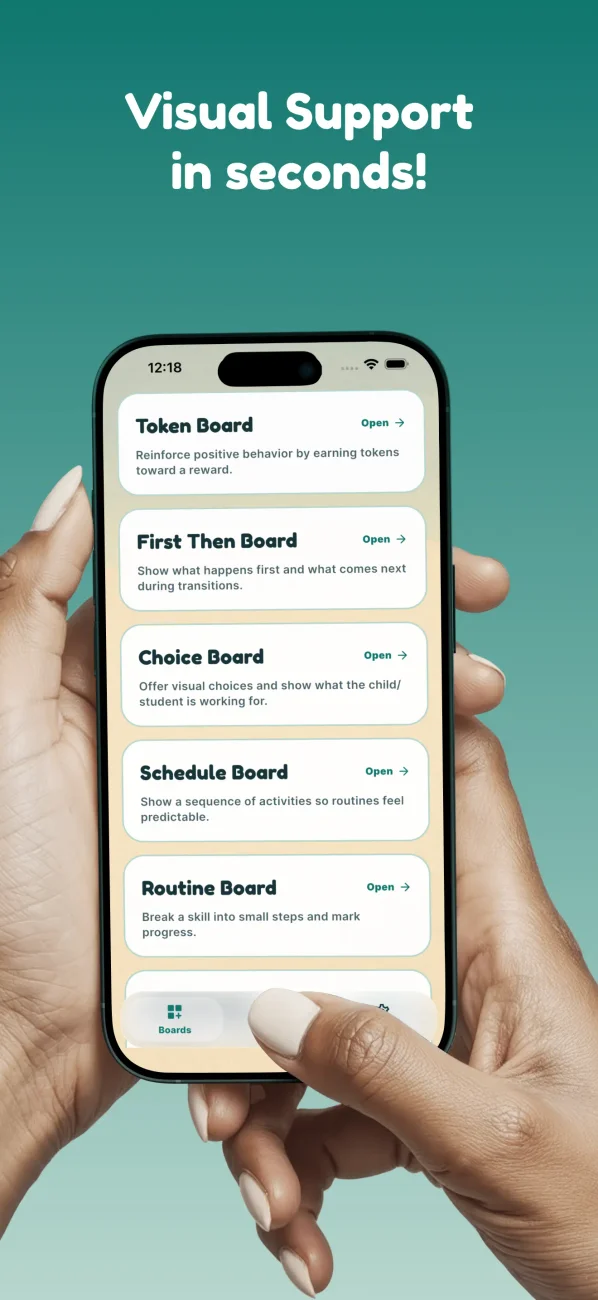
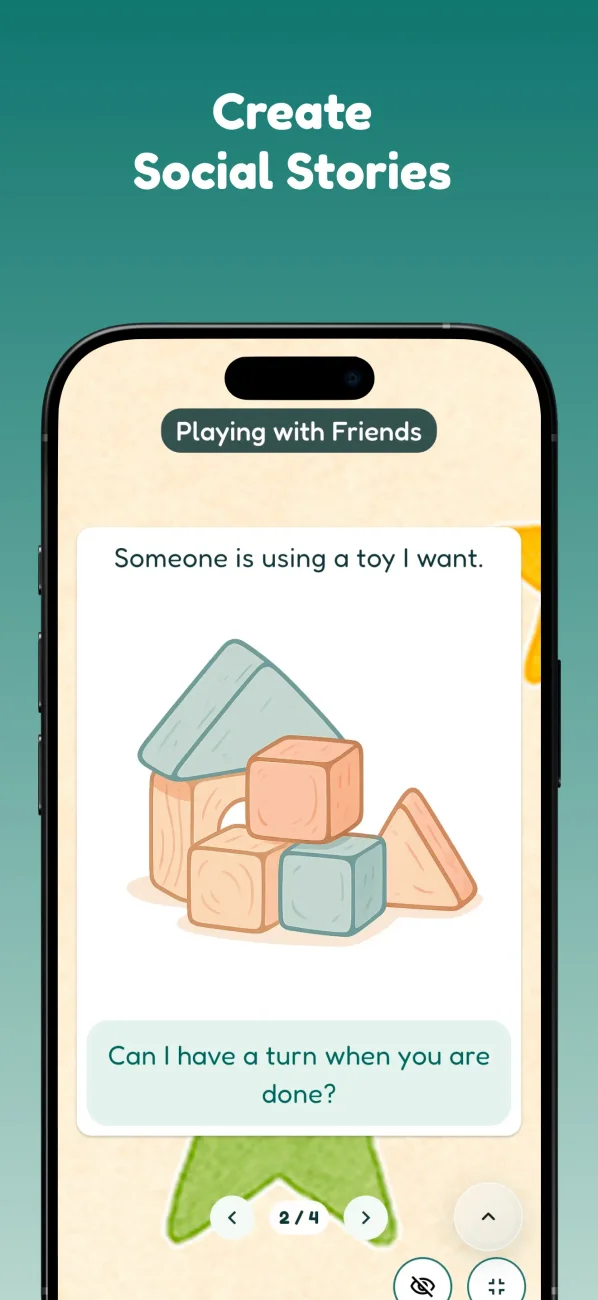
Skillberry Visuals gives parents, teachers, and therapists practical visual tools to support daily routines, transitions, and learning. From getting dressed to following classroom activities, create visual supports that fit the person you’re helping.
MAKE ROUTINES EASIER TO FOLLOW
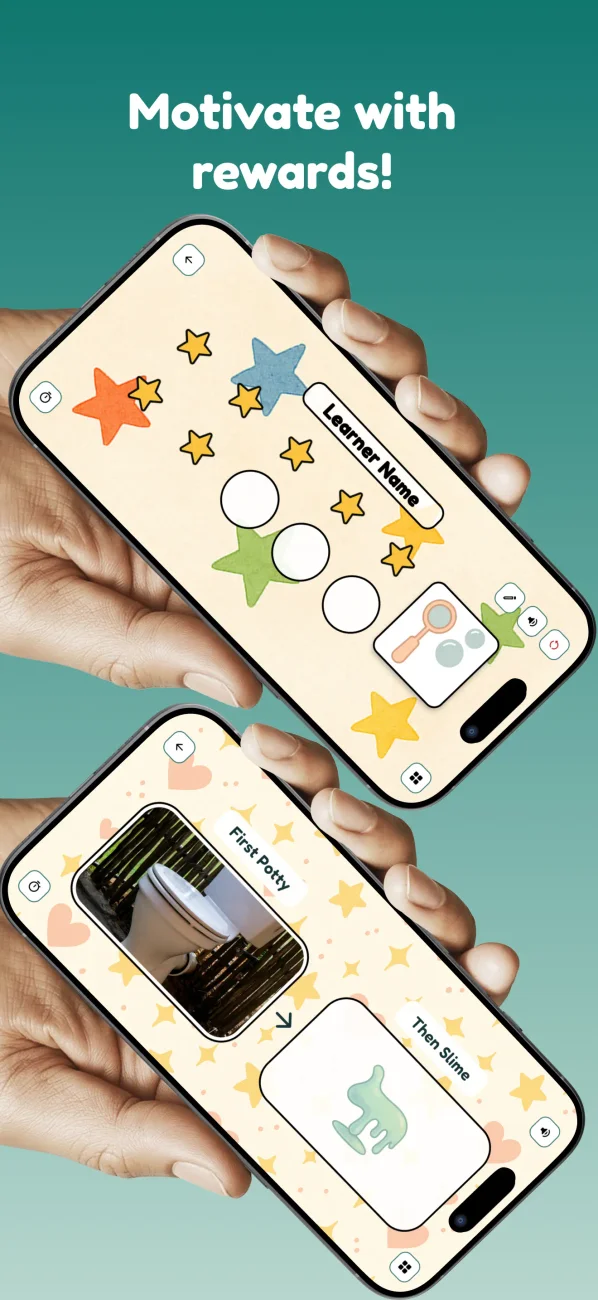
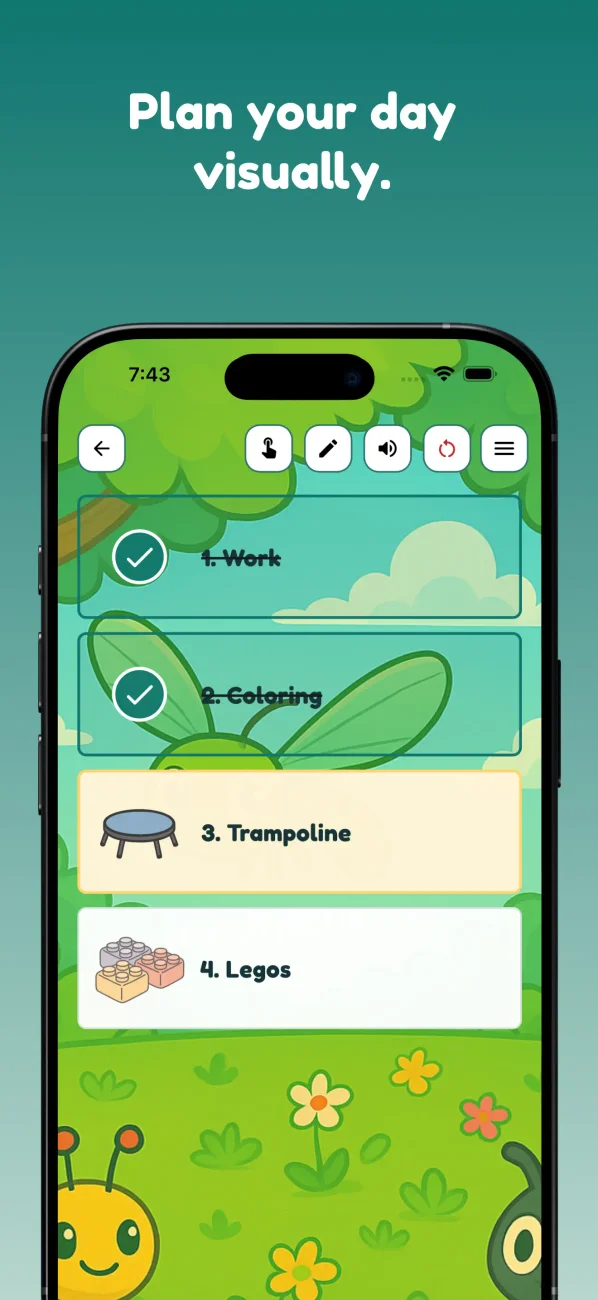
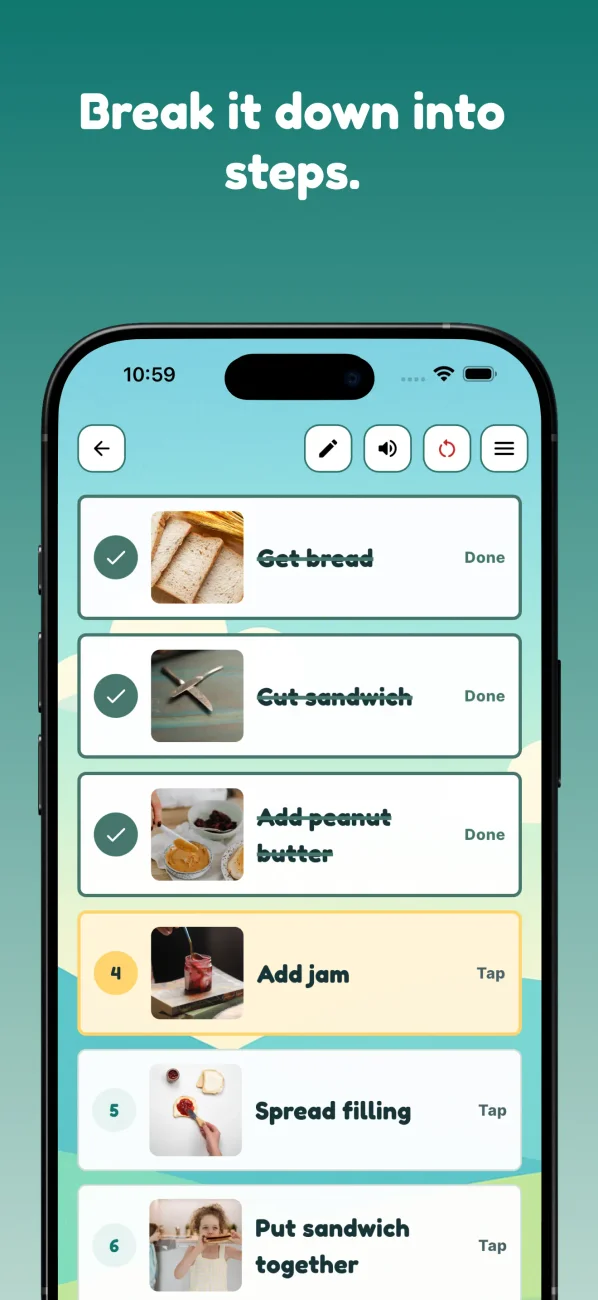
Turn everyday tasks into clear, manageable steps. Use visual schedules, First Then boards, and step by step routines to show what’s happening now and what comes next.
CELEBRATE EVERYDAY PROGRESS
Use token boards and personalized rewards to recognize effort and keep goals visible. Small accomplishments deserve to be noticed.
MAKE IT PERSONAL
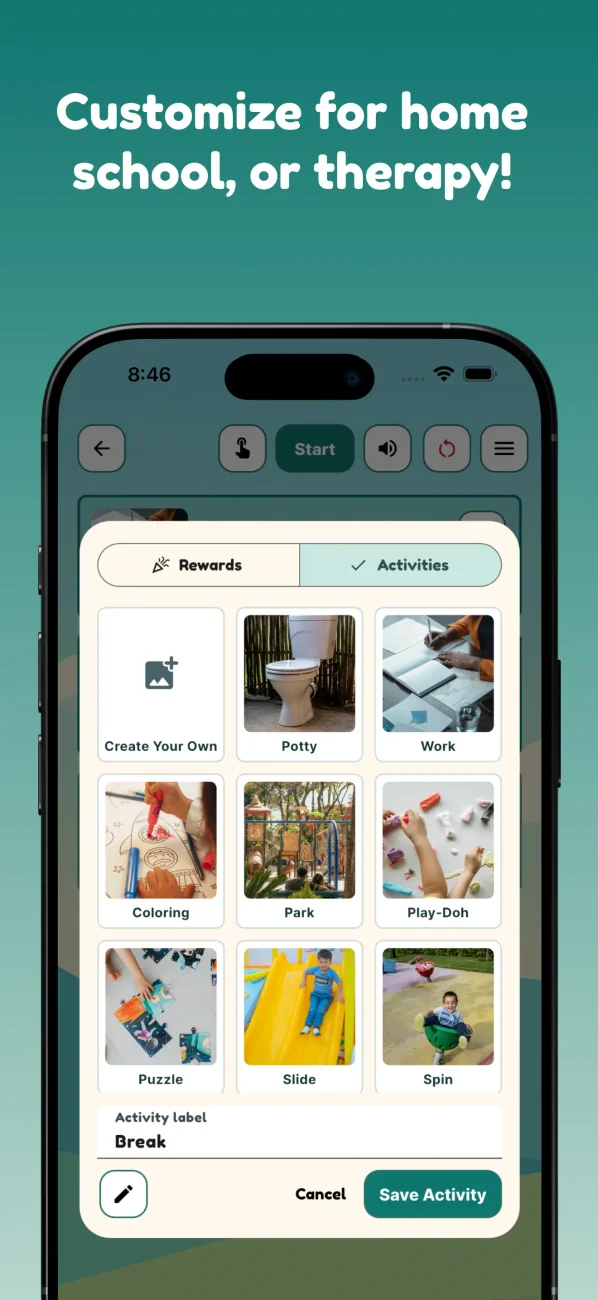
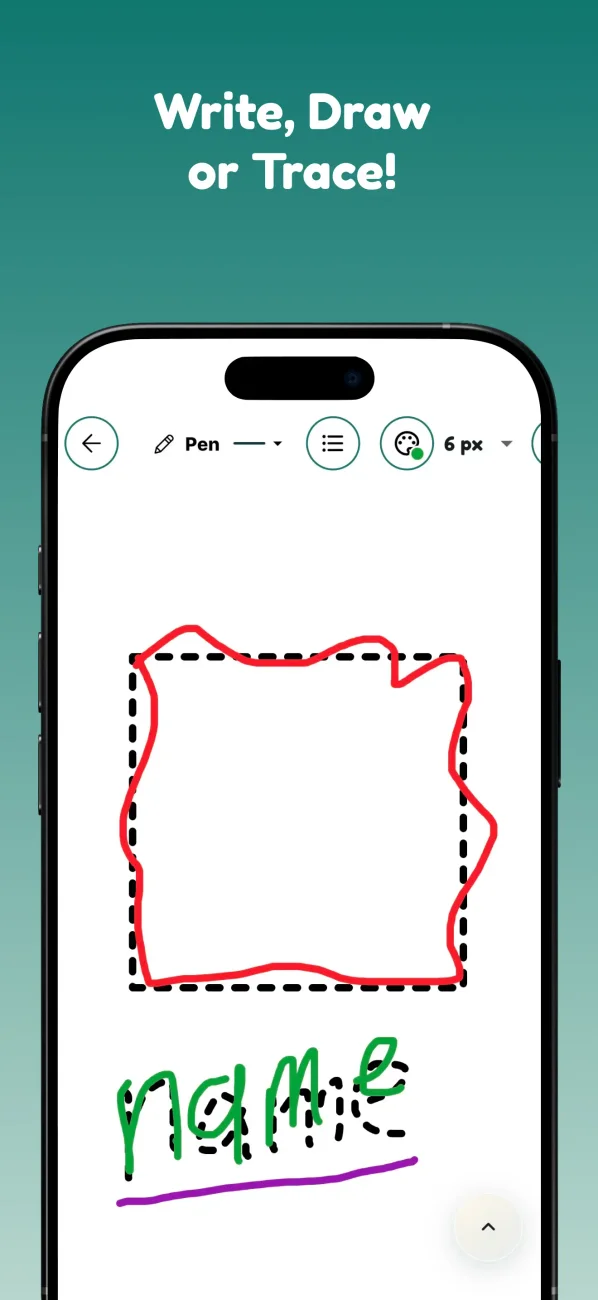
Choose images from your library, add your own pictures, and customize labels to make activities familiar and meaningful.
SUPPORT DIFFERENT NEEDS
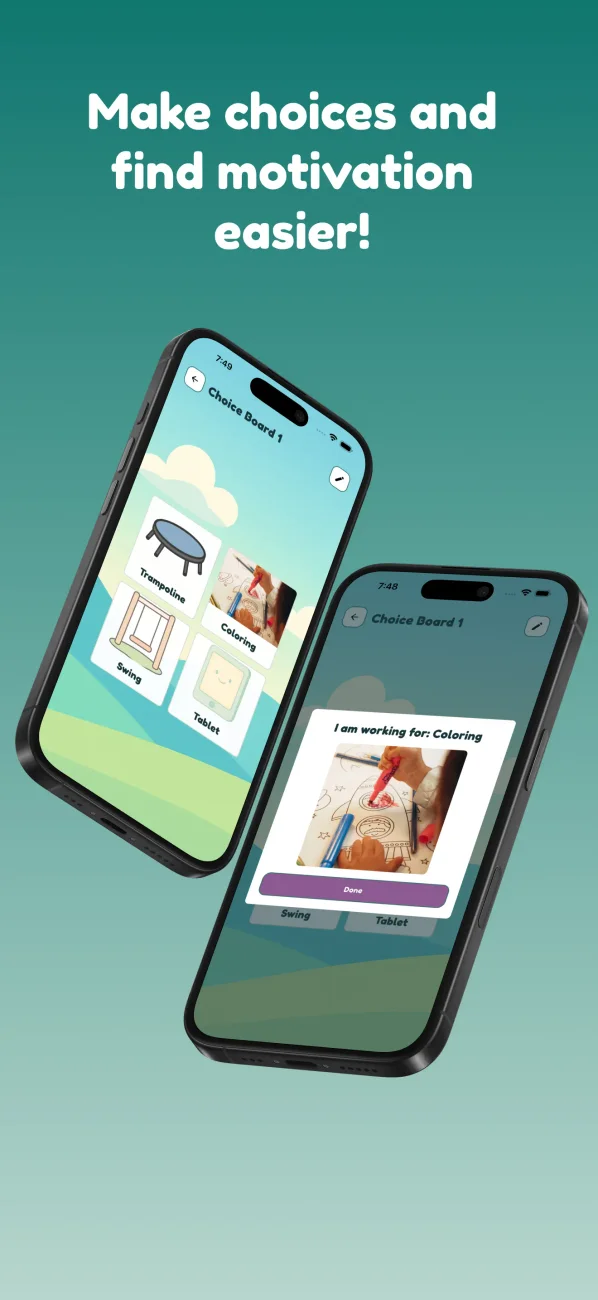
Bring together visual timers, choice boards, visual cues, and other tools to support communication and participation. Build routines around each learner’s preferences and pace.
KEEP SUPPORTS ORGANIZED
Use profiles and folders to organize visuals for different children, students, clients, or activities. Print visual boards to keep familiar supports within reach beyond the screen.
BUILT FOR EVERYDAY MOMENTS
Support morning routines, classroom transitions, therapy activities, chores, and bedtime with visuals you can return to again and again.
Whether you’re introducing a new routine or encouraging greater independence, Skillberry Visuals helps you make each next step easier to understand.
Terms of Use: https://www.apple.com/legal/internet-services/itunes/dev/stdeula/
Có gì mới
Phiên bản 1.1.6 · 14/11/2026
Bug Fixes
Quyền riêng tư của ứng dụng
Những gì Renee Gomez Alvarez khai báo trên App Store về cách ứng dụng này xử lý dữ liệu.
-
Dữ liệu liên kết với bạn
Có thể được thu thập và liên kết với danh tính của bạn.
- Mục mua
- Thông tin liên hệ
- Nội dung của người dùng
- Mã định danh
- Dữ liệu sử dụng
- Dữ liệu khác
-
Dữ liệu không liên kết với bạn
Có thể được thu thập nhưng không liên kết với danh tính của bạn.
- Nội dung của người dùng
- Mã định danh
- Dữ liệu sử dụng
- Chẩn đoán
- Dữ liệu khác
Phương thức đảm bảo quyền riêng tư có thể khác nhau, chẳng hạn như tuỳ theo các tính năng bạn sử dụng hoặc độ tuổi của bạn.
Thông tin
- Người bán
- Renee Gomez Alvarez
- Danh mục
- Giáo Dục
- Phiên bản
- 1.1.6
- Cập nhật
- 14/11/2026
- Phát hành
- 01/04/2026
- Kích thước
- 180,6 MB
- Yêu cầu
- iOS 16.0 trở lên
- Độ tuổi
- 4+
- Giá
- Miễn phí
- Mua hàng trong ứng dụng
- Có
- Ngôn ngữ
- Tiếng Anh
- Bản quyền
- © 2026 Renee Gomez Alvarez
Có thể bạn cũng thích
-
 Reward Chart & Token SystemAutism & ADHD Sticker System
-
 Token Board ABAGiáo Dục
-
 My Token BoardGiáo Dục
-
 Token Board Pro | ABA TherapyGiáo Dục
-
 FirstWorkGiáo Dục
-
 First and Then Visual ScheduleGiáo Dục
-
 Study Notes ABAGiáo Dục
-
 Understanding Behavior BCBAGiáo Dục
-
 ABA WizardGiáo Dục
-
 ELS Autism | ABA TherapyGiáo Dục