Slips - Quick Notes
Five notes, made yours.
Diseñada para iPhone, iPad, Mac
Gratis · Compras en la aplicación
- Clasificación por edad4+
- CategoríaProductividad
- DesarrolladorMatthew Langford
- IdiomasInglés
- Tamaño22,0 MB
Enlaza a la página oficial de App Store
Download.org no aloja ningún archivo de Slips - Quick Notes. El botón abre la página de la aplicación en App Store, donde la publica Matthew Langford. Ficha comprobada por última vez el 13/11/2026.
Capturas de pantalla



Acerca de
El desarrollador no ha proporcionado este texto en tu idioma.
Slips — Five notes, made yours
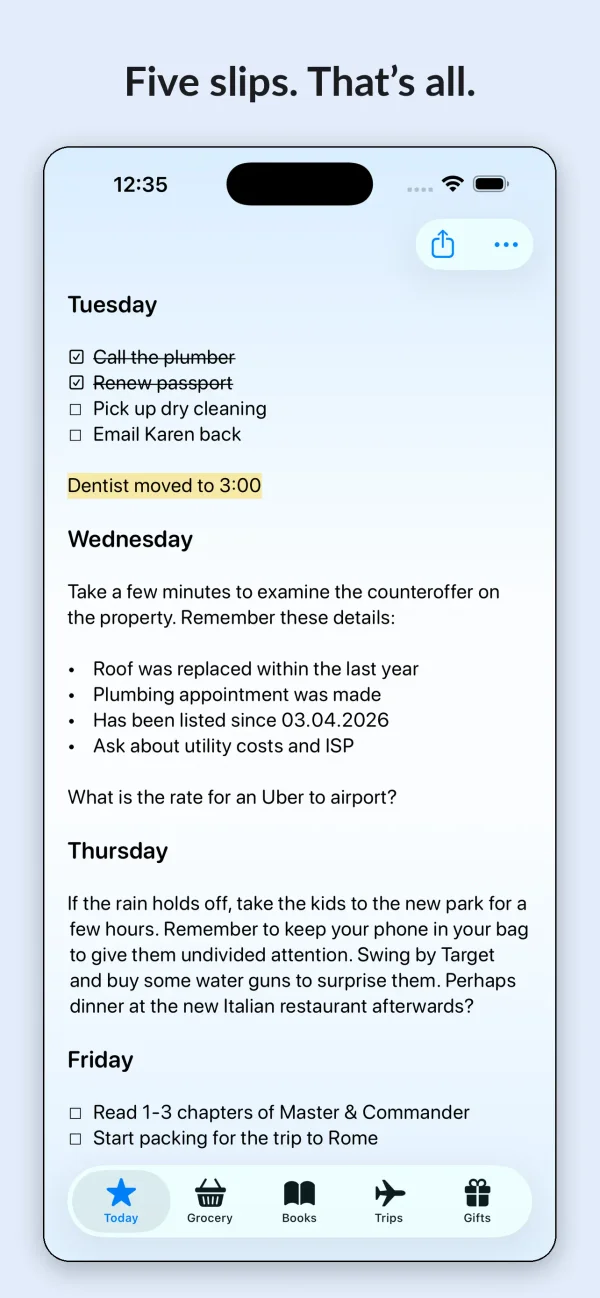
Five slips. That's all.
Slips is a notes app built on a simple idea: five fixed notes are enough for the things you actually return to, and few enough that you always know where everything is. No folders to organize, no archive to dig through, no blank-page guilt. Pick a slip and write.
MADE YOURS
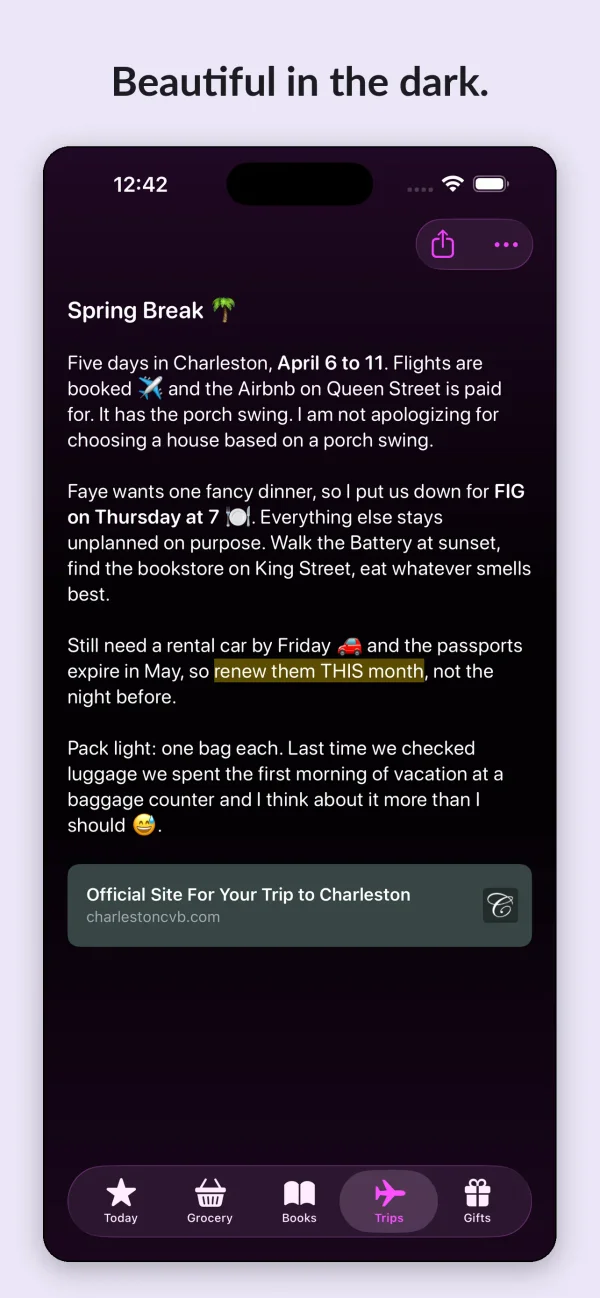
Name each slip, choose an icon from hundreds of symbols, and give it a color. Groceries, Books, Trips, Meds, Faith, Projects, whatever your five are. Reorder them any time.
ALWAYS IN SYNC
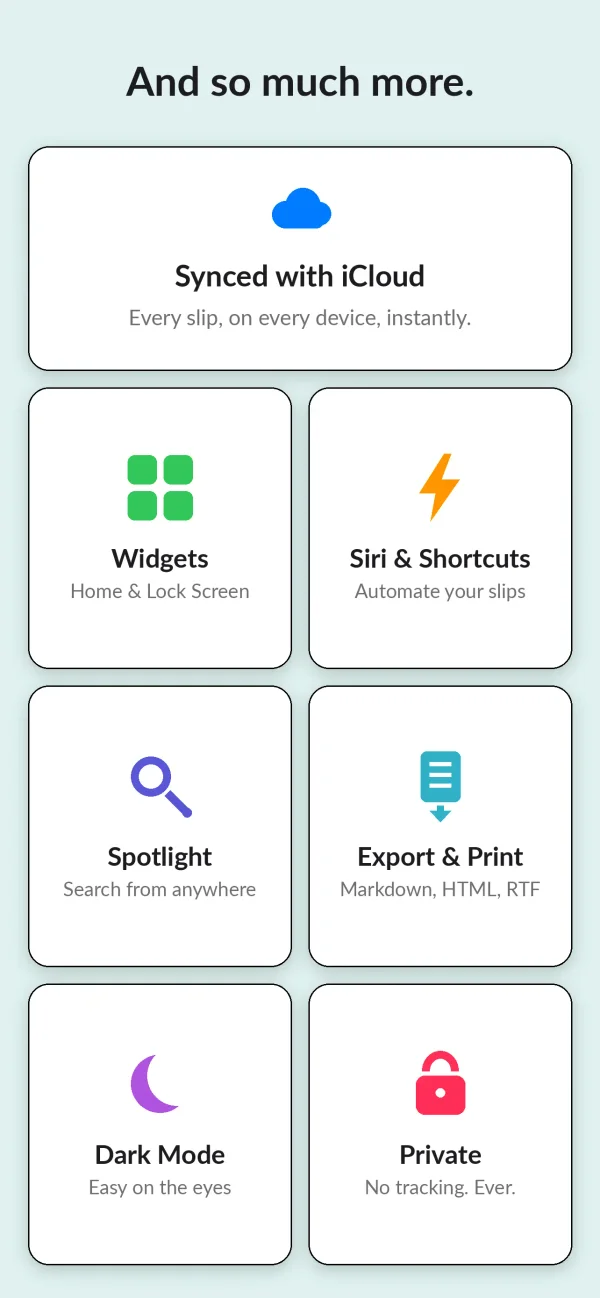
Your slips live in your own private iCloud and stay current on iPhone, iPad, and Mac. Edit on one device, and it's on the others. Nothing is collected, nothing is tracked, and there are no accounts to create.
BACKED UP, JUST IN CASE
Every device quietly saves a daily backup of your slips, keeping the last three. Restoring takes one tap, and a safety copy is made first, so even a restore can be undone. You can also export your slips to a file and keep it anywhere.
RICH WHERE IT COUNTS
Bold, italic, underline, highlight, headers, bulleted and numbered lists, tap-to-check checklists, dividers, and links that turn into preview cards.
FAST WAYS IN
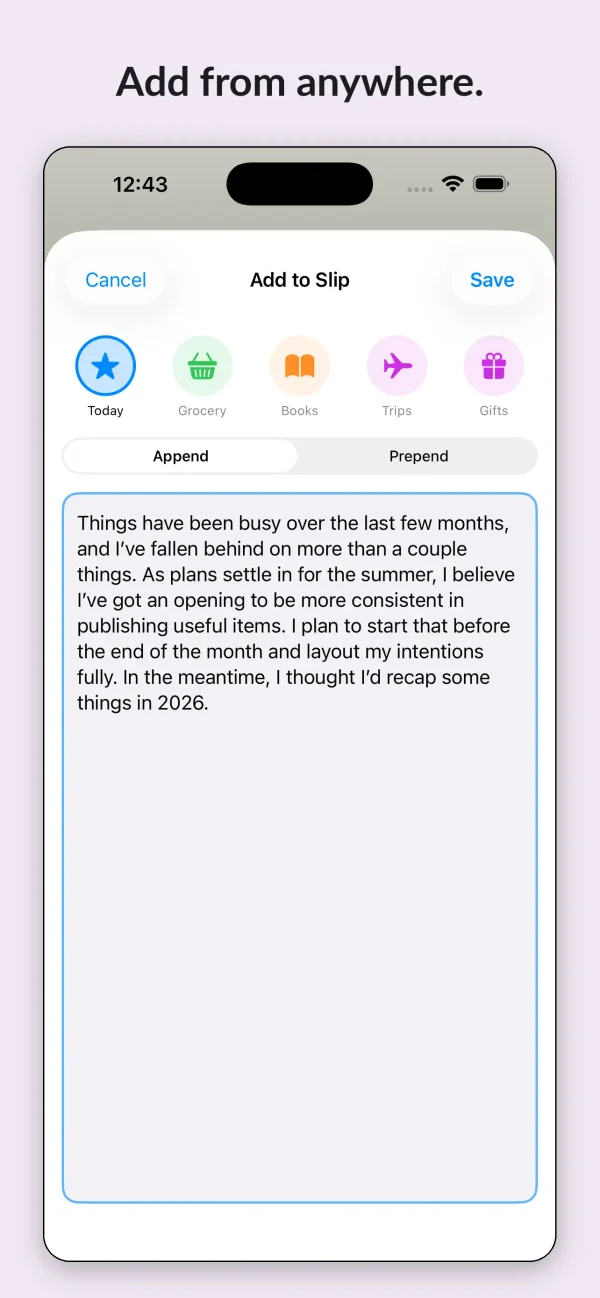
Add to a slip from any app with the share sheet. Automate with Siri and Shortcuts. Put a slip on your Home Screen or Lock Screen with widgets, or capture instantly from Control Center.
AT HOME ON THE MAC
A real Mac app: your slips in the sidebar, formatting in the menu bar, Cmd+1 through Cmd+5 to switch slips, an optional menu bar icon, and sharing straight from Safari.
SIMPLE PRICING
Try a single Slip for free forever. Slips Plus unlocks all five. One purchase covers iPhone, iPad, and Mac, and is shareable with your family.
Slips Plus subscriptions renew automatically until canceled in your App Store account settings, at least 24 hours before the current period ends. Lifetime is a one-time purchase.
Privacy policy: https://mattlangford.com/slips-privacy
Terms of use: Apple's standard EULA
Support: https://mattlangford.com/slips-support
Novedades
Versión 1.0.2 · 2/7/2026
- Improved Siri support
- More reliable syncing
- Better backups
- Better settings organization
Privacidad de la aplicación
Lo que Matthew Langford declara en App Store sobre cómo esta aplicación gestiona los datos.
-
No se recopilan datos
El desarrollador no recopila ningún dato de esta aplicación.
Las prácticas de privacidad pueden variar, por ejemplo, según las funciones que uses o tu edad.
Información
- Vendedor
- Matthew Langford
- Categoría
- Productividad
- Versión
- 1.0.2
- Actualizado
- 2/7/2026
- Publicado
- 17/6/2026
- Tamaño
- 22,0 MB
- Requiere
- iOS 26.0 o posterior
- Clasificación por edad
- 4+
- Precio
- Gratis
- Compras en la aplicación
- Sí
- Idiomas
- Inglés
- Copyright
- © 2026 Matt Langford
Quizá también te guste
-
 Flippin PhrasesProductividad
-
 Task Memo: AI MagicProductividad
-
 MoodvaultProductividad
-
 HotJot NotesProductividad
-
 KittyNote: Notes ManagerProductividad
-
 Ember: Markdown NotesUn refugio para tus ideas
-
 Bubble Notes AppProductividad
-
 FoxloreProductividad
-
 Vessel - Where thoughts stayProductividad
-
 Task LedgerProductividad