Slips - Quick Notes
Five notes, made yours.
Được thiết kế cho iPhone, iPad, Mac
Miễn phí · Mua hàng trong ứng dụng
- Độ tuổi4+
- Danh mụcHiệu Suất
- Nhà phát triểnMatthew Langford
- Ngôn ngữTiếng Anh
- Kích thước22,0 MB
Liên kết đến trang App Store chính thức
Download.org không lưu trữ tệp nào của Slips - Quick Notes. Nút này mở trang ứng dụng trên App Store, nơi Matthew Langford phát hành ứng dụng. Trang được kiểm tra lần cuối: 13/11/2026.
Ảnh chụp màn hình



Giới thiệu
Nhà phát triển chưa cung cấp nội dung này bằng ngôn ngữ của bạn.
Slips — Five notes, made yours
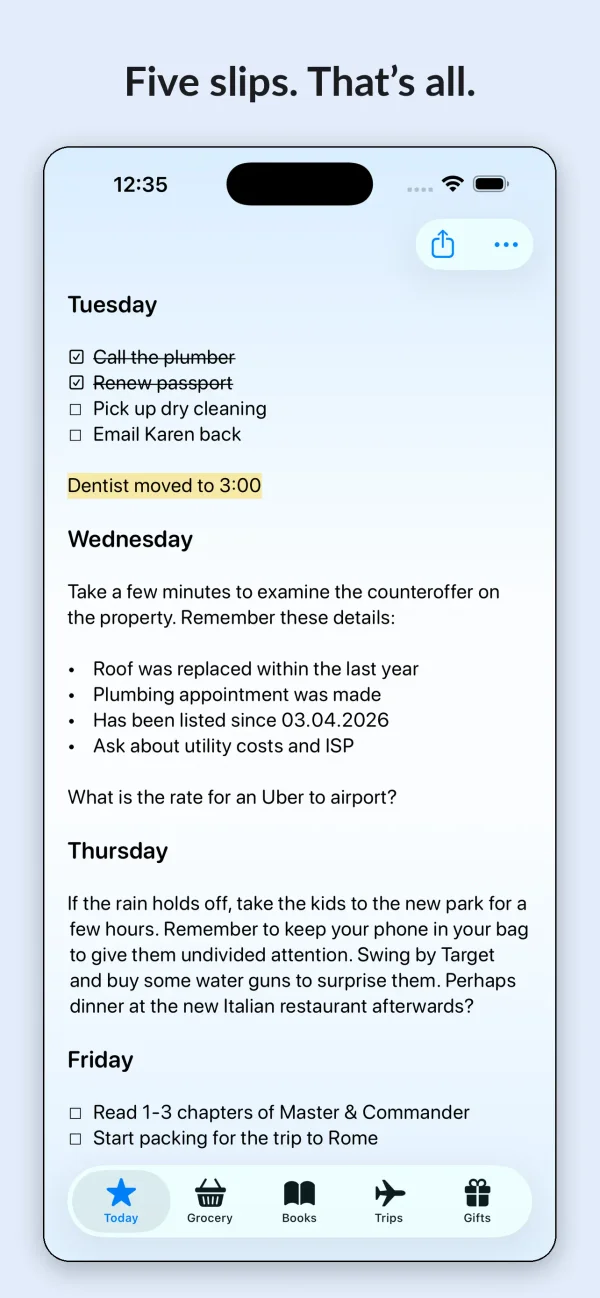
Five slips. That's all.
Slips is a notes app built on a simple idea: five fixed notes are enough for the things you actually return to, and few enough that you always know where everything is. No folders to organize, no archive to dig through, no blank-page guilt. Pick a slip and write.
MADE YOURS
Name each slip, choose an icon from hundreds of symbols, and give it a color. Groceries, Books, Trips, Meds, Faith, Projects, whatever your five are. Reorder them any time.
ALWAYS IN SYNC
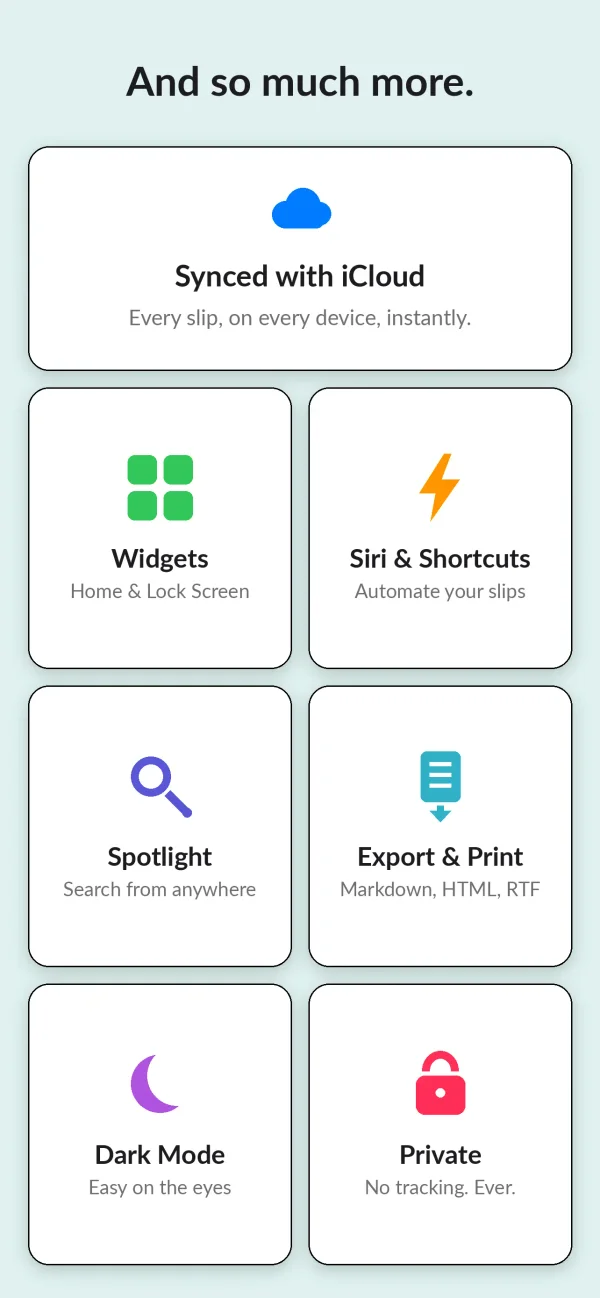
Your slips live in your own private iCloud and stay current on iPhone, iPad, and Mac. Edit on one device, and it's on the others. Nothing is collected, nothing is tracked, and there are no accounts to create.
BACKED UP, JUST IN CASE
Every device quietly saves a daily backup of your slips, keeping the last three. Restoring takes one tap, and a safety copy is made first, so even a restore can be undone. You can also export your slips to a file and keep it anywhere.
RICH WHERE IT COUNTS
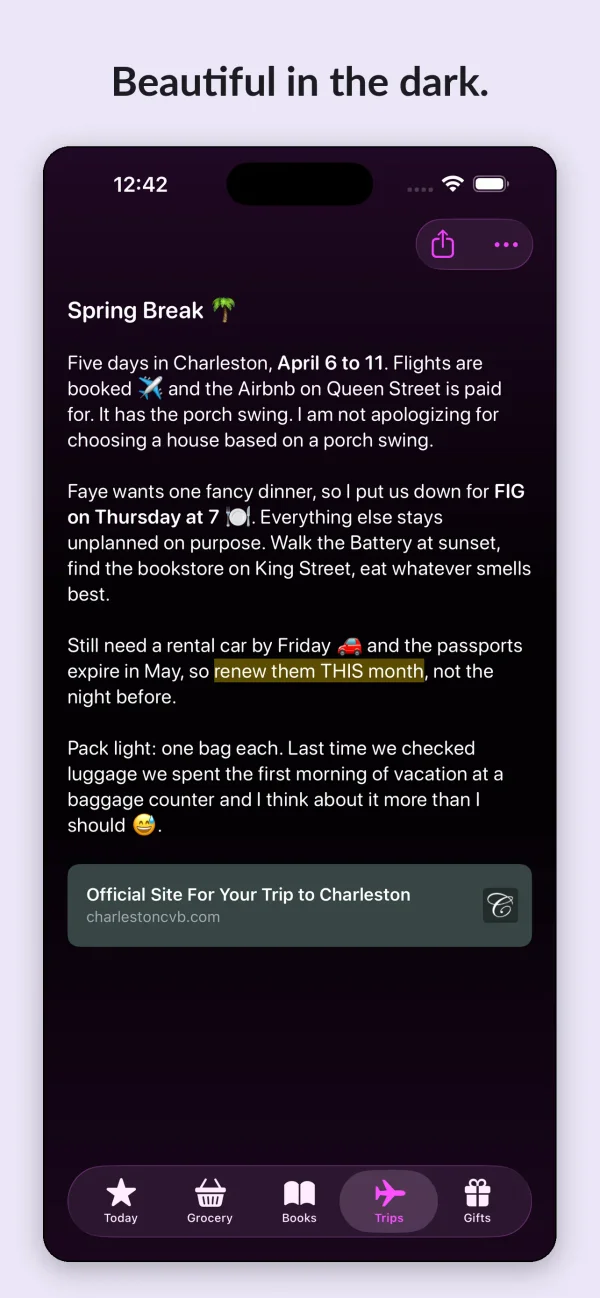
Bold, italic, underline, highlight, headers, bulleted and numbered lists, tap-to-check checklists, dividers, and links that turn into preview cards.
FAST WAYS IN
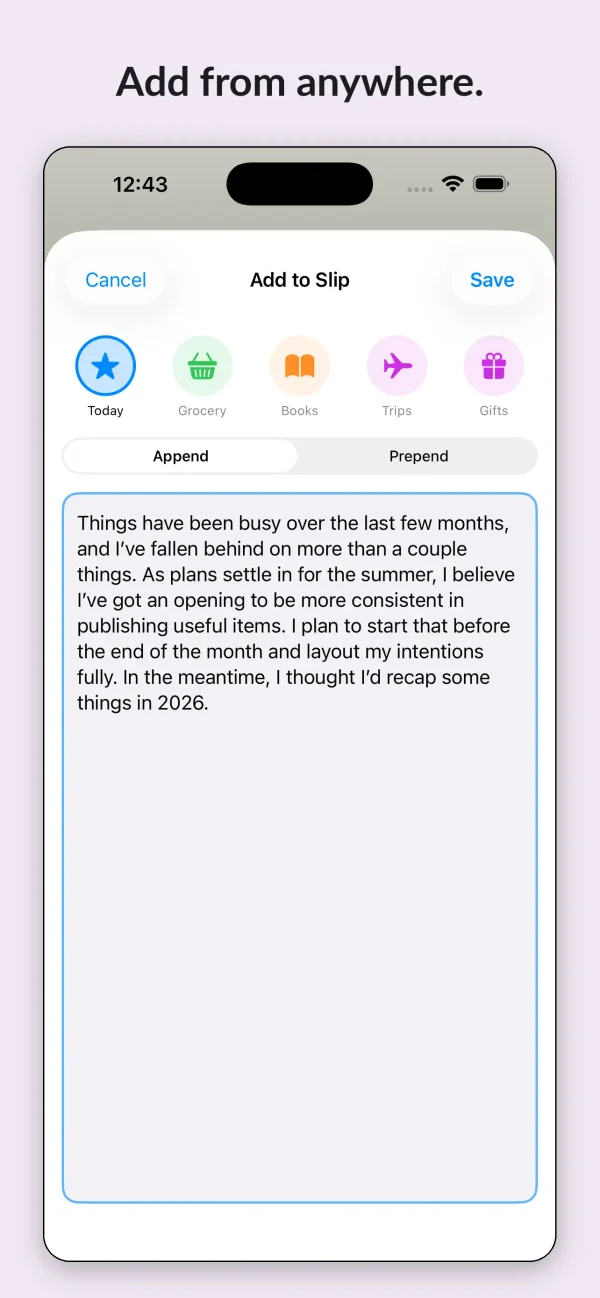
Add to a slip from any app with the share sheet. Automate with Siri and Shortcuts. Put a slip on your Home Screen or Lock Screen with widgets, or capture instantly from Control Center.
AT HOME ON THE MAC
A real Mac app: your slips in the sidebar, formatting in the menu bar, Cmd+1 through Cmd+5 to switch slips, an optional menu bar icon, and sharing straight from Safari.
SIMPLE PRICING
Try a single Slip for free forever. Slips Plus unlocks all five. One purchase covers iPhone, iPad, and Mac, and is shareable with your family.
Slips Plus subscriptions renew automatically until canceled in your App Store account settings, at least 24 hours before the current period ends. Lifetime is a one-time purchase.
Privacy policy: https://mattlangford.com/slips-privacy
Terms of use: Apple's standard EULA
Support: https://mattlangford.com/slips-support
Có gì mới
Phiên bản 1.0.2 · 02/07/2026
- Improved Siri support
- More reliable syncing
- Better backups
- Better settings organization
Quyền riêng tư của ứng dụng
Những gì Matthew Langford khai báo trên App Store về cách ứng dụng này xử lý dữ liệu.
-
Dữ liệu không được thu thập
Nhà phát triển không thu thập bất kỳ dữ liệu nào từ ứng dụng này.
Phương thức đảm bảo quyền riêng tư có thể khác nhau, chẳng hạn như tuỳ theo các tính năng bạn sử dụng hoặc độ tuổi của bạn.
Thông tin
- Người bán
- Matthew Langford
- Danh mục
- Hiệu Suất
- Phiên bản
- 1.0.2
- Cập nhật
- 02/07/2026
- Phát hành
- 17/06/2026
- Kích thước
- 22,0 MB
- Yêu cầu
- iOS 26.0 trở lên
- Độ tuổi
- 4+
- Giá
- Miễn phí
- Mua hàng trong ứng dụng
- Có
- Ngôn ngữ
- Tiếng Anh
- Bản quyền
- © 2026 Matt Langford