Smart Math Drills
Visualize numbers/calculations
Diseñada para iPhone, iPad, iPod touch
Gratis
- Clasificación por edad4+
- CategoríaEducación
- DesarrolladorSatoru Morita
- IdiomasInglés
- Tamaño70,1 MB
Enlaza a la página oficial de App Store
Download.org no aloja ningún archivo de Smart Math Drills. El botón abre la página de la aplicación en App Store, donde la publica Satoru Morita. Ficha comprobada por última vez el 12/11/2026.
Capturas de pantalla
Acerca de
El desarrollador no ha proporcionado este texto en tu idioma.
- Smart Math Drills is a simple and smart free math learning app for toddlers to elementary school students that visualizes changes in numbers.
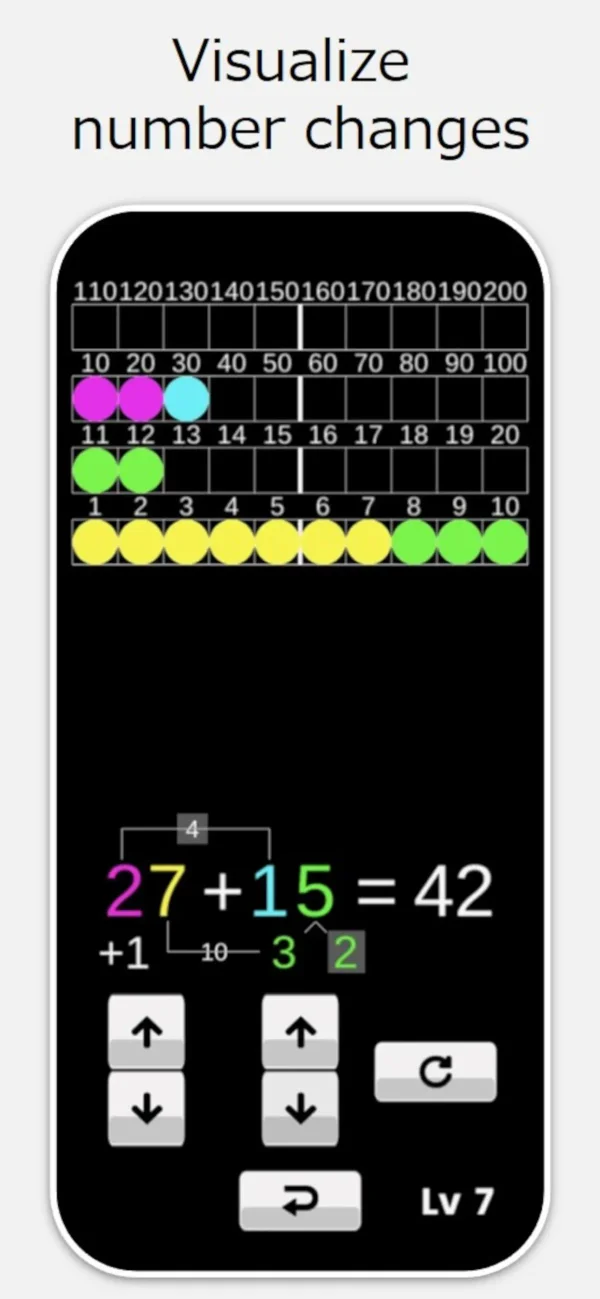
- When adding and subtracting, it is very important to understand the concept that 10 pieces are a block. With this app, you can see the changes in numbers with colors like math counters, and the number bounds when the digits go up are automatically displayed, making it easier to understand.
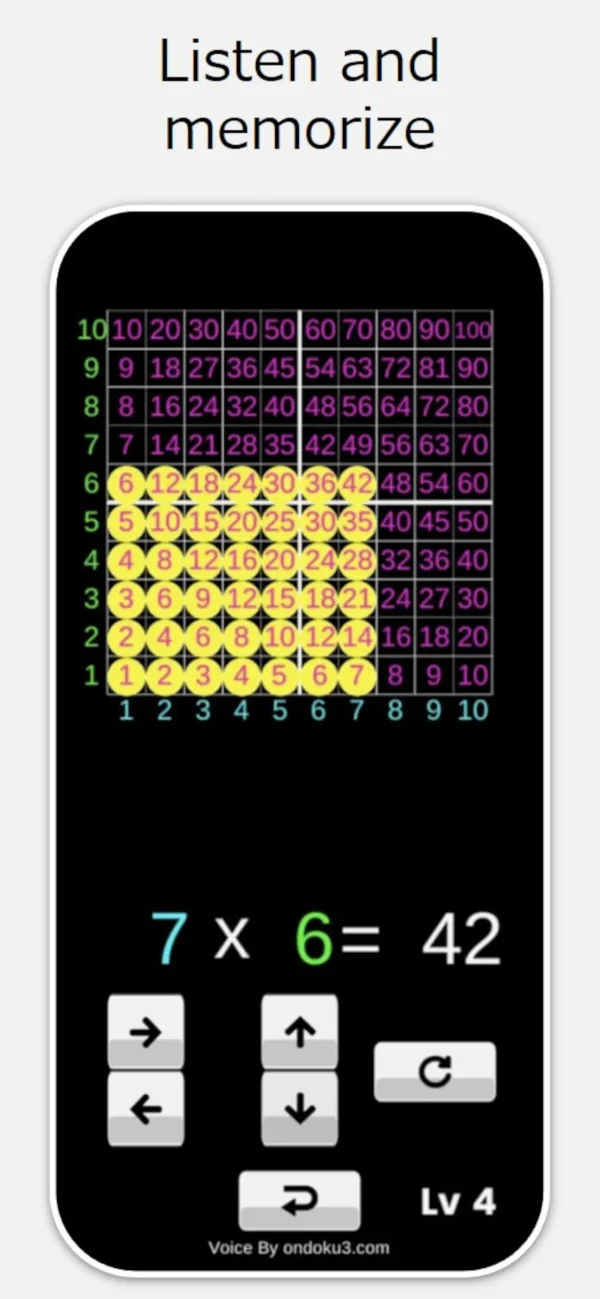
- Let's memorize the multiplication tables by listening to the audio.
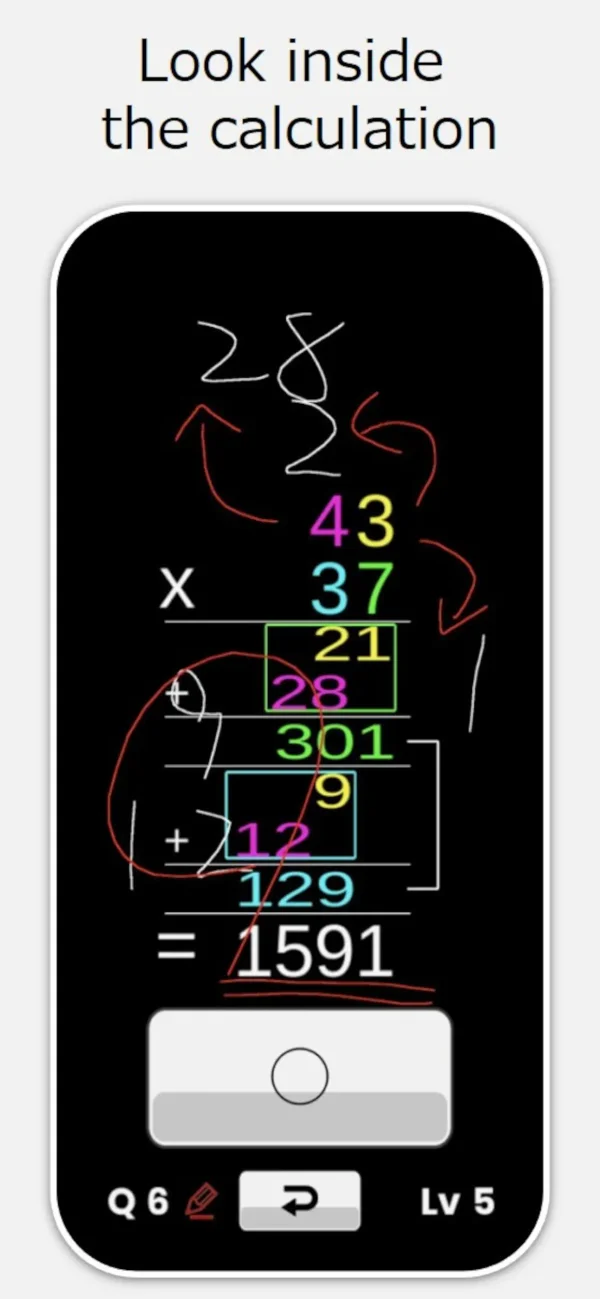
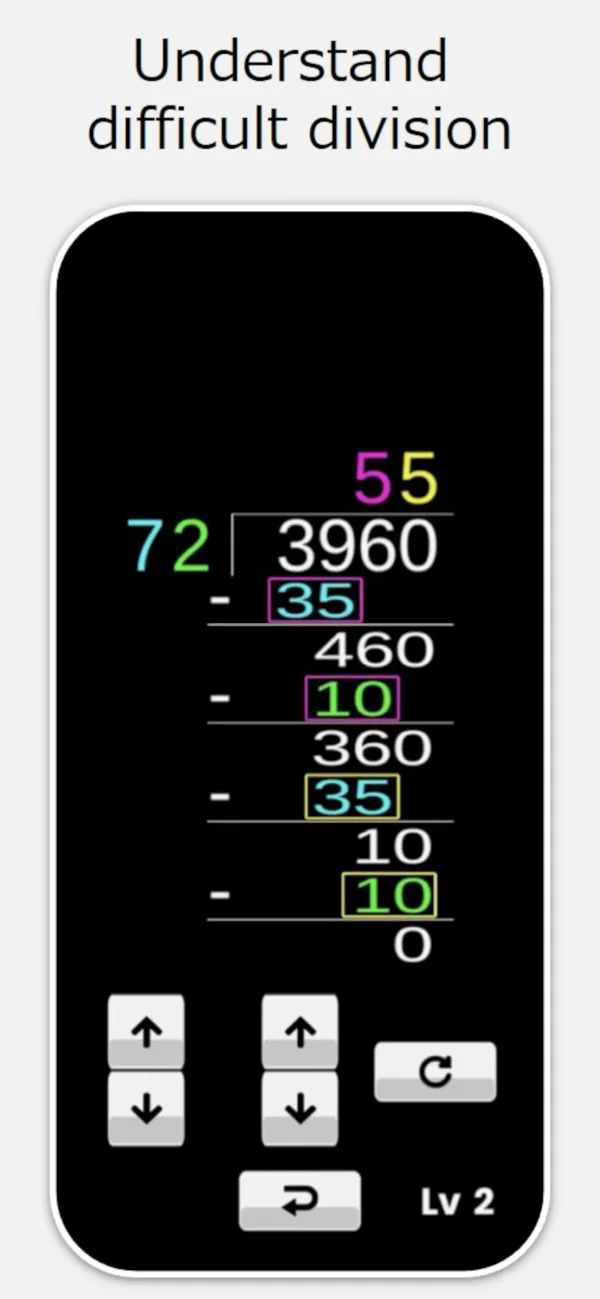
- You can also learn how to calculate two-digit multiplication and division by seeing the process of column addition.
- You can also create a drill with any number you like.
- It is simple and lightweight, and there is no need to enter troublesome answers, so you can proceed quickly with a single button and your calculation skills will improve rapidly.
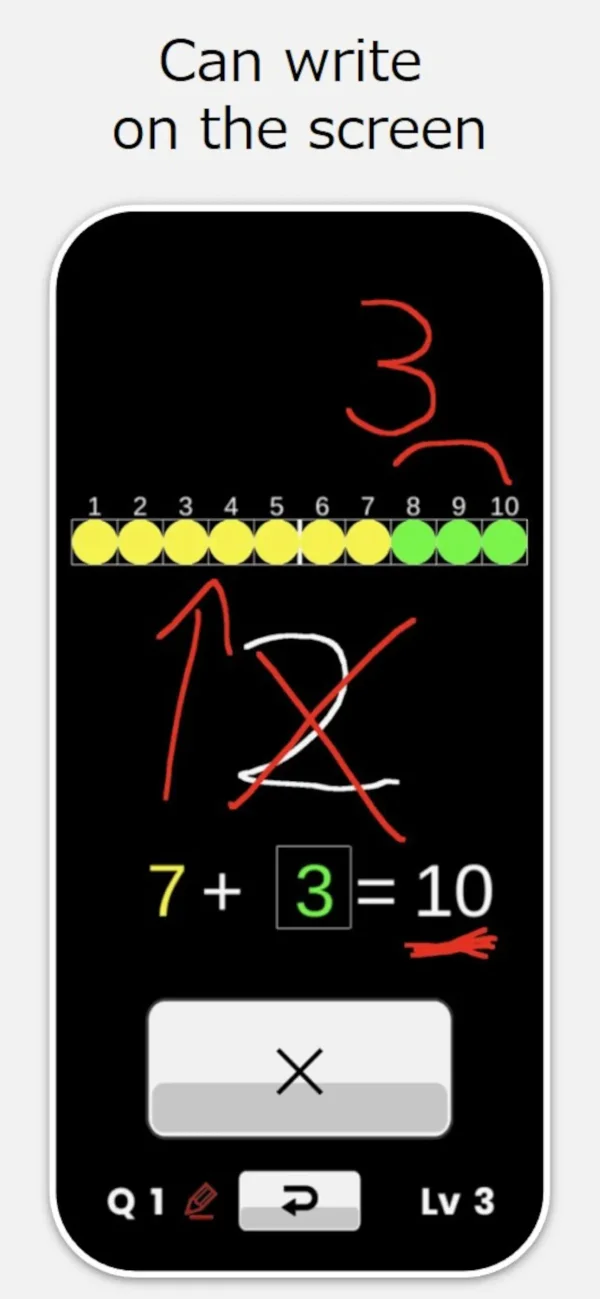
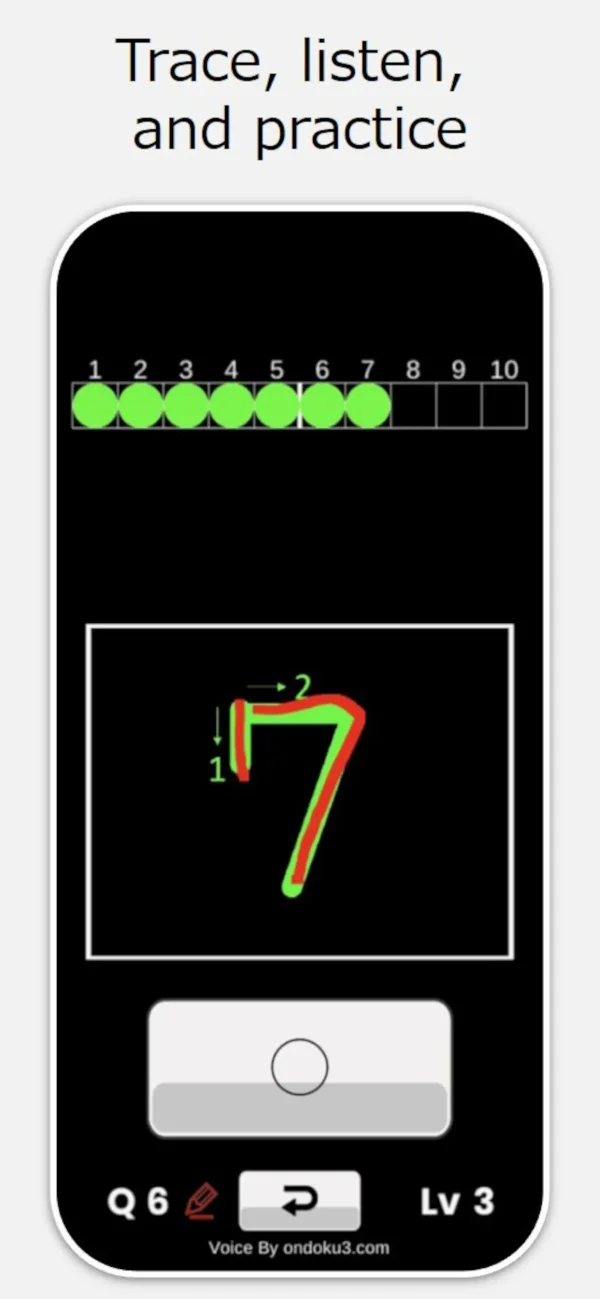
- You can write letters by tracing the screen, so you can make draft notes for calculations. If you make a mistake, look at the correct answer and correct it in red. You can also practice memorizing numbers.
- It's completely free and there are no communication fees and no charges (excluding advertisements).
[All]
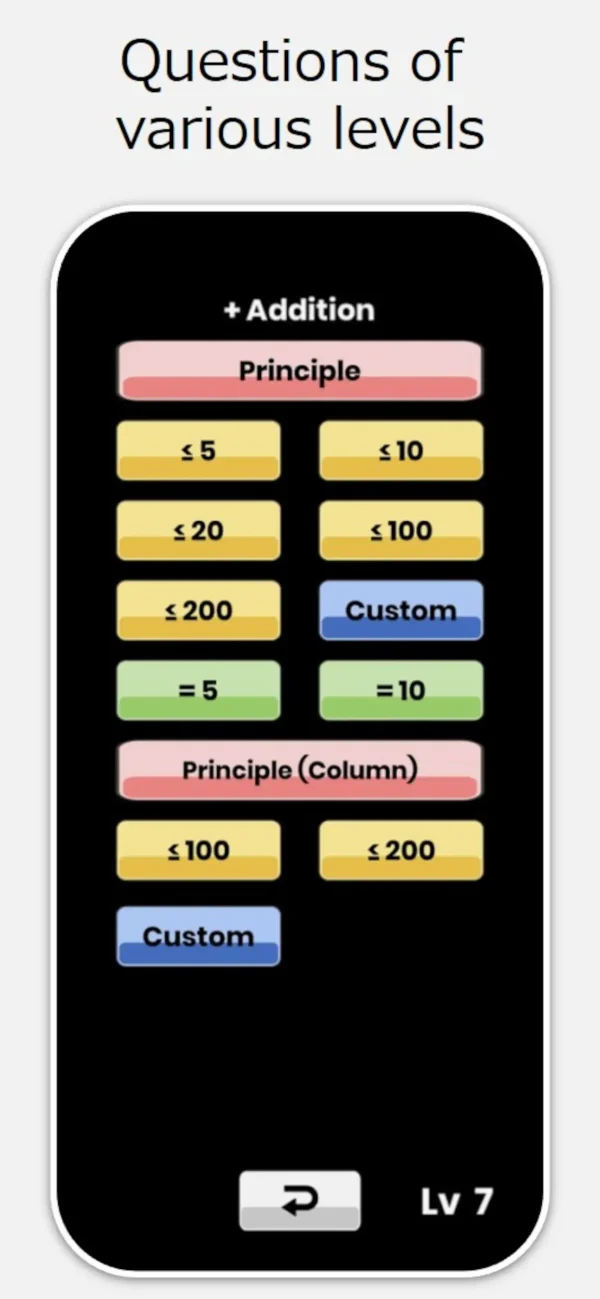
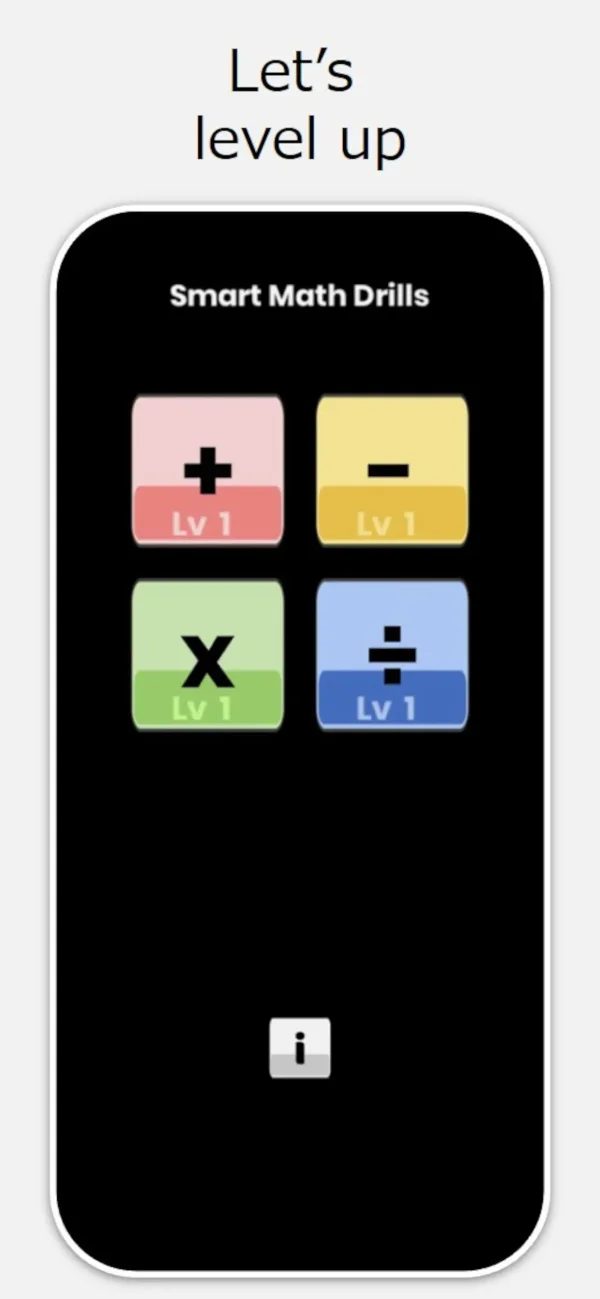
- From the red buttons “Principle”, use the arrow buttons (long press to fast forward) to understand the change of numbers.
- From the yellow buttons, let's do a 10-question drill.
- From the blue buttons “Custom”, set the number and create a 10-question drill.
- Below the red buttons “Principle (column)”, column calculation is displayed.
- If you score 100 points, you will level up (max Lv99) and the pictures that appear ( illust-dayori.com ) will change. No ads are displayed.
- If you press the "?" button on each page, a hint explanation and audio will appear.
[Addition]
- From the green buttons "= 5" and "= 10", let's memorize the numbers that add up to 5 and 10.
[Multiplication]
- From the red buttons “Principle”, let's understand the multiplication table and memorize it with audio.
[Number]
- Let's memorize the numbers from 1 to 100 by writing them or listening to the audio.
Novedades
Versión 1.5.8 · 4/4/2024
Free math learning app for kids that allows you to visualize changes in numbers with colors (including number bonds, carry & borrow, multiplication tables, calculation on paper, etc.) and dramatically improve your calculation skills. You can write letters by tracing the screen, so you can make draft notes for calculations and learn how to write and read numbers. Added hints and explanatory text and audio to each page.
Privacidad de la aplicación
Lo que Satoru Morita declara en App Store sobre cómo esta aplicación gestiona los datos.
-
No se recopilan datos
El desarrollador no recopila ningún dato de esta aplicación.
Las prácticas de privacidad pueden variar, por ejemplo, según las funciones que uses o tu edad.
Información
- Vendedor
- Satoru Morita
- Categoría
- Educación
- Versión
- 1.5.8
- Actualizado
- 4/4/2024
- Publicado
- 11/3/2024
- Tamaño
- 70,1 MB
- Requiere
- iOS 11.0 o posterior
- Clasificación por edad
- 4+
- Precio
- Gratis
- Idiomas
- Inglés
- Copyright
- © 2024 Radpedia