Smart Math Drills
Visualize numbers/calculations
Được thiết kế cho iPhone, iPad, iPod touch
Miễn phí
- Độ tuổi4+
- Danh mụcGiáo Dục
- Nhà phát triểnSatoru Morita
- Ngôn ngữTiếng Anh
- Kích thước70,1 MB
Liên kết đến trang App Store chính thức
Download.org không lưu trữ tệp nào của Smart Math Drills. Nút này mở trang ứng dụng trên App Store, nơi Satoru Morita phát hành ứng dụng. Trang được kiểm tra lần cuối: 12/11/2026.
Ảnh chụp màn hình
Giới thiệu
Nhà phát triển chưa cung cấp nội dung này bằng ngôn ngữ của bạn.
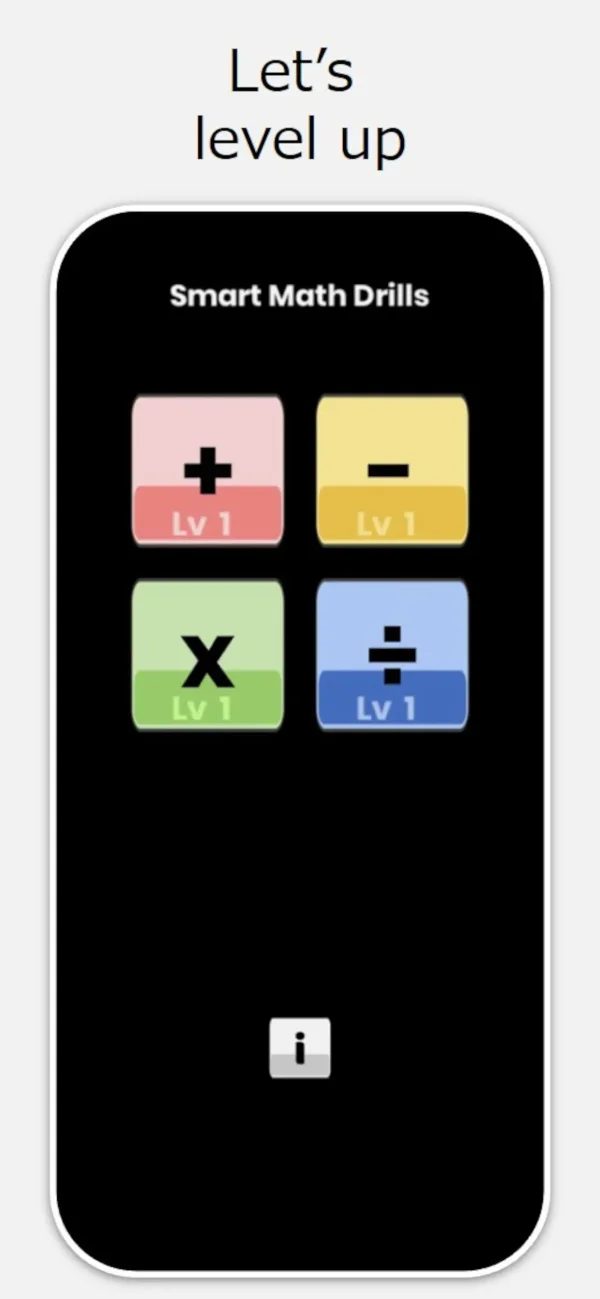
- Smart Math Drills is a simple and smart free math learning app for toddlers to elementary school students that visualizes changes in numbers.
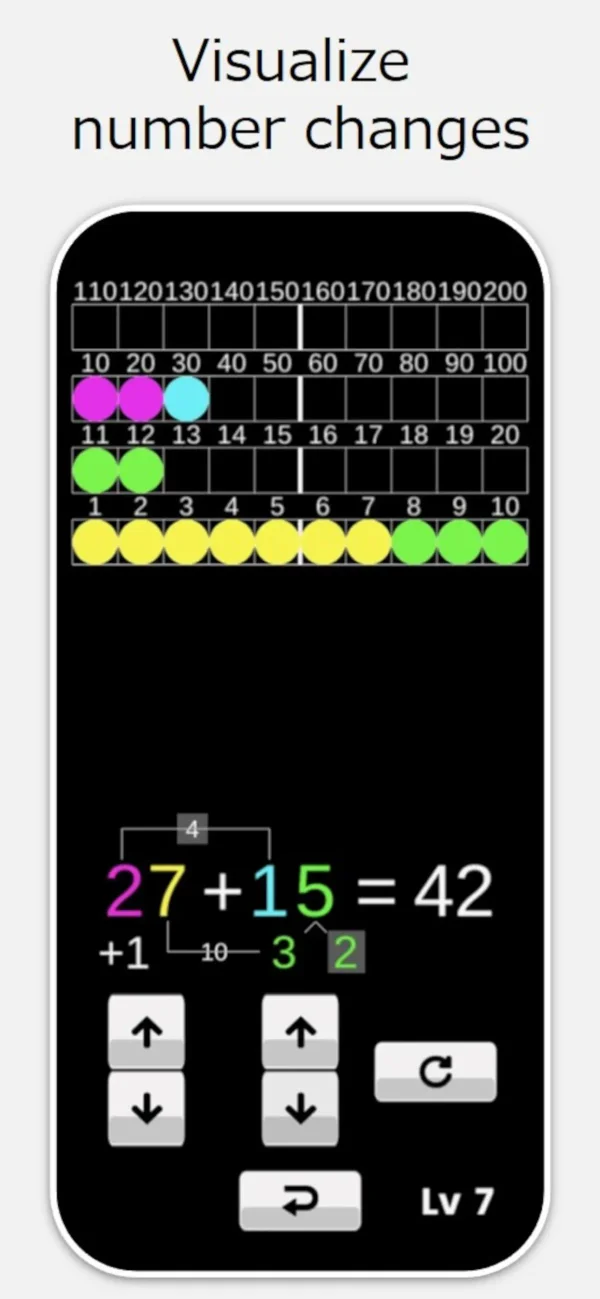
- When adding and subtracting, it is very important to understand the concept that 10 pieces are a block. With this app, you can see the changes in numbers with colors like math counters, and the number bounds when the digits go up are automatically displayed, making it easier to understand.
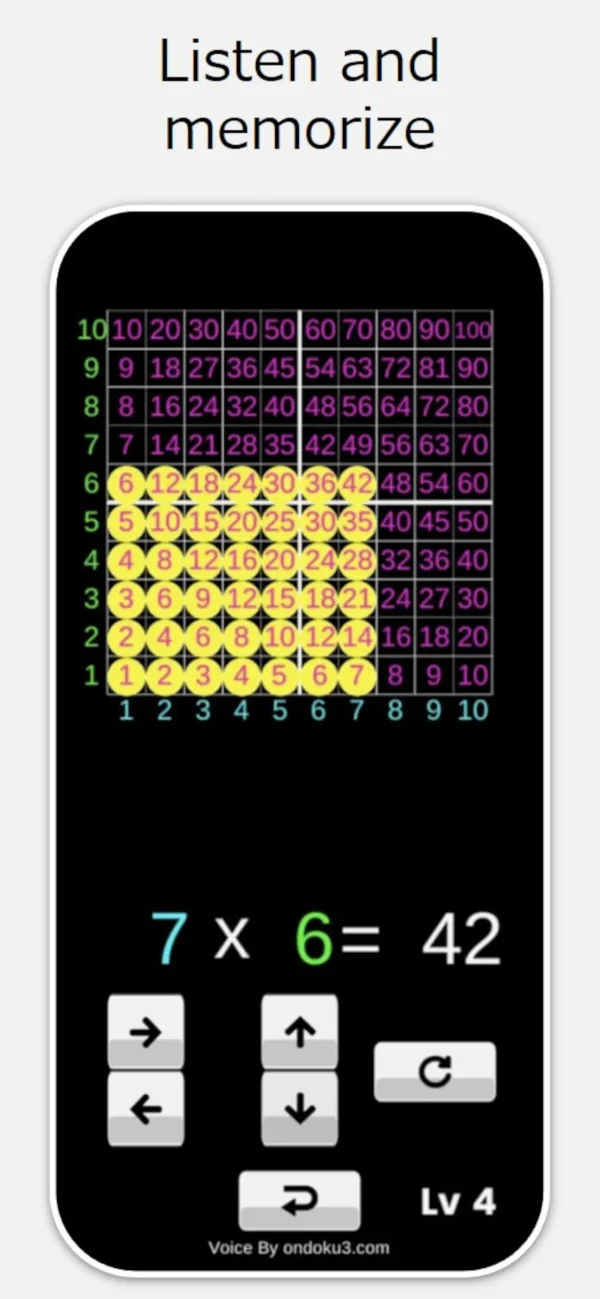
- Let's memorize the multiplication tables by listening to the audio.
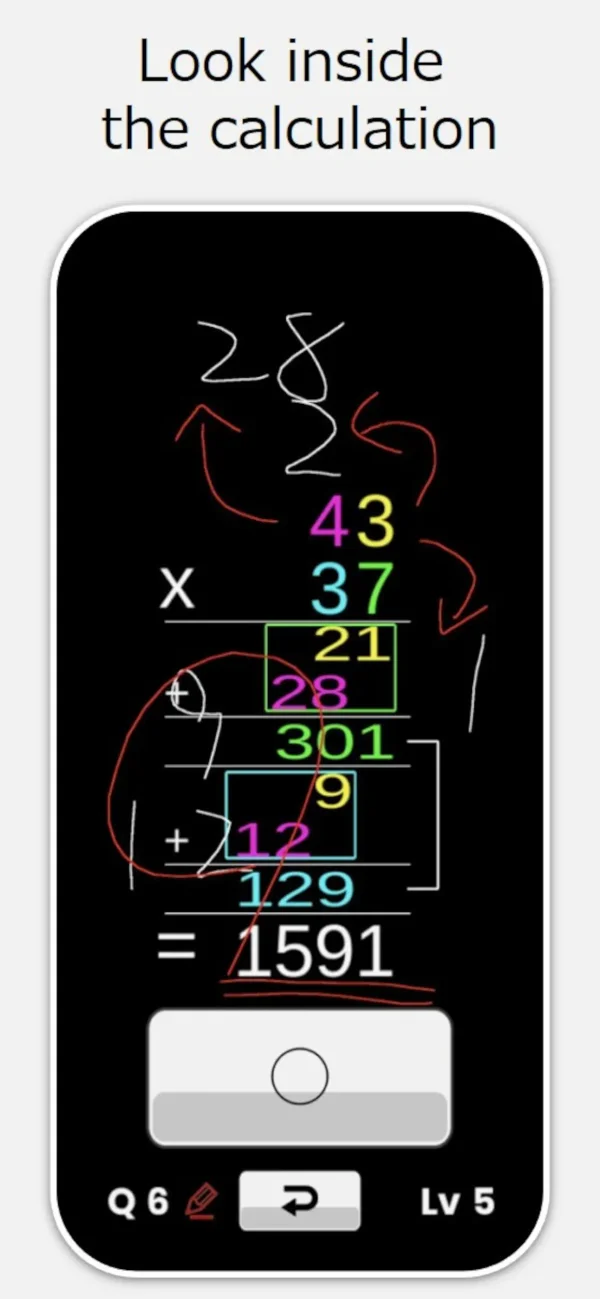
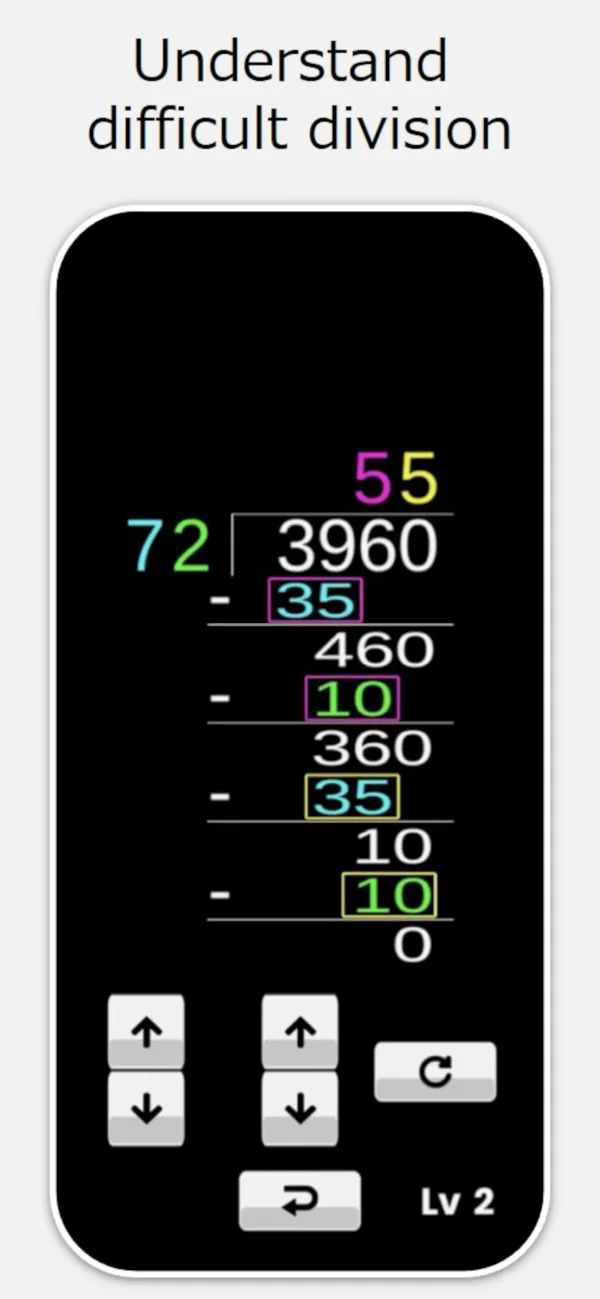
- You can also learn how to calculate two-digit multiplication and division by seeing the process of column addition.
- You can also create a drill with any number you like.
- It is simple and lightweight, and there is no need to enter troublesome answers, so you can proceed quickly with a single button and your calculation skills will improve rapidly.
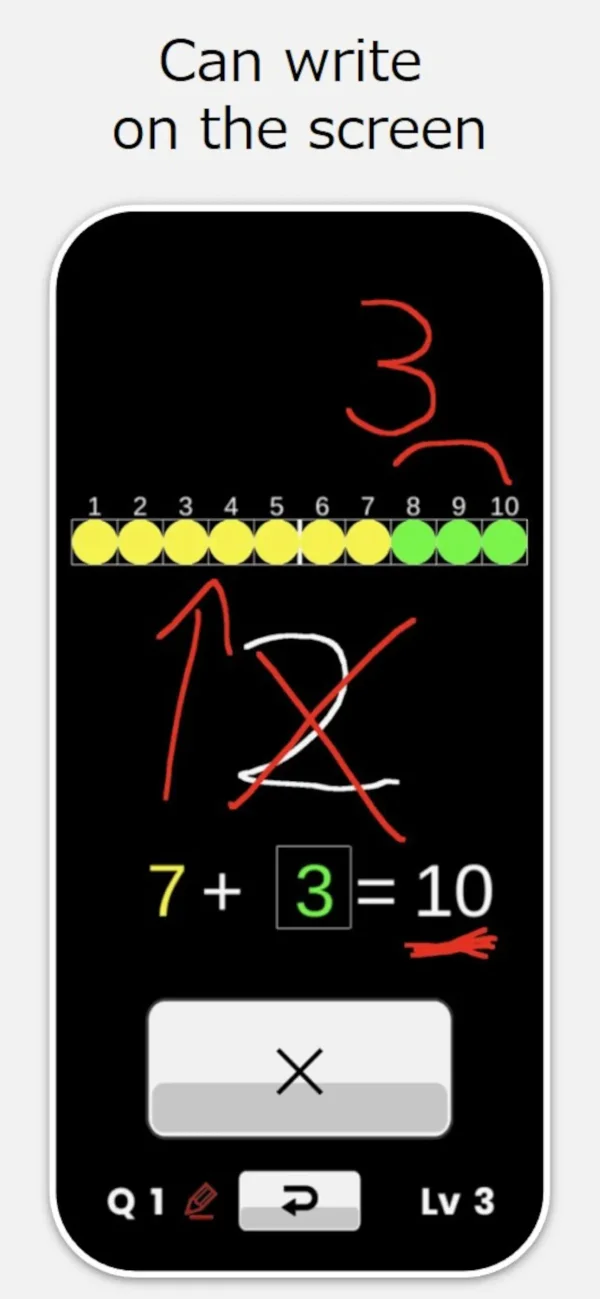
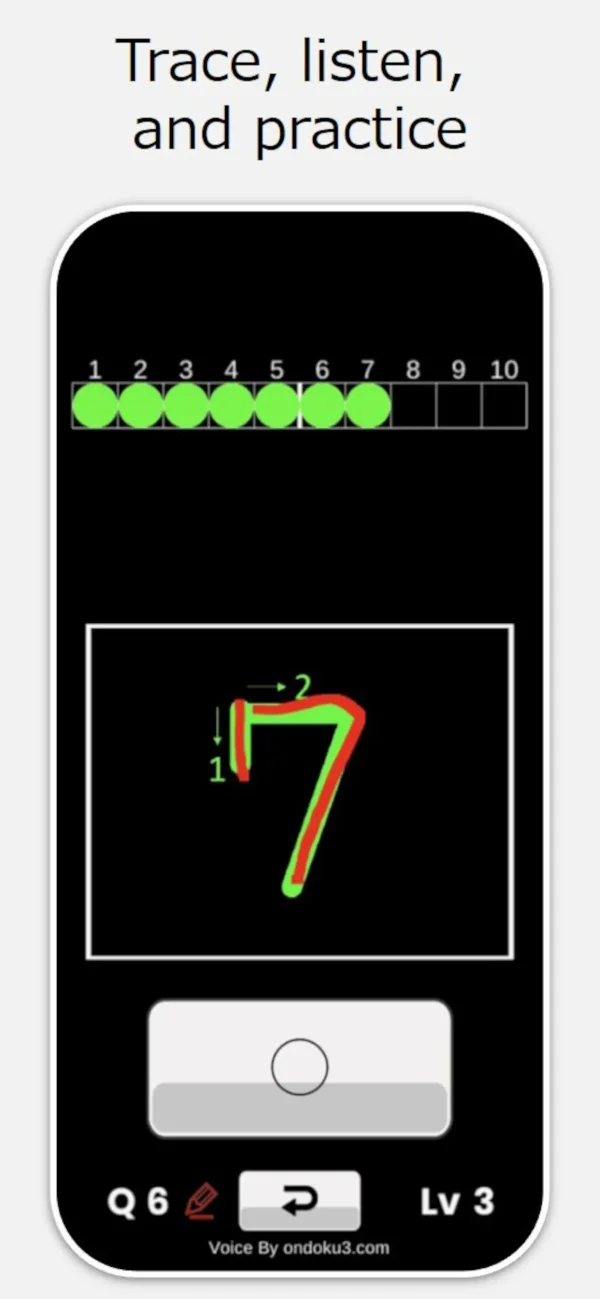
- You can write letters by tracing the screen, so you can make draft notes for calculations. If you make a mistake, look at the correct answer and correct it in red. You can also practice memorizing numbers.
- It's completely free and there are no communication fees and no charges (excluding advertisements).
[All]
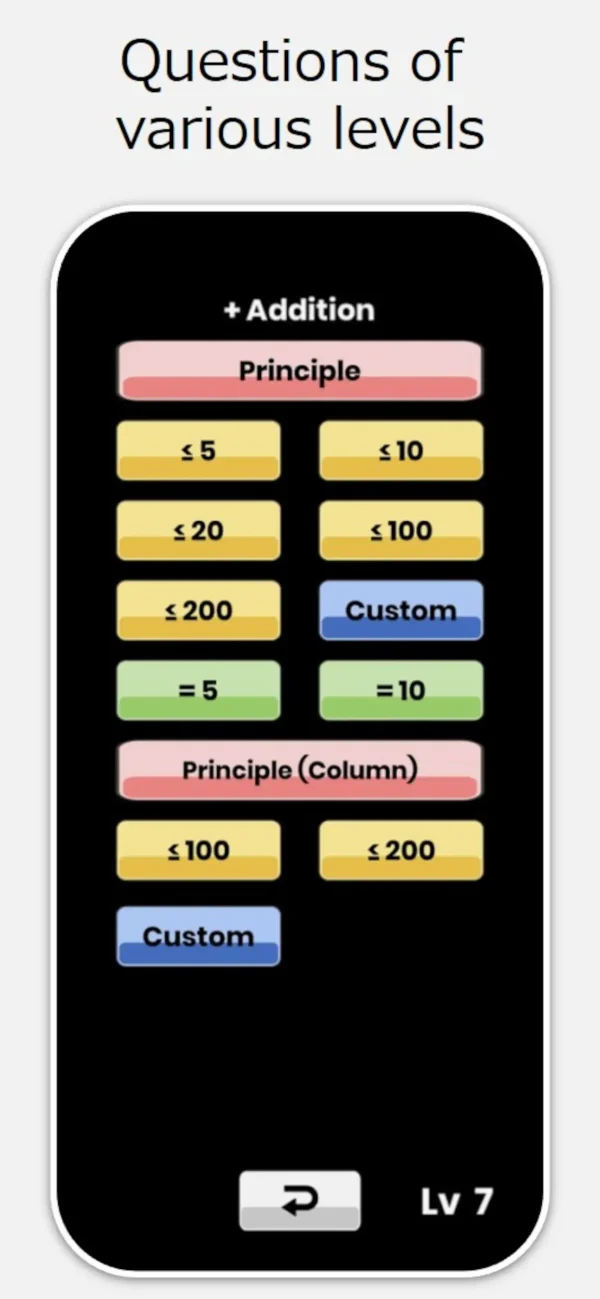
- From the red buttons “Principle”, use the arrow buttons (long press to fast forward) to understand the change of numbers.
- From the yellow buttons, let's do a 10-question drill.
- From the blue buttons “Custom”, set the number and create a 10-question drill.
- Below the red buttons “Principle (column)”, column calculation is displayed.
- If you score 100 points, you will level up (max Lv99) and the pictures that appear ( illust-dayori.com ) will change. No ads are displayed.
- If you press the "?" button on each page, a hint explanation and audio will appear.
[Addition]
- From the green buttons "= 5" and "= 10", let's memorize the numbers that add up to 5 and 10.
[Multiplication]
- From the red buttons “Principle”, let's understand the multiplication table and memorize it with audio.
[Number]
- Let's memorize the numbers from 1 to 100 by writing them or listening to the audio.
Có gì mới
Phiên bản 1.5.8 · 04/04/2024
Free math learning app for kids that allows you to visualize changes in numbers with colors (including number bonds, carry & borrow, multiplication tables, calculation on paper, etc.) and dramatically improve your calculation skills. You can write letters by tracing the screen, so you can make draft notes for calculations and learn how to write and read numbers. Added hints and explanatory text and audio to each page.
Quyền riêng tư của ứng dụng
Những gì Satoru Morita khai báo trên App Store về cách ứng dụng này xử lý dữ liệu.
-
Dữ liệu không được thu thập
Nhà phát triển không thu thập bất kỳ dữ liệu nào từ ứng dụng này.
Phương thức đảm bảo quyền riêng tư có thể khác nhau, chẳng hạn như tuỳ theo các tính năng bạn sử dụng hoặc độ tuổi của bạn.
Thông tin
- Người bán
- Satoru Morita
- Danh mục
- Giáo Dục
- Phiên bản
- 1.5.8
- Cập nhật
- 04/04/2024
- Phát hành
- 11/03/2024
- Kích thước
- 70,1 MB
- Yêu cầu
- iOS 11.0 trở lên
- Độ tuổi
- 4+
- Giá
- Miễn phí
- Ngôn ngữ
- Tiếng Anh
- Bản quyền
- © 2024 Radpedia