- Clasificación por edad4+
- CategoríaUtilidades
- DesarrolladorImmersion7 GmbH
- IdiomasInglés
- Tamaño20,6 MB
Enlaza a la página oficial de App Store
Download.org no aloja ningún archivo de smartPerform BYOD. El botón abre la página de la aplicación en App Store, donde la publica Immersion7 GmbH. Ficha comprobada por última vez el 14/11/2026.
Capturas de pantalla



Acerca de
El desarrollador no ha proporcionado este texto en tu idioma.
smartPerform BYOD App for mobile devices:
The smartPerform Bring Your Own Device App (BYOD) for mobile devices and web browsers complements individual smartPerform project solutions and standardized smartPerfom product solutions. Collaborative workflows between users and their various device platforms become astonishingly simple and effective. The central element is a smartPerfom application (project- or product solution) on a presentation computer with a Microsoft Windows operating system as well as a WLAN or LAN network with sufficient network capacity.
Central Functions
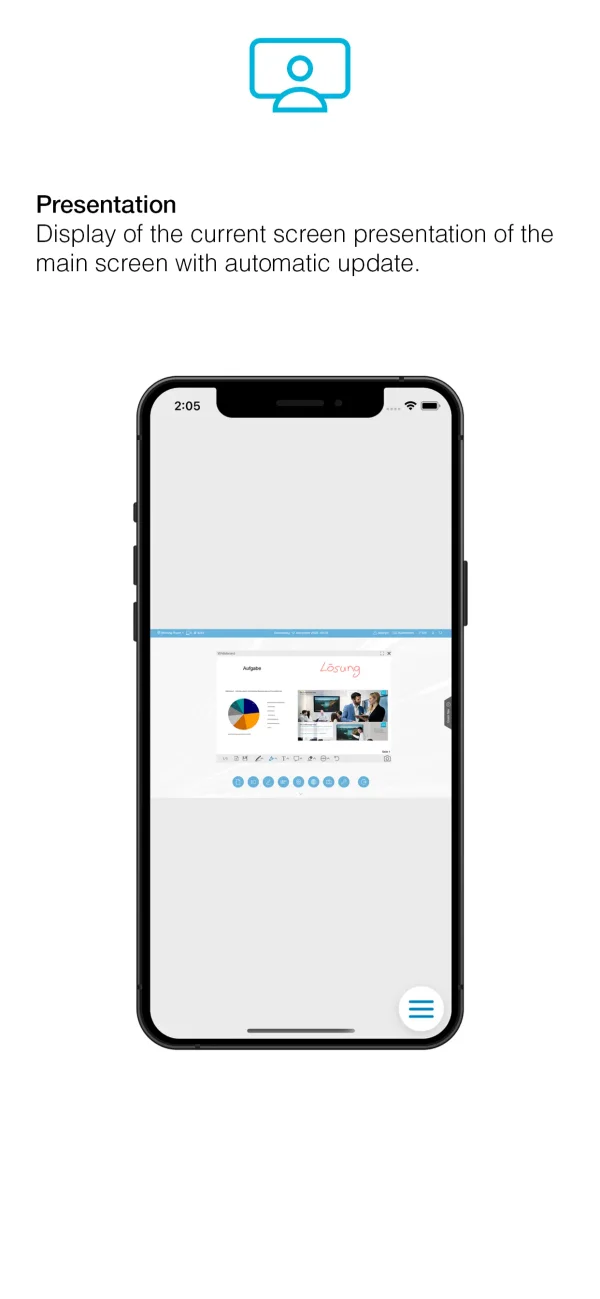
Presentation:
Display of the current screen presentation with manual or automatic update. Save the presented content or share local documents with the smartPerform presentation.
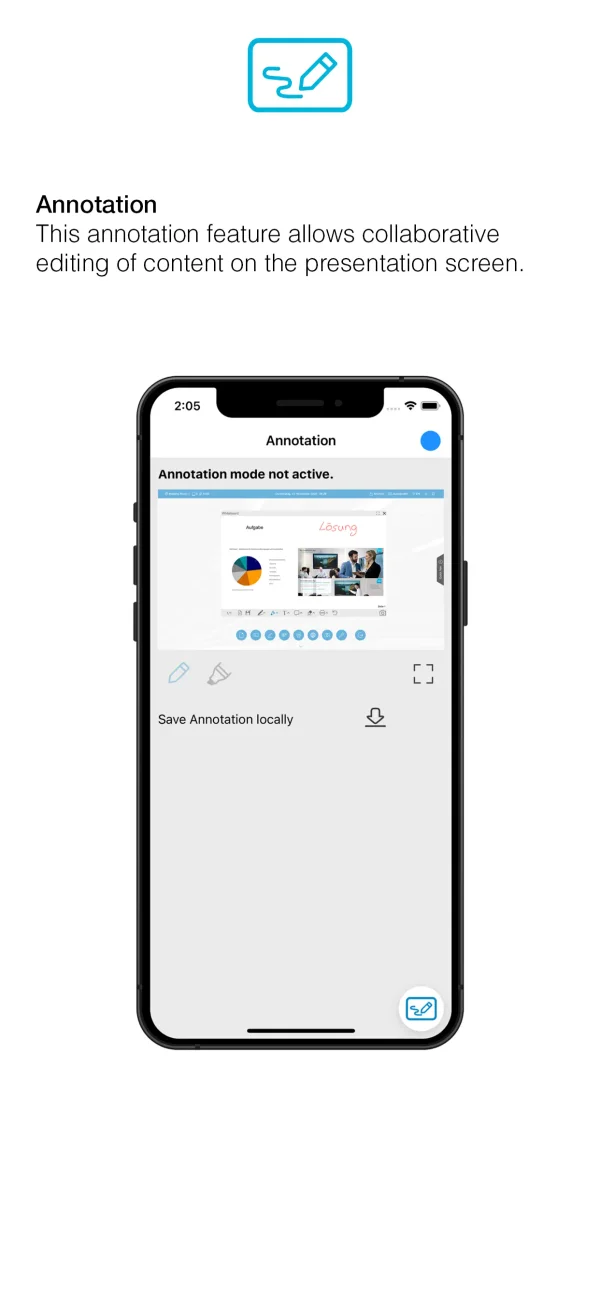
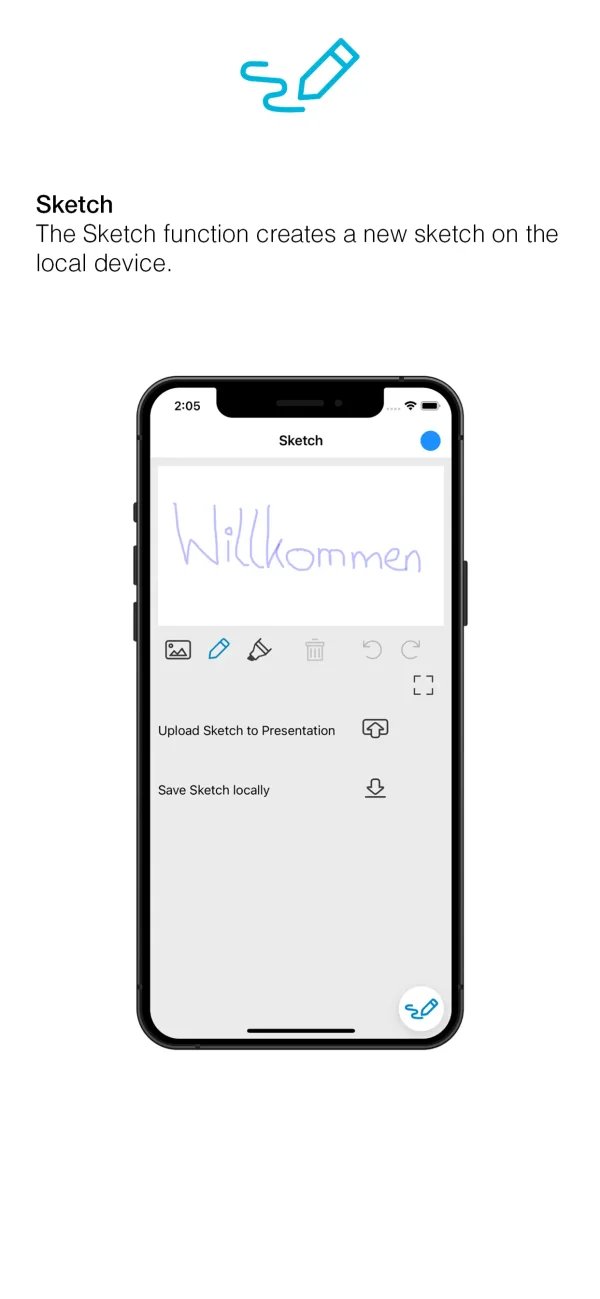
Sketch:
Create and share a local sketch based on a neutral background, the current smartPerform presentation image, a recent photo capture, or images from your photo gallery.
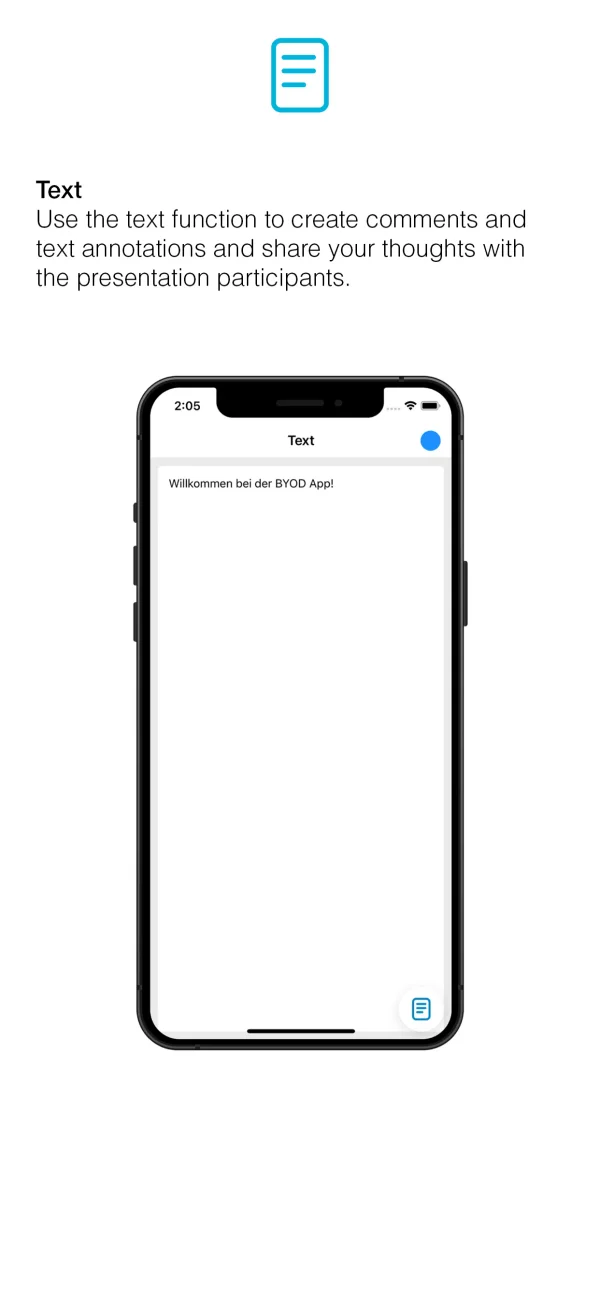
Text:
Creating comments – Share your thoughts with the attendees
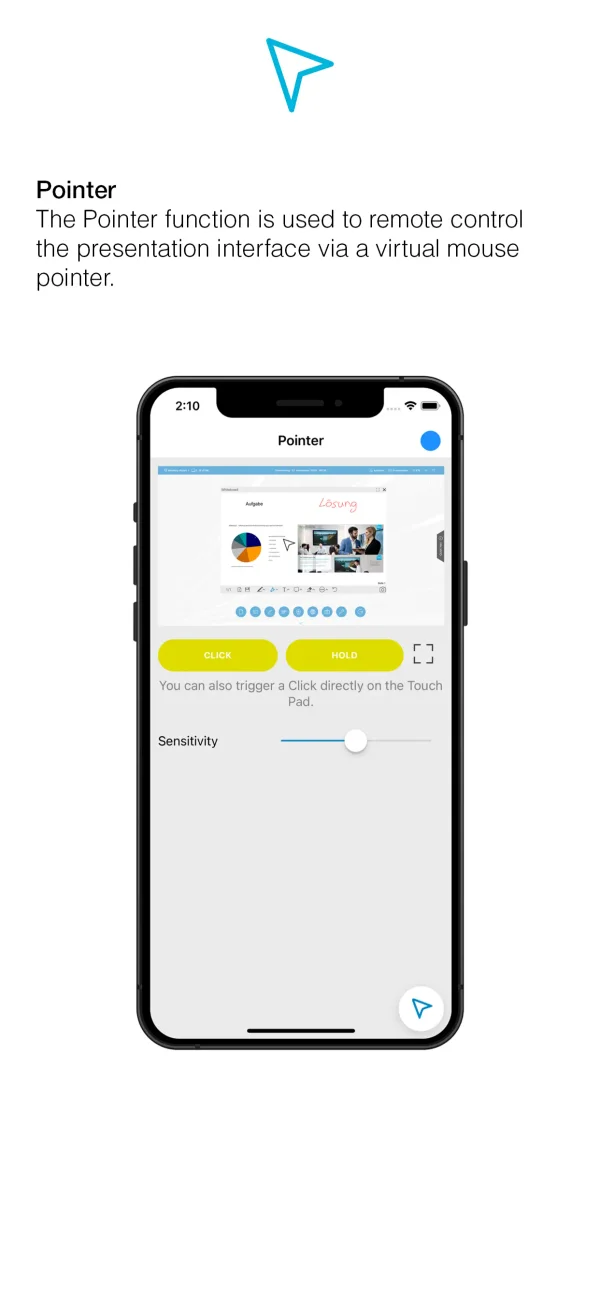
Pointer:
Remote control of the smartPerform presentation via a virtual mouse pointer.
Moderation:
Menu for remote control of the smartPerform presentation via control elements and predefined presets. Management for individual customization of available user functions.
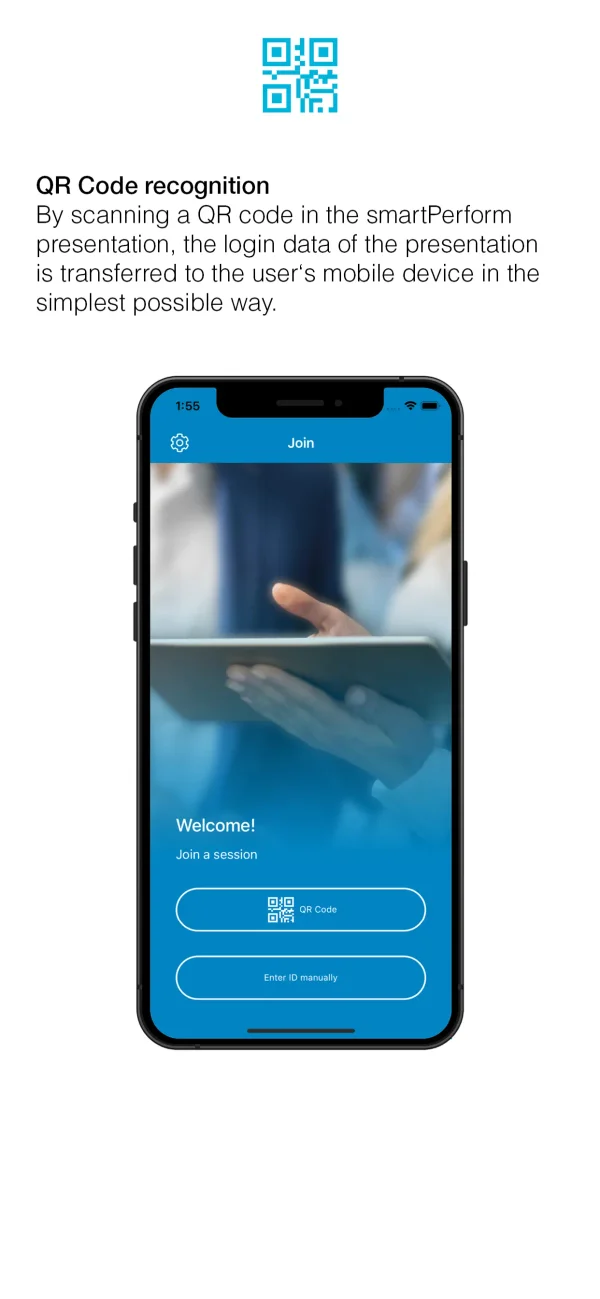
QR-Code recognition:
By scanning a QR code in the smartPerform presentation, the login data of the presentation is transmitted to the mobile device of the user in the simplest way.
Novedades
Versión 2024.1.3 · 23/5/2024
General Update
Privacidad de la aplicación
Lo que Immersion7 GmbH declara en App Store sobre cómo esta aplicación gestiona los datos.
-
No se recopilan datos
El desarrollador no recopila ningún dato de esta aplicación.
Las prácticas de privacidad pueden variar, por ejemplo, según las funciones que uses o tu edad.
Información
- Vendedor
- Immersion7 GmbH
- Categoría
- Utilidades
- Versión
- 2024.1.3
- Actualizado
- 23/5/2024
- Publicado
- 21/6/2017
- Tamaño
- 20,6 MB
- Requiere
- iOS 13.0 o posterior
- Clasificación por edad
- 4+
- Precio
- Gratis
- Idiomas
- Inglés
- Copyright
- © 2024 Immersion7 GmbH