- Classification d’âge4+
- CatégorieUtilitaires
- DéveloppeurImmersion7 GmbH
- LanguesAnglais
- Taille20,6 Mo
Renvoie vers la page App Store officielle
Download.org n’héberge aucun fichier de smartPerform BYOD. Le bouton ouvre la page de l’application sur App Store, où Immersion7 GmbH la publie. Fiche vérifiée pour la dernière fois le 14/11/2026.
Captures d’écran



À propos
Le développeur n’a pas fourni ce texte dans votre langue.
smartPerform BYOD App for mobile devices:
The smartPerform Bring Your Own Device App (BYOD) for mobile devices and web browsers complements individual smartPerform project solutions and standardized smartPerfom product solutions. Collaborative workflows between users and their various device platforms become astonishingly simple and effective. The central element is a smartPerfom application (project- or product solution) on a presentation computer with a Microsoft Windows operating system as well as a WLAN or LAN network with sufficient network capacity.
Central Functions
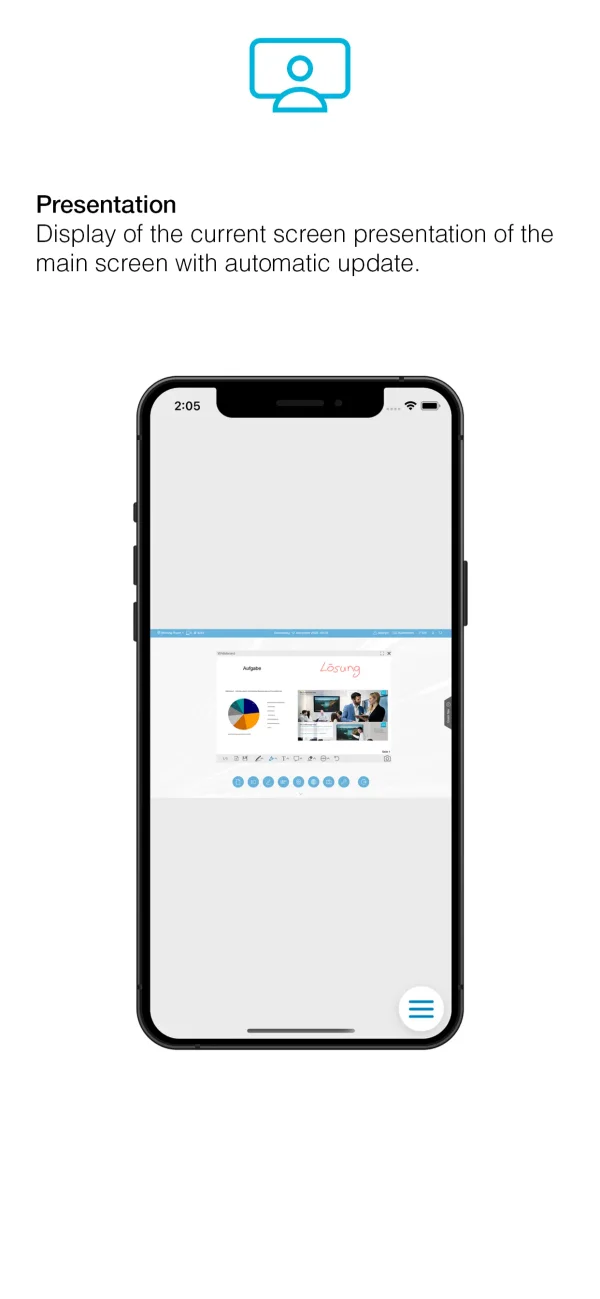
Presentation:
Display of the current screen presentation with manual or automatic update. Save the presented content or share local documents with the smartPerform presentation.
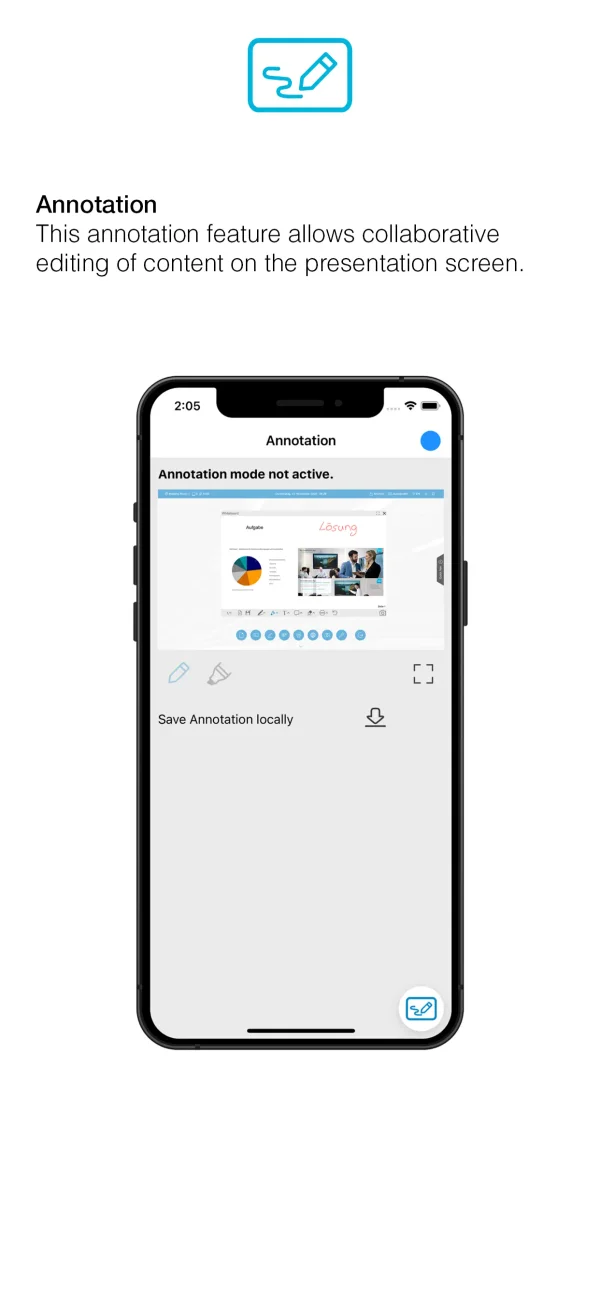
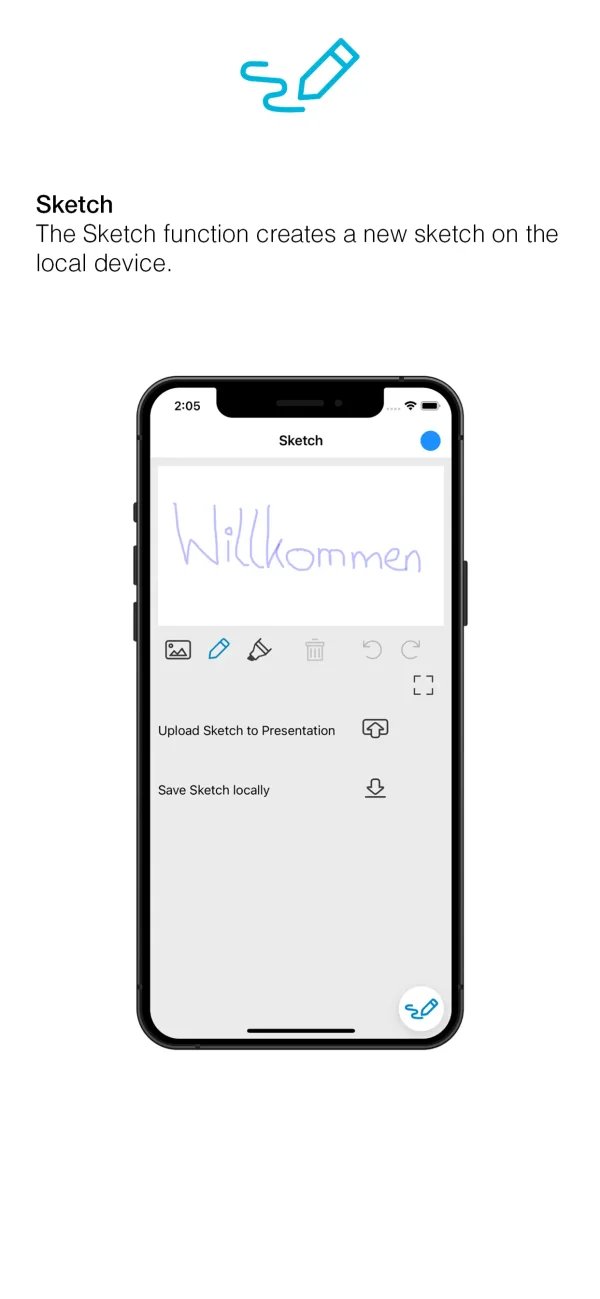
Sketch:
Create and share a local sketch based on a neutral background, the current smartPerform presentation image, a recent photo capture, or images from your photo gallery.
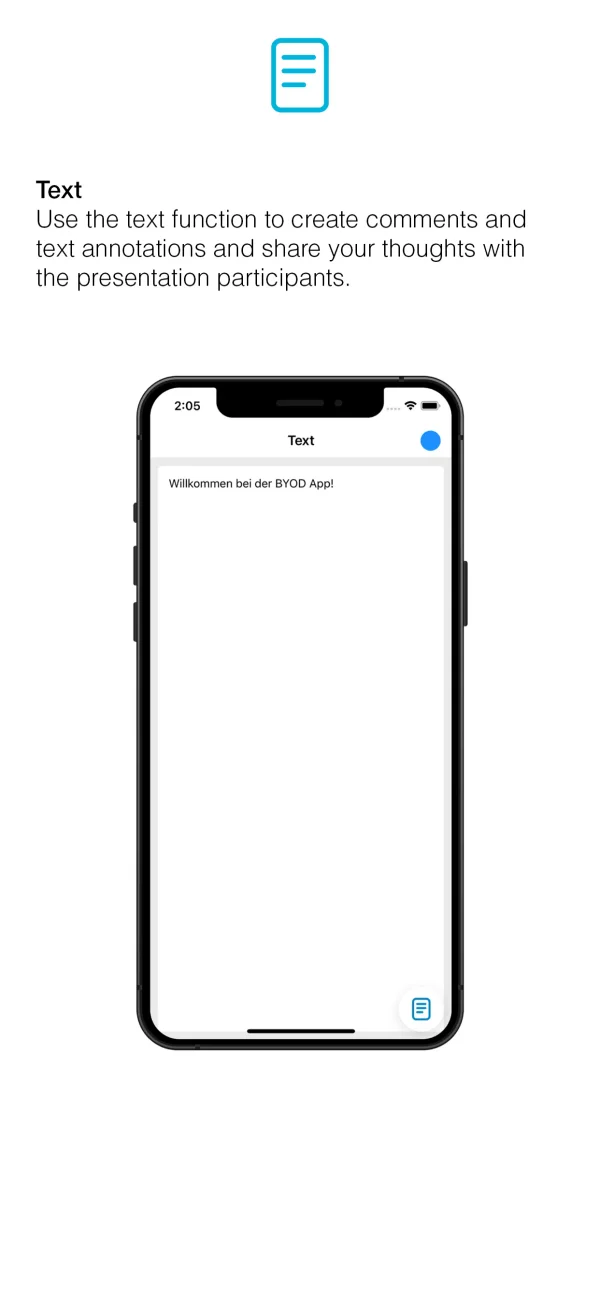
Text:
Creating comments – Share your thoughts with the attendees
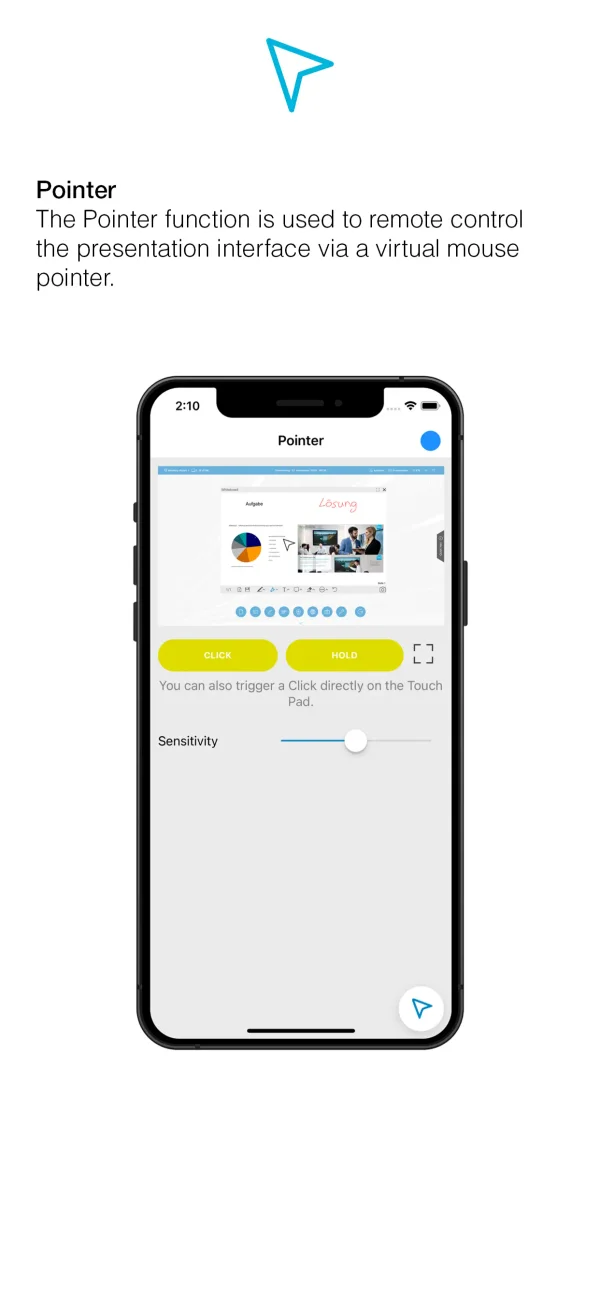
Pointer:
Remote control of the smartPerform presentation via a virtual mouse pointer.
Moderation:
Menu for remote control of the smartPerform presentation via control elements and predefined presets. Management for individual customization of available user functions.
QR-Code recognition:
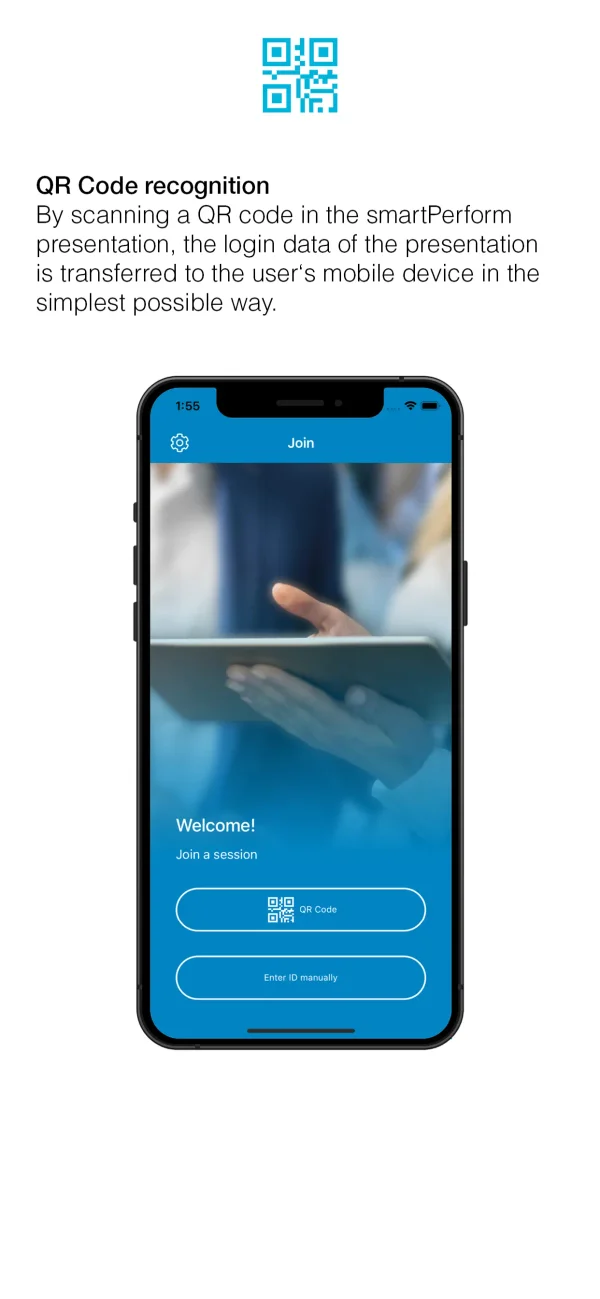
By scanning a QR code in the smartPerform presentation, the login data of the presentation is transmitted to the mobile device of the user in the simplest way.
Nouveautés
Version 2024.1.3 · 23/05/2024
General Update
Confidentialité de l’application
Ce que Immersion7 GmbH déclare sur l’App Store au sujet du traitement des données par cette application.
-
Données non collectées
Le développeur ne collecte aucune donnée à partir de cette application.
Les pratiques en matière de confidentialité peuvent varier, notamment en fonction des fonctionnalités que vous utilisez ou de votre âge.
Informations
- Vendeur
- Immersion7 GmbH
- Catégorie
- Utilitaires
- Version
- 2024.1.3
- Mis à jour
- 23/05/2024
- Publié
- 21/06/2017
- Taille
- 20,6 Mo
- Nécessite
- iOS 13.0 ou version ultérieure
- Classification d’âge
- 4+
- Prix
- Gratuit
- Langues
- Anglais
- Copyright
- © 2024 Immersion7 GmbH