Split Screen - Multitasking
Multi View Web Browser
Diseñada para iPhone, iPad, iPod touch
Gratis · Compras en la aplicación
- Clasificación por edad17+
- CategoríaUtilidades
- DesarrolladorSupagarn Pattananuchart
- IdiomasInglés
- Tamaño5,8 MB
Enlaza a la página oficial de App Store
Download.org no aloja ningún archivo de Split Screen - Multitasking. El botón abre la página de la aplicación en App Store, donde la publica Supagarn Pattananuchart. Ficha comprobada por última vez el 17/11/2026.
Capturas de pantalla

Acerca de
El desarrollador no ha proporcionado este texto en tu idioma.
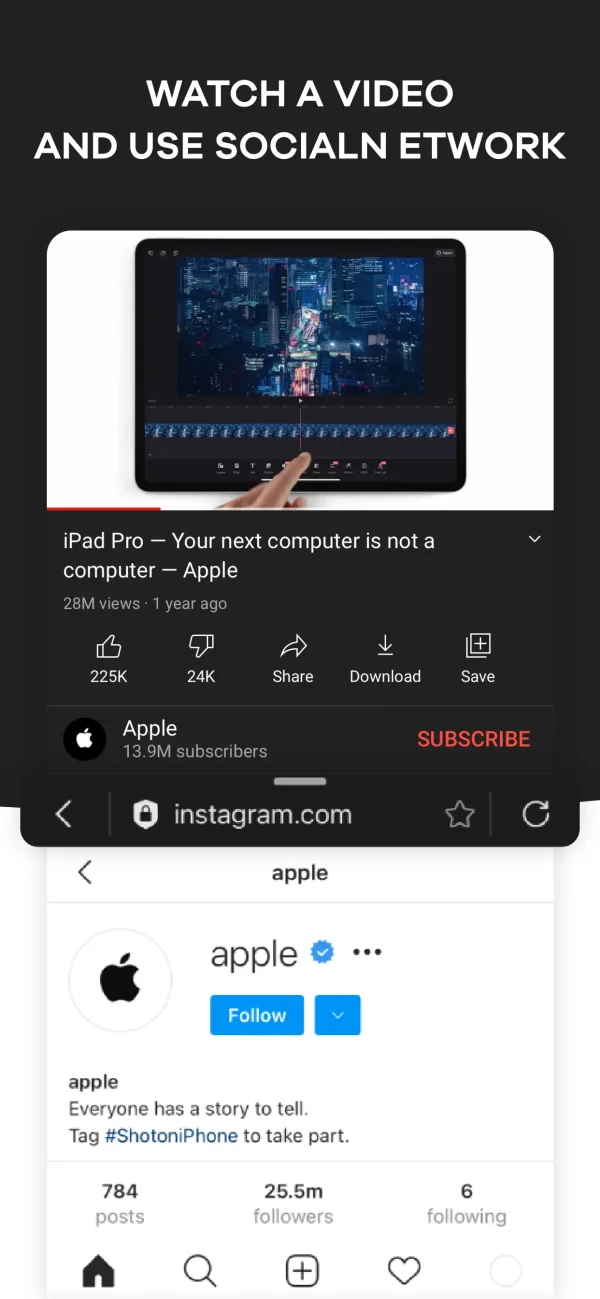
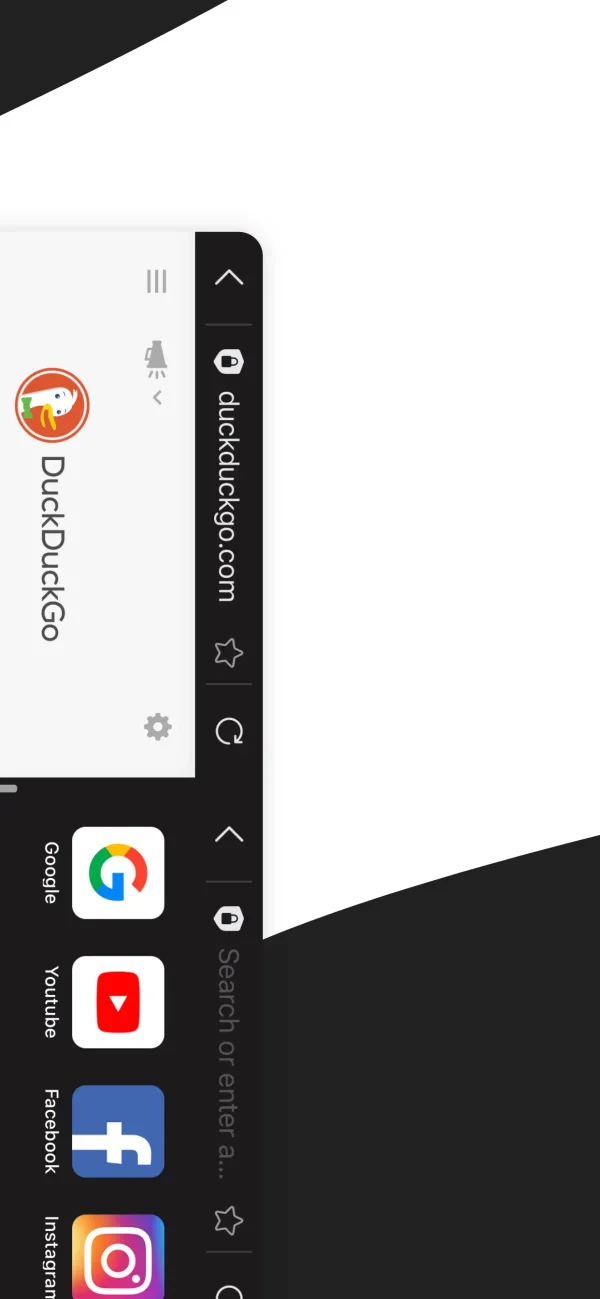
Browse your favorite social media platform and watch funny videos at the same time using Split Screen – Multitasking app.
It happens many times that we want to scroll through media to watch shows or videos and, at the same time, open another platform like google to get a piece of information. But normally, our mobile device doesn’t allow multitasking. To solve the problem and make you happy, we have brought you a split-screen app that allows you to split your display so you can do two things simultaneously. Check your emails, make a shopping list, or write a post on Insta while googling the right information using this dual display app. Increase your productivity by pairing two tabs together and be smart.
The key features of Split Screen – Multitasking app:
• With this split screen multitasking view app, you can open a second screen to perform two things at the same time.
• Using this splitscreen app, you can watch a movie or show and google related information to fully understand it.
• While watching a product review for shopping, watch the video and browse the products simultaneously with this duet display pro or smart view app.
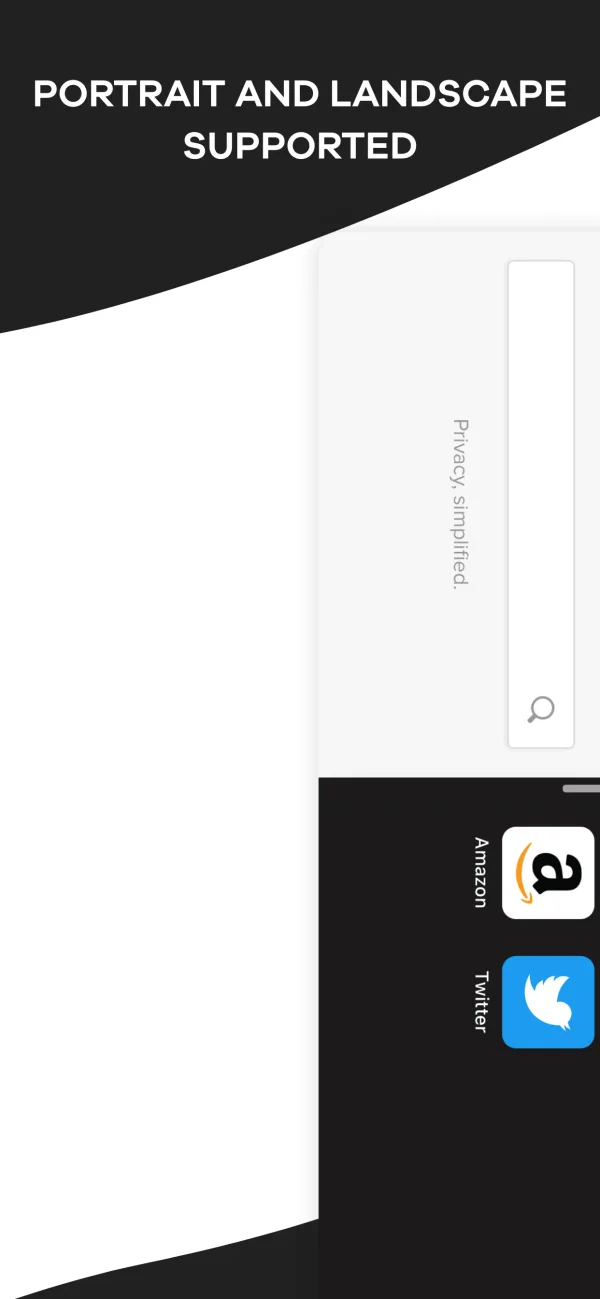
• Our double screen app supports portrait and landscape modes for your convenience.
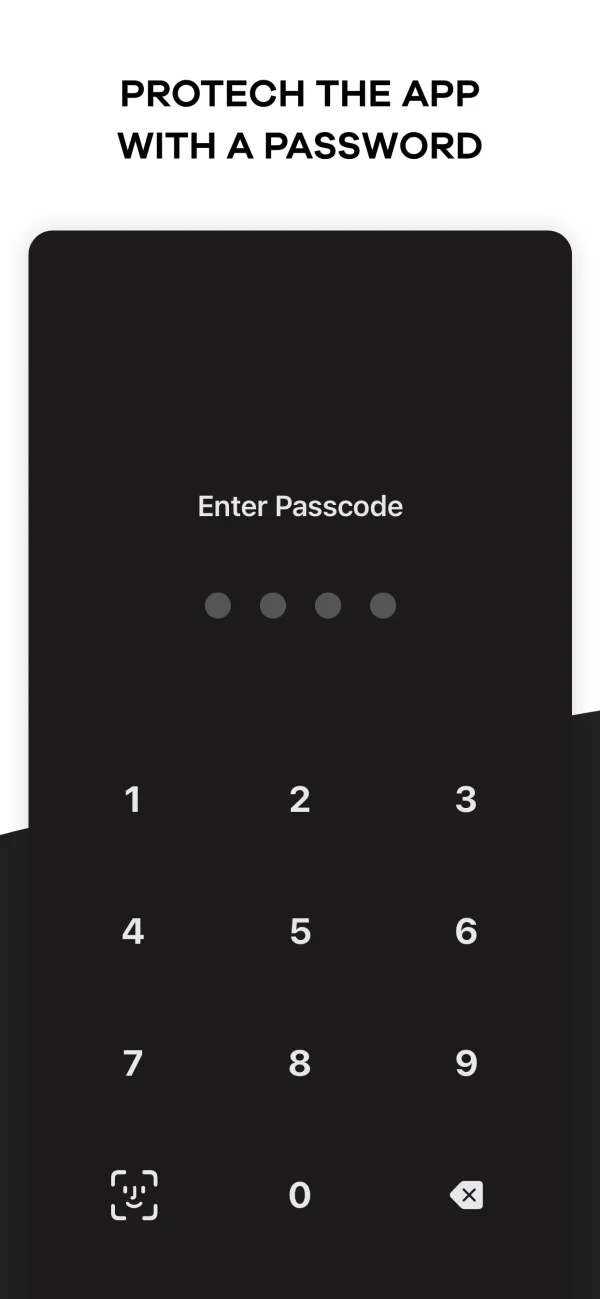
• You can set a password to keep the dual-screen or split screen app protected from others.
• Watch a movie and check social media accounts simultaneously with this multiscreen- split view.
• Open the website you want from Safari.
There are thousands of possibilities, and you can any two things using Split Screen – Multitasking app. If you are bored of checking emails, open youtube using this duet display app and listen to your favorite music and watch videos. Need to watch a show and a match at the same time? Use split-screen iPhone app, split it and watch. If you are looking for one of the best split-screen apps for smart tasks, this multi-screen app can be your best choice. This dividend app allows you to perform two important work simultaneously or let you work and have fun.
With our screen-sharing smart view app, you don’t have to switch between tabs, you can simply split your iOS device’s screen and open them all. Multitasking is required a lot many times. When you are busy and have to check on two things simultaneously, what do you do? So far, you probably became annoyed or anxious. We have brought you the solution to your problem. You don’t have to have two devices anymore; only one device will let you multitask and enjoy!
If you are searching for a smart view app for iPhone or split screen app to open multi-window to work effectively and peacefully, this multi screen app is here to help. We have brought you such a platform that will open a new window for you. We are making things work that you never thought would be possible. The easy, simple, and user-friendly interface of this dual app will enable you to watch and work without any disruption. You don’t have to close your social media account just to check your email or watch videos. Watch anything you like while scrolling through social media or a browser.
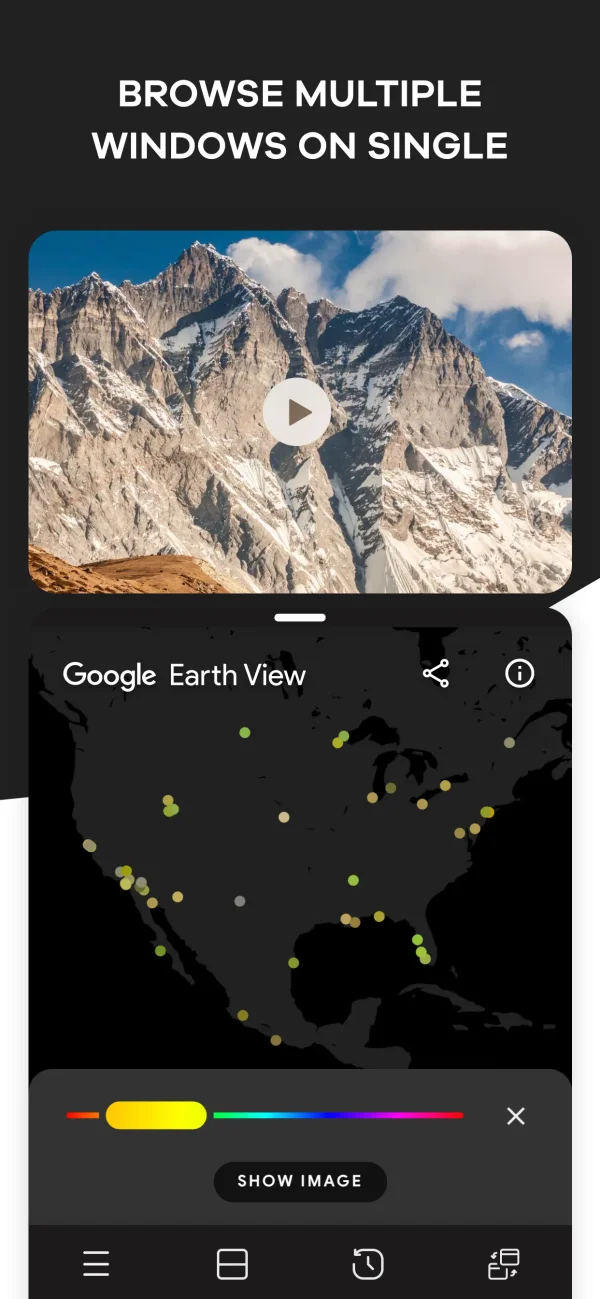
Moreover, this split screen video app brings you everything at a lower cost. You can install the app from the iOS store for free and make in-app purchases. Take a yearly or monthly subscription and enjoy multitasking on one single display. Browse multiple windows on one display and get your work done efficiently. Watch funny videos, browse social media, check product reviews, compare them, check emails, and make a shopping list simultaneously using our multitasking split screen app.
If you are searching for split-screen apps for work or enjoyment, this split screen multitasking app is going to give you all.
Install Split Screen – Multitasking on your iOS device, divide the screen as per your need and get your work done easily.
Terms of Use: https://supagarn-pa.com/Split-Screen/terms-of-use
Privacy Policy: https://supagarn-pa.com/Split-Screen/privacy-policy
Novedades
Versión 1.8 · 21/12/2025
• Bug fixes
Privacidad de la aplicación
Lo que Supagarn Pattananuchart declara en App Store sobre cómo esta aplicación gestiona los datos.
-
No se recopilan datos
El desarrollador no recopila ningún dato de esta aplicación.
Las prácticas de privacidad pueden variar, por ejemplo, según las funciones que uses o tu edad.
Información
- Vendedor
- Supagarn Pattananuchart
- Categoría
- Utilidades
- Versión
- 1.8
- Actualizado
- 21/12/2025
- Publicado
- 21/4/2021
- Tamaño
- 5,8 MB
- Requiere
- iOS 13.0 o posterior
- Clasificación por edad
- 17+
- Precio
- Gratis
- Compras en la aplicación
- Sí
- Idiomas
- Inglés
- Copyright
- © 2019 SUPAGARN - PA
Quizá también te guste
-
 Multitasking Split ScreenDual web browser
-
 Split Screen & Dual BrowserUtilidades
-
 Split Screen - Split ViewDual Window, Multiple Screen
-
 Split Web BrowserUtilidades
-
 Split Screen: Dual WindowUtilidades
-
 Split Screen Browser - TwookuLUtilidades
-
 SplitTabBrowserUtilidades
-
 Split screen PlayerUtilidades
-
 PiP Tube - Floating AppsPantalla Dividida Doble
-
 MultiWindow - Dual BrowserUtilidades