STEMboard: Math Work Digitally
Whiteboard app closes the gap
Diseñada para iPhone, iPad, iPod touch
- Clasificación por edad4+
- CategoríaEducación
- DesarrolladorSTEMboard
- IdiomasInglés
- Tamaño21,7 MB
Es posible que STEMboard: Math Work Digitally no esté disponible en App Store en este momento
No se pudo acceder a la ficha de la tienda en nuestra última comprobación. El enlace sigue llevando a la página oficial de App Store.
Capturas de pantalla
Acerca de
El desarrollador no ha proporcionado este texto en tu idioma.
Imagine teaching a lesson and all of your students are able to access the lesson at grade level. STEMboard gives educators the opportunity to build students’ mastery of prerequisite skills and close learning gaps they are demonstrating prior to a lesson. The STEMboard app is available for the cell phone, tablet, laptop, and desktop. With STEMboard, support student learning from the comfort of your couch, on the beach, or on your train ride home.
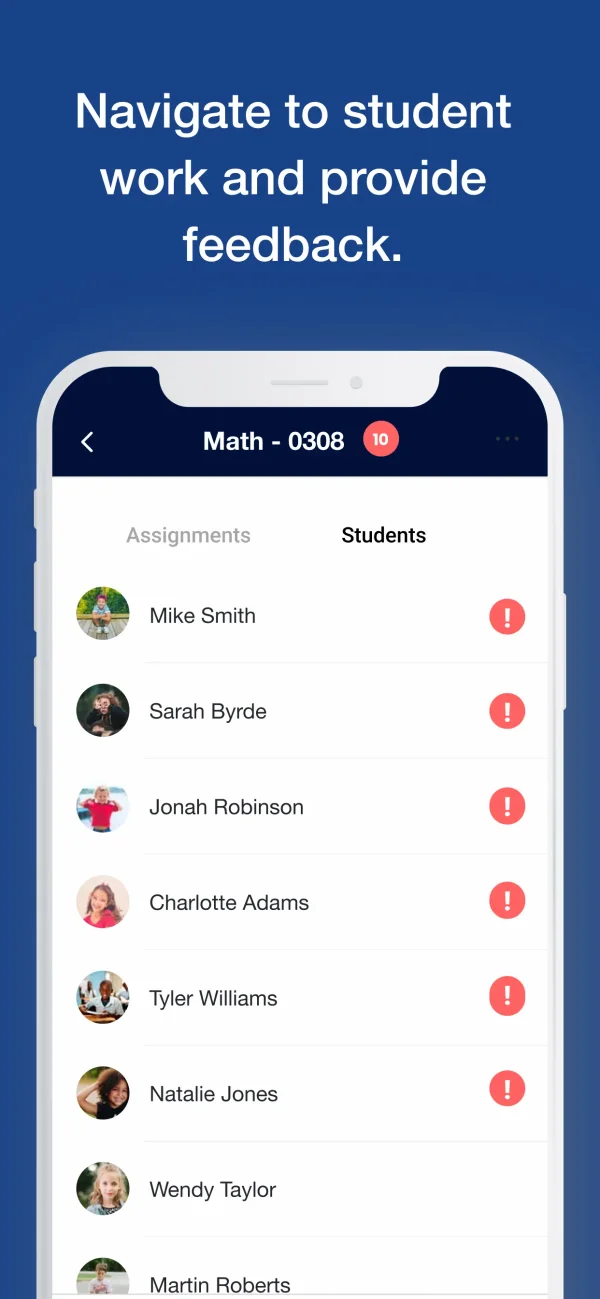
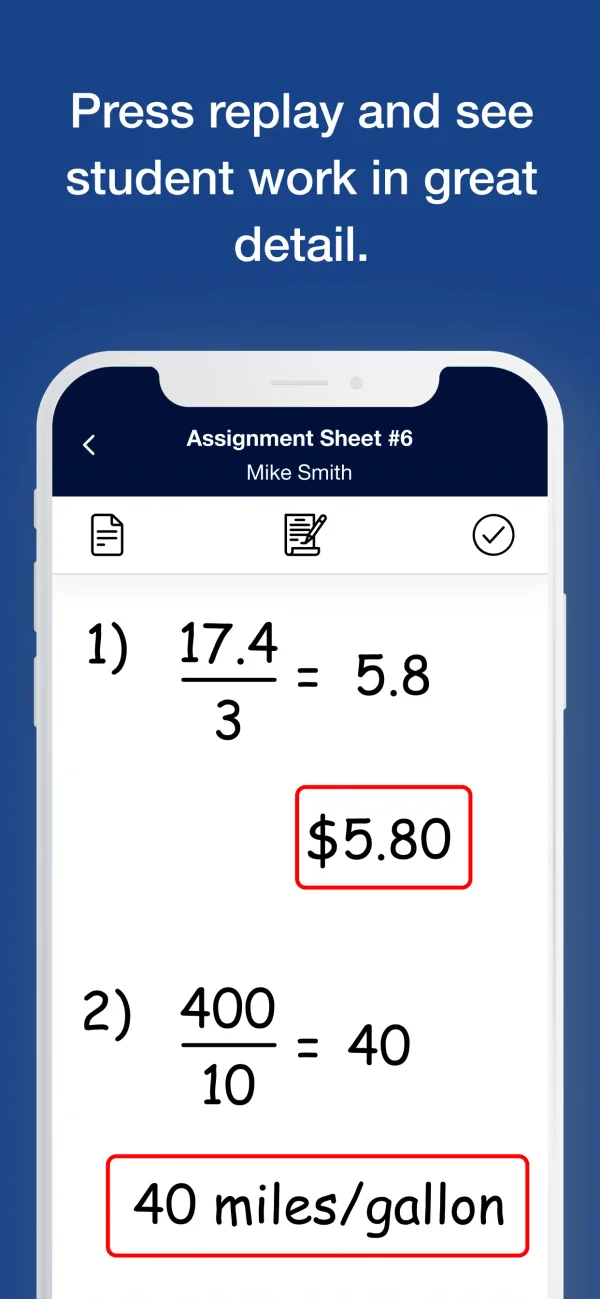
STEMboard is one of very few apps integrated with Google, allowing teachers to easily access their classes through Google classroom and upload assignments with a simple click. Students have the opportunity to practice prerequisite skills by completing assignments provided by their teachers, outside of the classroom. Utilizing our easy-to-use whiteboard, students show detailed work on their assignments from their phones, tablets, or desktops, and submit completed assignments to their teachers for corrections. Teachers then provide detailed feedback on student work to correct their assignments and support their learning.
STEMboard features
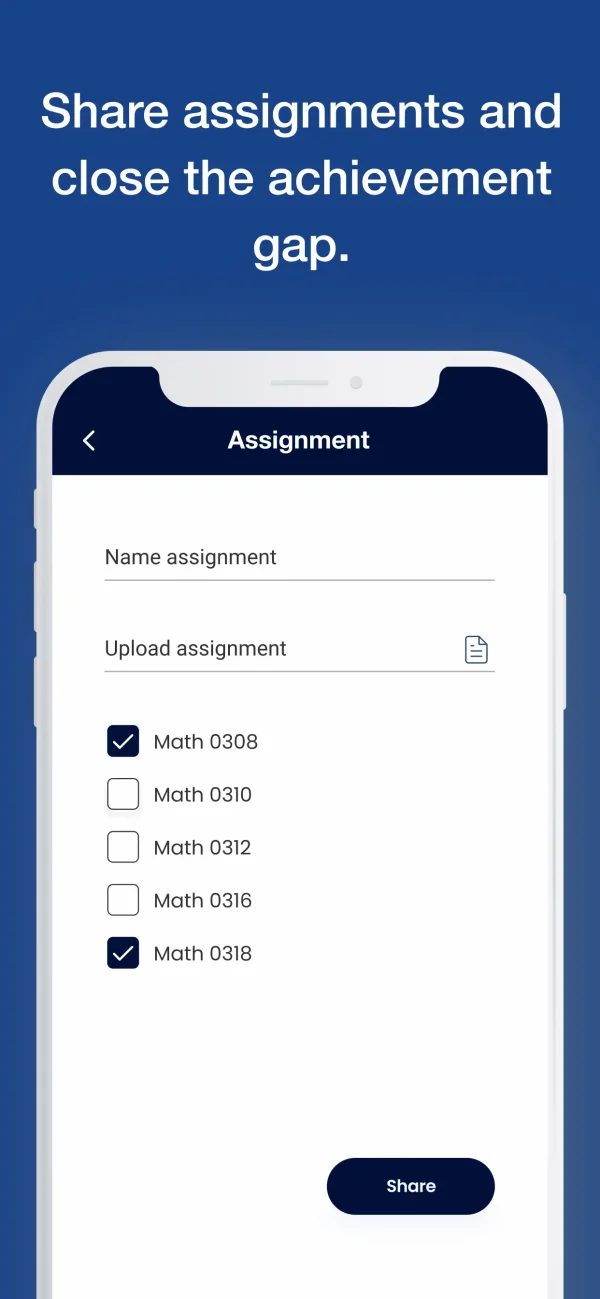
• Assignment upload - Create assignments that will support student learning before they enter the classroom and easily upload from Google Drive, a cell phone, or personal PC to Google Classroom.
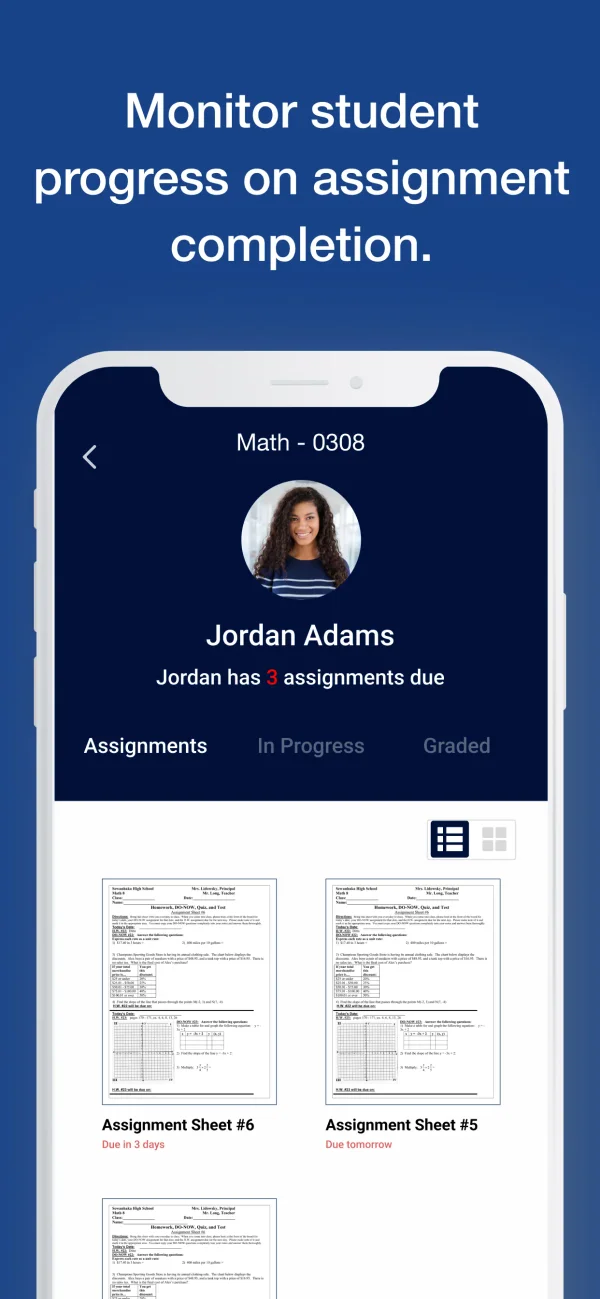
• Whiteboard - Students use their finger, stylus, or text tools to complete and submit assignments on the whiteboard. Teachers receive the assignments and provide detailed feedback on student work, by directly marking up student work with corrections and next steps for improvement. Students access and implement the feedback to make changes to and correct their assignment.
• Replay - Teachers are able to do and undo student work to see the order in which students wrote on the assignment, giving teachers a play-by-play of the process students used to complete each problem. Teachers can see students’ work from step 1 and students can see the exact process teachers used to correct their work and accurately complete each problem.
• Digital Folder - Students and teachers FOREVER have access to student work stored in the STEMboard app!
Help your students grow inside and outside the classroom with STEMboard.
Novedades
Versión 1.2.9 · 29/8/2026
Security enhancements with support for 2FA.
Privacidad de la aplicación
Lo que STEMboard declara en App Store sobre cómo esta aplicación gestiona los datos.
-
No se recopilan datos
El desarrollador no recopila ningún dato de esta aplicación.
Las prácticas de privacidad pueden variar, por ejemplo, según las funciones que uses o tu edad.
Información
- Vendedor
- Stemboard, LLC
- Categoría
- Educación
- Versión
- 1.2.9
- Actualizado
- 29/8/2026
- Publicado
- 25/1/2021
- Tamaño
- 21,7 MB
- Requiere
- iOS 13.4 o posterior
- Clasificación por edad
- 4+
- Idiomas
- Inglés
- Copyright
- © @2023 STEMboard, LLC
Quizá también te guste
-
 CloudLabs Parthenon ModelEducación
-
 Fractions WorksheetsEducación
-
 Genius University ManagementEducación
-
 MS 224 Exploration DiscoveryEducación
-
 Horario visual: PictoCueAutismo, fotos y primero luego
-
 Culture Shock AIEducación
-
 Humble MuseumEducación
-
 Buzz 'n' Read! (AAE version)Educación
-
 Love to ReadEducación
-
 Prayer TentsReferencia