Sternzy : DocScan
Scan to PDF — search & lock
Diseñada para iPhone, iPad
Gratis · Compras en la aplicación
- Clasificación por edad4+
- CategoríaProductividad
- DesarrolladorDavid Stern
- IdiomasInglés
- Tamaño3,1 MB
Enlaza a la página oficial de App Store
Download.org no aloja ningún archivo de Sternzy : DocScan. El botón abre la página de la aplicación en App Store, donde la publica David Stern. Ficha comprobada por última vez el 13/11/2026.
Capturas de pantalla


Acerca de
El desarrollador no ha proporcionado este texto en tu idioma.
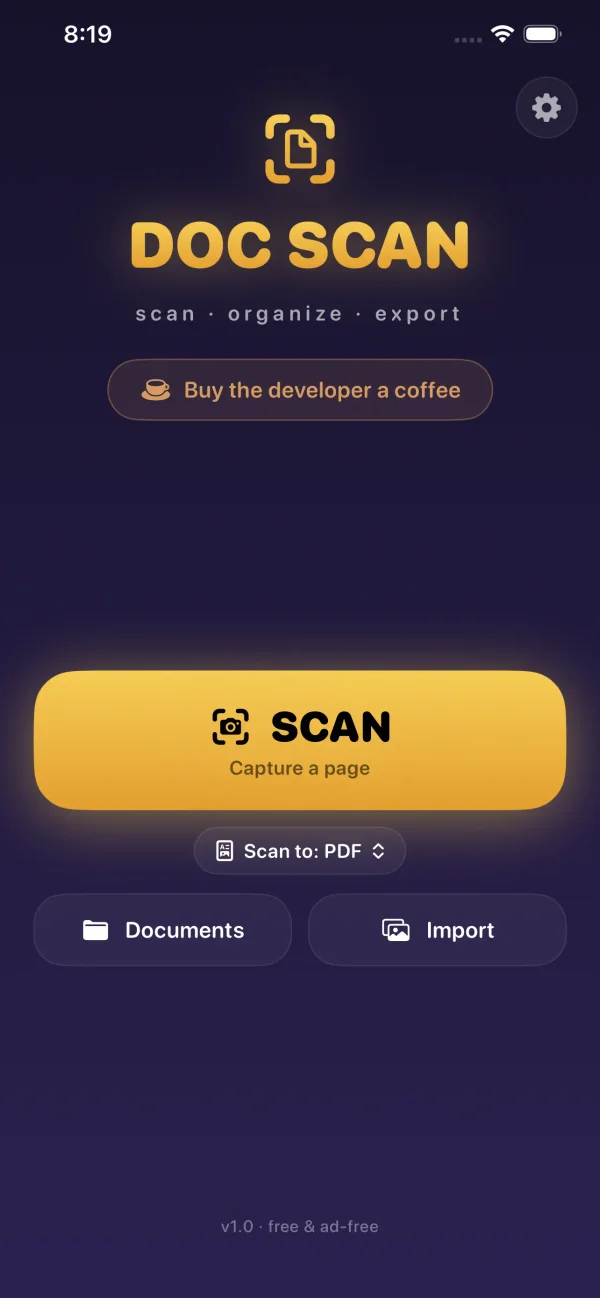
DocScan turns your iPhone into a fast, private document scanner — and a whole lot more. Scan paper, import PDFs and photos, or capture a recipe or article straight from the web, then organize everything into tidy folders you can search, annotate, and share. Everything happens on your device. No account, no ads, no tracking.
SCAN & IMPORT
• Scan crisp, auto-cropped pages with the camera — as many as you like per document.
• Import from your Photos, your Files (images, PDFs, even Word documents), or a web link.
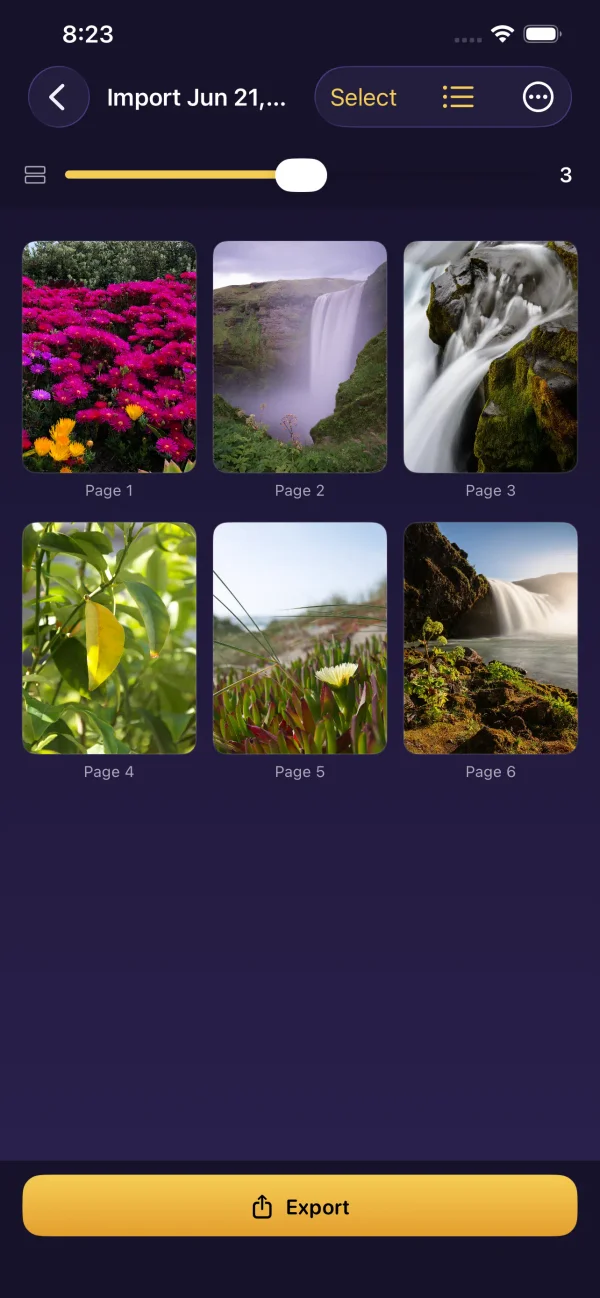
• Everything lands in one review screen, so you can mix scans and imports into a single document.
CAPTURE FROM THE WEB
• Paste any link and DocScan captures the page in a clean, ad-free "reader" view — split into tidy 8.5×11 pages with the source link right on top.
• Save recipes and posts from Instagram and Facebook — the photo and the full caption come through.
• Turn on "Also grab linked pages" to follow a page's links one level deep, with a live progress bar (and a Stop button) and an index of every link at the end.
• Every web capture keeps a clickable Source link, so you can always jump back to the original.
REVIEW BEFORE YOU SAVE
• Tap any page to view it full-screen — pinch to zoom right where your fingers are, swipe between pages, and delete a bad scan on the spot.
• Reorder pages by dragging.
• DocScan even suggests a document name from the biggest heading on the page.
ORGANIZE & FIND
• File documents into nested, color-coded folders. Rename, move, recolor, or delete anytime.
• Pinch to switch between a clean list and a grid — from compact rows up to one big page per tile.
• Full-text search reads the text inside your scans (on-device OCR), so you can find a document by name or by words written inside it.
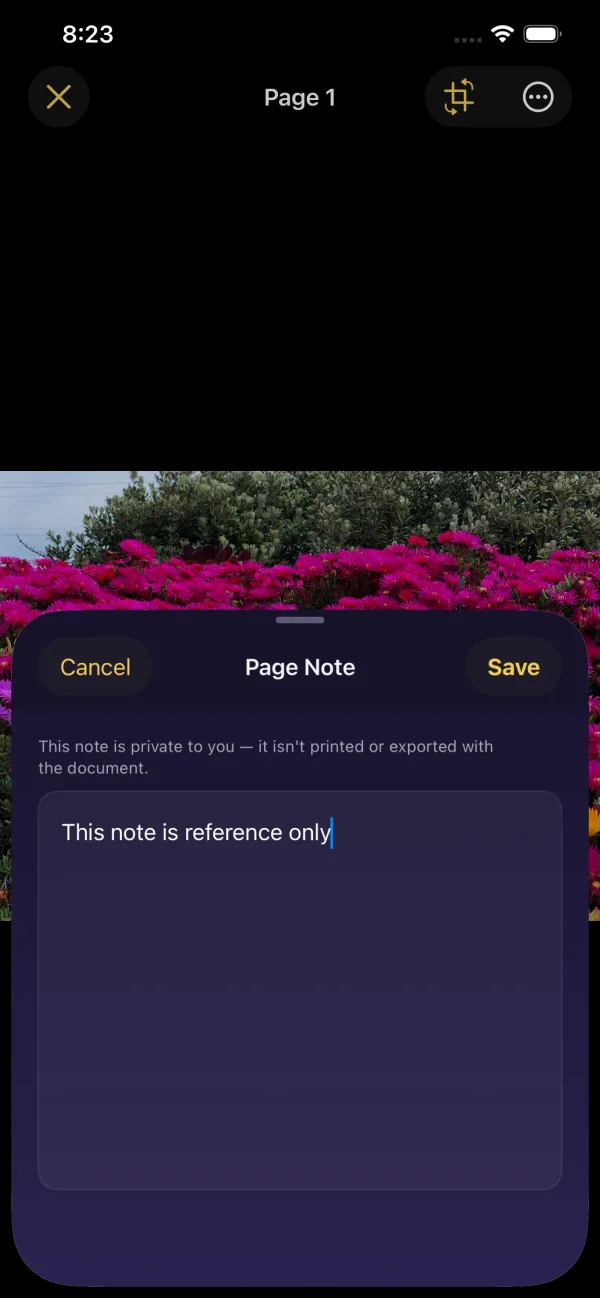
• Add private notes to a whole document or a single page — kept in your backups, never printed or exported.
EDIT & ANNOTATE
• Rotate, crop, and apply filters to any page.
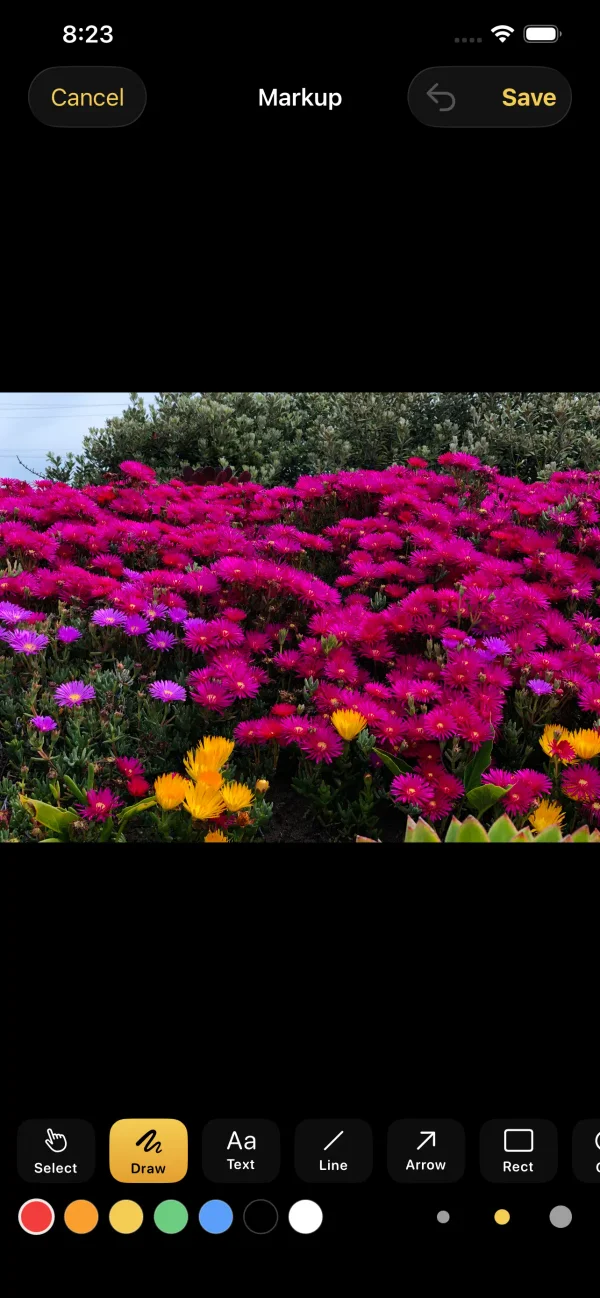
• Mark up pages with drawing, text, lines, arrows, shapes, and highlights.
EXPORT & SHARE
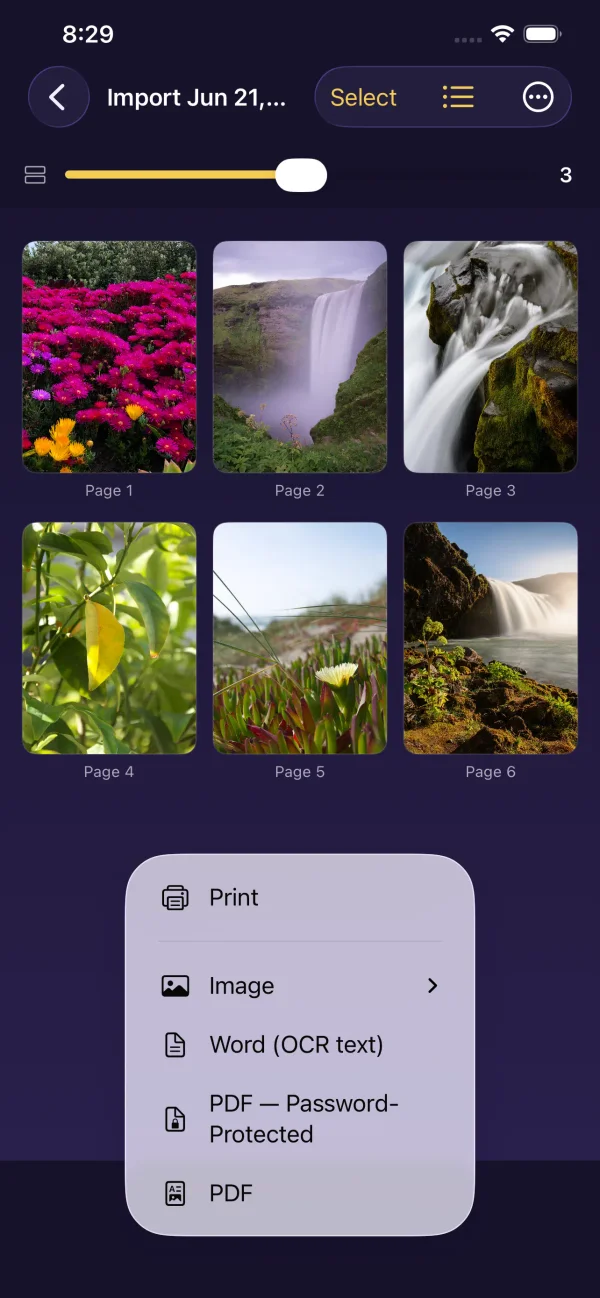
• Export as PDF (with a searchable text layer), a password-protected PDF, a Word document with recognized text, or images.
• Print natively, or share anywhere with the standard share sheet.
PRIVATE & SECURE
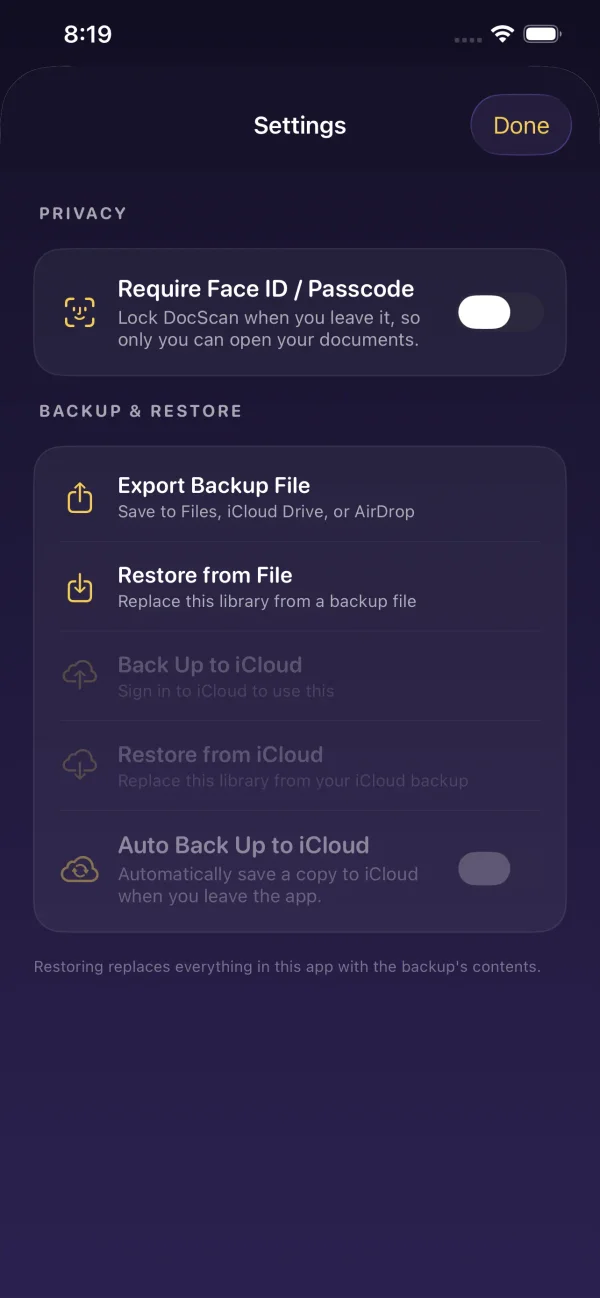
• Everything stays on your device — nothing is uploaded to us. Data Not Collected.
• Lock DocScan behind Face ID or your passcode.
• Back up to a portable file or your own iCloud, and restore on a new device. Turn on Auto Back Up to save whenever you leave the app.
FREE, WITH NO ADS
DocScan is completely free — no ads, no subscriptions. If it saves you time, an optional tip helps keep it that way, but it never unlocks anything; the whole app is yours.
Scan a document — or paste a link — in seconds.
— —
Questions or feedback? We'd love to hear from you.
Novedades
Versión 2.0 · 6/7/2026
- Import sources: **Photos, Files (image / PDF / Word), and Links** — all land in the same review screen.
- **Reader-view web capture:** paste a link → strips ads/nav → clean article, paginated to US Letter, **source URL stamped** on top. Uses the same kind of engine as browser Reader View.
- **Recipe hero photo kept** even on sites (like Allrecipes) that hide it from the reader.
- **Instagram / Facebook / Threads posts:** captures the photo + full caption (recipe) from public preview data — no login.
- **Follow a caption's link** (e.g. "full recipe at…") one level automatically.
- **"Also grab linked pages"** switch: crawl a hub/index page's links one level deep (up to 15).
- **Live status bar** during import: which page it's on, a running "pages created" count, and a **Stop** button (keeps what's captured).
- **"Imported Links" index page** appended at the end so every source is listed in one spot.
- **Full-screen page preview** in review: pinch-zoom **to the pinch point**, swipe between pages, **red Delete** to remove a page as you review.
- **Auto-name** from the largest-font title on the first page.
- **Add more from Files / Links during review**, not just at the start.
- **Reliability:** replaced the pagination that could leave later pages blank on big imports; waits for pages to finish loading; handles memory pressure.
Privacidad de la aplicación
Lo que David Stern declara en App Store sobre cómo esta aplicación gestiona los datos.
-
No se recopilan datos
El desarrollador no recopila ningún dato de esta aplicación.
Las prácticas de privacidad pueden variar, por ejemplo, según las funciones que uses o tu edad.
Información
- Vendedor
- David Stern
- Categoría
- Productividad
- Versión
- 2.0
- Actualizado
- 6/7/2026
- Publicado
- 24/6/2026
- Tamaño
- 3,1 MB
- Requiere
- iOS 17.6 o posterior
- Clasificación por edad
- 4+
- Precio
- Gratis
- Compras en la aplicación
- Sí
- Idiomas
- Inglés
- Copyright
- © 2026 David Stern
Quizá también te guste
-
 PDF Scanner AI - App EscánerEscanea a PDF, imprime, OCR
-
 QuietScan: PDF ScannerProductividad
-
 Privascan: PDF Scanner & OCRProductividad
-
 Paperix - PDF Secure and LocalProductividad
-
 Paperlogix - Document ScannerProductividad
-
 AI Document ScannerCrea archivos PDF con cámara
-
 Fondo de pantalla 4KGeniales en movimiento 4K
-
 App de escáner - PDF y OCREscáner inteligente de PDF
-
 ArkioProductividad
-
 ContainerLINK™Productividad