- 対象年齢4+
- カテゴリ仕事効率化
- 開発元David Stern
- 言語英語
- サイズ3.1 MB
App Storeの公式ページにリンクしています
Download.orgはSternzy : DocScanのファイルを一切ホストしていません。ボタンを押すと、David Sternが公開しているApp Storeのアプリページが開きます。ページの最終確認:2026/11/13。
スクリーンショット


概要
開発元はこのテキストをお使いの言語で提供していません。
DocScan turns your iPhone into a fast, private document scanner — and a whole lot more. Scan paper, import PDFs and photos, or capture a recipe or article straight from the web, then organize everything into tidy folders you can search, annotate, and share. Everything happens on your device. No account, no ads, no tracking.
SCAN & IMPORT
• Scan crisp, auto-cropped pages with the camera — as many as you like per document.
• Import from your Photos, your Files (images, PDFs, even Word documents), or a web link.
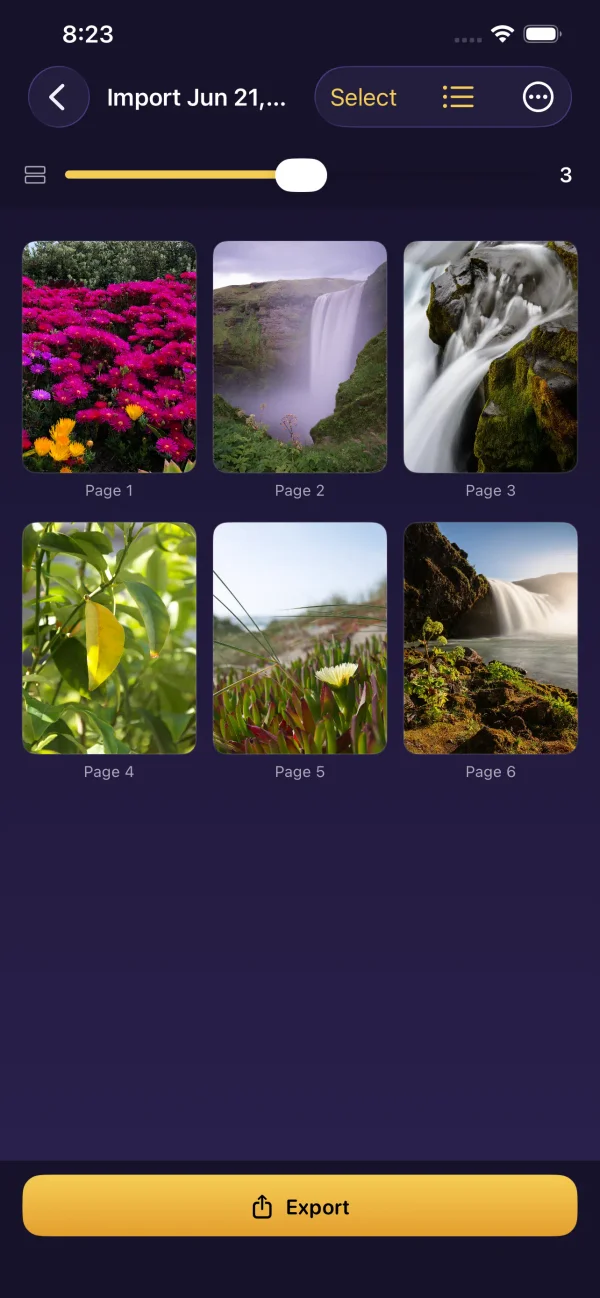
• Everything lands in one review screen, so you can mix scans and imports into a single document.
CAPTURE FROM THE WEB
• Paste any link and DocScan captures the page in a clean, ad-free "reader" view — split into tidy 8.5×11 pages with the source link right on top.
• Save recipes and posts from Instagram and Facebook — the photo and the full caption come through.
• Turn on "Also grab linked pages" to follow a page's links one level deep, with a live progress bar (and a Stop button) and an index of every link at the end.
• Every web capture keeps a clickable Source link, so you can always jump back to the original.
REVIEW BEFORE YOU SAVE
• Tap any page to view it full-screen — pinch to zoom right where your fingers are, swipe between pages, and delete a bad scan on the spot.
• Reorder pages by dragging.
• DocScan even suggests a document name from the biggest heading on the page.
ORGANIZE & FIND
• File documents into nested, color-coded folders. Rename, move, recolor, or delete anytime.
• Pinch to switch between a clean list and a grid — from compact rows up to one big page per tile.
• Full-text search reads the text inside your scans (on-device OCR), so you can find a document by name or by words written inside it.
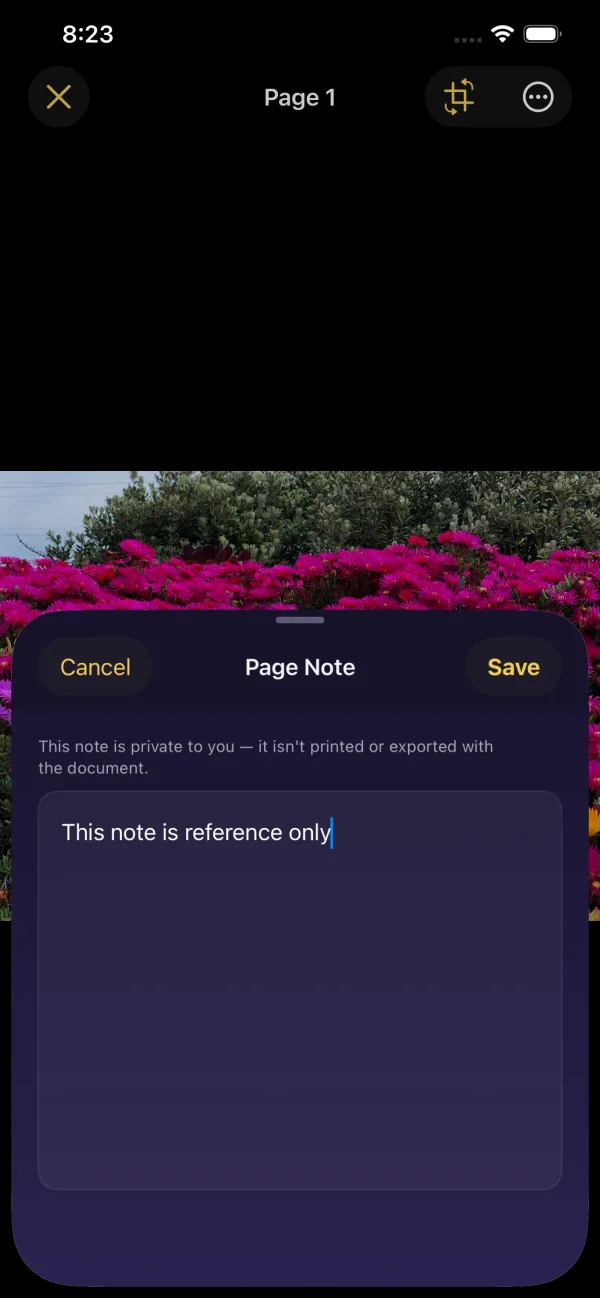
• Add private notes to a whole document or a single page — kept in your backups, never printed or exported.
EDIT & ANNOTATE
• Rotate, crop, and apply filters to any page.
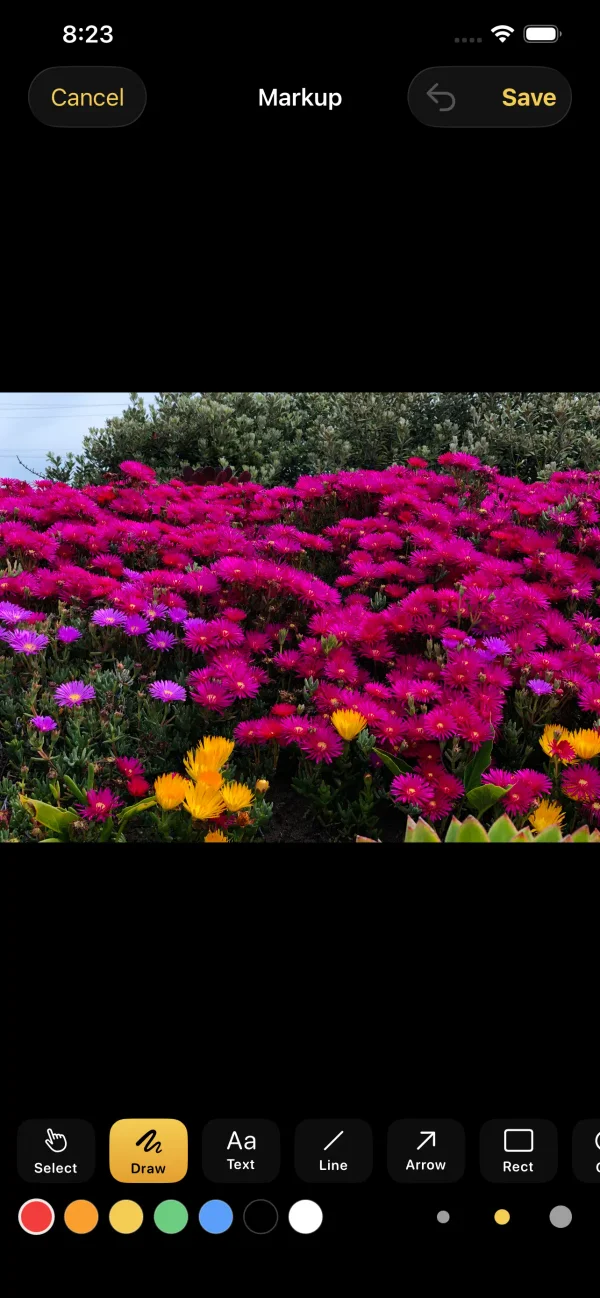
• Mark up pages with drawing, text, lines, arrows, shapes, and highlights.
EXPORT & SHARE
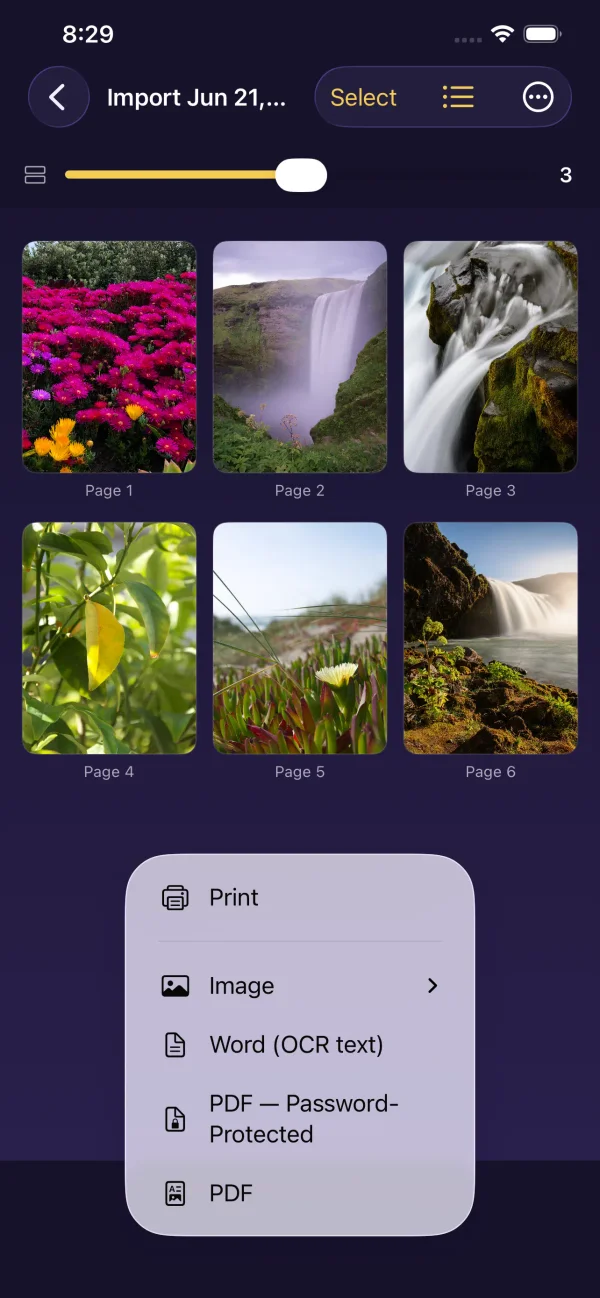
• Export as PDF (with a searchable text layer), a password-protected PDF, a Word document with recognized text, or images.
• Print natively, or share anywhere with the standard share sheet.
PRIVATE & SECURE
• Everything stays on your device — nothing is uploaded to us. Data Not Collected.
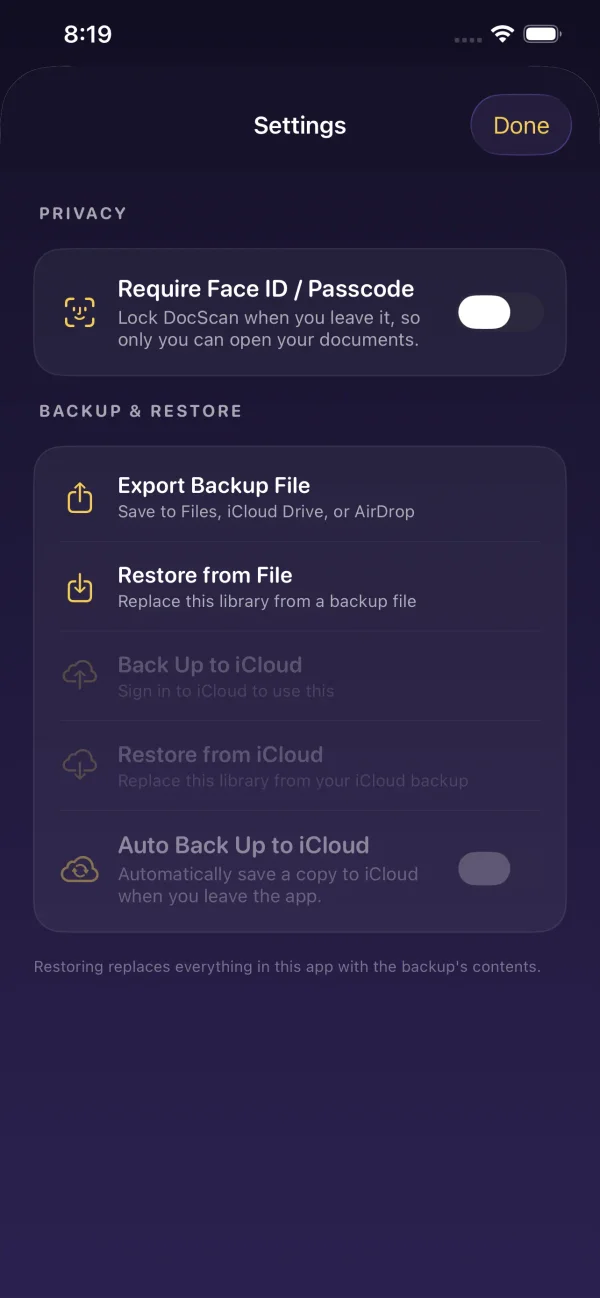
• Lock DocScan behind Face ID or your passcode.
• Back up to a portable file or your own iCloud, and restore on a new device. Turn on Auto Back Up to save whenever you leave the app.
FREE, WITH NO ADS
DocScan is completely free — no ads, no subscriptions. If it saves you time, an optional tip helps keep it that way, but it never unlocks anything; the whole app is yours.
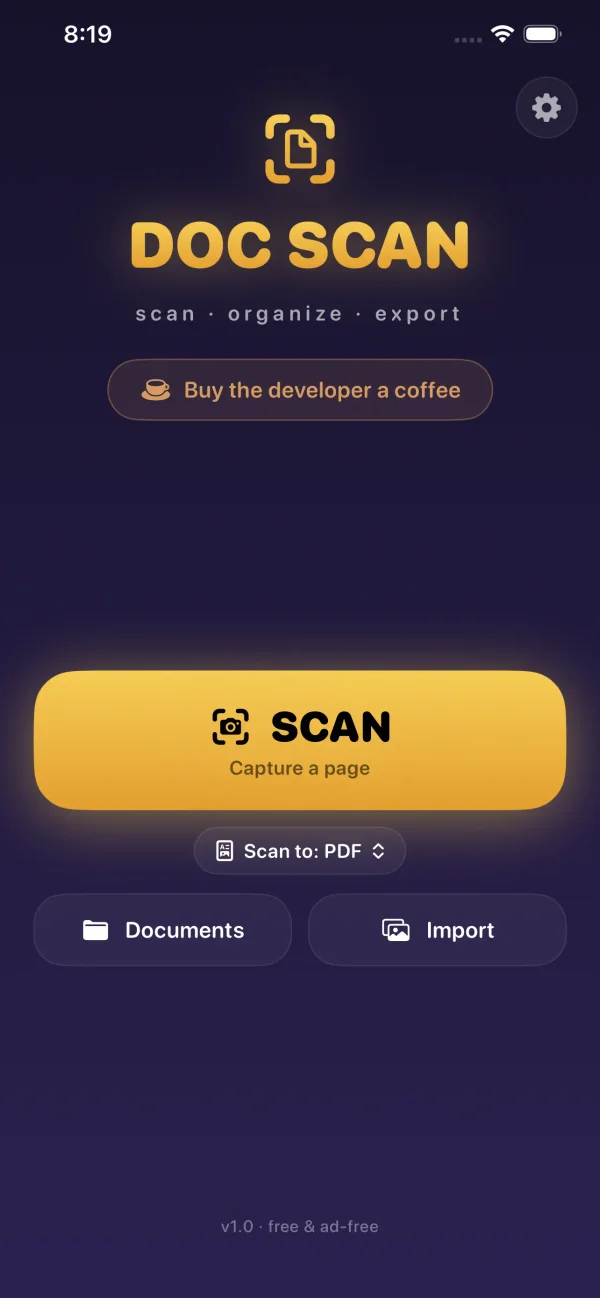
Scan a document — or paste a link — in seconds.
— —
Questions or feedback? We'd love to hear from you.
新機能
バージョン 2.0 · 2026/7/6
- Import sources: **Photos, Files (image / PDF / Word), and Links** — all land in the same review screen.
- **Reader-view web capture:** paste a link → strips ads/nav → clean article, paginated to US Letter, **source URL stamped** on top. Uses the same kind of engine as browser Reader View.
- **Recipe hero photo kept** even on sites (like Allrecipes) that hide it from the reader.
- **Instagram / Facebook / Threads posts:** captures the photo + full caption (recipe) from public preview data — no login.
- **Follow a caption's link** (e.g. "full recipe at…") one level automatically.
- **"Also grab linked pages"** switch: crawl a hub/index page's links one level deep (up to 15).
- **Live status bar** during import: which page it's on, a running "pages created" count, and a **Stop** button (keeps what's captured).
- **"Imported Links" index page** appended at the end so every source is listed in one spot.
- **Full-screen page preview** in review: pinch-zoom **to the pinch point**, swipe between pages, **red Delete** to remove a page as you review.
- **Auto-name** from the largest-font title on the first page.
- **Add more from Files / Links during review**, not just at the start.
- **Reliability:** replaced the pagination that could leave later pages blank on big imports; waits for pages to finish loading; handles memory pressure.
アプリのプライバシー
このアプリのデータの取り扱いについて、David SternがApp Storeで申告している内容です。
-
データの収集なし
開発元はこのアプリからデータを収集しません。
プライバシーの取り扱いは、ご利用の機能やお客様の年齢などに応じて異なる場合があります。
情報
- 販売元
- David Stern
- カテゴリ
- 仕事効率化
- バージョン
- 2.0
- 更新日
- 2026/7/6
- リリース
- 2026/6/24
- サイズ
- 3.1 MB
- 必要条件
- iOS 17.6以降
- 対象年齢
- 4+
- 価格
- 無料
- アプリ内課金
- あり
- 言語
- 英語
- 著作権
- © 2026 David Stern
こちらもおすすめ
-
 PDF Scanner AI - スキャナーアプリPDFにスキャン、印刷、OCRで文字認識、署名・翻訳も
-
 QuietScan: PDFスキャナローカルで完結する書類スキャナ
-
 Privascan: PDF Scanner & OCR仕事効率化
-
 Paperix - PDF Secure and Local仕事効率化
-
 Paperlogix - Document Scanner仕事効率化
-
 AI Document Scanner仕事効率化
-
 見事な4K-ライブ壁紙クールな4K背景
-
 スキャナーアプリ - PDF・OCRスマートPDF&書類スキャナー
-
 Arkio仕事効率化
-
 ContainerLINK™仕事効率化