Team List
Shared prep and order lists
Diseñada para iPhone, iPad
Gratis · Compras en la aplicación
- Clasificación por edad4+
- CategoríaProductividad
- Desarrolladorsupakit theerasutthikul
- IdiomasInglés
- Tamaño33,1 MB
Enlaza a la página oficial de App Store
Download.org no aloja ningún archivo de Team List. El botón abre la página de la aplicación en App Store, donde la publica supakit theerasutthikul. Ficha comprobada por última vez el 25/11/2026.
Capturas de pantalla


Acerca de
El desarrollador no ha proporcionado este texto en tu idioma.
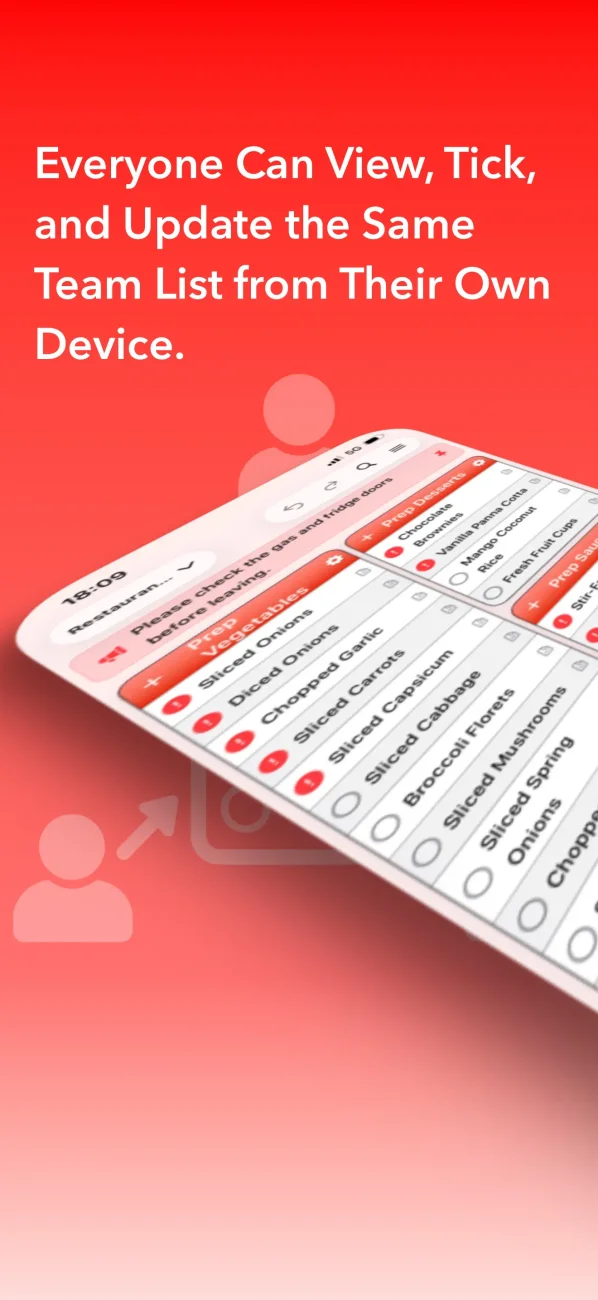
One Live List. Always Up to Date.
Paper lists become outdated the moment a recipe, quantity, note, or instruction changes. Team List gives teams one shared workspace where the latest information stays clear, organized, and available to everyone who needs it.
Update a recipe, preparation note, quantity, photo, or task once, and the latest version appears across the shared list in real time. There is no need to reprint a recipe, rewrite a paper list, or spend time explaining which copy is current.
Team List is designed for kitchens, retail teams, events, cleaning crews, offices, workshops, small businesses, and households that need a practical way to coordinate everyday work.
Keep Recipes and Notes Current
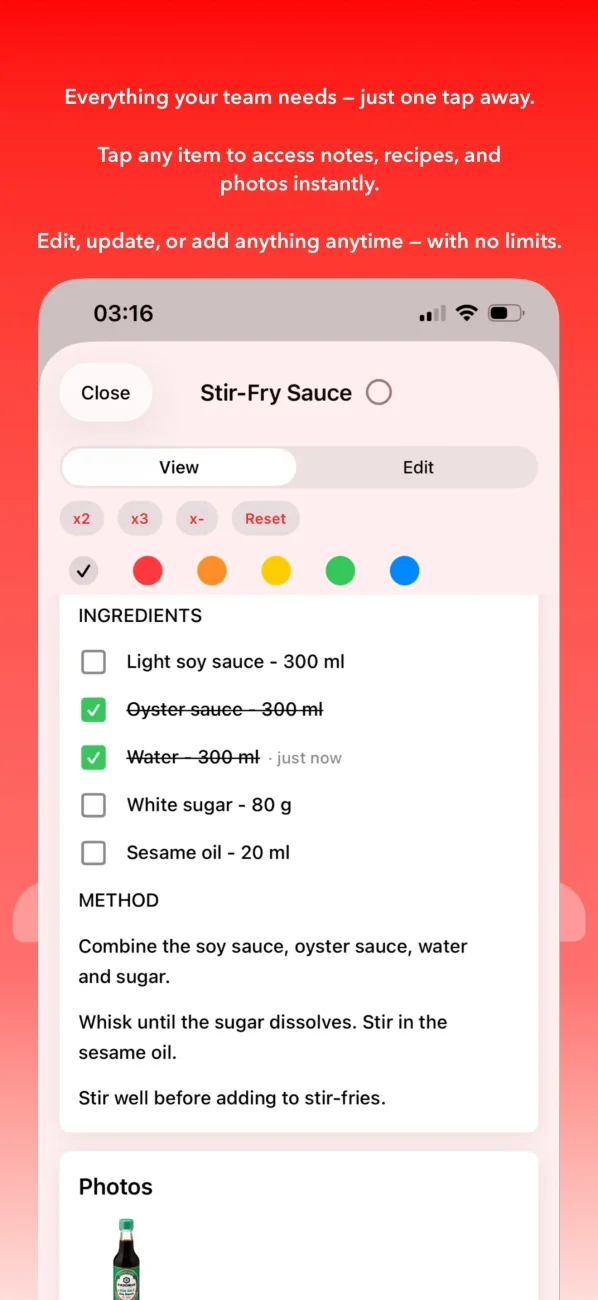
Attach recipes, photos, notes, and checkable preparation steps directly to an item.
When a recipe or instruction changes, an Editor can update it immediately. Everyone with access to the shared list can see the latest version without waiting for a new printed copy.
This helps reduce:
- Outdated recipes and instructions
- Repeated printing and paper waste
- Confusion between old and new versions
- Missed preparation steps
- Time spent explaining changes to every team member
Clear Roles for Every Team
The List Creator can manage access and switch other people between Editor and Member at any time.
- Creator: Manages the shared list, subscription, and member roles
- Editor: Can update list content, recipes, notes, quantities, sections, and order information
- Member: Uses operational controls without restructuring the list
Roles are simple to understand and can be adjusted whenever responsibilities change.
Build and Organize Lists Faster
- Add multiple items at once
- Scan visible text from a photo and review it before saving
- Choose whether scanned imports include all detected text or exclude numbers
- Organize work using pages, sections, colors, and Needed status
- Add notes, recipes, photos, and preparation steps to individual items
- Search large lists quickly
- Keep completed and outstanding work easy to understand
- Receive optional reminders for announcements on your selected Team List page
Create Clear Order Lists
Turn items marked Needed into a structured Order List with quantities and units.
Organize purchasing by section, update quantities as requirements change, mark pickup progress, and copy pickup-ready order text for one section or the entire order.
Example:
Produce
Cos lettuce — 1 head
Cucumber — 2 kg
Protein
Chicken thigh — 18 kg
Eggs — 179 pcs
Instead of rewriting an order or asking what changed, the latest quantities and pickup status stay together in one place.
Share One Workspace
Create a list and invite other people using its List ID. Everyone joins the same organized workspace and sees information according to their assigned role.
Team List can help:
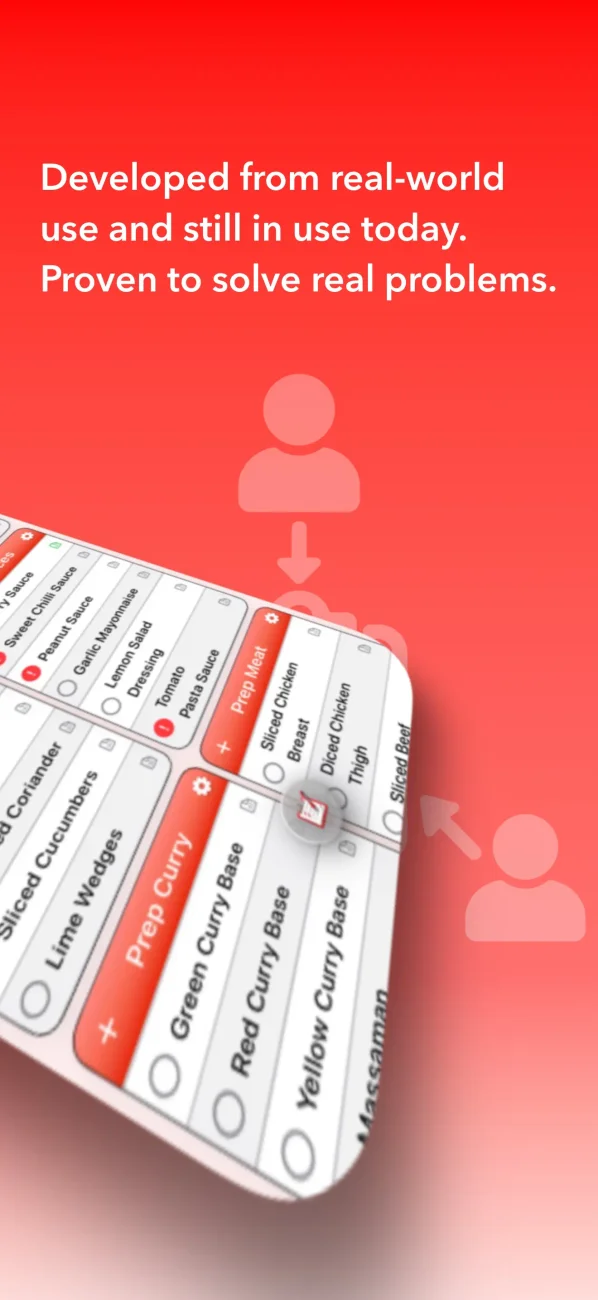
- Kitchens manage preparation, recipes, ingredients, and ordering
- Retail teams coordinate restocking and pickup
- Event teams organize supplies and setup tasks
- Cleaning crews maintain clear task instructions
- Offices and workshops manage shared operational lists
- Families coordinate shopping and household tasks
Team List Pro
Team List Pro is an auto-renewable subscription for List Creators. An active subscription unlocks shared list editing, Order List, member management, recipes, photos, and backup tools for one list.
Editors and Members use the List Creator’s active plan and do not need to purchase separate subscriptions.
Available subscription options, billing periods, localized prices, renewal information, and cancellation details are shown before purchase. Subscriptions can be restored or managed through the app and the App Store.
Existing list data is preserved if subscription access ends.
Terms of Use:
https://b-team.app/team-list/terms.html
Privacy Policy:
https://b-team.app/team-list/privacy.html
Support:
https://b-team.app/team-list/support.html
Novedades
Versión 1.0.24 · 24/11/2026
Bug fixes and small improvements.
Privacidad de la aplicación
Lo que supakit theerasutthikul declara en App Store sobre cómo esta aplicación gestiona los datos.
-
Datos vinculados a ti
Pueden recopilarse y vincularse a tu identidad.
- Compras
- Información de contacto
- Contenido del usuario
- Identificadores
- Datos de uso
- Diagnóstico
Las prácticas de privacidad pueden variar, por ejemplo, según las funciones que uses o tu edad.
Información
- Vendedor
- supakit theerasutthikul
- Categoría
- Productividad
- Versión
- 1.0.24
- Actualizado
- 24/11/2026
- Publicado
- 20/7/2026
- Tamaño
- 33,1 MB
- Requiere
- iOS 17.0 o posterior
- Clasificación por edad
- 4+
- Precio
- Gratis
- Compras en la aplicación
- Sí
- Idiomas
- Inglés
- Copyright
- © 2026 Suppakit Theerasutthikul
Quizá también te guste
-
 ShareList AppProductividad
-
 AI QuickNote: Smart Note TakerProductividad
-
 RestokeProductividad
-
 OrgiStor: Storage OrganizerProductividad
-
 Peekdo: Lista de tareasPrioridades en 4 cuadrantes
-
 AI Voice Translator LiveProductividad
-
 Dune Seven: ADHD PlannerProductividad
-
 pomodoro focus timer - PomiProductividad
-
 Notta for IntuneProductividad
-
 Australian Calendar 2024Productividad