Team List
Shared prep and order lists
Conçue pour iPhone, iPad
Gratuit · Achats intégrés
- Classification d’âge4+
- CatégorieProductivité
- Développeursupakit theerasutthikul
- LanguesAnglais
- Taille33,1 Mo
Renvoie vers la page App Store officielle
Download.org n’héberge aucun fichier de Team List. Le bouton ouvre la page de l’application sur App Store, où supakit theerasutthikul la publie. Fiche vérifiée pour la dernière fois le 25/11/2026.
Captures d’écran


À propos
Le développeur n’a pas fourni ce texte dans votre langue.
One Live List. Always Up to Date.
Paper lists become outdated the moment a recipe, quantity, note, or instruction changes. Team List gives teams one shared workspace where the latest information stays clear, organized, and available to everyone who needs it.
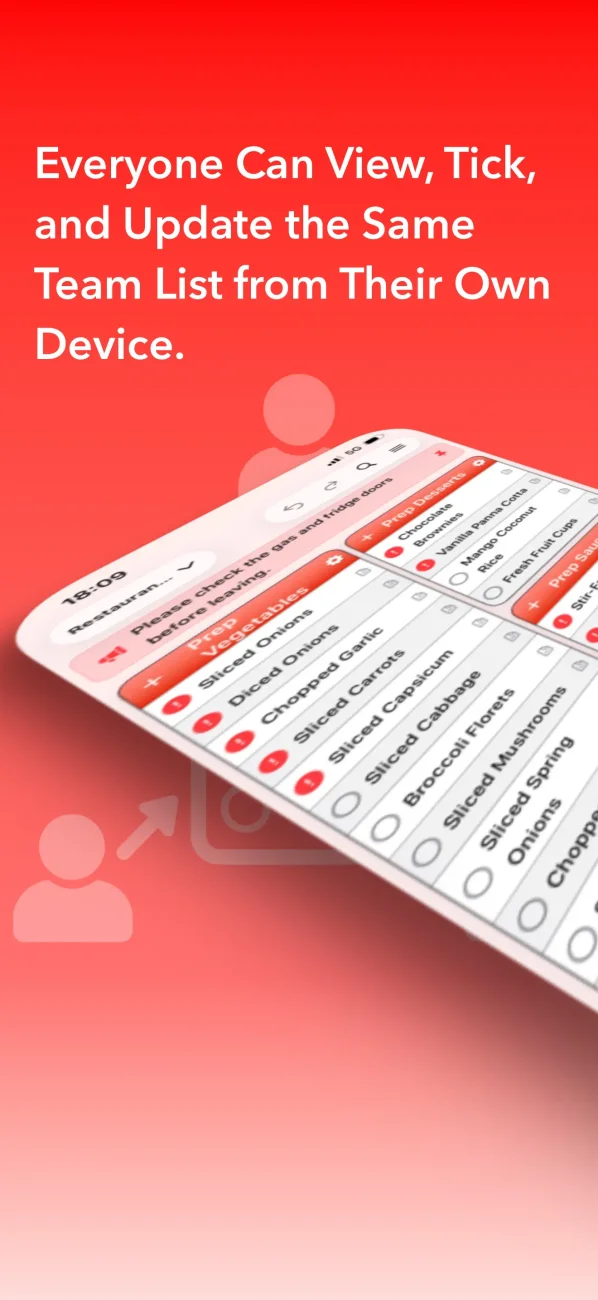
Update a recipe, preparation note, quantity, photo, or task once, and the latest version appears across the shared list in real time. There is no need to reprint a recipe, rewrite a paper list, or spend time explaining which copy is current.
Team List is designed for kitchens, retail teams, events, cleaning crews, offices, workshops, small businesses, and households that need a practical way to coordinate everyday work.
Keep Recipes and Notes Current
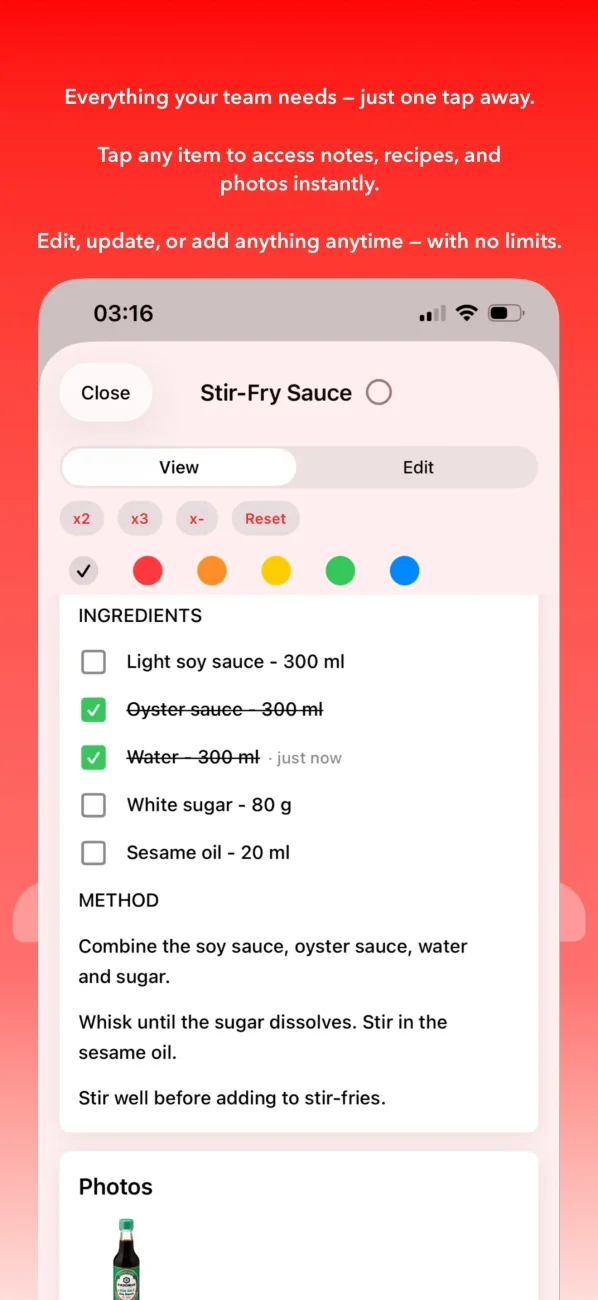
Attach recipes, photos, notes, and checkable preparation steps directly to an item.
When a recipe or instruction changes, an Editor can update it immediately. Everyone with access to the shared list can see the latest version without waiting for a new printed copy.
This helps reduce:
- Outdated recipes and instructions
- Repeated printing and paper waste
- Confusion between old and new versions
- Missed preparation steps
- Time spent explaining changes to every team member
Clear Roles for Every Team
The List Creator can manage access and switch other people between Editor and Member at any time.
- Creator: Manages the shared list, subscription, and member roles
- Editor: Can update list content, recipes, notes, quantities, sections, and order information
- Member: Uses operational controls without restructuring the list
Roles are simple to understand and can be adjusted whenever responsibilities change.
Build and Organize Lists Faster
- Add multiple items at once
- Scan visible text from a photo and review it before saving
- Choose whether scanned imports include all detected text or exclude numbers
- Organize work using pages, sections, colors, and Needed status
- Add notes, recipes, photos, and preparation steps to individual items
- Search large lists quickly
- Keep completed and outstanding work easy to understand
- Receive optional reminders for announcements on your selected Team List page
Create Clear Order Lists
Turn items marked Needed into a structured Order List with quantities and units.
Organize purchasing by section, update quantities as requirements change, mark pickup progress, and copy pickup-ready order text for one section or the entire order.
Example:
Produce
Cos lettuce — 1 head
Cucumber — 2 kg
Protein
Chicken thigh — 18 kg
Eggs — 179 pcs
Instead of rewriting an order or asking what changed, the latest quantities and pickup status stay together in one place.
Share One Workspace
Create a list and invite other people using its List ID. Everyone joins the same organized workspace and sees information according to their assigned role.
Team List can help:
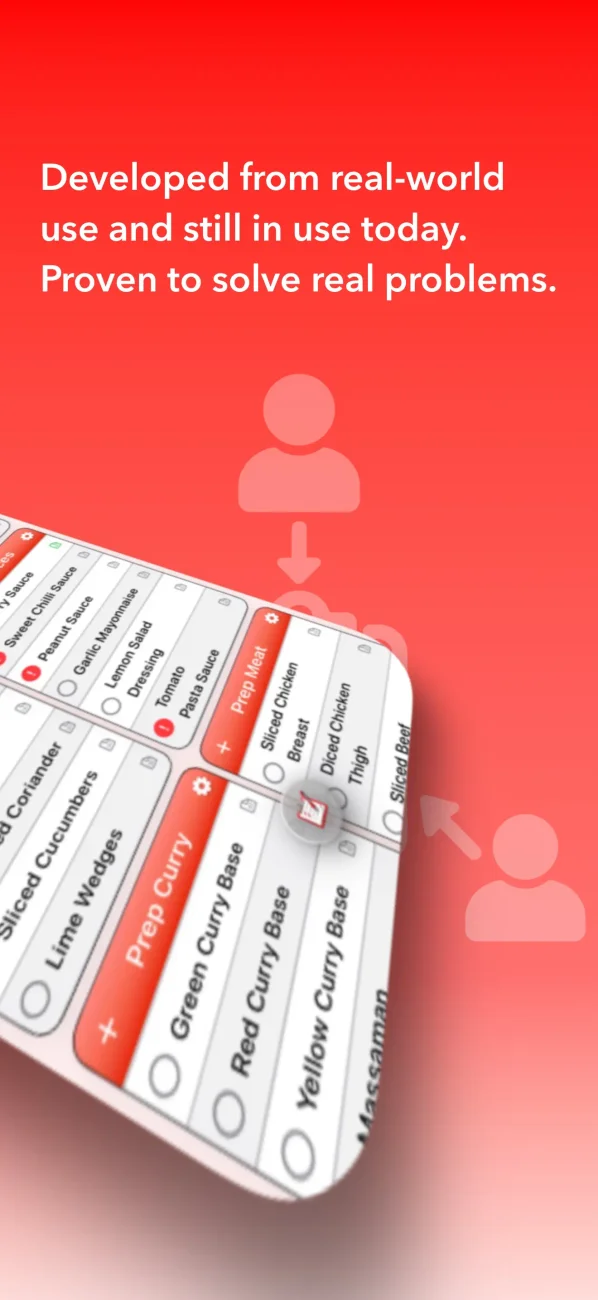
- Kitchens manage preparation, recipes, ingredients, and ordering
- Retail teams coordinate restocking and pickup
- Event teams organize supplies and setup tasks
- Cleaning crews maintain clear task instructions
- Offices and workshops manage shared operational lists
- Families coordinate shopping and household tasks
Team List Pro
Team List Pro is an auto-renewable subscription for List Creators. An active subscription unlocks shared list editing, Order List, member management, recipes, photos, and backup tools for one list.
Editors and Members use the List Creator’s active plan and do not need to purchase separate subscriptions.
Available subscription options, billing periods, localized prices, renewal information, and cancellation details are shown before purchase. Subscriptions can be restored or managed through the app and the App Store.
Existing list data is preserved if subscription access ends.
Terms of Use:
https://b-team.app/team-list/terms.html
Privacy Policy:
https://b-team.app/team-list/privacy.html
Support:
https://b-team.app/team-list/support.html
Nouveautés
Version 1.0.24 · 24/11/2026
Bug fixes and small improvements.
Confidentialité de l’application
Ce que supakit theerasutthikul déclare sur l’App Store au sujet du traitement des données par cette application.
-
Données établissant un lien avec vous
Peuvent être collectées et liées à votre identité.
- Achats
- Coordonnées
- Contenu utilisateur
- Identifiants
- Données d’utilisation
- Diagnostic
Les pratiques en matière de confidentialité peuvent varier, notamment en fonction des fonctionnalités que vous utilisez ou de votre âge.
Informations
- Vendeur
- supakit theerasutthikul
- Catégorie
- Productivité
- Version
- 1.0.24
- Mis à jour
- 24/11/2026
- Publié
- 20/07/2026
- Taille
- 33,1 Mo
- Nécessite
- iOS 17.0 ou version ultérieure
- Classification d’âge
- 4+
- Prix
- Gratuit
- Achats intégrés
- Oui
- Langues
- Anglais
- Copyright
- © 2026 Suppakit Theerasutthikul
Vous aimerez peut-être aussi
-
 ShareList AppProductivité
-
 AI QuickNote: Prise de notesTranscrire réunions et idées
-
 RestokeProductivité
-
 OrgiStor: Storage OrganizerProductivité
-
 Peekdo: To-do écran verrouilléTri par urgence et importance
-
 Traducteur Vocal IAVoix, Photo et Temps Réel
-
 Dune Seven: ADHD PlannerProductivité
-
 pomodoro focus timer - PomiProductivité
-
 Notta for IntuneProductivité
-
 Australian Calendar 2024Productivité