Teleprompter
Mirror Text & Script for Video
Diseñada para iPhone, iPad
Gratis · Compras en la aplicación
- Clasificación por edad4+
- CategoríaProductividad
- DesarrolladorTeleprompter Apps Ltd
- IdiomasInglés+ 9 más
- Tamaño73,8 MB
Enlaza a la página oficial de App Store
Download.org no aloja ningún archivo de Teleprompter. El botón abre la página de la aplicación en App Store, donde la publica Teleprompter Apps Ltd. Ficha comprobada por última vez el 28/11/2026.
Capturas de pantalla



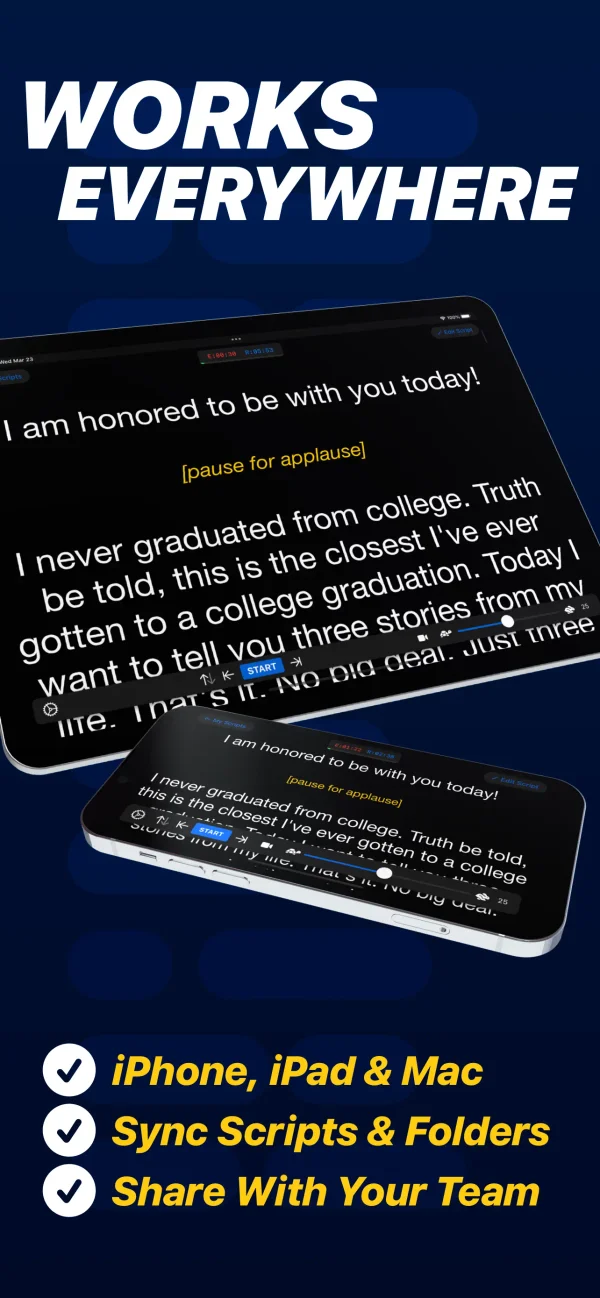
Acerca de
El desarrollador no ha proporcionado este texto en tu idioma.
Turn your device into a Teleprompter for free... Teleprompter is the best free teleprompter app used by creators and studios including Netflix, ABC, CBS, BBC, Fox, ITV, Channel 4, UKTV and many more.
Engineered for real-world reliability, Teleprompter is packed with everything you'll need for your content, production or presentation.
Available for Free:
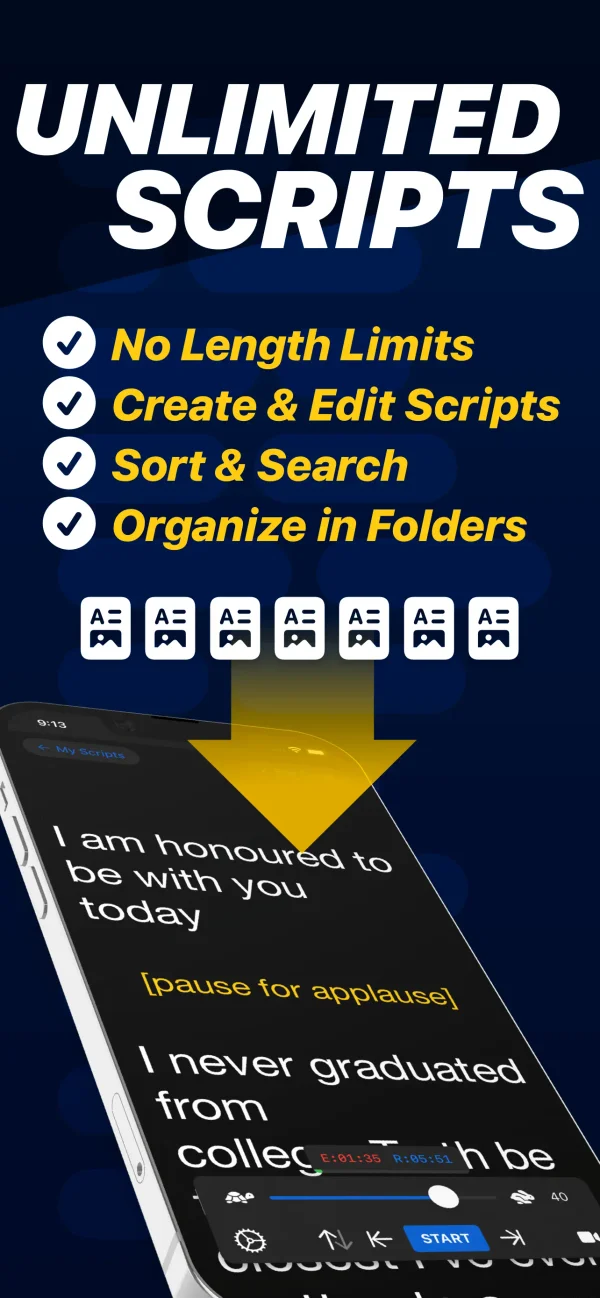
• Compose, create, and manage unlimited scripts with NO character or length limits
• Adjust text size, font, and colour to suit your setup
• Import (up to 5) documents in Word, PDF, .txt, and .rtf formats from any app
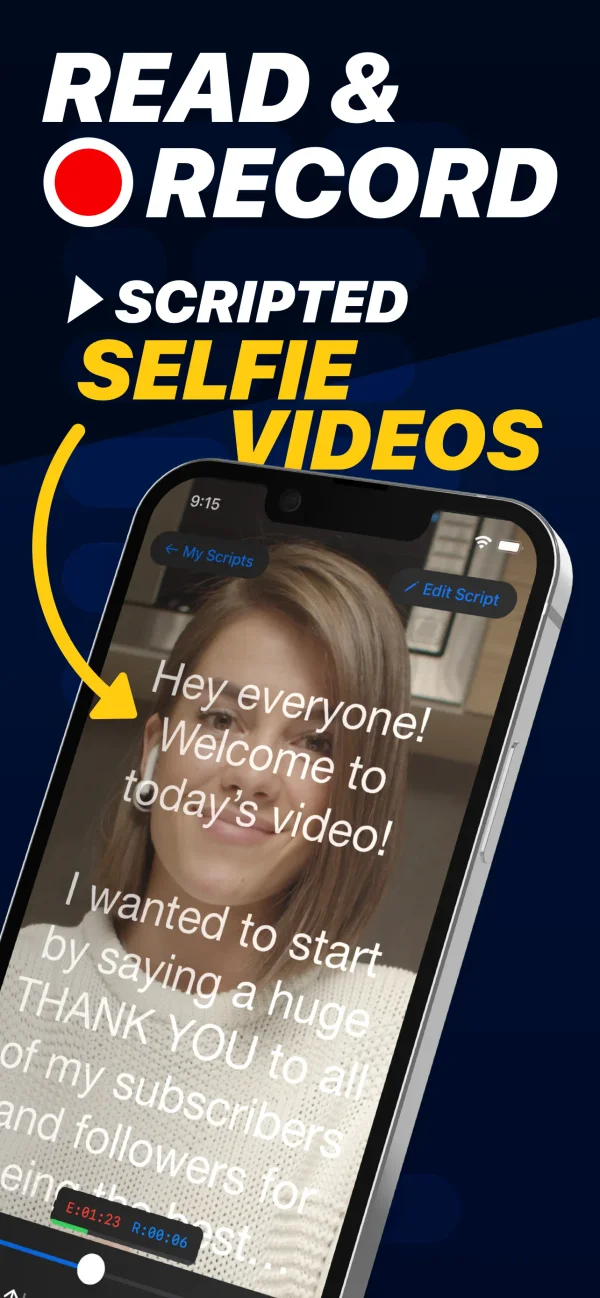
• Record videos using your device camera while reading from the Teleprompter
• Save recorded videos directly to Photos or share to apps like Instagram, YouTube, and TikTok
• Apply real-time video effects (Virtual Backgrounds, portrait mode)
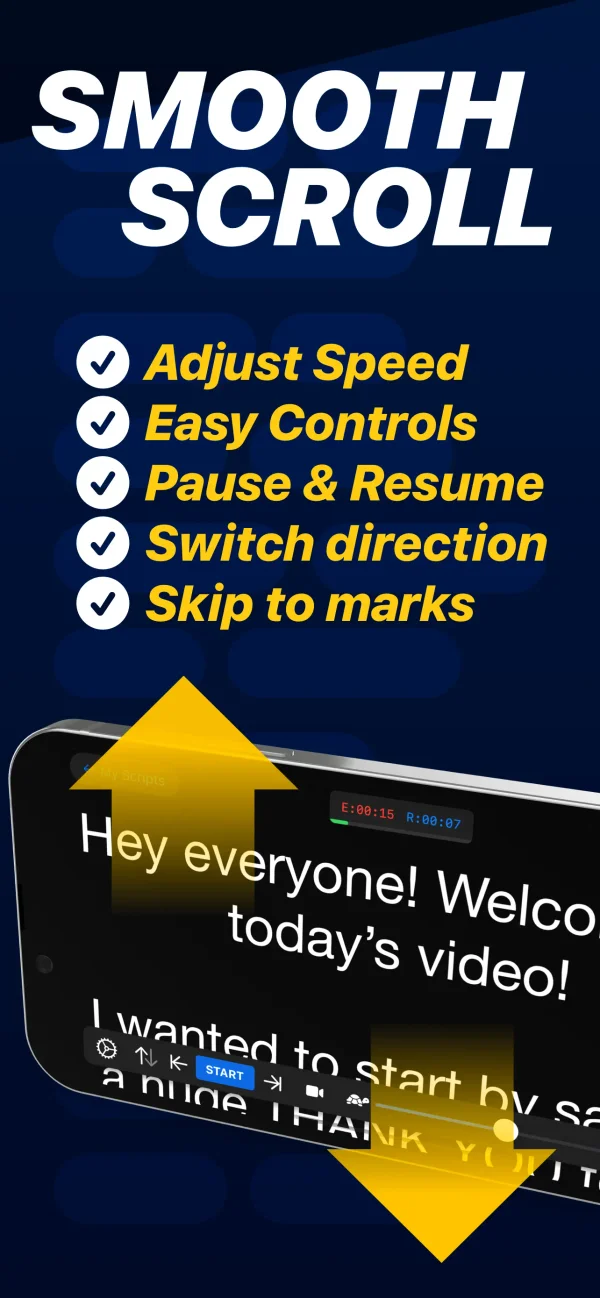
• Scripts scroll smoothly with easy speed control
• Scroll up to 120Hz on ProMotion devices
• Use any font installed on your device for your teleprompter scripts
• Basic control options from connected keyboards and controllers
• Export and share scripts easily, or save as backup files
• Add cue points to jump to specific parts of your script
• Add a countdown timer before scrolling begins
• Re-arrange scripts by title, date, or custom order
• AirDrop scripts to nearby devices
• (Optional) Synchronise your scripts across all your devices automatically via cloud sync
• Use Timed Scrolling to scroll your script over a set duration
• Display elapsed and remaining time based on scroll speed
• Display a reading guide arrow or line with customisable style and position
• Set custom default settings (font, colour, layout) for new and imported scripts
• Display your scripts full screen by hiding the controls while scrolling
• Set a custom background colour behind your script
• Adjust side margins to reduce eye movement or fit beam splitter glass
• Select between "Continuous" or "Paging" scroll modes
• Use the Teleprompter while participating in video meetings (e.g., Zoom or Google Meet)
• Use Slide Over or Split View on iPad to multitask with other apps
Extra features available with the optional Pro upgrade:
• Import unlimited documents in Word, PDF, .txt, and .rtf formats from any app
• Mirror or reverse the text for use in professional on-camera Teleprompter rigs
• Control the Teleprompter from any web browser on the same WiFi network
• Use other nearby iOS devices to monitor and control scrolling and speed via Bluetooth
• Control the Teleprompter remotely using keyboard, handheld remote, foot pedal, or gaming controller (including PlayStation and Xbox)
• Customisable button/key assignments for remote controls and keyboards
• Use Apple Watch to control the scrolling of your script on iPhone
• Use the IKAN Elite Remote for scrolling control
• Display your script full screen on a connected display or AirPlay TV, with optional independent mirroring
• Use the built-in script editor to format text with rich text features like bold, italic, underline, and text colour
• Export scripts as Rich Text (.rtf) files for editing on other devices
• Connect via HDMI or AirPlay to external displays with "clean feed"
• Automatically generate '.srt' captions and subtitles for your videos
• Retrieve backups of your recordings from the cloud
Designed to be the best free Teleprompter app with mirroring.
Teleprompter is designed for presentations, lectures, broadcasters, filmmakers, musicians & singers, business professionals, or any public speaking!
Pro Upgrade Purchase:
The Teleprompter Pro upgrade is available as a one-time in-app purchase forever, or as a subscription. If you chose to subscribe (optional), you can cancel anytime within the app, or from your Apple ID account settings.
Terms: https://teleprompterpro.com/terms
Privacy: https://teleprompterpro.com/privacy
Novedades
Versión 3.92.0 · 4/11/2026
- Fixed an issue that could cause Virtual Background videos to be the wrong orientation
Privacidad de la aplicación
Lo que Teleprompter Apps Ltd declara en App Store sobre cómo esta aplicación gestiona los datos.
-
Datos vinculados a ti
Pueden recopilarse y vincularse a tu identidad.
- Información de contacto
- Contenido del usuario
- Identificadores
-
Datos no vinculados a ti
Pueden recopilarse, pero no se vinculan a tu identidad.
- Datos de uso
Las prácticas de privacidad pueden variar, por ejemplo, según las funciones que uses o tu edad.
Información
- Vendedor
- Teleprompter Apps Ltd
- Categoría
- Productividad
- Versión
- 3.92.0
- Actualizado
- 4/11/2026
- Publicado
- 17/2/2015
- Tamaño
- 73,8 MB
- Requiere
- iOS 16.0 o posterior
- Clasificación por edad
- 4+
- Precio
- Gratis
- Compras en la aplicación
- Sí
- Idiomas
- Inglés, Neerlandés, Francés, Alemán, Indonesio, Italiano, Malayo, Portugués, Español, Sueco
- Copyright
- © Teleprompter Apps Ltd
Quizá también te guste
-
 Teleprompter Grabación VideoSubtitulos Discurso Prompter
-
 Teleprompter Vídeo y ApuntadorGuion y subtítulos automáticos
-
 Transkriptor - Voz a TextoConvertir video y voz a texto
-
 Teleprompter para Vídeos ReelsLeer Guion, Grabar, Subtítulos
-
 Forms for Google DocsCrear y analizar encuestas
-
 WordPress - Constructor webDiseña un sitio, crea un blog
-
 Resumen Asistente de Notas IANotas de voz grabadora audio
-
 Notta-Habla a textoGrabadora de voz,nota de voz
-
 SpeakApp AI: transcribir audioTraductor notas de voz a texto
-
 Formularios рara Google FormsCrear y ver respuestas