- 対象年齢4+
- カテゴリ仕事効率化
- 開発元Teleprompter Apps Ltd
- 言語英語ほか9言語
- サイズ73.8 MB
App Storeの公式ページにリンクしています
Download.orgはTeleprompterのファイルを一切ホストしていません。ボタンを押すと、Teleprompter Apps Ltdが公開しているApp Storeのアプリページが開きます。ページの最終確認:2026/11/28。
スクリーンショット



概要
開発元はこのテキストをお使いの言語で提供していません。
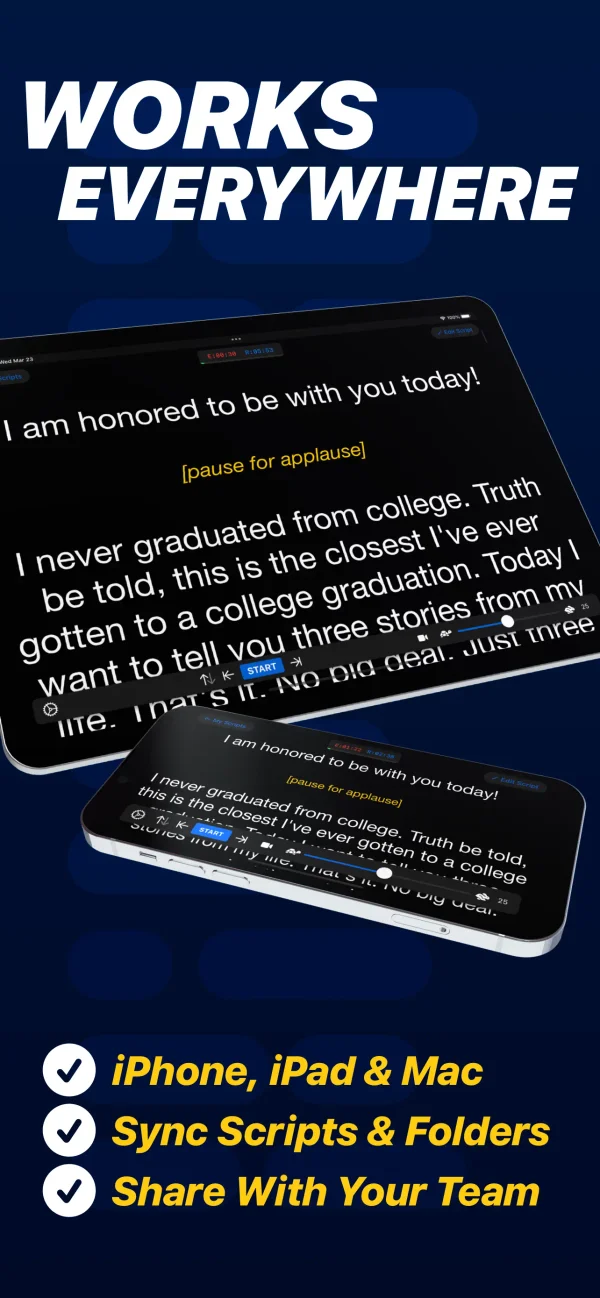
Turn your device into a Teleprompter for free... Teleprompter is the best free teleprompter app used by creators and studios including Netflix, ABC, CBS, BBC, Fox, ITV, Channel 4, UKTV and many more.
Engineered for real-world reliability, Teleprompter is packed with everything you'll need for your content, production or presentation.
Available for Free:
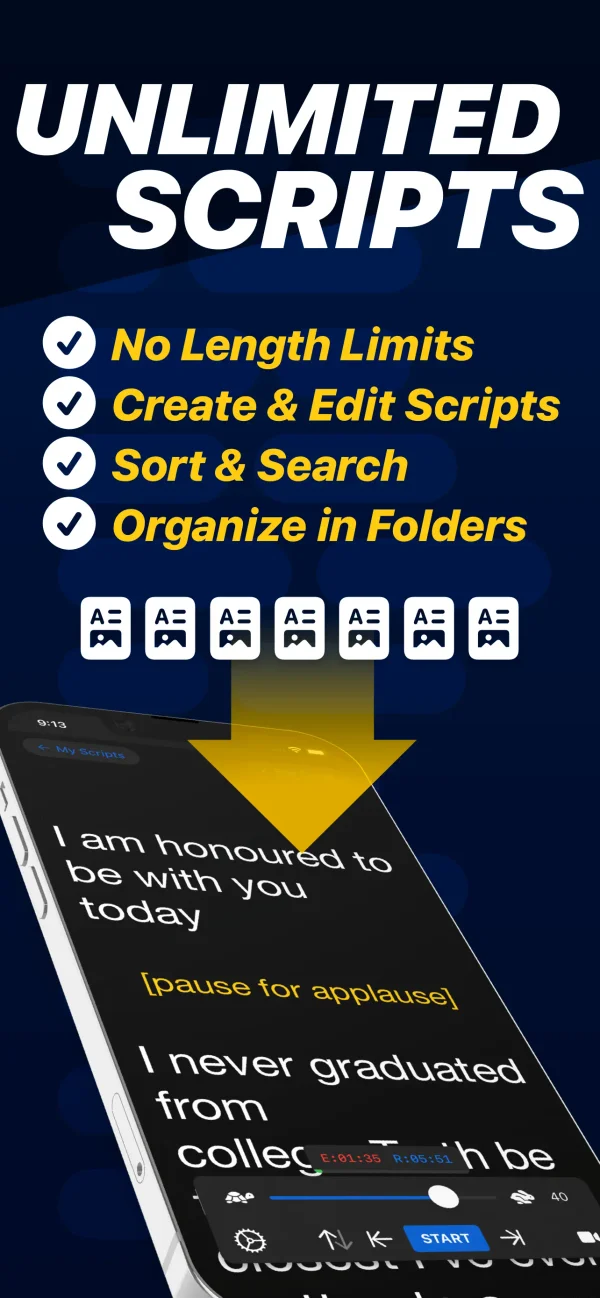
• Compose, create, and manage unlimited scripts with NO character or length limits
• Adjust text size, font, and colour to suit your setup
• Import (up to 5) documents in Word, PDF, .txt, and .rtf formats from any app
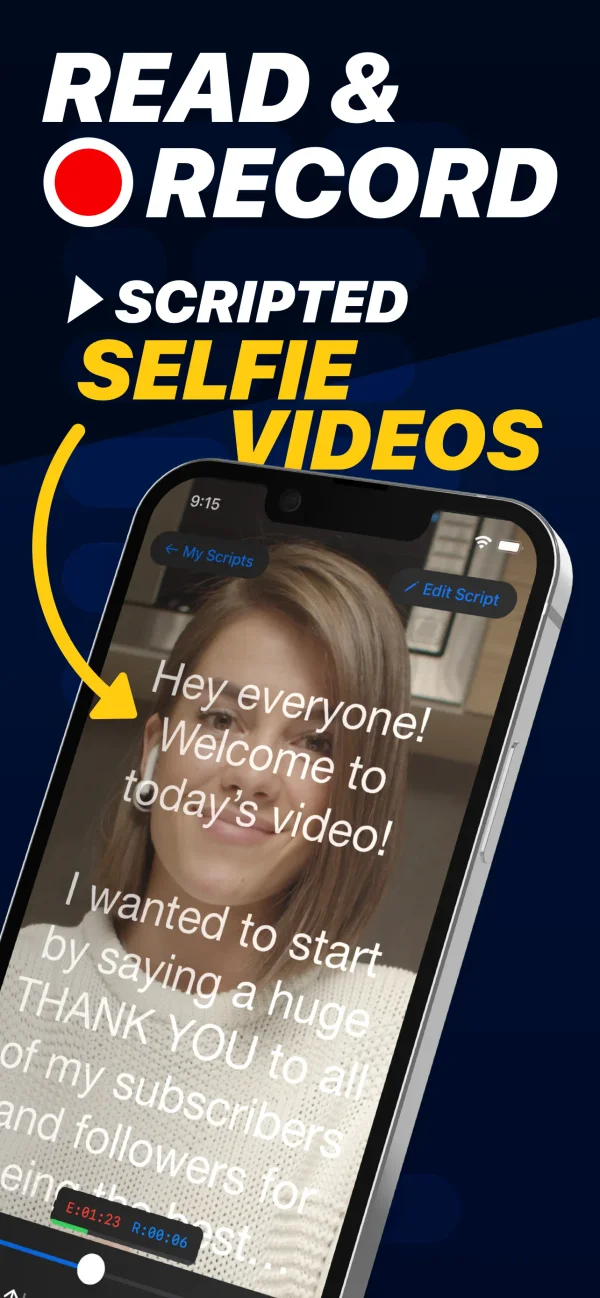
• Record videos using your device camera while reading from the Teleprompter
• Save recorded videos directly to Photos or share to apps like Instagram, YouTube, and TikTok
• Apply real-time video effects (Virtual Backgrounds, portrait mode)
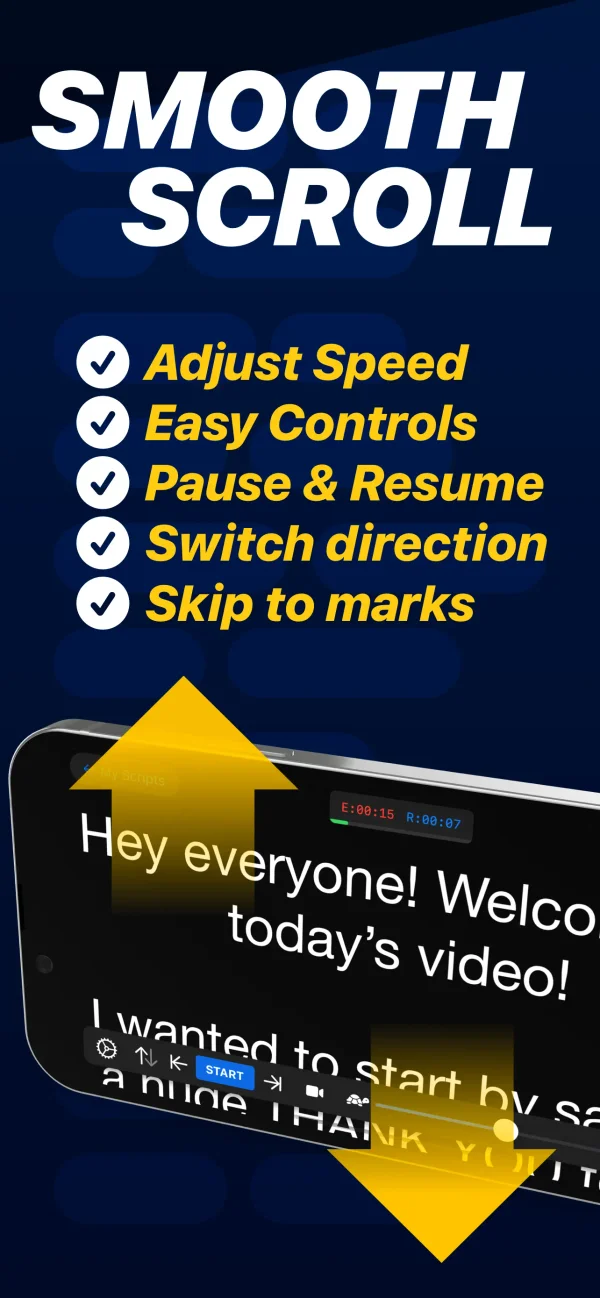
• Scripts scroll smoothly with easy speed control
• Scroll up to 120Hz on ProMotion devices
• Use any font installed on your device for your teleprompter scripts
• Basic control options from connected keyboards and controllers
• Export and share scripts easily, or save as backup files
• Add cue points to jump to specific parts of your script
• Add a countdown timer before scrolling begins
• Re-arrange scripts by title, date, or custom order
• AirDrop scripts to nearby devices
• (Optional) Synchronise your scripts across all your devices automatically via cloud sync
• Use Timed Scrolling to scroll your script over a set duration
• Display elapsed and remaining time based on scroll speed
• Display a reading guide arrow or line with customisable style and position
• Set custom default settings (font, colour, layout) for new and imported scripts
• Display your scripts full screen by hiding the controls while scrolling
• Set a custom background colour behind your script
• Adjust side margins to reduce eye movement or fit beam splitter glass
• Select between "Continuous" or "Paging" scroll modes
• Use the Teleprompter while participating in video meetings (e.g., Zoom or Google Meet)
• Use Slide Over or Split View on iPad to multitask with other apps
Extra features available with the optional Pro upgrade:
• Import unlimited documents in Word, PDF, .txt, and .rtf formats from any app
• Mirror or reverse the text for use in professional on-camera Teleprompter rigs
• Control the Teleprompter from any web browser on the same WiFi network
• Use other nearby iOS devices to monitor and control scrolling and speed via Bluetooth
• Control the Teleprompter remotely using keyboard, handheld remote, foot pedal, or gaming controller (including PlayStation and Xbox)
• Customisable button/key assignments for remote controls and keyboards
• Use Apple Watch to control the scrolling of your script on iPhone
• Use the IKAN Elite Remote for scrolling control
• Display your script full screen on a connected display or AirPlay TV, with optional independent mirroring
• Use the built-in script editor to format text with rich text features like bold, italic, underline, and text colour
• Export scripts as Rich Text (.rtf) files for editing on other devices
• Connect via HDMI or AirPlay to external displays with "clean feed"
• Automatically generate '.srt' captions and subtitles for your videos
• Retrieve backups of your recordings from the cloud
Designed to be the best free Teleprompter app with mirroring.
Teleprompter is designed for presentations, lectures, broadcasters, filmmakers, musicians & singers, business professionals, or any public speaking!
Pro Upgrade Purchase:
The Teleprompter Pro upgrade is available as a one-time in-app purchase forever, or as a subscription. If you chose to subscribe (optional), you can cancel anytime within the app, or from your Apple ID account settings.
Terms: https://teleprompterpro.com/terms
Privacy: https://teleprompterpro.com/privacy
新機能
バージョン 3.92.0 · 2026/11/4
- Fixed an issue that could cause Virtual Background videos to be the wrong orientation
アプリのプライバシー
このアプリのデータの取り扱いについて、Teleprompter Apps LtdがApp Storeで申告している内容です。
-
ユーザーに関連付けられたデータ
収集され、ユーザーの識別情報に関連付けられる場合があります。
- 連絡先情報
- ユーザーコンテンツ
- ID
-
ユーザーに関連付けられないデータ
収集される場合がありますが、ユーザーの識別情報には関連付けられません。
- 使用状況データ
プライバシーの取り扱いは、ご利用の機能やお客様の年齢などに応じて異なる場合があります。
情報
- 販売元
- Teleprompter Apps Ltd
- カテゴリ
- 仕事効率化
- バージョン
- 3.92.0
- 更新日
- 2026/11/4
- リリース
- 2015/2/17
- サイズ
- 73.8 MB
- 必要条件
- iOS 16.0以降
- 対象年齢
- 4+
- 価格
- 無料
- アプリ内課金
- あり
- 言語
- 英語, オランダ語, フランス語, ドイツ語, インドネシア語, イタリア語, マレー語, ポルトガル語, スペイン語, スウェーデン語
- 著作権
- © Teleprompter Apps Ltd
こちらもおすすめ
-
 プロンプター キャプション ビデオテレプロンプタービデオ 字幕スクリプティ
-
 OnTake テレプロンプター&動画カンペ台本・原稿を表示&字幕を自動作成
-
 Transkriptor - 音声をテキストに音声および音声からテキストへのコンバーター
-
 ビデオテレプロンプター & スクリプト録音自動字幕 & 音声スクロール録画
-
 Google フォーム / Google FormsGoogleフォーム作成&回答確認
-
 WordPress – Website Builder仕事効率化
-
 CraftNote: AI文字起こし・録音・議事録アプリ音声メモ・通話録音・会議・講義・ボイスレコーダー・AI要約
-
 Notta-自動文字起こし・日本語の音声をテキスト変換音声入力で議事録作成・録音機・会議の録音・ボイスレコーダー
-
 SpeakApp AI: Voice Notes仕事効率化
-
 Google Forms用フォーム、ふぉーむアンケート作成