TempTale App
Mobile Access to Temp Data
Diseñada para iPhone, iPod touch
Gratis
- Clasificación por edad4+
- CategoríaReferencia
- DesarrolladorSensitech Inc.
- IdiomasInglés+ 8 más
- Tamaño157,9 MB
Enlaza a la página oficial de App Store
Download.org no aloja ningún archivo de TempTale App. El botón abre la página de la aplicación en App Store, donde la publica Sensitech Inc. Ficha comprobada por última vez el 22/11/2026.
Capturas de pantalla
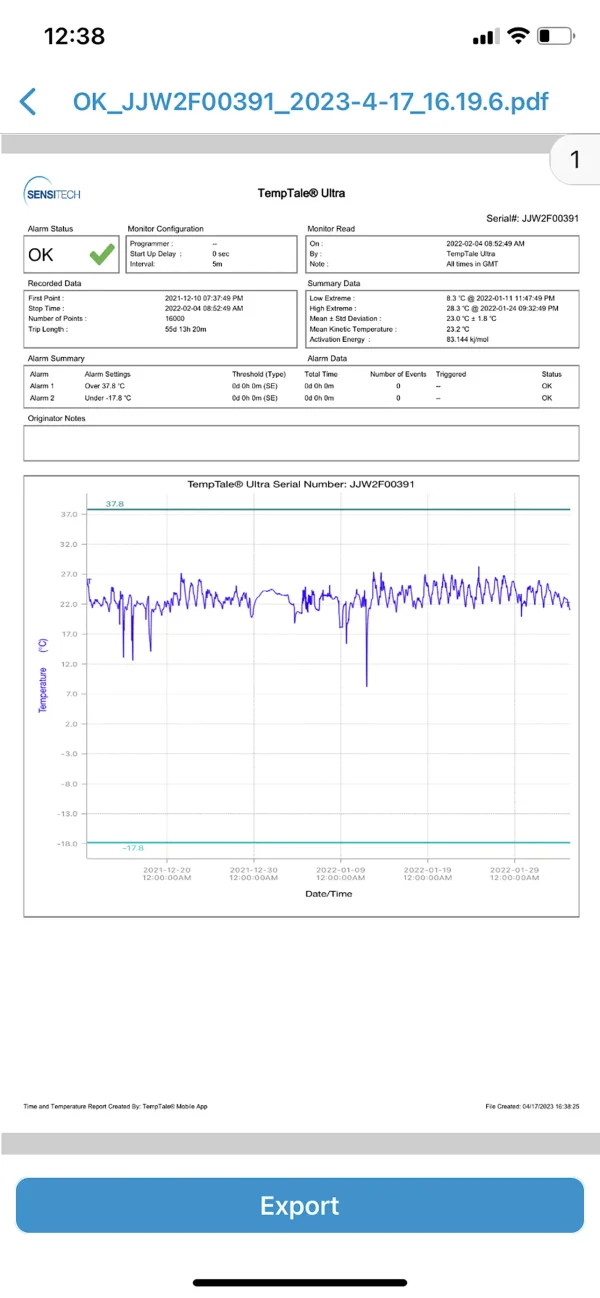
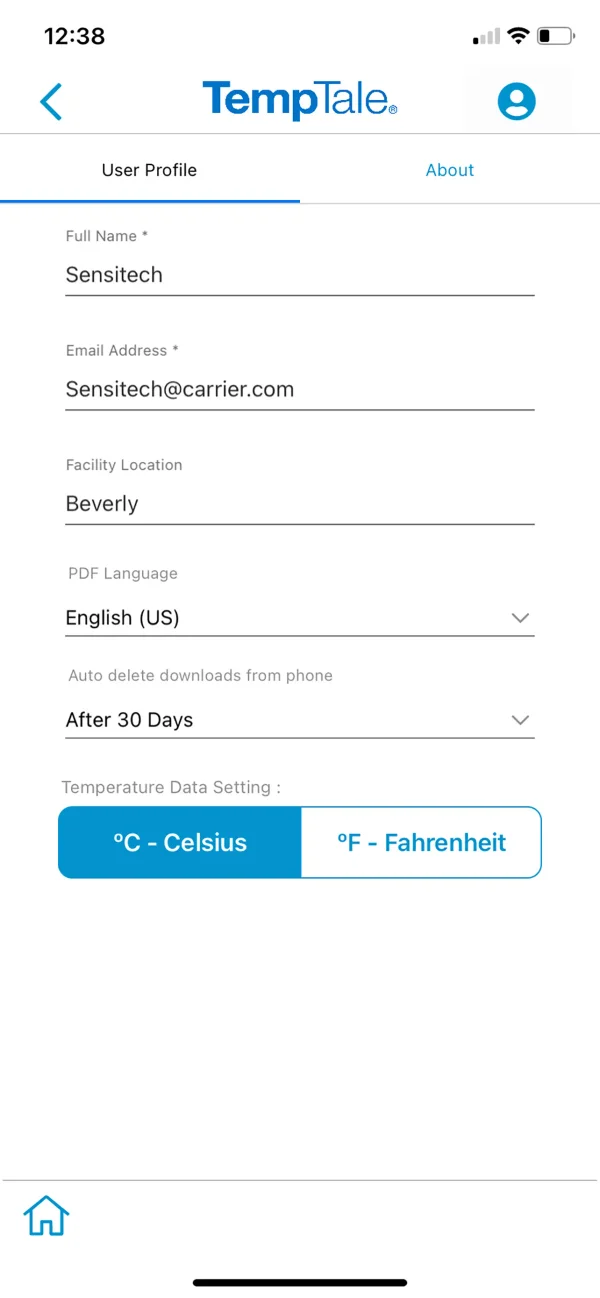
Acerca de
El desarrollador no ha proporcionado este texto en tu idioma.
TempTale® Mobile App supports reading temperature from these Sensitech wireless devices used in temperature-sensitive supply chain shipments:
TempTale® BLE (Bluetooth) monitor:
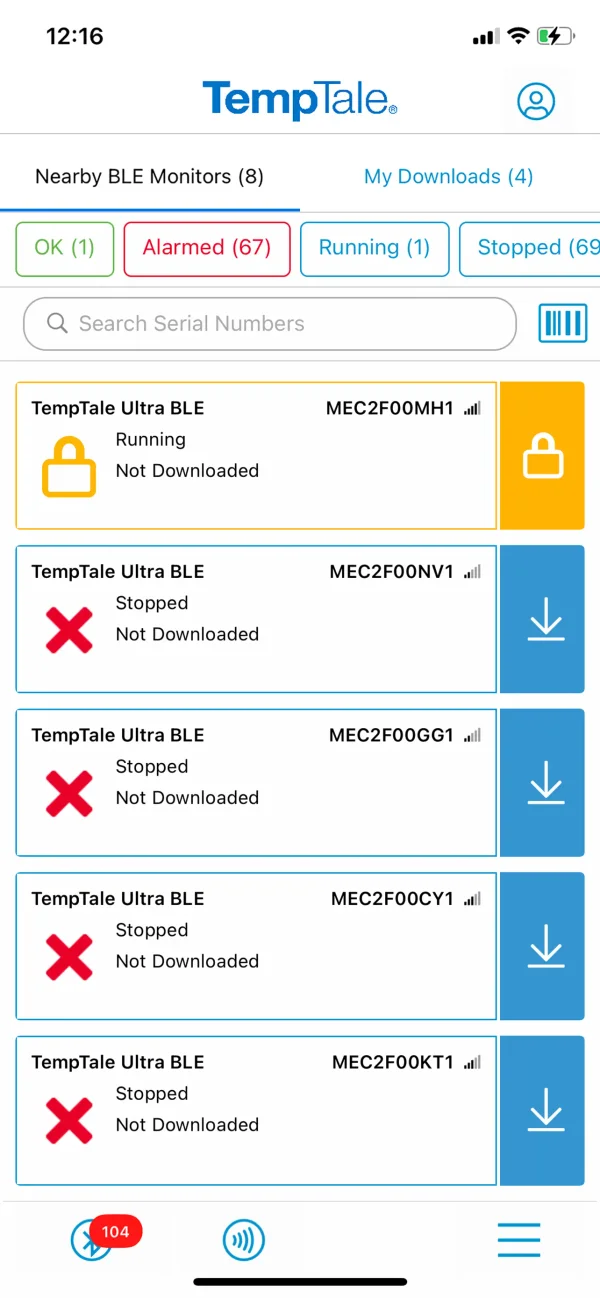
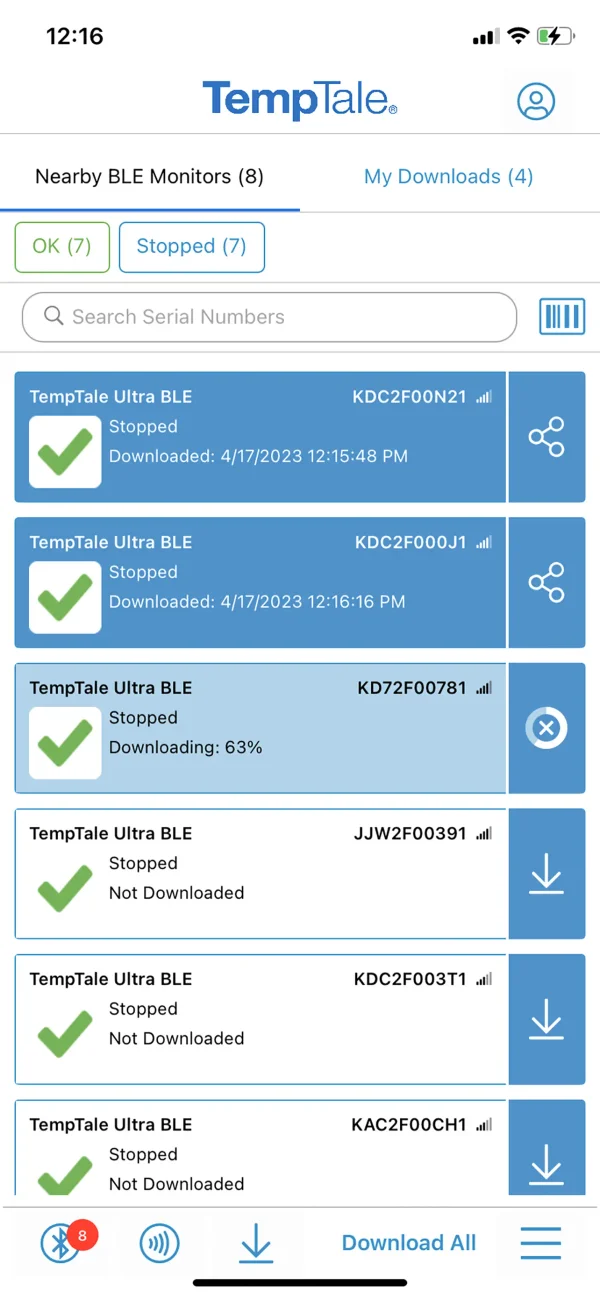
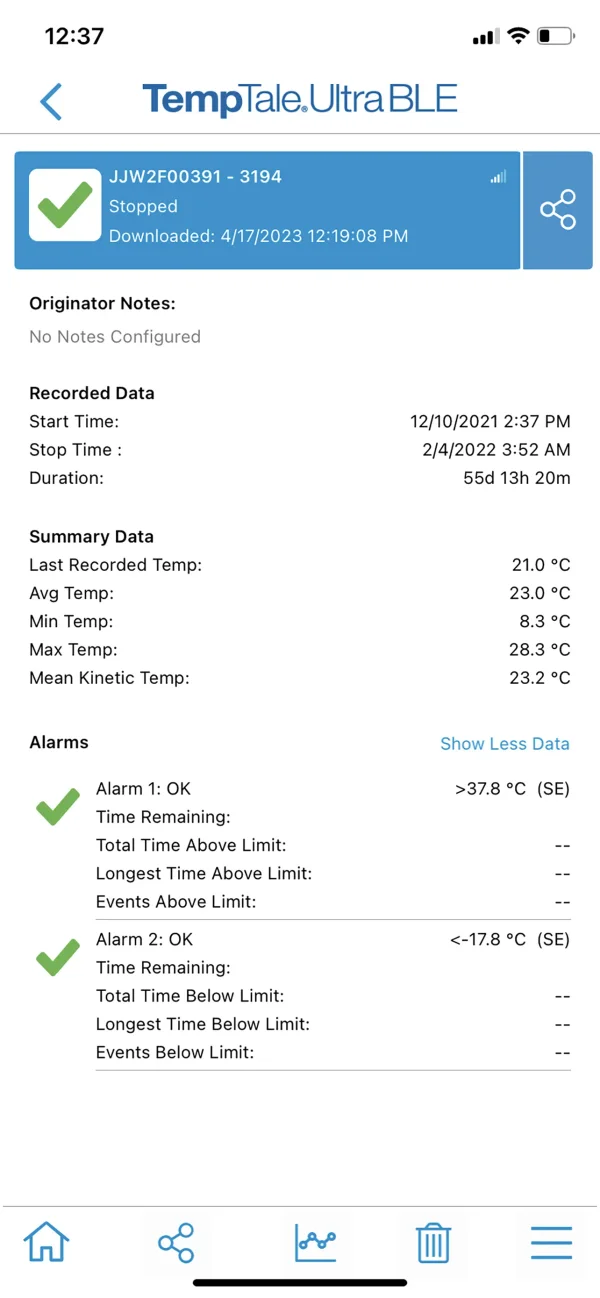
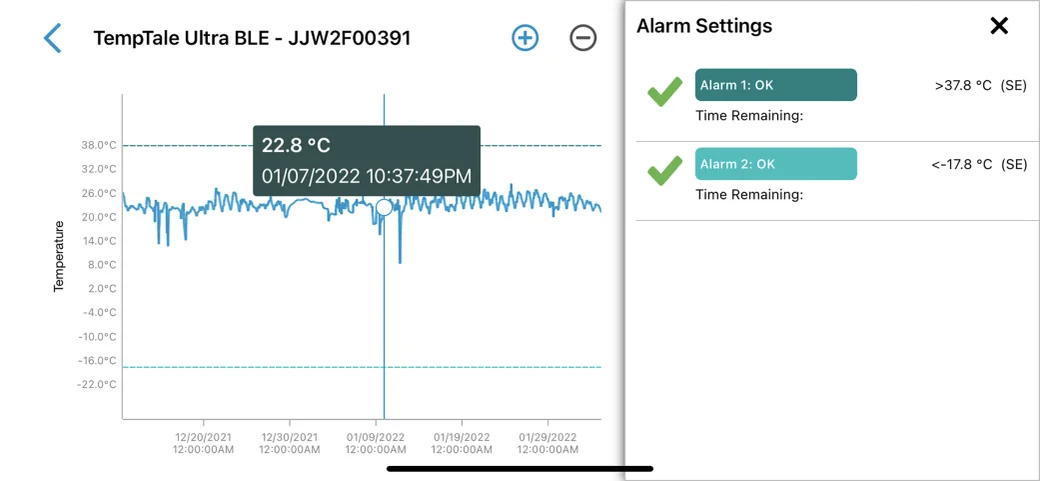
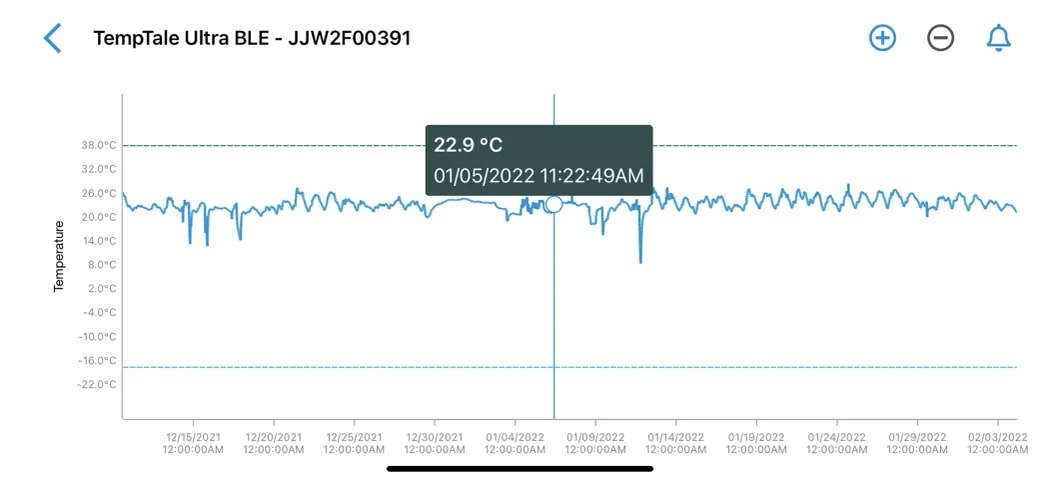
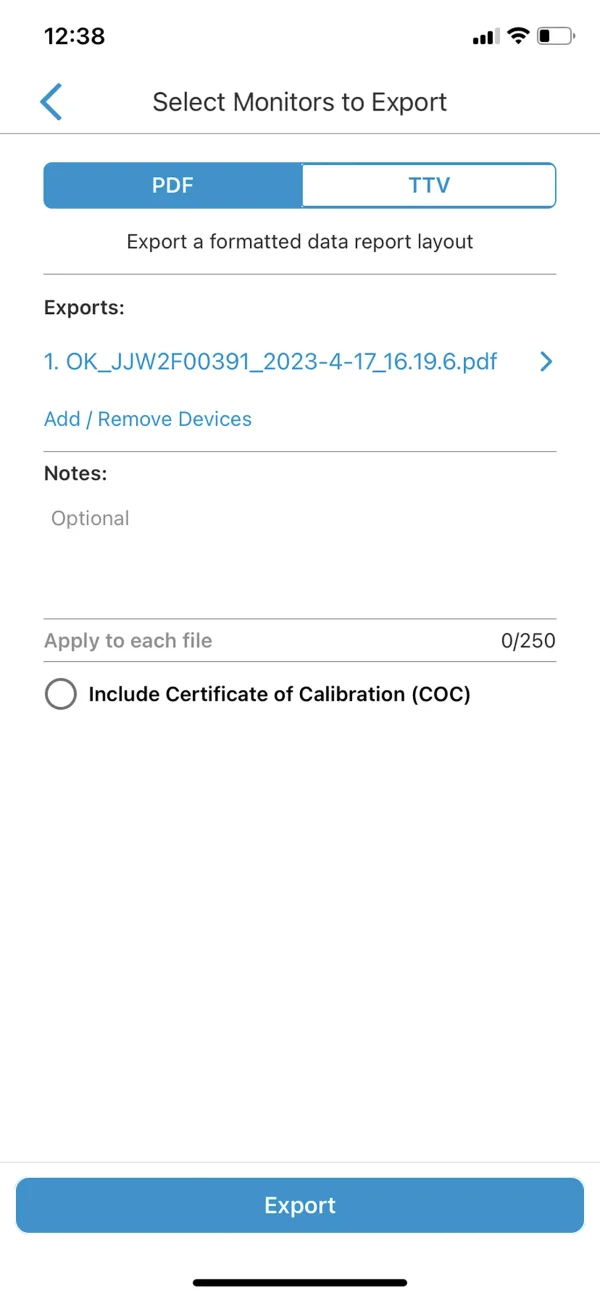
Provides a touchless Bluetooth read of the temperature of a package and determines if a package is alarmed for accept/reject decisions. Once the app is installed on your smartphone, simply open the app and the Bluetooth monitor will broadcast data within 9m or 30 ft (no pairing required). Tap to download the temperature data to your phone. Data automatically uploads to the cloud into ColdStream® Select once downloaded to the phone. Quickly export a PDF or TTV file—send using your smartphone file sharing options.
TempTale® GEO X Real-time/cellular monitor:
Provides an easy way to upload data to the cloud as a secondary method if no cellular connection is available at the final destination. “APP” will display on the LCD of the monitor. Press the start and stop buttons for 3 sec. to activate the Bluetooth connection. Once the app is installed on your smartphone, simply open the app and the Bluetooth monitor will broadcast data within 9m or 30 ft (no pairing required). Tap to download the temperature data to your phone. Data automatically uploads to the cloud once downloaded to the phone. Quickly export a PDF or TTV file—send using your smartphone file sharing options.
TempTale® GEO Ultra Real-time/cellular monitor:
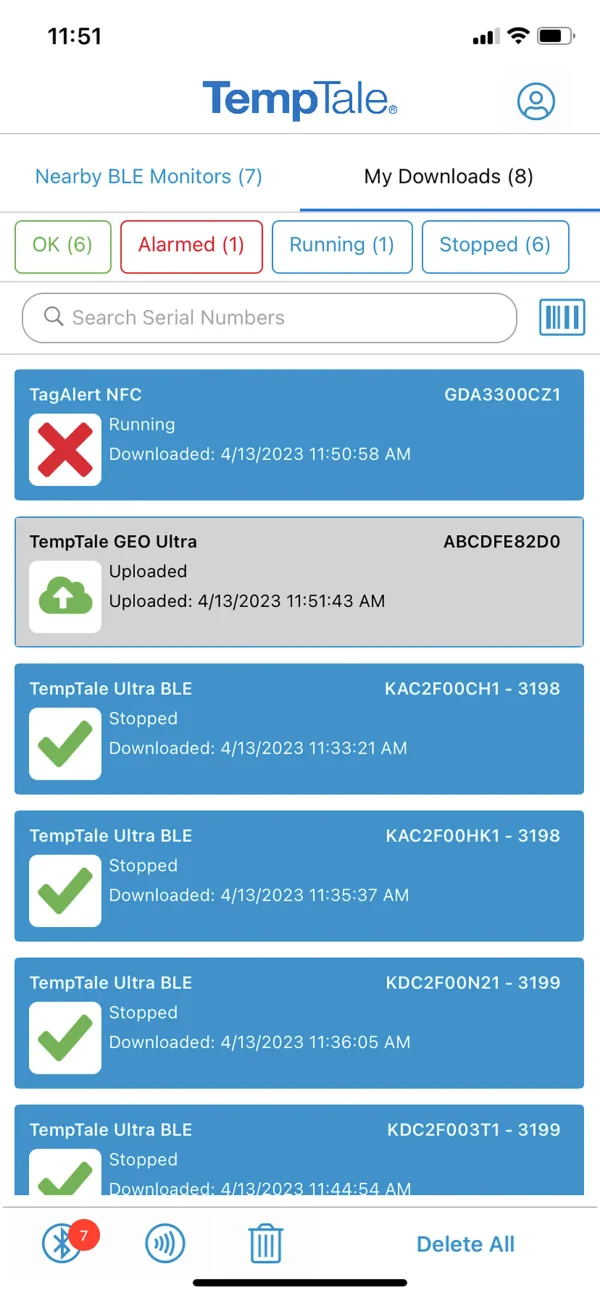
Provides an easy way to upload data to the cloud as a secondary method if no cellular connection is available at the final destination. Once the app is installed on your smartphone, simply open it and tap the device to scan the TempTale® GEO Ultra using the NFC wireless connection to upload monitor data to the cloud and stop the monitor. Login to ColdStream® Select / SensiWatch® Platform to check for shipment alarm status information.
TagAlert® NFC monitor:
Provides an easy-to-understand temperature status of your package. The read out indicates if the product has stayed within acceptable limits or if any temperature alarms have triggered. Once the app is installed on your smartphone, simply open it and tap the device to scan and read the TagAlert® NFC to check alarm statuses. Once data is downloaded using the app, feel confident in your accept/reject decision. Quickly export data reports in PDF format and send them using your smartphone file sharing options.
Selective Access:
Upon launching the TempTale App, users may need to login to obtain Selective Access with their SensiWatch® Platform credentials or continue as a Guest. Guest mode allows use of the app without login, for certain TempTale BLE programs. Monitors configured with Selective Access are set up in SensiWatch Platform. Please contact your administrator to receive a login set up email.
Easy to use:
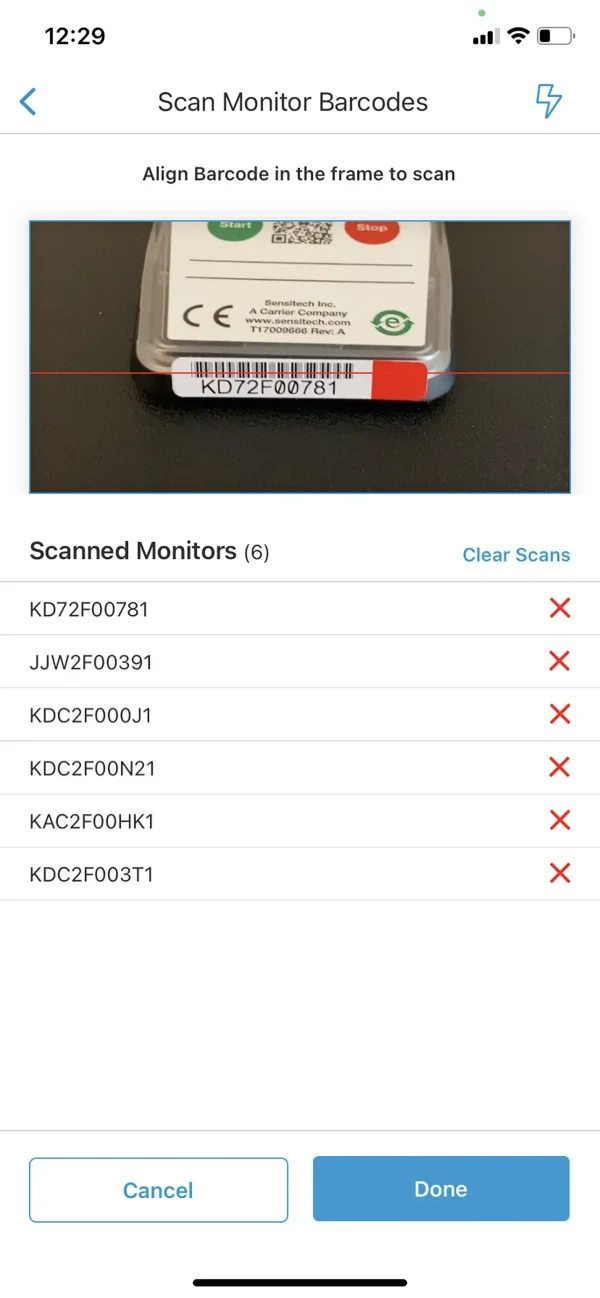
Once the app is installed on your smartphone, • Simply launch the app and the TempTale® BLE (Bluetooth) monitor will broadcast to the app (no pairing required). Click download arrow to download to your phone. Use the app for near field communication (NFC) to scan the TagAlert® NFC or TempTale® GEO Ultra by holding your smartphone and tapping the monitor—it will be read automatically.
TempTale® GEO X, TempTale® BLE and TagAlert® NFC monitors can be programmed with up to six (6) temperature alarms and displayed in the app. TempTale® GEO Ultra alarms display in the software, login to ColdStream® Select / SensiWatch® Platform to check for shipment alarm status information.
If the time/temperature of your package has exceeded its limits, you will see the X icon, indicating an alarm (up to 6) has triggered. Follow the standard operating procedures (SOPs) set by your organization.
If your package has stayed within the time/temperature limits, you will see the √ icon (check mark), which means you can accept the shipment.
Novedades
Versión 3.6.2 · 28/9/2026
-Bug fix and performance enhancements
Privacidad de la aplicación
Lo que Sensitech Inc. declara en App Store sobre cómo esta aplicación gestiona los datos.
-
Datos no vinculados a ti
Pueden recopilarse, pero no se vinculan a tu identidad.
- Información de contacto
Las prácticas de privacidad pueden variar, por ejemplo, según las funciones que uses o tu edad.
Información
- Vendedor
- Sensitech Inc.
- Categoría
- Referencia
- Versión
- 3.6.2
- Actualizado
- 28/9/2026
- Publicado
- 21/5/2019
- Tamaño
- 157,9 MB
- Requiere
- iOS 15.0 o posterior
- Clasificación por edad
- 4+
- Precio
- Gratis
- Idiomas
- Inglés, Neerlandés, Francés, Alemán, Japonés, Portugués, Ruso, Chino simplificado, Español
- Copyright
- © 2025 Carrier. All Rights Reserved. Sensitech.com