
Timecard: Simple Punch Clock
Hours and pay, no fuss
Diseñada para iPhone, iPad, Mac
- Clasificación por edad4+
- CategoríaEconomía y empresa
- DesarrolladorJacob Koop
- IdiomasInglés
- Tamaño4,2 MB
Es posible que Timecard: Simple Punch Clock no esté disponible en App Store en este momento
No se pudo acceder a la ficha de la tienda en nuestra última comprobación. El enlace sigue llevando a la página oficial de App Store.
Capturas de pantalla
Acerca de
El desarrollador no ha proporcionado este texto en tu idioma.
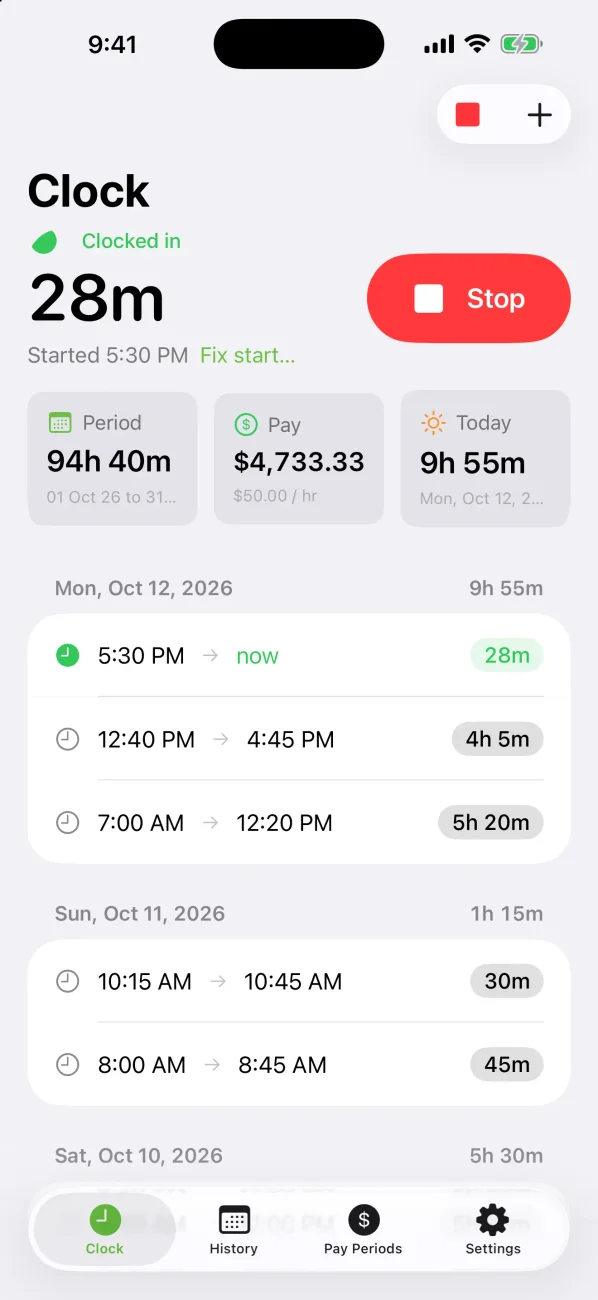
Timecard is a punch clock for people who get paid by the hour and want to know where they stand without doing the math.
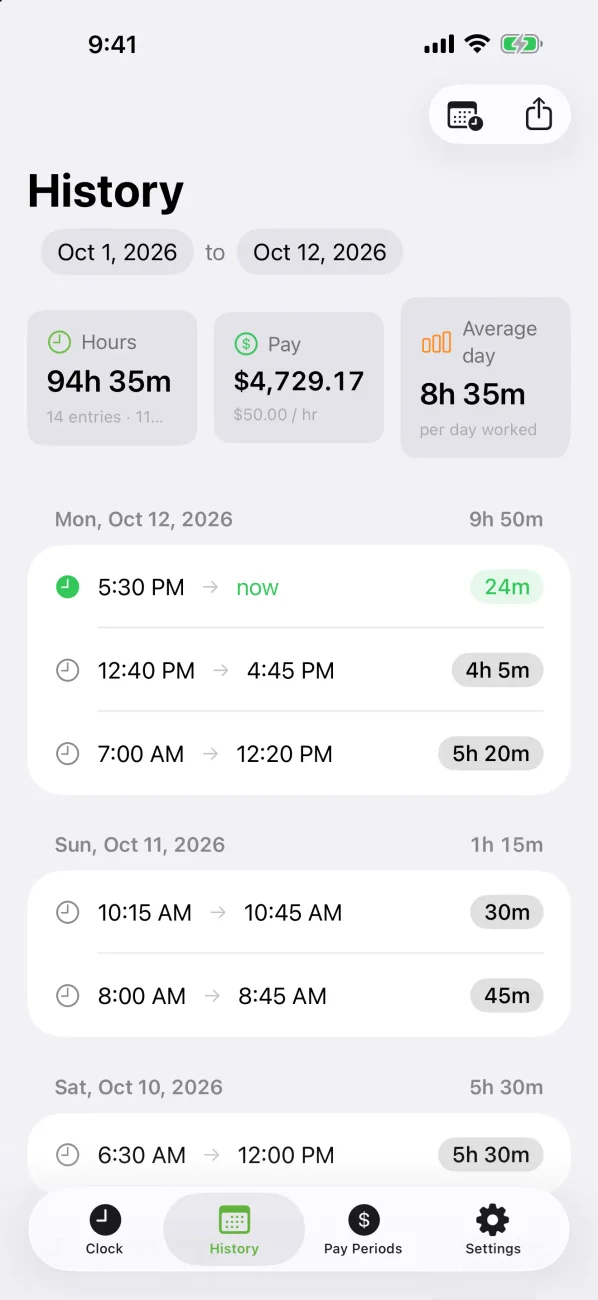
Tap Start when you begin and Stop when you finish. Timecard keeps the running time, totals the day, and shows your hours and pay for the current pay period at a glance.
PUNCH IN AND OUT
• One tap to start, one to stop
• Times snap to a 5-minute grid: starts round back, stops round forward (adjustable, or turn it off)
• Forgot to punch in? Start from an earlier time, or fix the start while running
• Tap any entry to nudge it by one step or edit it fully, and add past days by hand
HOURS AND PAY
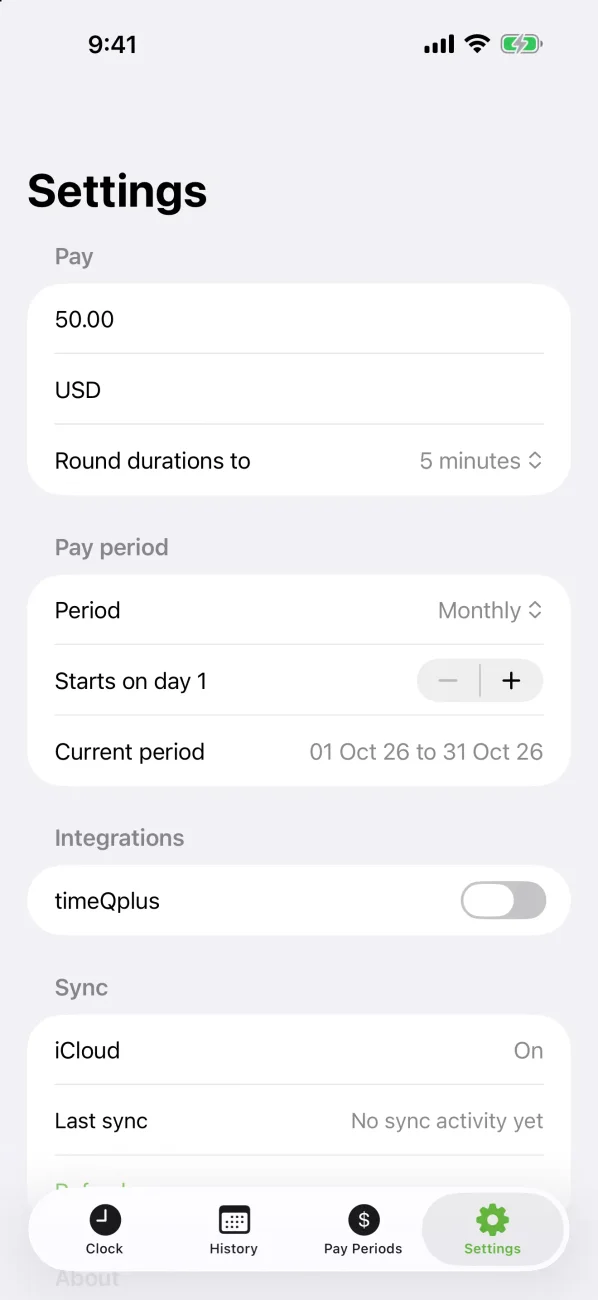
• Set your hourly rate and currency
• Monthly, weekly or two-week pay periods, starting on the day you choose
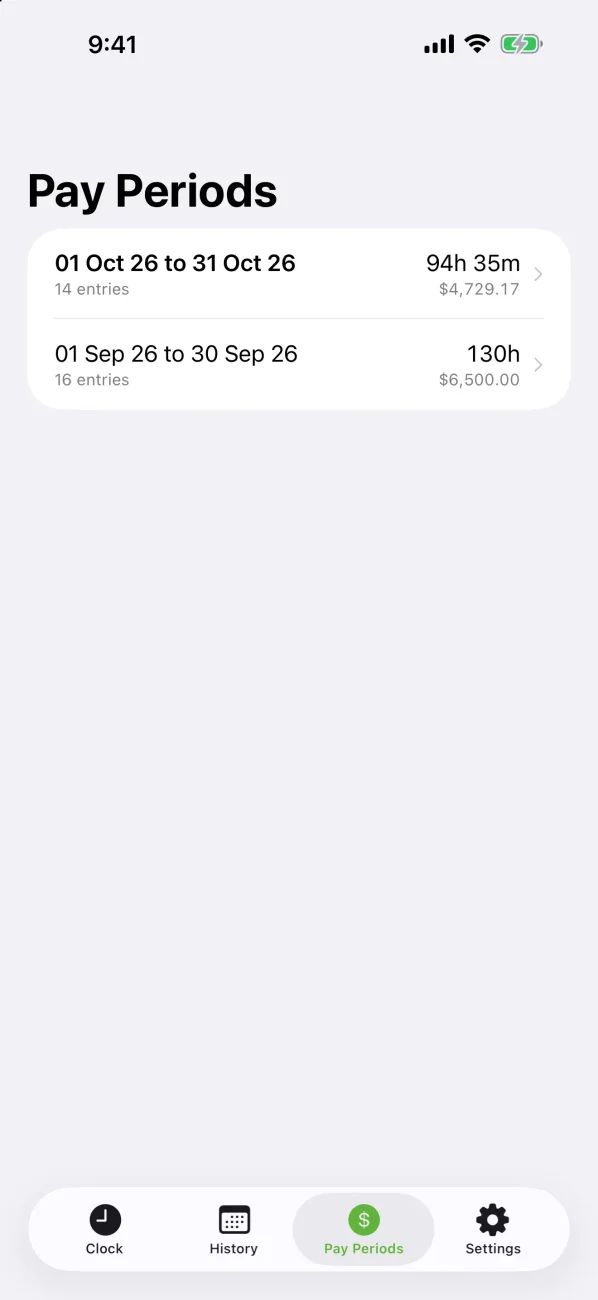
• Pay Periods shows every period with hours and amount
• Export a pay period or any date range as CSV, one line per day
SIRI
• "Punch in with Timecard", "Punch out with Timecard"
• "Punch in at a time with Timecard" when you forgot and are already on the road
• "Am I punched in with Timecard"
APPLE WATCH
• Start, Stop, and edit the start or stop time with the Digital Crown
• A complication that shows today's hours as a ring and turns green while you are punched in
YOUR DATA
• Entries sync between your iPhone, Apple Watch and Mac through your own iCloud account
• No accounts, no sign-up, no ads, no analytics. The developer never sees your data
Optional: Settings → Integrations can connect Timecard to an Acroprint timeQplus time-and-attendance system at your workplace, so a pay period's punches are written to your time card there. It needs a small service installed by your employer next to timeQplus, and it is off by default.
Novedades
Versión 2026.11.19 · 22/11/2026
Time zones: every punch now remembers the time zone it was made in, so your hours read the same wherever you travel, and days, pay periods and overtime stay on the day you worked. Your home time zone is in Settings; it starts as the zone your device is in. Each entry has a Time zone row where you search for a city. The timeQplus sync sends times as worked, so syncing while travelling no longer shifts your punches. Backup: Timecard now saves a copy of your entries on your device every day and offers to put them back if entries go missing. Settings → Backup can restore from a backup, and export or import a backup file.
Privacidad de la aplicación
Lo que Jacob Koop declara en App Store sobre cómo esta aplicación gestiona los datos.
-
No se recopilan datos
El desarrollador no recopila ningún dato de esta aplicación.
Las prácticas de privacidad pueden variar, por ejemplo, según las funciones que uses o tu edad.
Información
- Vendedor
- Jacob Koop
- Categoría
- Economía y empresa
- Versión
- 2026.11.19
- Actualizado
- 22/11/2026
- Publicado
- 14/10/2026
- Tamaño
- 4,2 MB
- Requiere
- iOS 18.0 o posterior
- Clasificación por edad
- 4+
- Idiomas
- Inglés
- Copyright
- © 2026 Jacob Koop
Quizá también te guste
-
 Clockwork TimecardProductividad
-
 FacialClockEconomía y empresa
-
 Fichaje - NFC & FacialFichaje facial móvil/tablet
-
 UAE Dubai Stocks ADX DFMFinanzas
-
 TimeMobi: GPS Attendance AppEconomía y empresa
-
 Spanish Lookout Credit UnionFinanzas
-
 Evans Express RewardsEconomía y empresa
-
 Clock RingsReloj decimal para turnos
-
 Horario de trabajo : HourlySeguimiento tiempo de trabajo
-
 Listing AI - Instant ResellerProductividad