TimeWhisperer - Interval Timer
Countdown Widget, Watch, Yoga
Diseñada para iPhone, iPad
Gratis · Compras en la aplicación
- Clasificación por edad4+
- CategoríaProductividad
- DesarrolladorVerilune
- Tamaño6,0 MB
Enlaza a la página oficial de App Store
Download.org no aloja ningún archivo de TimeWhisperer - Interval Timer. El botón abre la página de la aplicación en App Store, donde la publica Verilune. Ficha comprobada por última vez el 17/11/2026.
Capturas de pantalla
Acerca de
El desarrollador no ha proporcionado este texto en tu idioma.
TimeWhisperer – Stay on track. Hands-free.
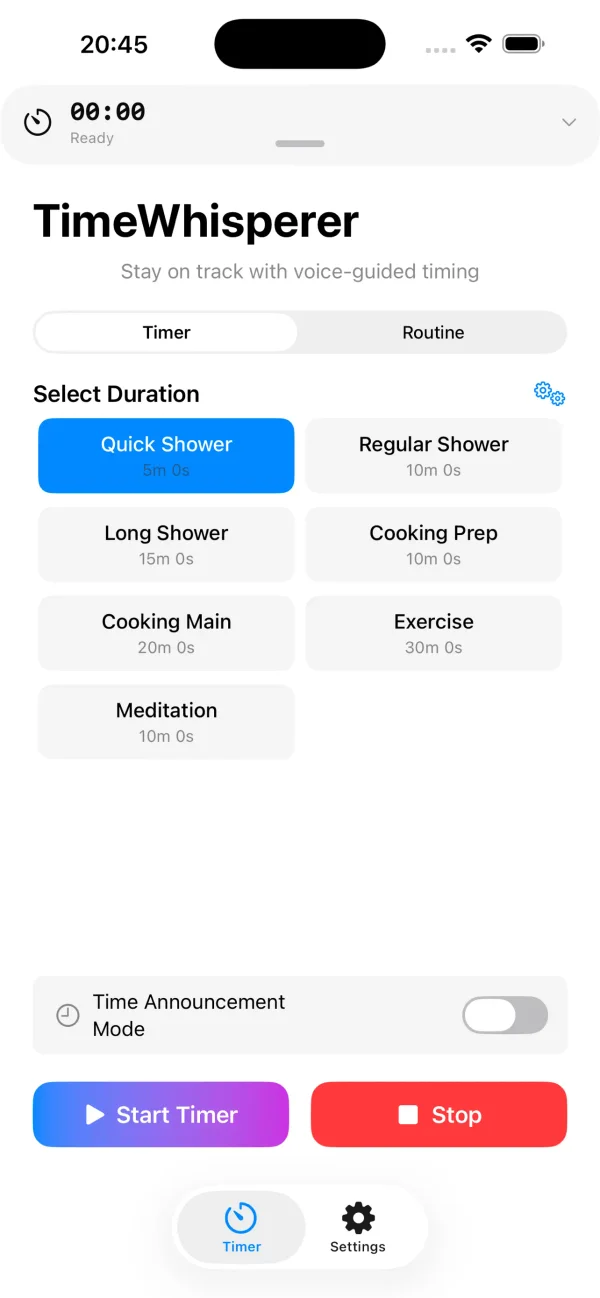
TimeWhisperer keeps you on schedule with gentle voice announcements and haptic cues. No more checking your phone—whether you’re in the shower, in the kitchen, or mid-workout.
Start faster from Home Screen
Add TimeWhisperer widgets to jump into your last timer, last routine, or time announcement. Larger widgets show more of your saved choices—including announcement interval and routine steps. Use Control Center or long-press the app icon for the same quick starts. Keep the app open while you listen; voice needs TimeWhisperer in the foreground.
Routines, synced to your wrist
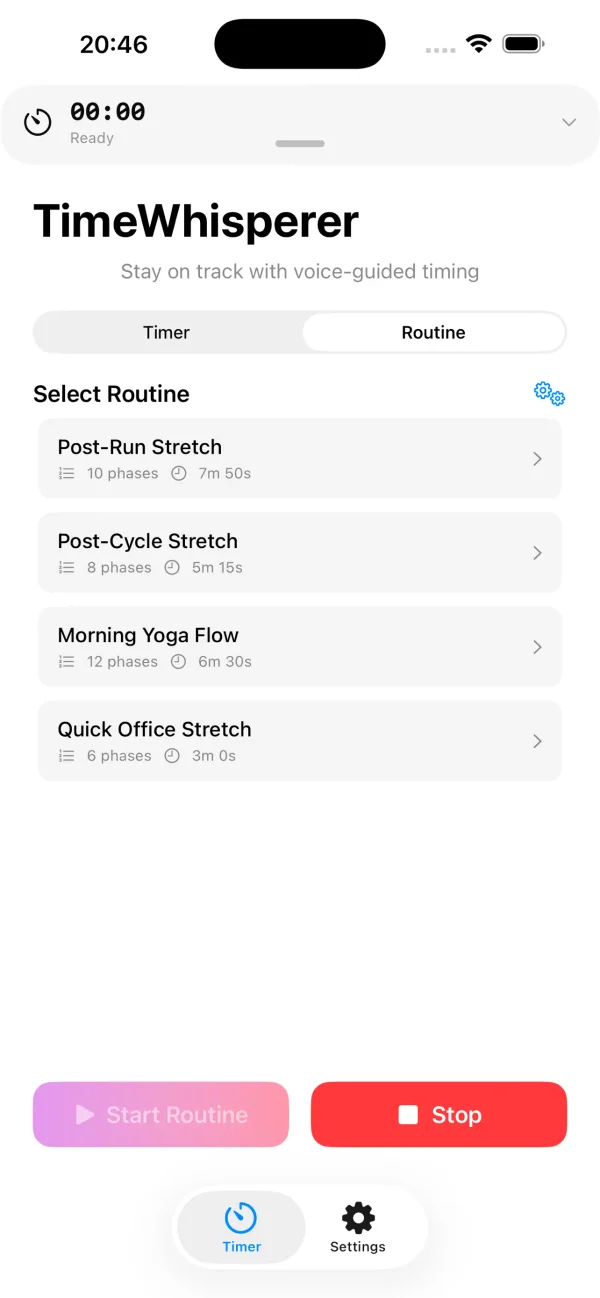
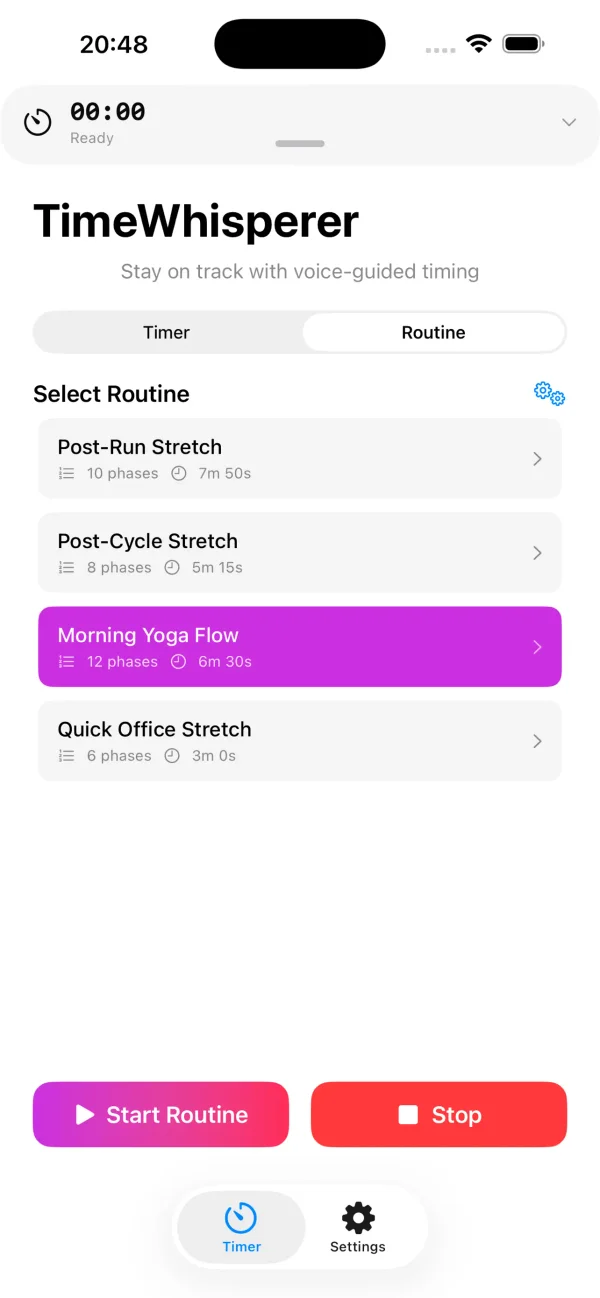
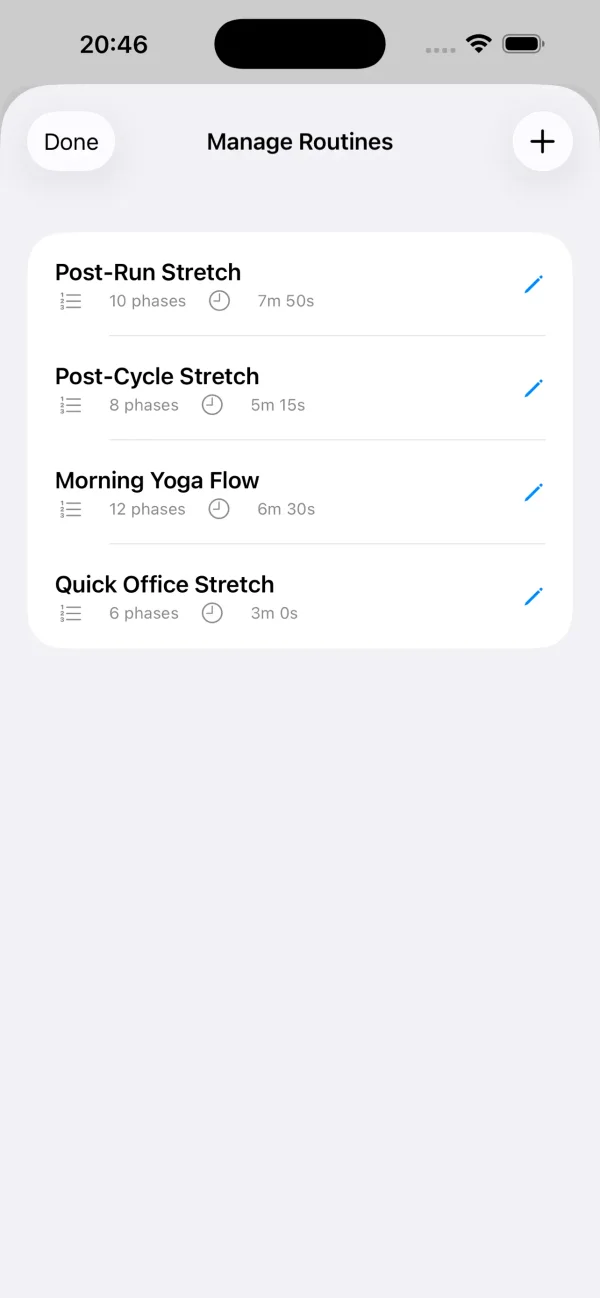
Build multi-phase sequences for stretches, workouts, or any timed routine.
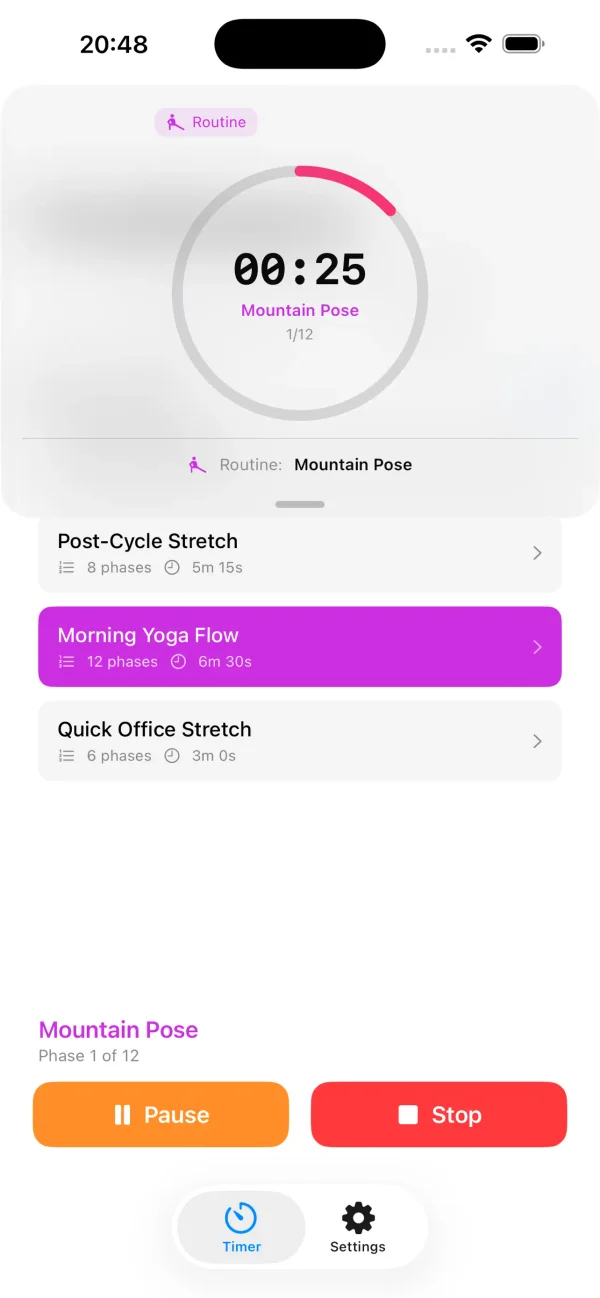
Each phase has its own duration, with optional rest between poses.
Create routines on your iPhone—they sync to your Apple Watch—then run them from your wrist and follow along without looking.
Voice and haptics when to switch
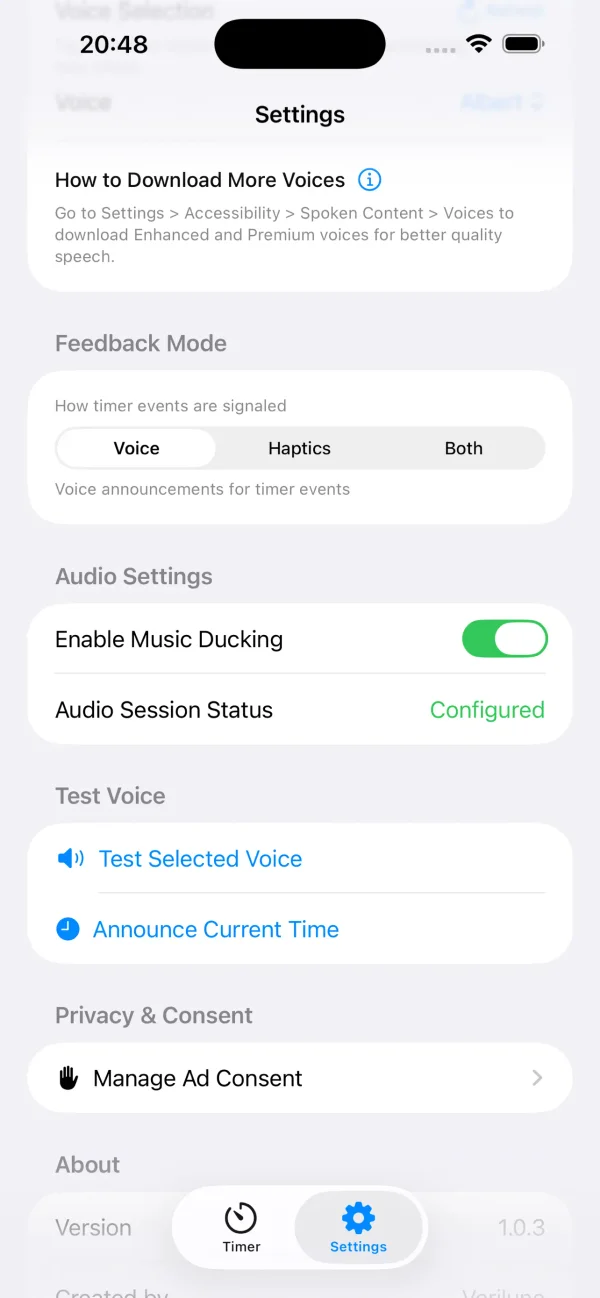
On iPhone and Apple Watch, get voice cues, haptic feedback, or both at every pose and phase change.
Start a routine and follow along by sound and feel alone.
Ideal when you can’t glance at the screen—exercising, stretching, or moving around.
On Apple Watch, choose your feedback style and adjust speech and haptics in dedicated Watch settings. Away from your phone, start the routine on Watch.
Key Features
• Home Screen widgets – Start last timer, last routine, or time announcement; larger sizes list more saved choices
• Control Center & app icon shortcuts – The same quick starts from Control Center or a long-press on the icon
• Routines – Custom multi-phase sequences with per-phase timers and optional rest between poses
• Apple Watch – Full app with synced routines; voice, haptics, or both on your wrist
• Always On display – Timer stays accurate when your wrist is down or the screen is dimmed
• Haptics – Tactile cues for pose and phase changes, with adjustable strength on Watch
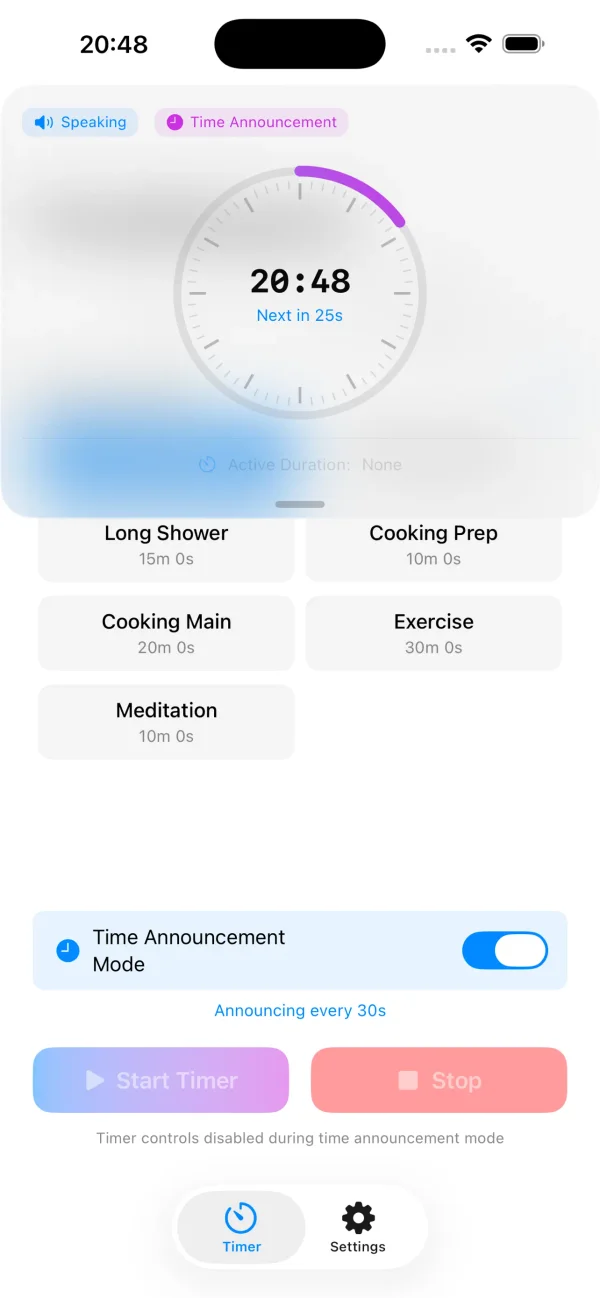
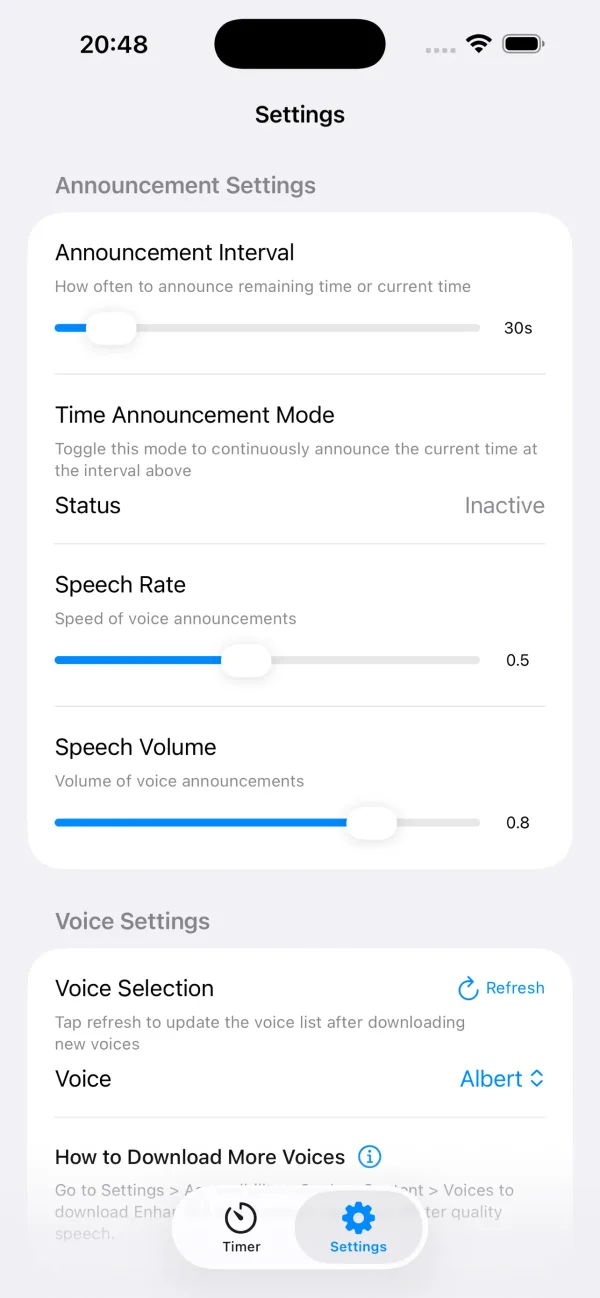
• Voice announcements – On iPhone and Apple Watch; interval timers every 5–300 seconds on iPhone
• Two timer modes – Custom durations or continuous time updates
• Pre-loaded templates – Quick start for common activities
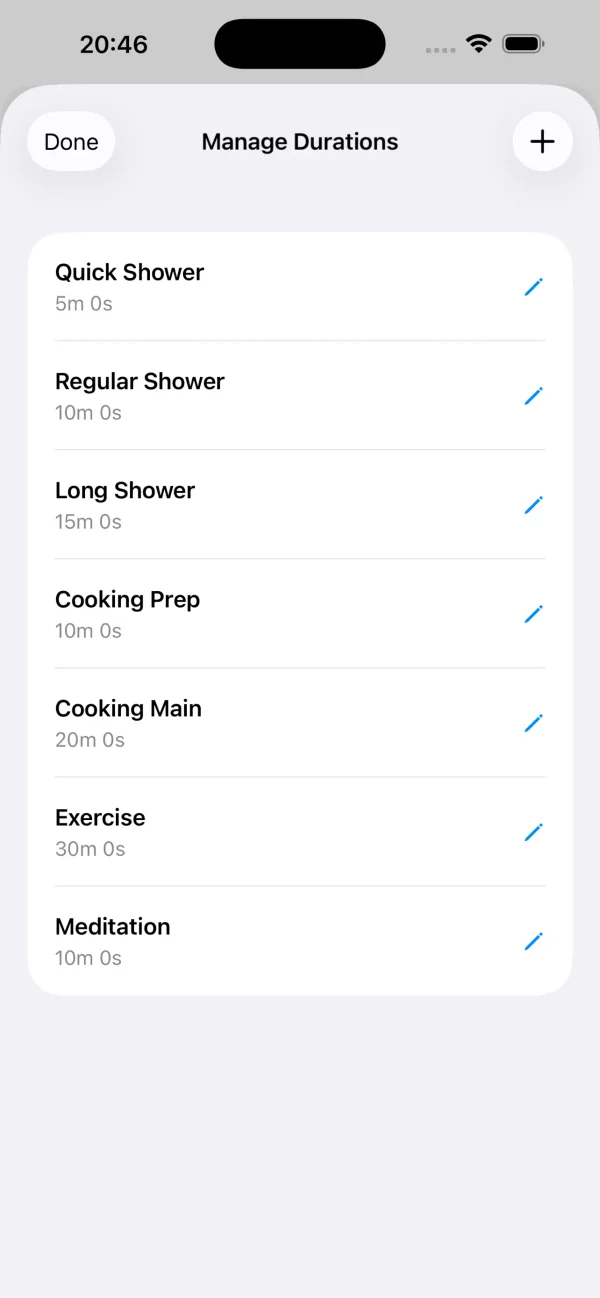
• Custom durations & routines – Build and save your own
• Voice options – Multiple voices, speed, and volume on iPhone; speech rate and volume on Watch
• Background music – Timers continue while music plays
• Session history – Track your usage over time
• How Whisper Works – In-app guide for iPhone vs Watch, and keeping the app in the foreground for voice
• Remove Ads – Optional one-time purchase to remove banner and interstitial ads
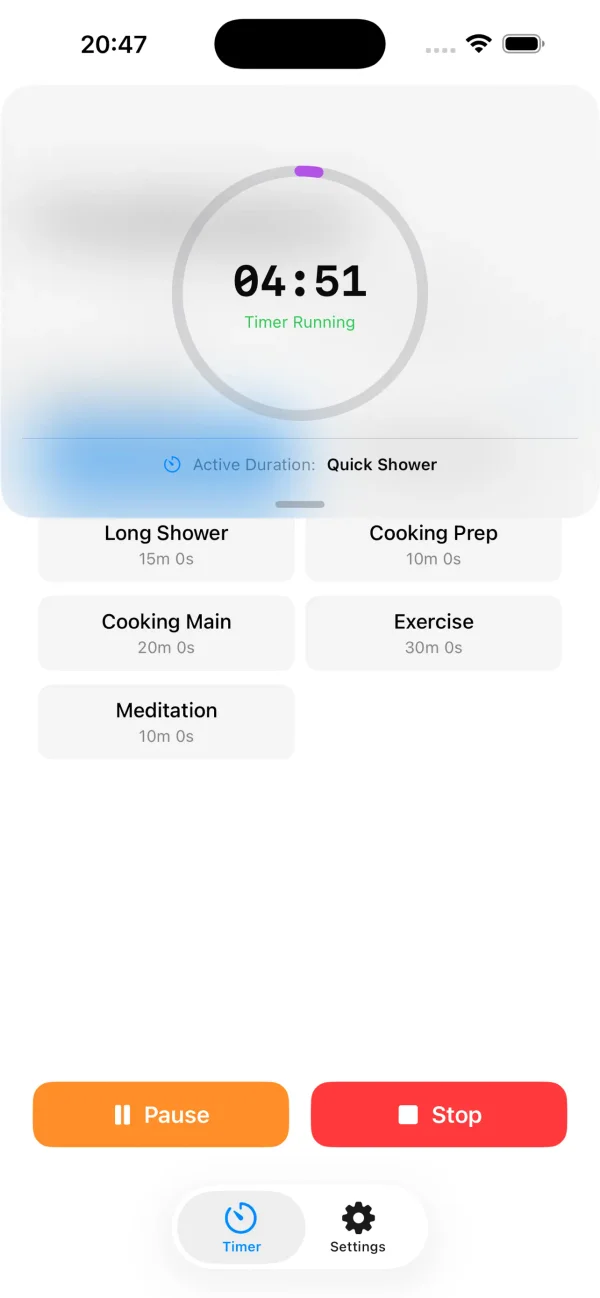
• Simple interface – Progress indicators and clear controls
Built for daily use
TimeWhisperer fits into real routines: showers, cooking, meditation, stretches, workouts, and more.
Start a timer or routine and let it guide you.
No stress, no constant checking.
Novedades
Versión 1.0.9 · 24/9/2026
This update makes timing more flexible and easier to understand.
• Each saved timer can have its own announcement interval — edit it when you add or change a timer
• Time Announcement Mode now has its own interval, separate from countdown timers
• New wheel pickers make it easier to set hours, minutes, and seconds
• Choose how announcements sound: Standard or Compact phrasing, plus 12-hour, 24-hour, or system clock format
• Background audio choices are clearer: lower other audio, talk over it, or pause podcasts and audiobooks
• Better announcement timing, including haptics in Both mode while voice is playing
• Apple Watch app improvements and a cleaner Settings screen
Privacidad de la aplicación
Lo que Verilune declara en App Store sobre cómo esta aplicación gestiona los datos.
-
Datos usados para rastrearte
Pueden usarse para rastrearte en aplicaciones y sitios web propiedad de otras empresas.
- Identificadores
- Datos de uso
-
Datos no vinculados a ti
Pueden recopilarse, pero no se vinculan a tu identidad.
- Identificadores
- Datos de uso
Las prácticas de privacidad pueden variar, por ejemplo, según las funciones que uses o tu edad.
Información
- Vendedor
- Verilune
- Categoría
- Productividad
- Versión
- 1.0.9
- Actualizado
- 24/9/2026
- Publicado
- 29/9/2025
- Tamaño
- 6,0 MB
- Requiere
- iOS 26.0 o posterior
- Clasificación por edad
- 4+
- Precio
- Gratis
- Compras en la aplicación
- Sí
- Copyright
- © 2025 Verilune. All rights reserved.
Quizá también te guste
-
 Runny - Quick Chat Style NotesProductividad
-
 Simple Week ChecklistProductividad
-
 Know TimeProductividad
-
 NauuProductividad
-
 Notic-AI Note TakerProductividad
-
 CV Creator : AI Resume BuilderProductividad
-
 WeFocus: App Blocker & LimitsProductividad
-
 Lista de Tareas: 3 TasksPlanificador diario y enfoque
-
 My Speech! para buenas notasNotas de audio reinventadas