- Clasificación por edad4+
- CategoríaProductividad
- DesarrolladorDonald Roos
- IdiomasInglés
- Tamaño1,5 MB
Enlaza a la página oficial de App Store
Download.org no aloja ningún archivo de ToDon’tTimer. El botón abre la página de la aplicación en App Store, donde la publica Donald Roos. Ficha comprobada por última vez el 18/11/2026.
Capturas de pantalla
Acerca de
El desarrollador no ha proporcionado este texto en tu idioma.
Why? If you ask a creative person, the answer will always revolve around time. We simply need time to execute an idea (and do it well)—more time than we have.
A process that takes you from idea to final product can take 3 weeks, but could just as well take 3 months, 3 days, or 3 years. You could even go through the process in 3 minutes: you sketch a few options, pick one, and ‘finalize’ it as much as you can in the short time you have left. The end result of such a 3-minute round could be a clear sketch or small mock-up, for instance.
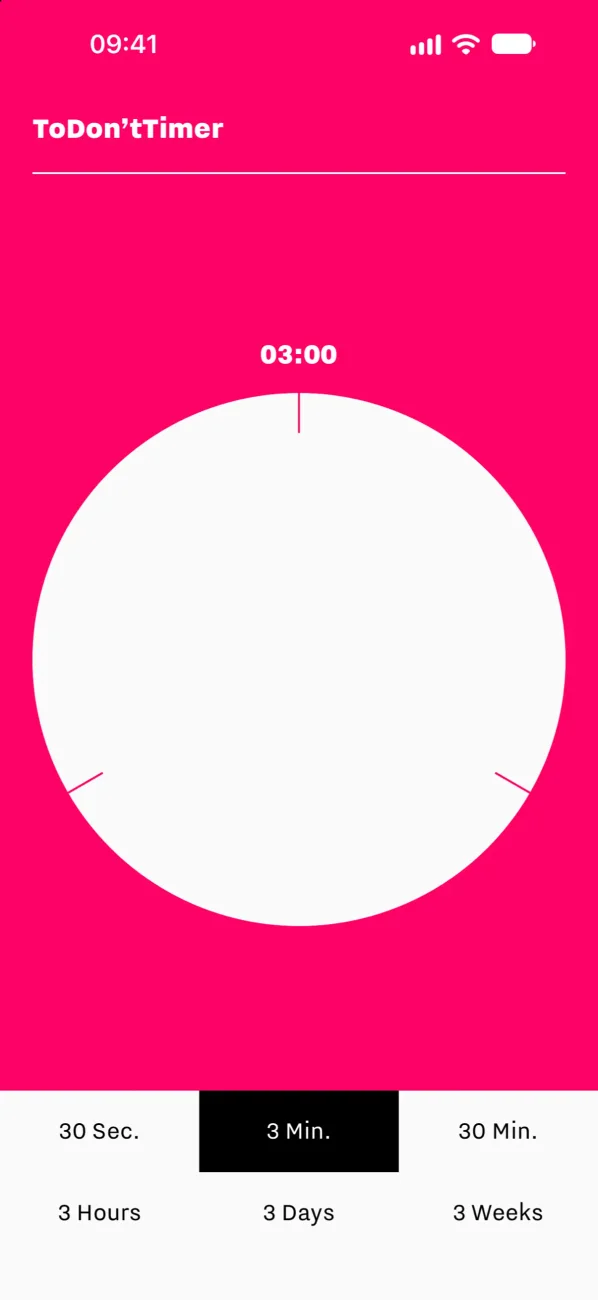
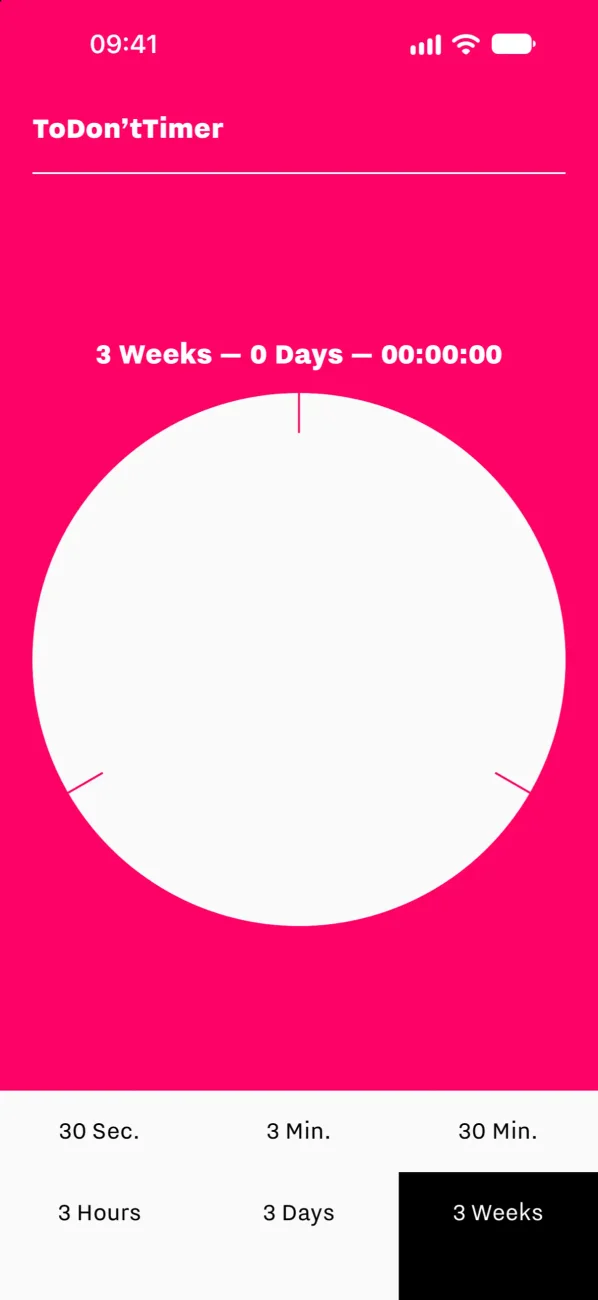
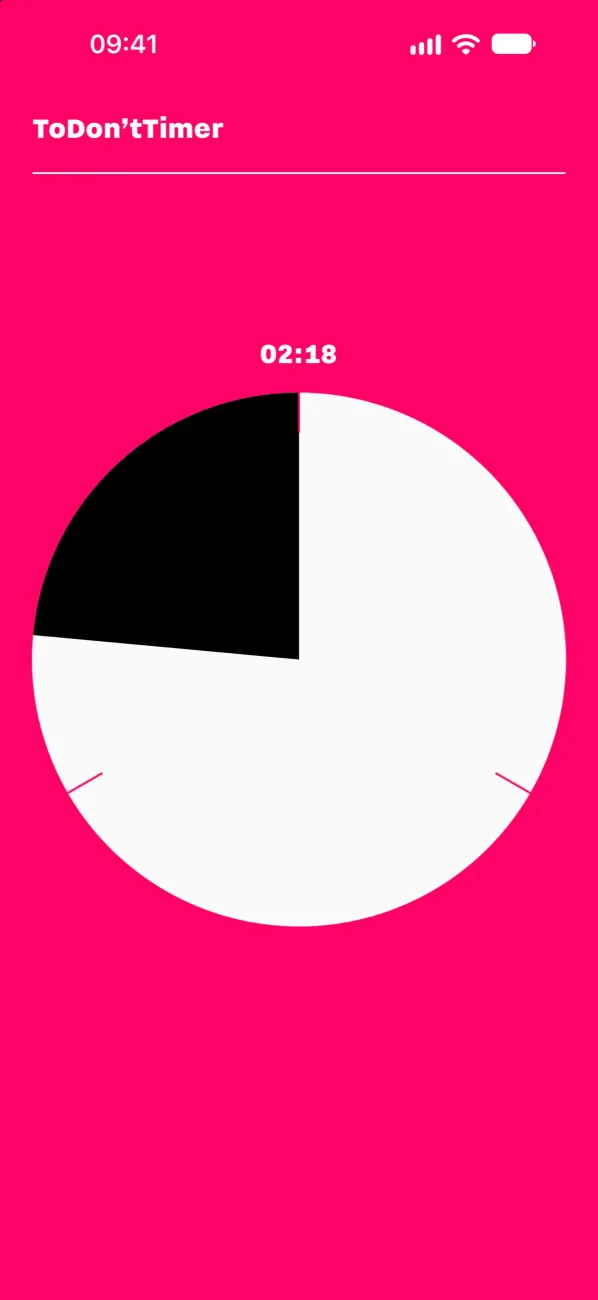
Use the ToDon’tTimer to sketch and test your ideas in a limited timeframe. Decide to add the idea to your ToDon’tList or to spend a bigger timeframe on it.
––––
You can use the ToDon’tTimer for all your creative processes. The ToDon’tTimer is also an interesting addition to Don’t/Do This – Game.
––––
The Circular Design Process
This method requires you to work quickly and roughly, leaving out many details and forcing you to make essential choices. That is why those 3 minutes will tell you a great deal about the overall process: not just what the end product will look like, but also which pitfalls you might encounter along the way. Should the idea turn out not to work or be feasible, then you will only have spent 3 minutes on it, which leaves you plenty of time to start over and try out other possibilities.
Of course, you can apply this principle in different timeframes, going from very short to longer rounds. After the first 3-minute round, you might have a number of sketches. After a round of 3 hours, you could have a sketch model. After 3 days you could have a number of prototypes and after 3 weeks you will have an end result without any stress. The great benefit of working in circles: after those first 3 minutes, you can already discuss the project with your client or teacher. And after a few days, you could have some prototypes to present.
When you work in increasingly bigger circles, as it were, you have much more space to try out and test things. That way you discover what does and what doesn’t work. Each following round, you bring your experience from the previous round with you.
Novedades
Versión 2.1 · 10/11/2026
Now on iPad and Apple Watch. On iPad the timer fills the screen, upright and on its side. On your wrist, turn the Digital Crown to pick a time and tap the circle to start. A timer started on one device keeps running on your others through iCloud.
Privacidad de la aplicación
Lo que Donald Roos declara en App Store sobre cómo esta aplicación gestiona los datos.
-
No se recopilan datos
El desarrollador no recopila ningún dato de esta aplicación.
Las prácticas de privacidad pueden variar, por ejemplo, según las funciones que uses o tu edad.
Información
- Vendedor
- Donald Roos
- Categoría
- Productividad
- Versión
- 2.1
- Actualizado
- 10/11/2026
- Publicado
- 9/8/2018
- Tamaño
- 1,5 MB
- Requiere
- iOS 18.0 o posterior
- Clasificación por edad
- 4+
- Precio
- Gratis
- Idiomas
- Inglés
- Copyright
- © IOIP BV | ToDontCo. | Frank van der Peet
Quizá también te guste
-
 Traductor+Traduce 5 idiomas en vivo
-
 Sales Pros 360Productividad
-
 Drift: notas de voz y apuntesGuion, teleprompter y agenda
-
 SideProfit: Profit TrackerProductividad
-
 MyAchievesProductividad
-
 MCP NotesProductividad
-
 Goals Tracker AppPlanner, Goals & Task Manager
-
 Clockwise - Better FocusProductividad
-
 Backup Contacts Cleaner ProProductividad
-
 Diiing: Visual Time JarProductividad