- 対象年齢4+
- カテゴリ仕事効率化
- 開発元Donald Roos
- 言語英語
- サイズ1.5 MB
App Storeの公式ページにリンクしています
Download.orgはToDon’tTimerのファイルを一切ホストしていません。ボタンを押すと、Donald Roosが公開しているApp Storeのアプリページが開きます。ページの最終確認:2026/11/18。
スクリーンショット
概要
開発元はこのテキストをお使いの言語で提供していません。
Why? If you ask a creative person, the answer will always revolve around time. We simply need time to execute an idea (and do it well)—more time than we have.
A process that takes you from idea to final product can take 3 weeks, but could just as well take 3 months, 3 days, or 3 years. You could even go through the process in 3 minutes: you sketch a few options, pick one, and ‘finalize’ it as much as you can in the short time you have left. The end result of such a 3-minute round could be a clear sketch or small mock-up, for instance.
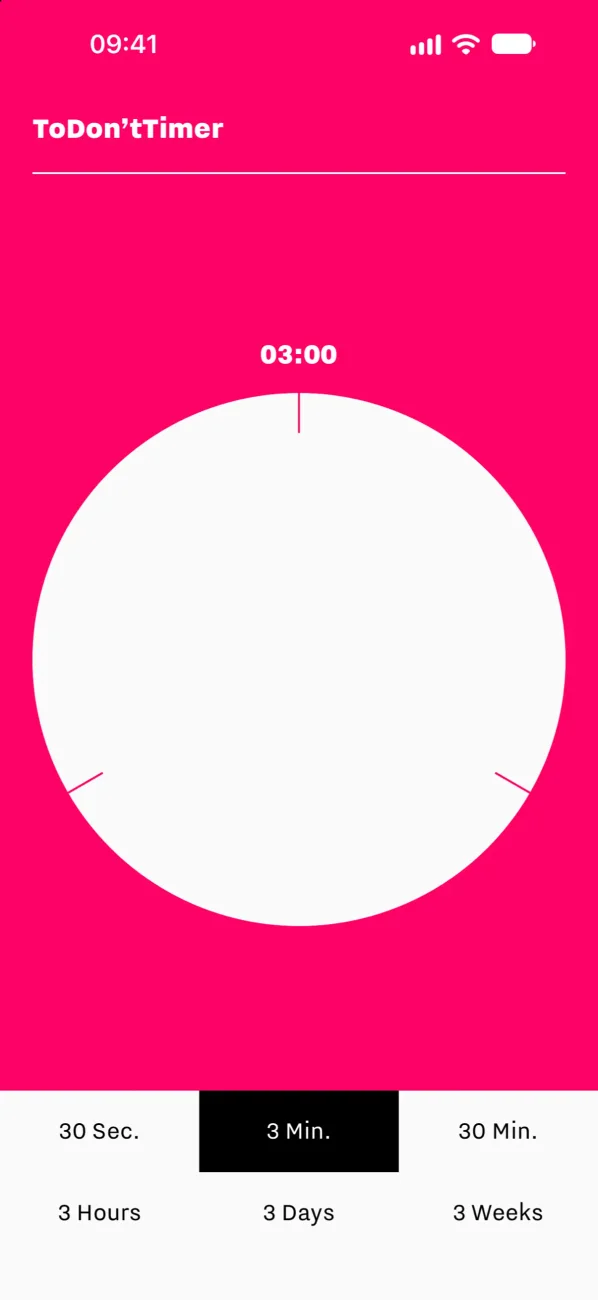
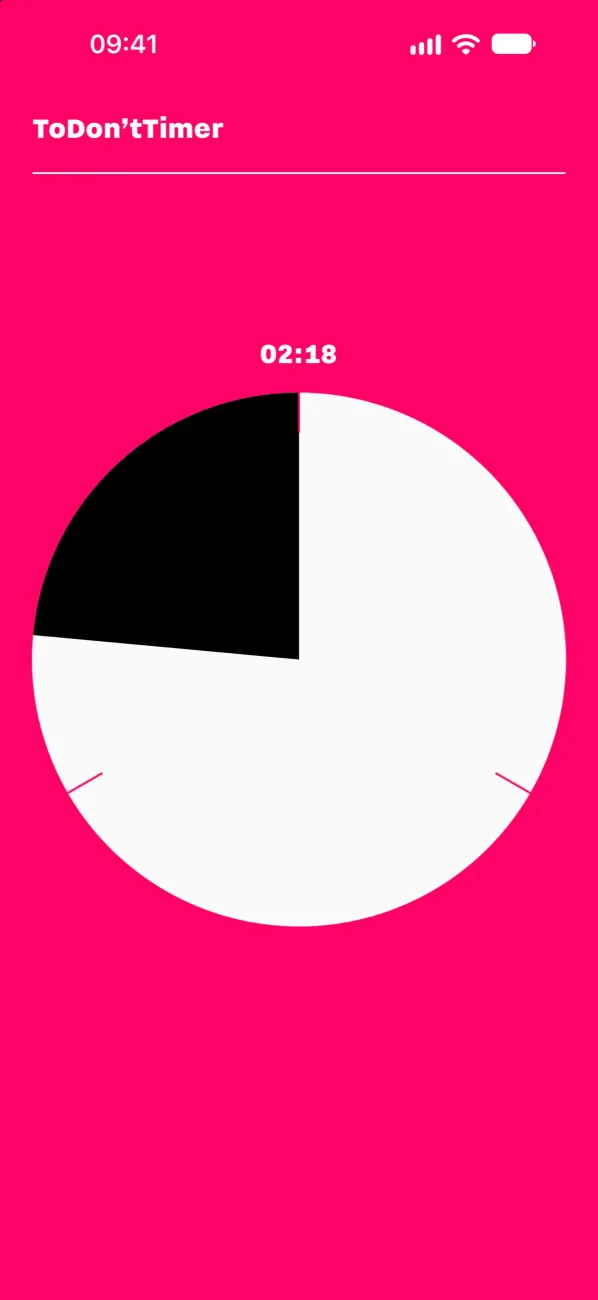
Use the ToDon’tTimer to sketch and test your ideas in a limited timeframe. Decide to add the idea to your ToDon’tList or to spend a bigger timeframe on it.
––––
You can use the ToDon’tTimer for all your creative processes. The ToDon’tTimer is also an interesting addition to Don’t/Do This – Game.
––––
The Circular Design Process
This method requires you to work quickly and roughly, leaving out many details and forcing you to make essential choices. That is why those 3 minutes will tell you a great deal about the overall process: not just what the end product will look like, but also which pitfalls you might encounter along the way. Should the idea turn out not to work or be feasible, then you will only have spent 3 minutes on it, which leaves you plenty of time to start over and try out other possibilities.
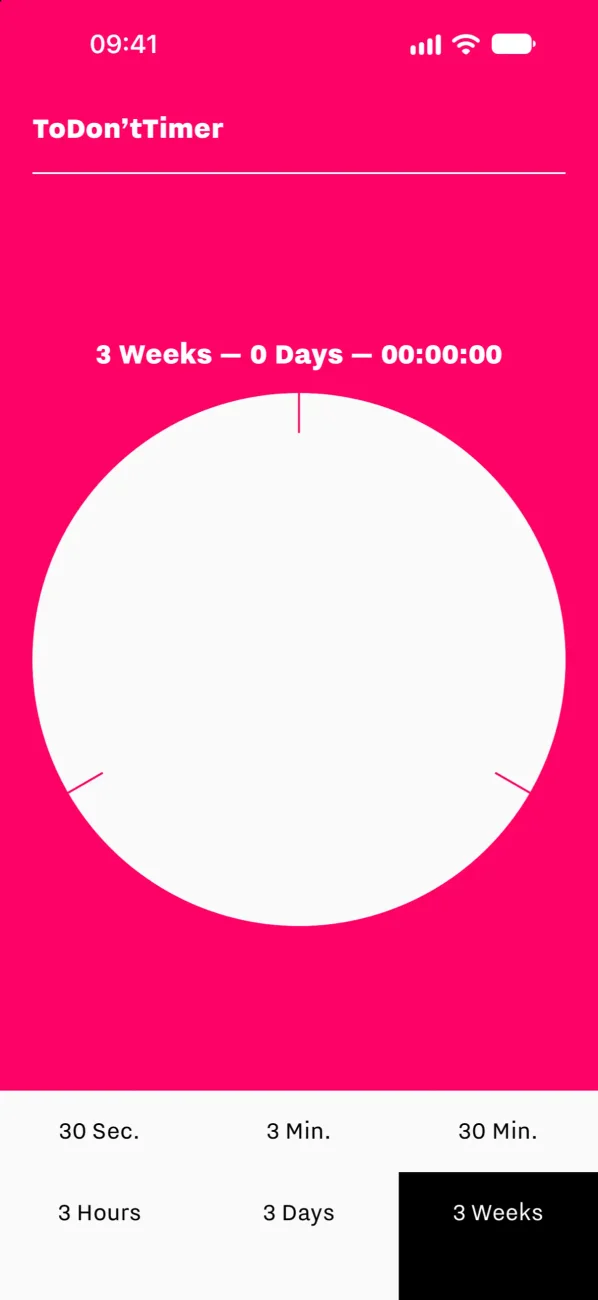
Of course, you can apply this principle in different timeframes, going from very short to longer rounds. After the first 3-minute round, you might have a number of sketches. After a round of 3 hours, you could have a sketch model. After 3 days you could have a number of prototypes and after 3 weeks you will have an end result without any stress. The great benefit of working in circles: after those first 3 minutes, you can already discuss the project with your client or teacher. And after a few days, you could have some prototypes to present.
When you work in increasingly bigger circles, as it were, you have much more space to try out and test things. That way you discover what does and what doesn’t work. Each following round, you bring your experience from the previous round with you.
新機能
バージョン 2.1 · 2026/11/10
Now on iPad and Apple Watch. On iPad the timer fills the screen, upright and on its side. On your wrist, turn the Digital Crown to pick a time and tap the circle to start. A timer started on one device keeps running on your others through iCloud.
アプリのプライバシー
このアプリのデータの取り扱いについて、Donald RoosがApp Storeで申告している内容です。
-
データの収集なし
開発元はこのアプリからデータを収集しません。
プライバシーの取り扱いは、ご利用の機能やお客様の年齢などに応じて異なる場合があります。
情報
- 販売元
- Donald Roos
- カテゴリ
- 仕事効率化
- バージョン
- 2.1
- 更新日
- 2026/11/10
- リリース
- 2018/8/9
- サイズ
- 1.5 MB
- 必要条件
- iOS 18.0以降
- 対象年齢
- 4+
- 価格
- 無料
- 言語
- 英語
- 著作権
- © IOIP BV | ToDontCo. | Frank van der Peet