Totteco
Overlay frames on your camera
Diseñada para iPhone
Gratis · Compras en la aplicación
- Clasificación por edad4+
- CategoríaFoto y vídeo
- DesarrolladorKengo Tate
- IdiomasInglés+ 1 más
- Tamaño54,2 MB
Enlaza a la página oficial de App Store
Download.org no aloja ningún archivo de Totteco. El botón abre la página de la aplicación en App Store, donde la publica Kengo Tate. Ficha comprobada por última vez el 15/11/2026.
Capturas de pantalla
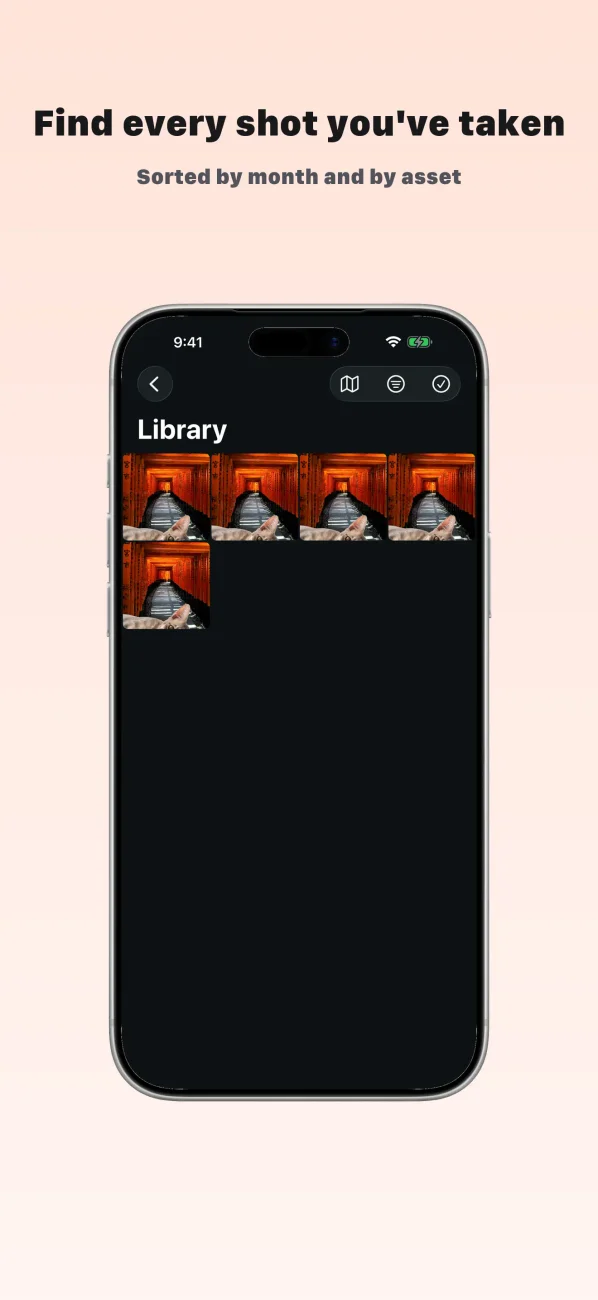
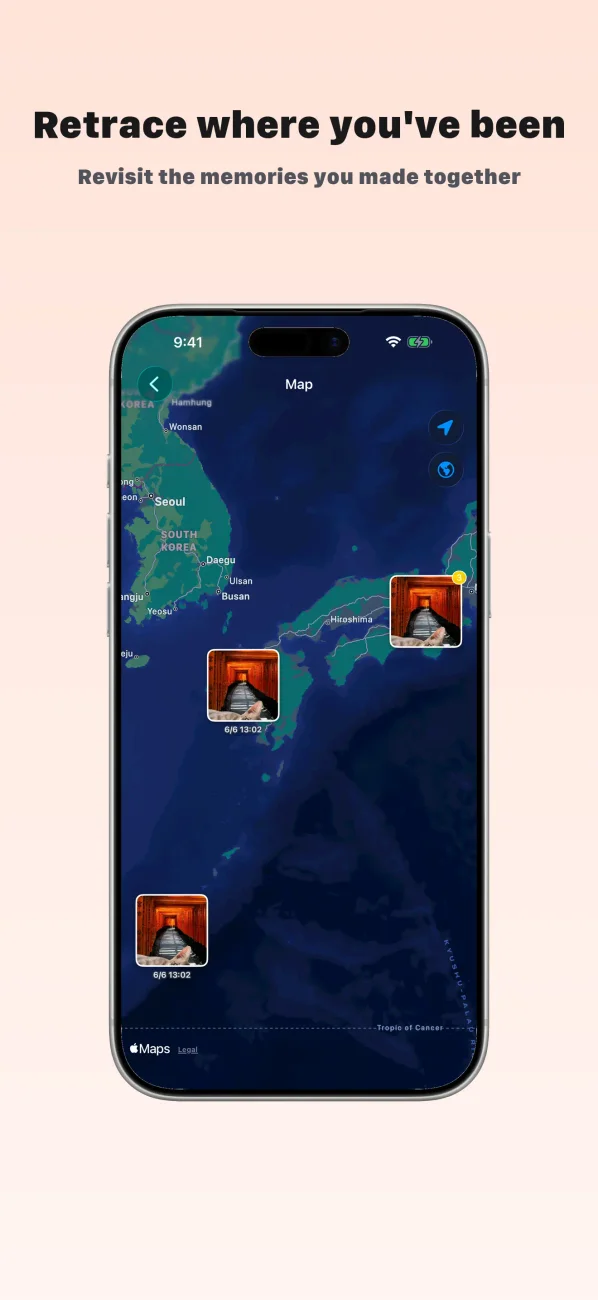
Acerca de
El desarrollador no ha proporcionado este texto en tu idioma.
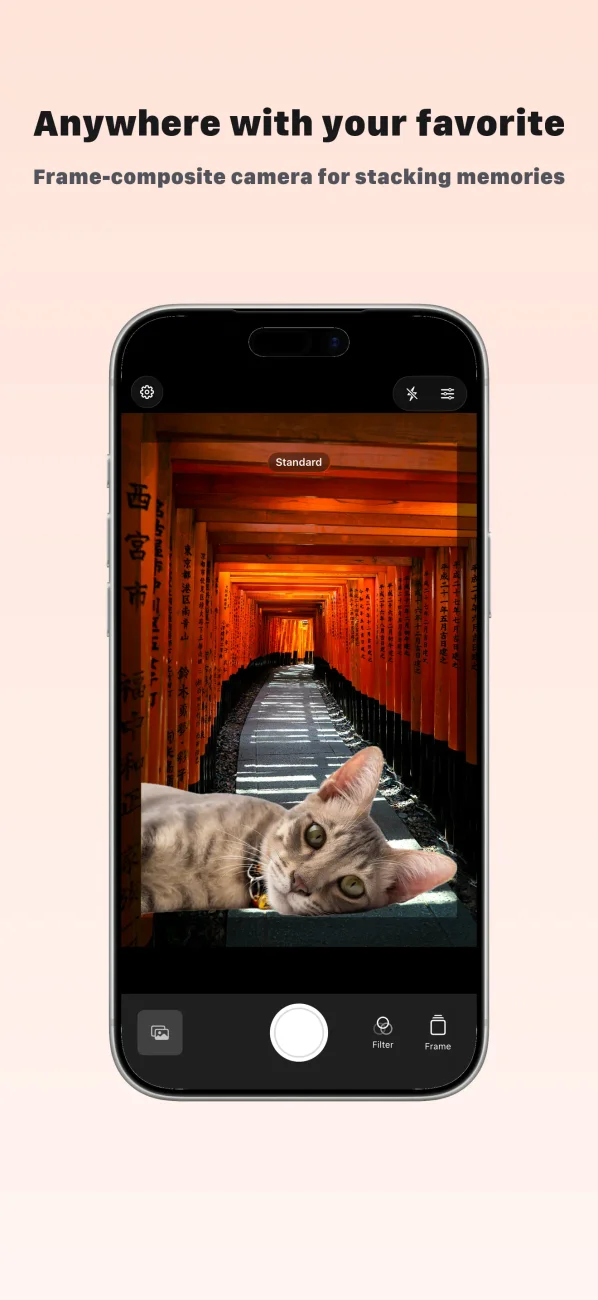
Anywhere with your favorite.
Totteco is a frame-compositing camera that lets you overlay your own cutout subjects onto whatever you are shooting.
What you can do
- Pick a frame asset and see it overlaid live through the camera
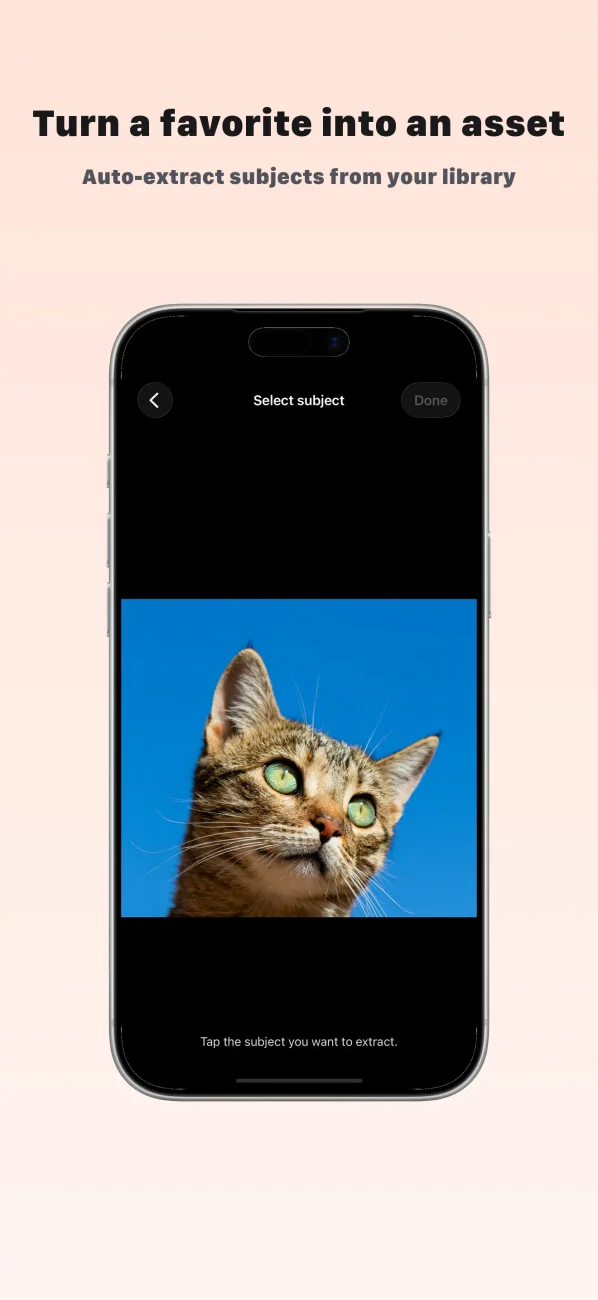
- Auto-extract subjects from your photo library to register as new frame assets
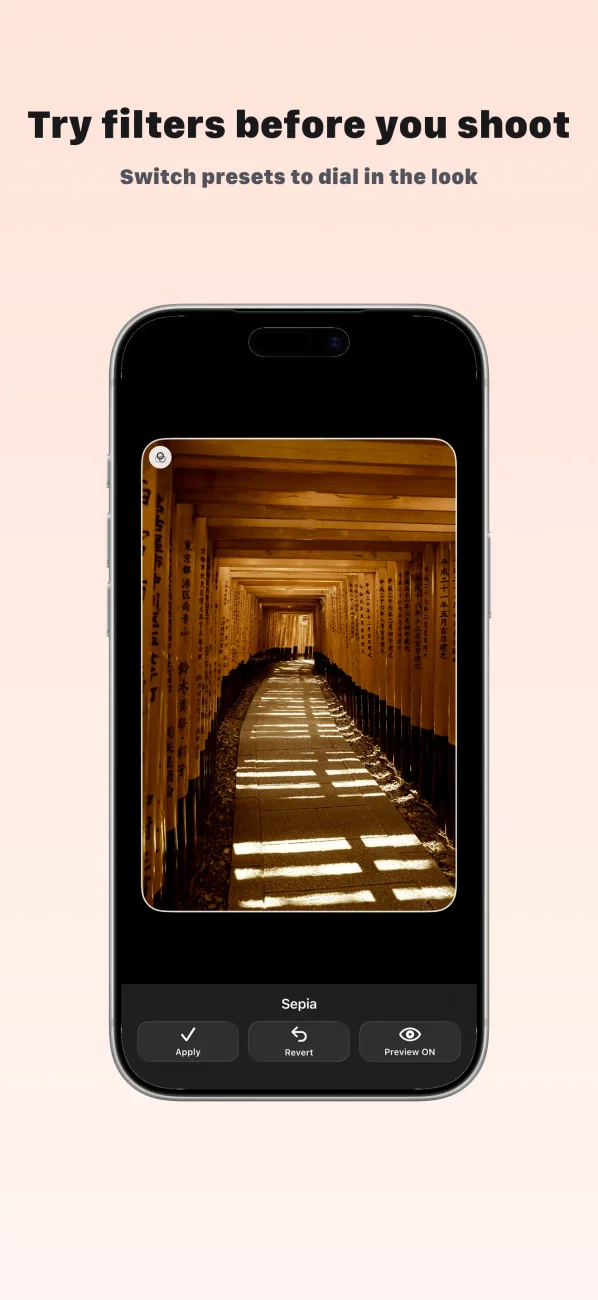
- Switch filter presets on the fly
- Browse the library by month or by asset, and revisit places on the map
- Launch capture or the library instantly via Siri and Shortcuts
Privacy
- Photos stay on-device (SwiftData) only
- No iCloud sync, no transmission to any Totteco-operated server
- Usage and crash data are sent to Google Firebase for quality improvement
- An AdMob banner appears at the bottom of the photo library screen
Full details and FAQ:
https://totteco.pages.dev/en/
Terms of Use (EULA): https://www.apple.com/legal/internet-services/itunes/dev/stdeula/
Novedades
Versión 1.1.2 · 8/7/2026
New
- Capture: tall frames now start at half height automatically instead of filling the screen (turn this off in Settings → Capture defaults).
- Library: group photos by capture year, in addition to month and day.
- Library: group photos by the frame they were shot with; named frames appear as the section title.
- Library: tap a section header to collapse that section into a single row; tap again to expand.
Improvements & Fixes
- Changing the aspect ratio or frame position while shooting no longer overwrites your saved Capture defaults.
- Even with thousands of photos, scrolling stays smooth and memory use is dramatically lower. Scrolling is especially fluid on ProMotion displays. Existing photos may be migrated once on first launch due to improved storage.
Privacidad de la aplicación
Lo que Kengo Tate declara en App Store sobre cómo esta aplicación gestiona los datos.
-
Datos usados para rastrearte
Pueden usarse para rastrearte en aplicaciones y sitios web propiedad de otras empresas.
- Ubicación
- Identificadores
- Datos de uso
-
Datos vinculados a ti
Pueden recopilarse y vincularse a tu identidad.
- Ubicación
- Identificadores
- Datos de uso
-
Datos no vinculados a ti
Pueden recopilarse, pero no se vinculan a tu identidad.
- Datos de uso
- Diagnóstico
Las prácticas de privacidad pueden variar, por ejemplo, según las funciones que uses o tu edad.
Información
- Vendedor
- Kengo Tate
- Categoría
- Foto y vídeo
- Versión
- 1.1.2
- Actualizado
- 8/7/2026
- Publicado
- 23/6/2026
- Tamaño
- 54,2 MB
- Requiere
- iOS 18.6 o posterior
- Clasificación por edad
- 4+
- Precio
- Gratis
- Compras en la aplicación
- Sí
- Idiomas
- Inglés, Japonés
- Copyright
- © 2026 hume Inc.
Quizá también te guste
-
 推し活カメラFoto y vídeo
-
 EvlumeFoto y vídeo
-
 NuiCamFoto y vídeo
-
 Journap: Art Sticker CameraFoto y vídeo
-
 Lum - Cámara Dual y StickersStickers · Dual Cam · Un toque
-
 Whole CrewTodos en una foto
-
 Kio CamFoto y vídeo
-
 Shadow Camera: Guía de posesRecrea fotos y tendencias
-
 GhostFrameFoto y vídeo
-
 Pluto: Photo EditorFoto y vídeo