
- Clasificación por edad12+
- CategoríaPalabras
- DesarrolladorBradley Stanton
- IdiomasInglés
- Tamaño18,5 MB
Enlaza a la página oficial de App Store
Download.org no aloja ningún archivo de Twysp. El botón abre la página de la aplicación en App Store, donde la publica Bradley Stanton. Ficha comprobada por última vez el 10/11/2026.
Capturas de pantalla

Acerca de
El desarrollador no ha proporcionado este texto en tu idioma.
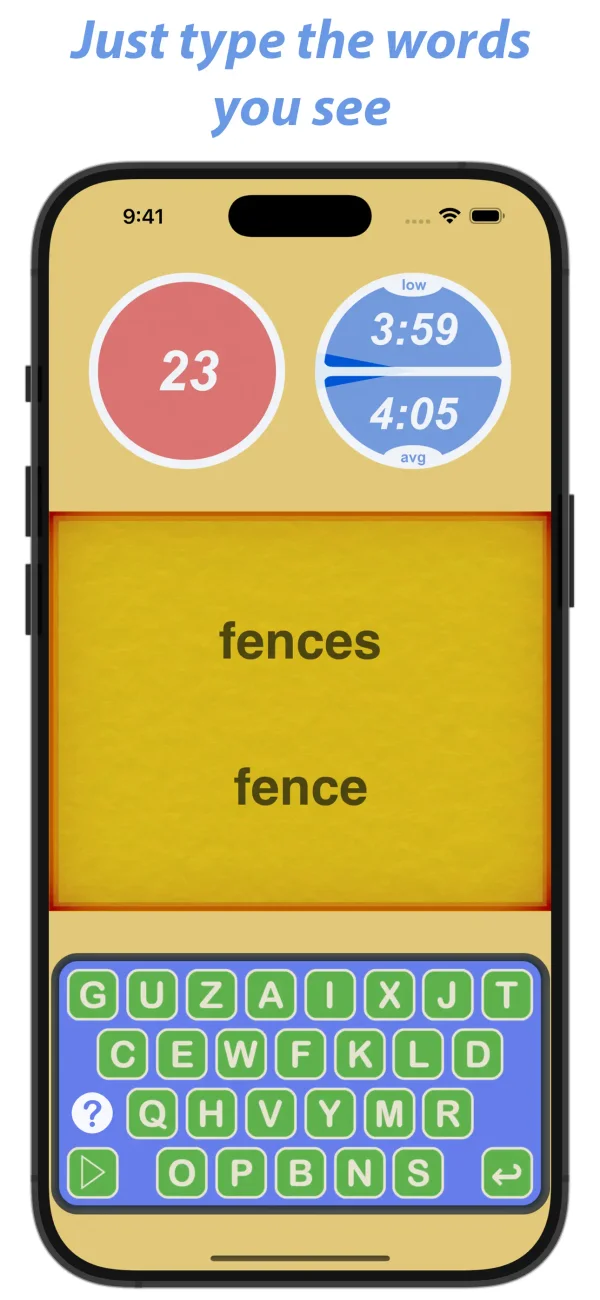
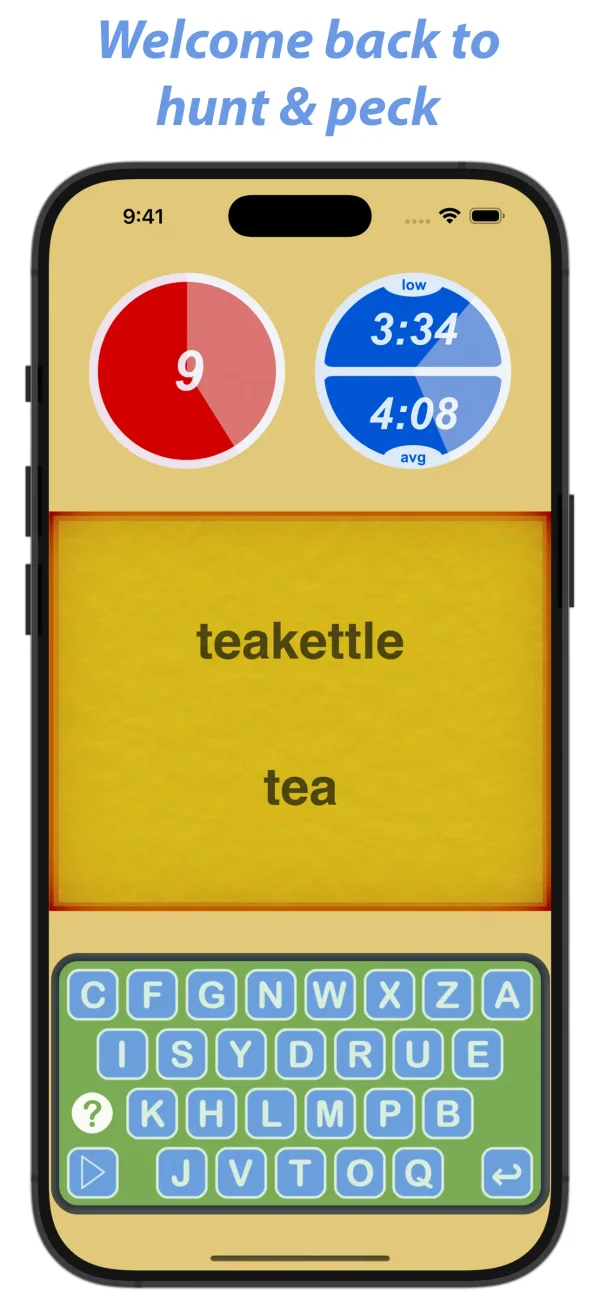
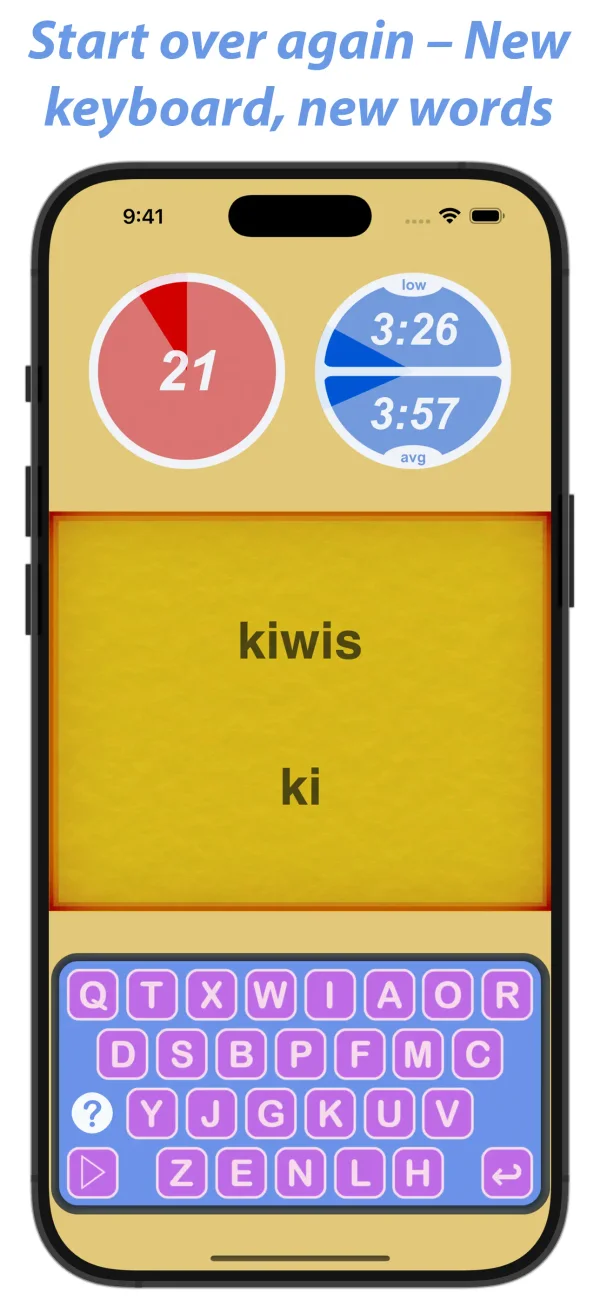
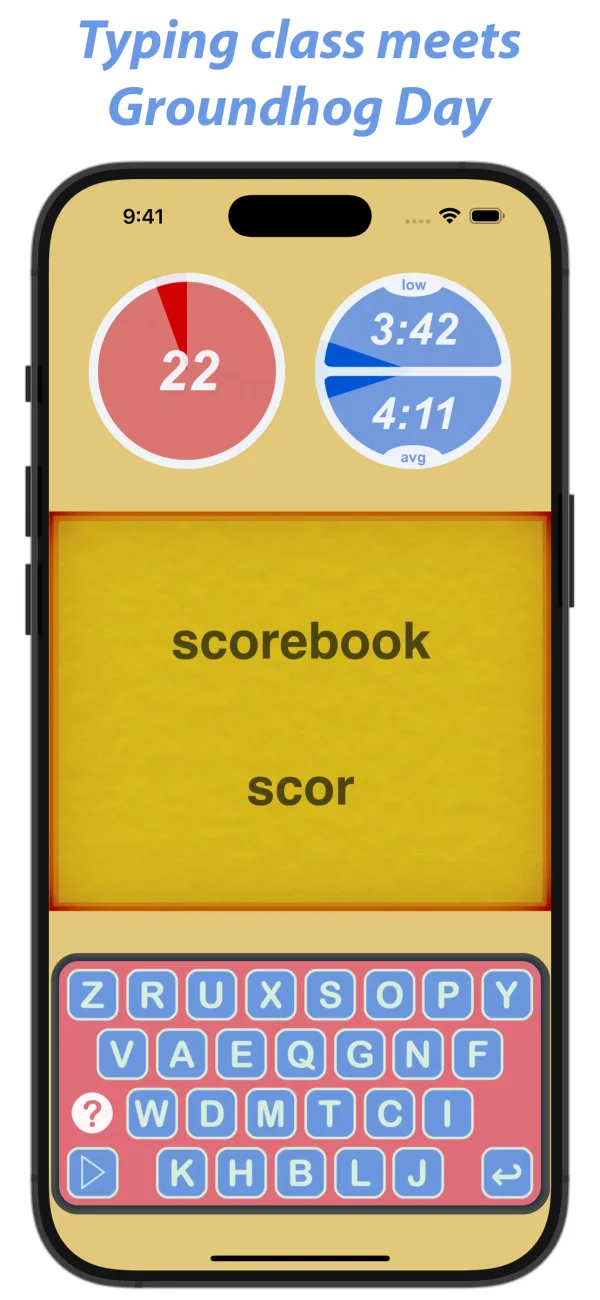
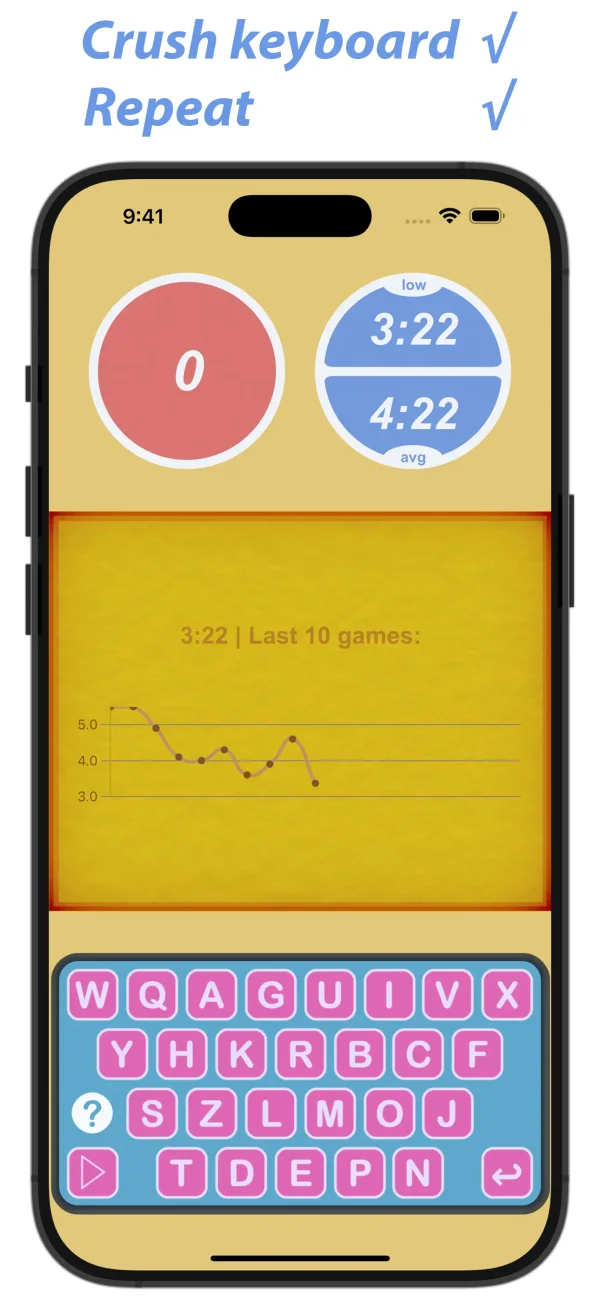
Remember when you first used a keyboard (or maybe the last time you texted), jumping into one-finger mode to type out a simple word or two? Now recapture that first-time sense of mild panic every couple dozen words with Twysp. It's hunt-and-peck meets Groundhog Day, with a bit of Concentration.
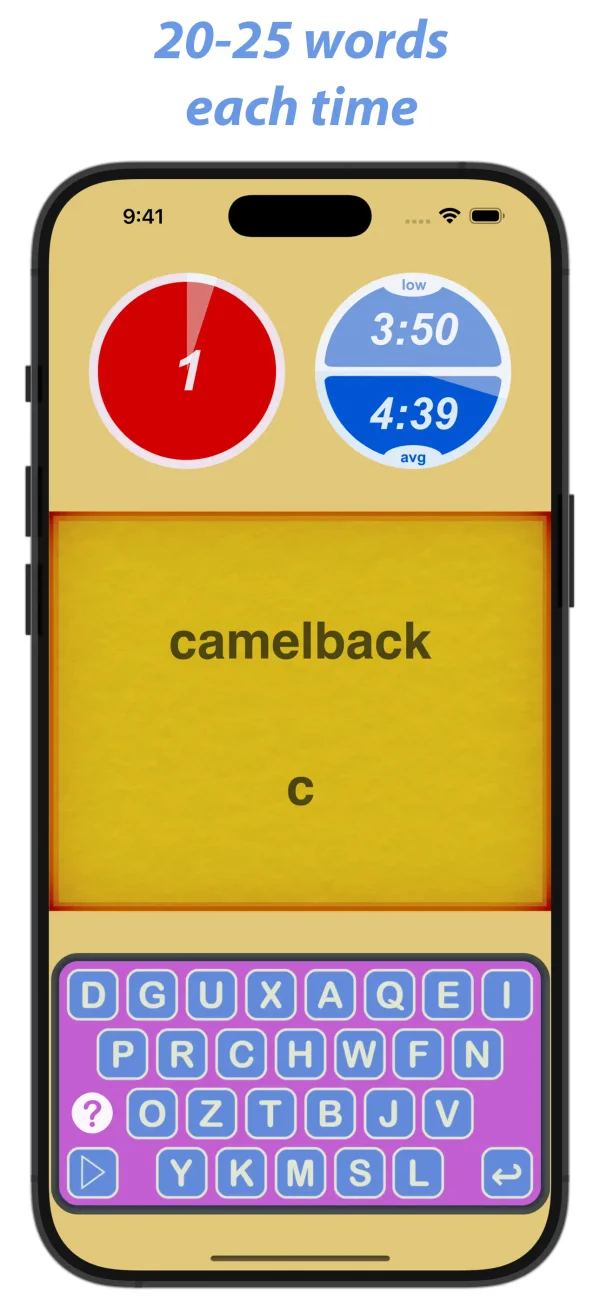
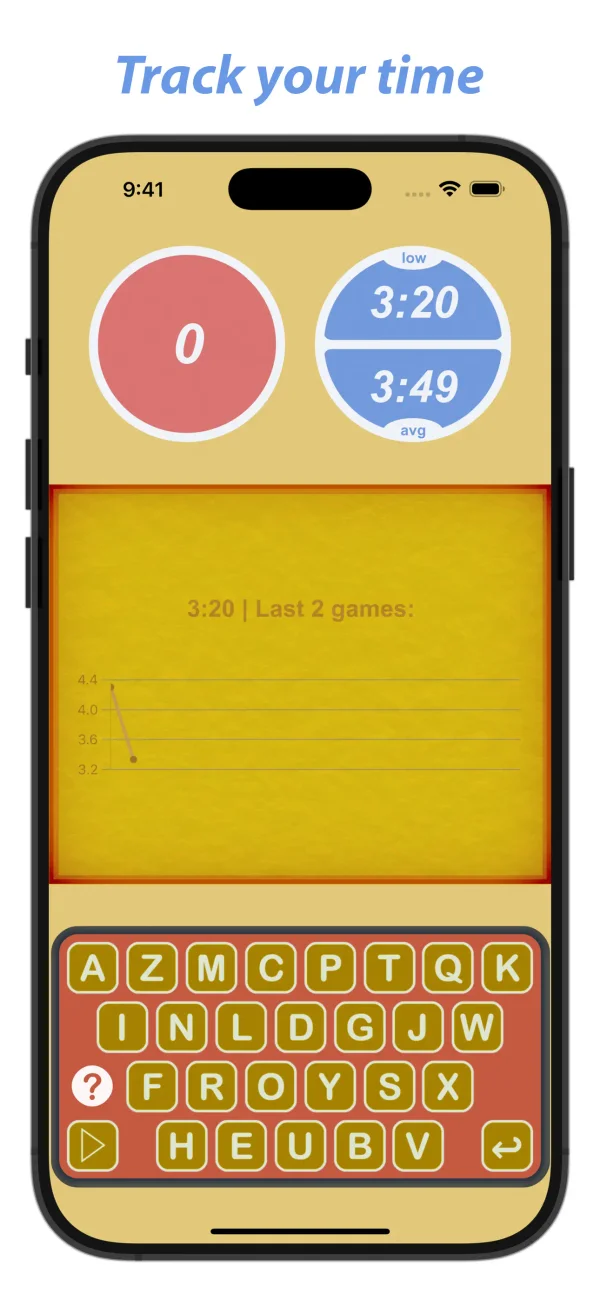
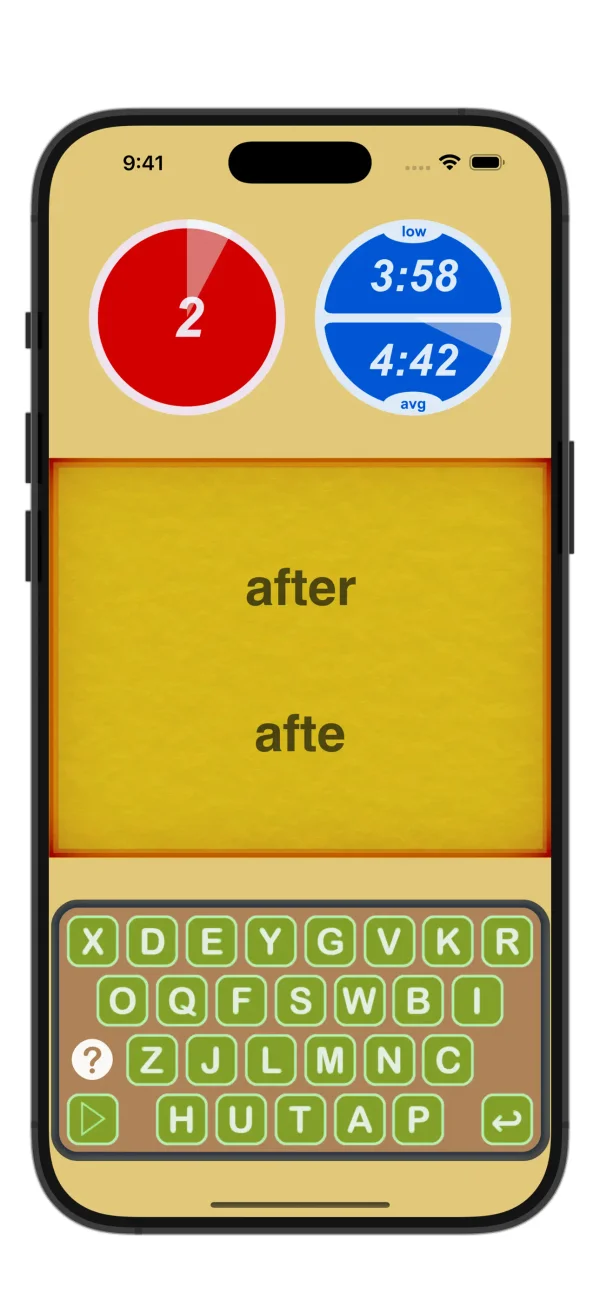
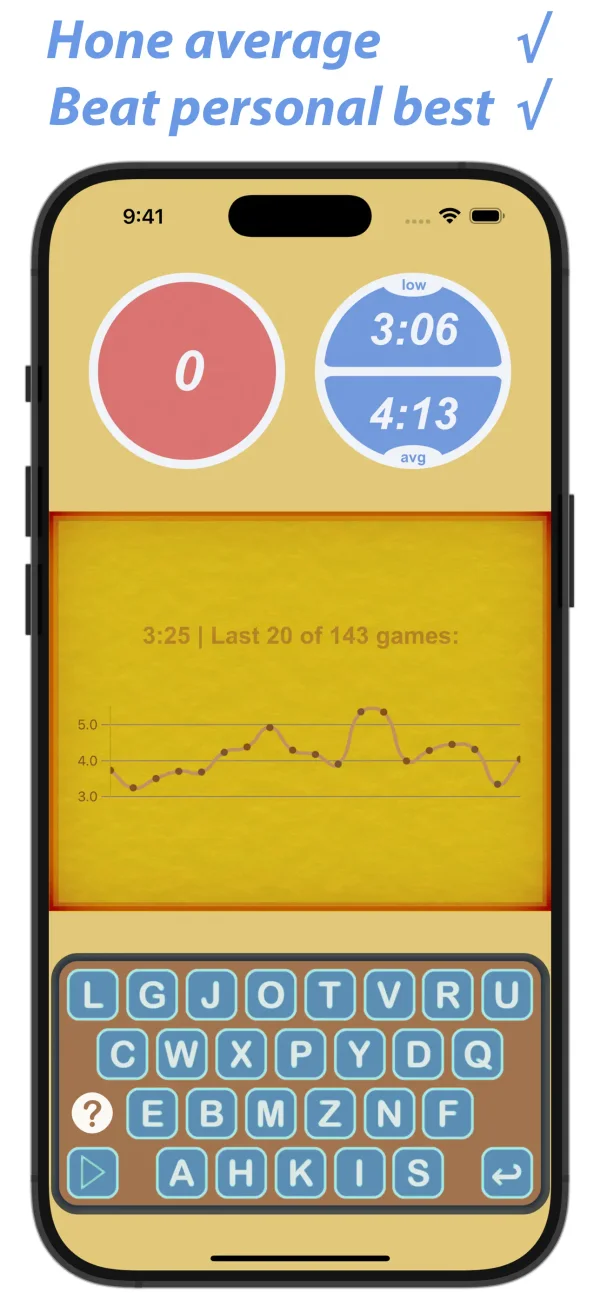
Twysp is really very simple. Just type the words you see using the "burner" keyboard. After typing around 20 to 25 words (180 letters' worth), your time is tallied, graphed, and, if it's a personal best, counted as a new record. The next game starts with a totally new keyboard and new random words.
The fun is in the finding. You'll find yourself feeling out a balance between scoping out likely keystroke combinations, and more gutsy play that can pay off nicely with a bit of luck. And you know how some games seem like your new go-to, right until you find yourself playing in the same old rut? Well, we rutn't. With septillions (yep) of possible keyboard combinations and endless thousands of random words, your keyboard will never be the same.
There's no great spelling involved – all the words are right in front of you. Just jump in like the quick brown fox and start typing what you see. And it's free! No subscriptions, no in-app purchases, no subscriptions. Try it now!
Novedades
Versión 1.0.1 · 9/10/2025
Version 1.0.1 brings sound preferences. Just long-press the "?" (user guide) key on the left of the keyboard. Toggle any or all sounds on or off. Also edited the wordlist, properly accounted for times over 10 minutes in low and average calculations, and fixed a small problem when carrying over the game state (reopening) after the app was moved out of the background.
Privacidad de la aplicación
Lo que Bradley Stanton declara en App Store sobre cómo esta aplicación gestiona los datos.
-
No se recopilan datos
El desarrollador no recopila ningún dato de esta aplicación.
Las prácticas de privacidad pueden variar, por ejemplo, según las funciones que uses o tu edad.
Información
- Vendedor
- Bradley Stanton
- Categoría
- Palabras
- Versión
- 1.0.1
- Actualizado
- 9/10/2025
- Publicado
- 29/8/2025
- Tamaño
- 18,5 MB
- Requiere
- iOS 13.0 o posterior
- Clasificación por edad
- 12+
- Precio
- Gratis
- Idiomas
- Inglés
- Copyright
- © 2025 Bradley Stanton
Quizá también te guste
-
 TypeFast: Typing RacePon a prueba tu velocidad
-
 Number Puzzle Game for 2048Puzle
-
 Flick Battle Adventure TypingPalabras
-
 4 Pics 1 Word - Guess WordPalabras
-
 Word Search Daily 3000+Palabras
-
 Razas De Perros: foto-juegosAdivina la Raza del Perro Quiz
-
 ClickClack - Typing TrainerPalabras
-
 CaseFile 404: Crime MysteryJuegos
-
 Charades For Adults: Hot HeadsPalabras
-
 Cat Surfers: Kitty Gold RunCasino