
- Age rating12+
- CategoryWord
- DeveloperBradley Stanton
- LanguagesEnglish
- Size18.5 MB
Links to the official App Store page
Download.org hosts no file of Twysp. The button opens its official App Store page, published by Bradley Stanton. Listing last checked on Nov 10, 2026.
Screenshots

About
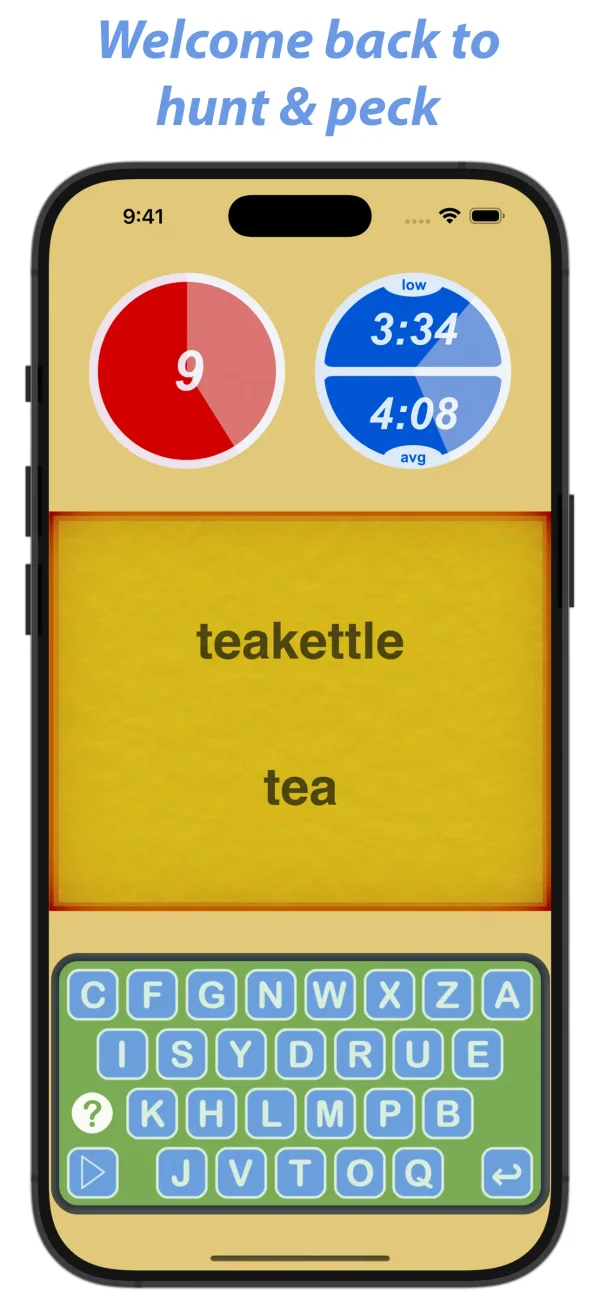
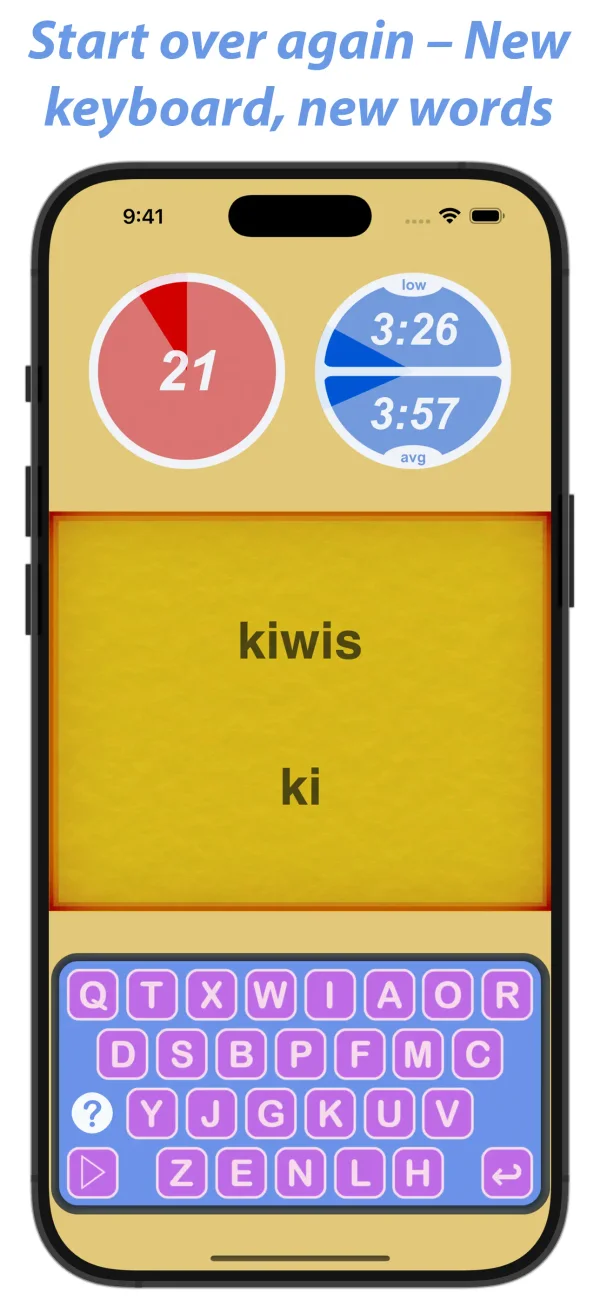
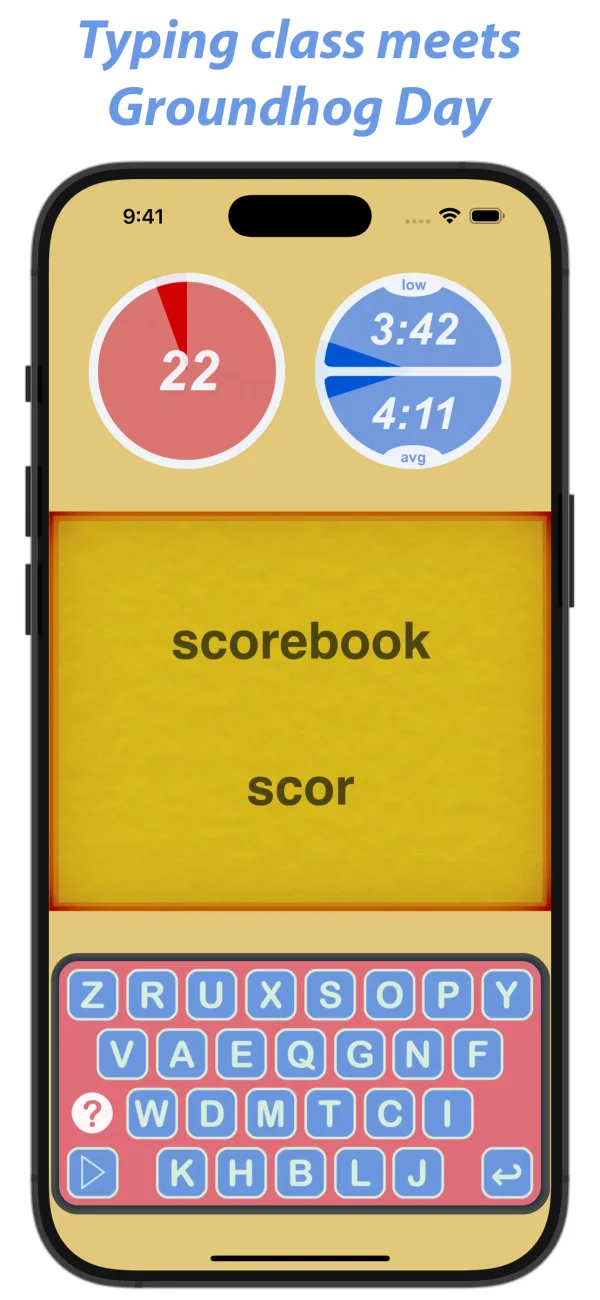
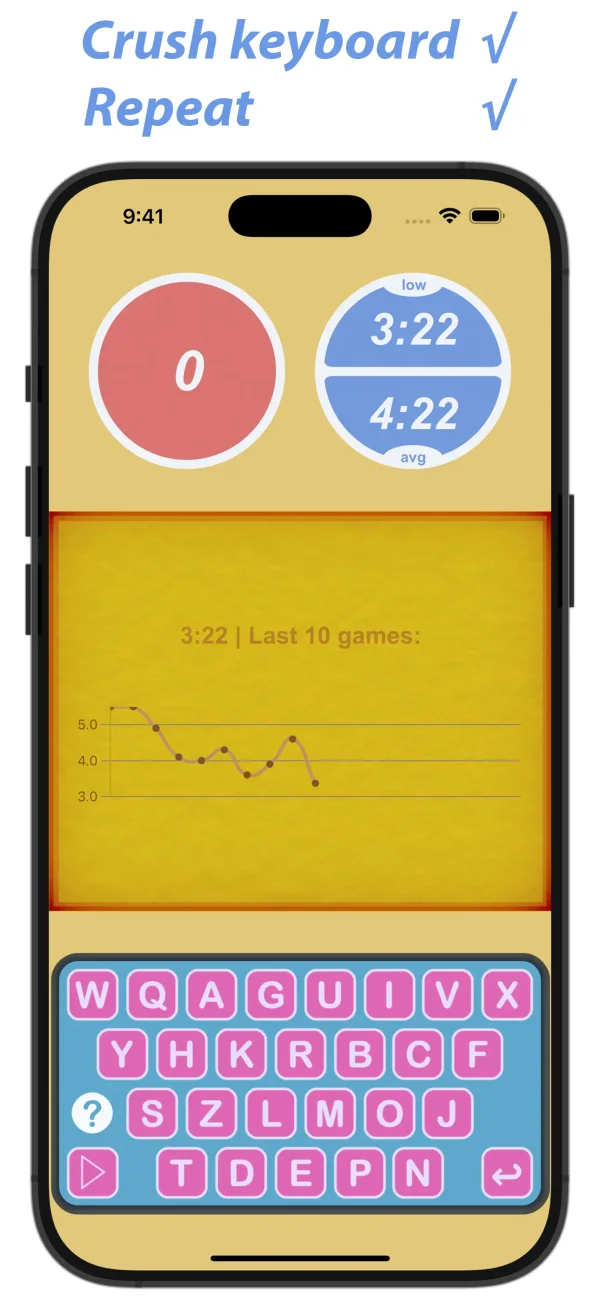
Remember when you first used a keyboard (or maybe the last time you texted), jumping into one-finger mode to type out a simple word or two? Now recapture that first-time sense of mild panic every couple dozen words with Twysp. It's hunt-and-peck meets Groundhog Day, with a bit of Concentration.
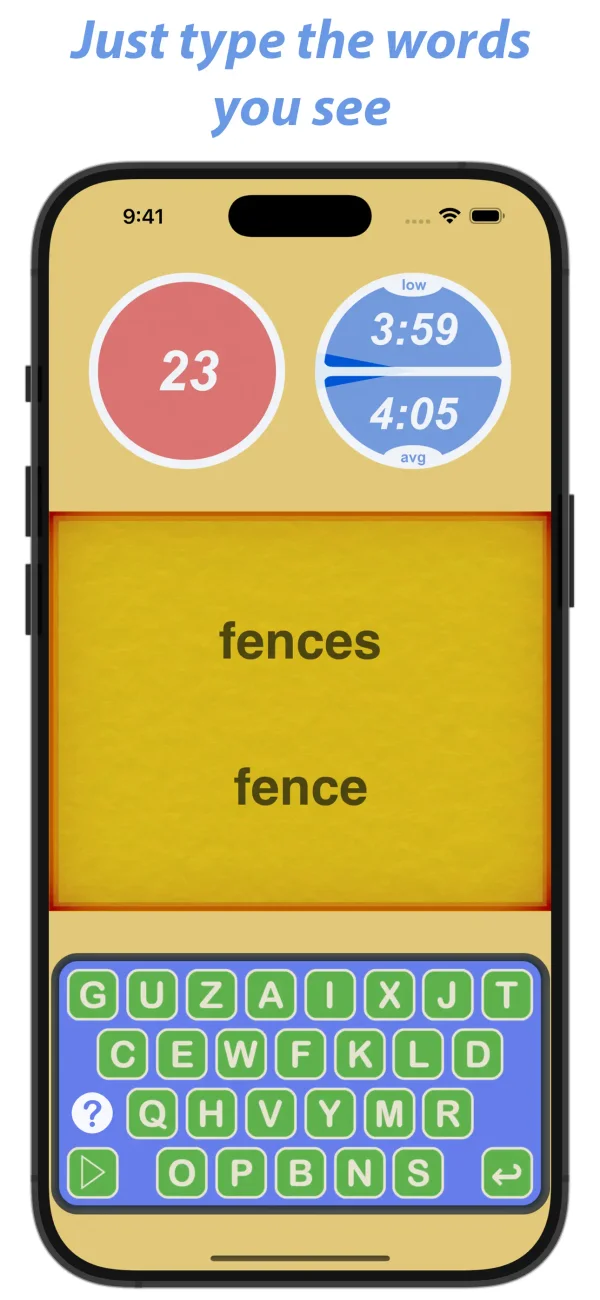
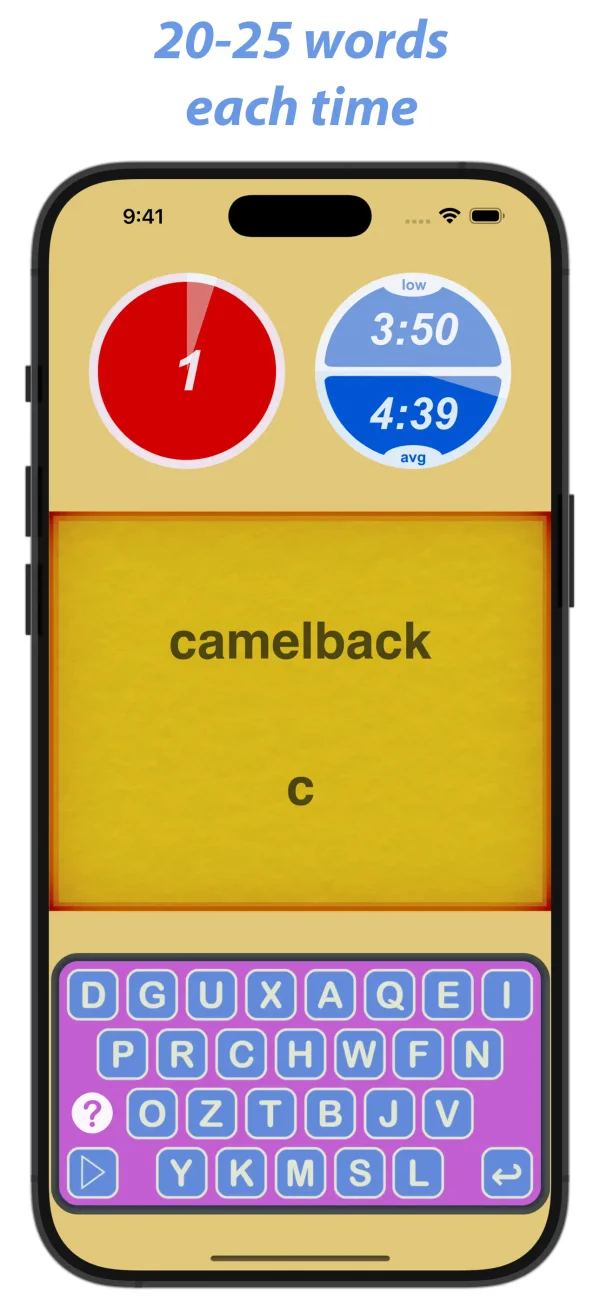
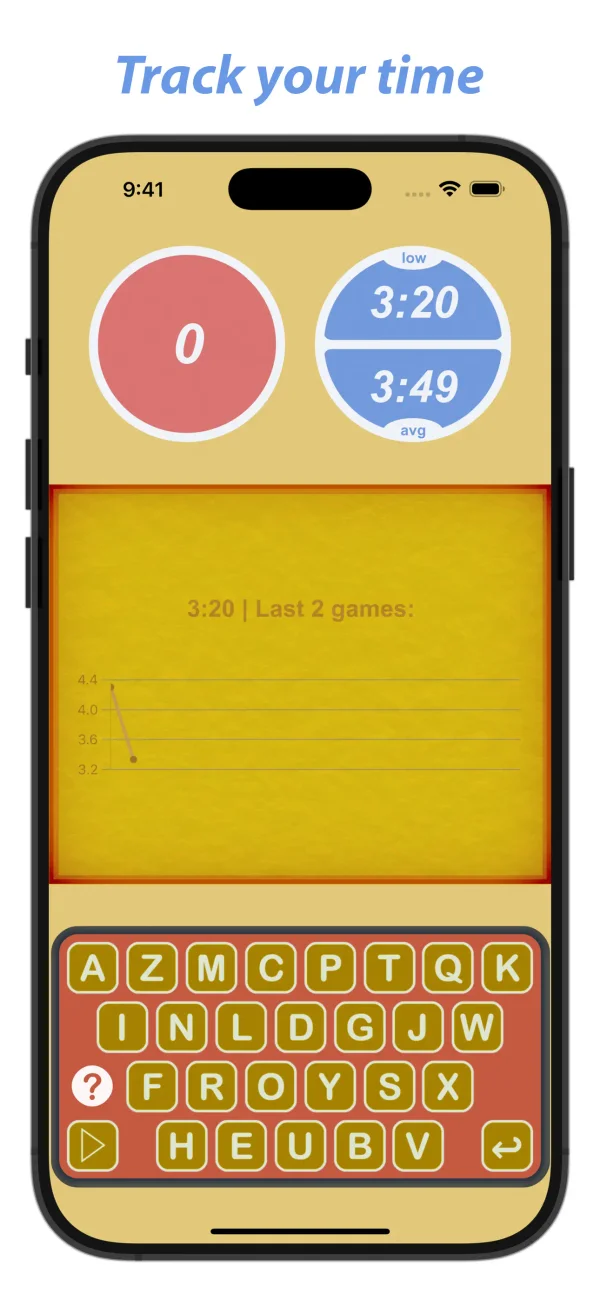
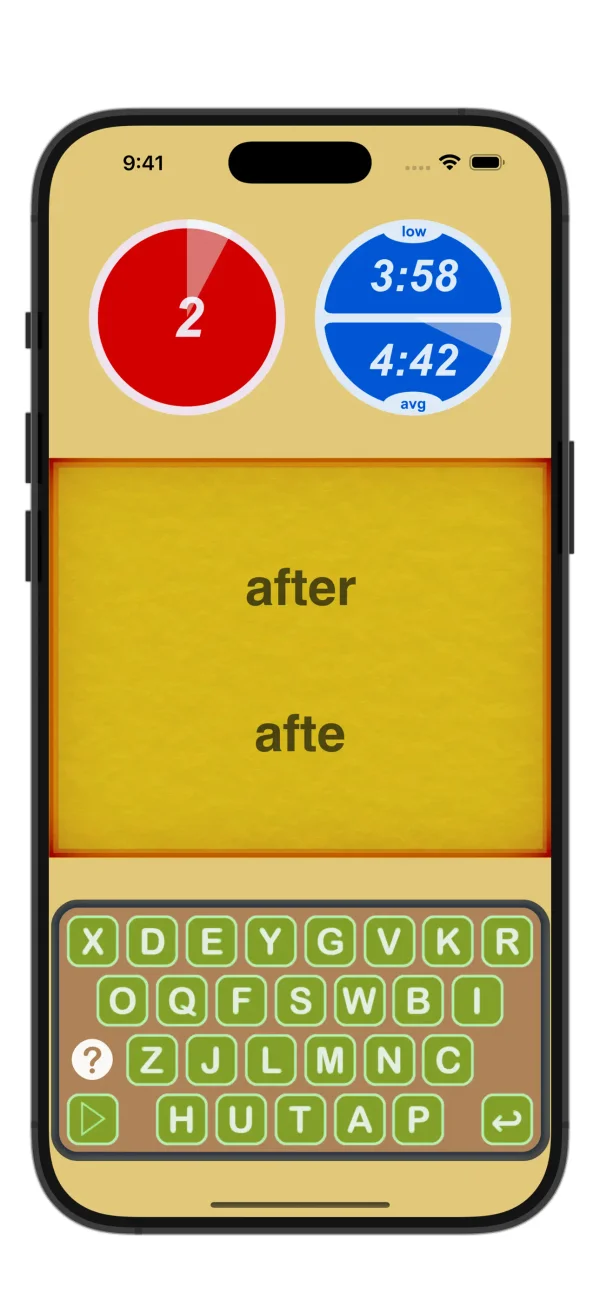
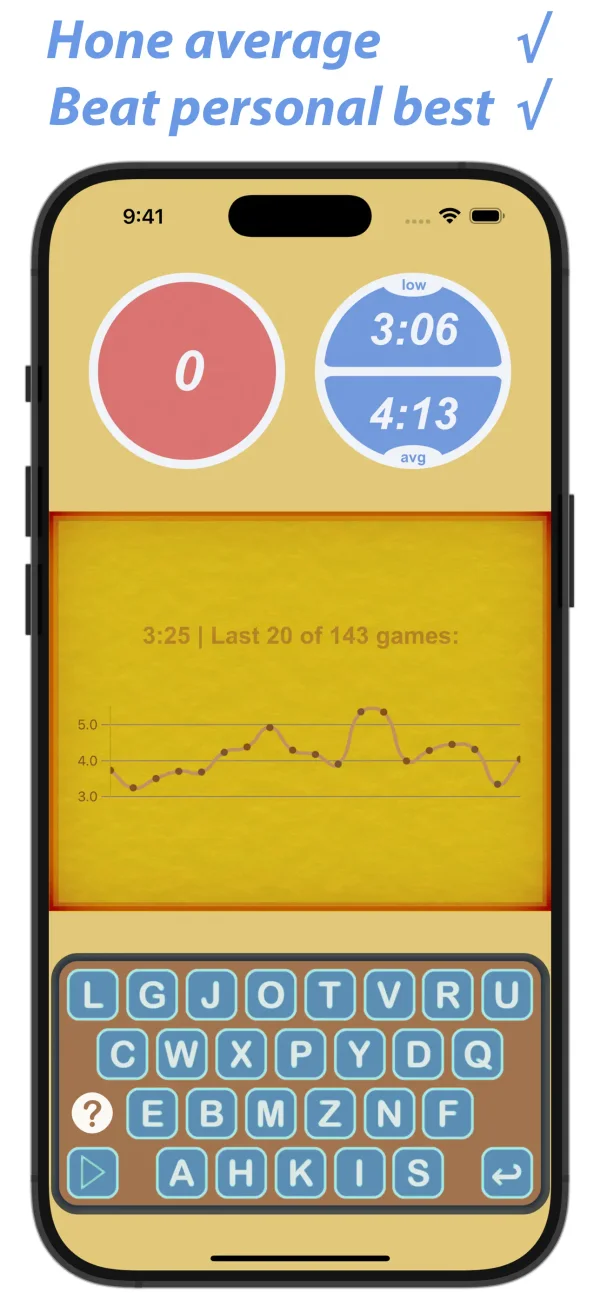
Twysp is really very simple. Just type the words you see using the "burner" keyboard. After typing around 20 to 25 words (180 letters' worth), your time is tallied, graphed, and, if it's a personal best, counted as a new record. The next game starts with a totally new keyboard and new random words.
The fun is in the finding. You'll find yourself feeling out a balance between scoping out likely keystroke combinations, and more gutsy play that can pay off nicely with a bit of luck. And you know how some games seem like your new go-to, right until you find yourself playing in the same old rut? Well, we rutn't. With septillions (yep) of possible keyboard combinations and endless thousands of random words, your keyboard will never be the same.
There's no great spelling involved – all the words are right in front of you. Just jump in like the quick brown fox and start typing what you see. And it's free! No subscriptions, no in-app purchases, no subscriptions. Try it now!
What’s new
Version 1.0.1 · Oct 9, 2025
Version 1.0.1 brings sound preferences. Just long-press the "?" (user guide) key on the left of the keyboard. Toggle any or all sounds on or off. Also edited the wordlist, properly accounted for times over 10 minutes in low and average calculations, and fixed a small problem when carrying over the game state (reopening) after the app was moved out of the background.
App privacy
What Bradley Stanton declares on the App Store about how this app handles data.
-
Data not collected
The developer does not collect any data from this app.
Privacy practices may vary, for example with the features you use or your age.
Information
- Seller
- Bradley Stanton
- Category
- Word
- Version
- 1.0.1
- Updated
- Oct 9, 2025
- Released
- Aug 29, 2025
- Size
- 18.5 MB
- Requires
- iOS 13.0 or later
- Age rating
- 12+
- Languages
- English
- Copyright
- © 2025 Bradley Stanton
You might also like
-
 TypeFast: Typing RaceTest your typing speed
-
 Number Puzzle Game for 2048An addictive puzzle game
-
 Flick Battle Adventure TypingWord
-
 4 Pics 1 Word - Guess WordOver 10000+ fun word puzzles
-
 Word Search Daily 3000+Daily new crosswords + offline
-
 Dog Breeds Quiz: Guess the PetIdentify dogs by photo — Game
-
 ClickClack - Typing TrainerSpeed Test & Practice Lessons
-
 CaseFile 404: Crime MysteryA Detective Crime Mystery Game
-
 Charades For Adults: Hot HeadsSpicy & Funny Party Mime
-
 Cat Surfers: Kitty Gold RunCat Runner Subway game