TymClock: Project Time Tracker
Billable Hours & Project Log
Diseñada para iPhone, iPad, iPod touch
Gratis · Compras en la aplicación
- Clasificación por edad17+
- CategoríaEconomía y empresa
- DesarrolladorNanoHawk
- IdiomasInglés
- Tamaño38,8 MB
Enlaza a la página oficial de App Store
Download.org no aloja ningún archivo de TymClock: Project Time Tracker. El botón abre la página de la aplicación en App Store, donde la publica NanoHawk. Ficha comprobada por última vez el 18/11/2026.
Capturas de pantalla
Acerca de
El desarrollador no ha proporcionado este texto en tu idioma.
TymClock: The Two-Tap Professional Time Tracker
TymClock is a streamlined work time tracker and billable hours log designed for independent professionals, freelancers, contractors, and anyone who needs a simple way to keep track of their working time.
If you need a straightforward time clock without the overhead of a complex team platform, TymClock provides a focused workflow for tracking work sessions, projects, and billable hours.
Why Professionals Choose TymClock
TymClock keeps time tracking simple. Whether you’re tracking client work, inspections, side jobs, volunteer hours, or personal projects, the clean interface keeps you focused on the work instead of the software.
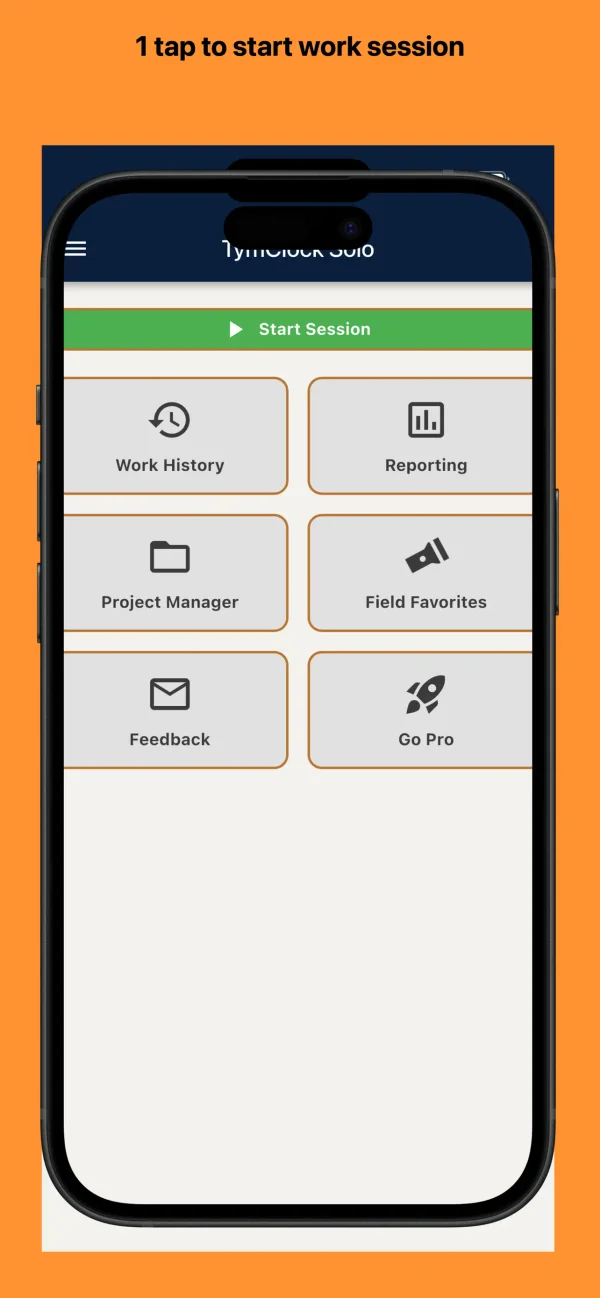
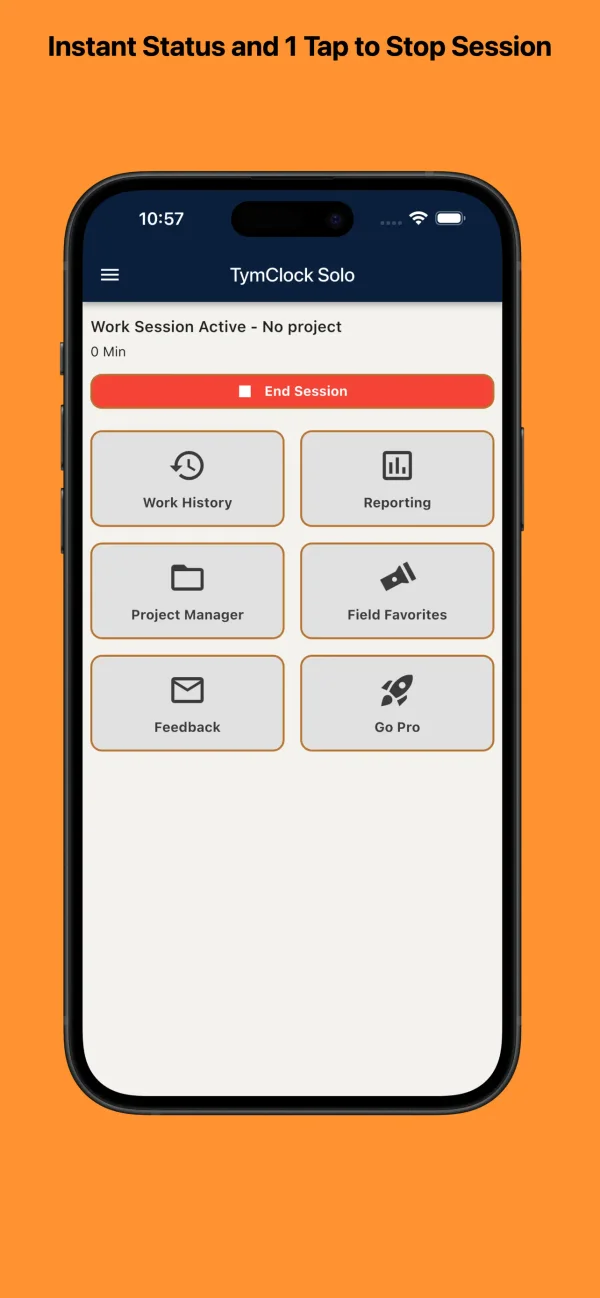
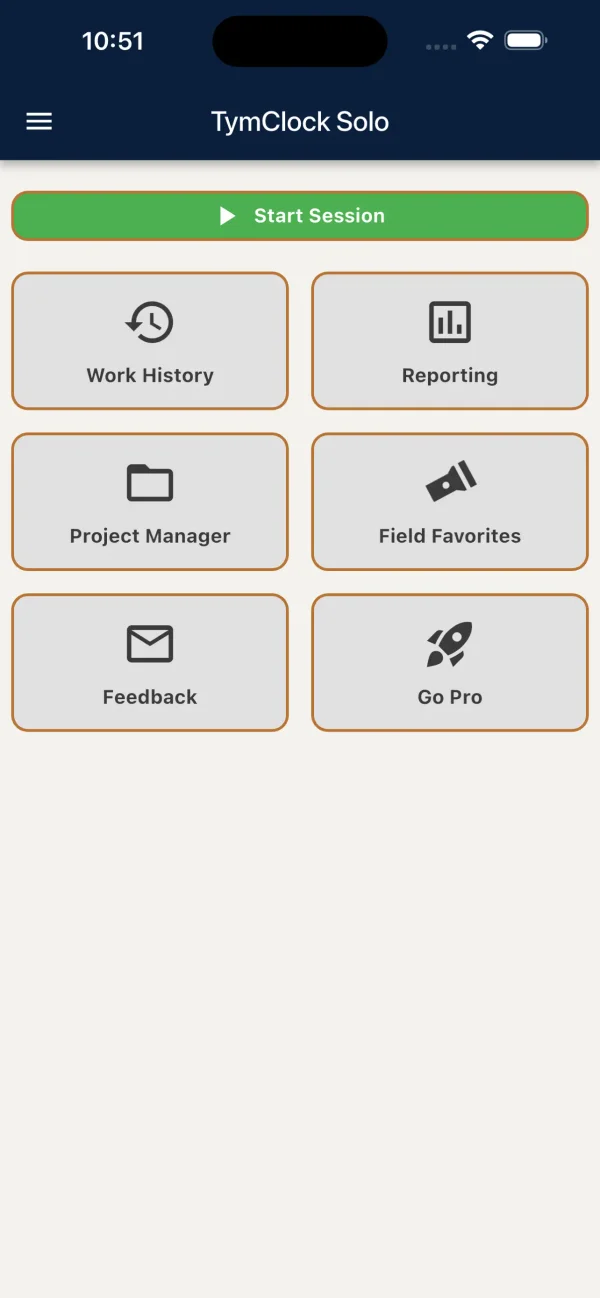
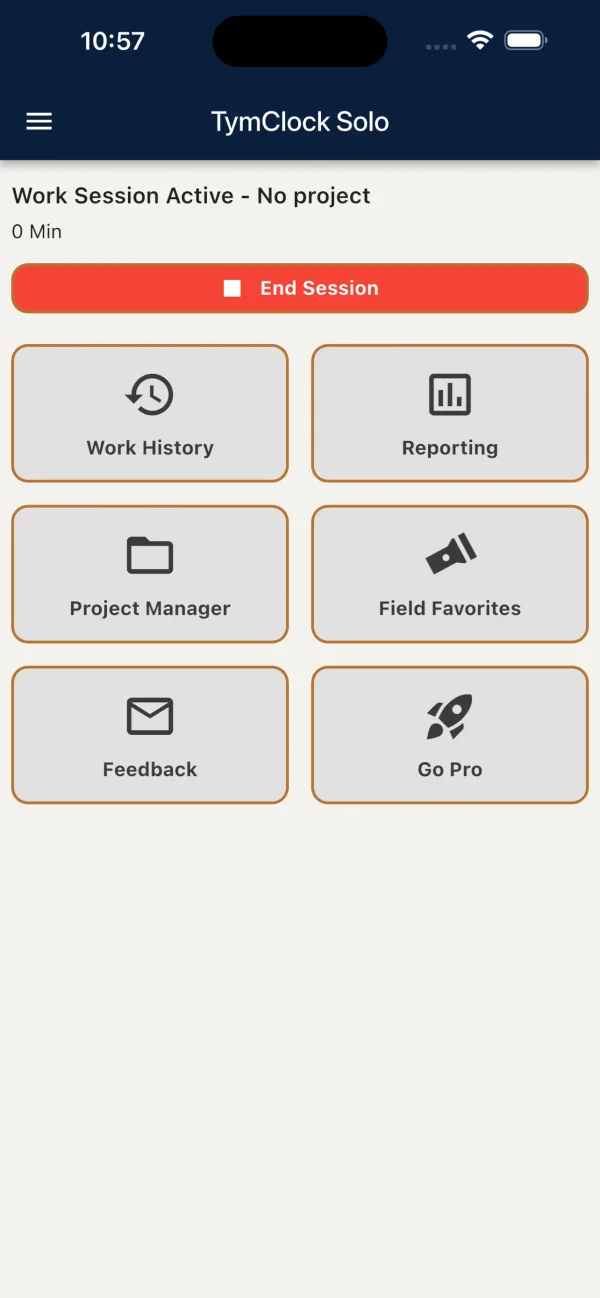
Start and stop a work session in just two taps.
Core Features
Work Time Tracking
Quickly start and stop work sessions and keep an accurate record of your time.
Billable Hours Log
Track working time and add notes to individual sessions.
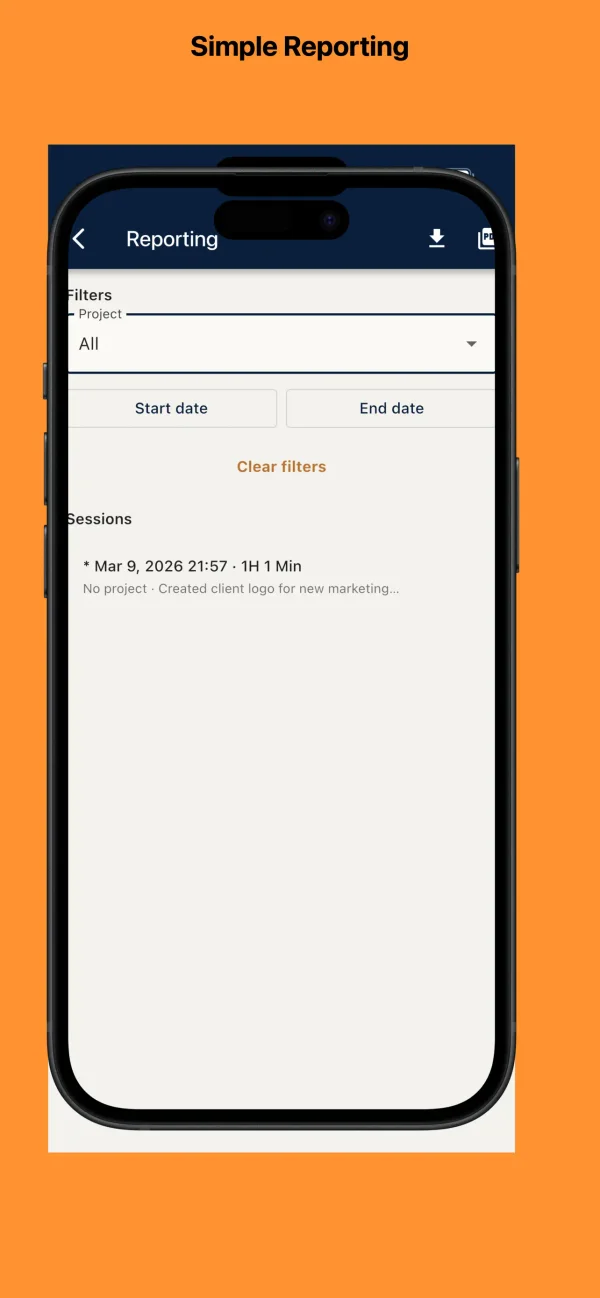
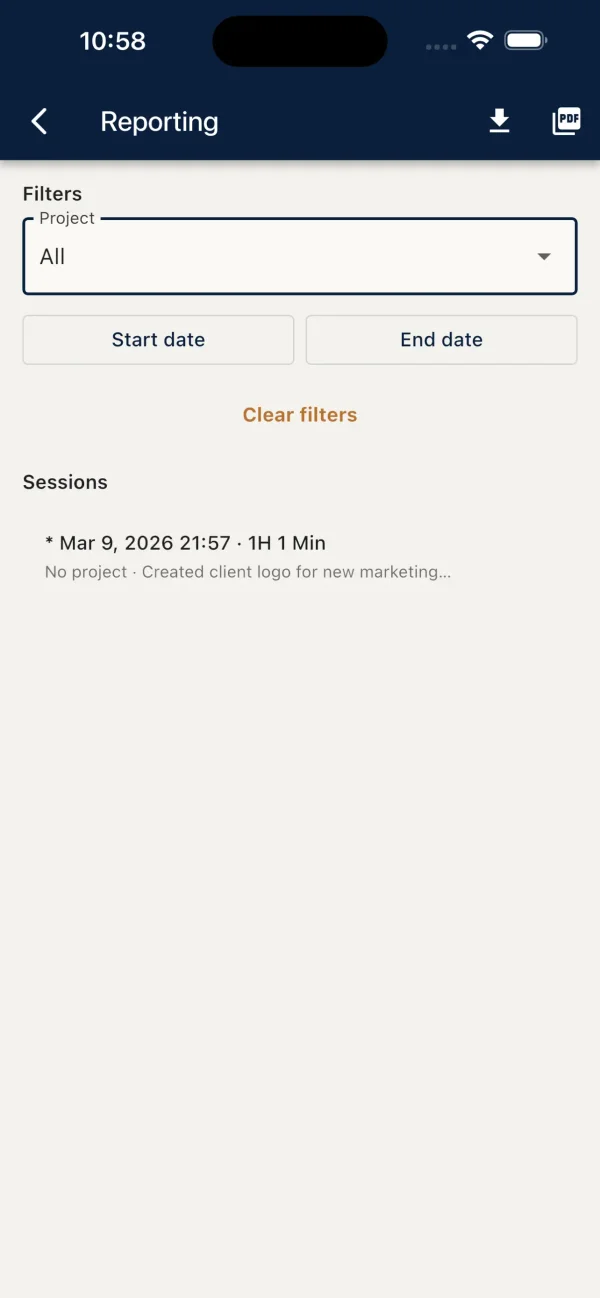
PDF Timesheet Export
Generate professional PDF records for clients, bookkeeping, or your own files.
Cross-Device Sync
Sign in to securely sync your TymClock data across supported devices.
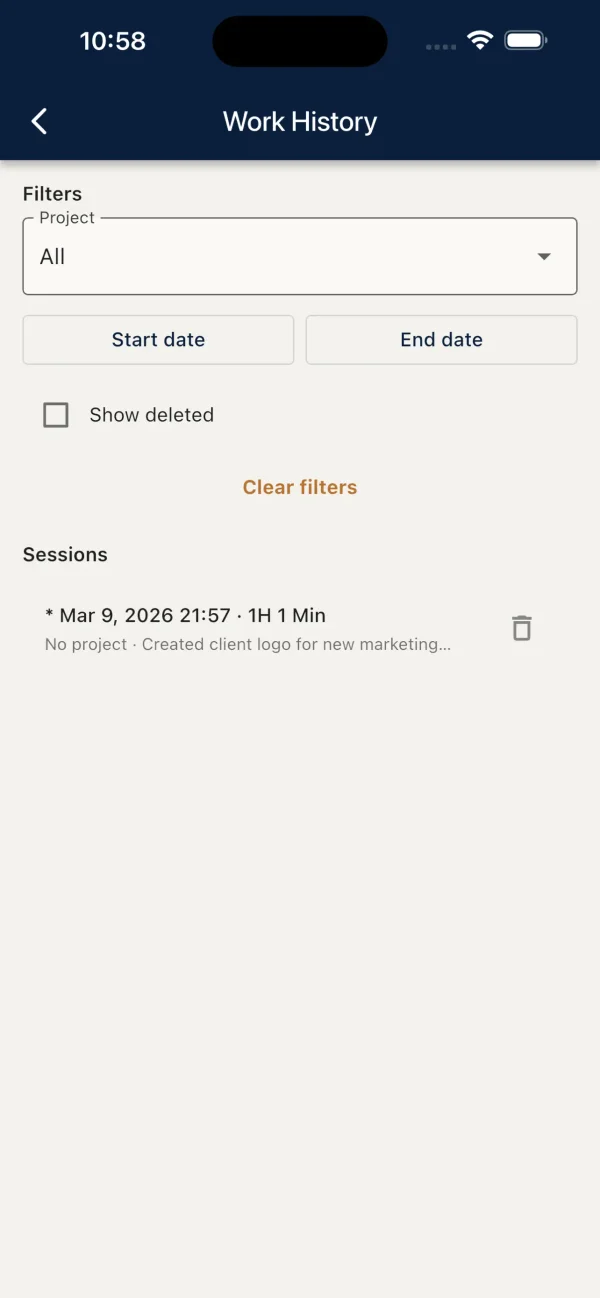
Work History
Review and manage previous work sessions whenever you need them.
TymClock Pro
Upgrade to TymClock Pro for additional project management and export tools:
• Unlimited Project Tracking — Organize your work by client, job, or project.
• CSV Data Export — Export your time records for spreadsheets, reporting, bookkeeping, or billing.
TymClock is designed to work well for:
• Freelancers tracking time for client work
• Contractors maintaining daily work records
• Consultants tracking billable hours
• Inspectors recording time by job or project
• Volunteers keeping records of service hours
• Anyone who wants a simple personal timesheet
No complicated workforce-management system. No advertising. Just a straightforward way to track your time.
Privacy & Data Usage
TymClock does not use third-party advertising or third-party analytics SDKs.
Account Data
A TymClock account is used to secure your data and provide cross-device synchronization.
Operational Data
Limited operational information such as device type, operating system and app version may be sent to NanoHawk-controlled servers for app operation, usage statistics, and abuse prevention.
Coarse Location
Country, region, or city-level location may be derived from your public IP address for first-party operational analytics. TymClock does not request access to your device’s location services for this purpose.
Operational analytics data is retained for up to 90 days and is not used for advertising.
Support
If you contact support, information such as your name and email address is used to respond to your request and may be retained for up to two years.
Security
Limited operational data may be used to identify abuse or misuse and help keep TymClock services reliable and available.
Novedades
Versión 1.9 · 25/10/2026
Package updates to ensure stability and security.
Privacidad de la aplicación
Lo que NanoHawk declara en App Store sobre cómo esta aplicación gestiona los datos.
-
Datos no vinculados a ti
Pueden recopilarse, pero no se vinculan a tu identidad.
- Ubicación
- Identificadores
- Datos de uso
Las prácticas de privacidad pueden variar, por ejemplo, según las funciones que uses o tu edad.
Información
- Vendedor
- Swamp Ventures LLC
- Categoría
- Economía y empresa
- Versión
- 1.9
- Actualizado
- 25/10/2026
- Publicado
- 18/3/2026
- Tamaño
- 38,8 MB
- Requiere
- iOS 15.6 o posterior
- Clasificación por edad
- 17+
- Precio
- Gratis
- Compras en la aplicación
- Sí
- Idiomas
- Inglés
- Copyright
- ©2026 NanoHawk
Quizá también te guste
-
 Sameday AIEconomía y empresa
-
 Harbor NotesProductividad
-
 DoorMambaEconomía y empresa
-
 ETasks: Tareas y alarmasPlan de tareas y recordatorios
-
 ThisDay: Tareas/RecordatoriosTareas, hábitos, recordatorios
-
 Mis Turnos de Trabajo: HorarioCalendario, Horas y Sueldo
-
 Newsletter ReaderProductividad
-
 Binly: Notes, Links & FilesProductividad
-
 easyAsPieDB Base de DatosGestión fácil de info sin tech
-
 National Pest Management AssnProductividad