TymClock: Project Time Tracker
Billable Hours & Project Log
iPhone, iPad, iPod touch向けに設計
無料 · アプリ内課金
- 対象年齢17+
- カテゴリビジネス
- 開発元NanoHawk
- 言語英語
- サイズ38.8 MB
App Storeの公式ページにリンクしています
Download.orgはTymClock: Project Time Trackerのファイルを一切ホストしていません。ボタンを押すと、NanoHawkが公開しているApp Storeのアプリページが開きます。ページの最終確認:2026/11/18。
スクリーンショット
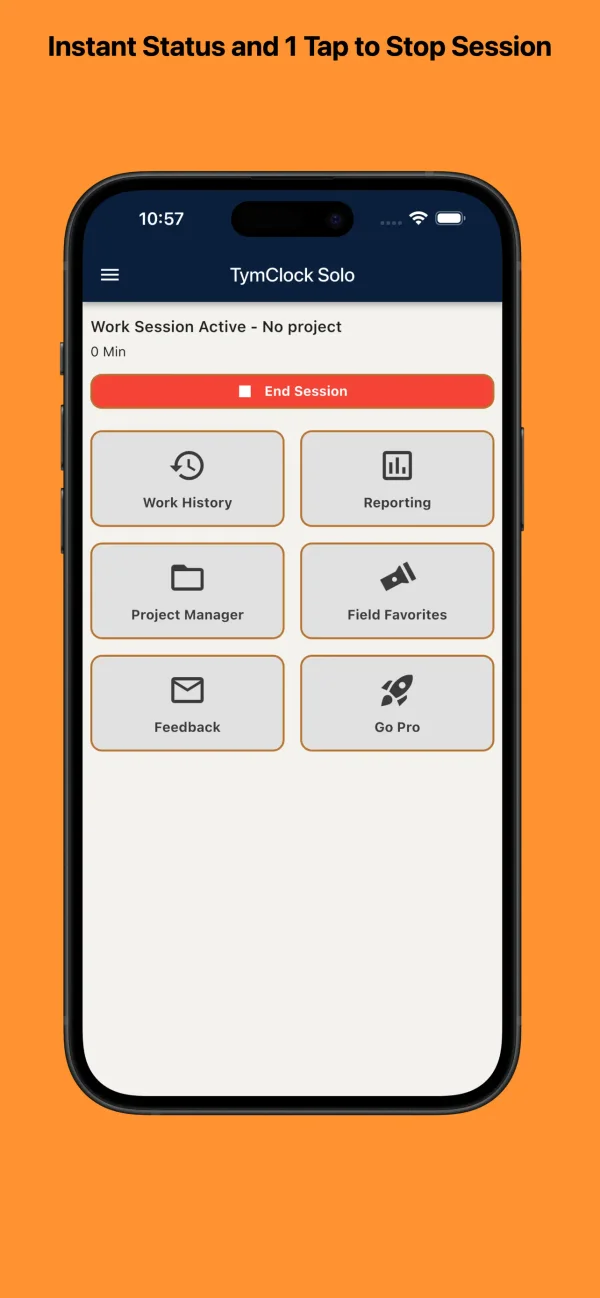
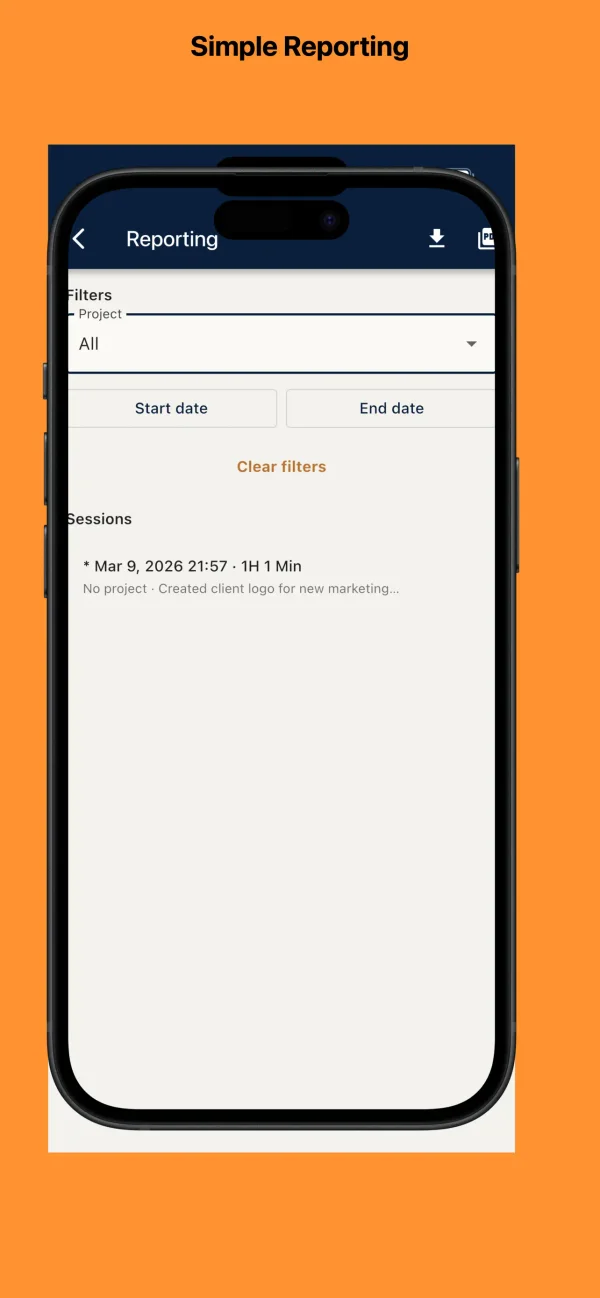
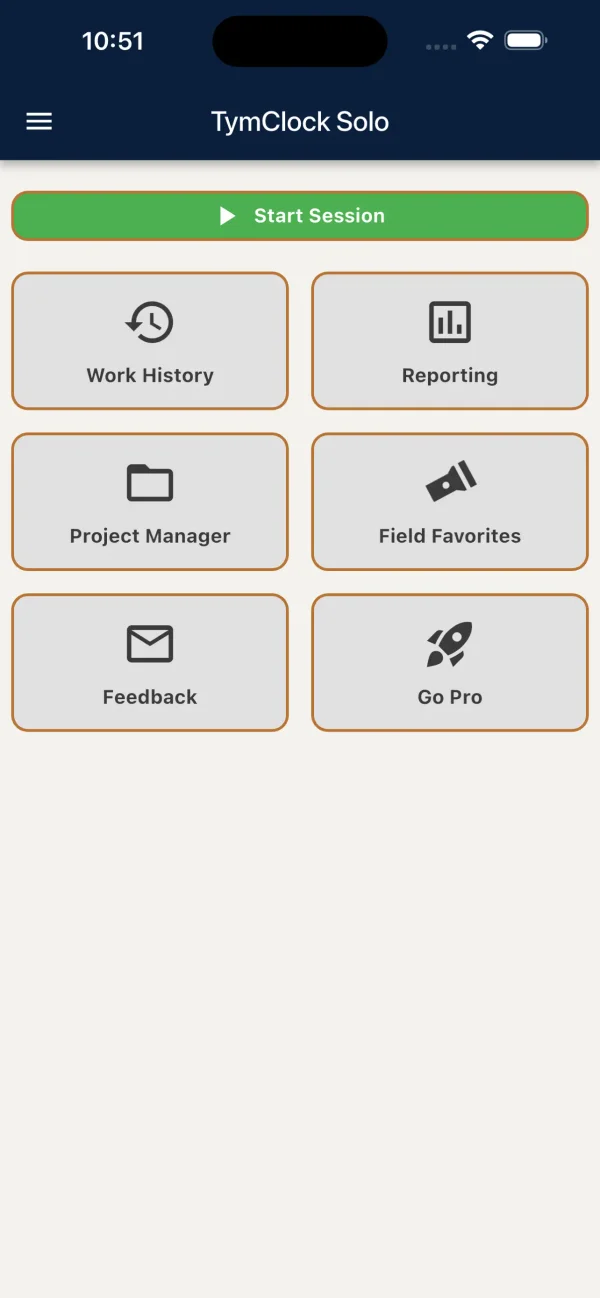
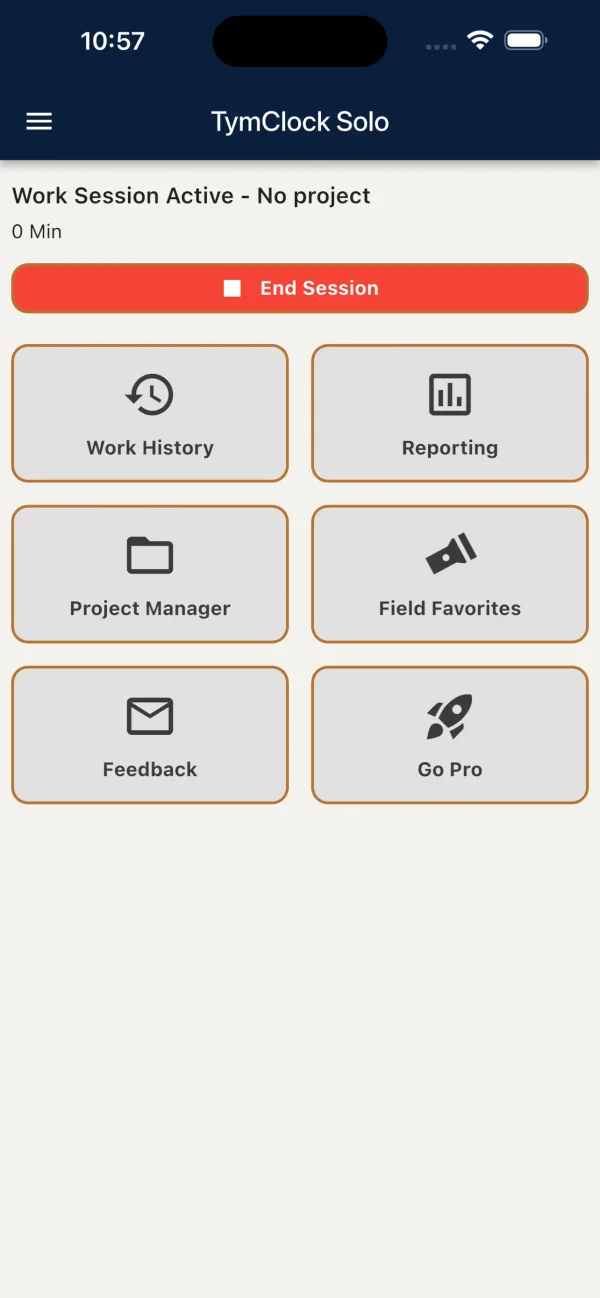
概要
開発元はこのテキストをお使いの言語で提供していません。
TymClock: The Two-Tap Professional Time Tracker
TymClock is a streamlined work time tracker and billable hours log designed for independent professionals, freelancers, contractors, and anyone who needs a simple way to keep track of their working time.
If you need a straightforward time clock without the overhead of a complex team platform, TymClock provides a focused workflow for tracking work sessions, projects, and billable hours.
Why Professionals Choose TymClock
TymClock keeps time tracking simple. Whether you’re tracking client work, inspections, side jobs, volunteer hours, or personal projects, the clean interface keeps you focused on the work instead of the software.
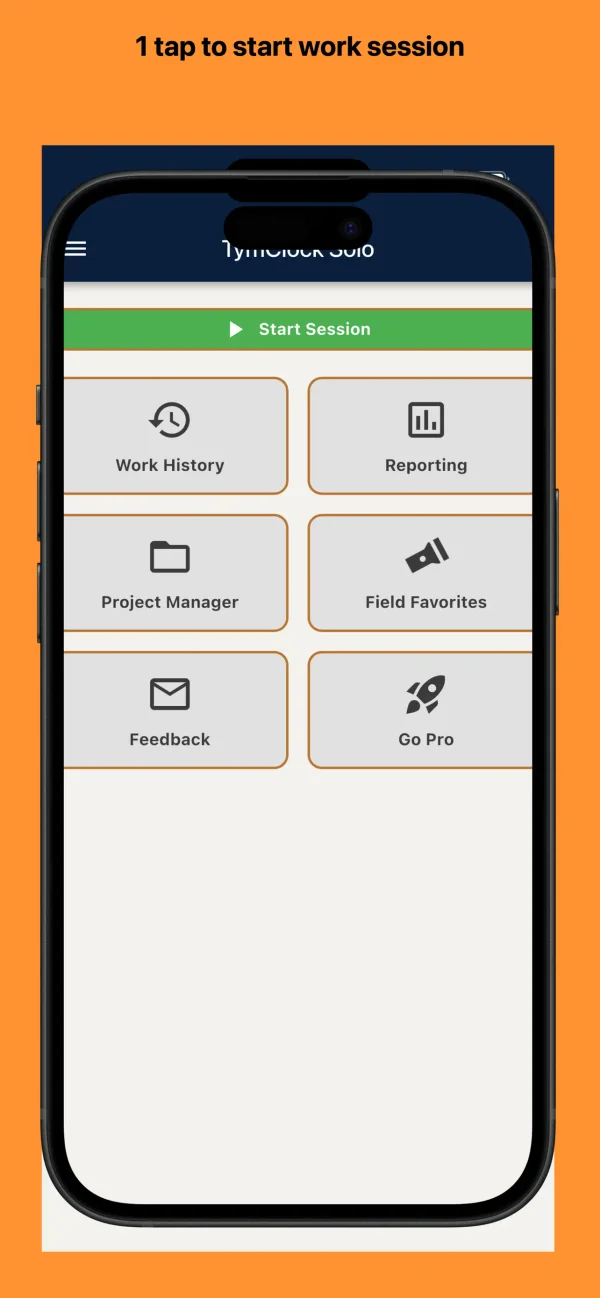
Start and stop a work session in just two taps.
Core Features
Work Time Tracking
Quickly start and stop work sessions and keep an accurate record of your time.
Billable Hours Log
Track working time and add notes to individual sessions.
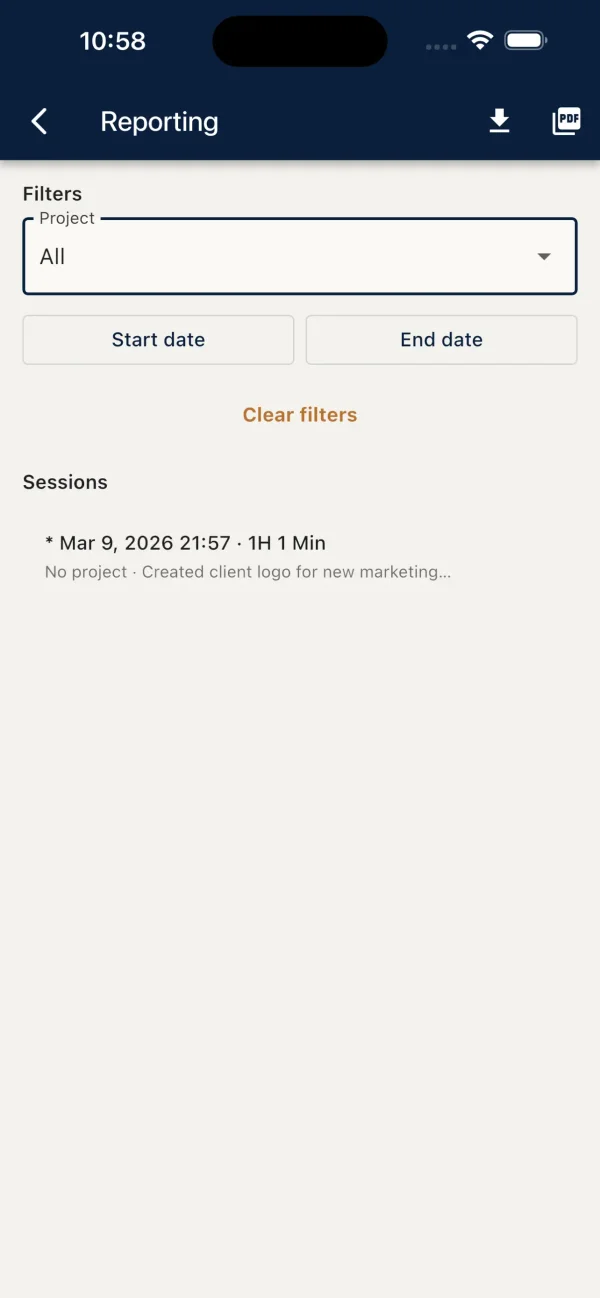
PDF Timesheet Export
Generate professional PDF records for clients, bookkeeping, or your own files.
Cross-Device Sync
Sign in to securely sync your TymClock data across supported devices.
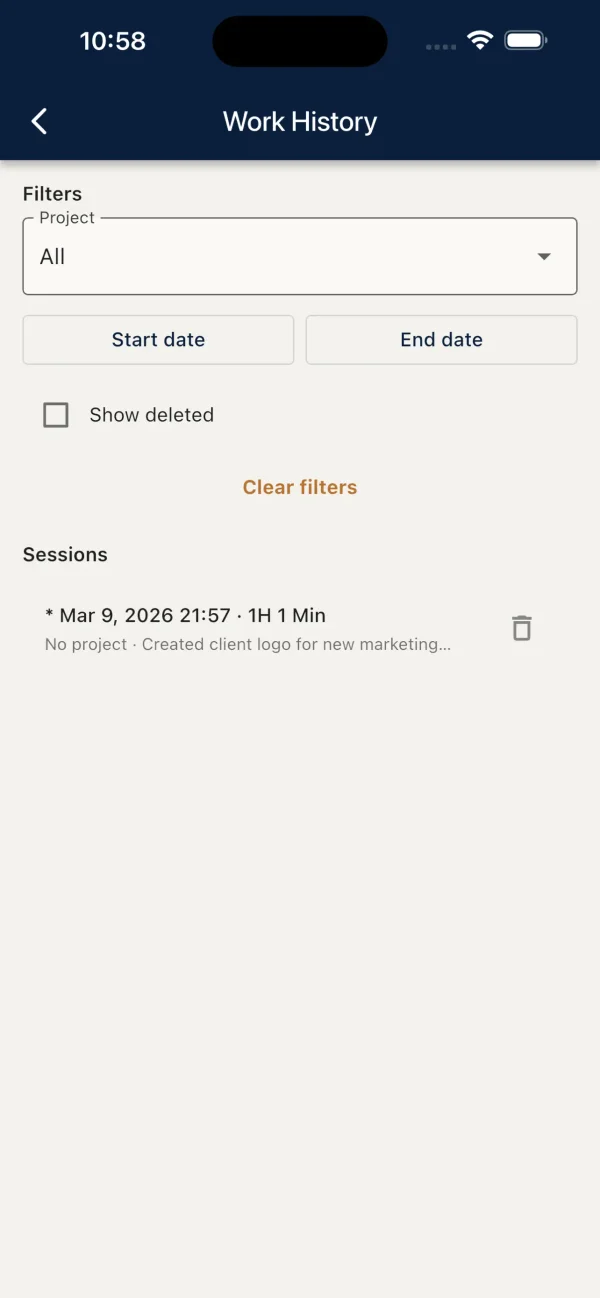
Work History
Review and manage previous work sessions whenever you need them.
TymClock Pro
Upgrade to TymClock Pro for additional project management and export tools:
• Unlimited Project Tracking — Organize your work by client, job, or project.
• CSV Data Export — Export your time records for spreadsheets, reporting, bookkeeping, or billing.
TymClock is designed to work well for:
• Freelancers tracking time for client work
• Contractors maintaining daily work records
• Consultants tracking billable hours
• Inspectors recording time by job or project
• Volunteers keeping records of service hours
• Anyone who wants a simple personal timesheet
No complicated workforce-management system. No advertising. Just a straightforward way to track your time.
Privacy & Data Usage
TymClock does not use third-party advertising or third-party analytics SDKs.
Account Data
A TymClock account is used to secure your data and provide cross-device synchronization.
Operational Data
Limited operational information such as device type, operating system and app version may be sent to NanoHawk-controlled servers for app operation, usage statistics, and abuse prevention.
Coarse Location
Country, region, or city-level location may be derived from your public IP address for first-party operational analytics. TymClock does not request access to your device’s location services for this purpose.
Operational analytics data is retained for up to 90 days and is not used for advertising.
Support
If you contact support, information such as your name and email address is used to respond to your request and may be retained for up to two years.
Security
Limited operational data may be used to identify abuse or misuse and help keep TymClock services reliable and available.
新機能
バージョン 1.9 · 2026/10/25
Package updates to ensure stability and security.
アプリのプライバシー
このアプリのデータの取り扱いについて、NanoHawkがApp Storeで申告している内容です。
-
ユーザーに関連付けられないデータ
収集される場合がありますが、ユーザーの識別情報には関連付けられません。
- 位置情報
- ID
- 使用状況データ
プライバシーの取り扱いは、ご利用の機能やお客様の年齢などに応じて異なる場合があります。
情報
- 販売元
- Swamp Ventures LLC
- カテゴリ
- ビジネス
- バージョン
- 1.9
- 更新日
- 2026/10/25
- リリース
- 2026/3/18
- サイズ
- 38.8 MB
- 必要条件
- iOS 15.6以降
- 対象年齢
- 17+
- 価格
- 無料
- アプリ内課金
- あり
- 言語
- 英語
- 著作権
- ©2026 NanoHawk