UrKeyboard輸入法
The BEST Chinese Input Method
Diseñada para iPhone, iPad
3,99 € · Compras en la aplicación
- Clasificación por edad17+
- CategoríaUtilidades
- Desarrolladorzhihmeng
- IdiomasChino tradicional
- Tamaño124,9 MB
Enlaza a la página oficial de App Store
Download.org no aloja ningún archivo de UrKeyboard輸入法. El botón abre la página de la aplicación en App Store, donde la publica zhihmeng. Ficha comprobada por última vez el 13/11/2026.
Capturas de pantalla


Acerca de
El desarrollador no ha proporcionado este texto en tu idioma.
UrKeyboard — Your Personalized Chinese Input Keyboard
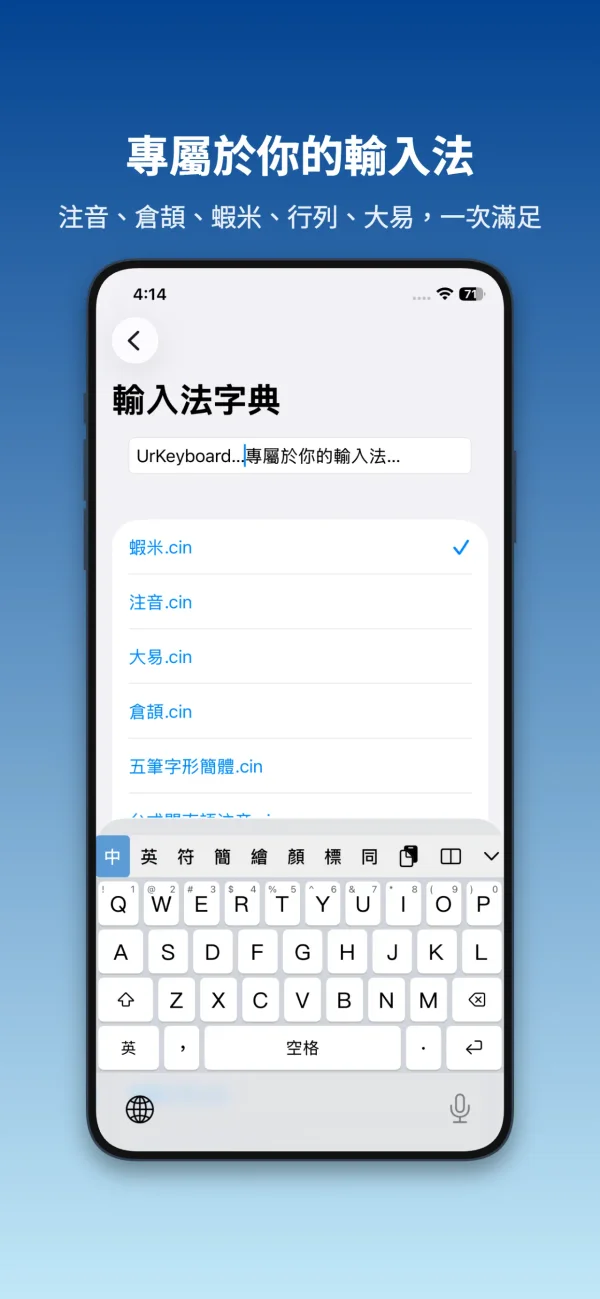
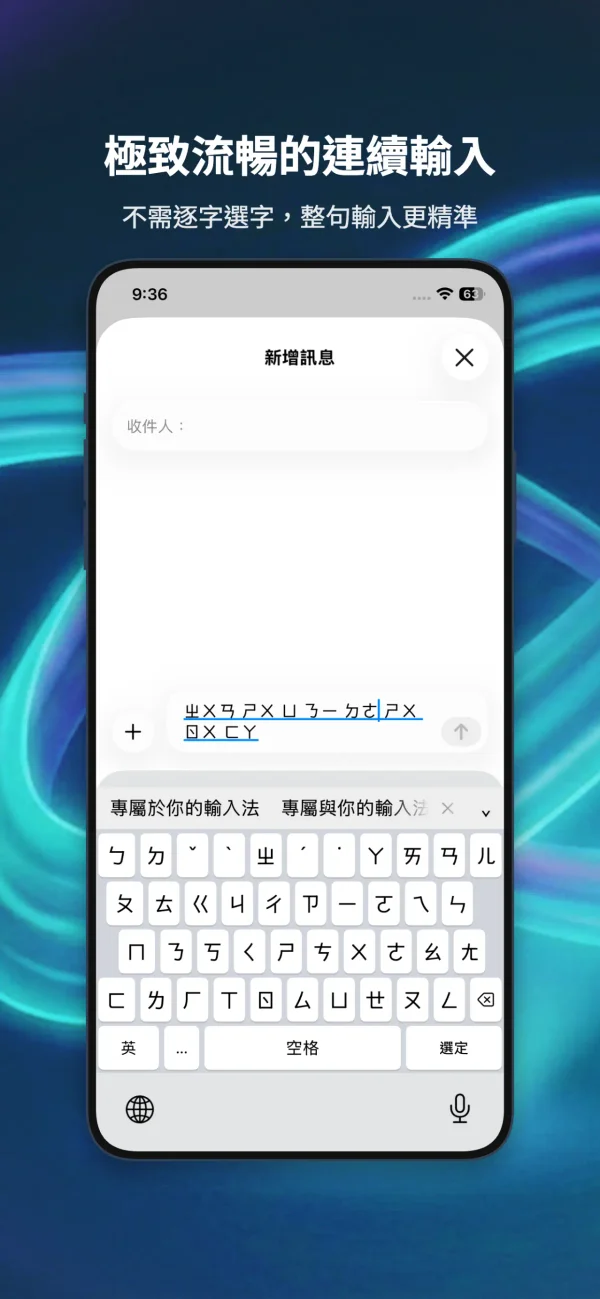
Supports multiple Chinese input methods including Boshiamy, Zhuyin (Bopomofo), Cangjie, Dayi, Array, and Pinyin — all in one app.
【Continuous Input, Type Fast】 Continuous input mode for Zhuyin and Pinyin lets you type an entire sentence at once. Our smart language model handles word segmentation automatically. The more you type, the smarter it gets.
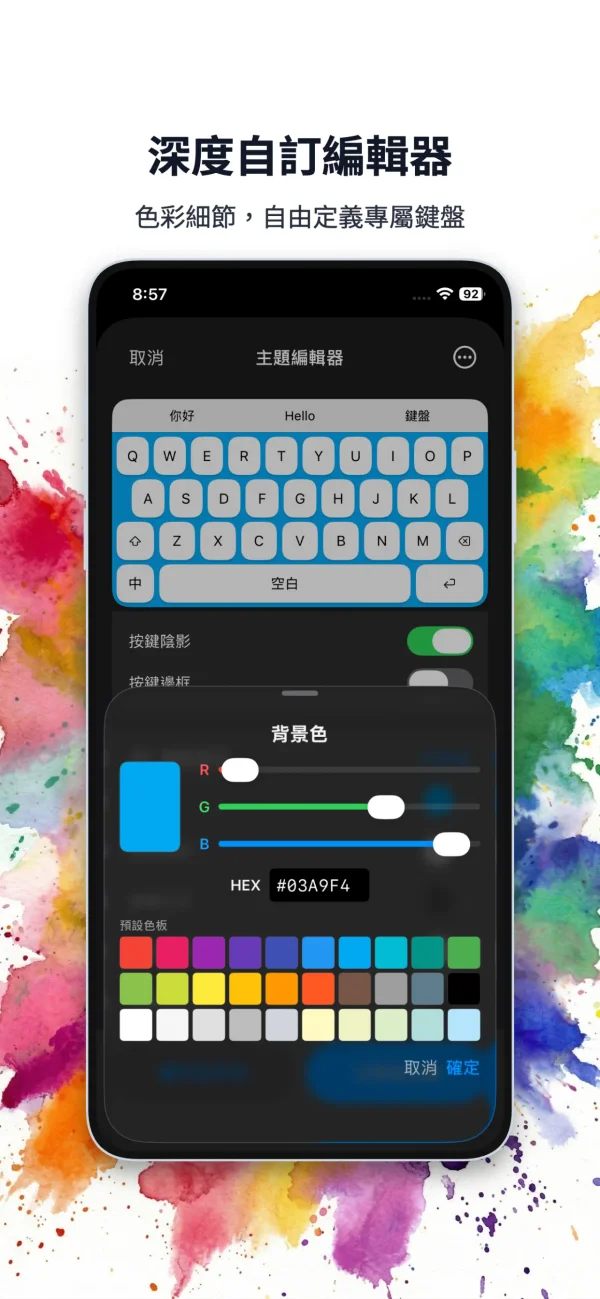
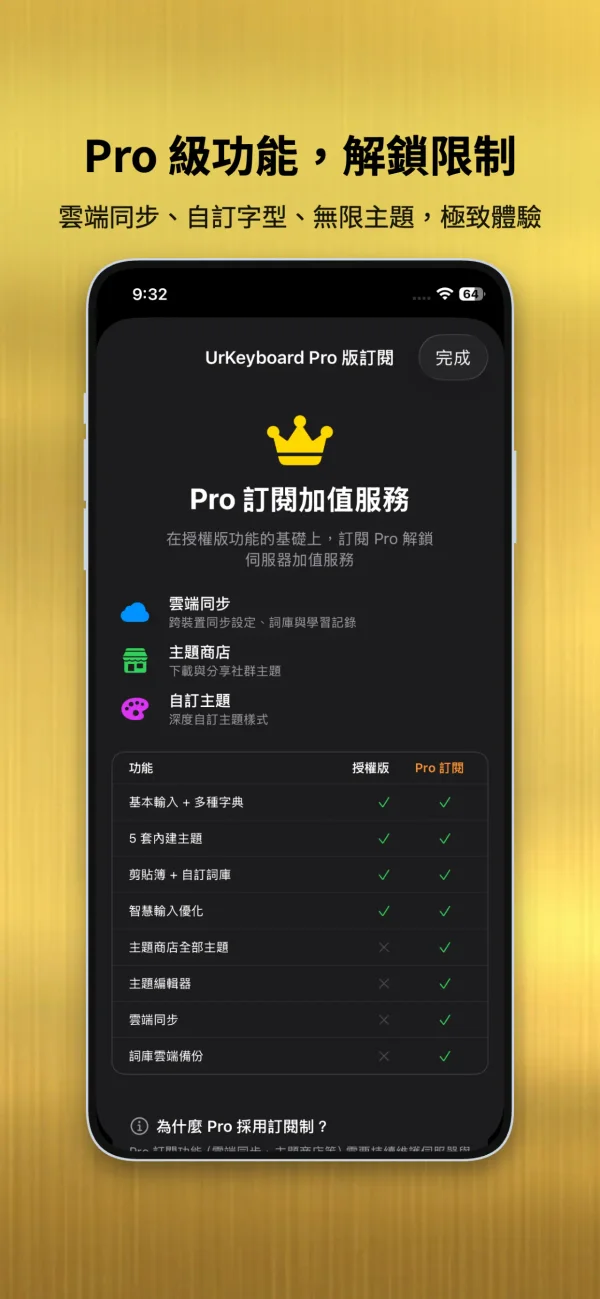
【Themes, Your Way】 Choose from built-in themes with automatic light/dark mode switching. Pro users can customize 40+ appearance properties including background images, key colors, fonts, and more.
【Community Theme Store】 Browse, download, and share creative themes with the community. Search by tags and discover trending designs.
【Rich Keyboard Layouts】 5 keyboard layouts (Standard, Zhuyin, 5-Row, Full-Size, 31-Key), 15 sound themes, and 5 haptic presets for your preferred typing feel.
【Packed with Features】
Emoji (Unicode 16.0), Kaomoji, and Symbol panels
Clipboard panel for quick pasting
Traditional-to-Simplified output
Cursor control via spacebar swipe
Long-press for alternate characters
English autocomplete
Custom dictionary with shortcodes
【Cloud Sync (Pro)】 Sign in to sync your preferences, learned word frequencies, and custom dictionary across devices. Supports Sign in with Apple and Google Sign-In.
【Privacy First】 UrKeyboard does not record, collect, or transmit your keyboard input. Word frequency data is stored locally. Cloud sync is opt-in only.
Privacy Policy: https://urkeyboard.molioapp.com/privacy-policy.html
Terms of Use (EULA): https://www.apple.com/legal/internet-services/itunes/dev/stdeula/
Novedades
Versión 2.4.19 · 19/8/2026
What's new in v2.4.19:
[New]
1. Hold-to-switch timing: adjust how long to hold the space bar before it switches keyboards — make it longer to avoid accidental triggers, or shorter for quicker access
2. Slide-to-move-cursor distance: choose how far to slide on the space bar before the cursor starts moving
Both settings sync across your devices (Pro)
Privacidad de la aplicación
Lo que zhihmeng declara en App Store sobre cómo esta aplicación gestiona los datos.
-
No se recopilan datos
El desarrollador no recopila ningún dato de esta aplicación.
Las prácticas de privacidad pueden variar, por ejemplo, según las funciones que uses o tu edad.
Información
- Vendedor
- LIN ZHIHMENG
- Categoría
- Utilidades
- Versión
- 2.4.19
- Actualizado
- 19/8/2026
- Publicado
- 5/10/2014
- Tamaño
- 124,9 MB
- Requiere
- iOS 16.0 o posterior
- Clasificación por edad
- 17+
- Precio
- 3,99 €
- Compras en la aplicación
- Sí
- Idiomas
- Chino tradicional
- Copyright
- Copyright © 2014 MolioApp All rights reserved