
Vaultora – Vault & Camera
Encrypted recording vault
Diseñada para iPhone, iPad
Gratis · Compras en la aplicación
- Clasificación por edad4+
- CategoríaProductividad
- DesarrolladorTobias Zehndbauer
- IdiomasAlemán+ 1 más
- Tamaño7,5 MB
Enlaza a la página oficial de App Store
Download.org no aloja ningún archivo de Vaultora – Vault & Camera. El botón abre la página de la aplicación en App Store, donde la publica Tobias Zehndbauer. Ficha comprobada por última vez el 12/11/2026.
Capturas de pantalla

Acerca de
El desarrollador no ha proporcionado este texto en tu idioma.
Vaultora is an encrypted recording vault for people who want to record discreetly – material they are entitled to record. Audio, video and photo series go straight into a vault, encrypted file by file, and stay on this iPhone. No cloud, no accounts, no analytics.
The limits first, because they are the product:
The vault is excluded from iCloud backup; a .vaultora archive is the only way to back it up. If you lose the phone, the recordings are gone. If you forget your PIN, only the optional recovery passphrase you wrote down yourself can help – there is no master key and no support route that can open the vault. What nobody can recover for you, nobody can open against you.
TWO VAULTS, TWO PINS
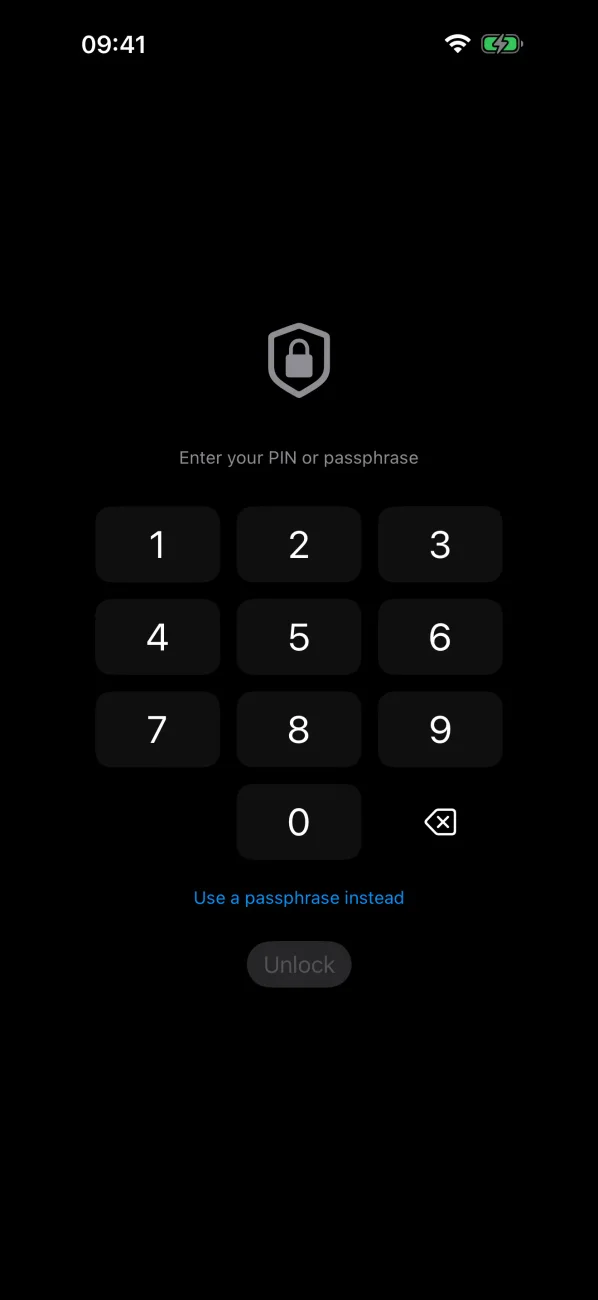
Both vaults are created at setup. One entry field; the PIN decides which vault opens. Wrong entries are delayed exponentially, with no counter, and the delay survives a restart. Face ID or Touch ID optional for one vault.
RECORD BEHIND A QUIET SCREEN
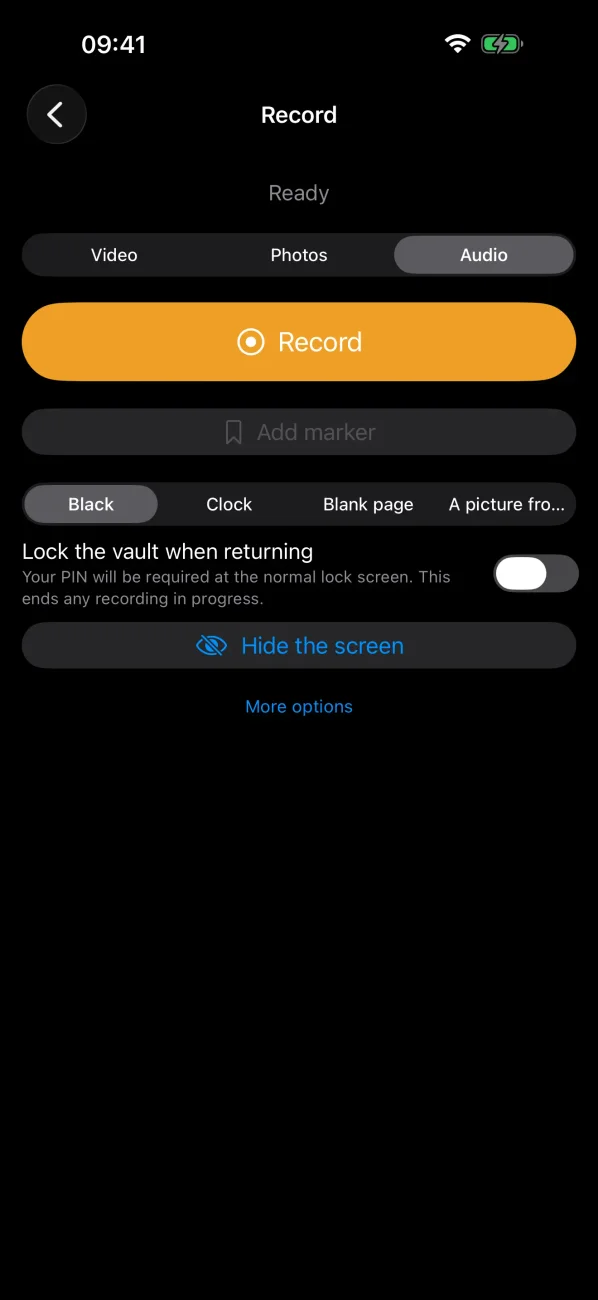
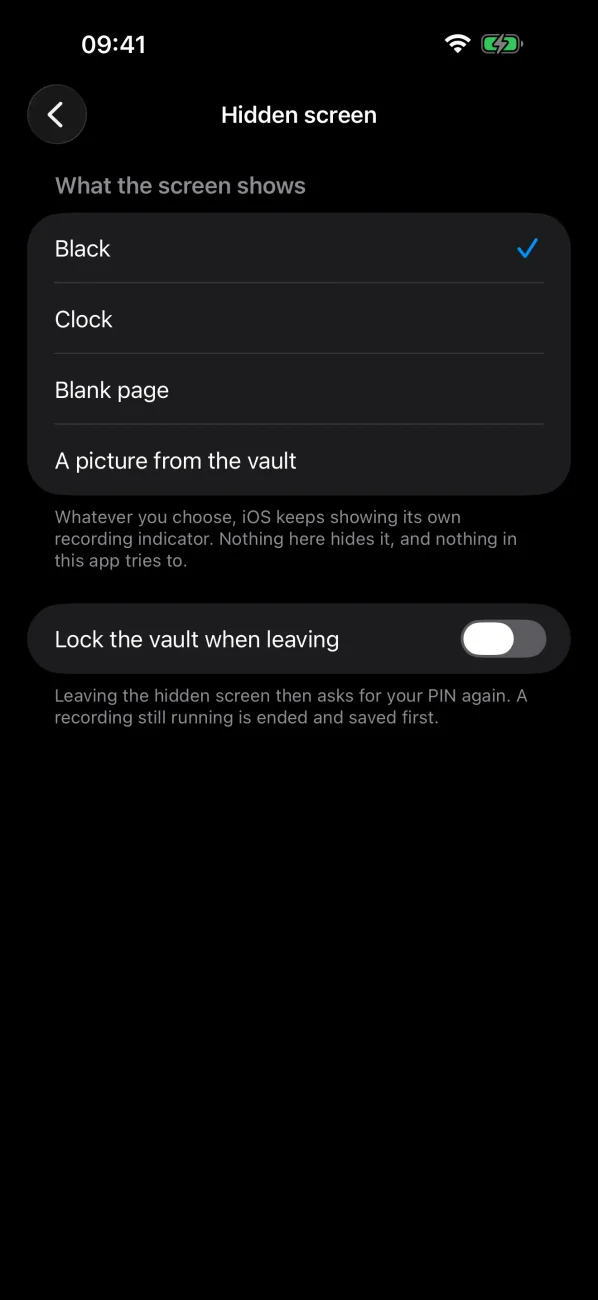
While a recording runs, the display shows a black screen, a wallpaper or a plain view of your choice, dimmed if you like. This concerns Vaultora's own interface only: the iOS indicators for camera and microphone stay visible, always. Audio in segments, video with preview, photo series at intervals – everything is encrypted before it touches storage; plaintext is never cached.
BROWSE, PLAY, EDIT
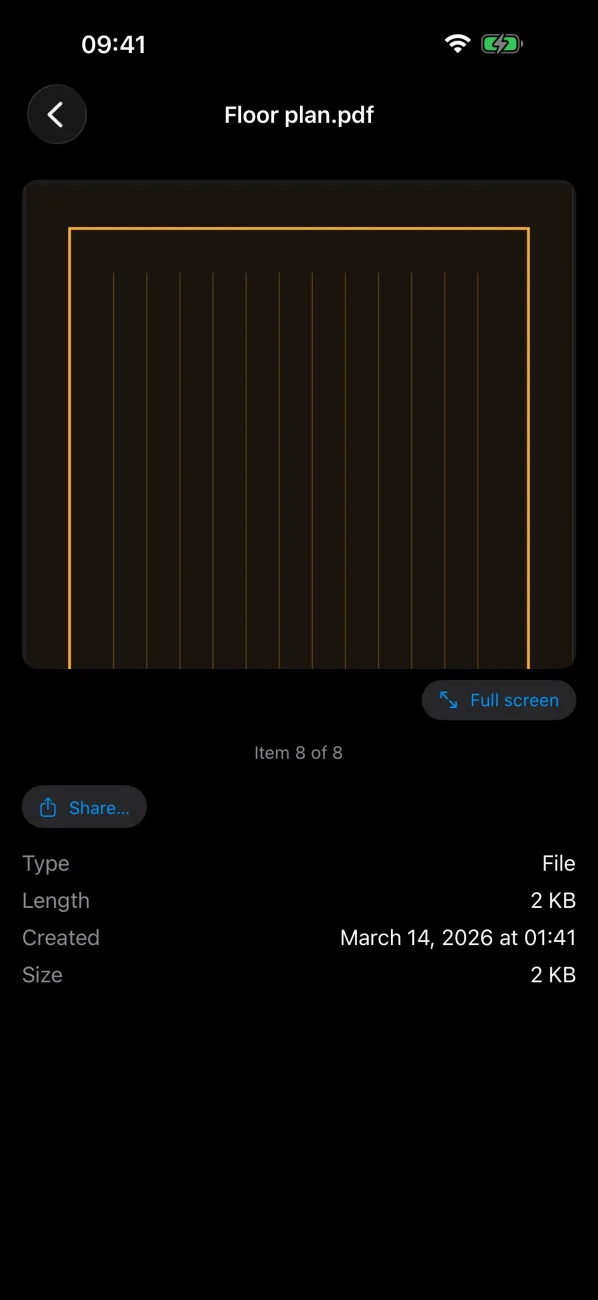
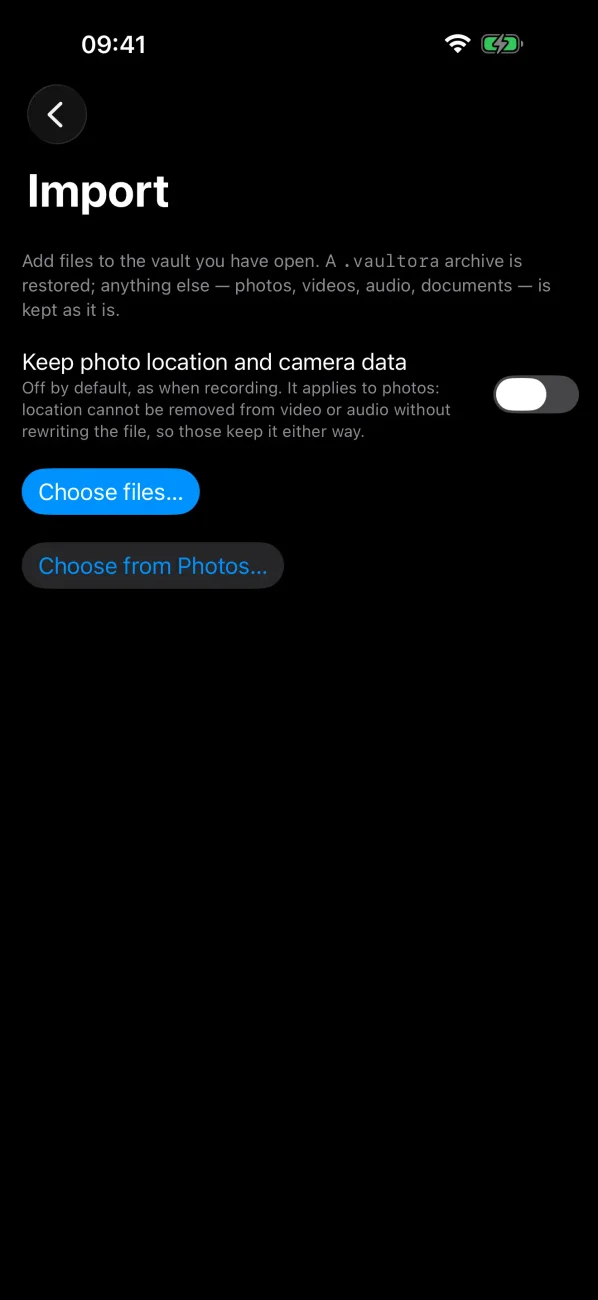
Encrypted thumbnails, folders, playback straight from the vault, trim and split without altering the original. Scan documents, import media from Files.
EXPORT AND BACKUP
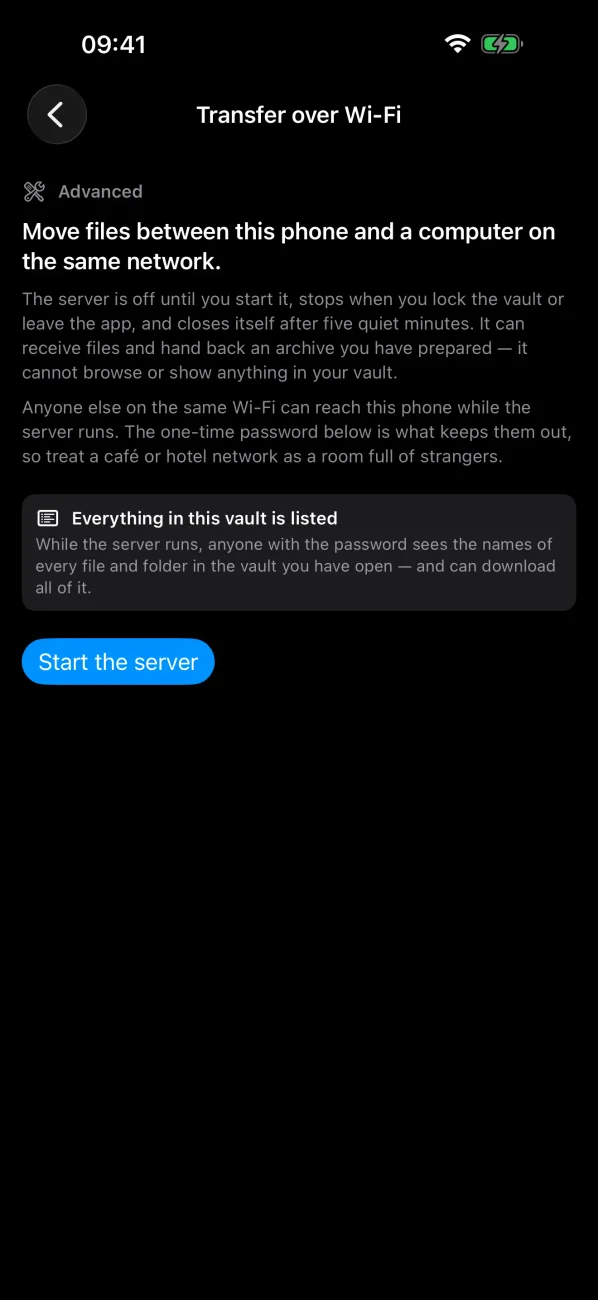
Single recordings via the share sheet or Files. The whole vault as a .vaultora archive with its own passphrase – that is your backup, and it opens on a new phone too. Wi-Fi transfer to your own computer, only on the addresses shown, encrypted.
RECOVERY PASSPHRASE (NEW)
For each vault you can have a ten-word passphrase generated. It is shown once and stored nowhere. With it, "Forgot PIN?" opens exactly that vault and you choose a new PIN. Without it, a forgotten PIN is final.
INTRUSION LOG (OPTIONAL)
After several failed attempts Vaultora can take one photo with the front camera and store it with a timestamp, so you can see who was holding the phone.
PURCHASE
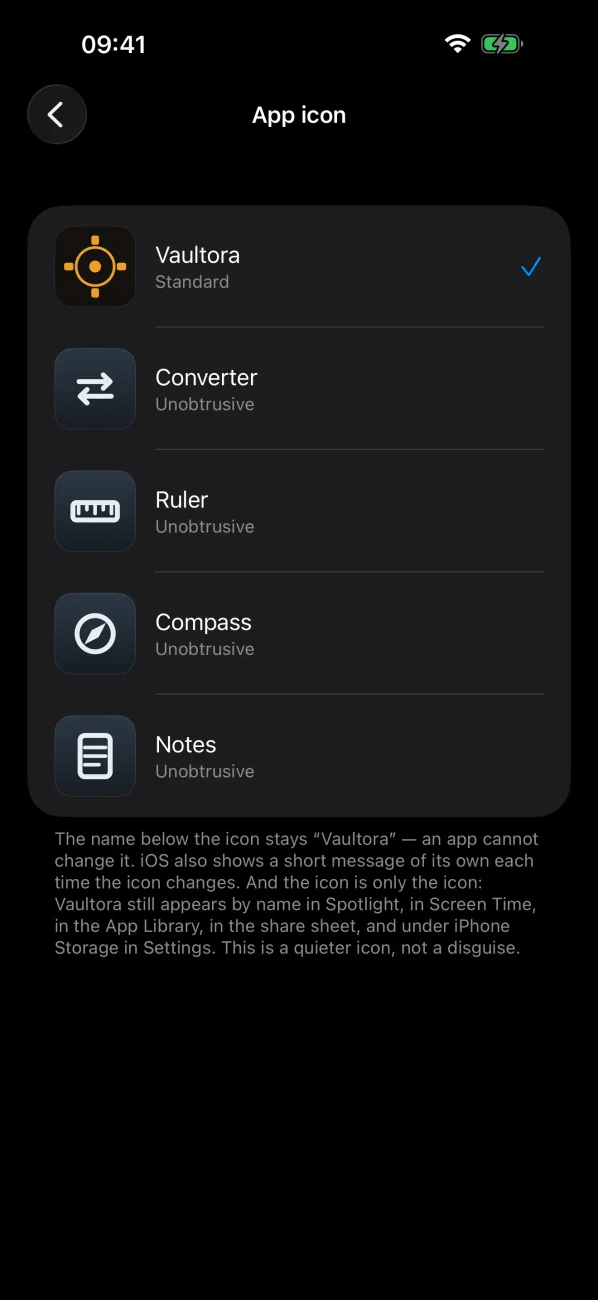
Vaultora is bought once and is complete at that price: both vaults, recording, playback, export and import. One optional purchase, "Vaultora Pro", removes the limit of fifteen items per vault and adds Wi-Fi upload, alternate app icons and Apple Watch control. No subscriptions.
LEGAL
Vaultora is not marketed, described or designed as a tool for secretly recording other people. The app shows a legal notice at first launch and before the first audio recording. Whether a recording is lawful is your responsibility.
Privacy: Vaultora collects no data. Nothing leaves the device unless you export it yourself.
Novedades
Versión 1.2.0 · 27/10/2026
New in 1.2.0
Recovery passphrase (optional)
For each vault you can have Settings generate a ten-word passphrase. It is shown exactly once and stored nowhere – write it down. If you forget your PIN, "Forgot PIN?" on the lock screen opens exactly the vault the passphrase was issued for, and you choose a new PIN. Without a passphrase nothing changes: a forgotten PIN is final. Vaultora has no master key and cannot recover anything for you. The passphrase does not help if the phone is lost – for that, the exported archive remains the only way back.
Delete all data
From the lock screen you can erase both vaults and their keys and start over, even without a PIN. It is the same as deleting the app and cannot be undone, so the app asks more than once.
Settings show the version and build number.
Nothing leaves the device. No accounts, no cloud, no analytics.
Privacidad de la aplicación
Lo que Tobias Zehndbauer declara en App Store sobre cómo esta aplicación gestiona los datos.
-
No se recopilan datos
El desarrollador no recopila ningún dato de esta aplicación.
Las prácticas de privacidad pueden variar, por ejemplo, según las funciones que uses o tu edad.
Información
- Vendedor
- Tobias Zehndbauer
- Categoría
- Productividad
- Versión
- 1.2.0
- Actualizado
- 27/10/2026
- Publicado
- 29/8/2026
- Tamaño
- 7,5 MB
- Requiere
- iOS 17.0 o posterior
- Clasificación por edad
- 4+
- Precio
- Gratis
- Compras en la aplicación
- Sí
- Idiomas
- Alemán, Inglés
- Copyright
- © Tobias Zehndbauer
Quizá también te guste
-
 LocalOne VideoVaultProductividad
-
 Adobe Editor AI: Edit PDF TextProductividad
-
 EisenhowerProductividad
-
 StencilX: Tattoo Stencil MakerProductividad
-
 FIS (neu)Productividad
-
 Cryptomator: Protect PrivacyProductividad
-
 Paperless Less PaperProductividad
-
 FetroaderProductividad
-
 Habit: Hábitos, Metas y RachasRutina diaria y disciplina
-
 PDF Viewer - All PDF ReaderProductividad