
- 対象年齢4+
- カテゴリ仕事効率化
- 開発元Tobias Zehndbauer
- 言語ドイツ語ほか1言語
- サイズ7.5 MB
App Storeの公式ページにリンクしています
Download.orgはVaultora – Vault & Cameraのファイルを一切ホストしていません。ボタンを押すと、Tobias Zehndbauerが公開しているApp Storeのアプリページが開きます。ページの最終確認:2026/11/12。
スクリーンショット

概要
開発元はこのテキストをお使いの言語で提供していません。
Vaultora is an encrypted recording vault for people who want to record discreetly – material they are entitled to record. Audio, video and photo series go straight into a vault, encrypted file by file, and stay on this iPhone. No cloud, no accounts, no analytics.
The limits first, because they are the product:
The vault is excluded from iCloud backup; a .vaultora archive is the only way to back it up. If you lose the phone, the recordings are gone. If you forget your PIN, only the optional recovery passphrase you wrote down yourself can help – there is no master key and no support route that can open the vault. What nobody can recover for you, nobody can open against you.
TWO VAULTS, TWO PINS
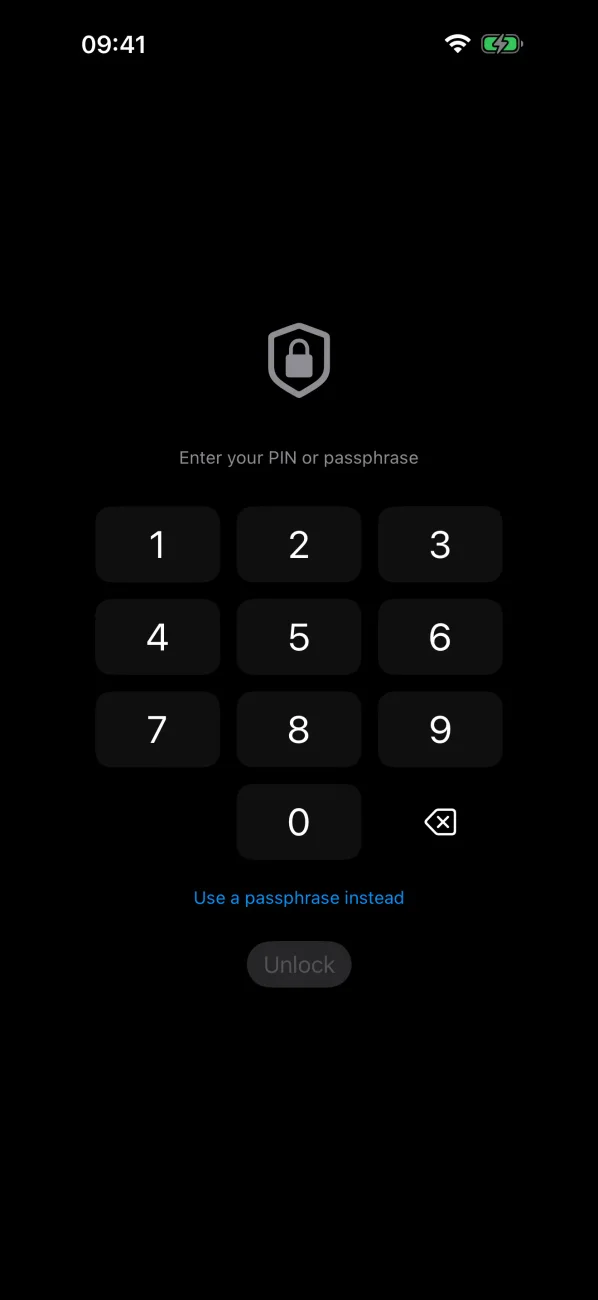
Both vaults are created at setup. One entry field; the PIN decides which vault opens. Wrong entries are delayed exponentially, with no counter, and the delay survives a restart. Face ID or Touch ID optional for one vault.
RECORD BEHIND A QUIET SCREEN
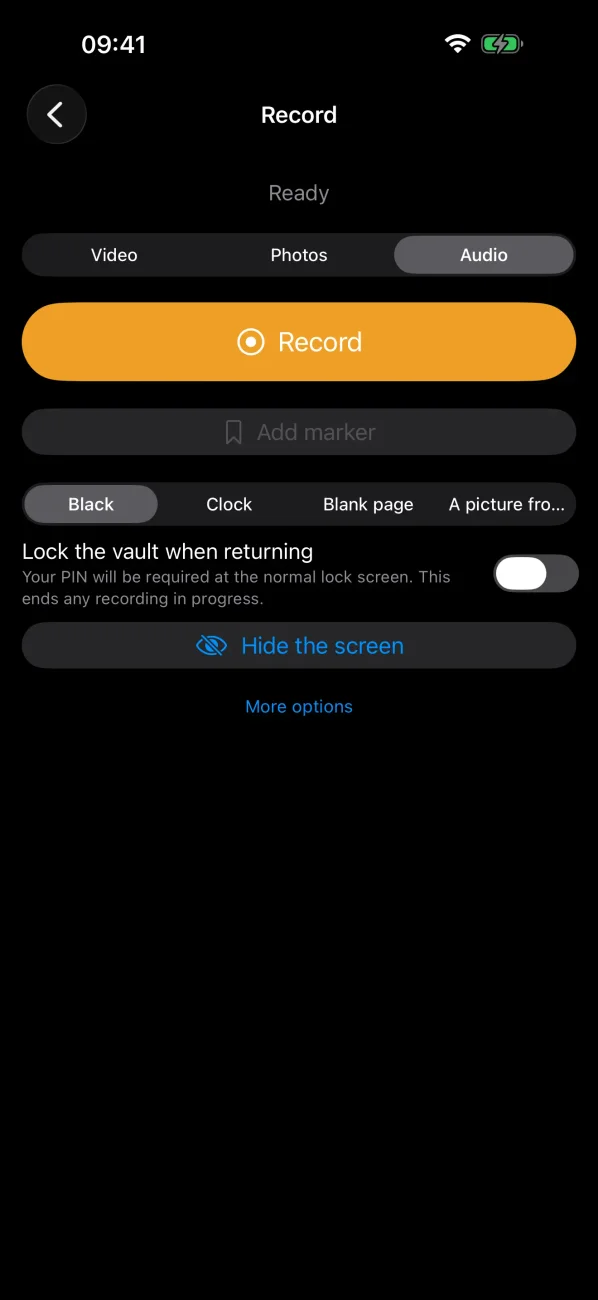
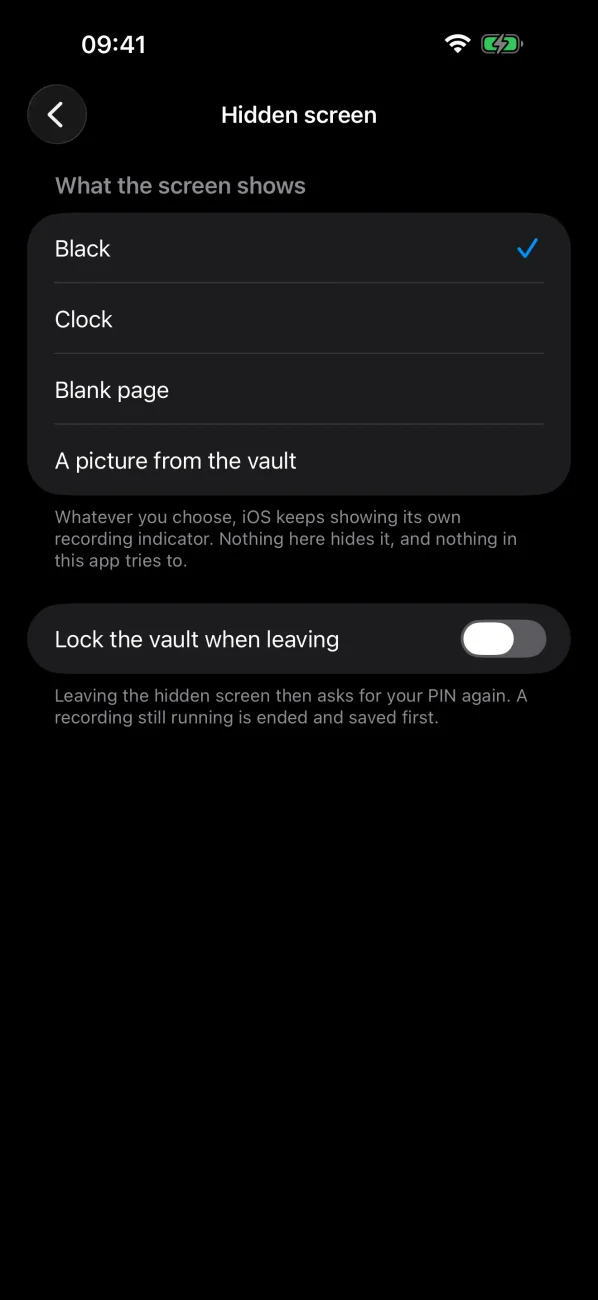
While a recording runs, the display shows a black screen, a wallpaper or a plain view of your choice, dimmed if you like. This concerns Vaultora's own interface only: the iOS indicators for camera and microphone stay visible, always. Audio in segments, video with preview, photo series at intervals – everything is encrypted before it touches storage; plaintext is never cached.
BROWSE, PLAY, EDIT
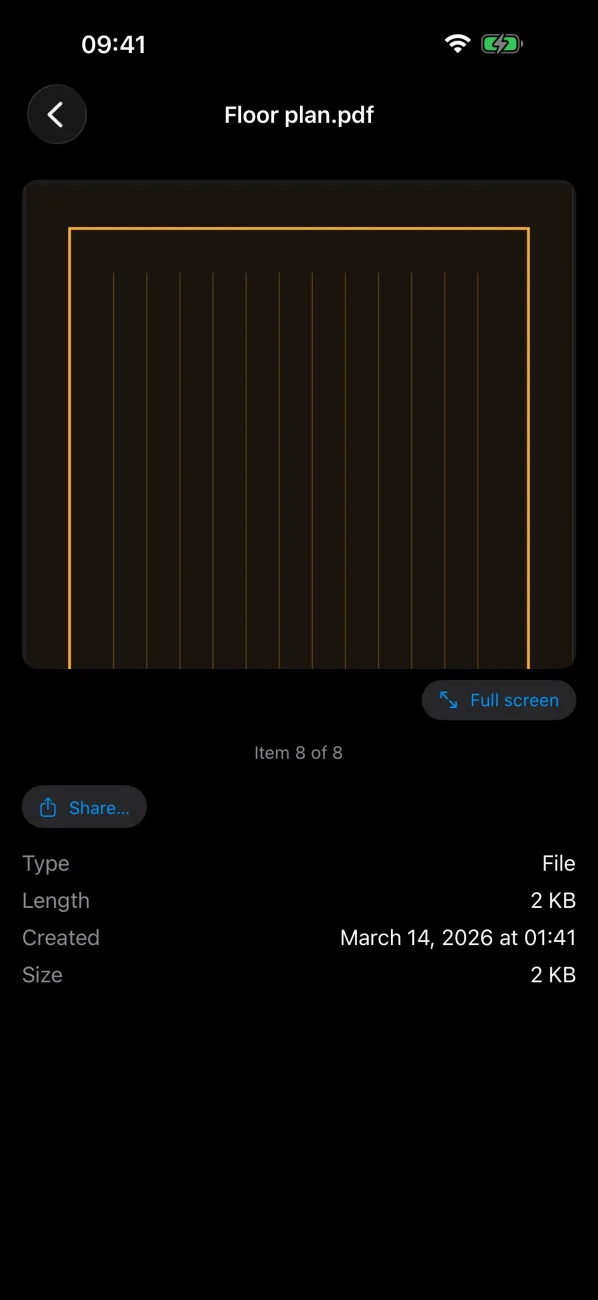
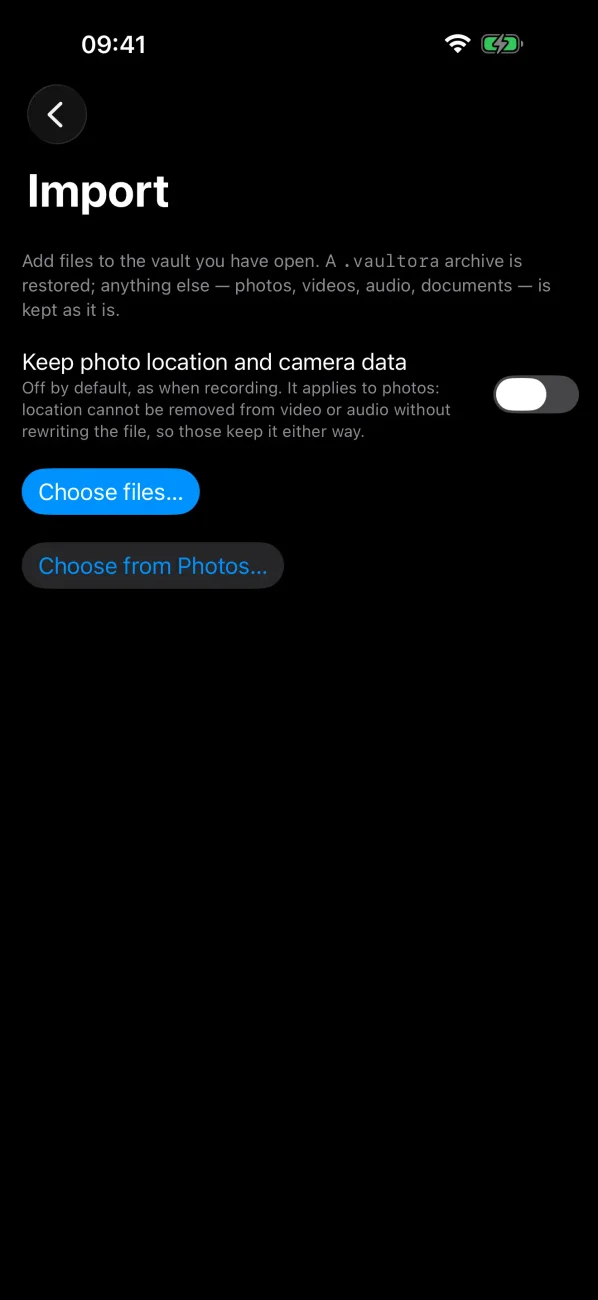
Encrypted thumbnails, folders, playback straight from the vault, trim and split without altering the original. Scan documents, import media from Files.
EXPORT AND BACKUP
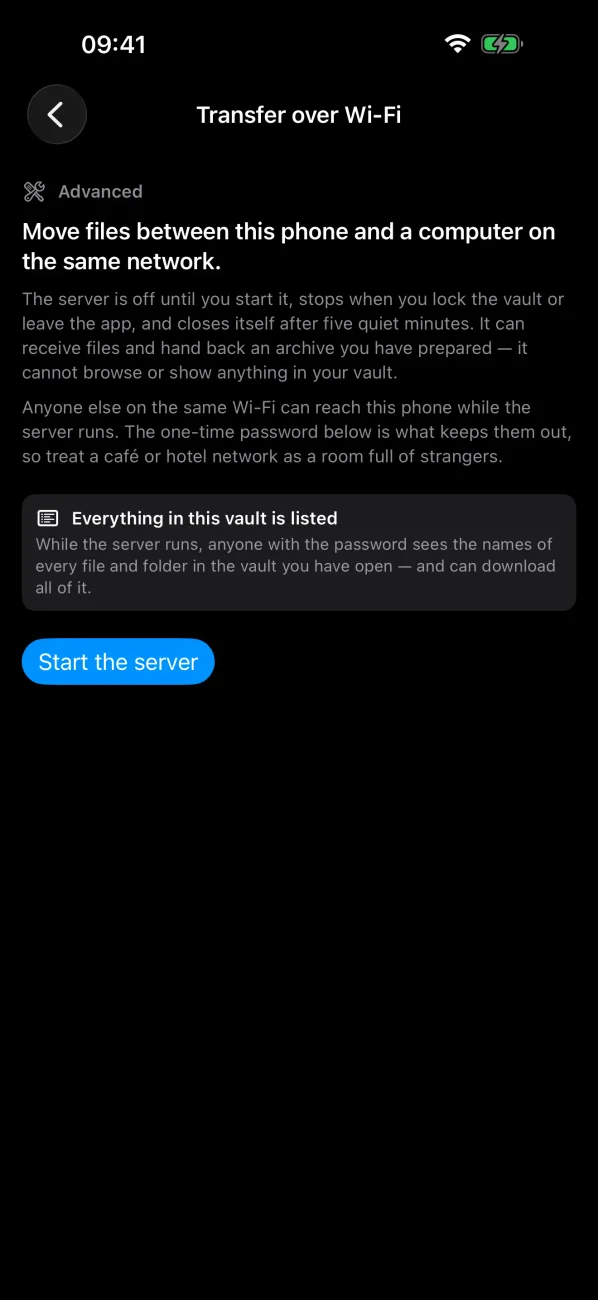
Single recordings via the share sheet or Files. The whole vault as a .vaultora archive with its own passphrase – that is your backup, and it opens on a new phone too. Wi-Fi transfer to your own computer, only on the addresses shown, encrypted.
RECOVERY PASSPHRASE (NEW)
For each vault you can have a ten-word passphrase generated. It is shown once and stored nowhere. With it, "Forgot PIN?" opens exactly that vault and you choose a new PIN. Without it, a forgotten PIN is final.
INTRUSION LOG (OPTIONAL)
After several failed attempts Vaultora can take one photo with the front camera and store it with a timestamp, so you can see who was holding the phone.
PURCHASE
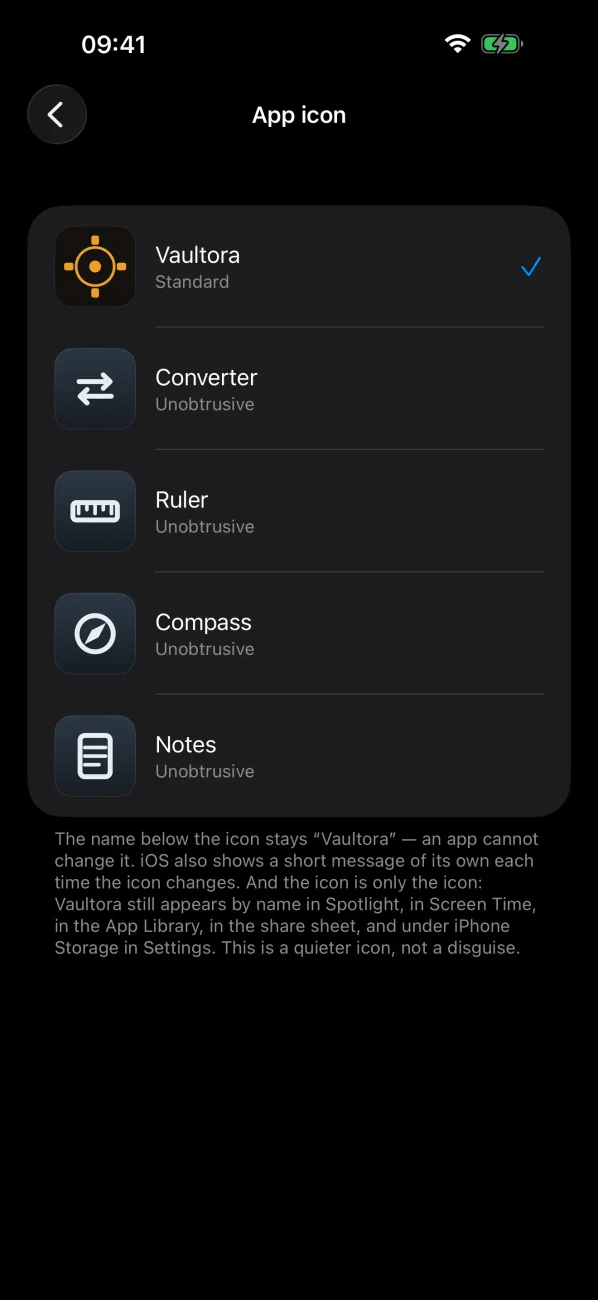
Vaultora is bought once and is complete at that price: both vaults, recording, playback, export and import. One optional purchase, "Vaultora Pro", removes the limit of fifteen items per vault and adds Wi-Fi upload, alternate app icons and Apple Watch control. No subscriptions.
LEGAL
Vaultora is not marketed, described or designed as a tool for secretly recording other people. The app shows a legal notice at first launch and before the first audio recording. Whether a recording is lawful is your responsibility.
Privacy: Vaultora collects no data. Nothing leaves the device unless you export it yourself.
新機能
バージョン 1.2.0 · 2026/10/27
New in 1.2.0
Recovery passphrase (optional)
For each vault you can have Settings generate a ten-word passphrase. It is shown exactly once and stored nowhere – write it down. If you forget your PIN, "Forgot PIN?" on the lock screen opens exactly the vault the passphrase was issued for, and you choose a new PIN. Without a passphrase nothing changes: a forgotten PIN is final. Vaultora has no master key and cannot recover anything for you. The passphrase does not help if the phone is lost – for that, the exported archive remains the only way back.
Delete all data
From the lock screen you can erase both vaults and their keys and start over, even without a PIN. It is the same as deleting the app and cannot be undone, so the app asks more than once.
Settings show the version and build number.
Nothing leaves the device. No accounts, no cloud, no analytics.
アプリのプライバシー
このアプリのデータの取り扱いについて、Tobias ZehndbauerがApp Storeで申告している内容です。
-
データの収集なし
開発元はこのアプリからデータを収集しません。
プライバシーの取り扱いは、ご利用の機能やお客様の年齢などに応じて異なる場合があります。
情報
- 販売元
- Tobias Zehndbauer
- カテゴリ
- 仕事効率化
- バージョン
- 1.2.0
- 更新日
- 2026/10/27
- リリース
- 2026/8/29
- サイズ
- 7.5 MB
- 必要条件
- iOS 17.0以降
- 対象年齢
- 4+
- 価格
- 無料
- アプリ内課金
- あり
- 言語
- ドイツ語, 英語
- 著作権
- © Tobias Zehndbauer