- Clasificación por edad4+
- CategoríaDiseño gráfico
- DesarrolladorDennis Clay
- IdiomasInglés
- Tamaño2,1 MB
Enlaza a la página oficial de App Store
Download.org no aloja ningún archivo de Vector Sketch Pro. El botón abre la página de la aplicación en App Store, donde la publica Dennis Clay. Ficha comprobada por última vez el 18/11/2026.
Capturas de pantalla

Acerca de
El desarrollador no ha proporcionado este texto en tu idioma.
Version# 4.0.1 No ads… No subscription… just a small one time purchase.
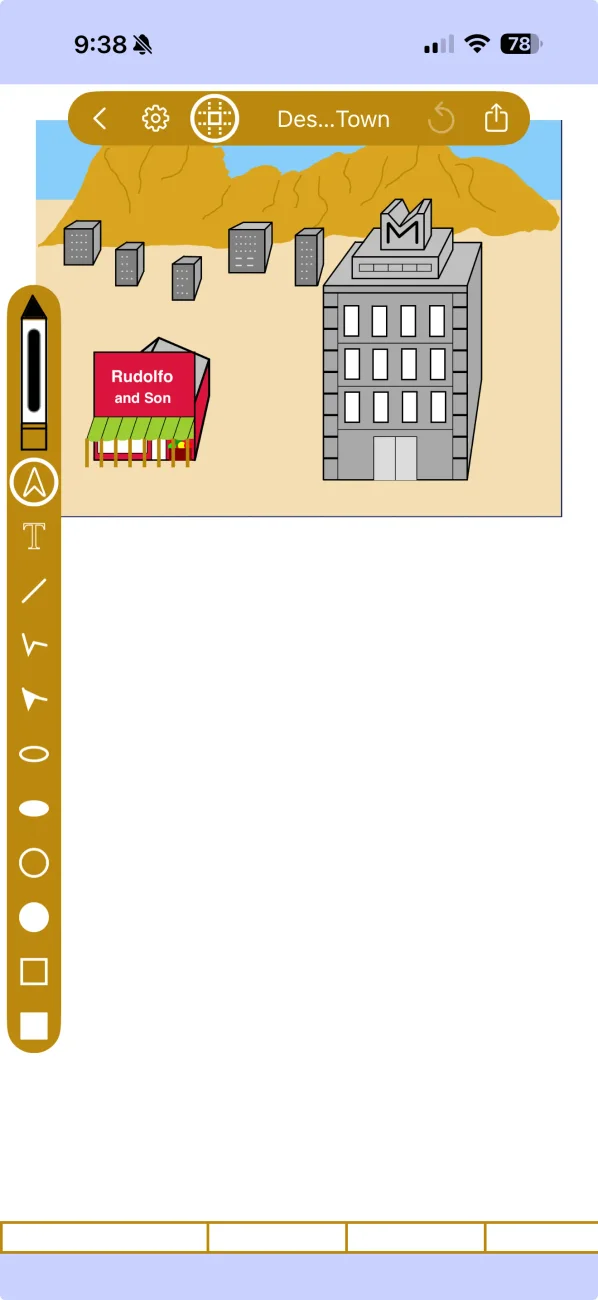
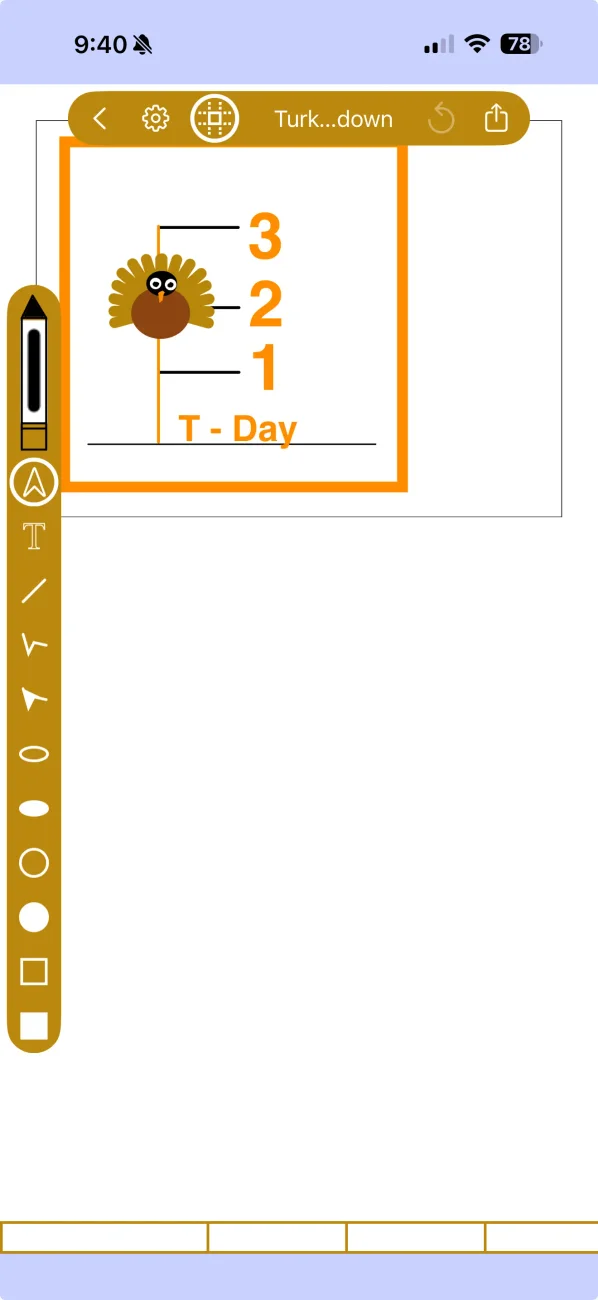
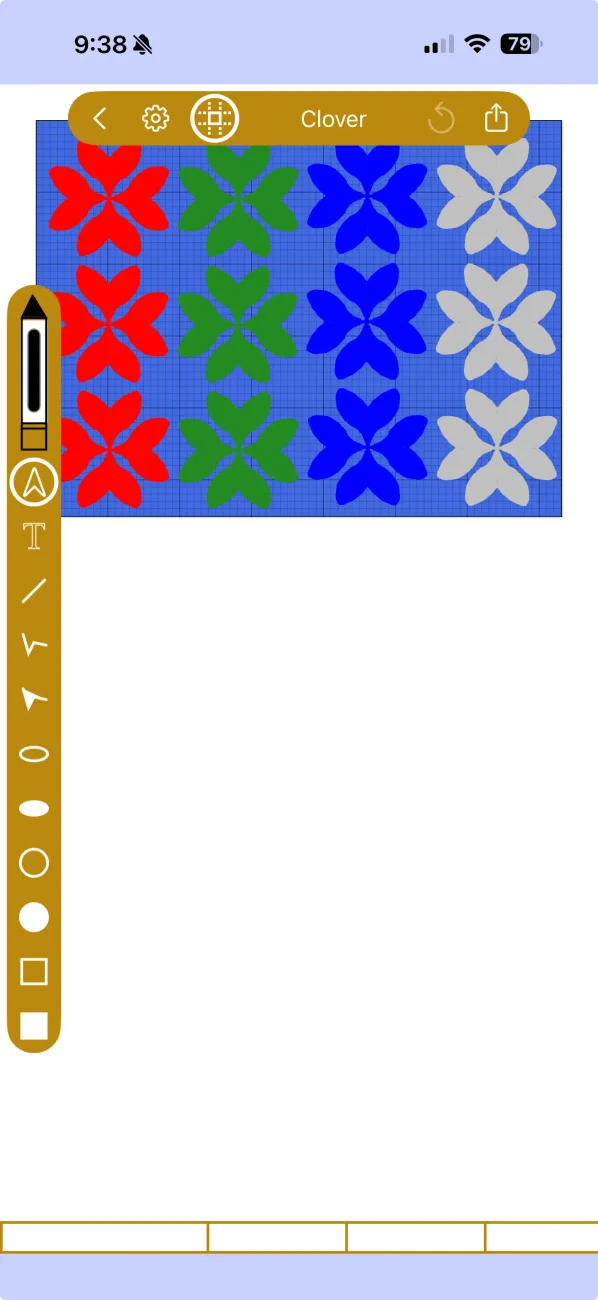
A vector drawing application for the iPad or iPhone that provides a very simple, user friendly interface to draw vector lines, circles, rectangles, and text labels. Please note this is not a CAD application.
The drawn shapes can be moved and rotated after placement. Shape properties can also be changed (e.g. line width, color) by first selecting one or more shapes and then clicking the properties icon.
A border line is drawn around the outside of the canvas to represent the drawing area of a standard size sheet of paper (8-1/2 X 11 inches), and you can only draw inside this border. The canvas is initially displayed zoomed out to show the entire border. To create a more detailed drawing, you can use two fingers to zoom in and pan.
You can change the background color of the canvas, depending on your needs. For example, if you wanted to draw with a WHITE pen, you would probably pick a darker background.
A grid is displayed over the canvas to help with alignment. There are different ways to display this grid, or hide it completely if you would rather have a blank canvas.
Snapping can be turned ON or OFF, and allows you to easily align various shapes as you place them. When snapping is ON, as you draw a new shape on the screen the point is “snapped” to the nearest snap point location (on the grid). Snap points are invisible, and are located at the intersection of each line in the grid. Snapping can be still be used, even when the grid is "hidden". Note: This snapping behavior does not apply when multiple shapes are selected and moved.
Drawings can be printed in landscape, on 8-1/2 X11 inch paper.
You can select single or multiple shapes. After a selection is made, a small menu appears with:
- shape(s) information (i) such as color, line width, etc
- move to TOP or BOTTOM of the z-order (button icon only enabled when a single shape is selected)
- other movement options such as flip and rotate
- duplicate the selected shape(s)
- delete the selected shape(s)
Novedades
Versión 4.0.1 · 7/10/2026
- Sometimes the toolbar is inadvertently moved to the bottom of the canvas.
- When a shape is duplicated or pasted, it can sometimes appear over the original shape.
- UnDo does not work with a shape that was duplicated or pasted.
- Other minor bug fixes.
Privacidad de la aplicación
Lo que Dennis Clay declara en App Store sobre cómo esta aplicación gestiona los datos.
-
No se recopilan datos
El desarrollador no recopila ningún dato de esta aplicación.
Las prácticas de privacidad pueden variar, por ejemplo, según las funciones que uses o tu edad.
Información
- Vendedor
- Dennis Clay
- Categoría
- Diseño gráfico
- Versión
- 4.0.1
- Actualizado
- 7/10/2026
- Publicado
- 6/1/2026
- Tamaño
- 2,1 MB
- Requiere
- iOS 26.0 o posterior
- Clasificación por edad
- 4+
- Precio
- 5,99 €
- Idiomas
- Inglés
- Copyright
- © 2026 Dennis Clay
Quizá también te guste
-
 Pixel Editor for WatchDiseño gráfico
-
 TileodileDiseño gráfico
-
 LineForge: Vector SVGDiseño gráfico
-
 Paper: 3D Drawing StudioDiseño gráfico
-
 Aquarell: Drawing & WatercolorDiseño gráfico
-
 Infinite Zoom Drawing CanvasDiseño gráfico
-
 Pistachio - Vector ArtDiseño gráfico
-
 VectorPaint: Dibujo vectorialCrear logos y editar SVG
-
 3D Modeling AI: Text To 3DDiseño gráfico
-
 Turn Life into Manga: MangaMeDiseño gráfico