- 対象年齢4+
- カテゴリグラフィック/デザイン
- 開発元Dennis Clay
- 言語英語
- サイズ2.1 MB
App Storeの公式ページにリンクしています
Download.orgはVector Sketch Proのファイルを一切ホストしていません。ボタンを押すと、Dennis Clayが公開しているApp Storeのアプリページが開きます。ページの最終確認:2026/11/18。
スクリーンショット

概要
開発元はこのテキストをお使いの言語で提供していません。
Version# 4.0.1 No ads… No subscription… just a small one time purchase.
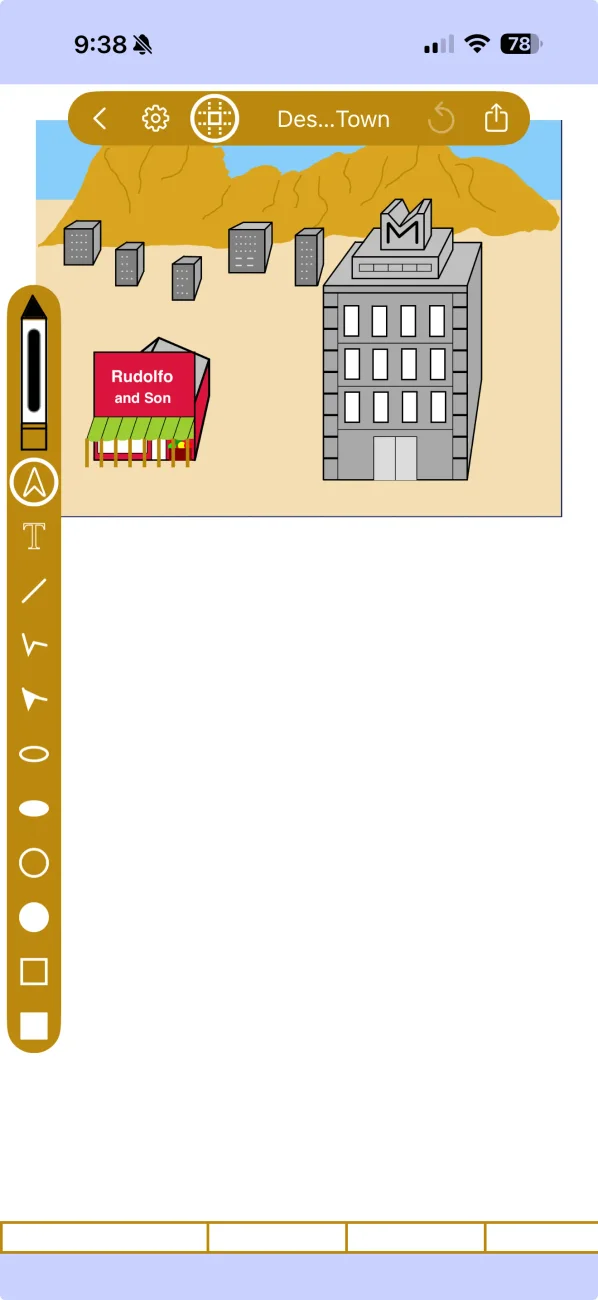
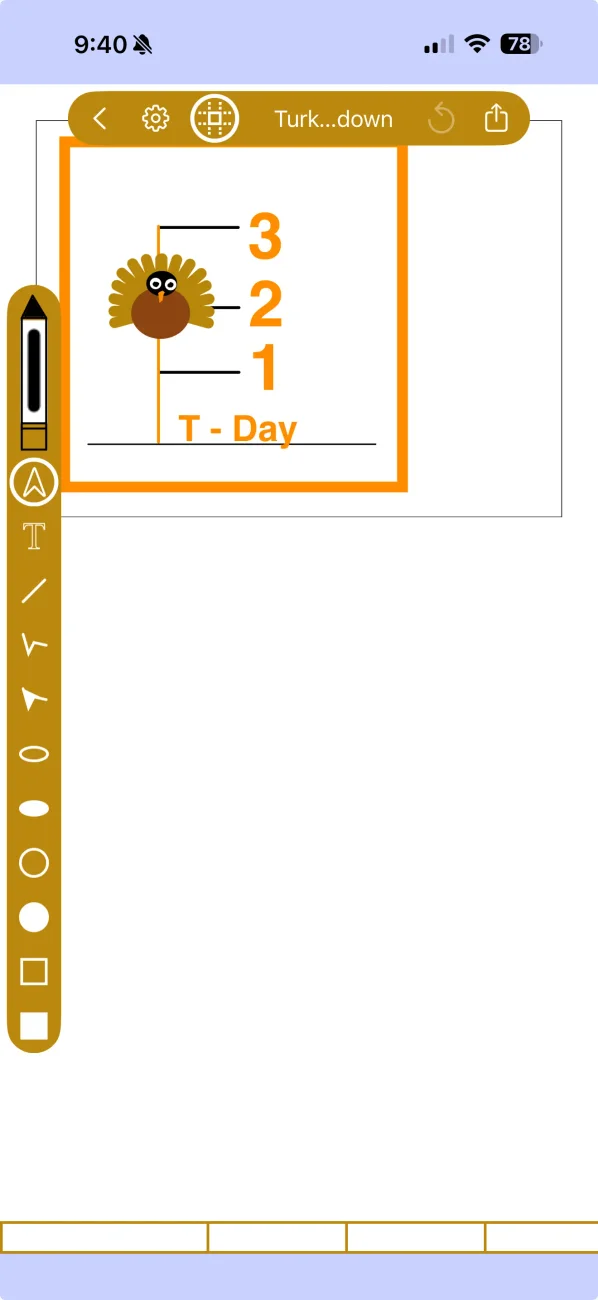
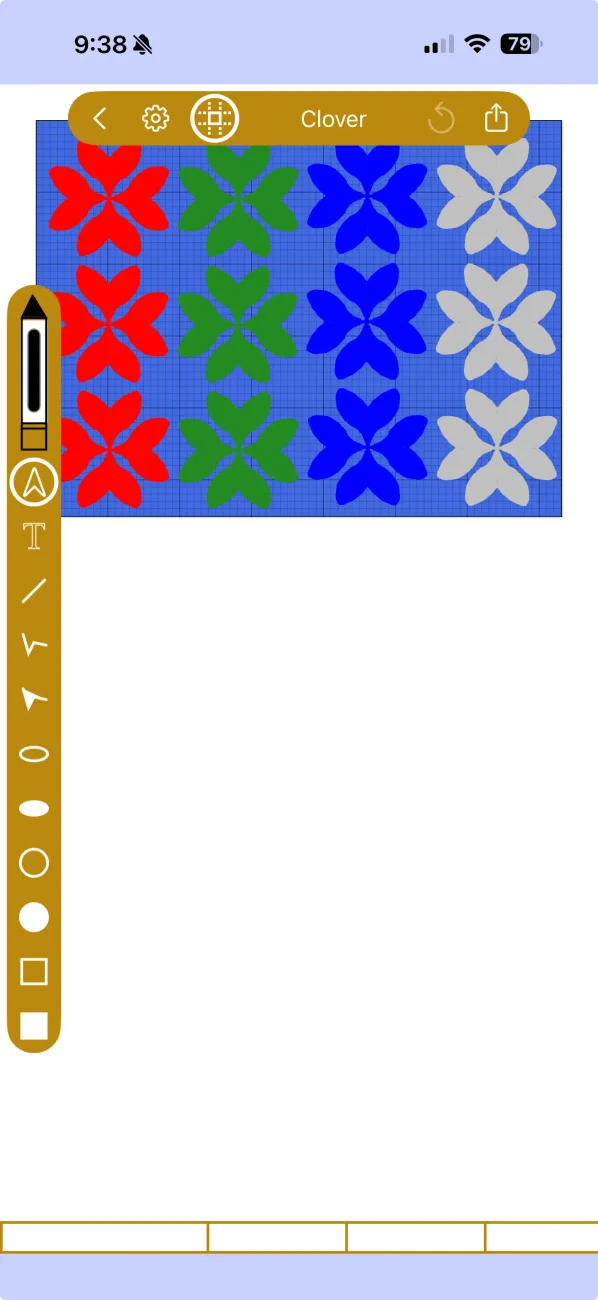
A vector drawing application for the iPad or iPhone that provides a very simple, user friendly interface to draw vector lines, circles, rectangles, and text labels. Please note this is not a CAD application.
The drawn shapes can be moved and rotated after placement. Shape properties can also be changed (e.g. line width, color) by first selecting one or more shapes and then clicking the properties icon.
A border line is drawn around the outside of the canvas to represent the drawing area of a standard size sheet of paper (8-1/2 X 11 inches), and you can only draw inside this border. The canvas is initially displayed zoomed out to show the entire border. To create a more detailed drawing, you can use two fingers to zoom in and pan.
You can change the background color of the canvas, depending on your needs. For example, if you wanted to draw with a WHITE pen, you would probably pick a darker background.
A grid is displayed over the canvas to help with alignment. There are different ways to display this grid, or hide it completely if you would rather have a blank canvas.
Snapping can be turned ON or OFF, and allows you to easily align various shapes as you place them. When snapping is ON, as you draw a new shape on the screen the point is “snapped” to the nearest snap point location (on the grid). Snap points are invisible, and are located at the intersection of each line in the grid. Snapping can be still be used, even when the grid is "hidden". Note: This snapping behavior does not apply when multiple shapes are selected and moved.
Drawings can be printed in landscape, on 8-1/2 X11 inch paper.
You can select single or multiple shapes. After a selection is made, a small menu appears with:
- shape(s) information (i) such as color, line width, etc
- move to TOP or BOTTOM of the z-order (button icon only enabled when a single shape is selected)
- other movement options such as flip and rotate
- duplicate the selected shape(s)
- delete the selected shape(s)
新機能
バージョン 4.0.1 · 2026/10/7
- Sometimes the toolbar is inadvertently moved to the bottom of the canvas.
- When a shape is duplicated or pasted, it can sometimes appear over the original shape.
- UnDo does not work with a shape that was duplicated or pasted.
- Other minor bug fixes.
アプリのプライバシー
このアプリのデータの取り扱いについて、Dennis ClayがApp Storeで申告している内容です。
-
データの収集なし
開発元はこのアプリからデータを収集しません。
プライバシーの取り扱いは、ご利用の機能やお客様の年齢などに応じて異なる場合があります。
情報
- 販売元
- Dennis Clay
- カテゴリ
- グラフィック/デザイン
- バージョン
- 4.0.1
- 更新日
- 2026/10/7
- リリース
- 2026/1/6
- サイズ
- 2.1 MB
- 必要条件
- iOS 26.0以降
- 対象年齢
- 4+
- 価格
- ¥800
- 言語
- 英語
- 著作権
- © 2026 Dennis Clay
こちらもおすすめ
-
 Pixel Editor for Watchグラフィック/デザイン
-
 Tileodileグラフィック/デザイン
-
 LineForge: Vector SVGグラフィック/デザイン
-
 Paper: 3D Drawing Studioグラフィック/デザイン
-
 Aquarell:水彩画とお絵描きカスタムブラシ・レイヤー・デジタルアート
-
 Infinite Zoom Drawing Canvasグラフィック/デザイン
-
 Pistachio - Vector Artグラフィック/デザイン
-
 VectorPaint: お絵描き・イラストベクター描画・ロゴ作成・SVG編集
-
 3D Modeling AI: Text To 3Dグラフィック/デザイン
-
 Turn Life into Manga: MangaMeグラフィック/デザイン