
- Clasificación por edad4+
- CategoríaUtilidades
- DesarrolladorSWAINFO SOLUTIONS
- IdiomasInglés
- Tamaño60,9 MB
Enlaza a la página oficial de App Store
Download.org no aloja ningún archivo de Video Compressor App. El botón abre la página de la aplicación en App Store, donde la publica SWAINFO SOLUTIONS. Ficha comprobada por última vez el 18/11/2026.
Capturas de pantalla
Acerca de
El desarrollador no ha proporcionado este texto en tu idioma.
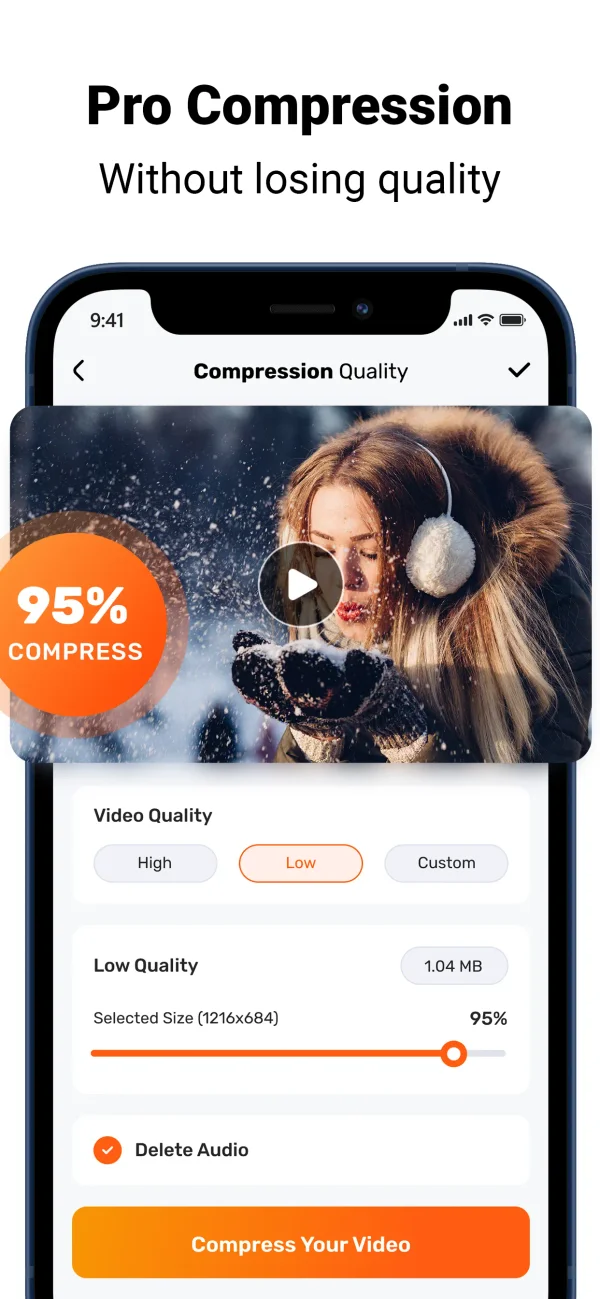
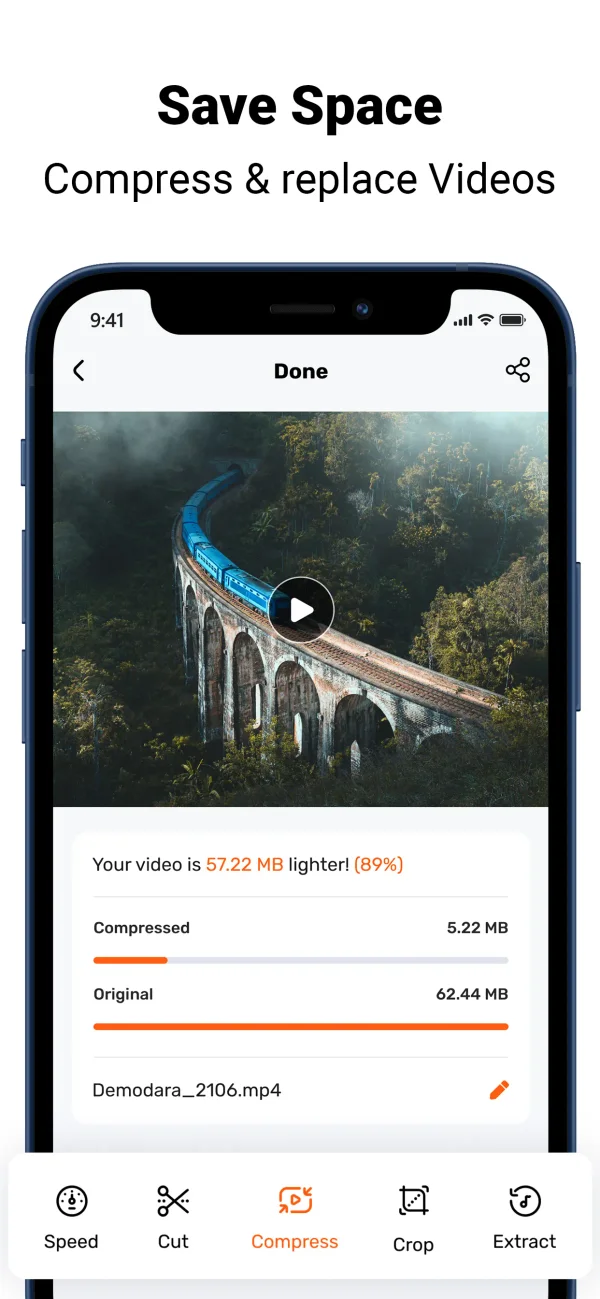
With the Video Compressor App, you can compress your videos in just a few simple steps. Whether you’re looking to reduce the file size of your videos for faster uploads or to save storage space on your device, the Video Compressor App has you covered.
The reduce video app is incredibly easy to use. Simply select the video you want to compress, choose the desired output format and quality, and hit “Compress”. The app will take care of the rest, compressing your video in no time.
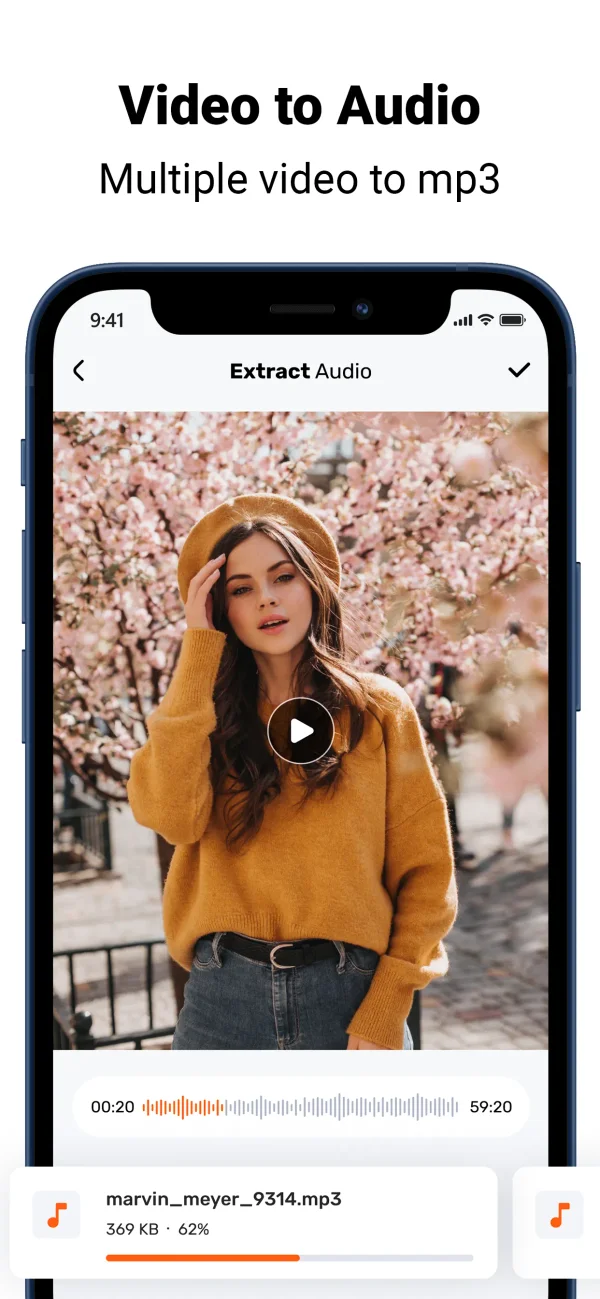
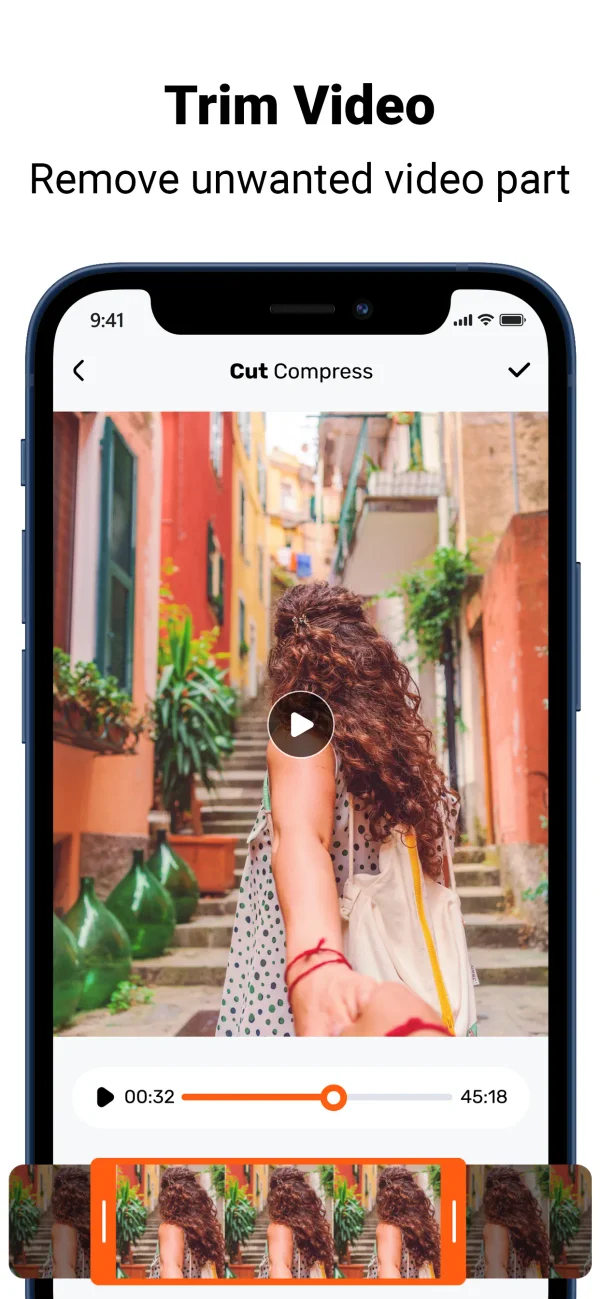
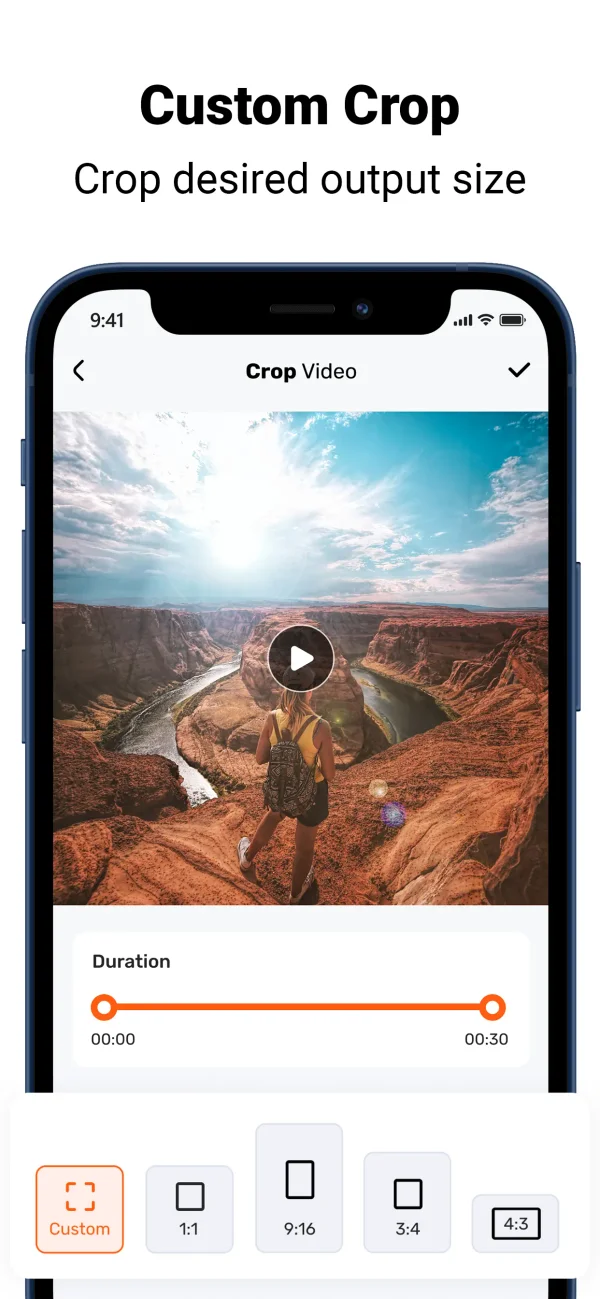
The Video Compressor App also offers a range of advanced features, such as batch processing, which allows you to compress multiple videos at once. You can also trim and crop your videos, adjust brightness and contrast, and add text or watermarks.
Key features of Compress Video and photo size:
1. Compress videos and photos quickly and easily: The app allows users to compress videos and photos quickly and easily, with no loss of quality.
2. Support for multiple file formats: The app supports a wide range of file formats, including MP4, MKV, AVI, 3GP, FLV, MTS, MPEG, MPG, WMV, M4V, MOV, VOB and more.
3. Customizable compression settings: Users can customize the compression settings to their own preferences, allowing them to choose the best quality/file size ratio for their needs.
4. Batch processing: The app allows users to compress multiple files at once, making it easier to process large batches of files quickly.
5. Preview before compression: The app allows users to preview their files before compressing them, ensuring that they get the desired results.
6. Share compressed files easily: shrinkvid allows users to share their compressed files easily via email, messaging apps, or social media platforms.
7. Cloud Storage Integration: The app integrates with popular cloud storage services, allowing users to store their compressed media files in the cloud for easy access from any device.
Video Compress is an app that allows you to compress videos on your mobile device. It is a great tool for reducing the size of large video files so that they can be shared more easily. Here’s how to use it:
1. Download and install the Video Compress app.
2. Open the app and select the video you want to compress.
3. Select the compression settings you want to use. You can choose from a range of options, including resolution, bitrate, and frame rate.
4. Once you’ve chosen your settings, tap “Compress” to start the process.
5. When the compression is complete, you can save the compressed video to your device or share it with others.
That’s all there is to it! With Video Compress, you can easily reduce the size of large video files so that they can be shared more easily.
Photo Compressor is the perfect solution for anyone who needs to quickly reduce the size of their photos without sacrificing quality. With just a few taps, you can easily compress your photos to a fraction of their original size, making them easier to share and store.
The compression app is incredibly easy to use. Simply select the photos you want to compress, choose the desired compression level, and let Photo Compressor do the rest. You can even preview the compressed photo before saving it, so you know exactly what you’re getting.
Video & Photo Compressor also offers a range of advanced features, such as batch processing and support for multiple image formats. Plus, it’s completely free to use, so you can start compressing your photos right away! So if you’re looking for an easy way to reduce the size of your photos without compromising quality, give Photo Compressor a try today!
Novedades
Versión 1.2 · 26/12/2023
- Performance Improvement.
- Bug fiixng.
Privacidad de la aplicación
Lo que SWAINFO SOLUTIONS declara en App Store sobre cómo esta aplicación gestiona los datos.
-
Datos usados para rastrearte
Pueden usarse para rastrearte en aplicaciones y sitios web propiedad de otras empresas.
- Datos de uso
-
Datos no vinculados a ti
Pueden recopilarse, pero no se vinculan a tu identidad.
- Contenido del usuario
- Datos de uso
Las prácticas de privacidad pueden variar, por ejemplo, según las funciones que uses o tu edad.
Información
- Vendedor
- SWAINFO SOLUTIONS
- Categoría
- Utilidades
- Versión
- 1.2
- Actualizado
- 26/12/2023
- Publicado
- 30/4/2023
- Tamaño
- 60,9 MB
- Requiere
- iOS 13.0 o posterior
- Clasificación por edad
- 4+
- Precio
- Gratis
- Idiomas
- Inglés
- Copyright
- © 2022 SWAINFO SOLUTIONS
Quizá también te guste
-
 Kompress - Video compressionUtilidades
-
 Video Compress HelperUtilidades
-
 Comprimir el tamaño del vídeoConvert vídeo,ahorrar espacio
-
 video compressor#Utilidades
-
 Scientific calculator LiteUtilidades
-
 Audio File Compressor - ShrinkUtilidades
-
 Video Compressor & ConverterUtilidades
-
 PDF Reader – PDF ViewerUtilidades
-
 Video Compressor - ConverterUtilidades
-
 Comprimir Video y CompressCompresor de Vídeos