
- Độ tuổi4+
- Danh mụcTiện Ích
- Nhà phát triểnSWAINFO SOLUTIONS
- Ngôn ngữTiếng Anh
- Kích thước60,9 MB
Liên kết đến trang App Store chính thức
Download.org không lưu trữ tệp nào của Video Compressor App. Nút này mở trang ứng dụng trên App Store, nơi SWAINFO SOLUTIONS phát hành ứng dụng. Trang được kiểm tra lần cuối: 18/11/2026.
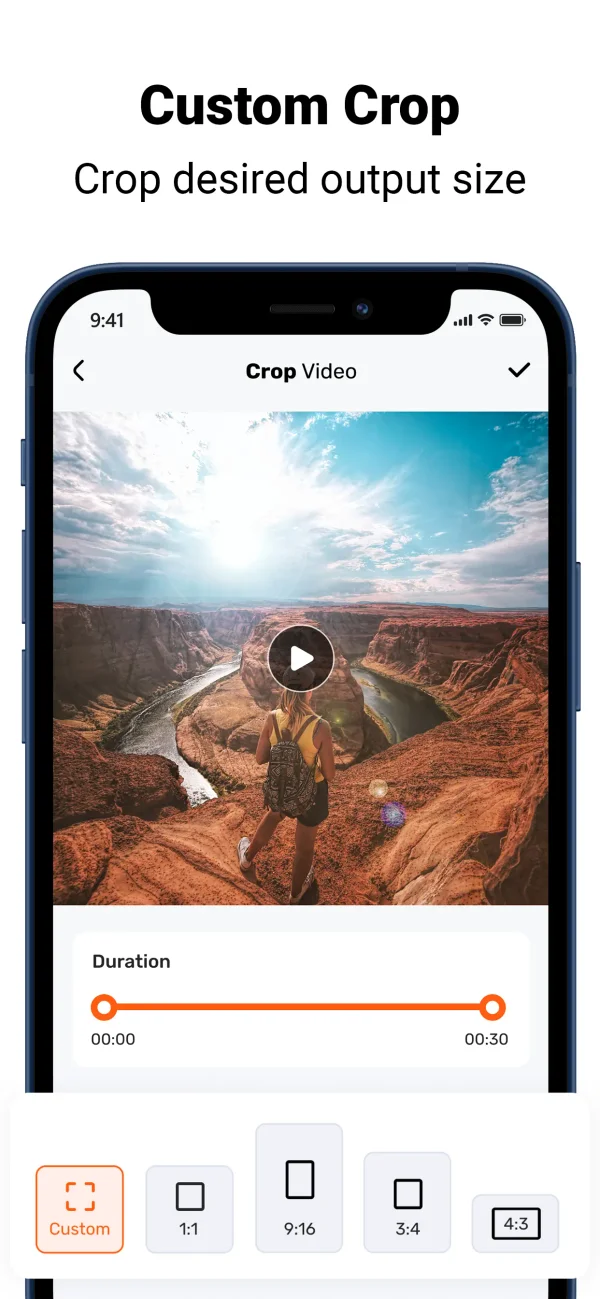
Ảnh chụp màn hình
Giới thiệu
Nhà phát triển chưa cung cấp nội dung này bằng ngôn ngữ của bạn.
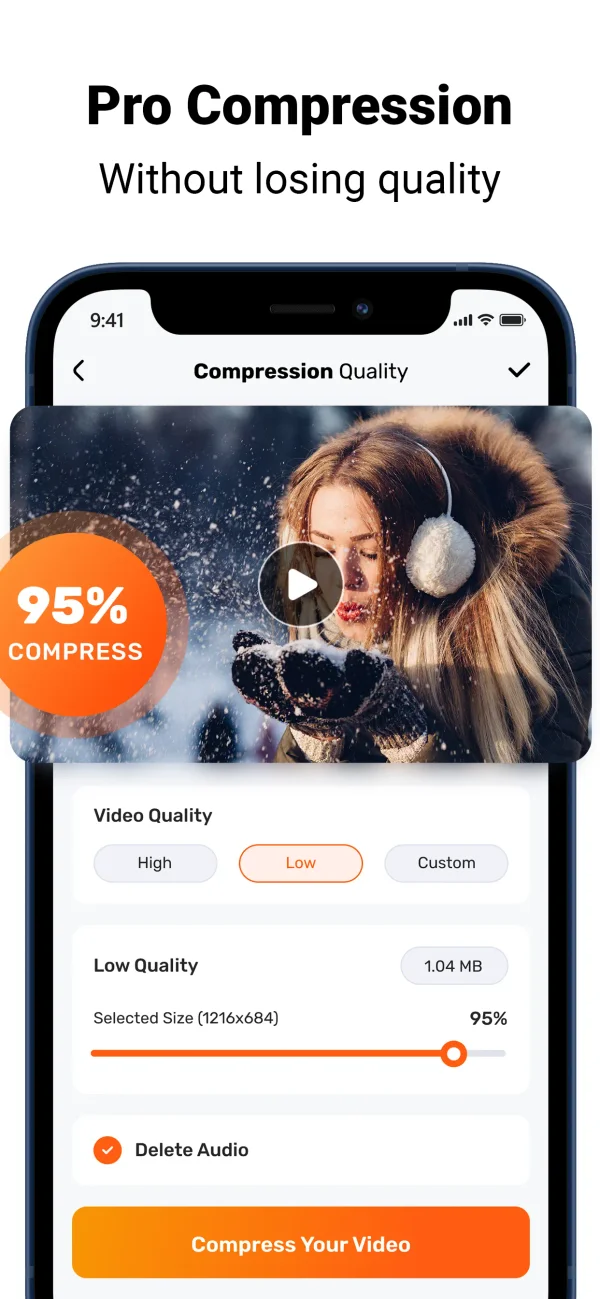
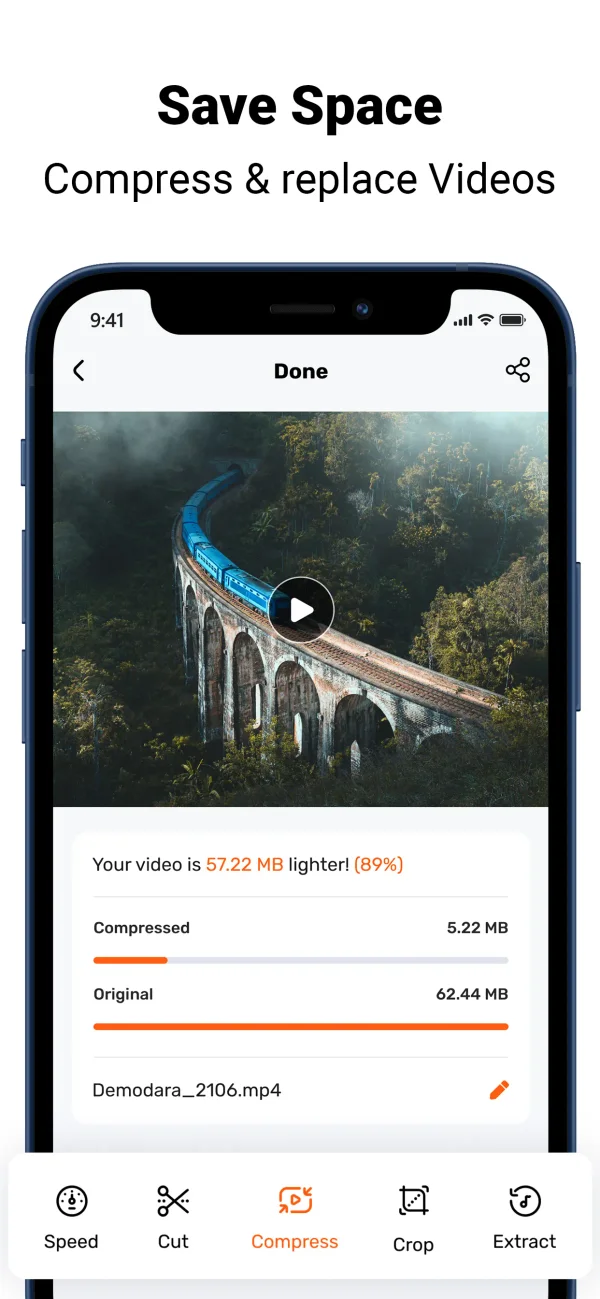
With the Video Compressor App, you can compress your videos in just a few simple steps. Whether you’re looking to reduce the file size of your videos for faster uploads or to save storage space on your device, the Video Compressor App has you covered.
The reduce video app is incredibly easy to use. Simply select the video you want to compress, choose the desired output format and quality, and hit “Compress”. The app will take care of the rest, compressing your video in no time.
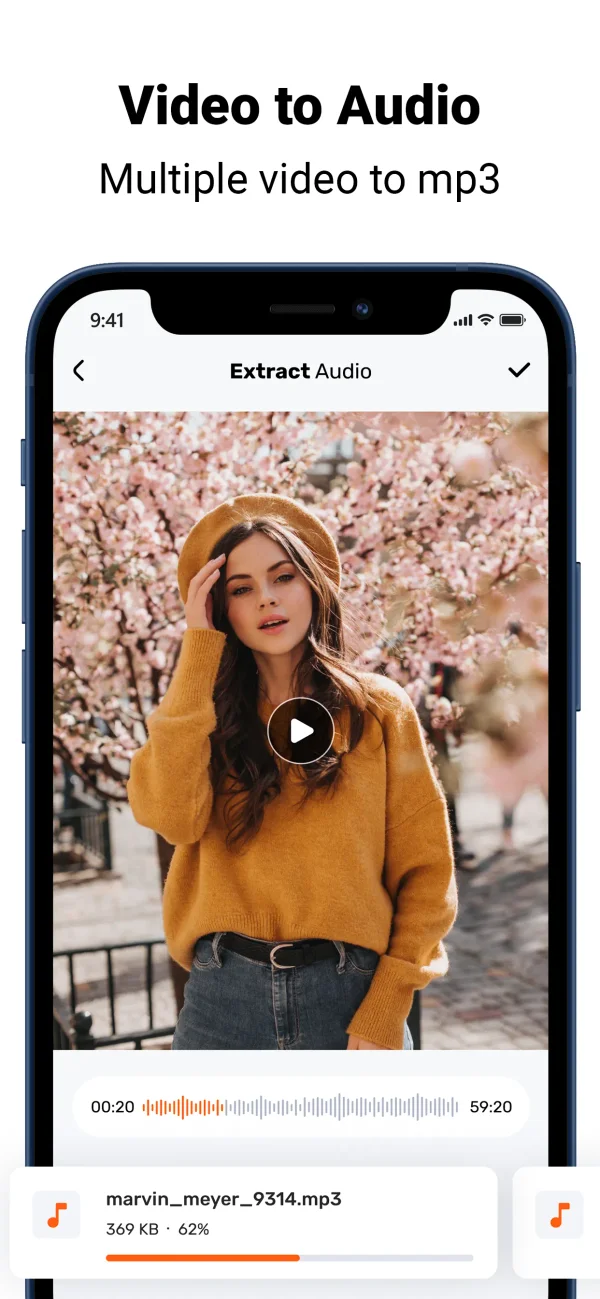
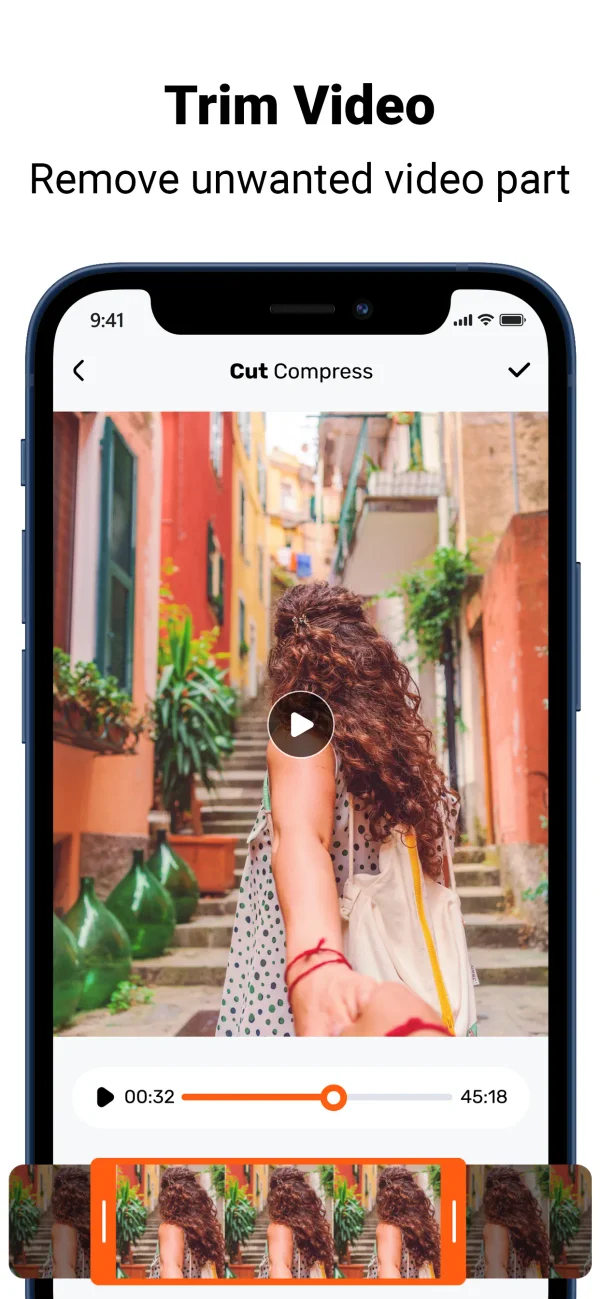
The Video Compressor App also offers a range of advanced features, such as batch processing, which allows you to compress multiple videos at once. You can also trim and crop your videos, adjust brightness and contrast, and add text or watermarks.
Key features of Compress Video and photo size:
1. Compress videos and photos quickly and easily: The app allows users to compress videos and photos quickly and easily, with no loss of quality.
2. Support for multiple file formats: The app supports a wide range of file formats, including MP4, MKV, AVI, 3GP, FLV, MTS, MPEG, MPG, WMV, M4V, MOV, VOB and more.
3. Customizable compression settings: Users can customize the compression settings to their own preferences, allowing them to choose the best quality/file size ratio for their needs.
4. Batch processing: The app allows users to compress multiple files at once, making it easier to process large batches of files quickly.
5. Preview before compression: The app allows users to preview their files before compressing them, ensuring that they get the desired results.
6. Share compressed files easily: shrinkvid allows users to share their compressed files easily via email, messaging apps, or social media platforms.
7. Cloud Storage Integration: The app integrates with popular cloud storage services, allowing users to store their compressed media files in the cloud for easy access from any device.
Video Compress is an app that allows you to compress videos on your mobile device. It is a great tool for reducing the size of large video files so that they can be shared more easily. Here’s how to use it:
1. Download and install the Video Compress app.
2. Open the app and select the video you want to compress.
3. Select the compression settings you want to use. You can choose from a range of options, including resolution, bitrate, and frame rate.
4. Once you’ve chosen your settings, tap “Compress” to start the process.
5. When the compression is complete, you can save the compressed video to your device or share it with others.
That’s all there is to it! With Video Compress, you can easily reduce the size of large video files so that they can be shared more easily.
Photo Compressor is the perfect solution for anyone who needs to quickly reduce the size of their photos without sacrificing quality. With just a few taps, you can easily compress your photos to a fraction of their original size, making them easier to share and store.
The compression app is incredibly easy to use. Simply select the photos you want to compress, choose the desired compression level, and let Photo Compressor do the rest. You can even preview the compressed photo before saving it, so you know exactly what you’re getting.
Video & Photo Compressor also offers a range of advanced features, such as batch processing and support for multiple image formats. Plus, it’s completely free to use, so you can start compressing your photos right away! So if you’re looking for an easy way to reduce the size of your photos without compromising quality, give Photo Compressor a try today!
Có gì mới
Phiên bản 1.2 · 26/12/2023
- Performance Improvement.
- Bug fiixng.
Quyền riêng tư của ứng dụng
Những gì SWAINFO SOLUTIONS khai báo trên App Store về cách ứng dụng này xử lý dữ liệu.
-
Dữ liệu được sử dụng để theo dõi bạn
Có thể được sử dụng để theo dõi bạn trên các ứng dụng và trang web do công ty khác sở hữu.
- Dữ liệu sử dụng
-
Dữ liệu không liên kết với bạn
Có thể được thu thập nhưng không liên kết với danh tính của bạn.
- Nội dung của người dùng
- Dữ liệu sử dụng
Phương thức đảm bảo quyền riêng tư có thể khác nhau, chẳng hạn như tuỳ theo các tính năng bạn sử dụng hoặc độ tuổi của bạn.
Thông tin
- Người bán
- SWAINFO SOLUTIONS
- Danh mục
- Tiện Ích
- Phiên bản
- 1.2
- Cập nhật
- 26/12/2023
- Phát hành
- 30/04/2023
- Kích thước
- 60,9 MB
- Yêu cầu
- iOS 13.0 trở lên
- Độ tuổi
- 4+
- Giá
- Miễn phí
- Ngôn ngữ
- Tiếng Anh
- Bản quyền
- © 2022 SWAINFO SOLUTIONS
Có thể bạn cũng thích
-
 Kompress - Video compressionTiện Ích
-
 Video Compress HelperTiện Ích
-
 Nén Video-Thay đổi kích thướcThu nhỏ kích thước video
-
 video compressor#Tiện Ích
-
 Scientific calculator LiteTiện Ích
-
 Audio File Compressor - ShrinkTiện Ích
-
 Video Compressor & ConverterTiện Ích
-
 PDF Reader – PDF ViewerTiện Ích
-
 Video Compressor - ConverterTiện Ích
-
 Video Compressor - VidPressTiện Ích