
- Clasificación por edad4+
- CategoríaEstilo de vida
- DesarrolladorHisanori Yamashita
- IdiomasJaponés+ 1 más
- Tamaño136,7 MB
Enlaza a la página oficial de App Store
Download.org no aloja ningún archivo de WallFrameKit2025. El botón abre la página de la aplicación en App Store, donde la publica Hisanori Yamashita. Ficha comprobada por última vez el 12/11/2026.
Capturas de pantalla
Acerca de
El desarrollador no ha proporcionado este texto en tu idioma.
The best frame-type wallpaper creation app!
Multifunctional anyway! Super easy to use!
[How to create]
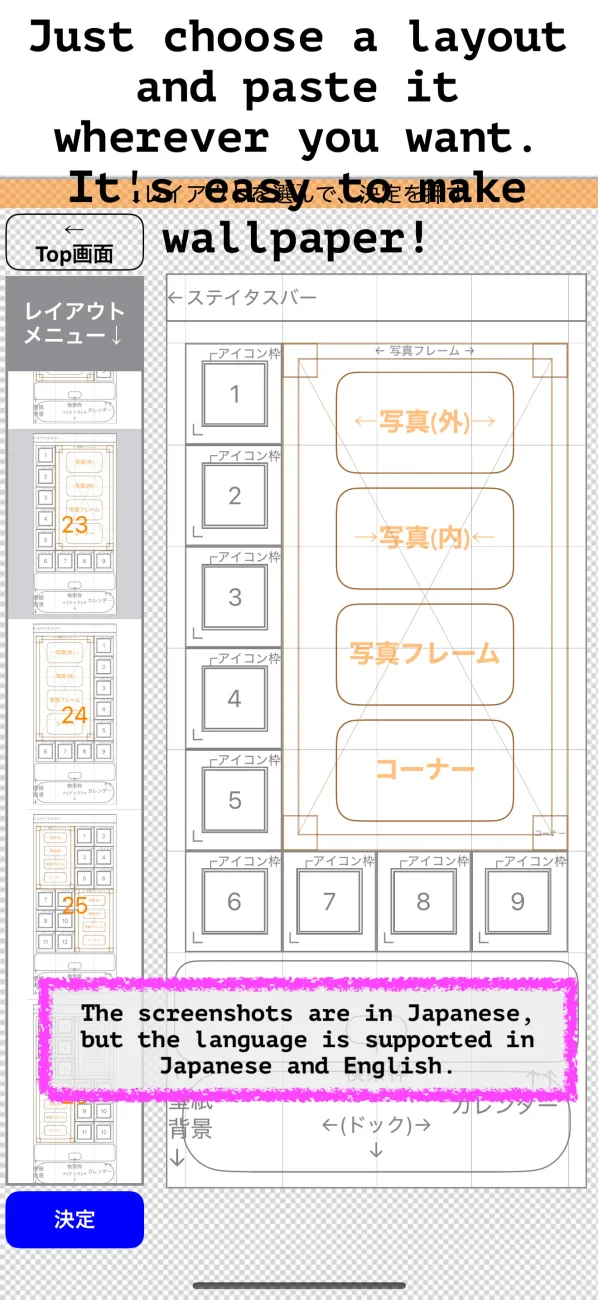
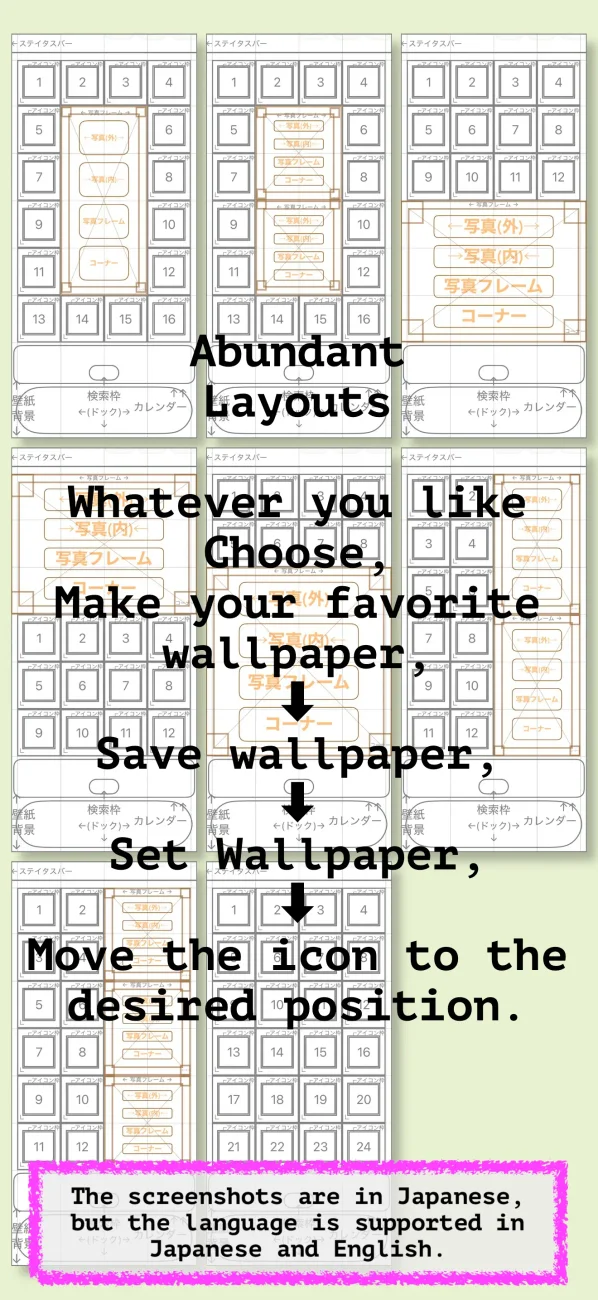
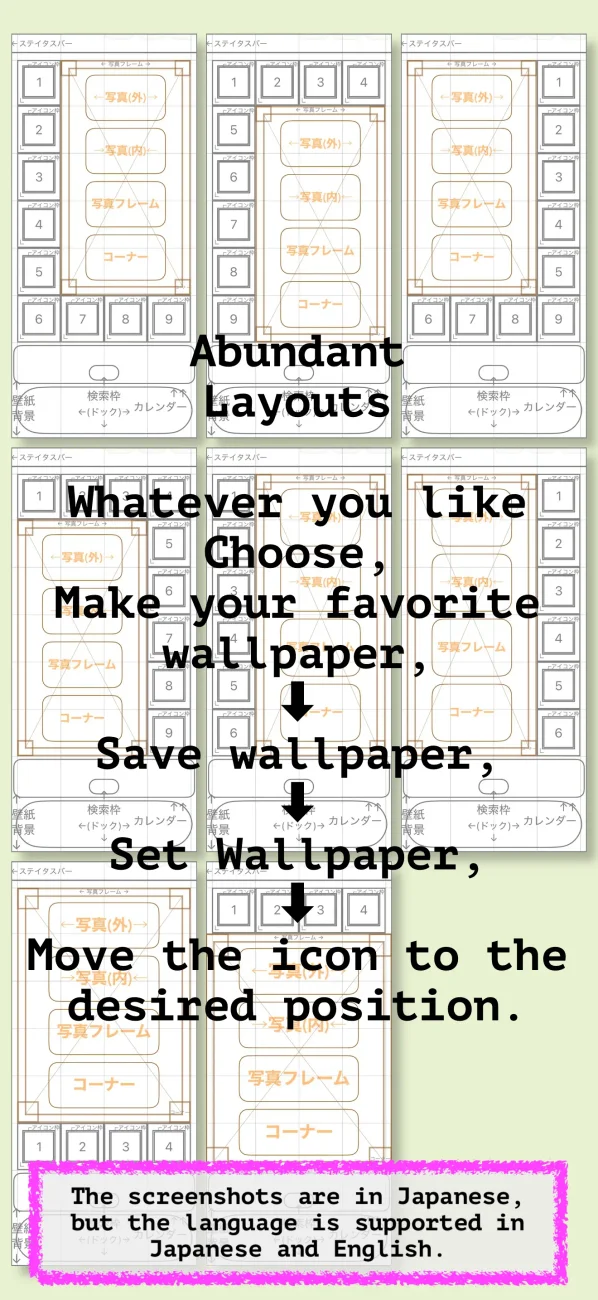
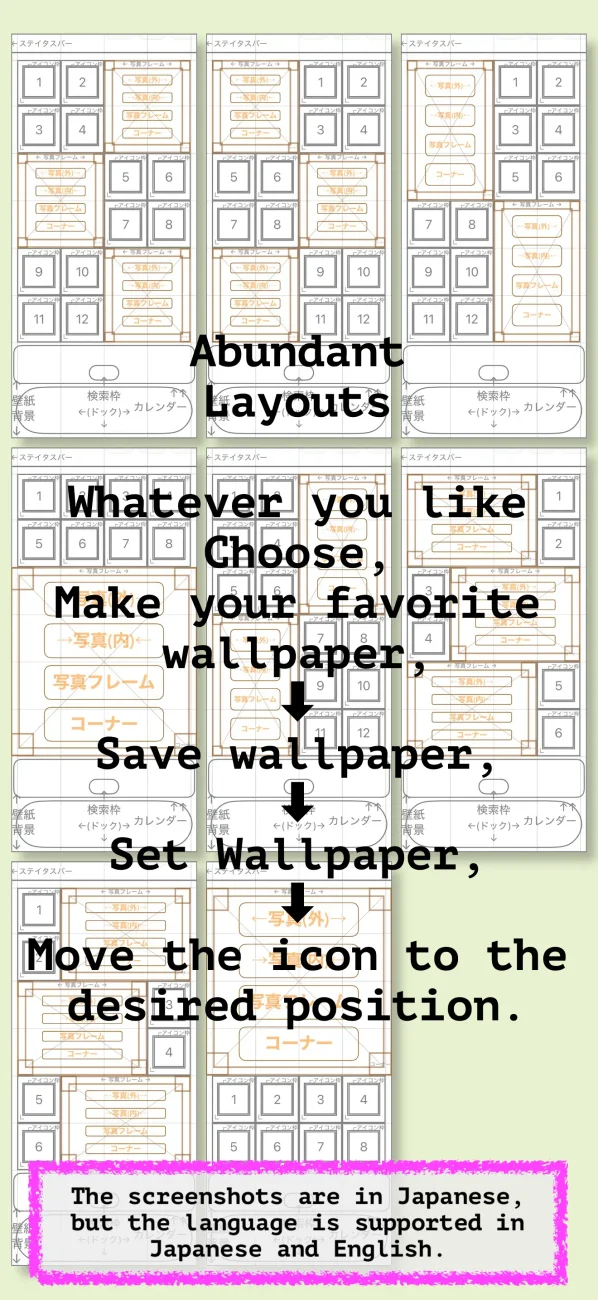
(1) Select the favorite layout.
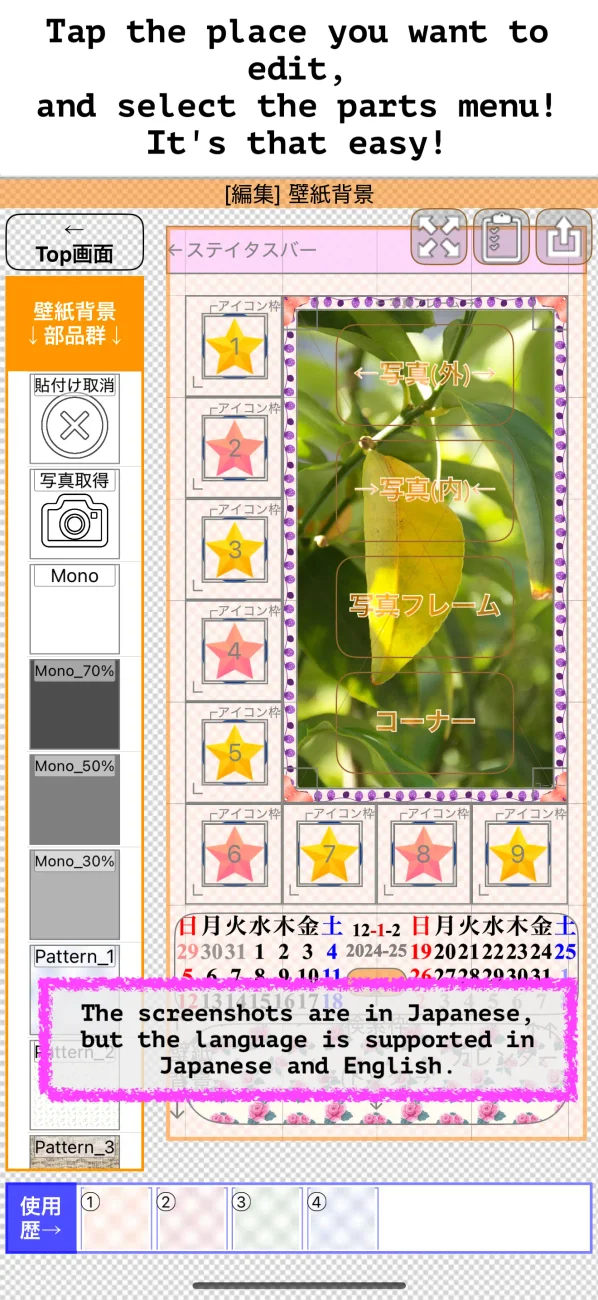
(2) Tap the area you want to edit.
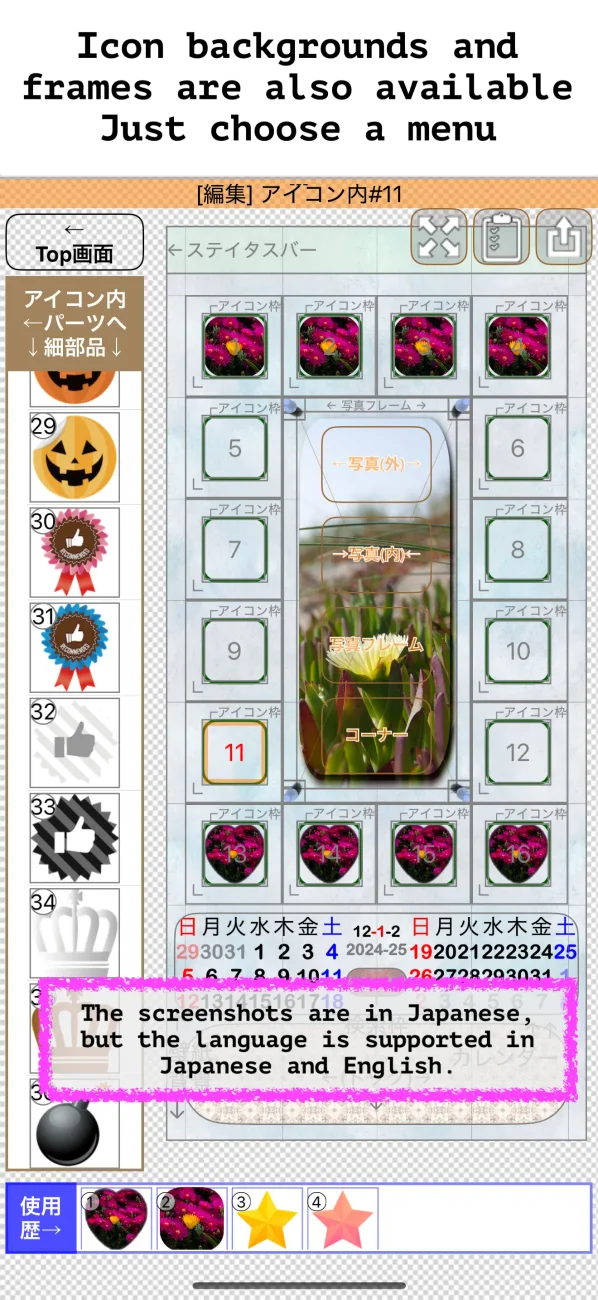
(3) Select a menu and paste an image or decorative image.
(4) The wallpaper image is completed.
(5) Save the image in your favorite way (save image or save creation history)
[Features]
(1) Anyone can create wallpaper easily.
(2) You can restart from the “Wallpaper creation history”.
(3) You can put a rounded corner image on the background where the icons are lined up, or put a frame around it.
(4) You can decorate the photo area with images.
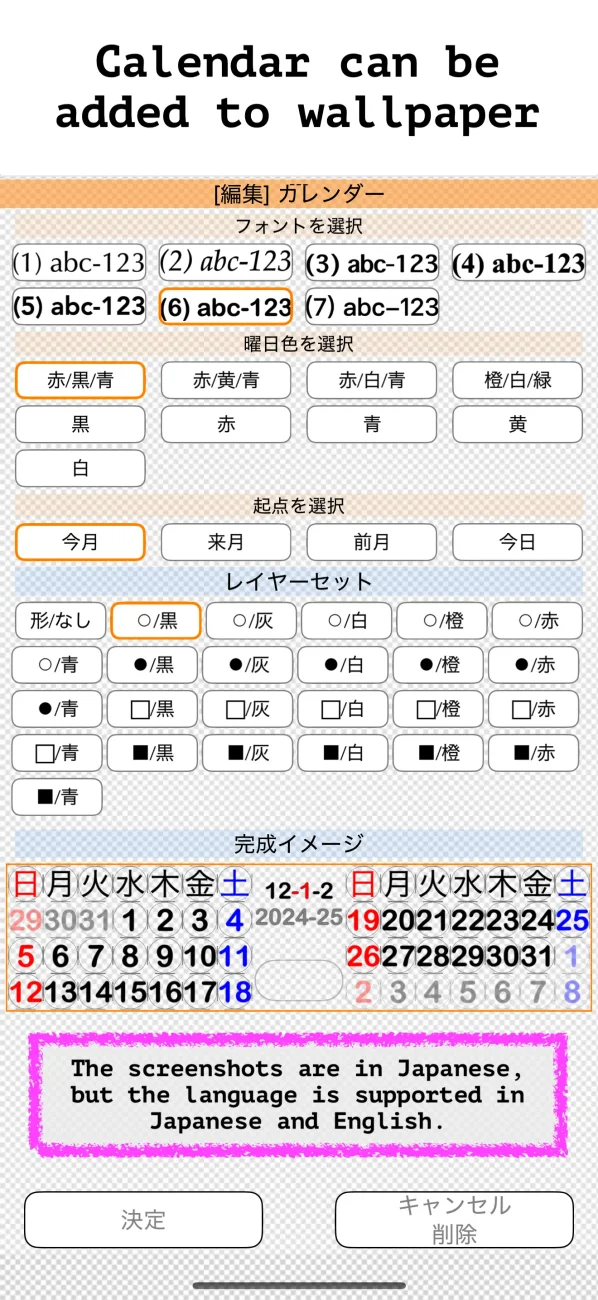
(5) A calendar can be inserted.
[Requests from the author]
Please tell people around you about this app.
If possible, please review the app.
Please share your wallpapers on social networking sites with any comments.
[How to move the position of the icons]
Move the icon as follows according to the number of shelves of the wallpaper you created and installed.
(1) Hold your finger on the icon (or press and hold the home screen).
(2) After a while, the icon will start shaking.
(3) While keeping your finger on the icon that is shaking, move it in any direction you like, such as horizontally, vertically, and diagonally (you can move the icon anywhere you like).
(4) After all the icons have been moved, press the Home button (or slide your finger from the bottom to the top of the screen).
(5) The icons will stop shaking.
---[Note]---
[About the size of the icon]
Please set the size of the icon to “Small”.
To do this, long-press the home screen > tap Edit in the upper left corner > Customize > select “Small” at the bottom of the screen.
[About sending and receiving the wallpaper you created]
When exchanging wallpapers via free email services or social networking services, the size of the wallpaper may be automatically reduced on social networking services.
When exchanging wallpapers, please make sure to send and receive the original size of the wallpaper. Please be especially careful when exchanging wallpapers of different sizes for other models.
[Turn on “Reduce parallax effect”]
Settings > Accessibility > Behavior > Reduce parallax effect > ON
[About Supporting for iPad]
The iPad wallpaper creation is not supported.
However, it is possible to create wallpaper for iPhone on iPad.
[About in-app purchases]
There are no in-app purchases at this time, but there is a possibility that some functions will be changed to a billing system in the future.
Privacidad de la aplicación
Lo que Hisanori Yamashita declara en App Store sobre cómo esta aplicación gestiona los datos.
-
Datos usados para rastrearte
Pueden usarse para rastrearte en aplicaciones y sitios web propiedad de otras empresas.
- Datos de uso
-
Datos vinculados a ti
Pueden recopilarse y vincularse a tu identidad.
- Ubicación
- Datos de uso
Las prácticas de privacidad pueden variar, por ejemplo, según las funciones que uses o tu edad.
Información
- Vendedor
- Hisanori Yamashita
- Categoría
- Estilo de vida
- Versión
- 1.1.5
- Actualizado
- 3/2/2025
- Publicado
- 2/2/2025
- Tamaño
- 136,7 MB
- Requiere
- iOS 17.6 o posterior
- Clasificación por edad
- 4+
- Precio
- Gratis
- Idiomas
- Japonés, Inglés
- Copyright
- © 2025@nextYam
Quizá también te guste
-
 PhonedinateEstilo de vida
-
 Plushie Photo Diary - NuiDaysEstilo de vida
-
 STAKKEstilo de vida
-
 SpruceEstilo de vida
-
 Rainbow AI: Duelo de MascotasFotos desde el puente arcoíris
-
 WaterPlantly - ReminderEstilo de vida
-
 ポイタップ - 簡単きせかえポイ活AIキーボードアプリEstilo de vida
-
 南魚沼市住民総合ポータルEstilo de vida
-
 クリスタルゲート名古屋Estilo de vida
-
 joie angeEstilo de vida