WowPaint
Draw,design seamless patterns
Diseñada para iPhone, iPad, Mac, iPod touch
Gratis · Compras en la aplicación
- Clasificación por edad4+
- CategoríaDiseño gráfico
- DesarrolladorNorbyte
- IdiomasInglés
- Tamaño22,5 MB
Enlaza a la página oficial de App Store
Download.org no aloja ningún archivo de WowPaint. El botón abre la página de la aplicación en App Store, donde la publica Norbyte. Ficha comprobada por última vez el 14/11/2026.
Capturas de pantalla
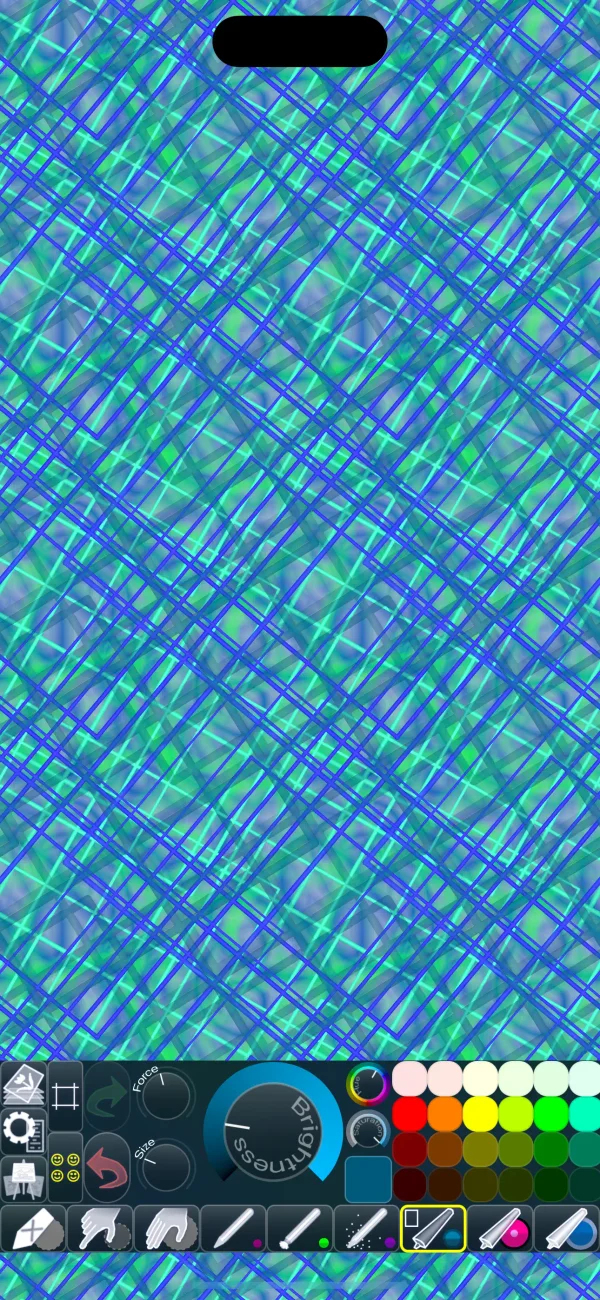
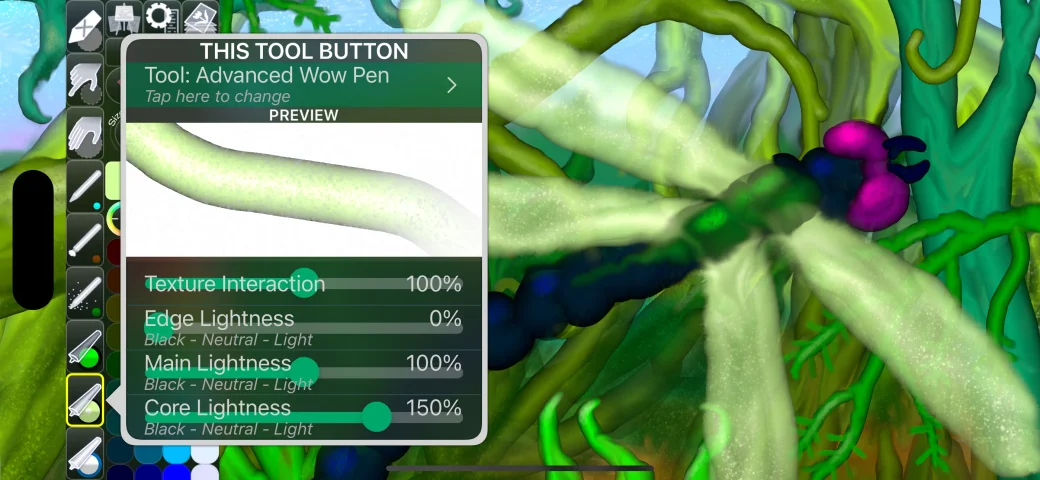

Acerca de
El desarrollador no ha proporcionado este texto en tu idioma.
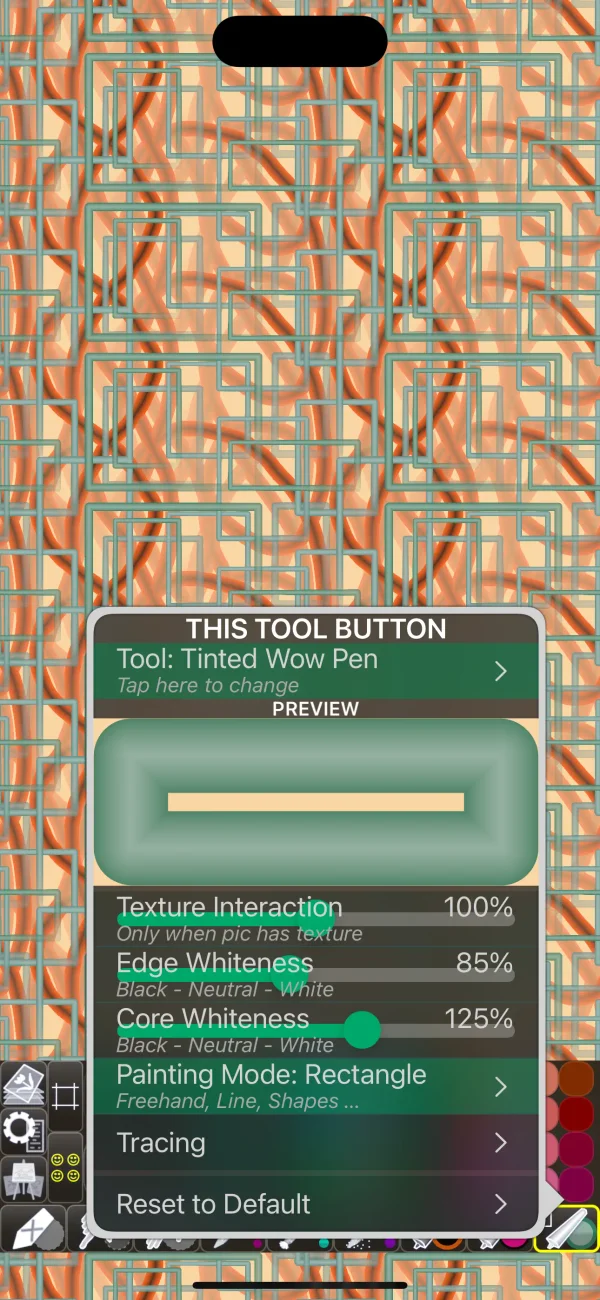
Pattern/texture designers: You’ll find the app’s unique feature set very useful when making repeatable images (patterns).
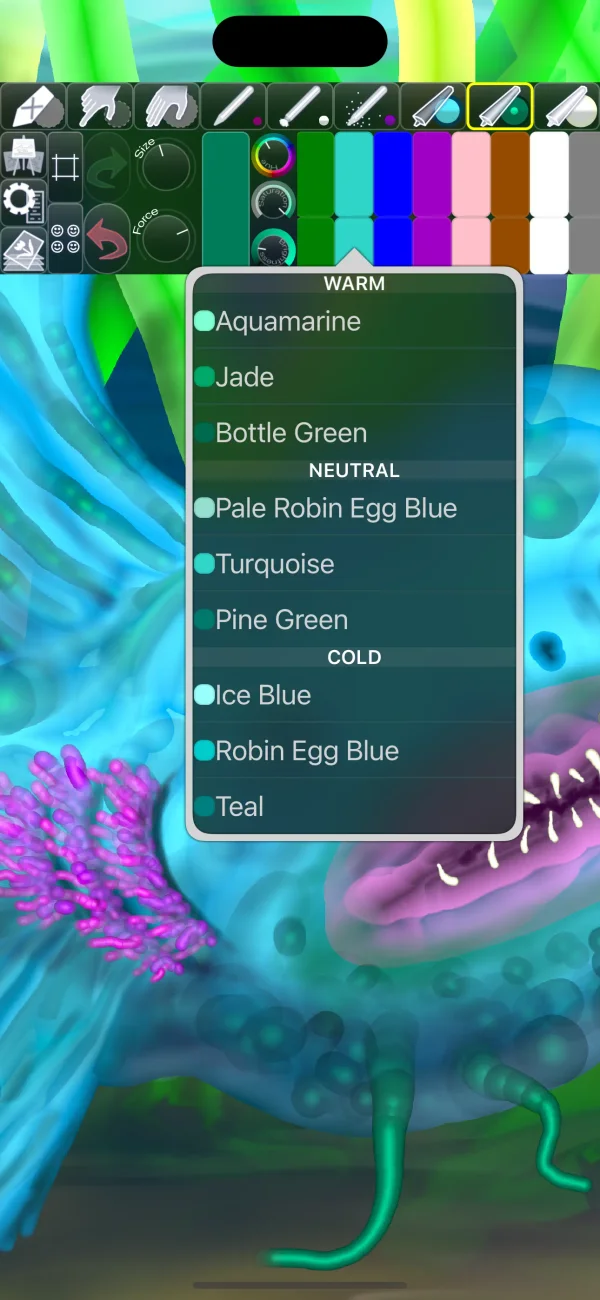
Other artists: WowPaint is great for drawing and painting “normal” art as well!
• CREATE SEAMLESS PATTERNS •
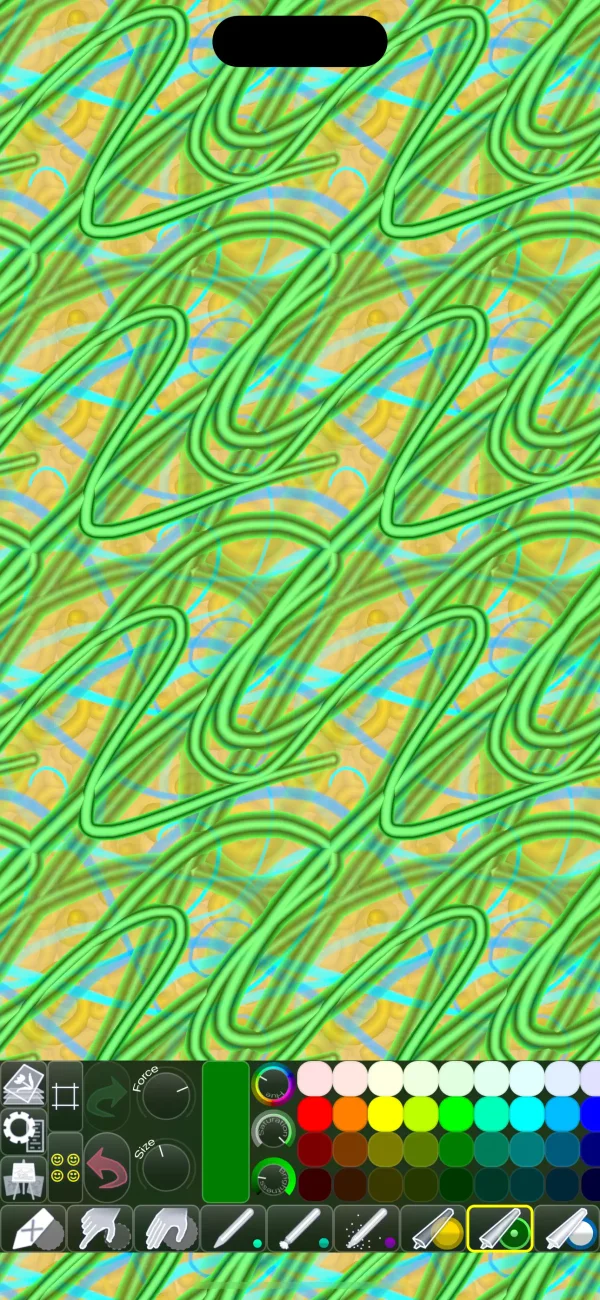
Use the Seamless Pattern Options to aid you in creating seamless patterns that can be used as website or desktop backgrounds, in print, or for textures in 3d modeling.
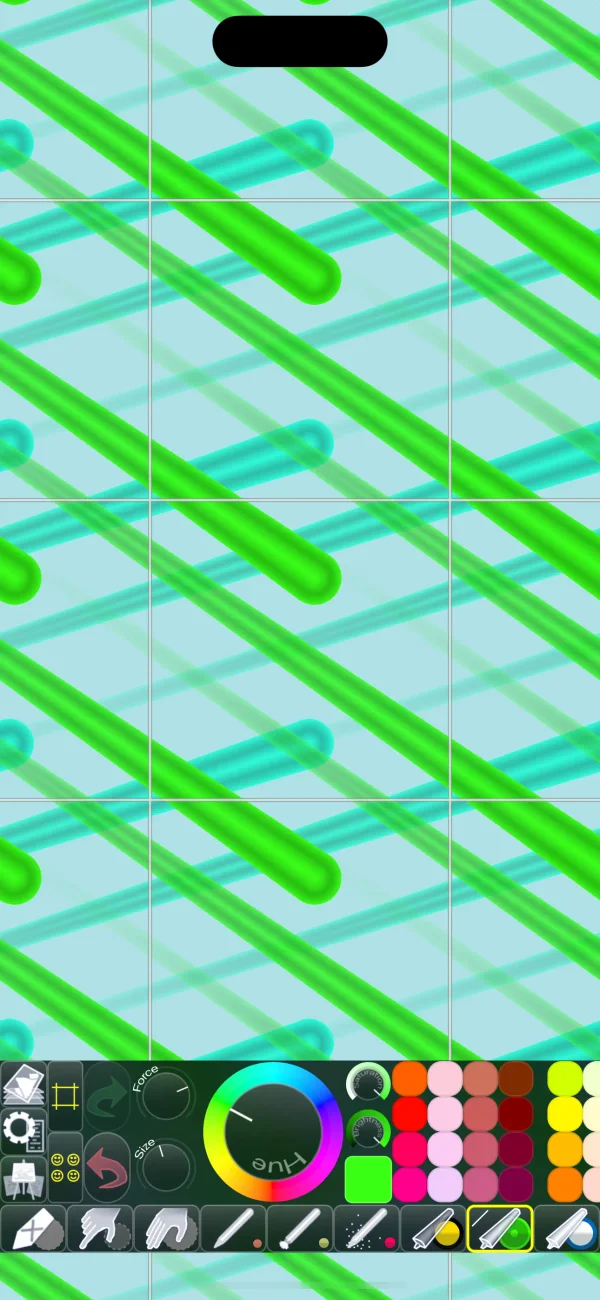
When you have switched on Wrap X/Y, any strokes you paint that go over the picture’s edge will continue on the opposite side.
That means that there will be no hard edges where strokes are cut off (since they continue instead), which makes the picture a perfect candidate for being seamlessly repeated.
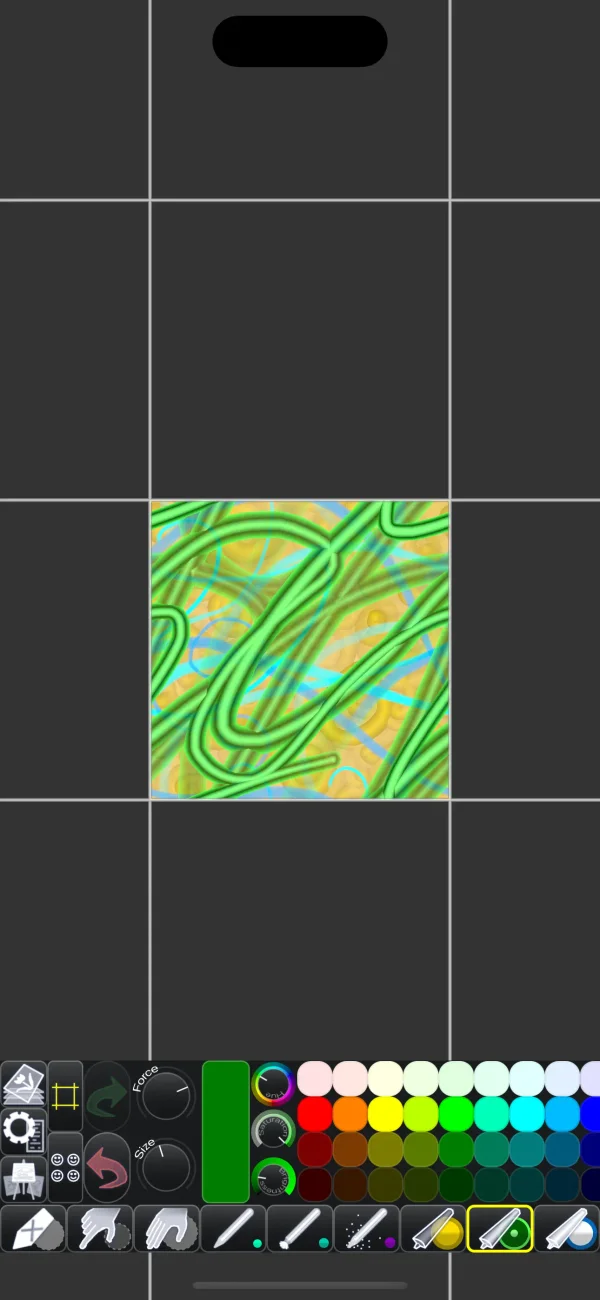
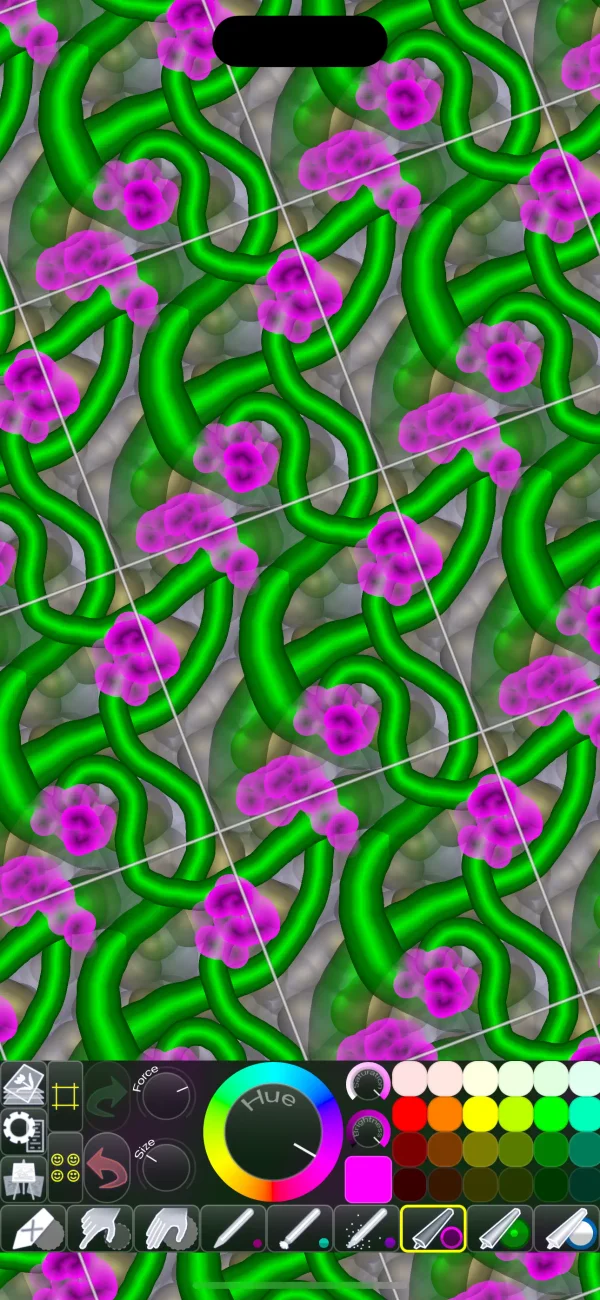
A tremendous help when using the Wrapped Painting mode is the option of having the picture displayed as tiles next to each other.
You’re free to paint anywhere on these tiles, and you will see the results in real time.
You can also switch on Edge Indicators, to make it easier to see where the picture being repeated begins and ends.
• FINGERTIP = STROKE SIZE •
When you paint, the app measures how much of your finger is touching the screen and changes the stroke size accordingly.
There’s a huge difference between using just the corner of your fingertip and pressing down the whole fingerprint area!
A 2nd tool assigned to your finger will still use this feature, so don’t ignore it just because you have an Apple Pencil!
• LEFT-HANDED? •
Just swipe the toolbar over to the other side!
• PARAMETERS CAN BE CHANGED LIVE •
Use any buttons or controls to change/adjust color, size, force, simultaneously while painting.
• UNIVERSAL PURCHASE •
If you choose to buy the Pro upgrade, this one-time in-app purchase will unlock all Pro features in the app on all available platforms (iPad-iPhone-Mac)!
• METAL •
The engine is based on Metal, with 128-bit color and floating-point arithmetic.
• SWIFT •
The app was developed entirely using Swift (earlier versions used C++).
• APPLE PENCIL SUPPORT • FULL SCREEN PAINTING •
• DARK MODE • LANDSCAPE • PORTRAIT • WIDE COLOR •
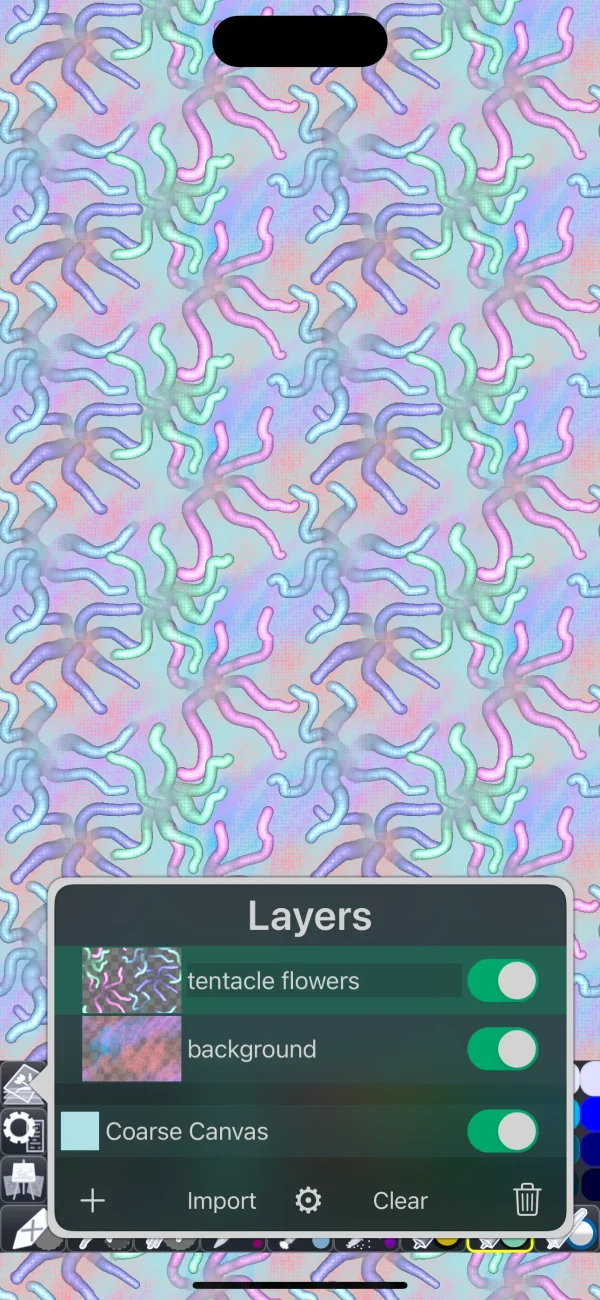
• MULTIPLE LAYERS • PHOTO TRACING MODE (Pro feature) •
Novedades
Versión 5.4.2 · 19/12/2023
[NEW] Added “Reset to Default” button to the Scrollable Palette Area menu (to open that menu, scroll the palette to its beginning and tap the largest of the three buttons that appear).
[FIXED] A couple of rare user interface layout glitches.
[FIXED] Some issues when tapping to add to the selection while dragging the thumbnails in Work in Progress (Gallery).
[FIXED] Pasting multiple files in Work in Progress (Gallery) did not always select all the imported pics.
[FIXED] Rotating the device could, in some very rare circumstances, cause the app to crash.
[IMPROVED] Tapping or long-pressing a dial could result in an unintentional adjustment (especially if using Apple Pencil).
[IMPROVED] A few minor things.
Privacidad de la aplicación
Lo que Norbyte declara en App Store sobre cómo esta aplicación gestiona los datos.
-
No se recopilan datos
El desarrollador no recopila ningún dato de esta aplicación.
Las prácticas de privacidad pueden variar, por ejemplo, según las funciones que uses o tu edad.
Información
- Vendedor
- Norbyte
- Categoría
- Diseño gráfico
- Versión
- 5.4.2
- Actualizado
- 19/12/2023
- Publicado
- 2/9/2011
- Tamaño
- 22,5 MB
- Requiere
- iOS 12.0 o posterior
- Clasificación por edad
- 4+
- Precio
- Gratis
- Compras en la aplicación
- Sí
- Idiomas
- Inglés
- Copyright
- © 2011-2023 Norbyte
Quizá también te guste
-
 Pattern Bliss LiteDiseño gráfico
-
 CraZeAppDiseño gráfico
-
 Bloom.Diseño gráfico
-
 Pattern Wallpaper MobileDiseño gráfico
-
 AbstractorDiseño gráfico
-
 iSymmetryDiseño de Patrones
-
 Oilbook - Liquid PaintingDiseño gráfico
-
 iOrnament Pro – art, fun, calmCreate geometry art & mandalas
-
 Paintstorm StudioDiseño gráfico
-
 SimetriaThe artist lives in each of us