WowPaint
Draw,design seamless patterns
Được thiết kế cho iPhone, iPad, Mac, iPod touch
Miễn phí · Mua hàng trong ứng dụng
- Độ tuổi4+
- Danh mụcĐồ Họa & Thiết Kế
- Nhà phát triểnNorbyte
- Ngôn ngữTiếng Anh
- Kích thước22,5 MB
Liên kết đến trang App Store chính thức
Download.org không lưu trữ tệp nào của WowPaint. Nút này mở trang ứng dụng trên App Store, nơi Norbyte phát hành ứng dụng. Trang được kiểm tra lần cuối: 14/11/2026.
Ảnh chụp màn hình
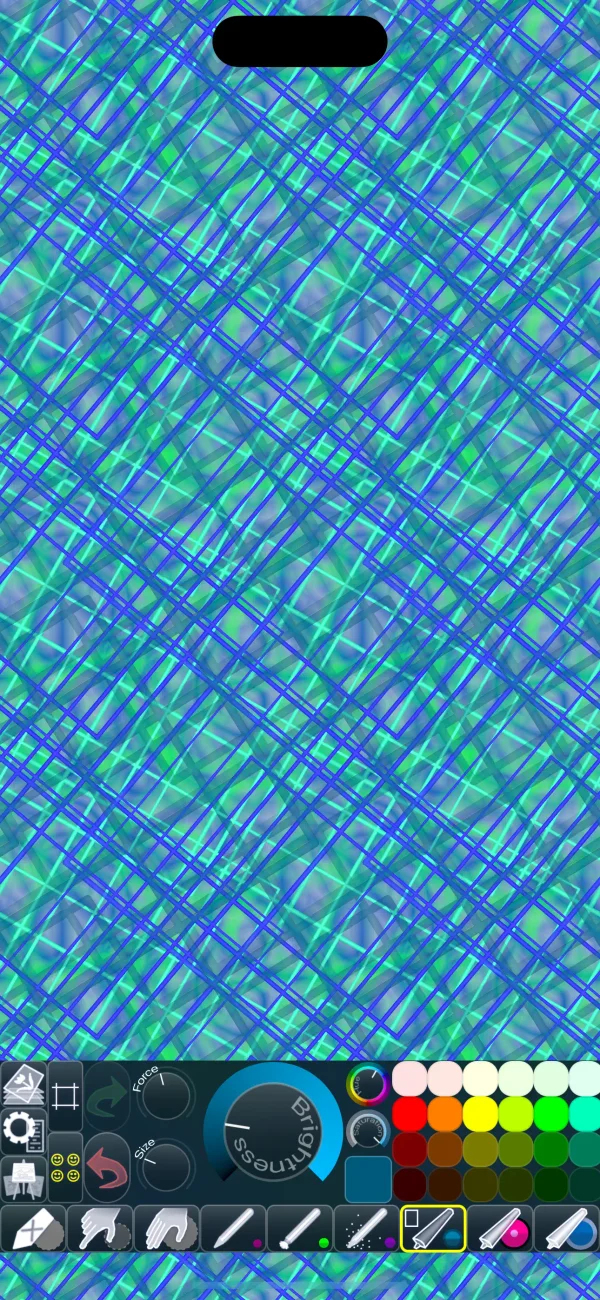
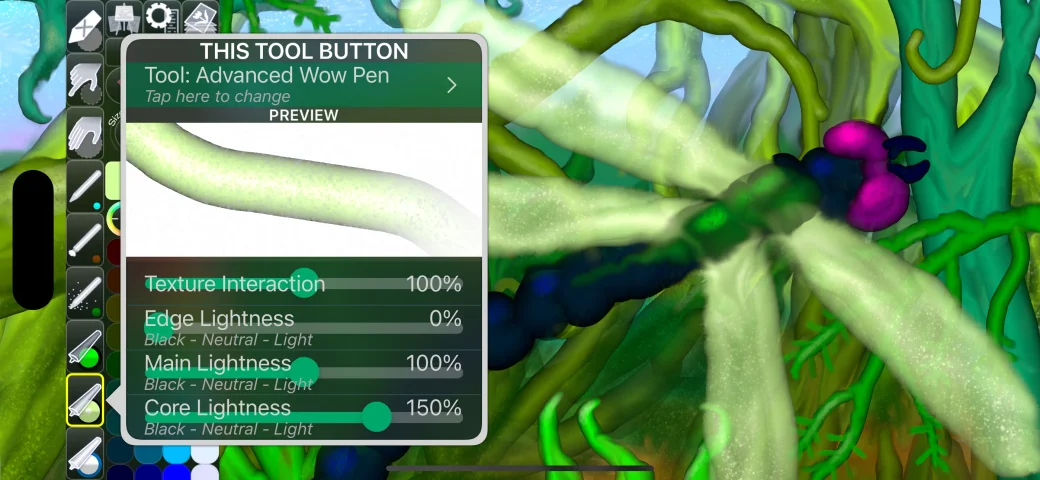

Giới thiệu
Nhà phát triển chưa cung cấp nội dung này bằng ngôn ngữ của bạn.
Pattern/texture designers: You’ll find the app’s unique feature set very useful when making repeatable images (patterns).
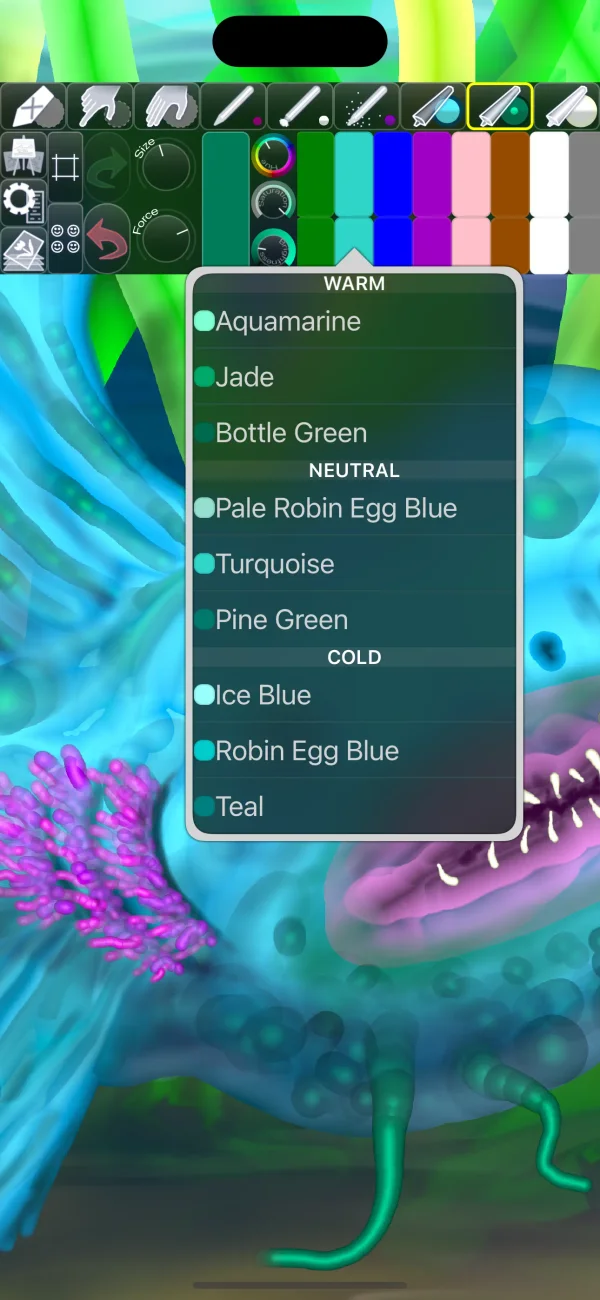
Other artists: WowPaint is great for drawing and painting “normal” art as well!
• CREATE SEAMLESS PATTERNS •
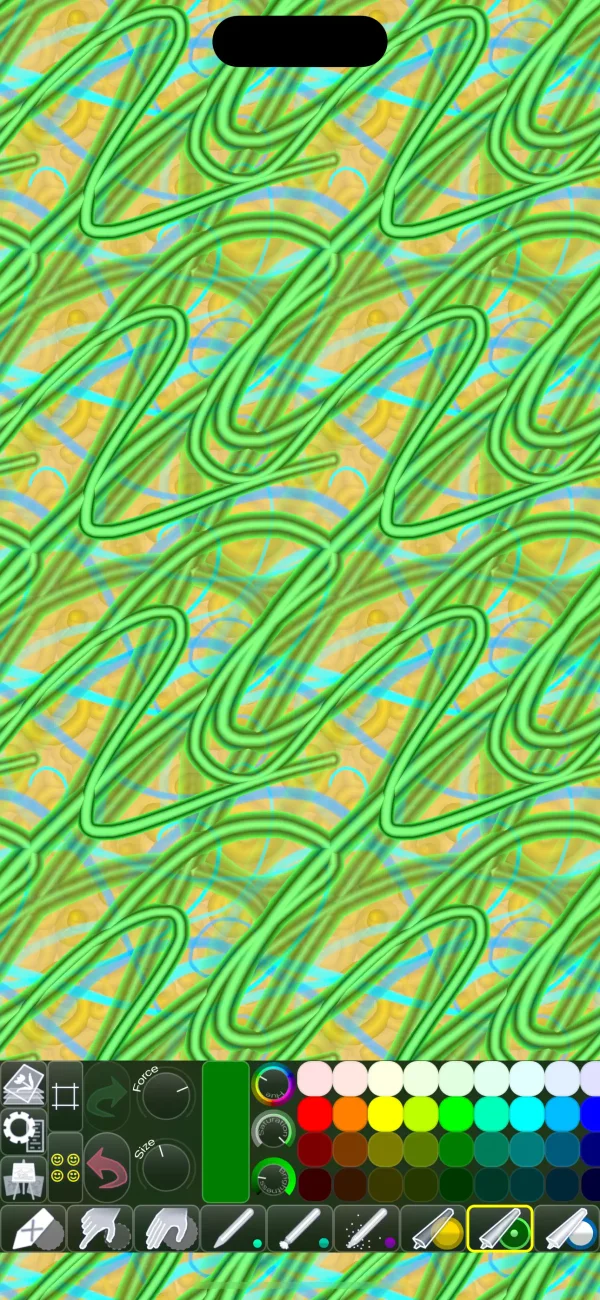
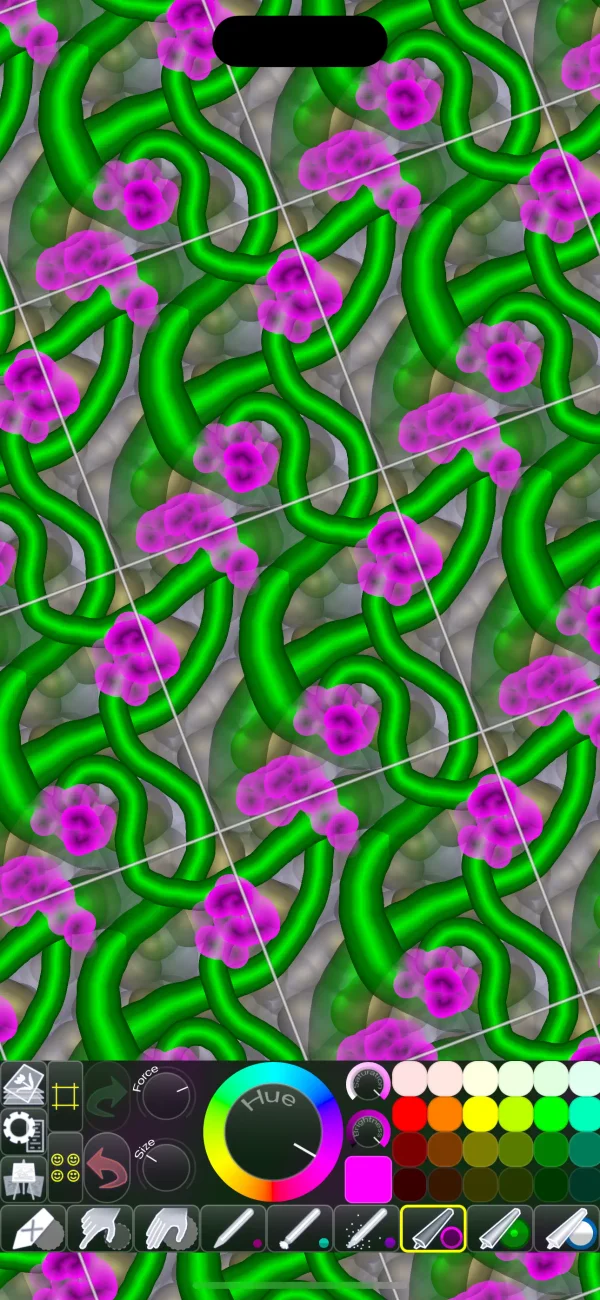
Use the Seamless Pattern Options to aid you in creating seamless patterns that can be used as website or desktop backgrounds, in print, or for textures in 3d modeling.
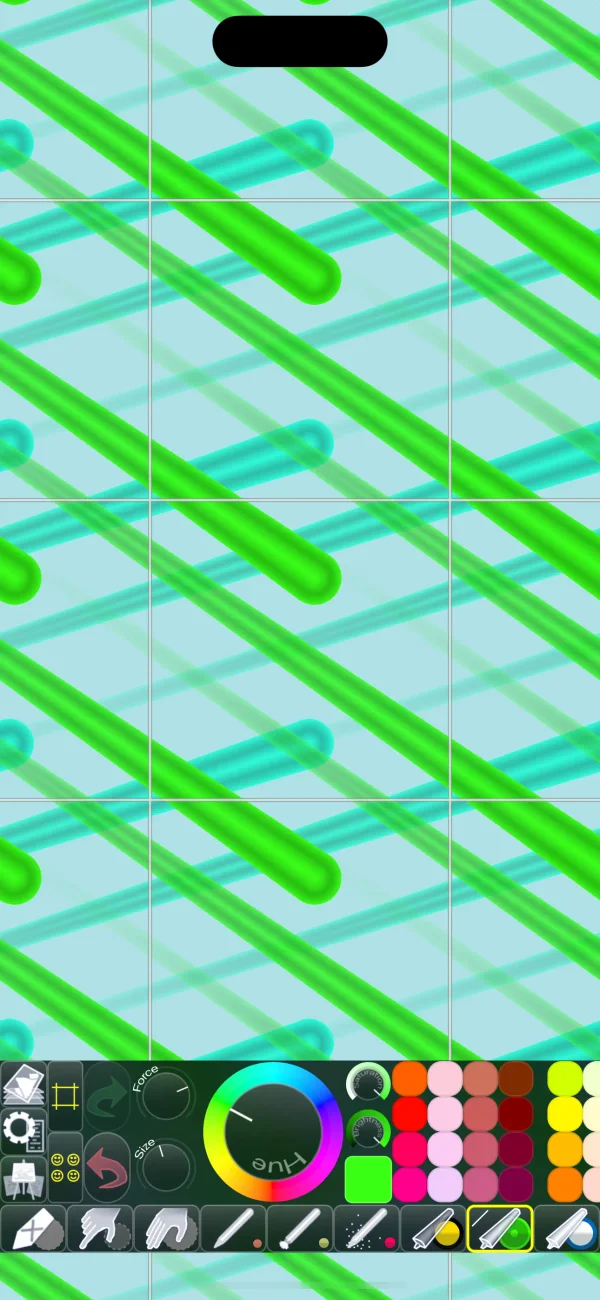
When you have switched on Wrap X/Y, any strokes you paint that go over the picture’s edge will continue on the opposite side.
That means that there will be no hard edges where strokes are cut off (since they continue instead), which makes the picture a perfect candidate for being seamlessly repeated.
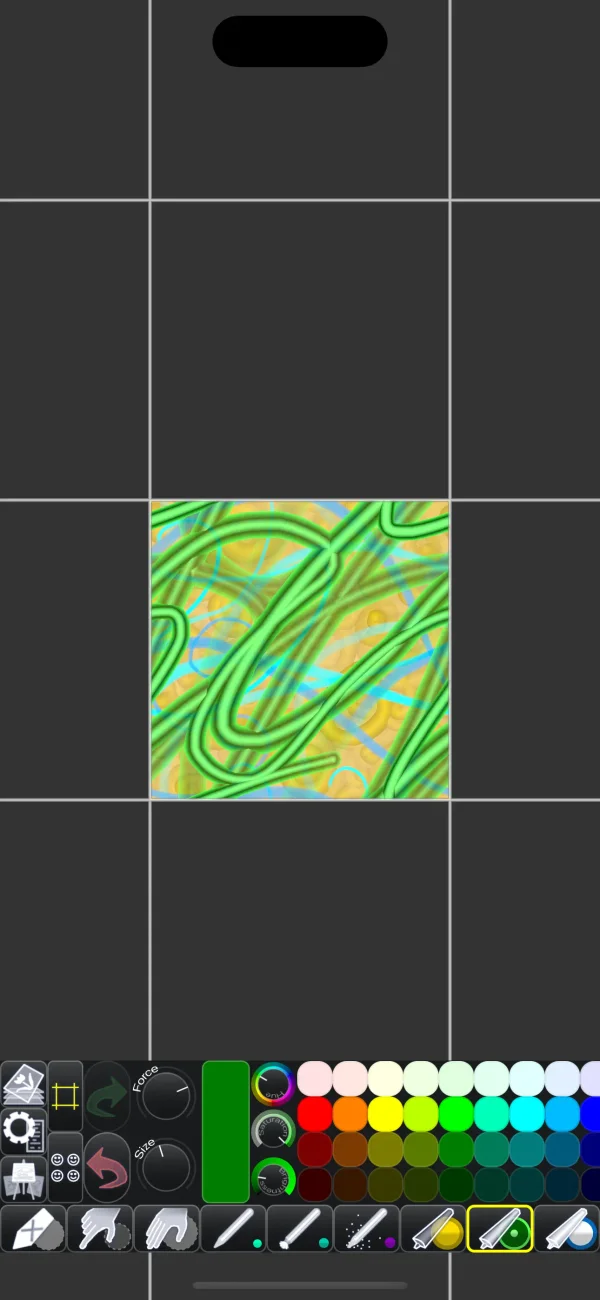
A tremendous help when using the Wrapped Painting mode is the option of having the picture displayed as tiles next to each other.
You’re free to paint anywhere on these tiles, and you will see the results in real time.
You can also switch on Edge Indicators, to make it easier to see where the picture being repeated begins and ends.
• FINGERTIP = STROKE SIZE •
When you paint, the app measures how much of your finger is touching the screen and changes the stroke size accordingly.
There’s a huge difference between using just the corner of your fingertip and pressing down the whole fingerprint area!
A 2nd tool assigned to your finger will still use this feature, so don’t ignore it just because you have an Apple Pencil!
• LEFT-HANDED? •
Just swipe the toolbar over to the other side!
• PARAMETERS CAN BE CHANGED LIVE •
Use any buttons or controls to change/adjust color, size, force, simultaneously while painting.
• UNIVERSAL PURCHASE •
If you choose to buy the Pro upgrade, this one-time in-app purchase will unlock all Pro features in the app on all available platforms (iPad-iPhone-Mac)!
• METAL •
The engine is based on Metal, with 128-bit color and floating-point arithmetic.
• SWIFT •
The app was developed entirely using Swift (earlier versions used C++).
• APPLE PENCIL SUPPORT • FULL SCREEN PAINTING •
• DARK MODE • LANDSCAPE • PORTRAIT • WIDE COLOR •
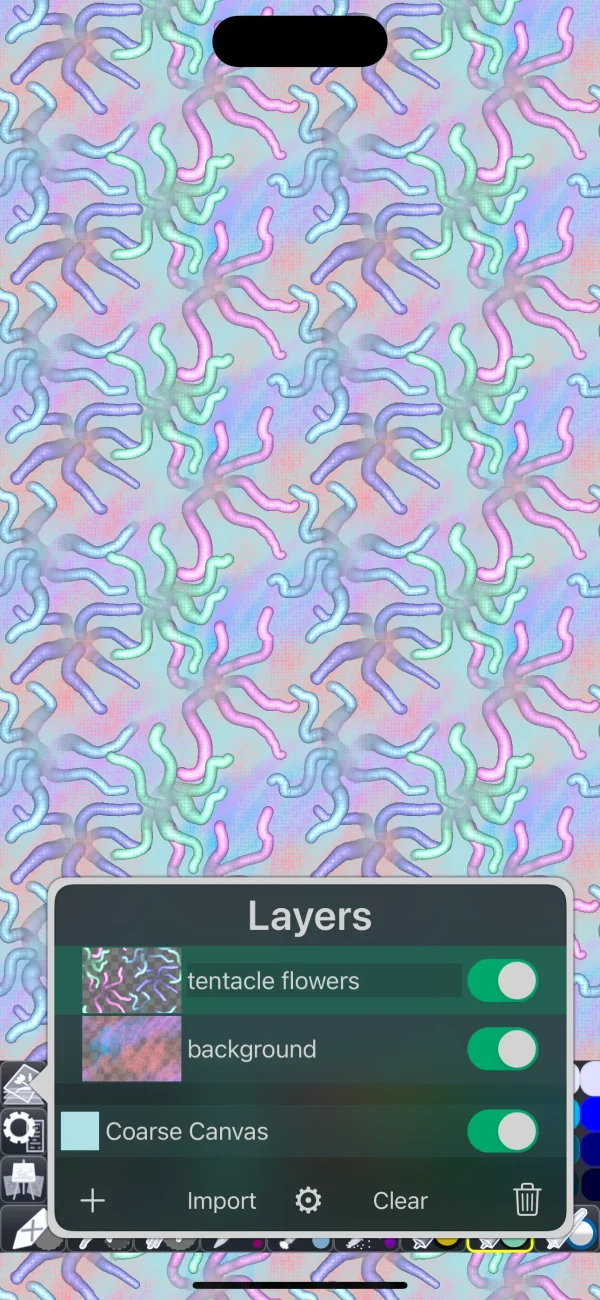
• MULTIPLE LAYERS • PHOTO TRACING MODE (Pro feature) •
Có gì mới
Phiên bản 5.4.2 · 19/12/2023
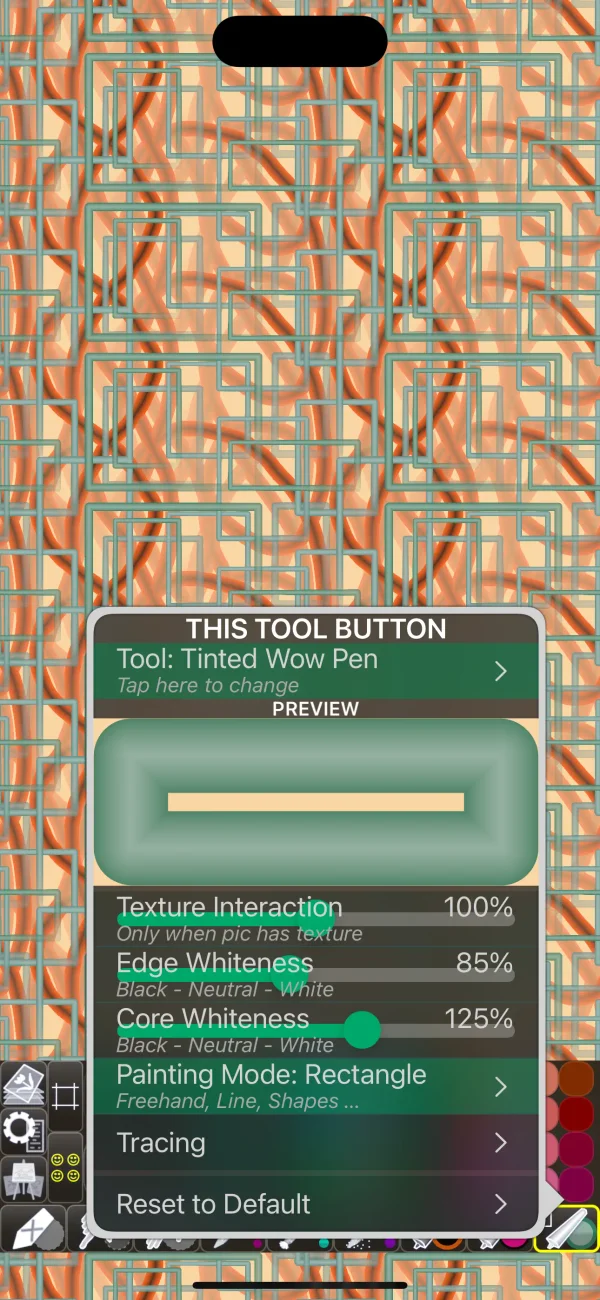
[NEW] Added “Reset to Default” button to the Scrollable Palette Area menu (to open that menu, scroll the palette to its beginning and tap the largest of the three buttons that appear).
[FIXED] A couple of rare user interface layout glitches.
[FIXED] Some issues when tapping to add to the selection while dragging the thumbnails in Work in Progress (Gallery).
[FIXED] Pasting multiple files in Work in Progress (Gallery) did not always select all the imported pics.
[FIXED] Rotating the device could, in some very rare circumstances, cause the app to crash.
[IMPROVED] Tapping or long-pressing a dial could result in an unintentional adjustment (especially if using Apple Pencil).
[IMPROVED] A few minor things.
Quyền riêng tư của ứng dụng
Những gì Norbyte khai báo trên App Store về cách ứng dụng này xử lý dữ liệu.
-
Dữ liệu không được thu thập
Nhà phát triển không thu thập bất kỳ dữ liệu nào từ ứng dụng này.
Phương thức đảm bảo quyền riêng tư có thể khác nhau, chẳng hạn như tuỳ theo các tính năng bạn sử dụng hoặc độ tuổi của bạn.
Thông tin
- Người bán
- Norbyte
- Danh mục
- Đồ Họa & Thiết Kế
- Phiên bản
- 5.4.2
- Cập nhật
- 19/12/2023
- Phát hành
- 02/09/2011
- Kích thước
- 22,5 MB
- Yêu cầu
- iOS 12.0 trở lên
- Độ tuổi
- 4+
- Giá
- Miễn phí
- Mua hàng trong ứng dụng
- Có
- Ngôn ngữ
- Tiếng Anh
- Bản quyền
- © 2011-2023 Norbyte
Có thể bạn cũng thích
-
 Pattern Bliss LiteĐồ Họa & Thiết Kế
-
 CraZeAppĐồ Họa & Thiết Kế
-
 Bloom.Đồ Họa & Thiết Kế
-
 Pattern Wallpaper MobileĐồ Họa & Thiết Kế
-
 AbstractorĐồ Họa & Thiết Kế
-
 iSymmetry - Pattern PaintingĐồ Họa & Thiết Kế
-
 Oilbook - Liquid PaintingĐồ Họa & Thiết Kế
-
 iOrnament Pro – art, fun, calmCreate geometry art & mandalas
-
 Paintstorm StudioĐồ Họa & Thiết Kế
-
 SimetriaĐồ Họa & Thiết Kế