Writer for Markdown
Support multiple platforms
Diseñada para iPhone, iPad, Mac
Gratis · Compras en la aplicación
- Clasificación por edad4+
- CategoríaProductividad
- Desarrollador鑫 肇
- IdiomasInglés+ 1 más
- Tamaño24,1 MB
Enlaza a la página oficial de App Store
Download.org no aloja ningún archivo de Writer for Markdown. El botón abre la página de la aplicación en App Store, donde la publica 鑫 肇. Ficha comprobada por última vez el 20/11/2026.
Capturas de pantalla


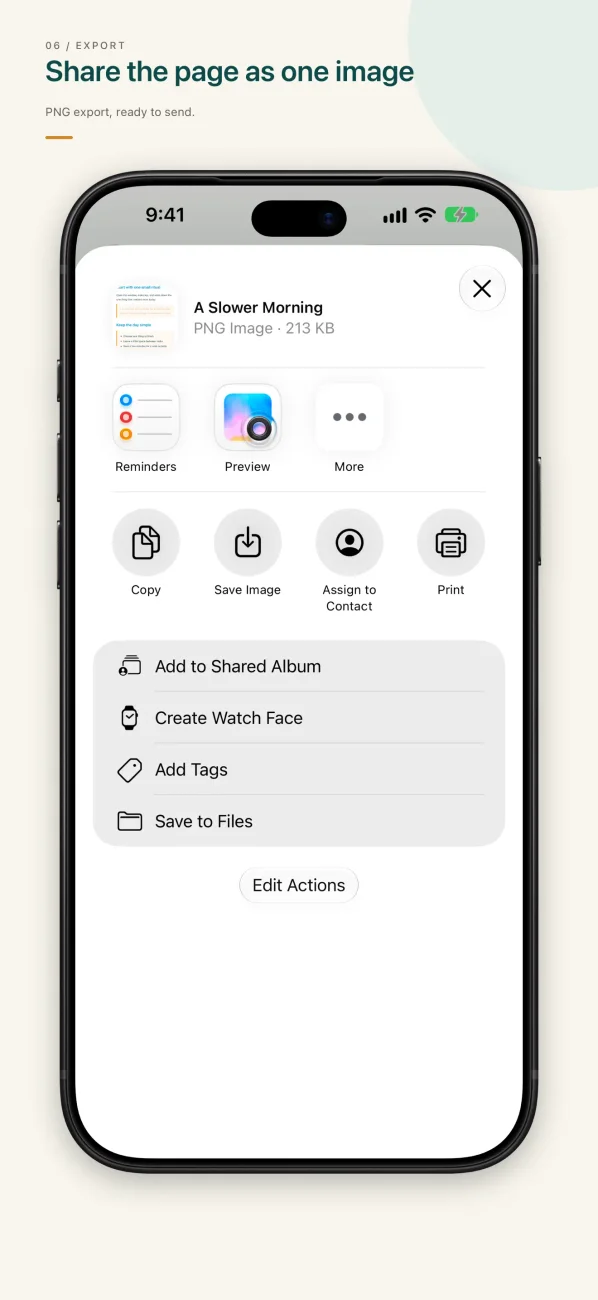
Acerca de
El desarrollador no ha proporcionado este texto en tu idioma.
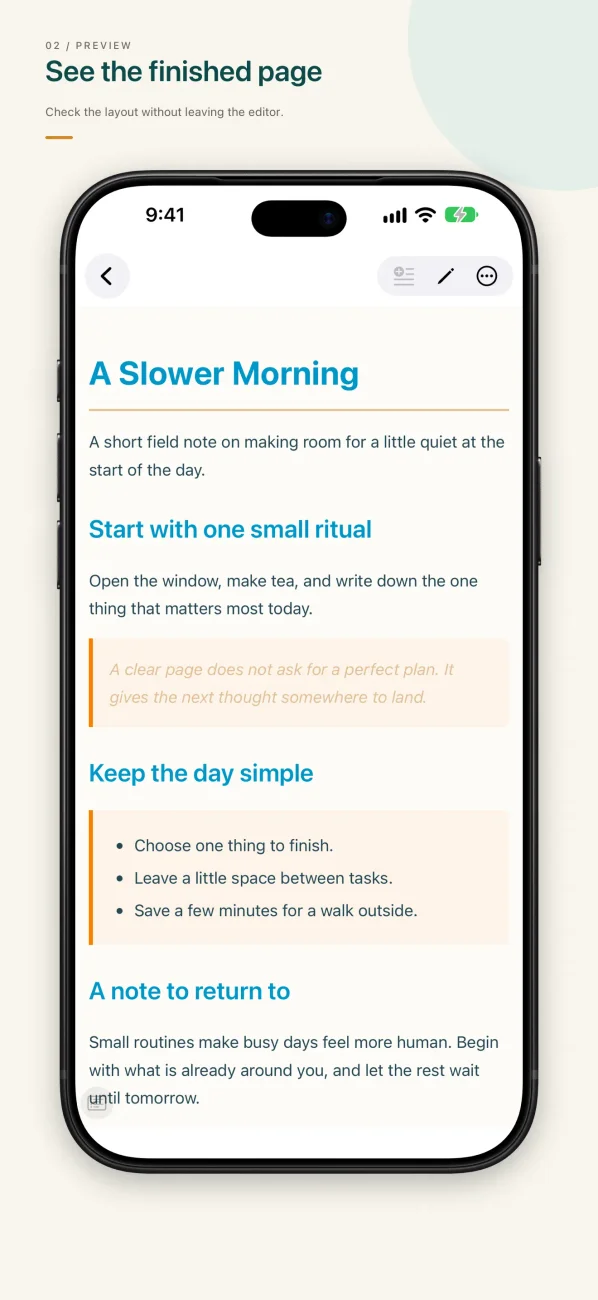
Writer is a lightweight yet powerful Markdown editor for multiple platforms (macOS, iOS and more). It combines distraction-free writing, real-time preview, flexible themes, document outline navigation, Markdown-to-PNG export on both platforms, and Finder Quick Look support on macOS for a smoother reading and sharing workflow.
## Features
1. **Markdown Editing**: Full support for standard Markdown syntax with syntax-aware text editing.
2. **Real-time Preview**: Review rendered Markdown while writing with a smooth editing and preview workflow.
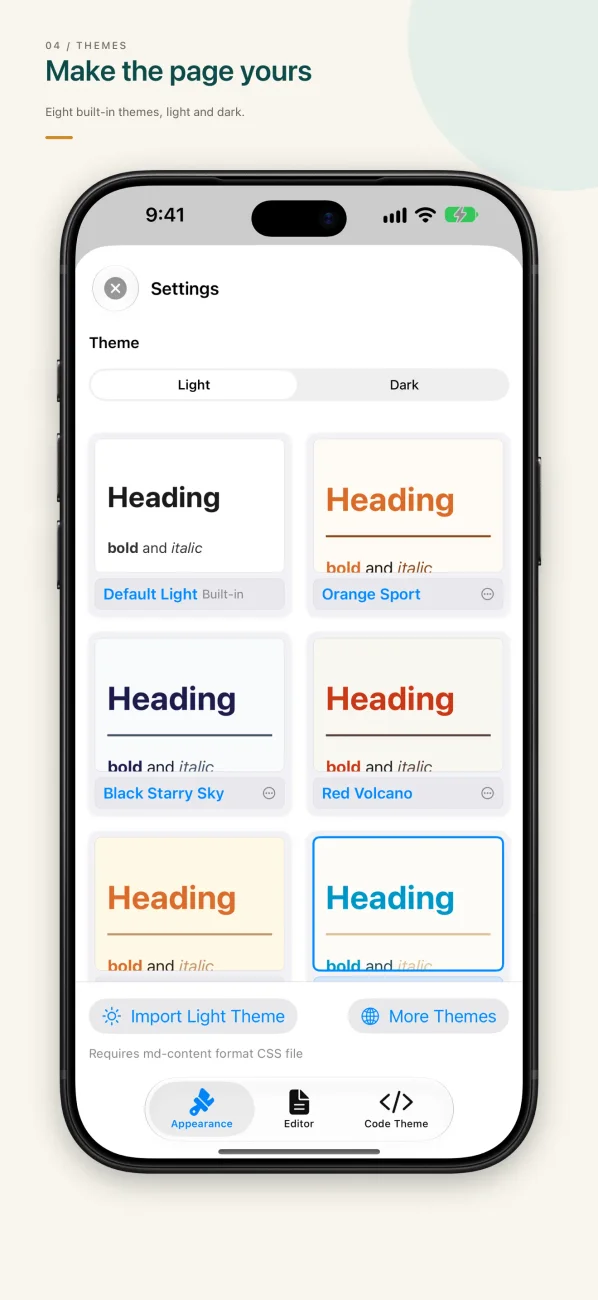
3. **Theme System**: Choose from built-in light and dark themes, or import custom CSS themes.
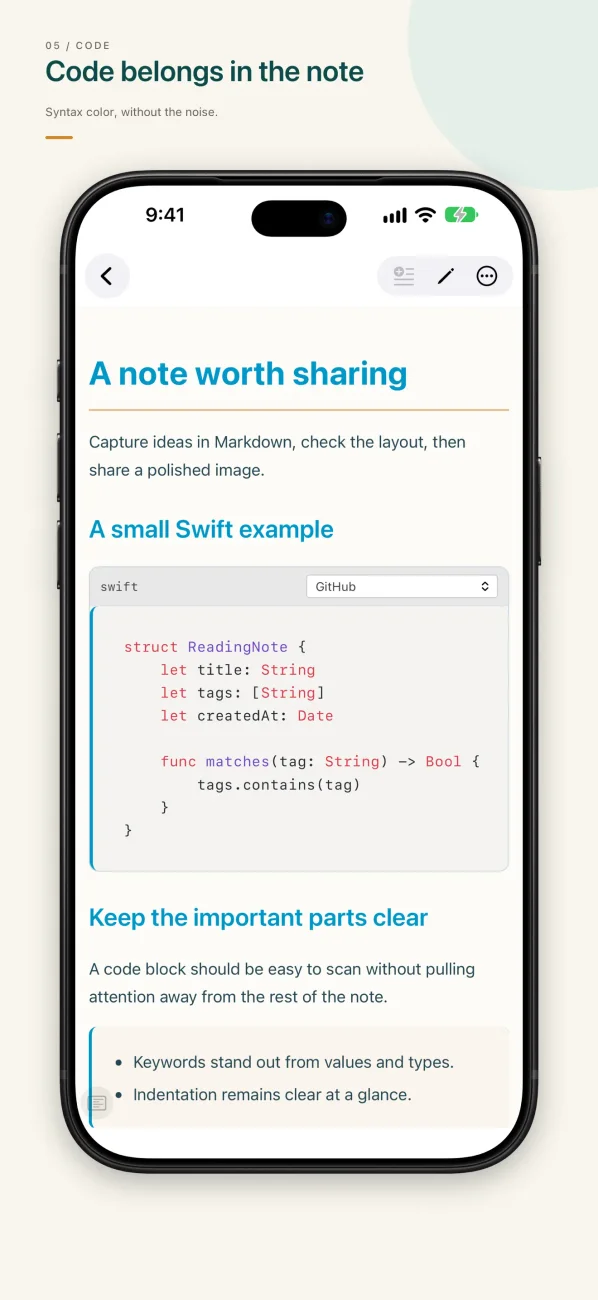
4. **Code Highlighting**: 83 built-in code highlighting themes powered by Highlight.js.
5. **Outline View**: Automatically parse Markdown headings to generate a document outline for quick navigation.
6. **Markdown PNG Export**: Export Markdown content as PNG for sharing, archiving, or quick publishing.
### iOS
1. **Image Support**: Insert images from the photo library or Files picker while editing on the go.
2. **Document Browser Integration**: Works with iCloud Drive and other file providers through the system document browser.
http://www.apple.com/legal/itunes/appstore/dev/stdeula
Novedades
Versión 1.4.0 · 7/11/2026
• Added custom Markdown themes and separate light and dark code highlighting themes.
• Added an image import panel with a preview, size options, and optional WebP conversion, including an estimated output size.
• Improved handling for Markdown images that need folder access, including help repairing root-relative image paths.
• Improved editing on larger and foldable iPhones, including toolbar access while the keyboard is open.
• Untitled documents now take their title from the first Markdown heading, and exported PNGs keep the document’s own file name.
Privacidad de la aplicación
Lo que 鑫 肇 declara en App Store sobre cómo esta aplicación gestiona los datos.
-
No se recopilan datos
El desarrollador no recopila ningún dato de esta aplicación.
Las prácticas de privacidad pueden variar, por ejemplo, según las funciones que uses o tu edad.
Información
- Vendedor
- 鑫 肇
- Categoría
- Productividad
- Versión
- 1.4.0
- Actualizado
- 7/11/2026
- Publicado
- 4/5/2026
- Tamaño
- 24,1 MB
- Requiere
- iOS 18.6 o posterior
- Clasificación por edad
- 4+
- Precio
- Gratis
- Compras en la aplicación
- Sí
- Idiomas
- Inglés, Chino simplificado
- Copyright
- © Zhao Xin
Quizá también te guste
-
 Etched: Markdown NotesProductividad
-
 Bubble Notes AppProductividad
-
 Topilo NotesProductividad
-
 Oaklet Notes: Notas cifradasA mano y a teclado. Sin cuenta
-
 miuEditor de texto
-
 DuoflowProductividad
-
 Markdown.md - LectorLee y edita Markdown offline
-
 Marklens: Markdown ReaderProductividad
-
 WriteDown: Write Books, NovelsProductividad
-
 Marko: lector de MarkdownLee sin conexión y en voz alta