Writer for Markdown
Support multiple platforms
Designed for iPhone, iPad, Mac
Free · In-app purchases
- Age rating4+
- CategoryProductivity
- Developer鑫 肇
- LanguagesEnglish+ 1 more
- Size24.1 MB
Links to the official App Store page
Download.org hosts no file of Writer for Markdown. The button opens its official App Store page, published by 鑫 肇. Listing last checked on Nov 20, 2026.
Screenshots


About
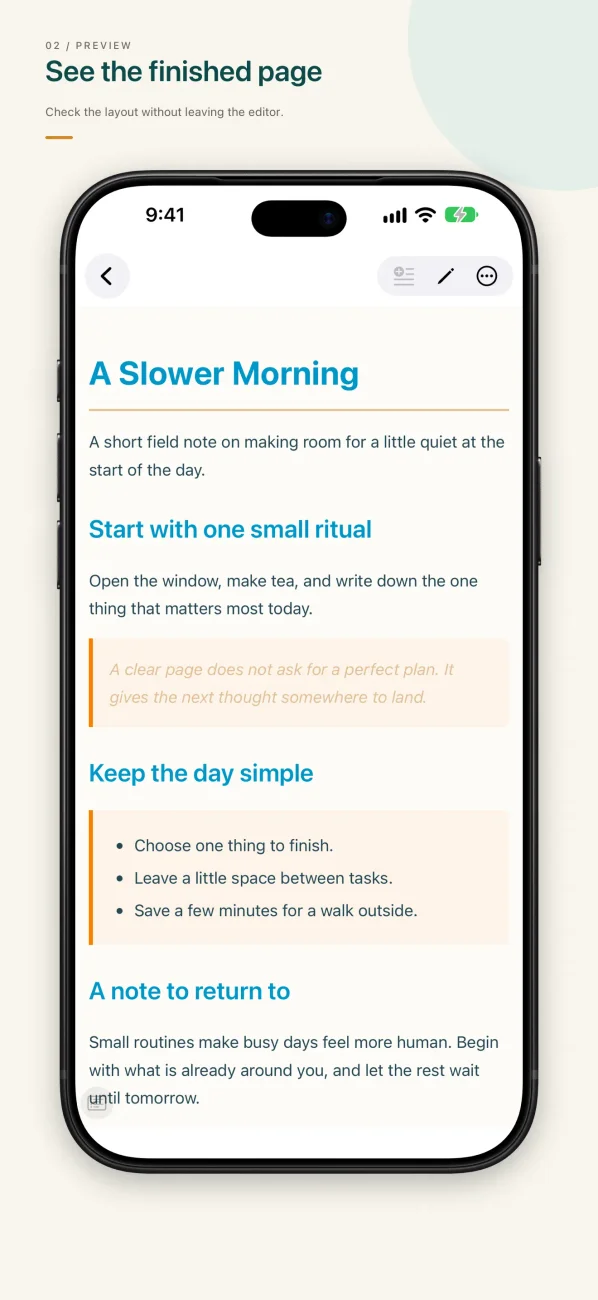
Writer is a lightweight yet powerful Markdown editor for multiple platforms (macOS, iOS and more). It combines distraction-free writing, real-time preview, flexible themes, document outline navigation, Markdown-to-PNG export on both platforms, and Finder Quick Look support on macOS for a smoother reading and sharing workflow.
## Features
1. **Markdown Editing**: Full support for standard Markdown syntax with syntax-aware text editing.
2. **Real-time Preview**: Review rendered Markdown while writing with a smooth editing and preview workflow.
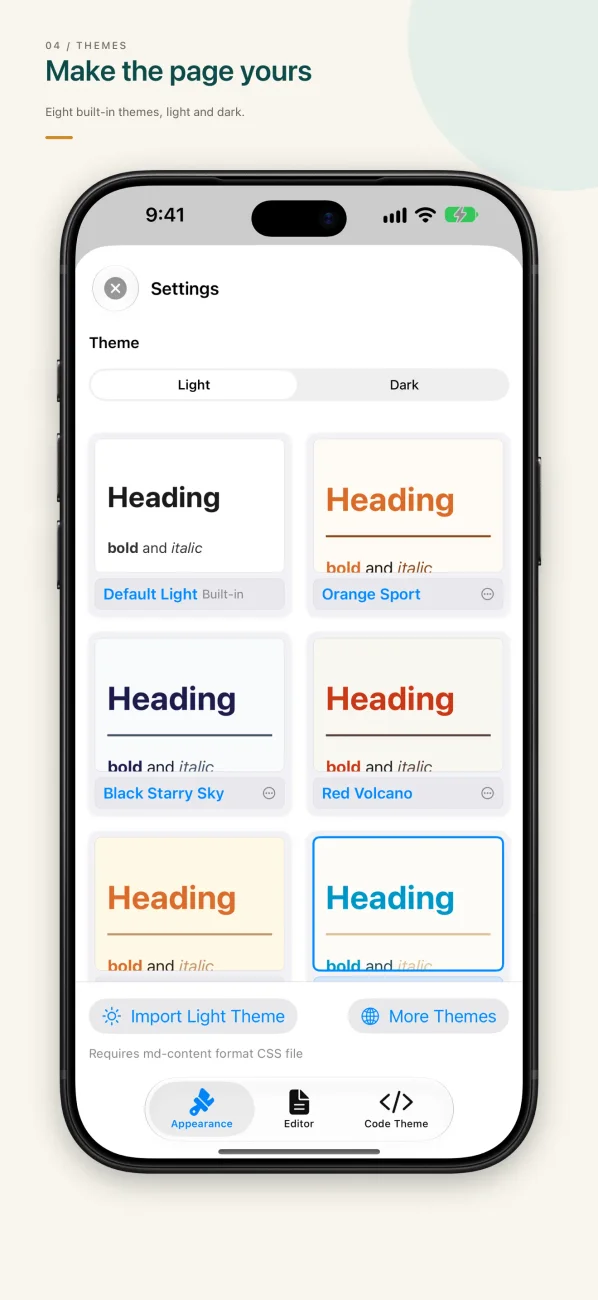
3. **Theme System**: Choose from built-in light and dark themes, or import custom CSS themes.
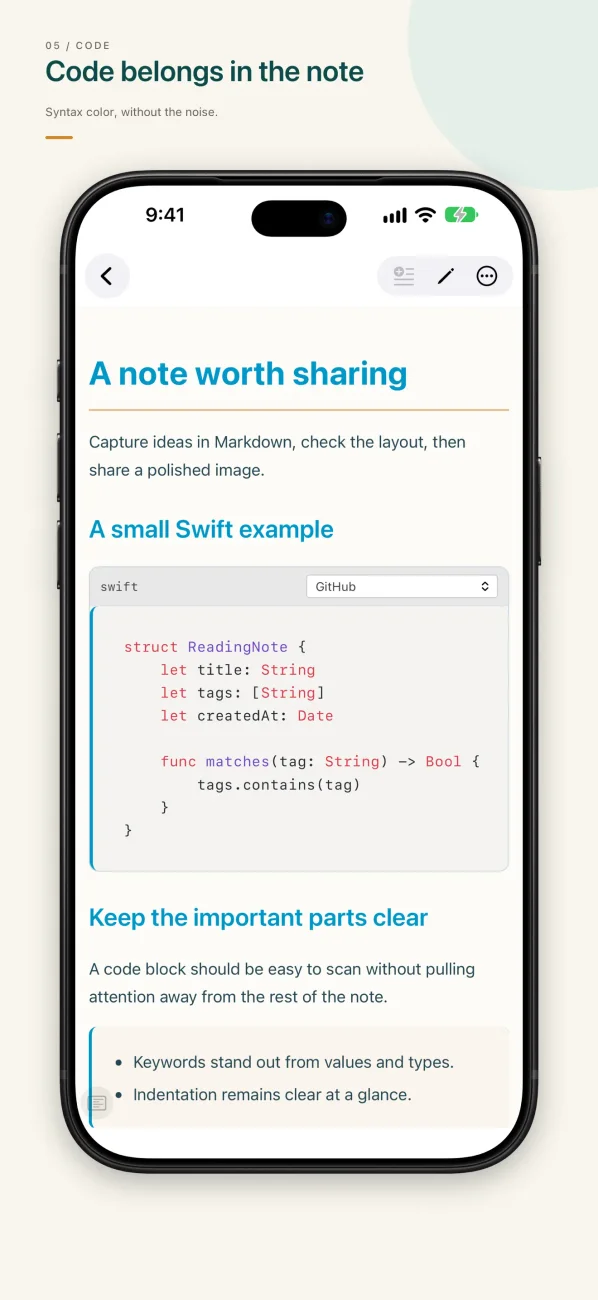
4. **Code Highlighting**: 83 built-in code highlighting themes powered by Highlight.js.
5. **Outline View**: Automatically parse Markdown headings to generate a document outline for quick navigation.
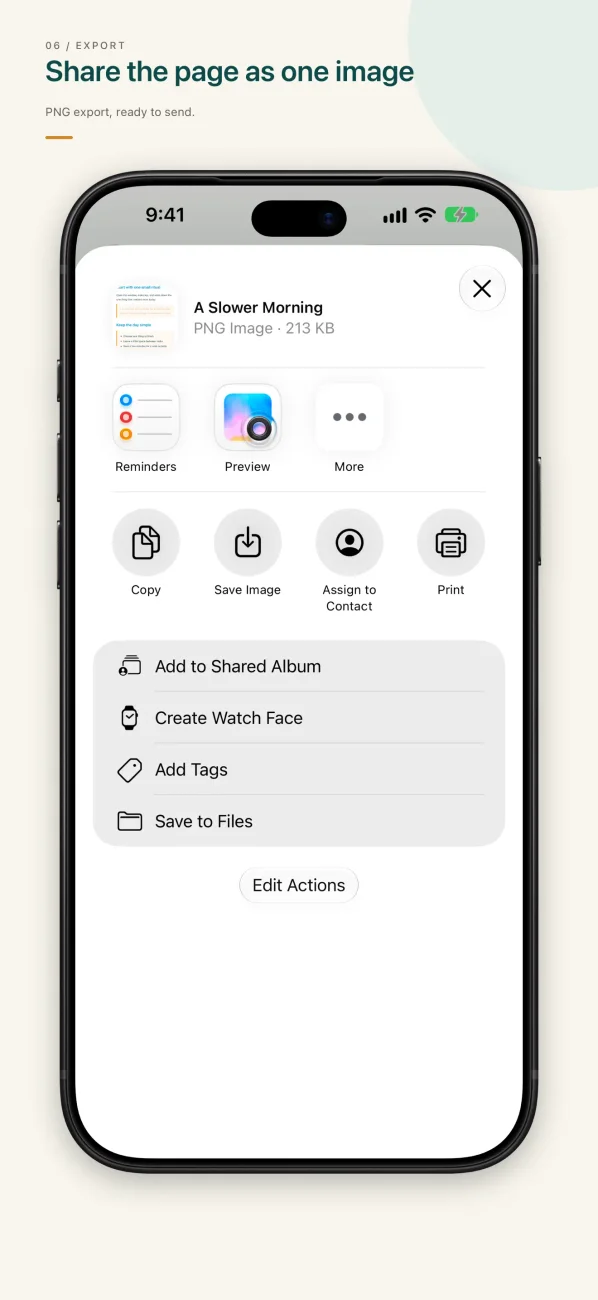
6. **Markdown PNG Export**: Export Markdown content as PNG for sharing, archiving, or quick publishing.
### iOS
1. **Image Support**: Insert images from the photo library or Files picker while editing on the go.
2. **Document Browser Integration**: Works with iCloud Drive and other file providers through the system document browser.
http://www.apple.com/legal/itunes/appstore/dev/stdeula
What’s new
Version 1.4.0 · Nov 7, 2026
• Added custom Markdown themes and separate light and dark code highlighting themes.
• Added an image import panel with a preview, size options, and optional WebP conversion, including an estimated output size.
• Improved handling for Markdown images that need folder access, including help repairing root-relative image paths.
• Improved editing on larger and foldable iPhones, including toolbar access while the keyboard is open.
• Untitled documents now take their title from the first Markdown heading, and exported PNGs keep the document’s own file name.
App privacy
What 鑫 肇 declares on the App Store about how this app handles data.
-
Data not collected
The developer does not collect any data from this app.
Privacy practices may vary, for example with the features you use or your age.
Information
- Seller
- 鑫 肇
- Category
- Productivity
- Version
- 1.4.0
- Updated
- Nov 7, 2026
- Released
- May 4, 2026
- Size
- 24.1 MB
- Requires
- iOS 18.6 or later
- Age rating
- 4+
- Price
- Free
- In-app purchases
- Yes
- Languages
- English, Simplified Chinese
- Copyright
- © Zhao Xin
You might also like
-
 Etched: Markdown NotesFind any note by meaning
-
 Bubble Notes AppProductivity
-
 Topilo NotesRefine all your of ideas
-
 Oaklet Notes: EncryptedHandwrite & type. No account.
-
 miu – Minimal Text EditorText Editor
-
 DuoflowProductivity
-
 Markdown.md - Reader & EditorRead & edit Markdown offline
-
 Marklens: Markdown ReaderRead Markdown. Nothing else.
-
 WriteDown: Write Books, NovelsWrite Books, Screenplay Writer
-
 Marko: Markdown ViewerFast, native offline reader