RE Plus+ Minimal & Simple
RECREATIVE Watch Faces- PEGI 3Classification d’âge
- PersonnalisationCatégorie
- 22/11/2026Mis à jour
- 1,89 €Prix
Renvoie vers la fiche Google Play officielle de com.recreative.recreative01plus. Dernière vérification le 24/11/2026.

Captures d’écran



À propos de cette application
Traduction automatique par Google. Langue d’origine : Anglais (Royaume-Uni).
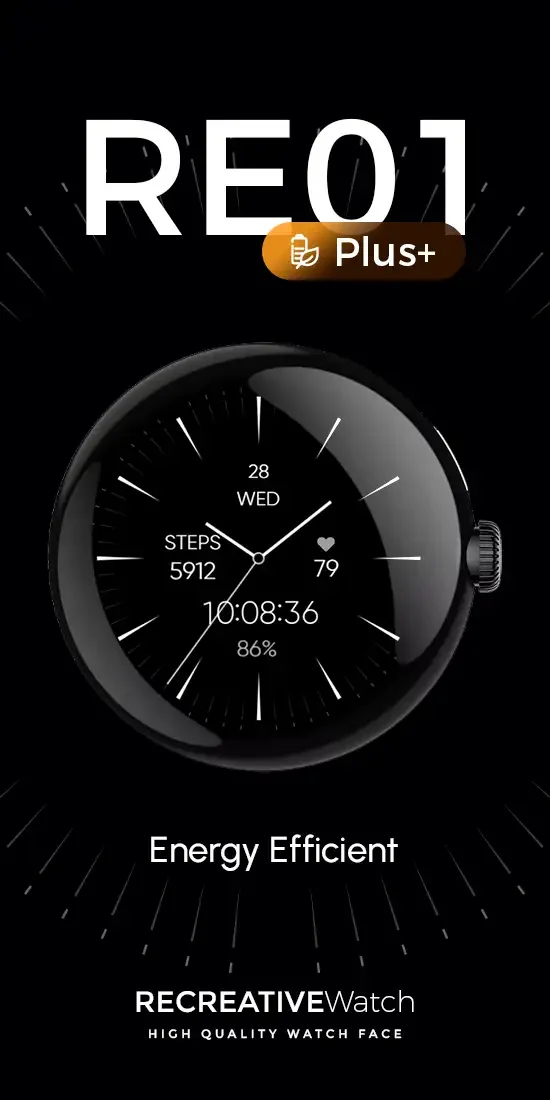
Hybride et analogique simples - Économe en énergie - Cadran de montre Wear Os
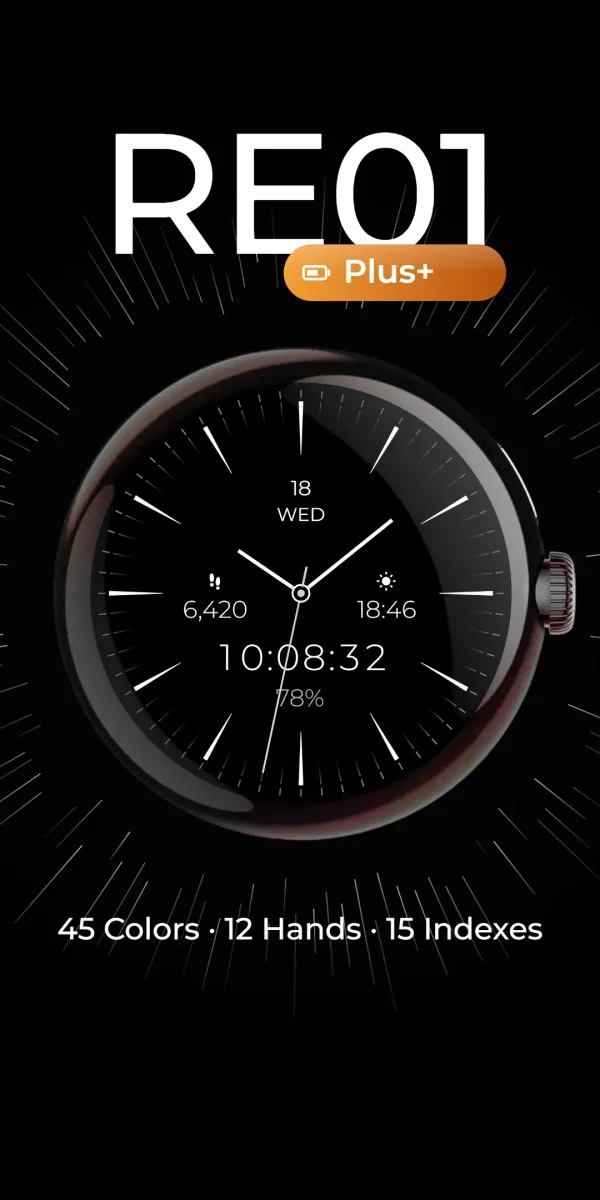
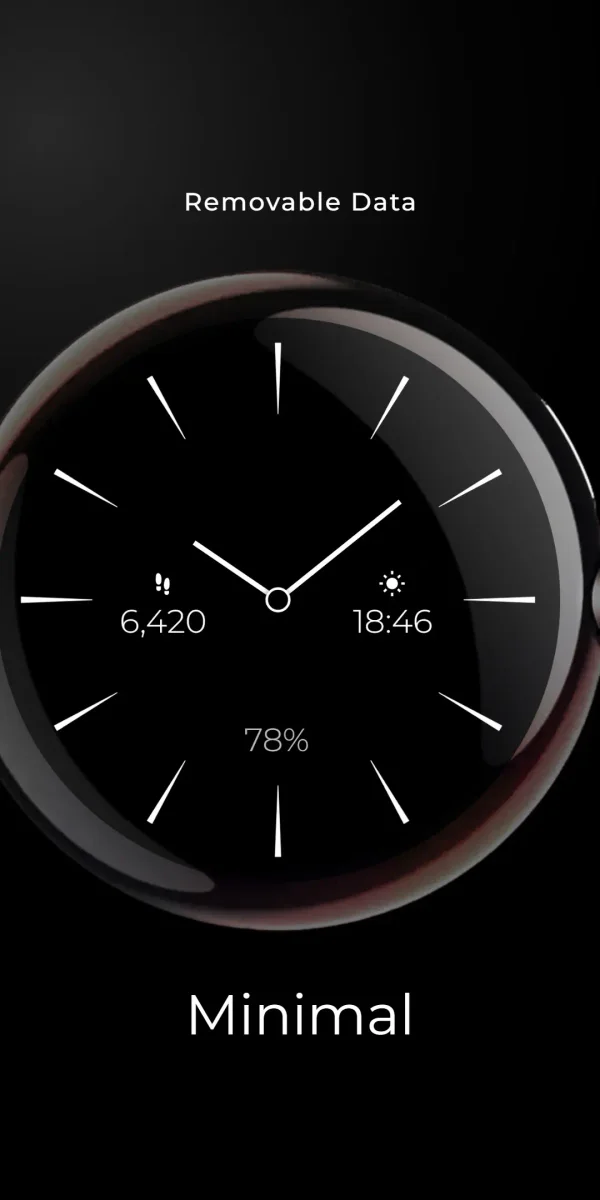
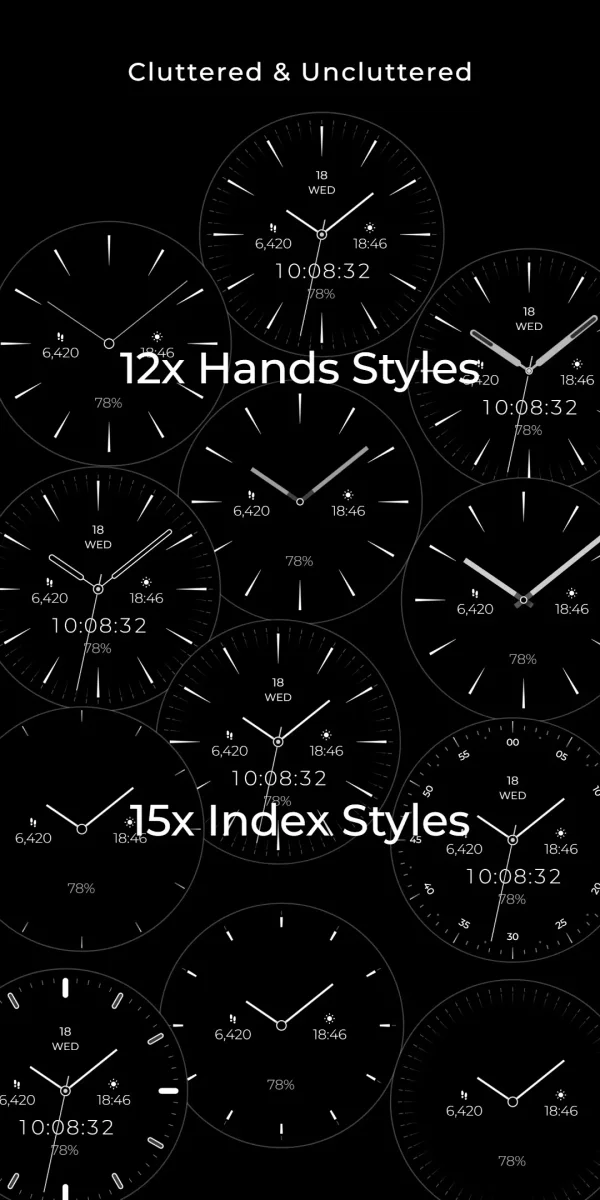
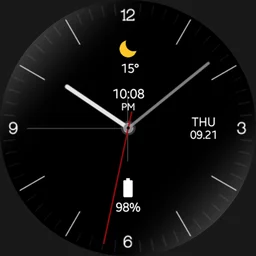
Un cadran Wear OS minimaliste axé sur la simplicité et l'ergonomie. Il offre un affichage clair et épuré qui présente les informations essentielles comme l'heure et la date de manière élégante et directe.
Généré par Watch Face Format
⚙️ Fonctionnalités du cadran
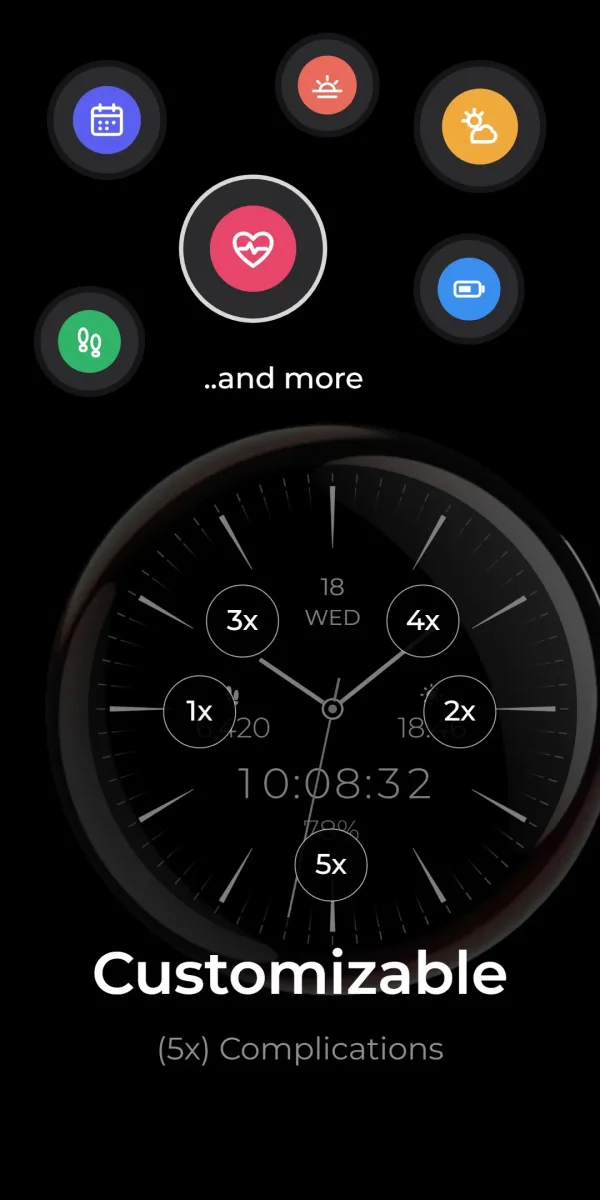
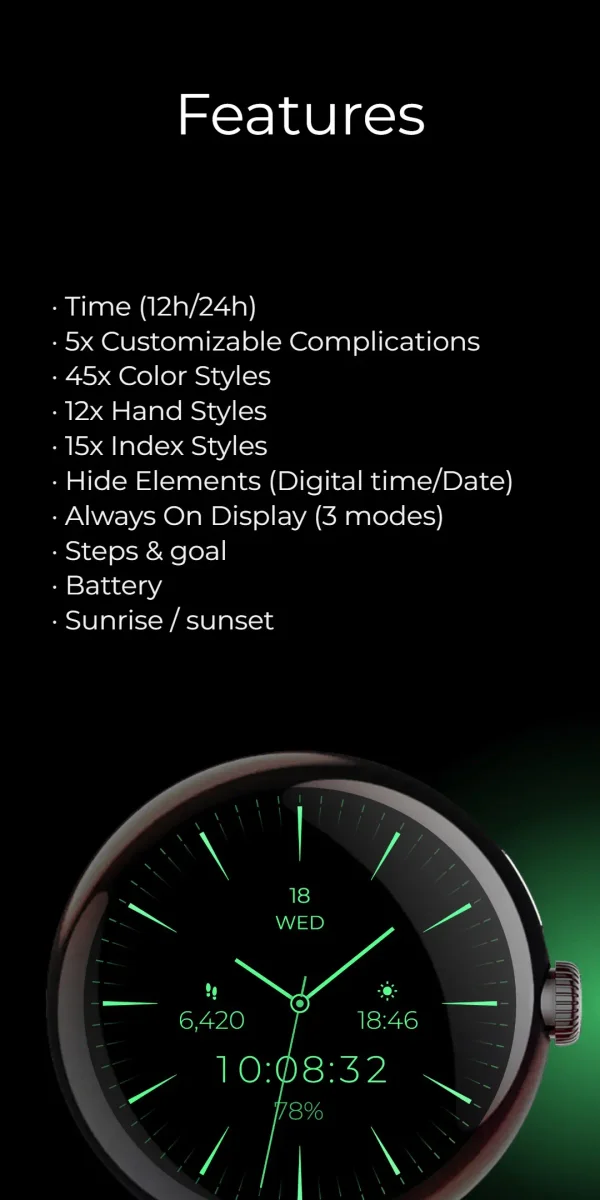
• 5 complications personnalisées
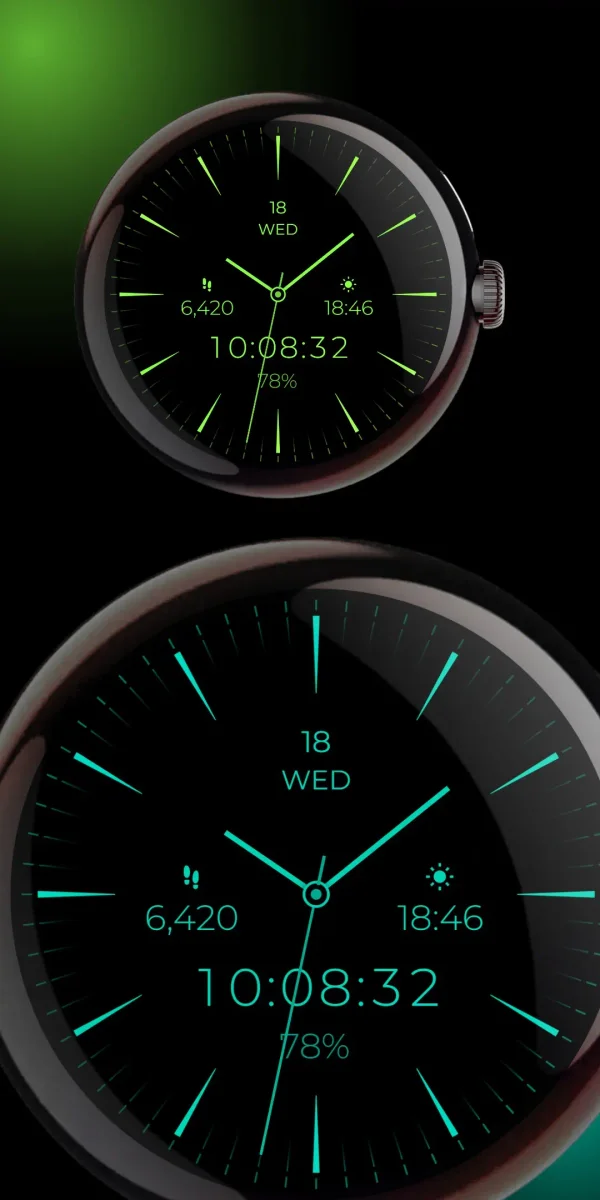
• 45 thèmes de couleurs
• Aiguilles analogiques
• Aiguilles : 12 options
• Index : 15 options
• Luminosité : 5 options
• 3 modes d’affichage permanent
• Mode nuit (rouge/ambre)
• Synchronisation 12/24 h avec votre appareil : les chiffres du cadran s’affichent automatiquement
• 2 raccourcis : Calendrier, Alarme
🎨 Personnalisation
1 - Appuyez longuement sur l’écran
2 - Appuyez sur Personnaliser
🎨 Complications
Appuyez longuement sur l’écran pour ouvrir le mode de personnalisation. Vous pouvez personnaliser le champ avec les données de votre choix.
🔋 Batterie
Pour une meilleure autonomie de la batterie de votre montre, nous vous recommandons de désactiver le mode « Always On Display ».
✅ Appareils compatibles : Google Pixel, Galaxy Watch 4, 5, 6, 7, 8, 9 et autres modèles Wear OS
Installation et dépannage
Suivez ce lien : https://www.recreative-watch.com/help/#installation-methodes
Les cadrans ne s’appliquent pas automatiquement à l’écran de votre montre après l’installation. Vous devez donc les configurer manuellement.
💌 Contactez-nous à l’adresse support@recreative-watch.com pour obtenir de l’aide.
Afficher le texte d’origine
A minimalist Wear OS watch face design focused on simplicity and user-friendliness. It offers a clean, uncluttered display that shows essential information like time and date in a sleek and straightforward way.
Powered by Watch Face Format
⚙️ Watch Face Features
• 5 custom complications
• 45 colour themes
• Analog hands
• Hands: 12 options
• Index: 15 options
• Brightness: 5 options
• 3 always-on modes
• Night mode (red / amber)
• 12/24h synced with your device: the dial numerals switch too
• 2 tap shortcuts: Calendar, Alarm
🎨 Customization
1 - Touch and hold display
2 - Tap on Customize option
🎨 Complications
Touch and hold display to open customization mode. You can customize the field with any data you want.
🔋 Battery
For better battery performance of the watch, we recommend disabling the "Always On Display" mode.
✅ Compatible devices include Google Pixel, Galaxy Watch 4, 5, 6, 7, 8, 9 and other Wear OS models
Installation and troubleshooting
Follow this link: https://www.recreative-watch.com/help/#installation-methodes
Watch faces don't automatically apply on your watch screen after the installation. That's why you must set it on your watch's screen.
💌 Write to support@recreative-watch.com for assistance.
Sécurité des données
Ce que RECREATIVE Watch Faces déclare sur Google Play au sujet des données que cette application collecte et partage.
- Aucune donnée partagée avec des tiersEn savoir plus sur la manière dont les développeurs déclarent le partage
- Aucune donnée collectéeEn savoir plus sur la manière dont les développeurs déclarent la collecte
Coordonnées du développeur
- Site webrecreative-watch.com
- E-mailsupport@recreative-watch.com
- Politique de confidentialitérecreative-watch.com
- AdresseSTR. MIHAIL EMINESCU BL.18 SC.A AP.2 545100 Iernut Romania
Informations
- Proposée par
- RECREATIVE Watch Faces
- Catégorie
- Personnalisation
- Version
- 1.1.6
- Mis à jour
- 22/11/2026
- Publié
- 30/08/2024
- Classification d’âge
- PEGI 3
- Prix
- 1,89 €
- Nom du package
- com.recreative.recreative01plus
Applications similaires
-
 Watch face Vintage CNW0011
Personnalisation
-
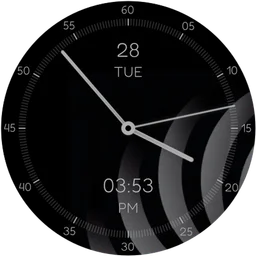 Vortex Time Cadran
Personnalisation
-
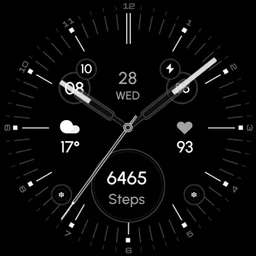 Minimal Analog Classic - RE45
Personnalisation
-
 RE30 - Minimal - Simple
Personnalisation
-
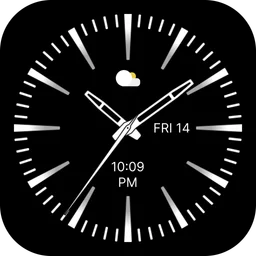 Perennial: Analog Watch Face
Personnalisation
-
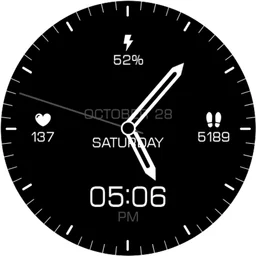 Key106 Classic Watch Face
Personnalisation
- TVV Minimal Analog Watch Face Personnalisation
-
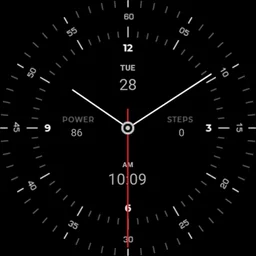 Minimal 49 Watch Face
Personnalisation
-
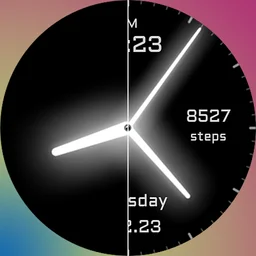 EY10 White Glow Watchface
Personnalisation
-
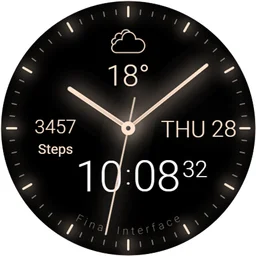 Final Interface Watch 2
Personnalisation
-
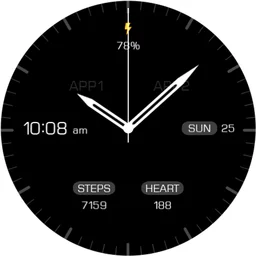 Key068 Analog Watch Face
Personnalisation
-
 Virtuous Night - watch face
Personnalisation