RE Plus+ Minimal & Simple
RECREATIVE Watch Faces- 3 歳以上対象年齢
- カスタマイズカテゴリ
- 2026/11/22更新日
- ¥260価格
com.recreative.recreative01plusのGoogle Play公式ページにリンクしています。最終確認:2026/11/24。

スクリーンショット



このアプリについて
Googleによる英語 (イギリス)からの自動翻訳です。
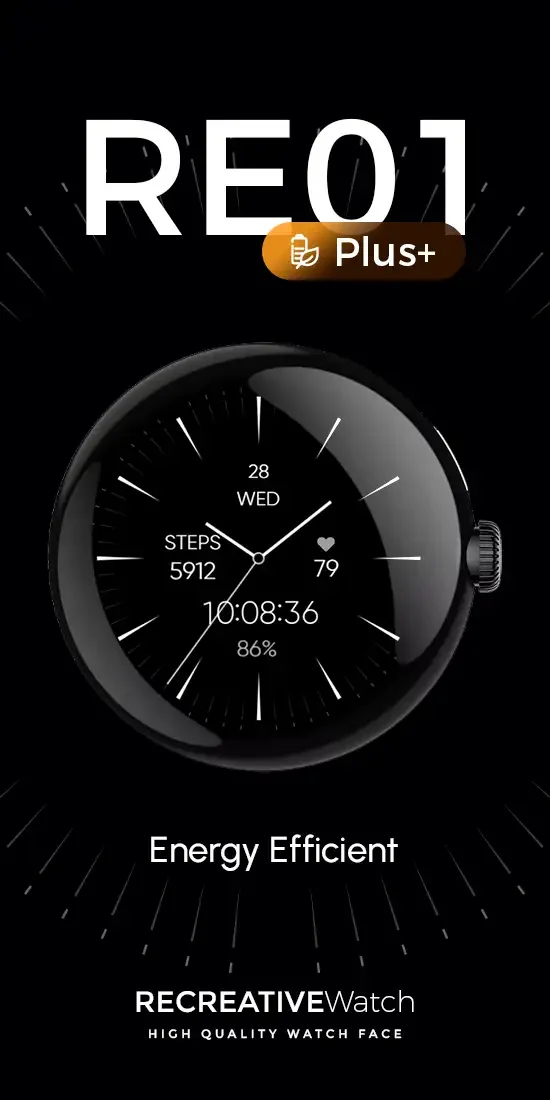
シンプルなハイブリッド & アナログ - 電力効率に優れた - Wear OS ウォッチフェイス
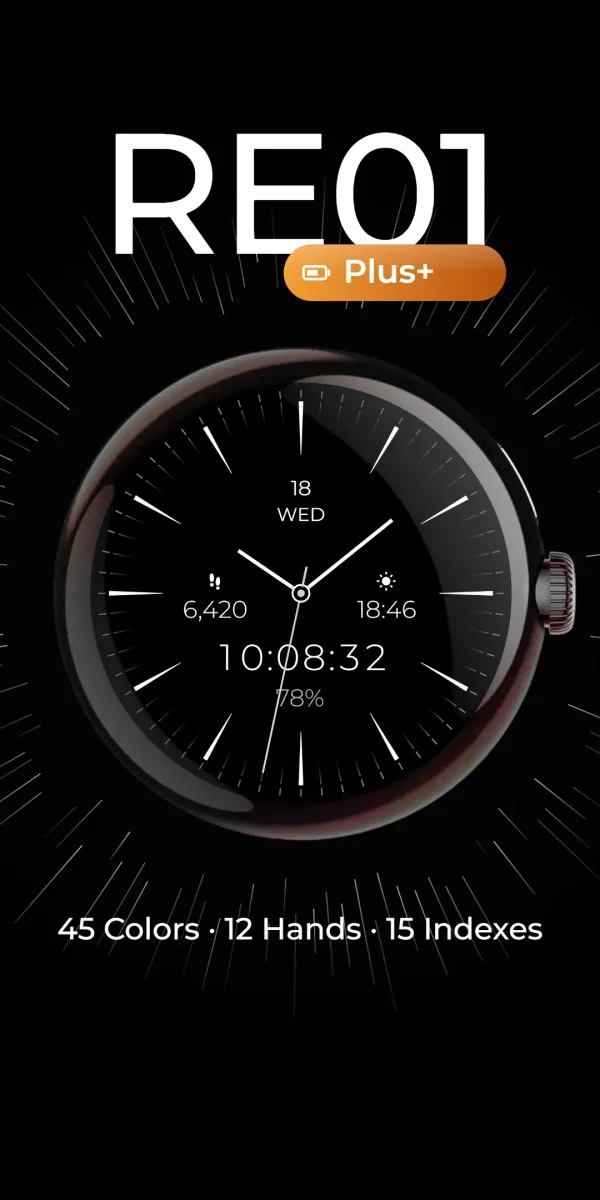
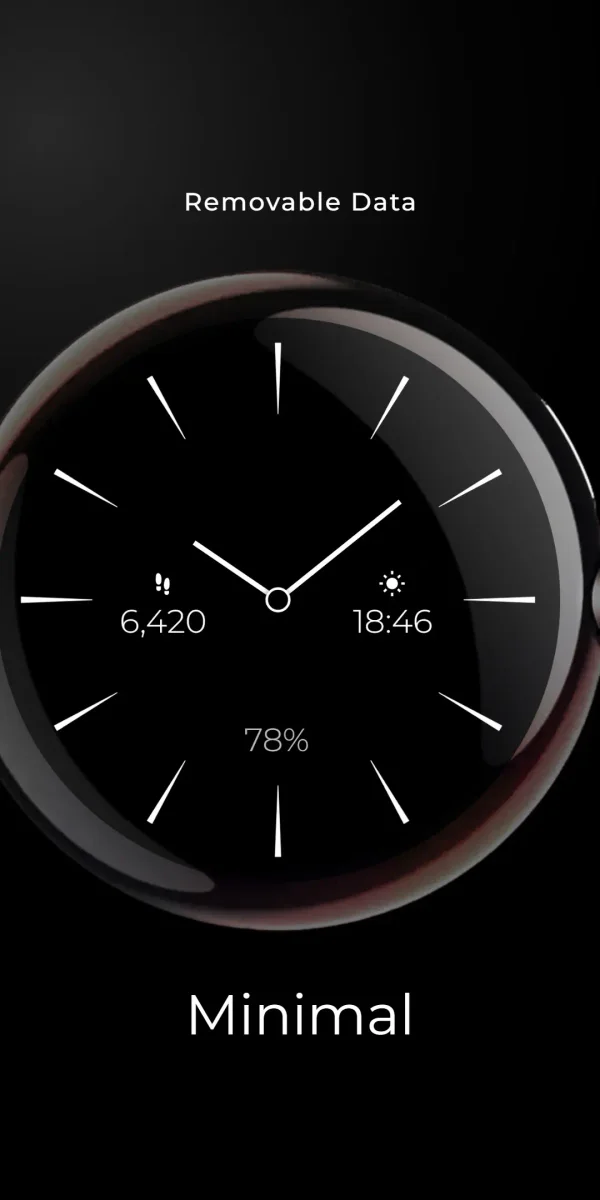
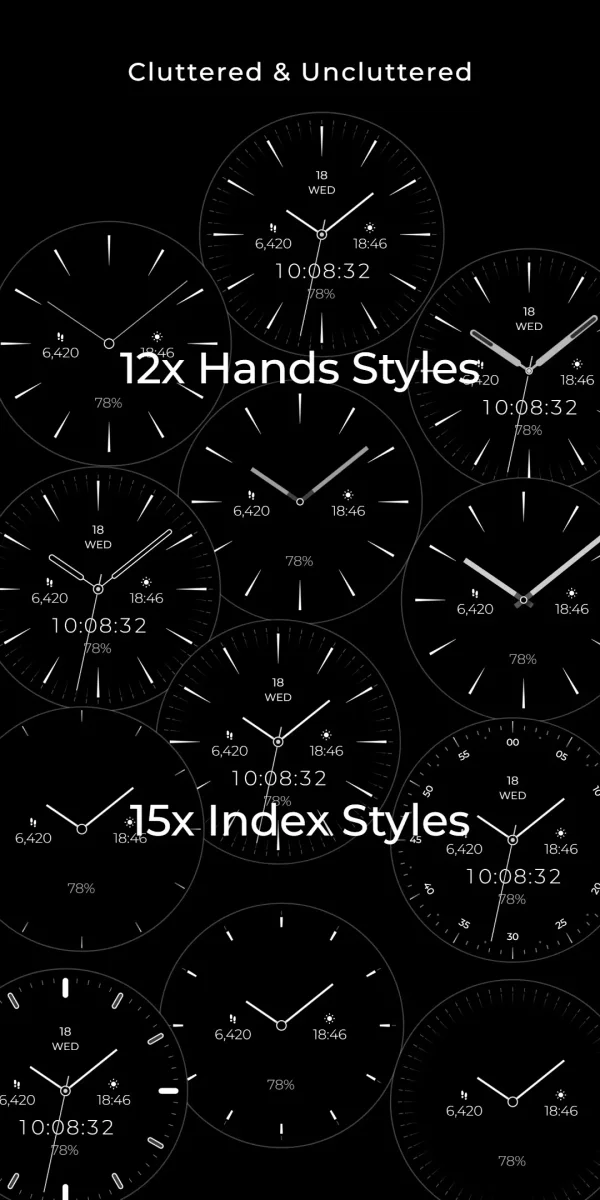
シンプルさと使いやすさを重視した、ミニマルなWear OSウォッチフェイスデザイン。時刻や日付といった必要情報を、すっきりと分かりやすく表示する、洗練されたディスプレイが特徴です。
ウォッチフェイスフォーマット搭載
⚙️ ウォッチフェイスの機能
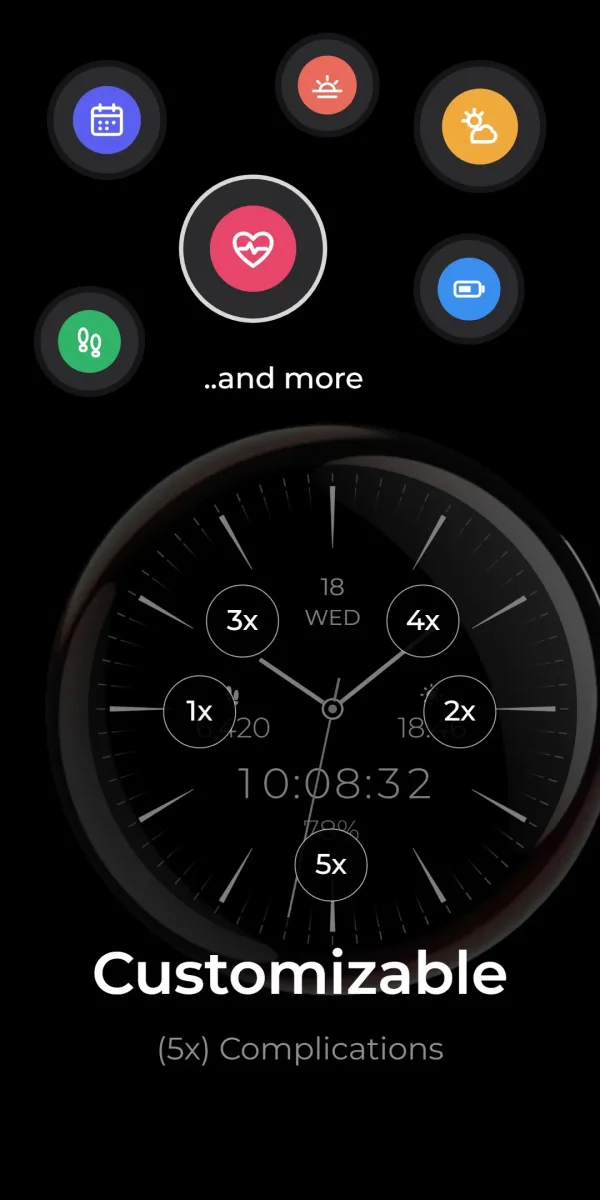
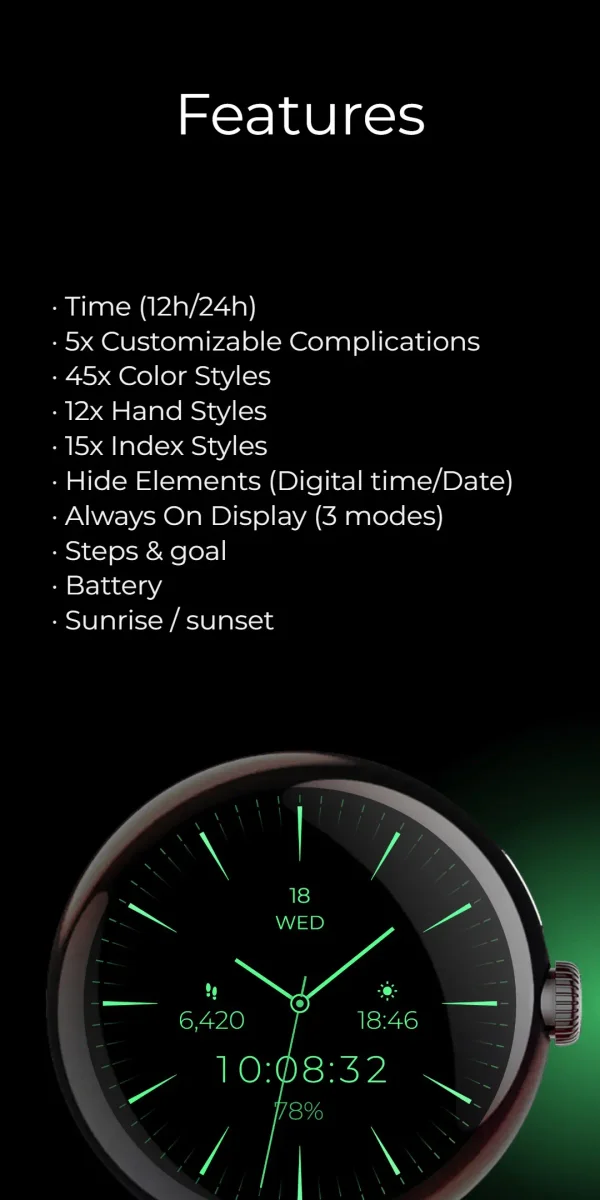
• 5種類のカスタムコンプリケーション
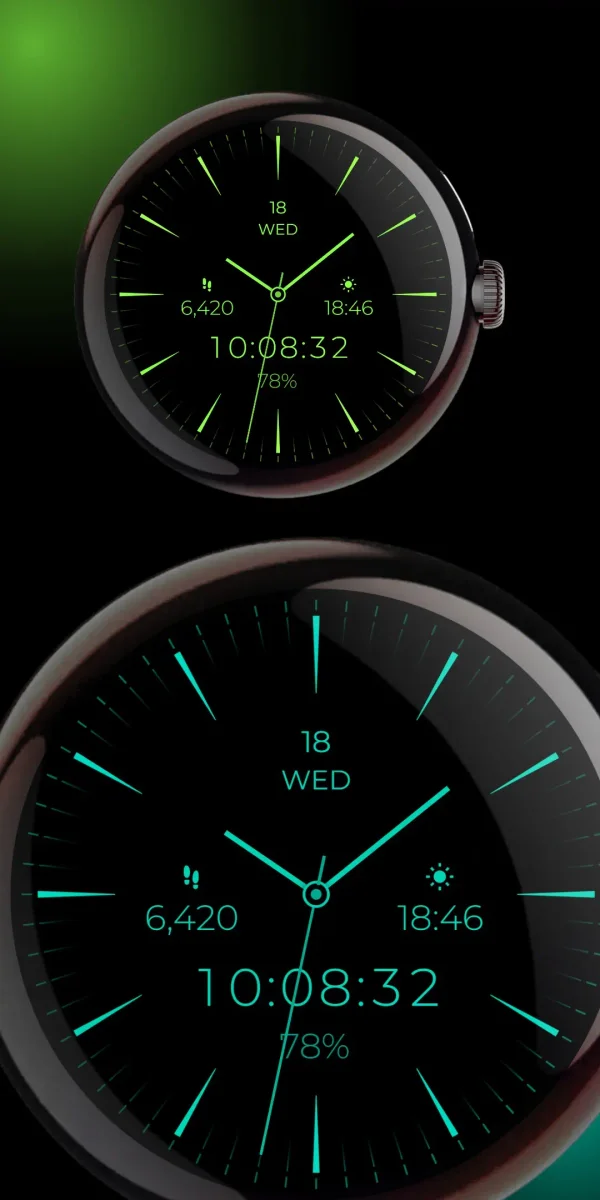
• 45種類のカラーテーマ
• アナログ針
• 針:12種類
• インデックス:15種類
• 明るさ:5段階
• 常時表示モード:3種類
• ナイトモード(赤/オレンジ)
• デバイスと同期した12時間/24時間表示:文字盤の数字も切り替わります
• タップショートカット:カレンダー、アラーム
🎨 カスタマイズ
1 - ディスプレイを長押し
2 - カスタマイズオプションをタップ
🎨 コンプリケーション
ディスプレイを長押ししてカスタマイズモードを開きます。お好きなデータでフィールドをカスタマイズできます。
🔋 バッテリー
時計のバッテリー性能を向上させるため、「常時表示」モードを無効にすることをお勧めします。
✅ 対応デバイス:Google Pixel、Galaxy Watch 4、5、6、7、8、9、その他Wear OS搭載モデル
インストールとトラブルシューティング
こちらのリンクをご覧ください:https://www.recreative-watch.com/help/#installation-methodes
ウォッチフェイスはインストール後、自動的に時計画面に反映されません。そのため、時計画面上で設定する必要があります。
💌 サポートが必要な場合は、support@recreative-watch.comまでお問い合わせください。
原文を表示
A minimalist Wear OS watch face design focused on simplicity and user-friendliness. It offers a clean, uncluttered display that shows essential information like time and date in a sleek and straightforward way.
Powered by Watch Face Format
⚙️ Watch Face Features
• 5 custom complications
• 45 colour themes
• Analog hands
• Hands: 12 options
• Index: 15 options
• Brightness: 5 options
• 3 always-on modes
• Night mode (red / amber)
• 12/24h synced with your device: the dial numerals switch too
• 2 tap shortcuts: Calendar, Alarm
🎨 Customization
1 - Touch and hold display
2 - Tap on Customize option
🎨 Complications
Touch and hold display to open customization mode. You can customize the field with any data you want.
🔋 Battery
For better battery performance of the watch, we recommend disabling the "Always On Display" mode.
✅ Compatible devices include Google Pixel, Galaxy Watch 4, 5, 6, 7, 8, 9 and other Wear OS models
Installation and troubleshooting
Follow this link: https://www.recreative-watch.com/help/#installation-methodes
Watch faces don't automatically apply on your watch screen after the installation. That's why you must set it on your watch's screen.
💌 Write to support@recreative-watch.com for assistance.
データ セーフティ
このアプリが収集・共有するデータについて、RECREATIVE Watch FacesがGoogle Playで申告している内容です。
- 第三者と共有されるデータはありません詳しくは、デベロッパーが共有を申告する方法についての説明をご覧ください
- データは収集されません詳しくは、デベロッパーが収集を申告する方法についての説明をご覧ください
開発元の連絡先
- ウェブサイトrecreative-watch.com
- メールsupport@recreative-watch.com
- プライバシーポリシーrecreative-watch.com
- 住所STR. MIHAIL EMINESCU BL.18 SC.A AP.2 545100 Iernut Romania
情報
- 提供元
- RECREATIVE Watch Faces
- カテゴリ
- カスタマイズ
- バージョン
- 1.1.6
- 更新日
- 2026/11/22
- リリース
- 2024/8/30
- 対象年齢
- 3 歳以上
- 価格
- ¥260
- パッケージ名
- com.recreative.recreative01plus
類似のアプリ
-
 Watch face Vintage CNW0011
カスタマイズ
-
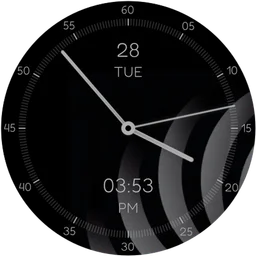 Vortex Time ウォッチフェイス
カスタマイズ
-
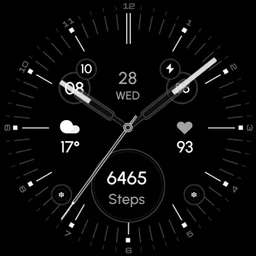 Minimal Analog Classic - RE45
カスタマイズ
-
 RE30 - Minimal - Simple
カスタマイズ
-
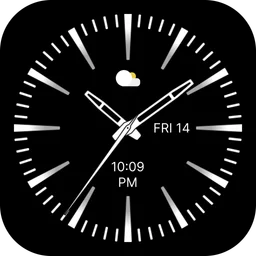 Perennial: Analog Watch Face
カスタマイズ
-
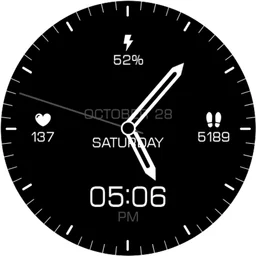 Key106 Classic Watch Face
カスタマイズ
-
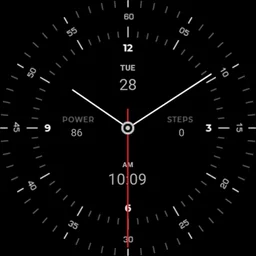 Minimal 49 Watch Face
カスタマイズ
-
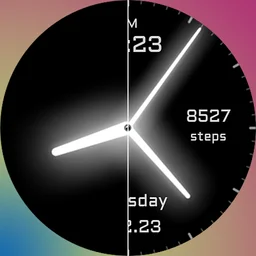 EY10 White Glow Watchface
カスタマイズ
-
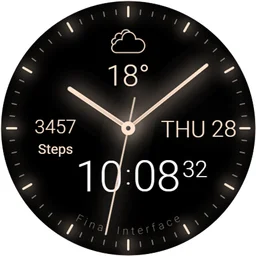 Final Interface Watch 2
カスタマイズ
-
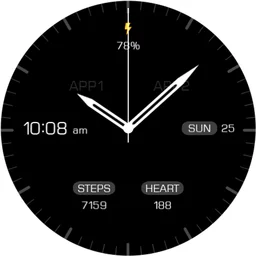 Key068 Analog Watch Face
カスタマイズ
-
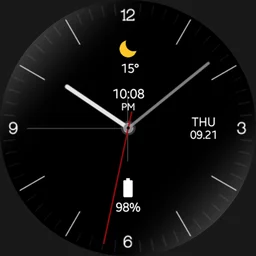 Virtuous Night - watch face
カスタマイズ
-
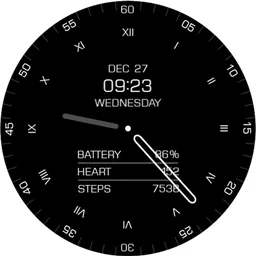 Key105 Analog Watch Face
カスタマイズ