Stellar Sphere Watch Face
Filmmotion StudioContient des annonces
- PEGI 3Classification d’âge
- PersonnalisationCatégorie
- 04/10/2026Mis à jour
- GratuitPrix
Renvoie vers la fiche Google Play officielle de com.earthwatchface.animatedearth.earth.space.planet.earthview.universe.watchface.wear. Dernière vérification le 27/11/2026.
Captures d’écran
À propos de cette application
Traduction automatique par Google. Langue d’origine : Anglais (États-Unis).
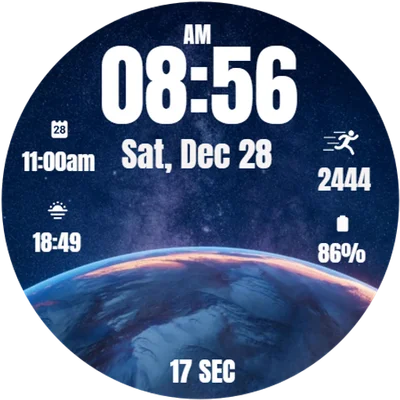
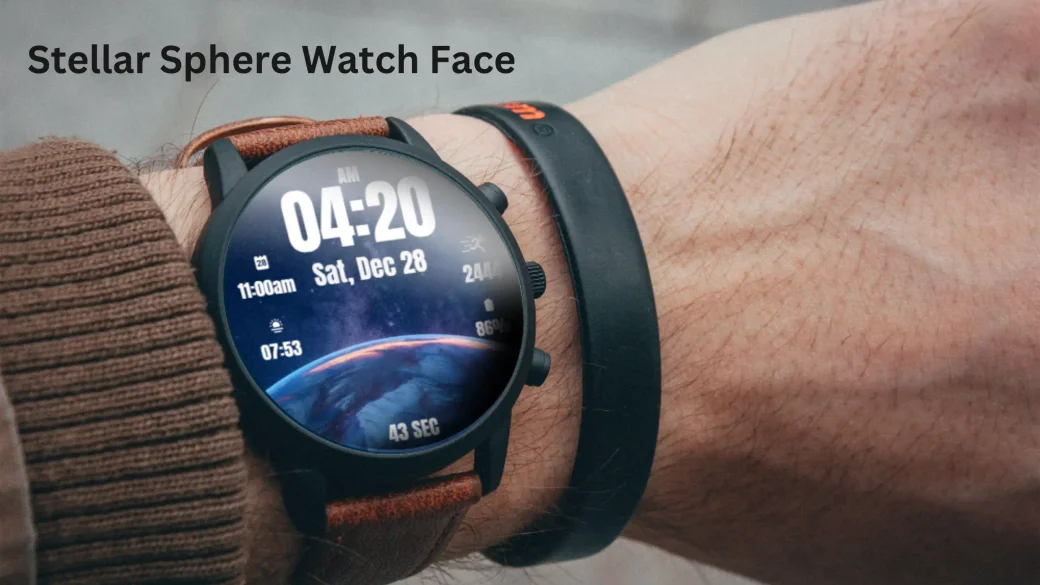
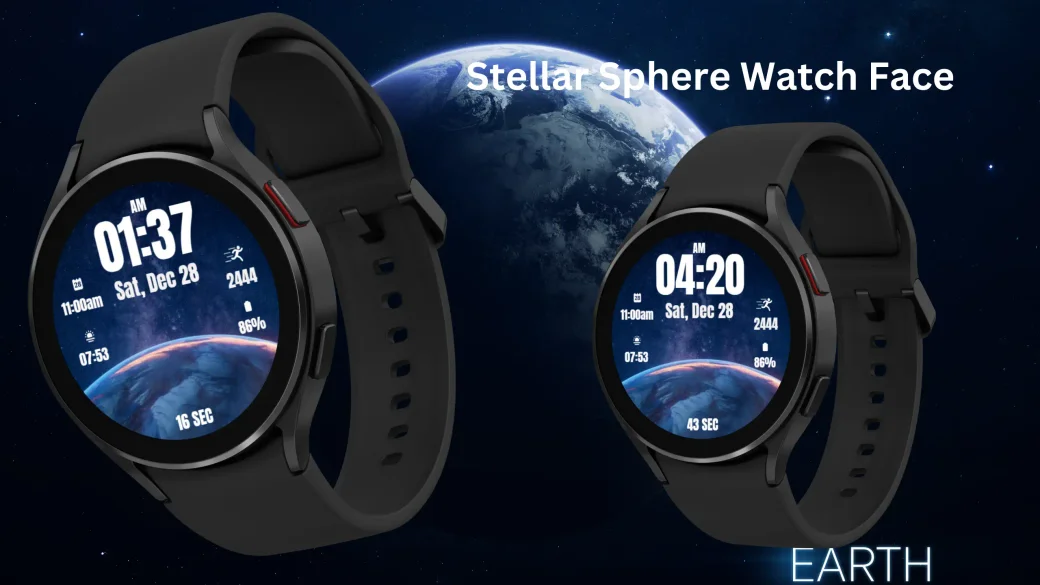
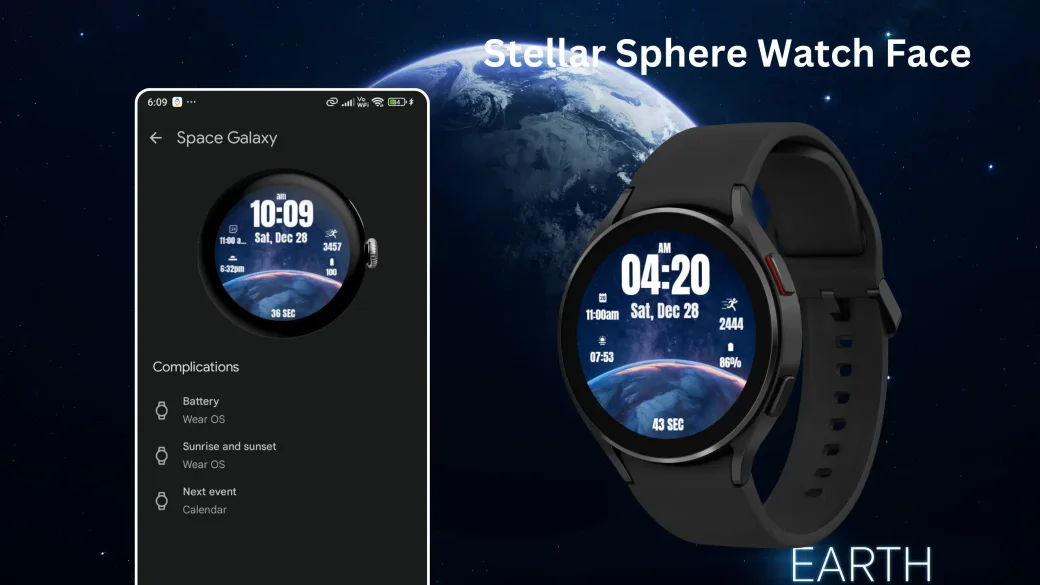
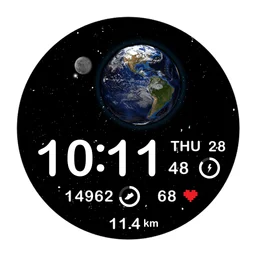
Explorez le cosmos avec le cadran de montre Stellar Sphere, où le temps rencontre l'espace.
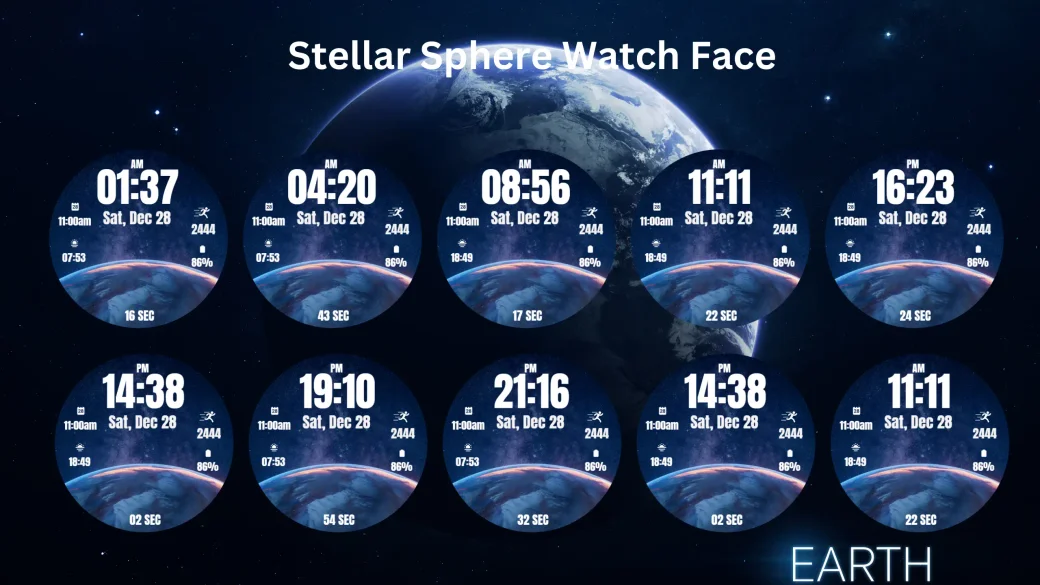
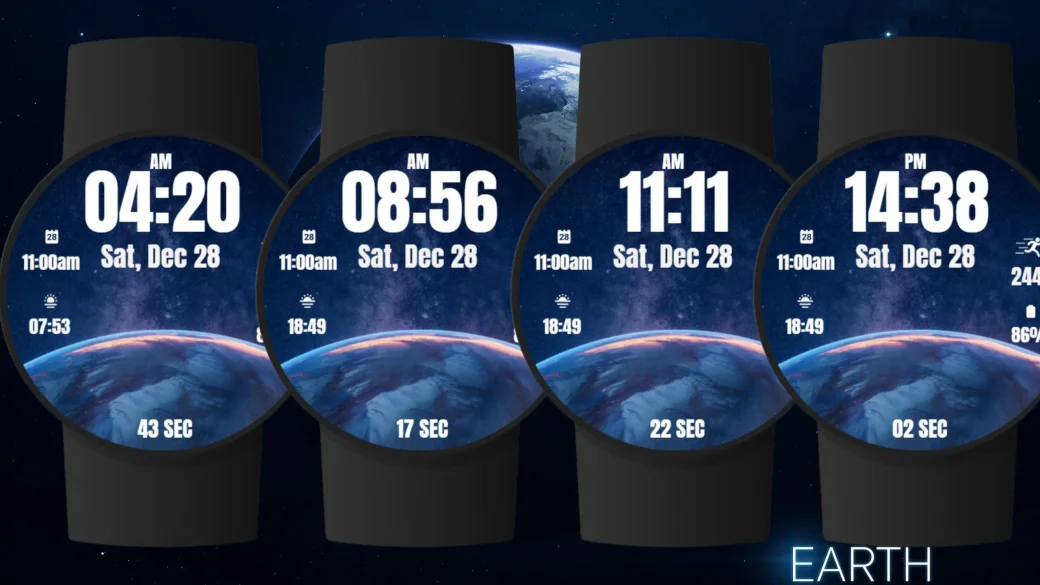
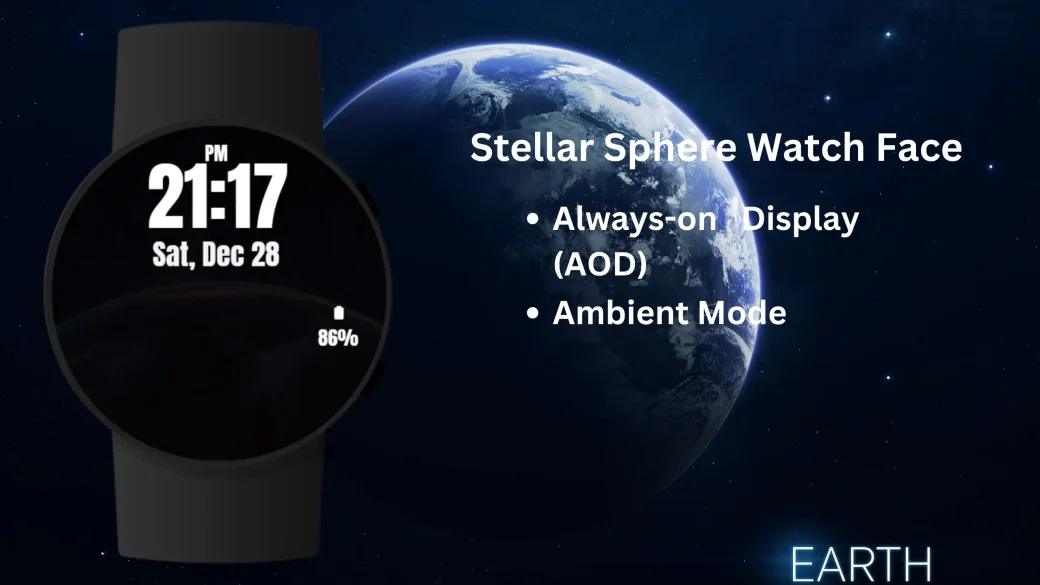
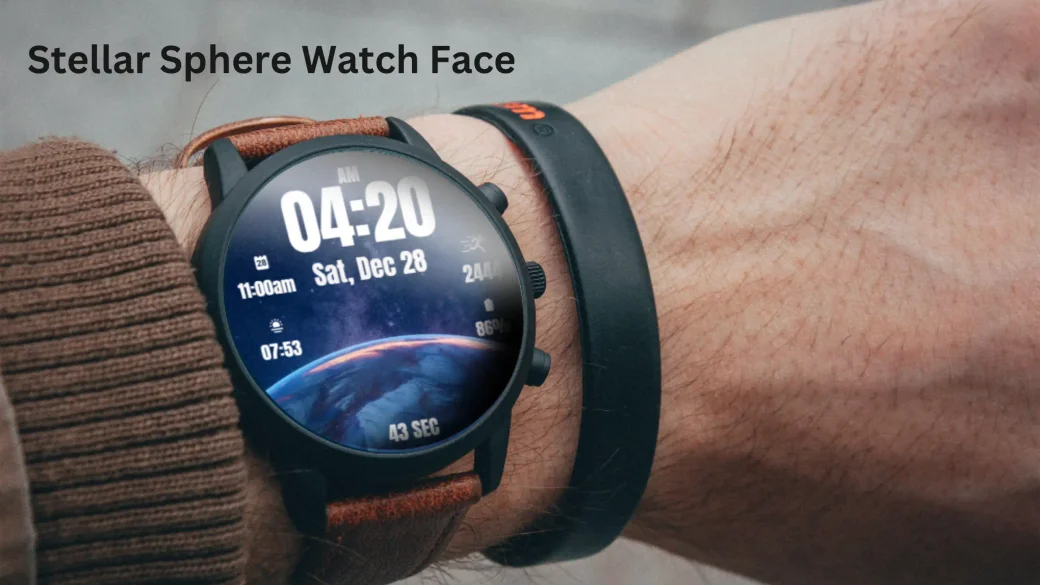
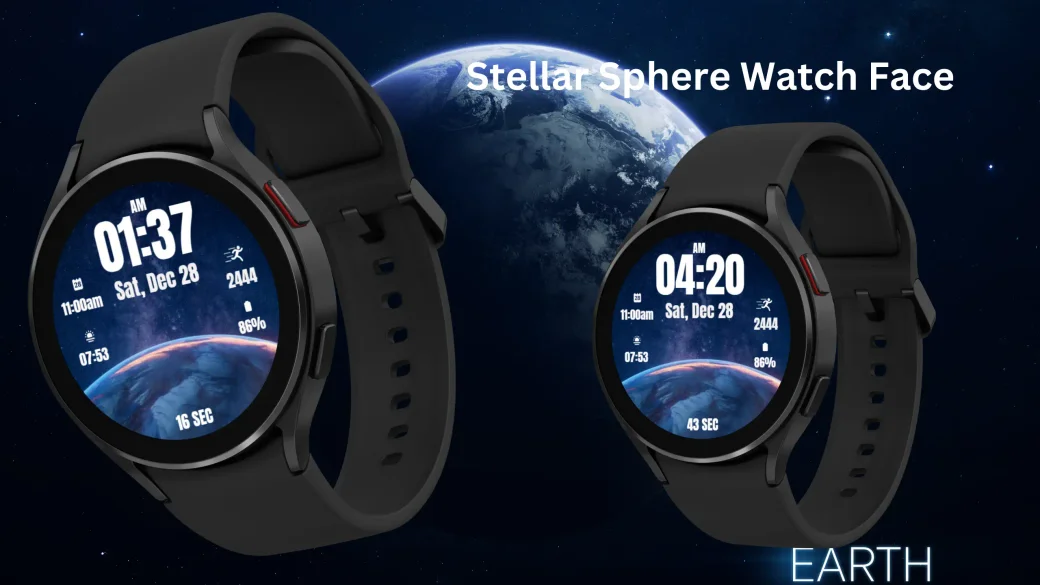
Découvrez le cosmos à votre poignet avec le cadran de montre Stellar Sphere ! Ce superbe cadran de montre Wear OS allie une beauté astronomique à un design fonctionnel, affichant l'heure, la date, les étapes, le pourcentage de batterie et bien plus encore. Son look épuré et dynamique vous permet de rester facilement au courant de vos objectifs quotidiens tout en admirant la beauté de l'espace.
⚙️ Caractéristiques du cadran de la montre
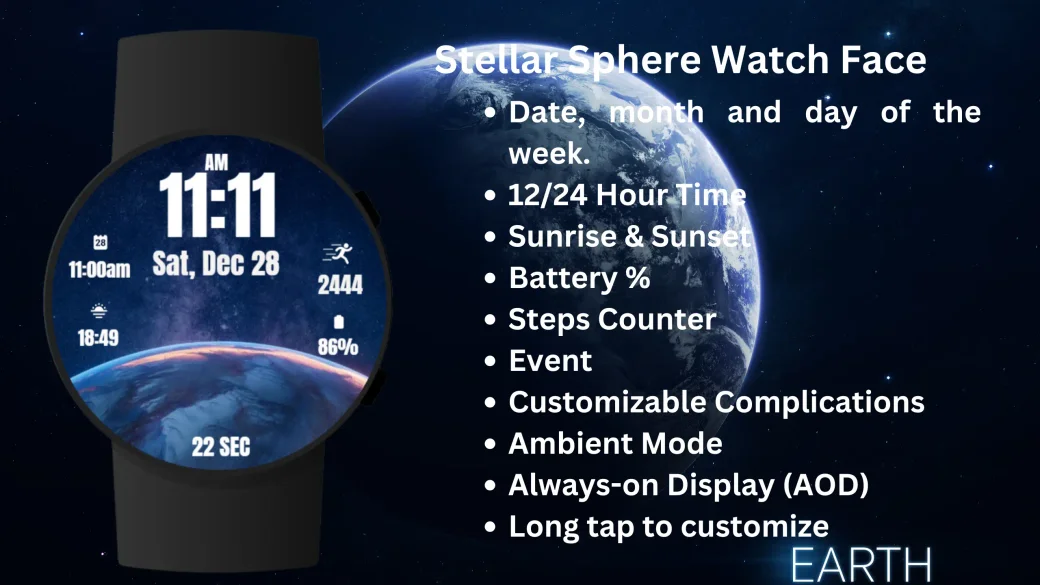
• Date, mois et jour de la semaine.
• 12/24 heures
• Batterie %
• Lever et coucher du soleil
• Compteur de pas
• Complications personnalisables
• Mode ambiant
• Affichage permanent (AOD)
• Appuyez longuement pour personnaliser
🎨 Personnalisation du cadran de la montre Stellar Sphere
1 - Touchez et maintenez l'écran
2 - Appuyez sur l'option Personnaliser
🎨 Complications du cadran de la montre Stellar Sphere
Touchez et maintenez l'écran pour ouvrir le mode de personnalisation. Vous pouvez personnaliser le champ avec toutes les données de votre choix.
🔋 Batterie
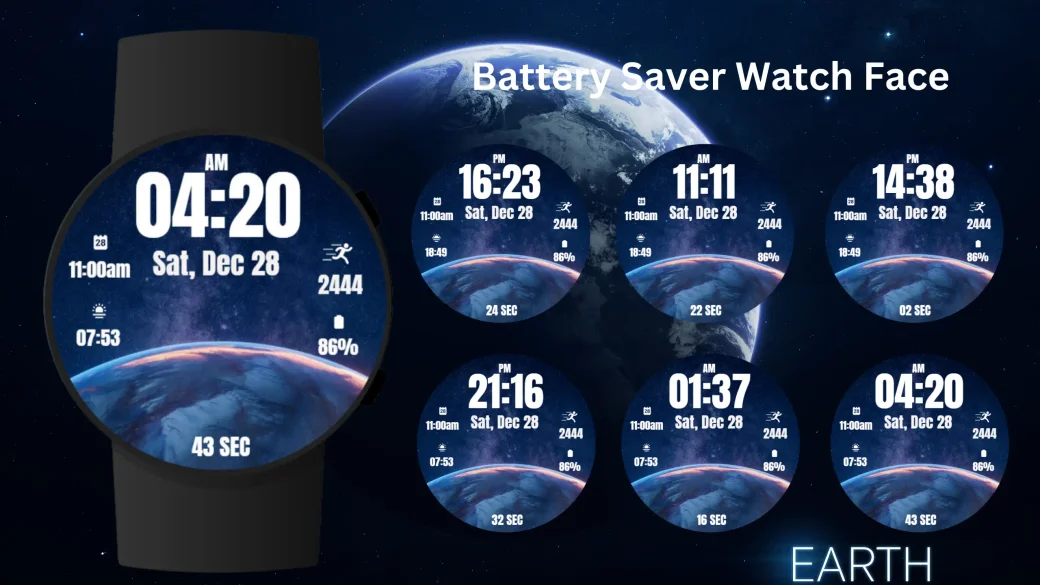
Pour de meilleures performances de la batterie de la montre, nous vous recommandons de désactiver le mode « Always On Display ».
Après avoir installé le cadran de montre Stellar Sphere, suivez ces étapes :
1. Ouvrez l'application Companion sur votre téléphone.
2. Appuyez sur « Installer sur la montre ».
3. Sur votre montre, sélectionnez le cadran de la montre Stellar Sphere dans vos paramètres ou dans la galerie des cadrans de la montre.
Votre cadran de montre est maintenant prêt à être utilisé !
✅ Compatible avec tous les appareils Wear OS API 30+, notamment Google Pixel Watch, Samsung Galaxy Watch, etc.
Ne convient pas aux montres rectangulaires.
Merci !
Afficher le texte d’origine
Experience the cosmos on your wrist with the Stellar Sphere Watch Face! This stunning Wear OS watch face combines astronomical beauty with a functional design, displaying time, date, steps, battery percentage, and more. Its clean, dynamic look makes it easy to stay on top of your daily goals while gazing at the beauty of space.
⚙️ Watch Face Features
• Date, month and day of the week.
• 12/24 Hour Time
• Battery %
• Sunrise & Sunset
• Steps Counter
• Customizable Complications
• Ambient Mode
• Always-on Display (AOD)
• Long tap to customize
🎨 Stellar Sphere Watch Face Customization
1 - Touch and hold display
2 - Tap on Customize option
🎨 Stellar Sphere Watch Face Complications
Touch and hold display to open customization mode. You can customize the field with any data you want.
🔋 Battery
For better battery performance of the watch, we recommend disabling the "Always On Display" mode.
After installing the Stellar Sphere Watch Face , follow these steps:
1. Open the Companion App on your phone.
2. Tap "Install on Watch".
3 .On your watch, select the Stellar Sphere Watch Face from your settings or watch face gallery.
Your watch face is now ready to use !
✅ Compatible with all Wear OS devices API 30+ including such as Google Pixel Watch, Samsung Galaxy Watch etc.
Not suitable for rectangular watches.
Thank you !
Sécurité des données
Ce que Filmmotion Studio déclare sur Google Play au sujet des données que cette application collecte et partage.
- Cette appli peut partager ces types de données avec des tiersActivité dans l'application et ID de l'appareil ou autres ID
- Cette appli peut recueillir ces types de donnéesActivité dans l'application, Infos et performance des applis et ID de l'appareil ou autres ID
- Les données sont chiffrées lors de leur transfert
- Impossible de supprimer les données
Coordonnées du développeur
- Site webfilmmotionstudiophoto.blogspot.com
- E-mailhelpfilmmotionstudio@gmail.com
- Politique de confidentialitéfilmmotionstudio.wordpress.com
- Adresse18 VITTHALNAGAR SOC NR BAPASITARAM CHOWK KATARGAM SURAT CITY SURAT, Gujarat 395005 India
Informations
- Proposée par
- Filmmotion Studio
- Catégorie
- Personnalisation
- Mis à jour
- 04/10/2026
- Publié
- 03/12/2024
- Classification d’âge
- PEGI 3
- Prix
- Gratuit
- Nom du package
- com.earthwatchface.animatedearth.earth.space.planet.earthview.universe.watchface.wear
Applications similaires
-
 NXV95 Earth Digital Watch face
Personnalisation
-
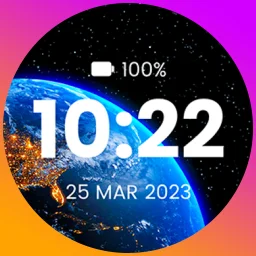 Animated Earth Watchfaces
Personnalisation
-
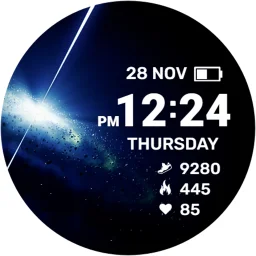 Quasar
Personnalisation
-
 Earth Galaxy WatchFace
Outils
-
 Black Void Cadran
Personnalisation
-
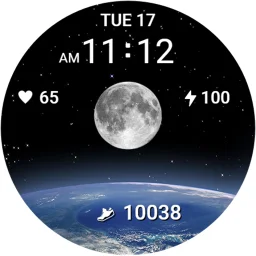 Earth and Moon
Personnalisation
-
 Earth Digital Watch Face
Personnalisation
-
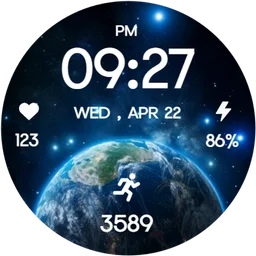 Earth & Space Watch Face
Outils
-
 Starrysky Snowscene For WearOS
Personnalisation
-
 3D Animated Earth WatchFace
Art et design
-
 AI Nostalgia
Personnalisation
-
 Space Galaxy
Personnalisation