Stellar Sphere Watch Face
Filmmotion Studio広告を含む
- 3 歳以上対象年齢
- カスタマイズカテゴリ
- 2026/10/4更新日
- 無料価格
com.earthwatchface.animatedearth.earth.space.planet.earthview.universe.watchface.wearのGoogle Play公式ページにリンクしています。最終確認:2026/11/27。
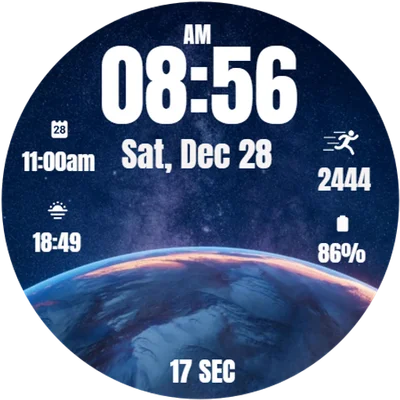
スクリーンショット
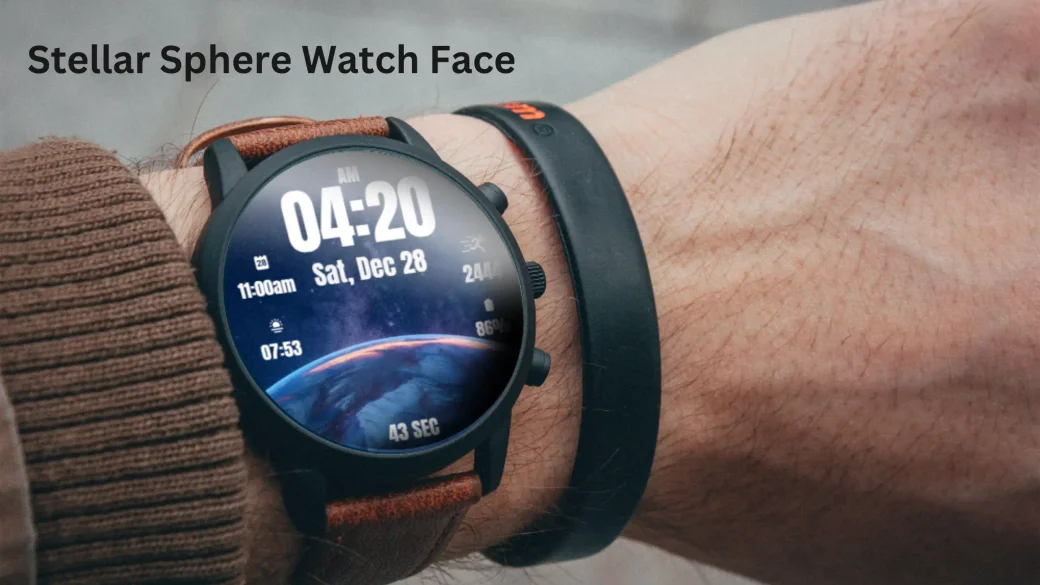
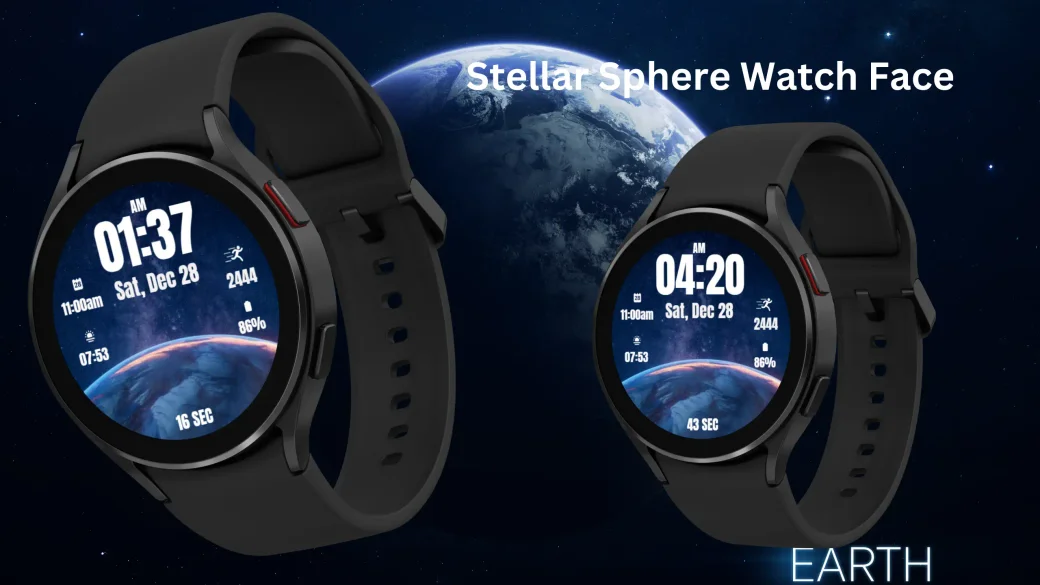
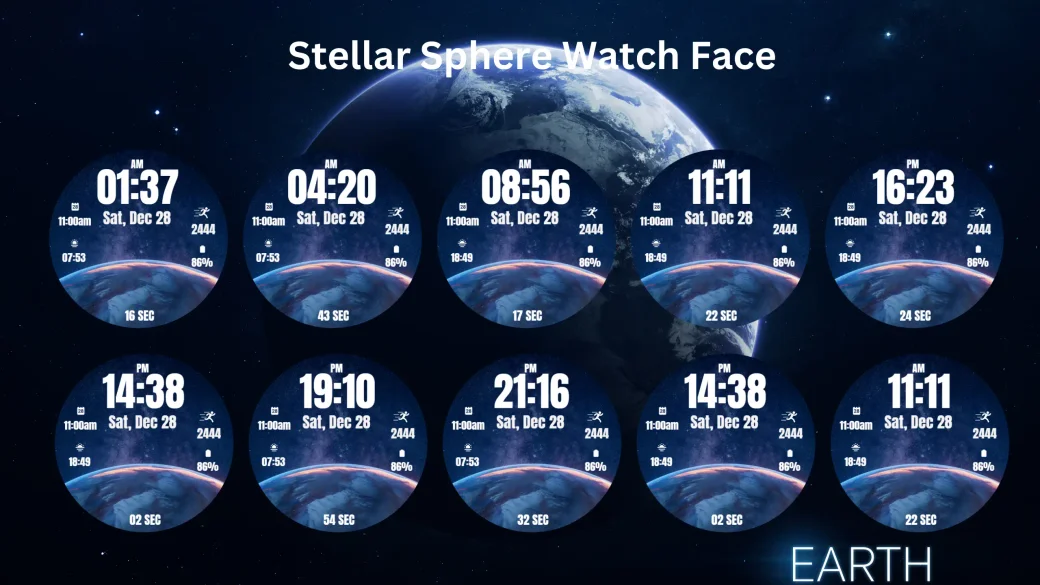
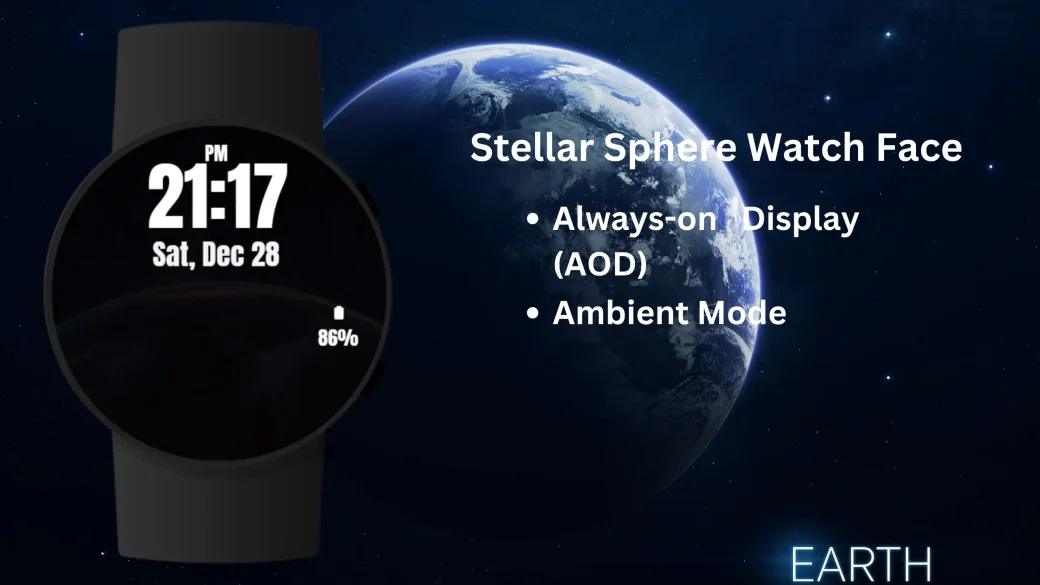
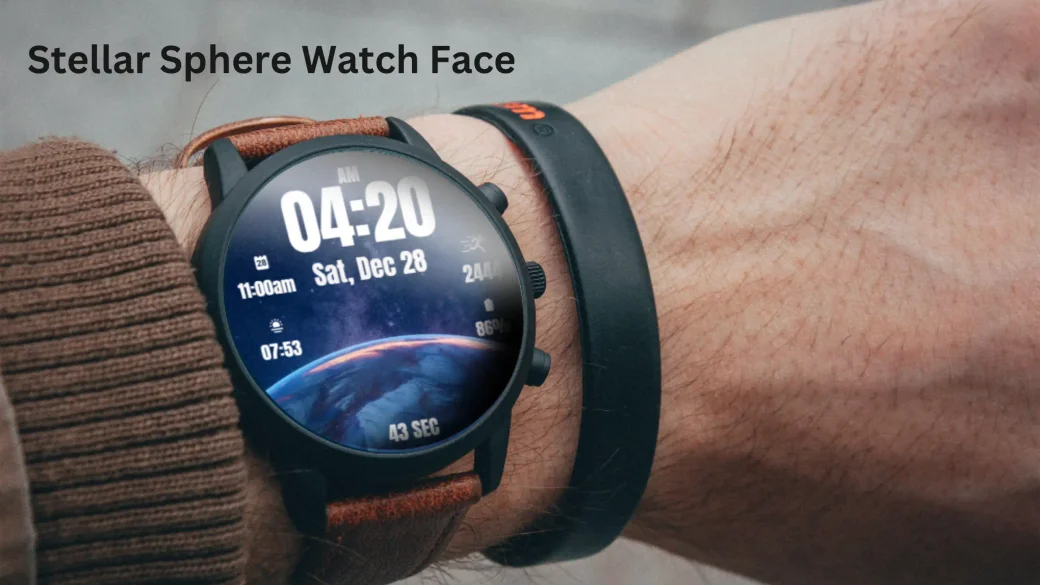
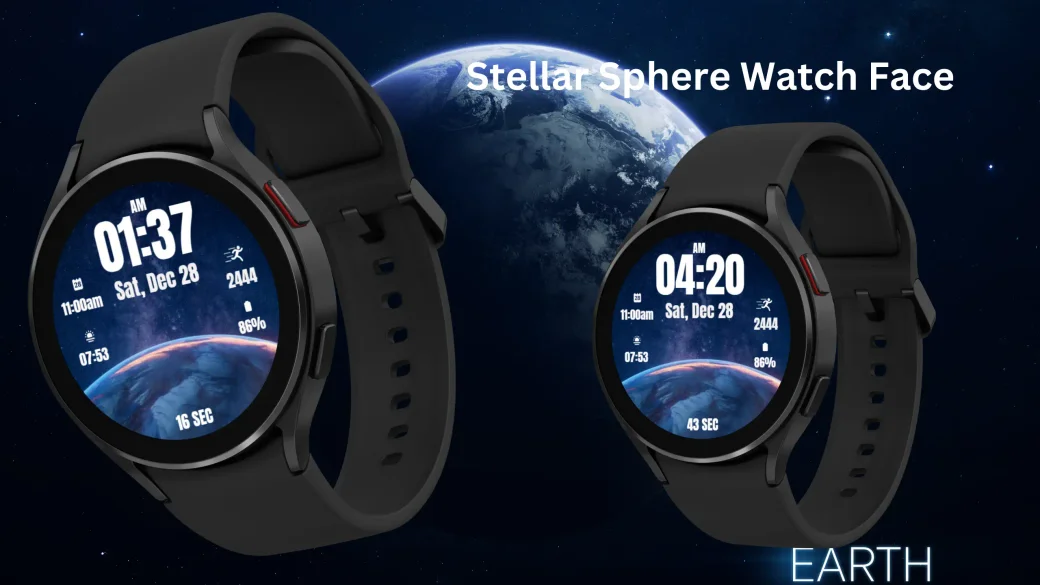
このアプリについて
Googleによる英語 (アメリカ合衆国)からの自動翻訳です。
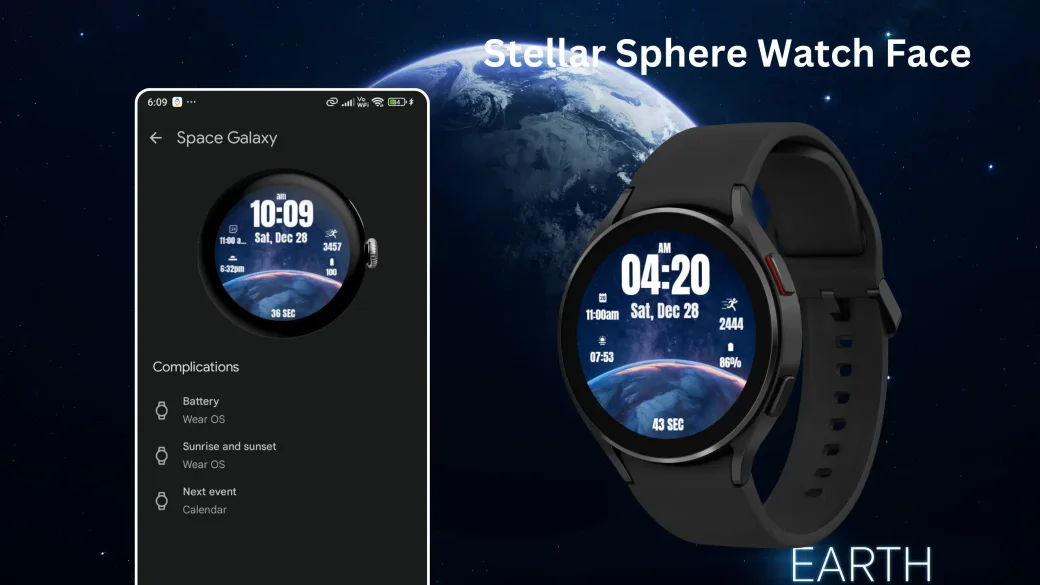
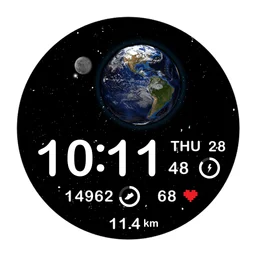
Stellar Sphere Watch Face で宇宙を探索しましょう。ここでは、時間と空間が出会う場所です。
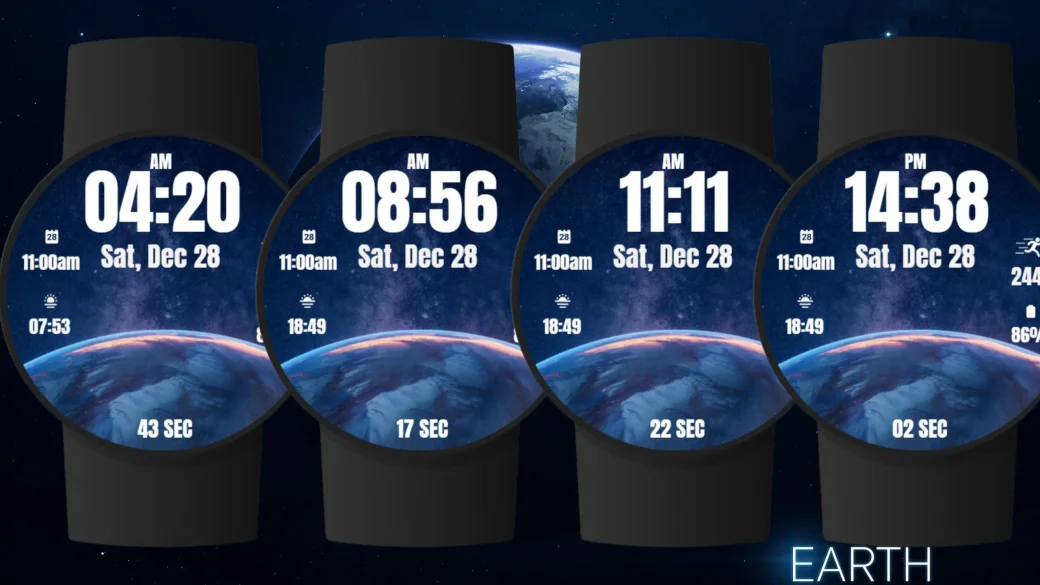
Stellar Sphere ウォッチフェイスで宇宙をあなたの手首で体験してください。この見事な Wear OS ウォッチフェイスは、天文学的な美しさと機能的なデザインを組み合わせており、時刻、日付、歩数、バッテリーの割合などを表示します。そのクリーンでダイナミックな外観により、宇宙の美しさを眺めながら毎日の目標を達成しやすくなります。
⚙️ ウォッチフェイスの機能
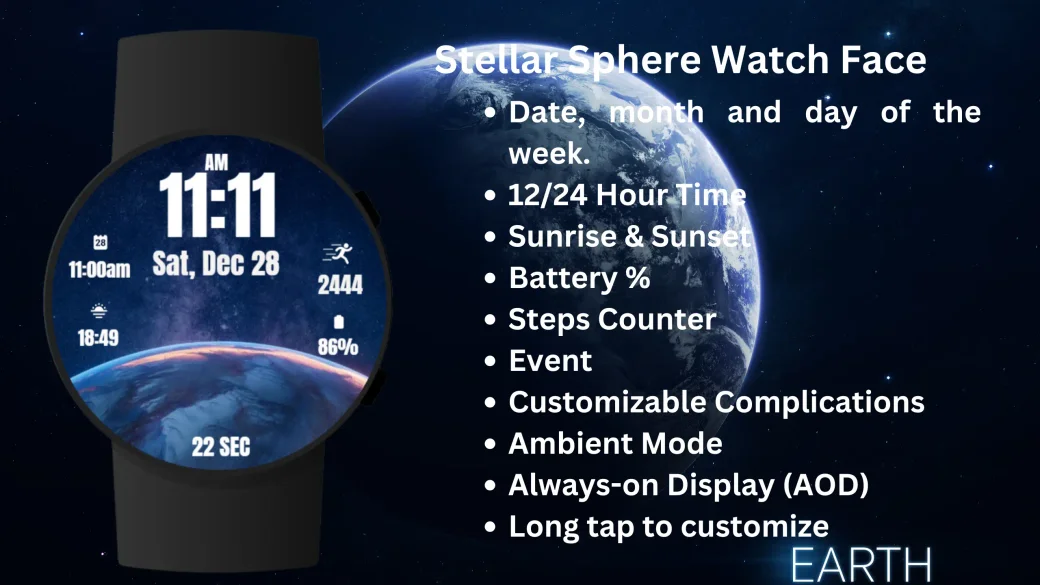
• 日付、月、曜日。
• 12/24時間制
• バッテリー %
• 日の出と日の入り
• 歩数カウンター
• カスタマイズ可能なコンプリケーション
• アンビエントモード
• 常時表示ディスプレイ (AOD)
• 長押ししてカスタマイズします
🎨 Stellar Sphere ウォッチフェイスのカスタマイズ
1 - ディスプレイをタッチアンドホールドします
2 - [カスタマイズ]オプションをタップします
🎨 Stellar Sphere ウォッチフェイスの合併症
ディスプレイを長押しすると、カスタマイズ モードが開きます。必要なデータを使用してフィールドをカスタマイズできます。
🔋バッテリー
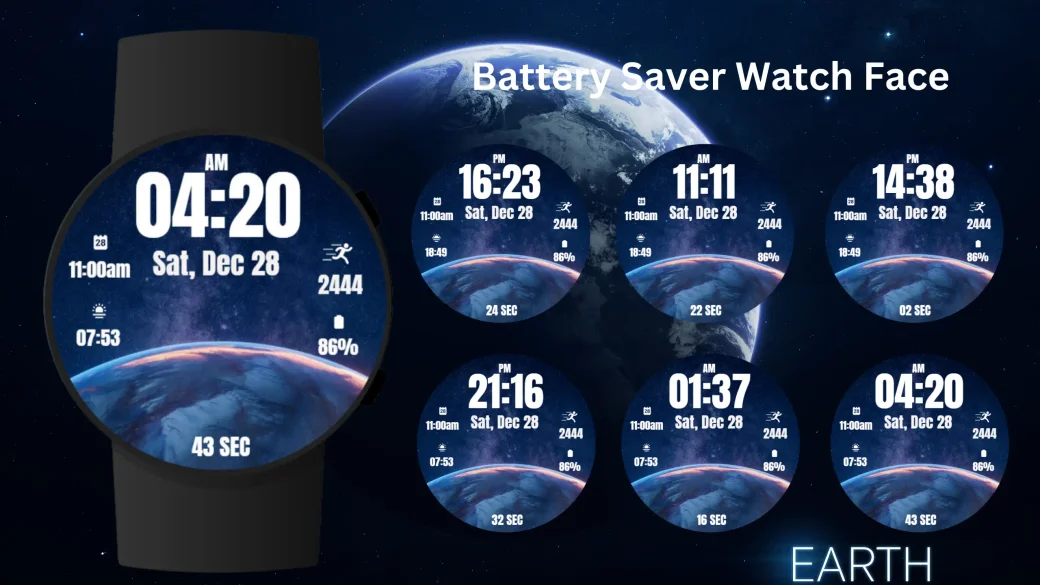
時計のバッテリー性能を向上させるために、「常時表示」モードを無効にすることをお勧めします。
Stellar Sphere Watch Face をインストールした後、次の手順に従います。
1. 携帯電話でコンパニオン アプリを開きます。
2.「ウォッチにインストール」をタップします。
3 . ウォッチで、設定またはウォッチフェイス ギャラリーから Stellar Sphere ウォッチフェイスを選択します。
これでウォッチフェイスを使用する準備ができました。
✅ Google Pixel Watch、Samsung Galaxy Watch などを含む、API 30 以上のすべての Wear OS デバイスと互換性があります。
長方形の時計には適しません。
ありがとう !
原文を表示
Experience the cosmos on your wrist with the Stellar Sphere Watch Face! This stunning Wear OS watch face combines astronomical beauty with a functional design, displaying time, date, steps, battery percentage, and more. Its clean, dynamic look makes it easy to stay on top of your daily goals while gazing at the beauty of space.
⚙️ Watch Face Features
• Date, month and day of the week.
• 12/24 Hour Time
• Battery %
• Sunrise & Sunset
• Steps Counter
• Customizable Complications
• Ambient Mode
• Always-on Display (AOD)
• Long tap to customize
🎨 Stellar Sphere Watch Face Customization
1 - Touch and hold display
2 - Tap on Customize option
🎨 Stellar Sphere Watch Face Complications
Touch and hold display to open customization mode. You can customize the field with any data you want.
🔋 Battery
For better battery performance of the watch, we recommend disabling the "Always On Display" mode.
After installing the Stellar Sphere Watch Face , follow these steps:
1. Open the Companion App on your phone.
2. Tap "Install on Watch".
3 .On your watch, select the Stellar Sphere Watch Face from your settings or watch face gallery.
Your watch face is now ready to use !
✅ Compatible with all Wear OS devices API 30+ including such as Google Pixel Watch, Samsung Galaxy Watch etc.
Not suitable for rectangular watches.
Thank you !
データ セーフティ
このアプリが収集・共有するデータについて、Filmmotion StudioがGoogle Playで申告している内容です。
- このアプリはサードパーティと以下の種類のデータを共有することがありますアプリのアクティビティ、デバイスまたはその他の ID
- このアプリは以下の種類のデータを収集することがありますアプリのアクティビティ、アプリの情報、パフォーマンス、デバイスまたはその他の ID
- データは送信中に暗号化されます
- データを削除できません
開発元の連絡先
- ウェブサイトfilmmotionstudiophoto.blogspot.com
- メールhelpfilmmotionstudio@gmail.com
- プライバシーポリシーfilmmotionstudio.wordpress.com
- 住所18 VITTHALNAGAR SOC NR BAPASITARAM CHOWK KATARGAM SURAT CITY SURAT, Gujarat 395005 India
情報
- 提供元
- Filmmotion Studio
- カテゴリ
- カスタマイズ
- 更新日
- 2026/10/4
- リリース
- 2024/12/3
- 対象年齢
- 3 歳以上
- 価格
- 無料
- パッケージ名
- com.earthwatchface.animatedearth.earth.space.planet.earthview.universe.watchface.wear
類似のアプリ
-
 NXV95 Earth Digital Watch face
カスタマイズ
-
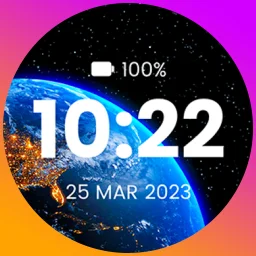 Animated Earth Watchfaces
カスタマイズ
-
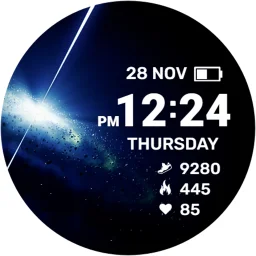 Quasar
カスタマイズ
-
 Earth Galaxy WatchFace
ツール
-
 Black Void ウォッチフェイス
カスタマイズ
-
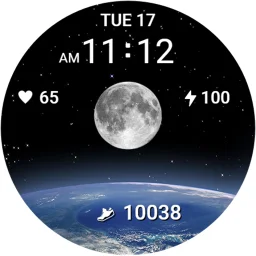 Earth and Moon
カスタマイズ
-
 Earth Digital Watch Face
カスタマイズ
-
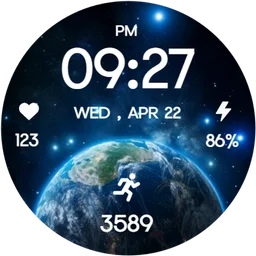 Earth & Space Watch Face
ツール
-
 Starrysky Snowscene For WearOS
カスタマイズ
-
 3D Animated Earth WatchFace
アート&デザイン
-
 AI Nostalgia
カスタマイズ
-
 Space Galaxy
カスタマイズ