- Classification d’âge4+
- CatégorieLivres
- DéveloppeurJaehyun Shin
- LanguesAnglais+ 1 de plus
- Taille67,8 Mo
Renvoie vers la page App Store officielle
Download.org n’héberge aucun fichier de Anyview - Comic & Book Reader. Le bouton ouvre la page de l’application sur App Store, où Jaehyun Shin la publie. Fiche vérifiée pour la dernière fois le 23/11/2026.
Captures d’écran
À propos
Le développeur n’a pas fourni ce texte dans votre langue.
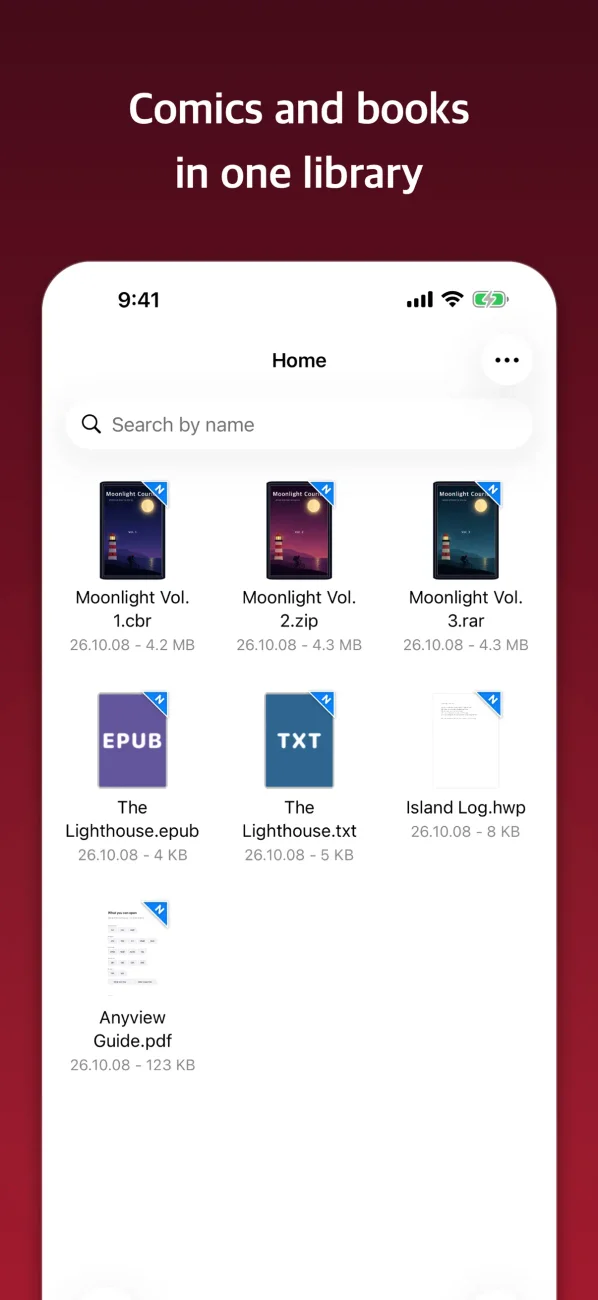
Comics and books in one app. Free, with no ads.
Open archives without unzipping, and read books on a server without downloading.
Start on your iPhone and pick up where you left off on your iPad or Mac.
■ FREE, ALWAYS
· Every feature is free. Nothing is locked
· No ads, no subscription, no trial period
· No in-app purchases of any kind
■ FORMATS
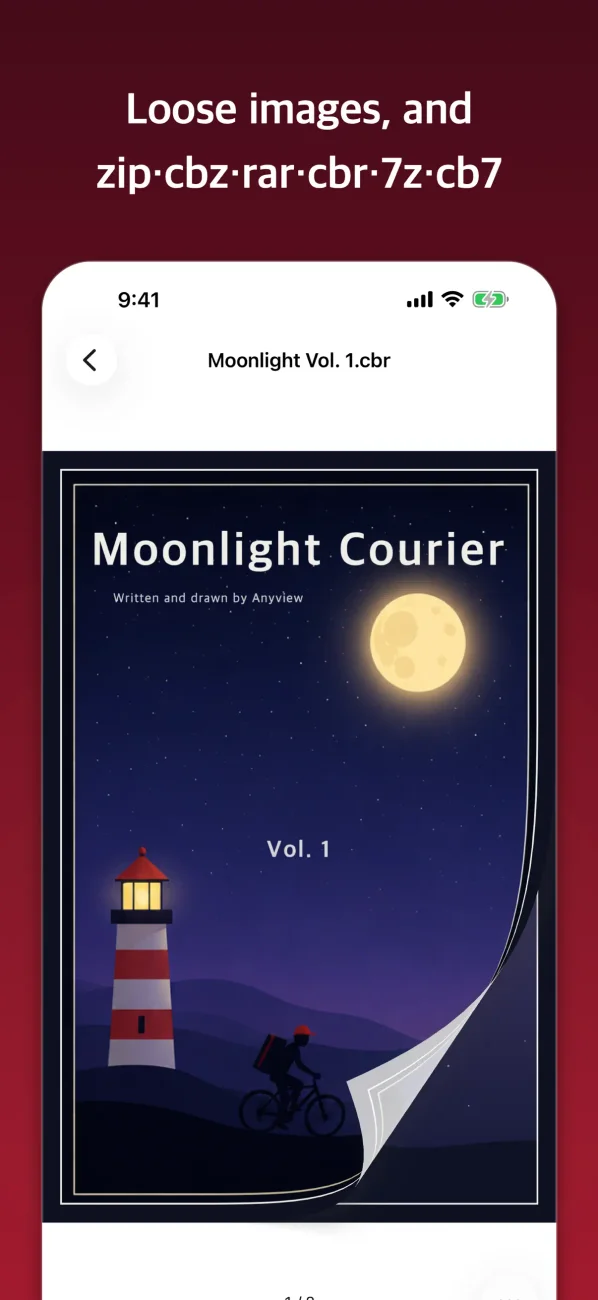
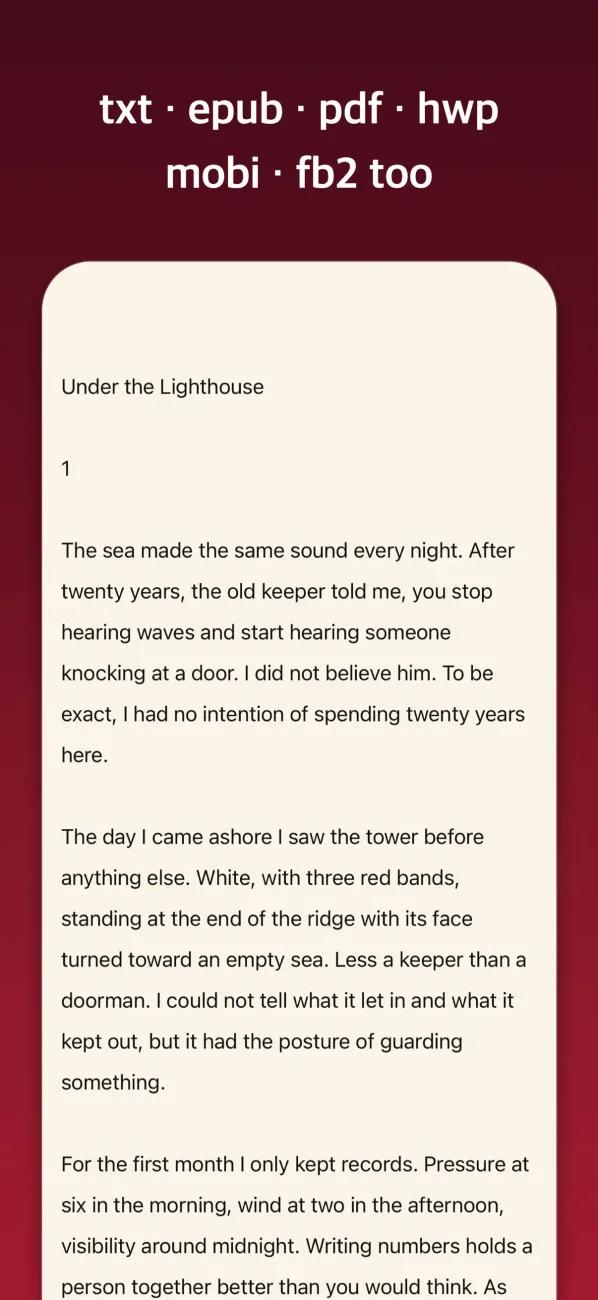
· Archives — zip, cbz, rar, cbr, 7z, cb7, tar, cbt
· Images — png, jpg, gif, webp, heic and more
· E-books — epub, mobi, azw3, fb2
· Text — txt, html
· Documents — pdf, hwp, hwpx
■ READING COMICS
· Page turn — Page Curl, Slide, Instant, or Continuous Scroll
· Left-to-right or right-to-left reading
· Two pages, split wide pages, trim edges
· Invert colors
· Auto-Turn at an interval you choose
· Carry on into the next volume when one ends
■ READING TEXT
· Three themes (White, Ivory, Night) with Light, Dark or Match Screen Mode
· Adjust typeface, text size, line, letter and word spacing, and side margins
· Add your own font files
· Auto-format paragraphs in text with broken line breaks
· Contents, bookmarks, and search within the book (with recent searches)
· Jump back with ↶ after moving by contents or search
■ READ ALOUD (TTS)
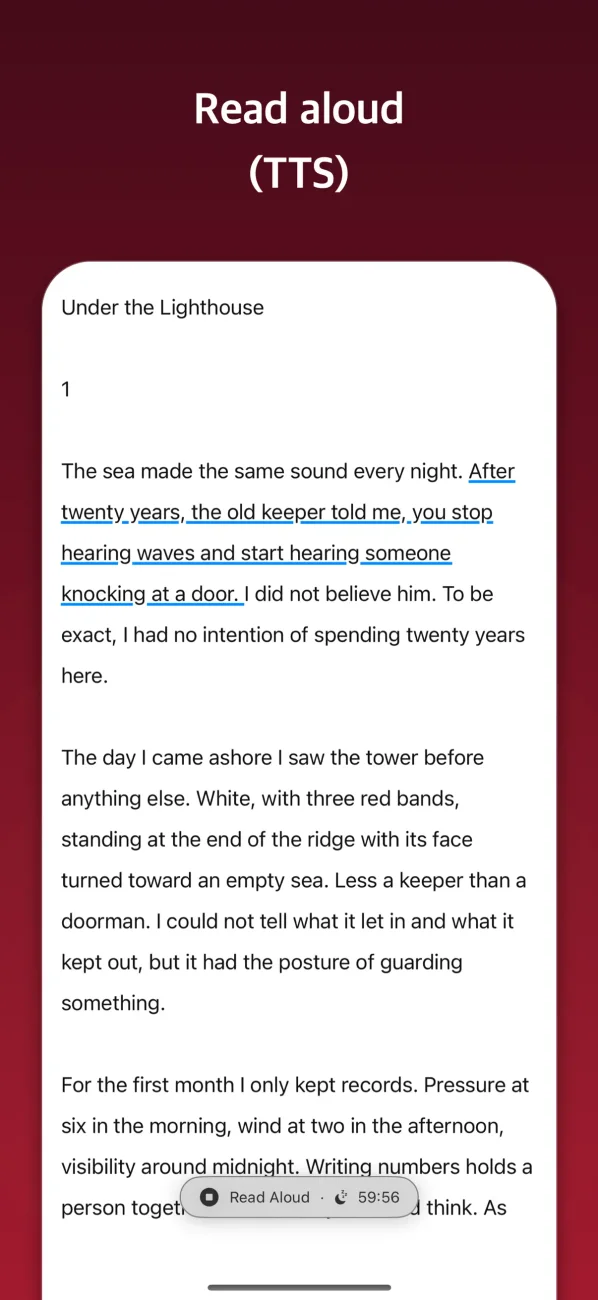
· Text is read aloud
· Speed from 0.5x to 2x
· Sleep timer — 15, 30 or 60 minutes
· Keeps reading with the screen off or in another app, with Lock Screen controls
■ ADDING FILES
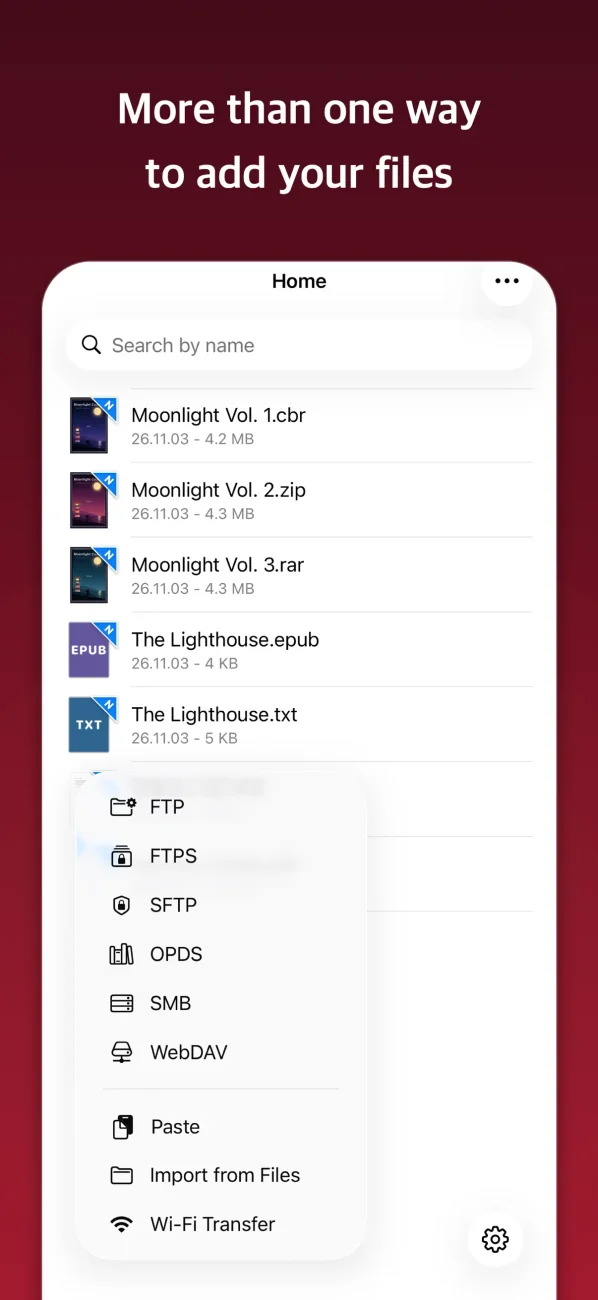
· Wi-Fi Transfer — open the address shown on screen in your computer's browser and drop files in. No cable needed
· Files app, share sheet from other apps, or paste
· Drag and drop on iPad
■ BOOK SERVERS
· Connect to OPDS, SMB, WebDAV and FTP servers
· Tap a book to read it right away, without downloading
· Save books to your library, or a whole folder at once
■ HIDDEN FOLDER
· Hide books and folders you would rather not show, and bring them back with Face ID
■ WHERE YOU LEFT OFF
· Every book reopens at the page you stopped on
· Syncs your place across your iPhone, iPad and Mac through your own iCloud
■ NO ACCOUNT, NOTHING COLLECTED
· No sign-up
· Your books stay on your device. Nothing is collected
· Works without an internet connection
(Wi-Fi Transfer stays within your own network, and book servers are only the ones you add)
Nouveautés
Version 1.4 · 20/11/2026
New in 1.4
- Page turns now follow your page turn setting
- Other bug fixes
Confidentialité de l’application
Ce que Jaehyun Shin déclare sur l’App Store au sujet du traitement des données par cette application.
-
Données non collectées
Le développeur ne collecte aucune donnée à partir de cette application.
Les pratiques en matière de confidentialité peuvent varier, notamment en fonction des fonctionnalités que vous utilisez ou de votre âge.
Informations
- Vendeur
- Jaehyun Shin
- Catégorie
- Livres
- Version
- 1.4
- Mis à jour
- 20/11/2026
- Publié
- 29/09/2026
- Taille
- 67,8 Mo
- Nécessite
- iOS 17.4 ou version ultérieure
- Classification d’âge
- 4+
- Prix
- Gratuit
- Langues
- Anglais, Coréen
- Copyright
- © 2026 Jay
Vous aimerez peut-être aussi
-
 SSUKView - Comic, eBook ReaderLivres
-
 Comicbreath : lecteur de BDDouble page sur Duo et iPad
-
 TritonPanels Lecteur de BDCBZ, CBR, mangas et PDF
-
 Paper Comic ReaderLivres
-
 ComicJet : Lecteur BD & MangaLecteur CBZ CBR 7Z PDF rapide
-
 Booklip — eBook ReaderLivres
-
 Emaki - Lecteur manga & imagesTraduire les bulles et écouter
-
 Halftone: Comic & Manga ReaderLivres
-
 Versa : Lecteur Manga & BDLiseuse CBZ, CBR, PDF, ZIP NAS
-
 Aurivo AudioLivres