- Age rating4+
- CategoryBooks
- DeveloperJaehyun Shin
- LanguagesEnglish+ 1 more
- Size67.8 MB
Links to the official App Store page
Download.org hosts no file of Anyview - Comic & Book Reader. The button opens its official App Store page, published by Jaehyun Shin. Listing last checked on Nov 23, 2026.
Screenshots



About
Comics and books in one app. Free, with no ads.
Open archives without unzipping, and read books on a server without downloading.
Start on your iPhone and pick up where you left off on your iPad or Mac.
■ FREE, ALWAYS
· Every feature is free. Nothing is locked
· No ads, no subscription, no trial period
· No in-app purchases of any kind
■ FORMATS
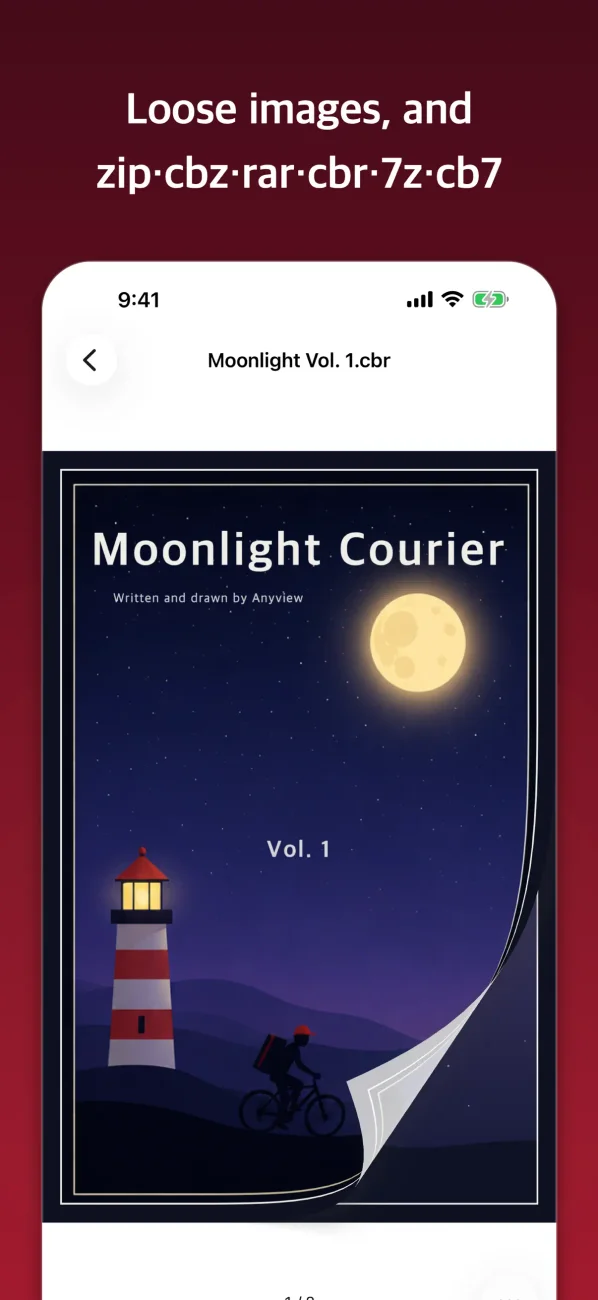
· Archives — zip, cbz, rar, cbr, 7z, cb7, tar, cbt
· Images — png, jpg, gif, webp, heic and more
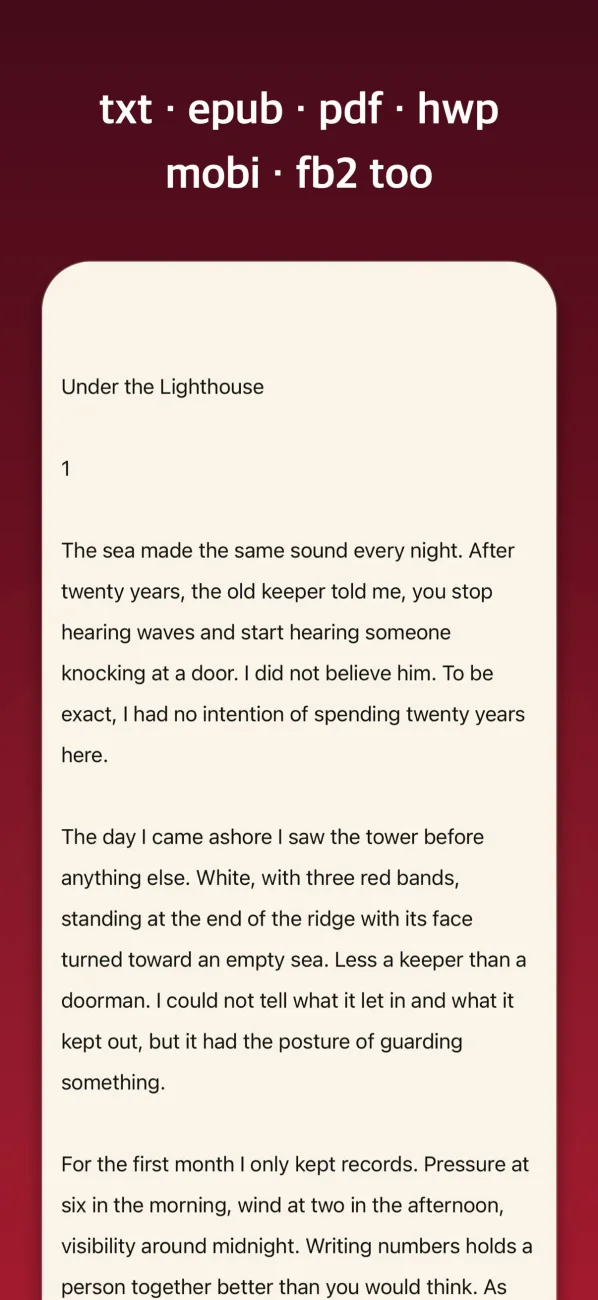
· E-books — epub, mobi, azw3, fb2
· Text — txt, html
· Documents — pdf, hwp, hwpx
■ READING COMICS
· Page turn — Page Curl, Slide, Instant, or Continuous Scroll
· Left-to-right or right-to-left reading
· Two pages, split wide pages, trim edges
· Invert colors
· Auto-Turn at an interval you choose
· Carry on into the next volume when one ends
■ READING TEXT
· Three themes (White, Ivory, Night) with Light, Dark or Match Screen Mode
· Adjust typeface, text size, line, letter and word spacing, and side margins
· Add your own font files
· Auto-format paragraphs in text with broken line breaks
· Contents, bookmarks, and search within the book (with recent searches)
· Jump back with ↶ after moving by contents or search
■ READ ALOUD (TTS)
· Text is read aloud
· Speed from 0.5x to 2x
· Sleep timer — 15, 30 or 60 minutes
· Keeps reading with the screen off or in another app, with Lock Screen controls
■ ADDING FILES
· Wi-Fi Transfer — open the address shown on screen in your computer's browser and drop files in. No cable needed
· Files app, share sheet from other apps, or paste
· Drag and drop on iPad
■ BOOK SERVERS
· Connect to OPDS, SMB, WebDAV and FTP servers
· Tap a book to read it right away, without downloading
· Save books to your library, or a whole folder at once
■ HIDDEN FOLDER
· Hide books and folders you would rather not show, and bring them back with Face ID
■ WHERE YOU LEFT OFF
· Every book reopens at the page you stopped on
· Syncs your place across your iPhone, iPad and Mac through your own iCloud
■ NO ACCOUNT, NOTHING COLLECTED
· No sign-up
· Your books stay on your device. Nothing is collected
· Works without an internet connection
(Wi-Fi Transfer stays within your own network, and book servers are only the ones you add)
What’s new
Version 1.4 · Nov 20, 2026
New in 1.4
- Page turns now follow your page turn setting
- Other bug fixes
App privacy
What Jaehyun Shin declares on the App Store about how this app handles data.
-
Data not collected
The developer does not collect any data from this app.
Privacy practices may vary, for example with the features you use or your age.
Information
- Seller
- Jaehyun Shin
- Category
- Books
- Version
- 1.4
- Updated
- Nov 20, 2026
- Released
- Sep 29, 2026
- Size
- 67.8 MB
- Requires
- iOS 17.4 or later
- Age rating
- 4+
- Price
- Free
- Languages
- English, Korean
- Copyright
- © 2026 Jay
You might also like
-
 SSUKView - Comic, eBook ReaderRead ZIP, PDF & cloud comics
-
 Comicbreath: Comic Book ReaderCBZ, CBR & PDF manga on Duo
-
 TritonPanels Comic Book ReaderCBZ, CBR, Manga & PDF Reader
-
 Paper Comic ReaderPaper like CBZ comic reader
-
 ComicJet: Comic & Manga ReaderFast CBZ CBR 7Z PDF TXT viewer
-
 Booklip — eBook ReaderRead EPUB, PDF, TXT with TTS
-
 Emaki - Manga & Image ViewerTranslate bubbles & read aloud
-
 Halftone: Comic & Manga ReaderRead from Komga, Kavita & NAS
-
 Versa: Comic & Manga ReaderCBZ CBR PDF ZIP Viewer & NAS
-
 Aurivo AudioClip, search, & organize audio