AP Visual Memory Trainer
Schulte Table & Match Numbers
Conçue pour iPhone, iPad, Mac
Gratuit · Achats intégrés
- Classification d’âge4+
- CatégorieÉducation
- DéveloppeurAleksandrs Pilugins
- LanguesAnglais+ 9 de plus
- Taille9,1 Mo
Renvoie vers la page App Store officielle
Download.org n’héberge aucun fichier de AP Visual Memory Trainer. Le bouton ouvre la page de l’application sur App Store, où Aleksandrs Pilugins la publie. Fiche vérifiée pour la dernière fois le 16/11/2026.
Captures d’écran
À propos
Le développeur n’a pas fourni ce texte dans votre langue.
The AP Visual Memory Trainer — a fun and interactive iOS app designed especially for students of all ages! This app uses a clever trick called Schulte Tables, which are grids that help sharpen your focus, memory, and visual skills.
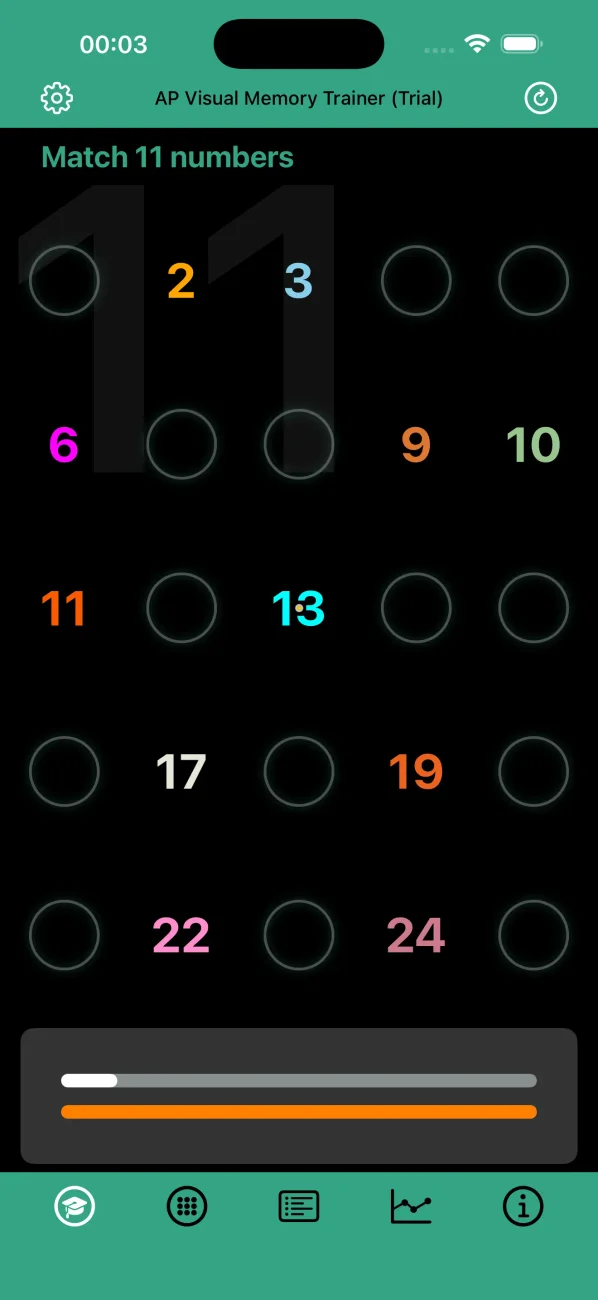
Imagine a 5×5 grid filled with 25 cells, and two exciting games that challenge you in different ways:
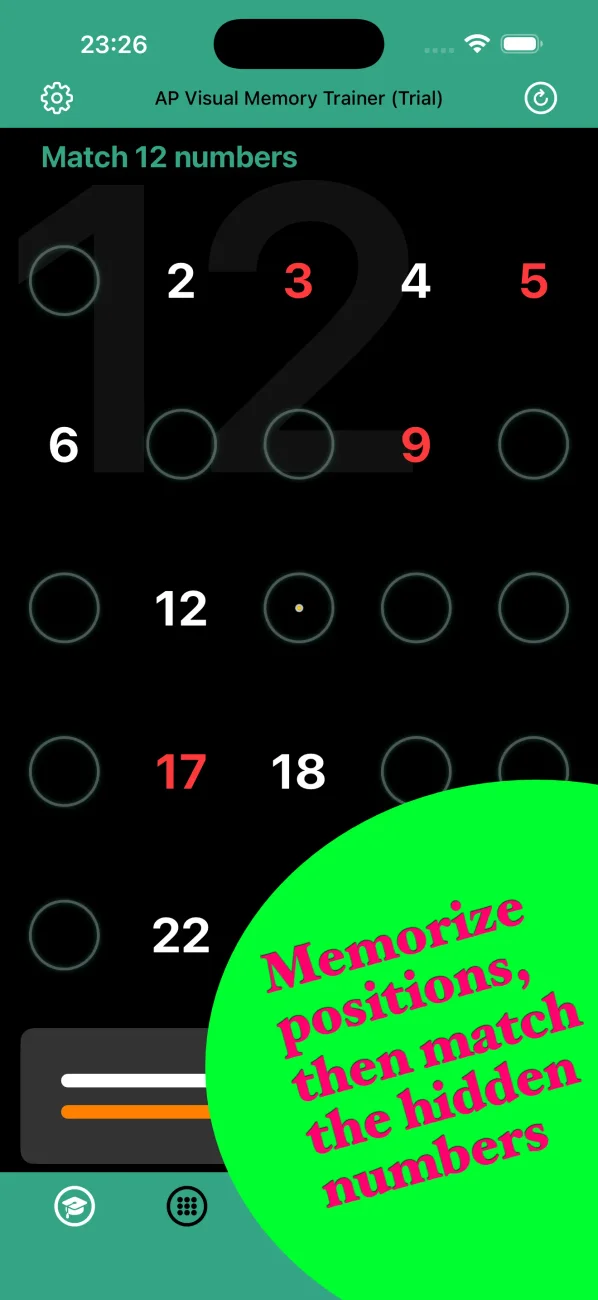
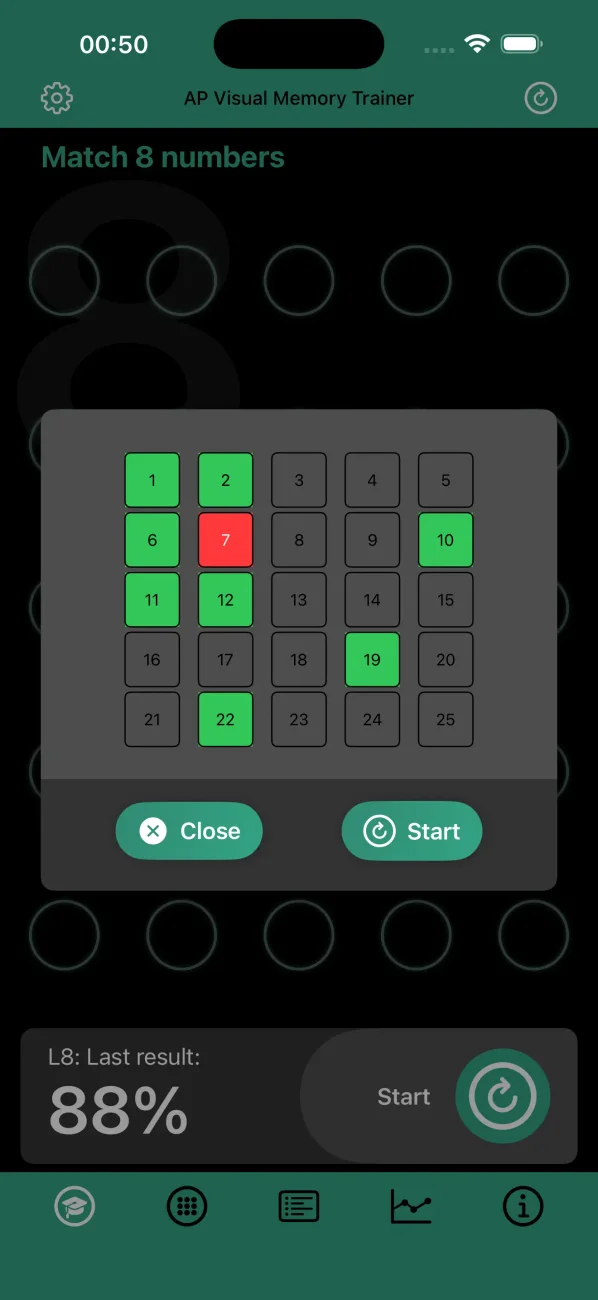
1. Visual Memory Challenge (Match Numbers)
In this game, you get to train your memory by looking at a grid where some cells show numbers for just a second. Your task is to remember exactly where these numbers are placed. You can choose how many spots you want to test yourself on, making it as easy or as challenging as you like!
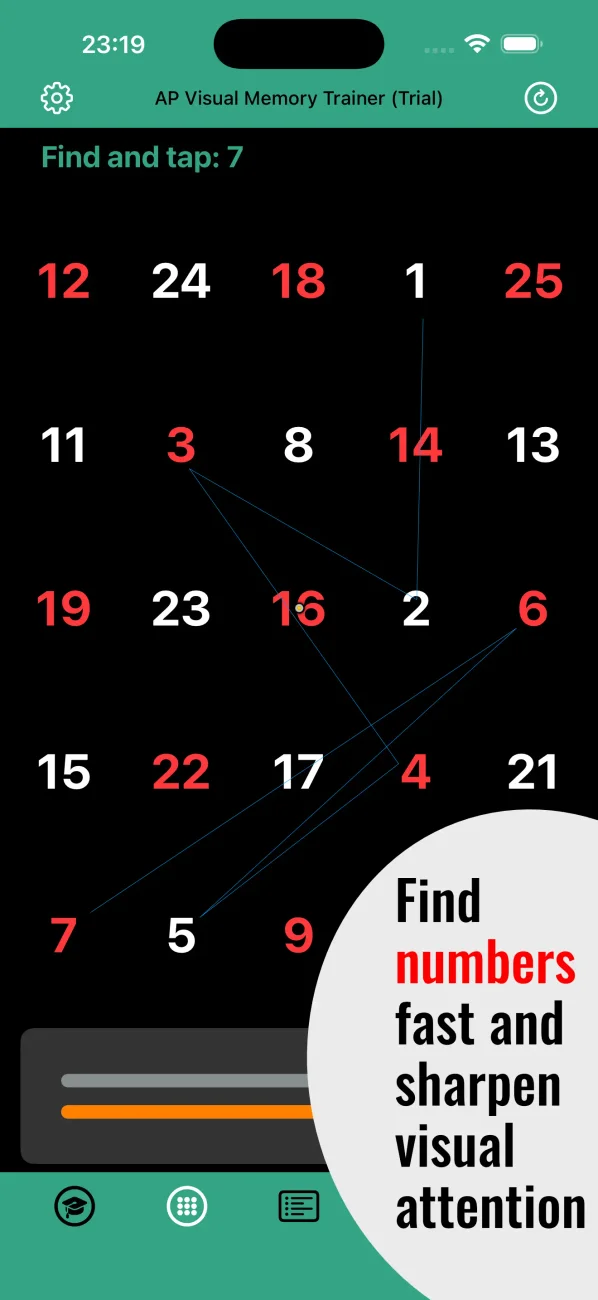
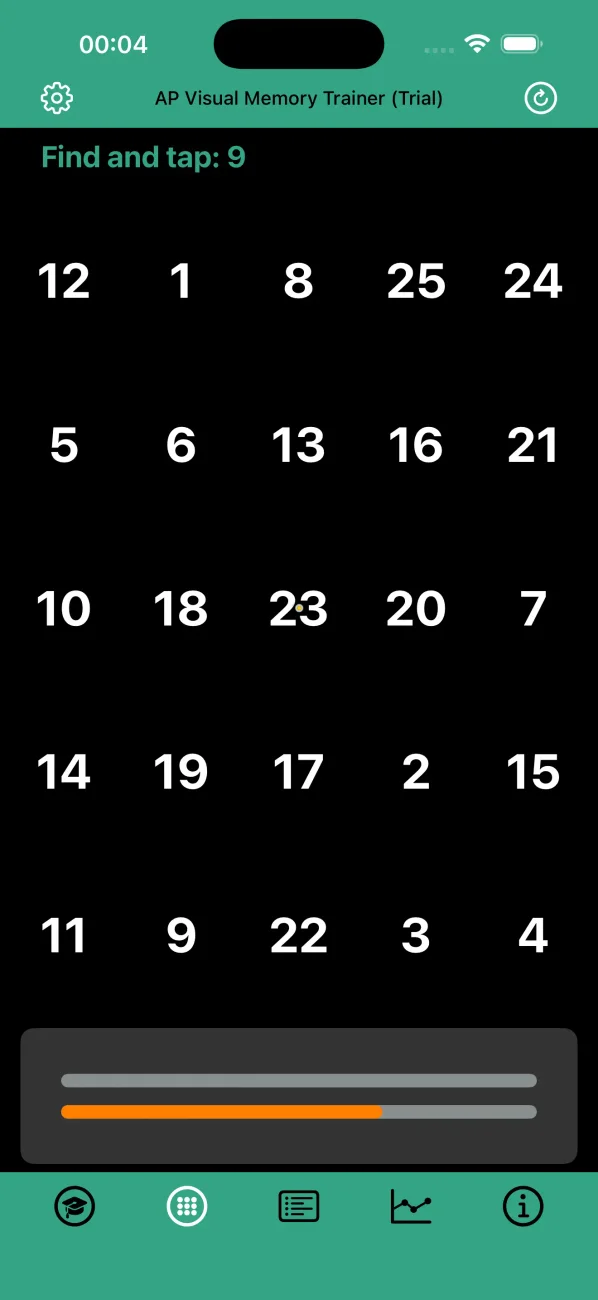
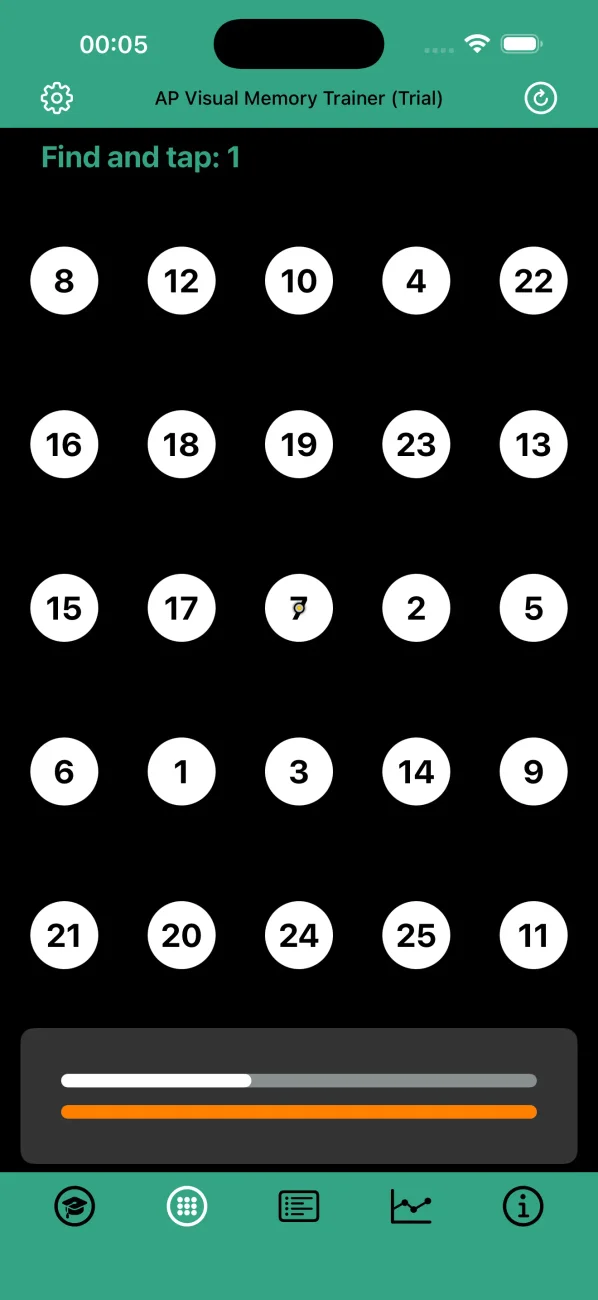
2. Sequence Sprint (Schulte Table)
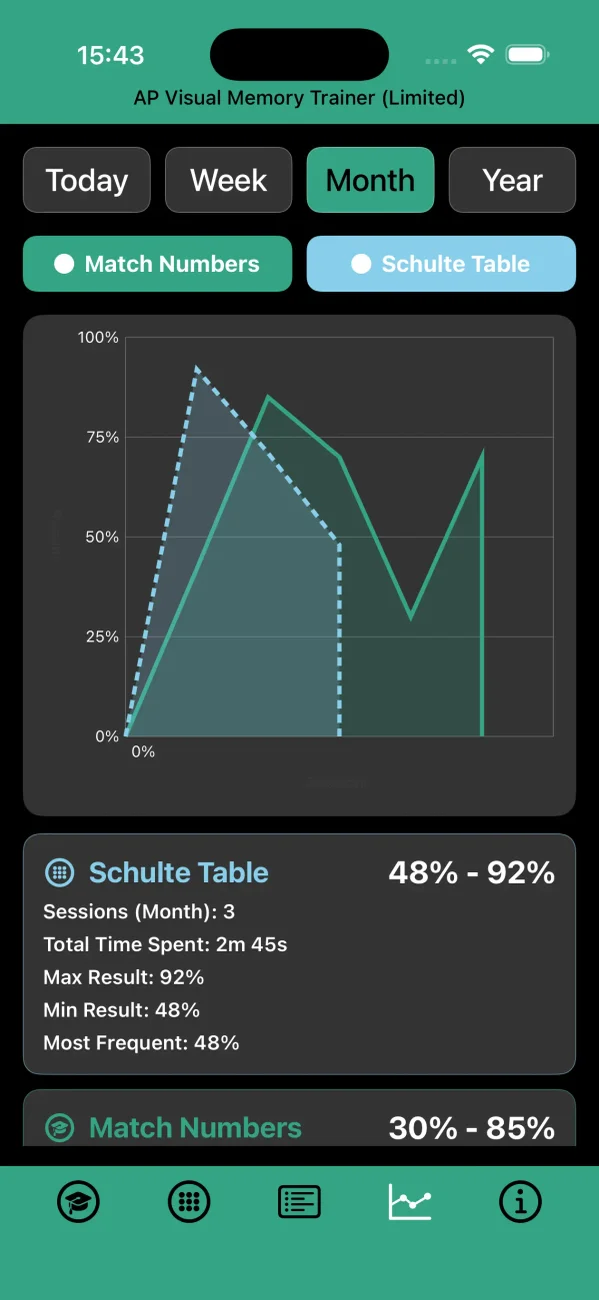
You can monitor your activity and progress using History and Statistics tabsHere’s a fast-paced challenge where you must find and tap all 25 numbers in the right order as quickly as possible. It’s like a race against time that helps sharpen your focus and speeds up your thinking.
You are able to monitor your activity and progress using History and Statistics tabs.
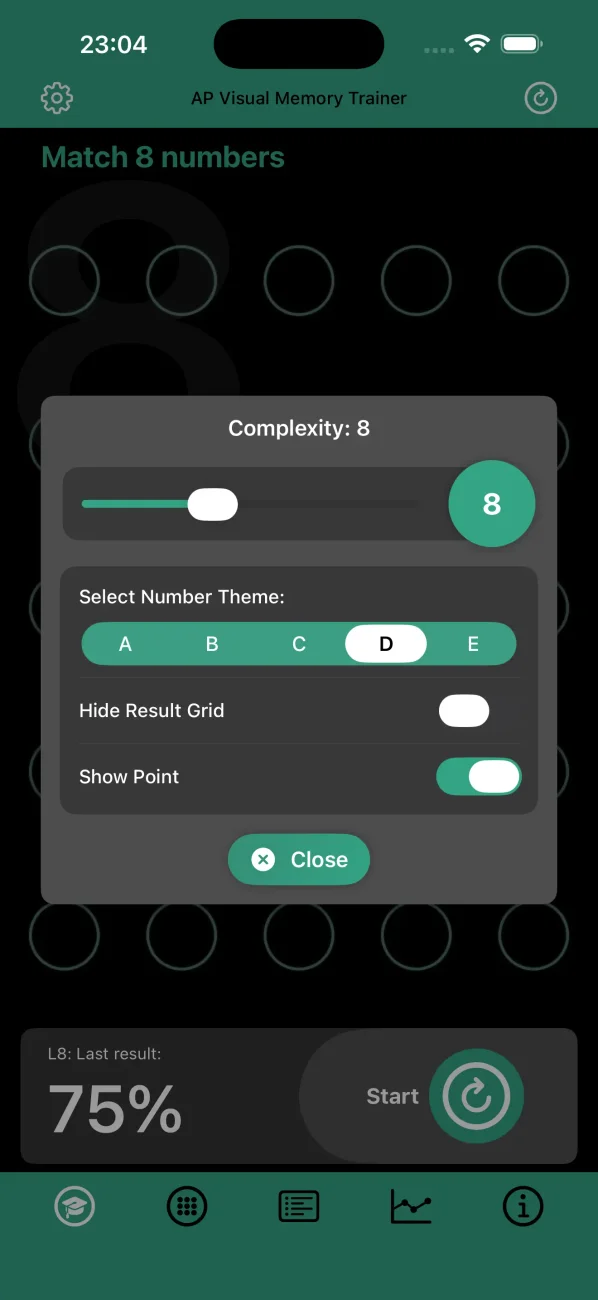
You can use the focus (concentration) marker in the center of the screen to properly develop your peripheral vision.
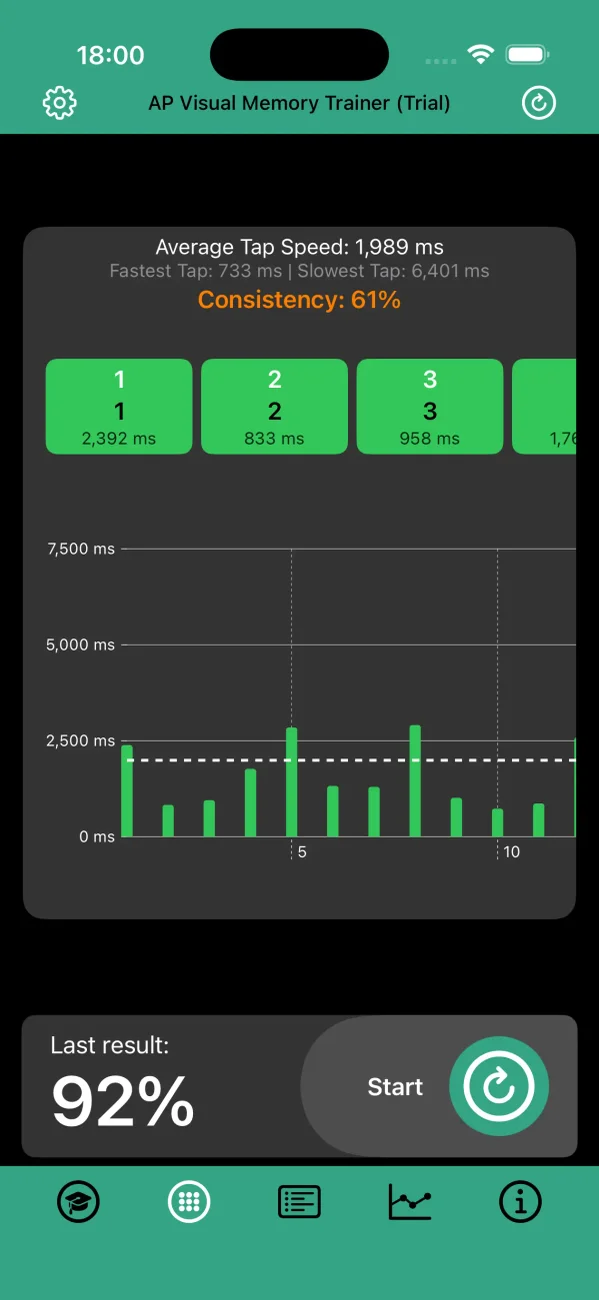
To diversify your user experience with the app, you can choose from several themes for numbers. After each session of the game, the app calculates the percentage of your success and provides additional visual information that you can use for self-checking and improving of your skills.
Nouveautés
Version 3.5 · 31/10/2026
Version 3.5 brings more flexible training and clearer progress tracking to your iPhone and iPad.
• Practice at your own pace — turn off the Schulte Table countdown and focus on accuracy. Each round has a 30-minute limit, and results are saved automatically.
• Add a consistency challenge — choose whether the steadiness of your tapping rhythm contributes to your score.
• Explore clearer progress charts — show or hide results for rounds played without the timer or with consistency scoring.
• Review each session — history now records timer and consistency settings. The Tap Speed Chart also shows total time and any consistency adjustment.
• Enjoy responsive feedback — number selections animate, while incorrect choices trigger a gentle shake. Animations respect your device’s Reduce Motion setting.
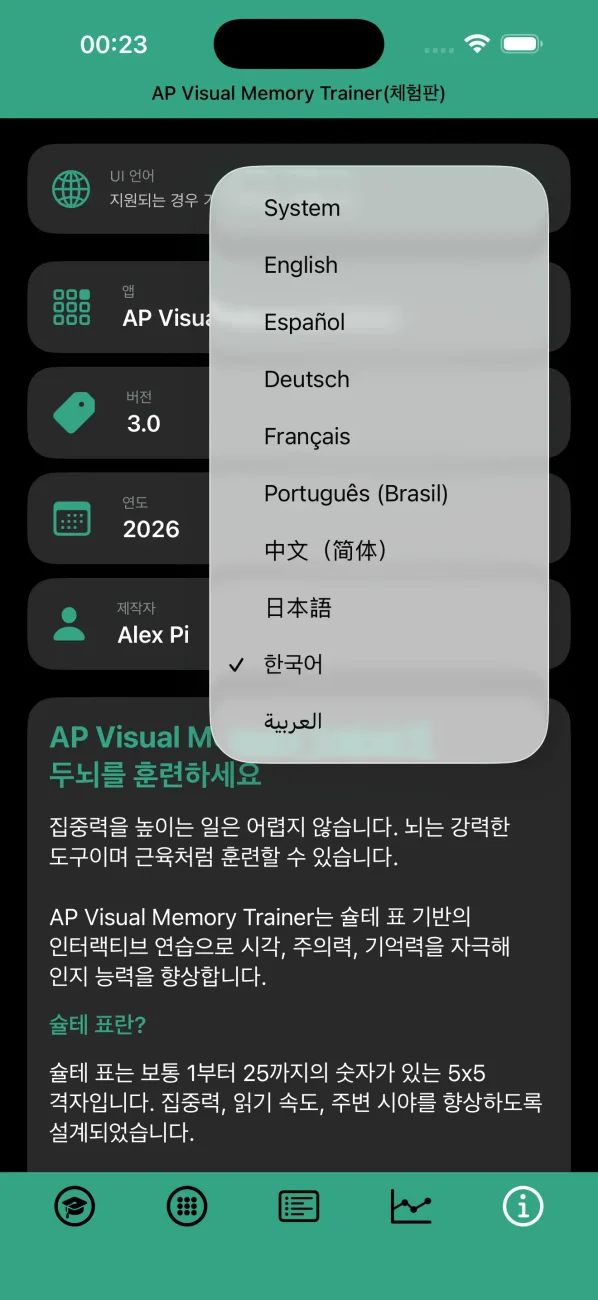
• Use the app in Russian — Russian translations are now available throughout the interface.
• Refined settings and layout — more compact settings panels and a clearer central-point option.
• Enjoy three days without adverts. After the trial, continue using all core features with adverts, or purchase the full version to remove them.
Confidentialité de l’application
Ce que Aleksandrs Pilugins déclare sur l’App Store au sujet du traitement des données par cette application.
-
Données non collectées
Le développeur ne collecte aucune donnée à partir de cette application.
Les pratiques en matière de confidentialité peuvent varier, notamment en fonction des fonctionnalités que vous utilisez ou de votre âge.
Informations
- Vendeur
- Aleksandrs Pilugins
- Catégorie
- Éducation
- Version
- 3.5
- Mis à jour
- 31/10/2026
- Publié
- 25/03/2025
- Taille
- 9,1 Mo
- Nécessite
- iOS 17.6 ou version ultérieure
- Classification d’âge
- 4+
- Prix
- Gratuit
- Achats intégrés
- Oui
- Langues
- Anglais, Arabe, Français, Allemand, Japonais, Coréen, Portugais, Russe, Chinois simplifié, Espagnol
- Copyright
- © Alex Pilugins
Vous aimerez peut-être aussi
-
 Sens des Aires - IQ SpatialJeu de Puzzle Cérébral Spatial
-
 German Words & IdiomsÉducation
-
 Vocabla – Language learningÉducation
-
 Pilot MathÉducation
-
 Sensory BoardsÉducation
-
 Babble BoxÉducation
-
 IGCSE MASTERYÉducation
-
 11 Plus Net CubeÉducation
-
 Algebra QuestÉducation
-
 dob – perception visuelleEntraînement de la pv