AP Visual Memory Trainer
Schulte Table & Match Numbers
iPhone, iPad, Mac向けに設計
無料 · アプリ内課金
- 対象年齢4+
- カテゴリ教育
- 開発元Aleksandrs Pilugins
- 言語英語ほか9言語
- サイズ9.1 MB
App Storeの公式ページにリンクしています
Download.orgはAP Visual Memory Trainerのファイルを一切ホストしていません。ボタンを押すと、Aleksandrs Piluginsが公開しているApp Storeのアプリページが開きます。ページの最終確認:2026/11/16。
スクリーンショット
概要
開発元はこのテキストをお使いの言語で提供していません。
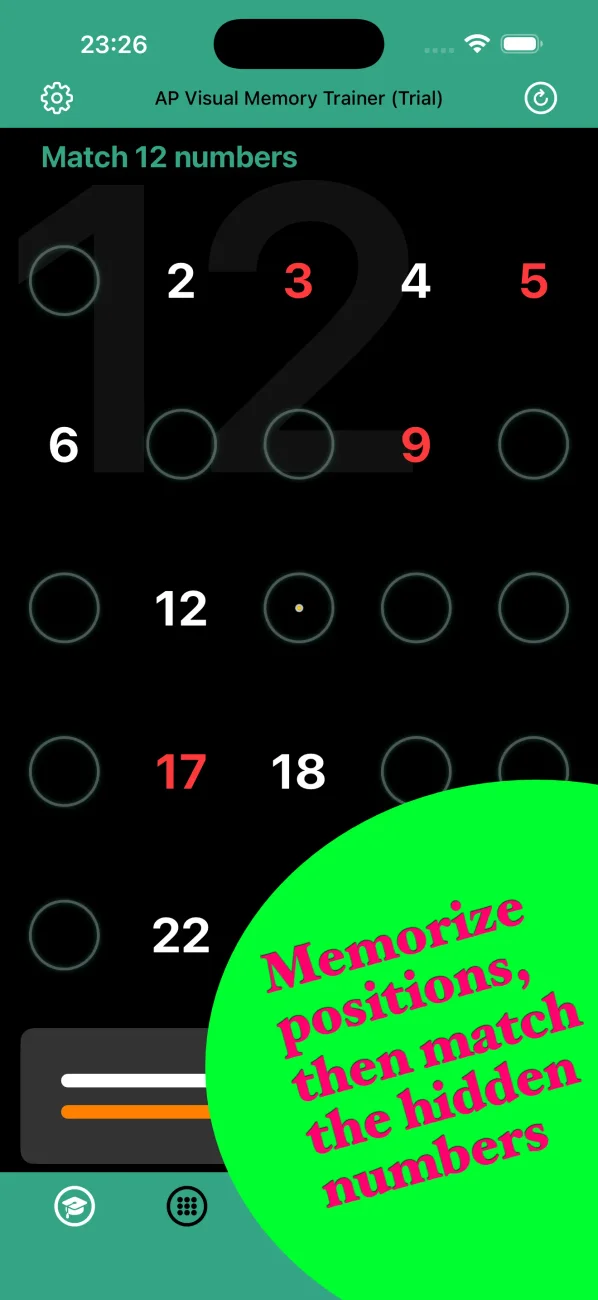
The AP Visual Memory Trainer — a fun and interactive iOS app designed especially for students of all ages! This app uses a clever trick called Schulte Tables, which are grids that help sharpen your focus, memory, and visual skills.
Imagine a 5×5 grid filled with 25 cells, and two exciting games that challenge you in different ways:
1. Visual Memory Challenge (Match Numbers)
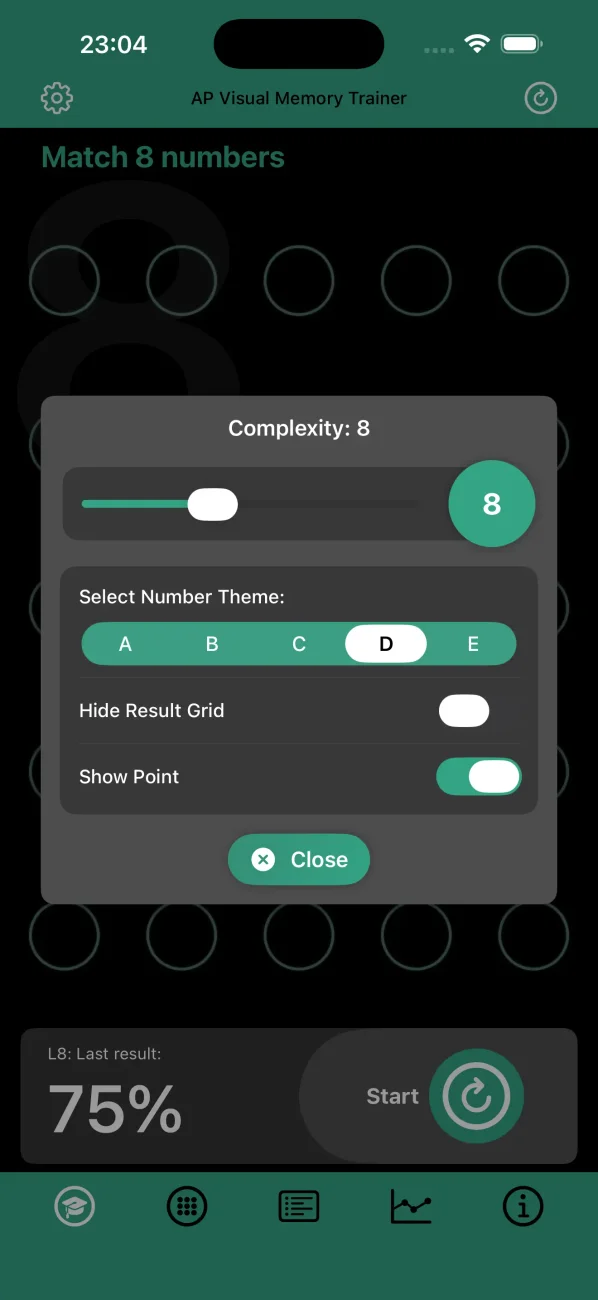
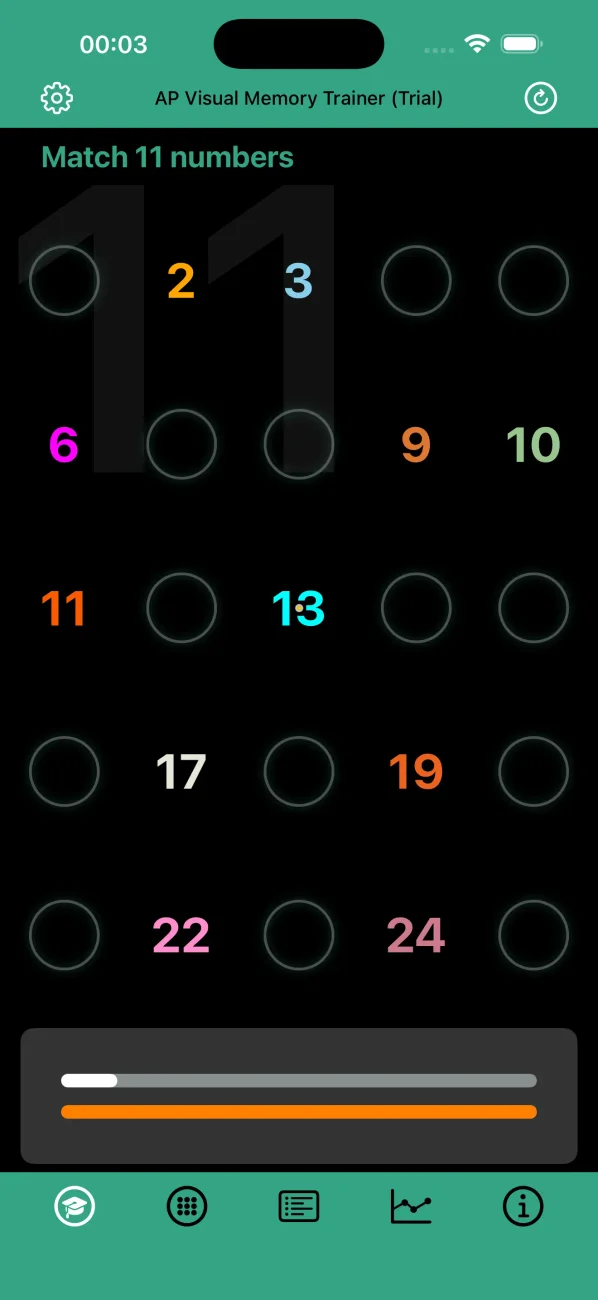
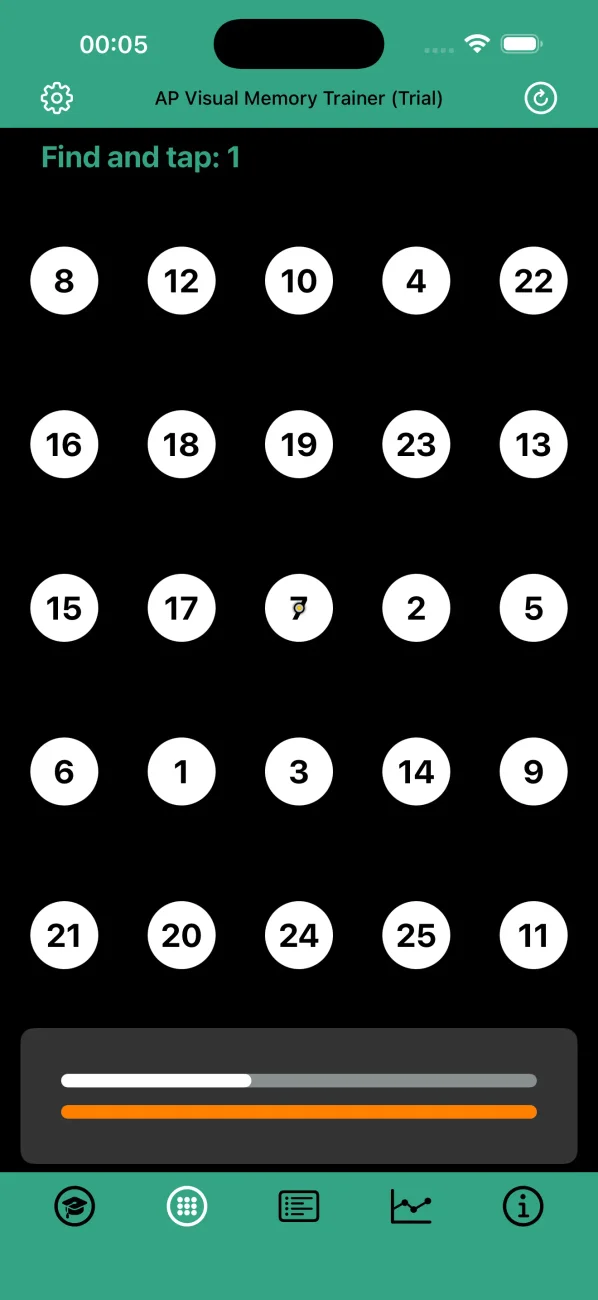
In this game, you get to train your memory by looking at a grid where some cells show numbers for just a second. Your task is to remember exactly where these numbers are placed. You can choose how many spots you want to test yourself on, making it as easy or as challenging as you like!
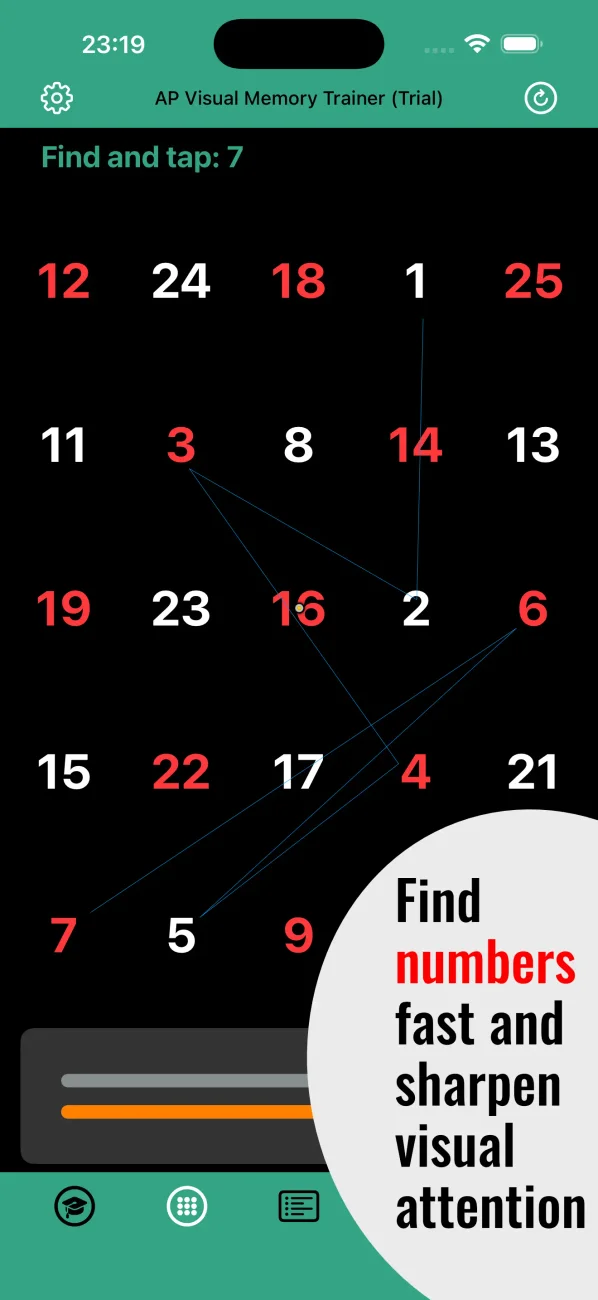
2. Sequence Sprint (Schulte Table)
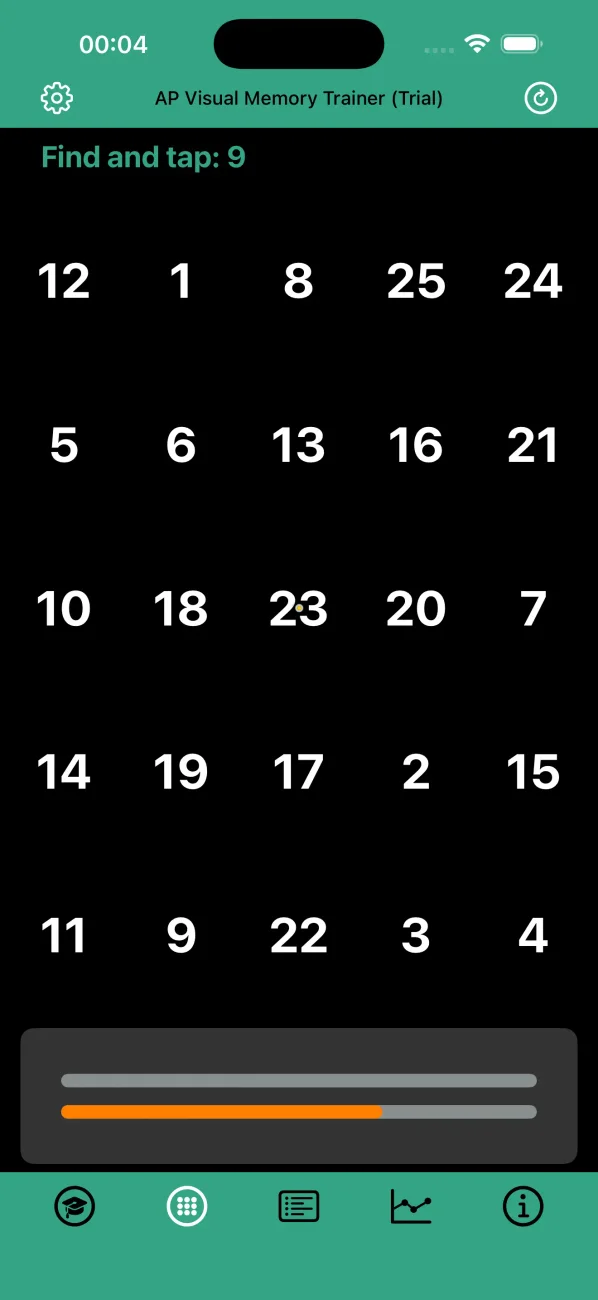
You can monitor your activity and progress using History and Statistics tabsHere’s a fast-paced challenge where you must find and tap all 25 numbers in the right order as quickly as possible. It’s like a race against time that helps sharpen your focus and speeds up your thinking.
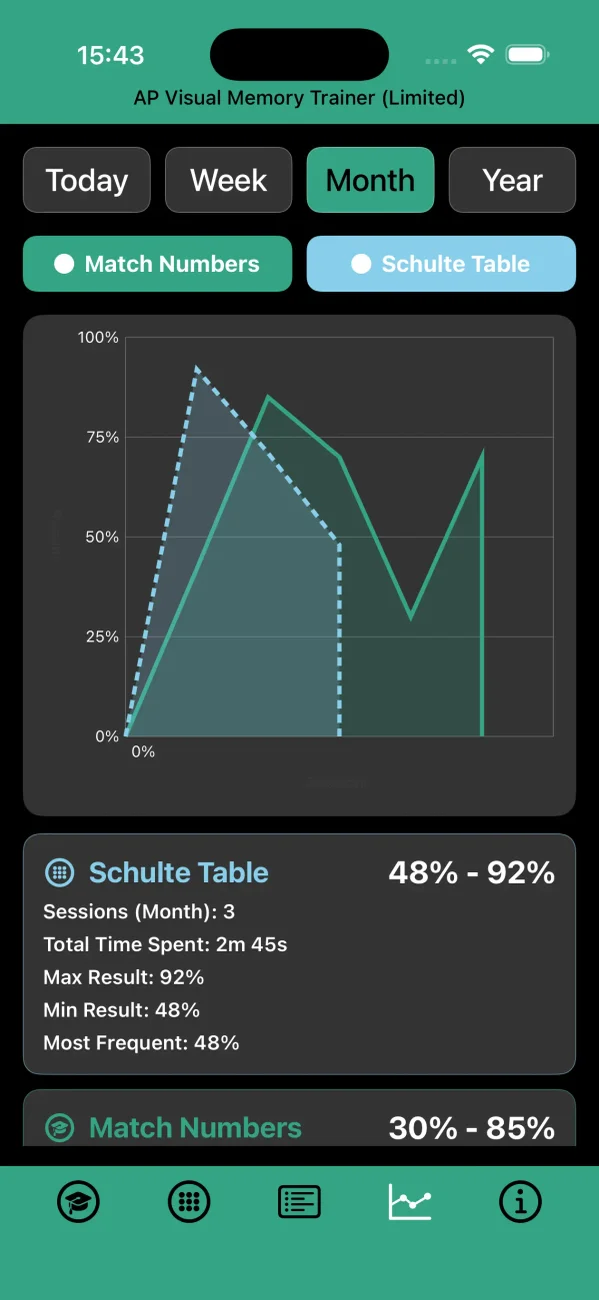
You are able to monitor your activity and progress using History and Statistics tabs.
You can use the focus (concentration) marker in the center of the screen to properly develop your peripheral vision.
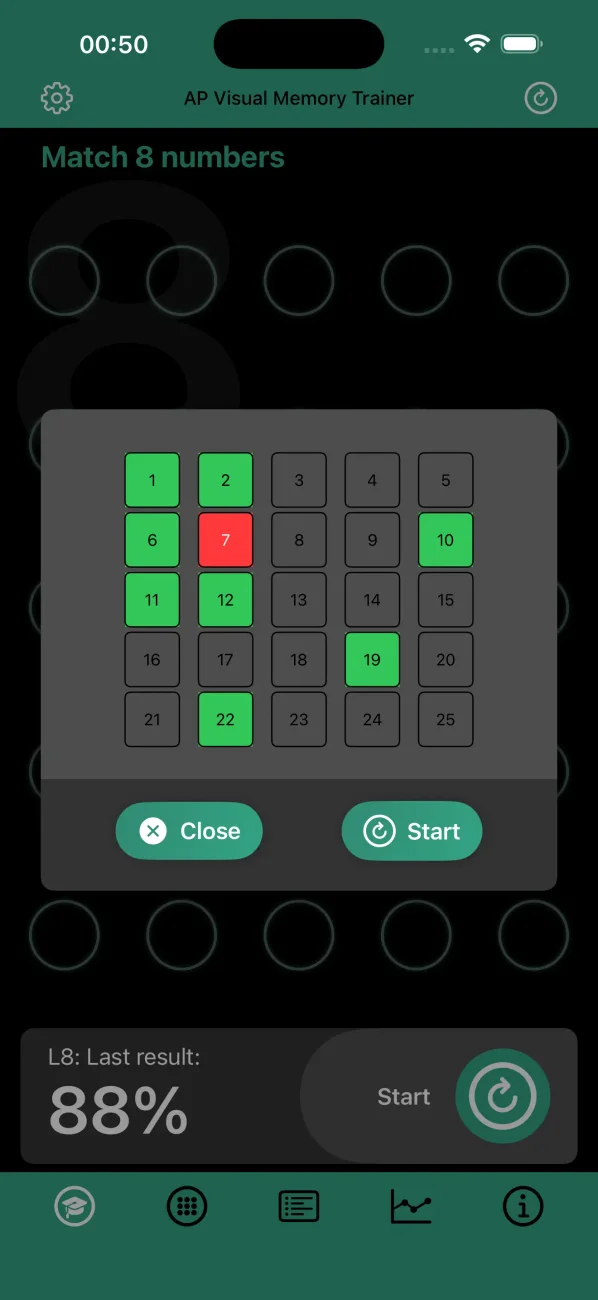
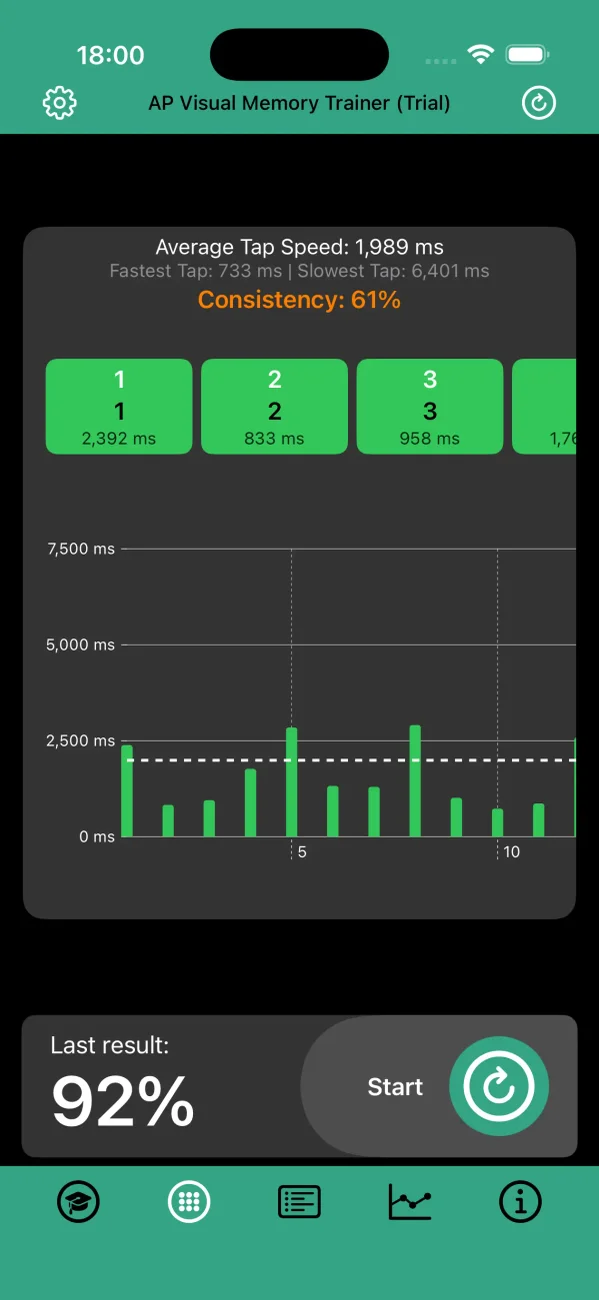
To diversify your user experience with the app, you can choose from several themes for numbers. After each session of the game, the app calculates the percentage of your success and provides additional visual information that you can use for self-checking and improving of your skills.
新機能
バージョン 3.5 · 2026/10/31
Version 3.5 brings more flexible training and clearer progress tracking to your iPhone and iPad.
• Practice at your own pace — turn off the Schulte Table countdown and focus on accuracy. Each round has a 30-minute limit, and results are saved automatically.
• Add a consistency challenge — choose whether the steadiness of your tapping rhythm contributes to your score.
• Explore clearer progress charts — show or hide results for rounds played without the timer or with consistency scoring.
• Review each session — history now records timer and consistency settings. The Tap Speed Chart also shows total time and any consistency adjustment.
• Enjoy responsive feedback — number selections animate, while incorrect choices trigger a gentle shake. Animations respect your device’s Reduce Motion setting.
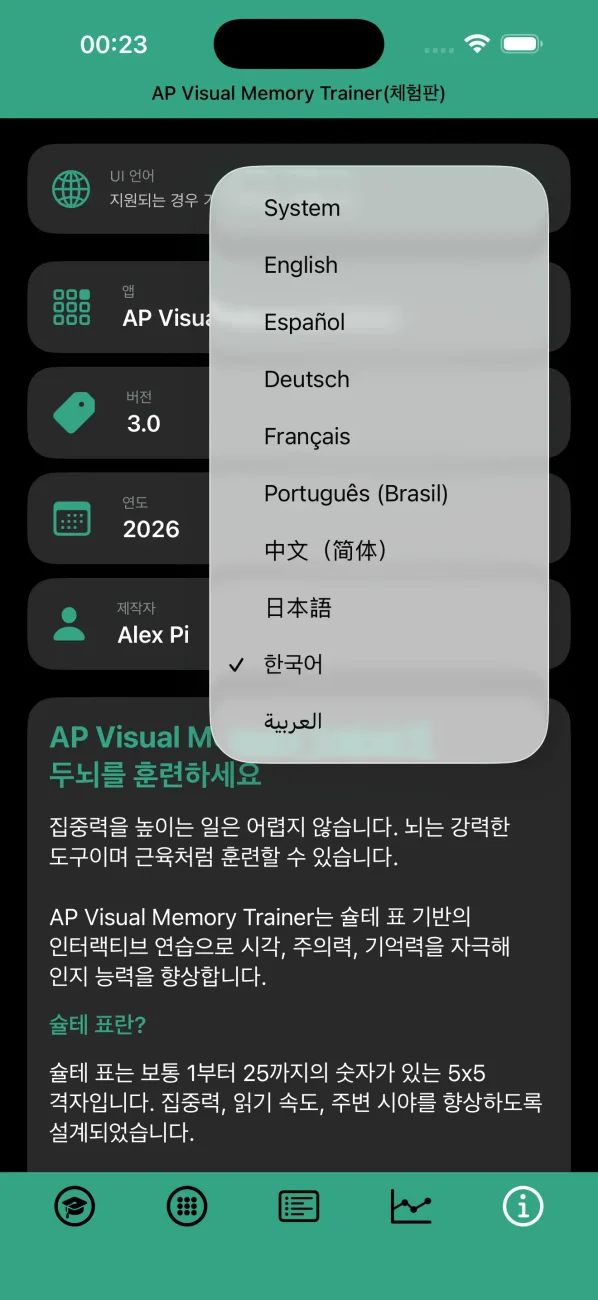
• Use the app in Russian — Russian translations are now available throughout the interface.
• Refined settings and layout — more compact settings panels and a clearer central-point option.
• Enjoy three days without adverts. After the trial, continue using all core features with adverts, or purchase the full version to remove them.
アプリのプライバシー
このアプリのデータの取り扱いについて、Aleksandrs PiluginsがApp Storeで申告している内容です。
-
データの収集なし
開発元はこのアプリからデータを収集しません。
プライバシーの取り扱いは、ご利用の機能やお客様の年齢などに応じて異なる場合があります。
情報
- 販売元
- Aleksandrs Pilugins
- カテゴリ
- 教育
- バージョン
- 3.5
- 更新日
- 2026/10/31
- リリース
- 2025/3/25
- サイズ
- 9.1 MB
- 必要条件
- iOS 17.6以降
- 対象年齢
- 4+
- 価格
- 無料
- アプリ内課金
- あり
- 言語
- 英語, アラビア語, フランス語, ドイツ語, 日本語, 韓国語, ポルトガル語, ロシア語, 簡体字中国語, スペイン語
- 著作権
- © Alex Pilugins