
Authenticator App — 2FA Codes
Offline codes for 2-step login
Conçue pour iPhone, iPad, Mac
Gratuit
- Classification d’âge4+
- CatégorieUtilitaires
- Développeurhaoqiang shan
- LanguesAnglais
- Taille46,6 Mo
Renvoie vers la page App Store officielle
Download.org n’héberge aucun fichier de Authenticator App — 2FA Codes. Le bouton ouvre la page de l’application sur App Store, où haoqiang shan la publie. Fiche vérifiée pour la dernière fois le 14/11/2026.
Captures d’écran
À propos
Le développeur n’a pas fourni ce texte dans votre langue.
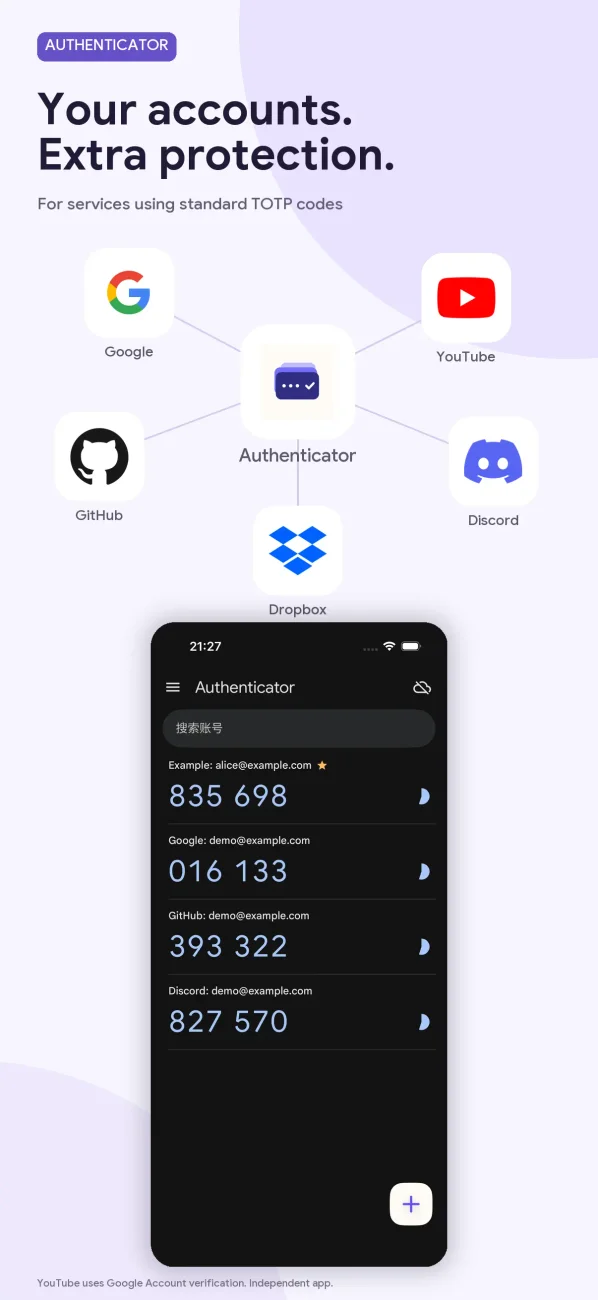
Authenticator — Secure Codes keeps your two-step verification accounts organized.
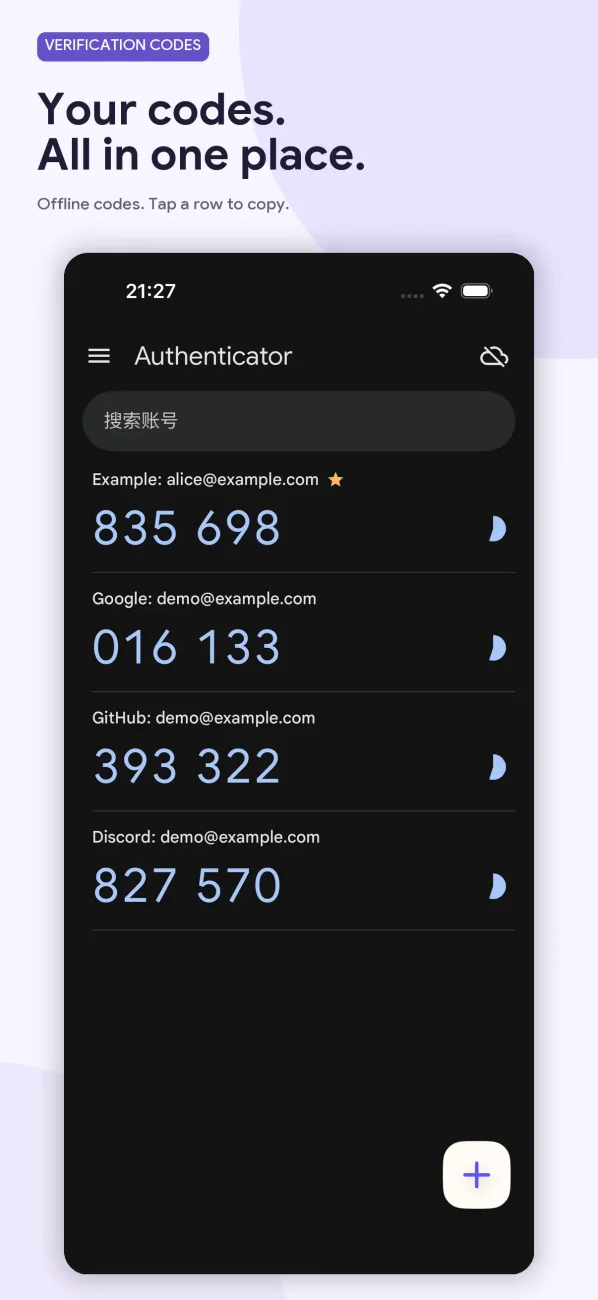
• Offline verification codes
Generate standard time-based (TOTP) and counter-based (HOTP) codes without creating an app account. Compatible with services using standard one-time passwords. Proprietary push approvals are not supported.
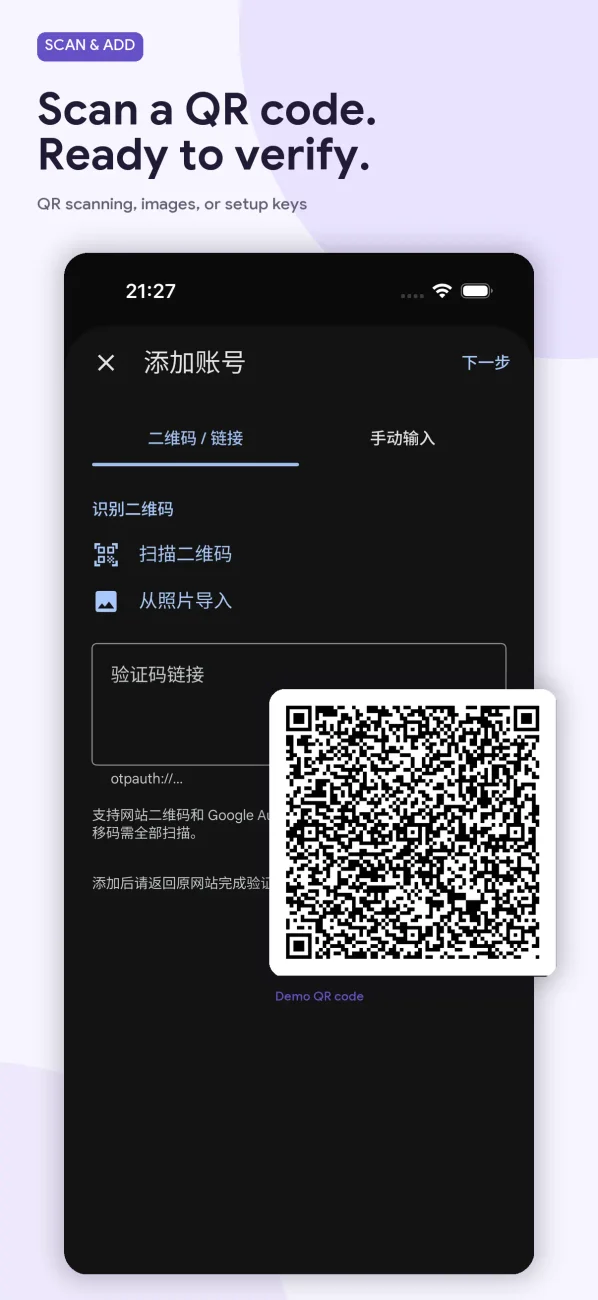
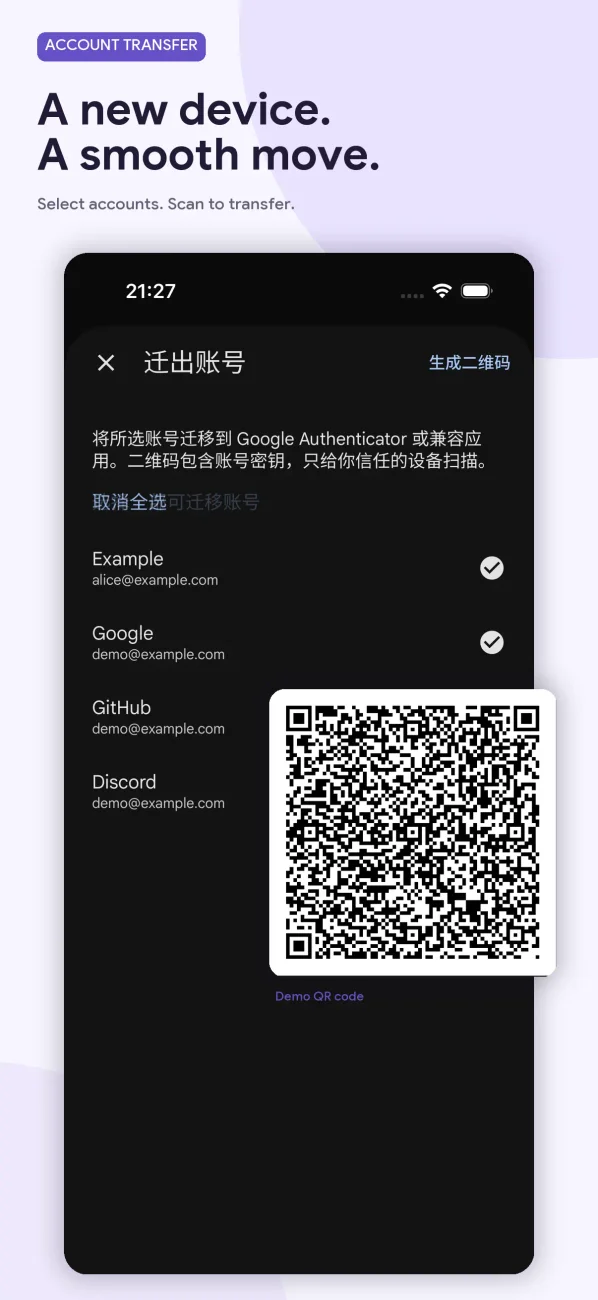
• Add and migrate accounts
Scan a QR code, import a QR image, or enter a setup key manually. Import Google Authenticator migration QR codes; scan every page in a multi-part transfer.
• Find and manage codes
Search, favorite, and edit accounts. Tap or click an account row to copy its code. Restore accidentally deleted accounts from Recently Deleted.
• Encrypted storage and backups
Account secrets are encrypted on your device. Enable optional app lock and export or restore encrypted backups using a separate passphrase. Keep your backup passphrase safe.
• Across your Apple devices
Native interfaces for iPhone, iPad, Mac, and Apple Watch. Mac can scan QR codes on the screen and show codes in the menu bar. Apple Watch receives selected TOTP accounts from your paired iPhone.
After adding an account, return to the original service to finish setup and save its recovery codes. Advance HOTP counters on only one primary device.
This is an independent app and is not affiliated with Google, Microsoft, or other service providers.
Nouveautés
Version 2.0.2 · 08/11/2026
• Fixed clipped iCloud icons at larger text sizes.
• The iCloud icon now reflects whether automatic sync is enabled.
• Removed background masking and unnecessary reopening when App Lock is off.
• Replaced the blank authentication screen with a frosted privacy backdrop.
• Kept background locking and privacy protection when App Lock is on.
• Improved consistency across iPhone, iPad, Mac and Apple Watch.
Confidentialité de l’application
Ce que haoqiang shan déclare sur l’App Store au sujet du traitement des données par cette application.
-
Données non collectées
Le développeur ne collecte aucune donnée à partir de cette application.
Les pratiques en matière de confidentialité peuvent varier, notamment en fonction des fonctionnalités que vous utilisez ou de votre âge.
Informations
- Vendeur
- haoqiang shan
- Catégorie
- Utilitaires
- Version
- 2.0.2
- Mis à jour
- 08/11/2026
- Publié
- 01/11/2026
- Taille
- 46,6 Mo
- Nécessite
- iOS 17.0 ou version ultérieure
- Classification d’âge
- 4+
- Prix
- Gratuit
- Langues
- Anglais
- Copyright
- © 2026 haoqiang shan
Vous aimerez peut-être aussi
-
 iHELP EmergencyUtilitaires
-
 YingBoxUtilitaires
-
 POST Colis & CourrierUtilitaires
-
 TollTracker : RadarsRadar tronçon, ZFE et dangers
-
 Beko Smart RemoteUtilitaires
-
 MyAccount TelekomUtilitaires
-
 OBDeleven – OBD2 car scannerUtilitaires
-
 Niveau à Bulle: AR, ClinomètreNiveau à eau, Pente, Calibrage
-
 Car Connect, Smart NavigationCar Connect, Smart Navigation
-
 Authentification-A2F (2FA)-MFAAuthentificateur-passe unique