Authenticator App — 2FA Codes
Offline codes for 2-step login
Designed for iPhone, iPad, Mac
Free
- Age rating4+
- CategoryUtilities
- Developerhaoqiang shan
- LanguagesEnglish
- Size46.6 MB
Links to the official App Store page
Download.org hosts no file of Authenticator App — 2FA Codes. The button opens its official App Store page, published by haoqiang shan. Listing last checked on Nov 14, 2026.
Screenshots
About
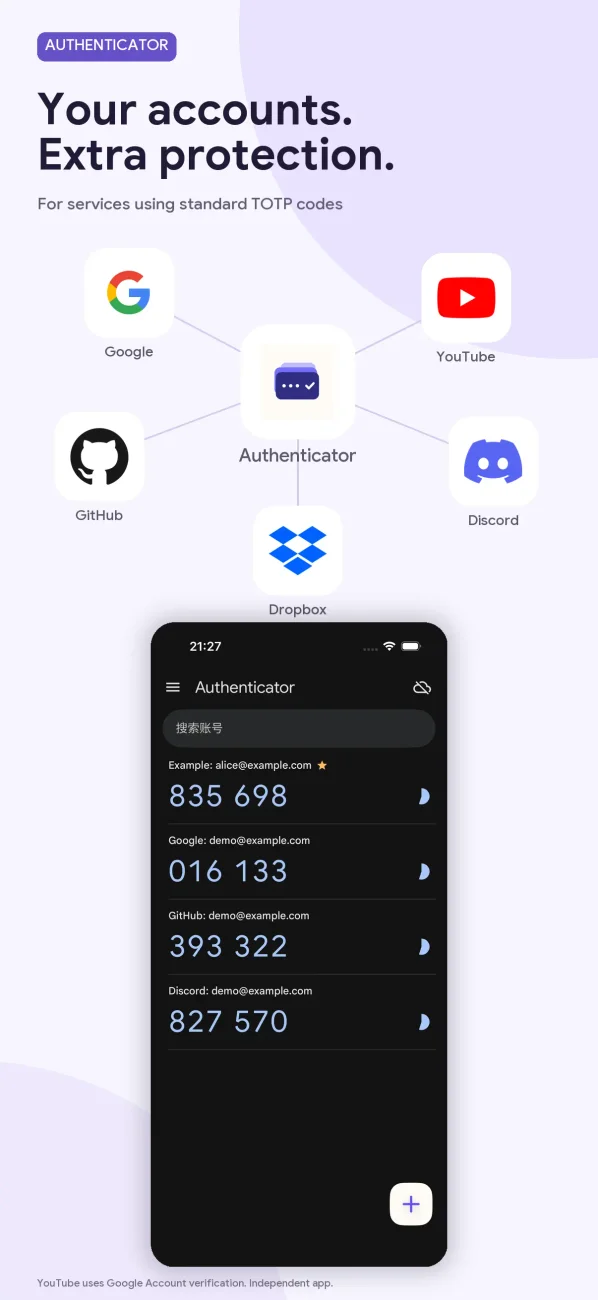
Authenticator — Secure Codes keeps your two-step verification accounts organized.
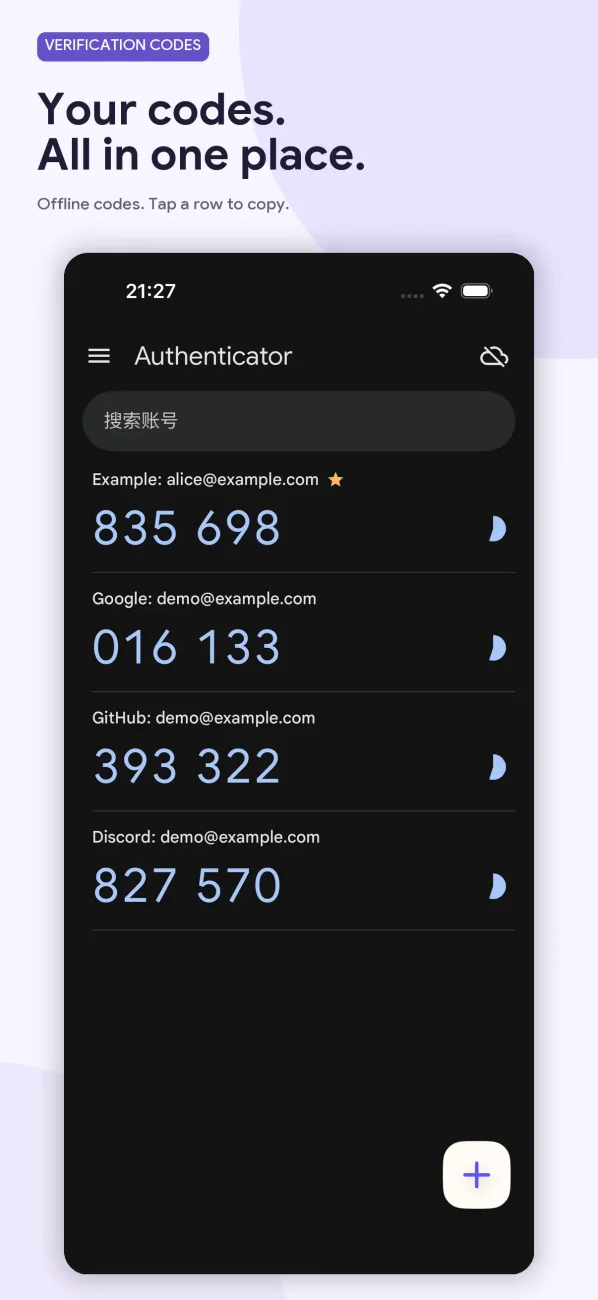
• Offline verification codes
Generate standard time-based (TOTP) and counter-based (HOTP) codes without creating an app account. Compatible with services using standard one-time passwords. Proprietary push approvals are not supported.
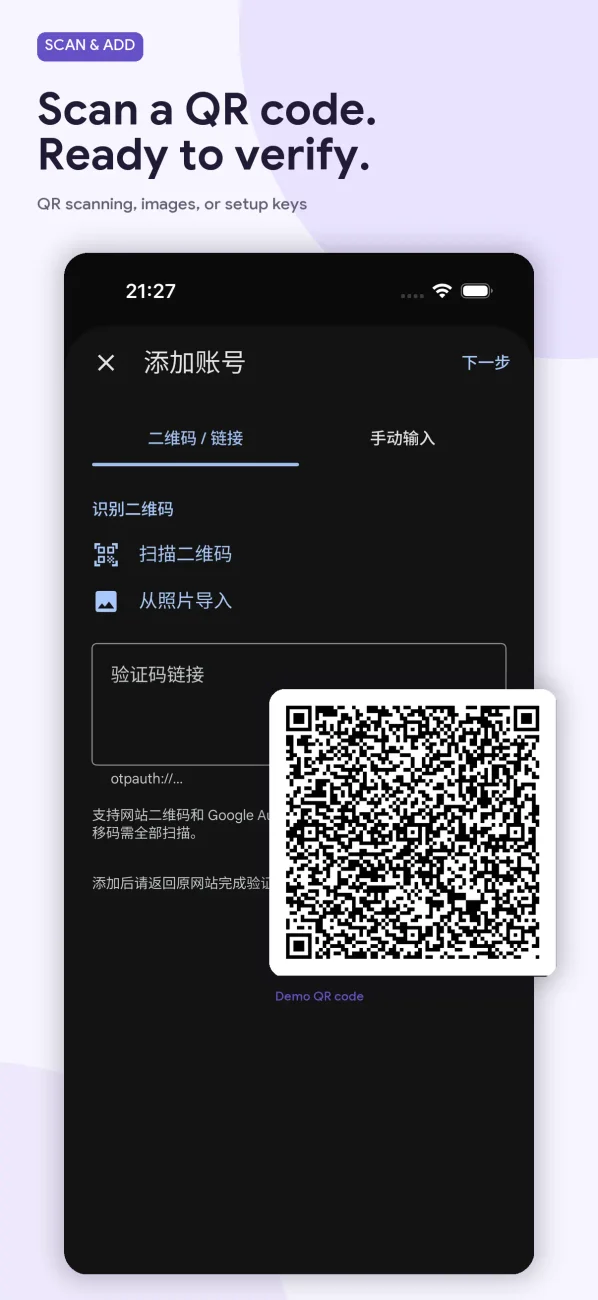
• Add and migrate accounts
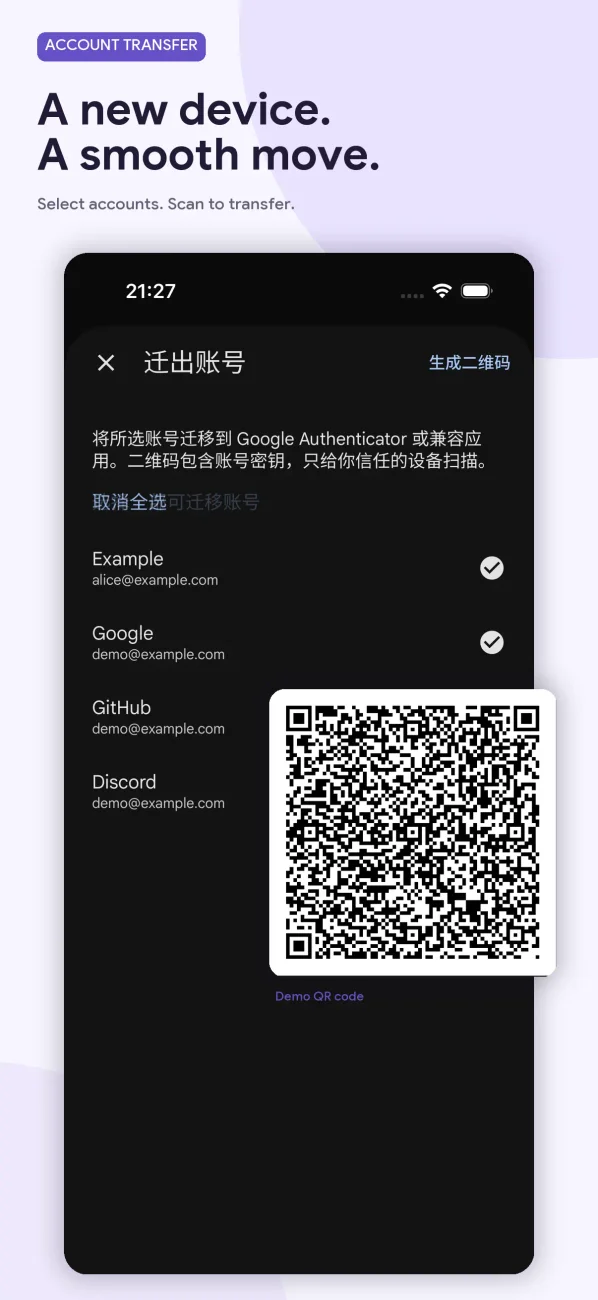
Scan a QR code, import a QR image, or enter a setup key manually. Import Google Authenticator migration QR codes; scan every page in a multi-part transfer.
• Find and manage codes
Search, favorite, and edit accounts. Tap or click an account row to copy its code. Restore accidentally deleted accounts from Recently Deleted.
• Encrypted storage and backups
Account secrets are encrypted on your device. Enable optional app lock and export or restore encrypted backups using a separate passphrase. Keep your backup passphrase safe.
• Across your Apple devices
Native interfaces for iPhone, iPad, Mac, and Apple Watch. Mac can scan QR codes on the screen and show codes in the menu bar. Apple Watch receives selected TOTP accounts from your paired iPhone.
After adding an account, return to the original service to finish setup and save its recovery codes. Advance HOTP counters on only one primary device.
This is an independent app and is not affiliated with Google, Microsoft, or other service providers.
What’s new
Version 2.0.2 · Nov 8, 2026
• Fixed clipped iCloud icons at larger text sizes.
• The iCloud icon now reflects whether automatic sync is enabled.
• Removed background masking and unnecessary reopening when App Lock is off.
• Replaced the blank authentication screen with a frosted privacy backdrop.
• Kept background locking and privacy protection when App Lock is on.
• Improved consistency across iPhone, iPad, Mac and Apple Watch.
App privacy
What haoqiang shan declares on the App Store about how this app handles data.
-
Data not collected
The developer does not collect any data from this app.
Privacy practices may vary, for example with the features you use or your age.
Information
- Seller
- haoqiang shan
- Category
- Utilities
- Version
- 2.0.2
- Updated
- Nov 8, 2026
- Released
- Nov 1, 2026
- Size
- 46.6 MB
- Requires
- iOS 17.0 or later
- Age rating
- 4+
- Price
- Free
- Languages
- English
- Copyright
- © 2026 haoqiang shan
You might also like
-
 iHELP EmergencyiHELP AED Network
-
 YingBoxPrivate Media Player
-
 POST Parcels & MailUtilities
-
 TollTracker: Speed CamerasRadar, average speed & zones
-
 Beko Smart RemoteUtilities
-
 MyAccount TelekomUtilities
-
 OBDeleven – OBD2 car scannerDiagnostics & customization
-
 Bubble Level: Angle Finder ARSpirit Level Inclinometer Tool
-
 Car Play Connect: Remote SyncDigital Mobile Driving
-
 Authenticator App-2FA・MFA・OTPTwo Factor Authentication・TOTP