Beam: Stream & Remote Desktop
Mirror, click, type and play
Conçue pour iPhone, iPad
Gratuit · Achats intégrés
- Classification d’âge4+
- CatégorieUtilitaires
- DéveloppeurIliaster OU
- Taille18,4 Mo
Renvoie vers la page App Store officielle
Download.org n’héberge aucun fichier de Beam: Stream & Remote Desktop. Le bouton ouvre la page de l’application sur App Store, où Iliaster OU la publie. Fiche vérifiée pour la dernière fois le 21/11/2026.
Captures d’écran
À propos
Le développeur n’a pas fourni ce texte dans votre langue.
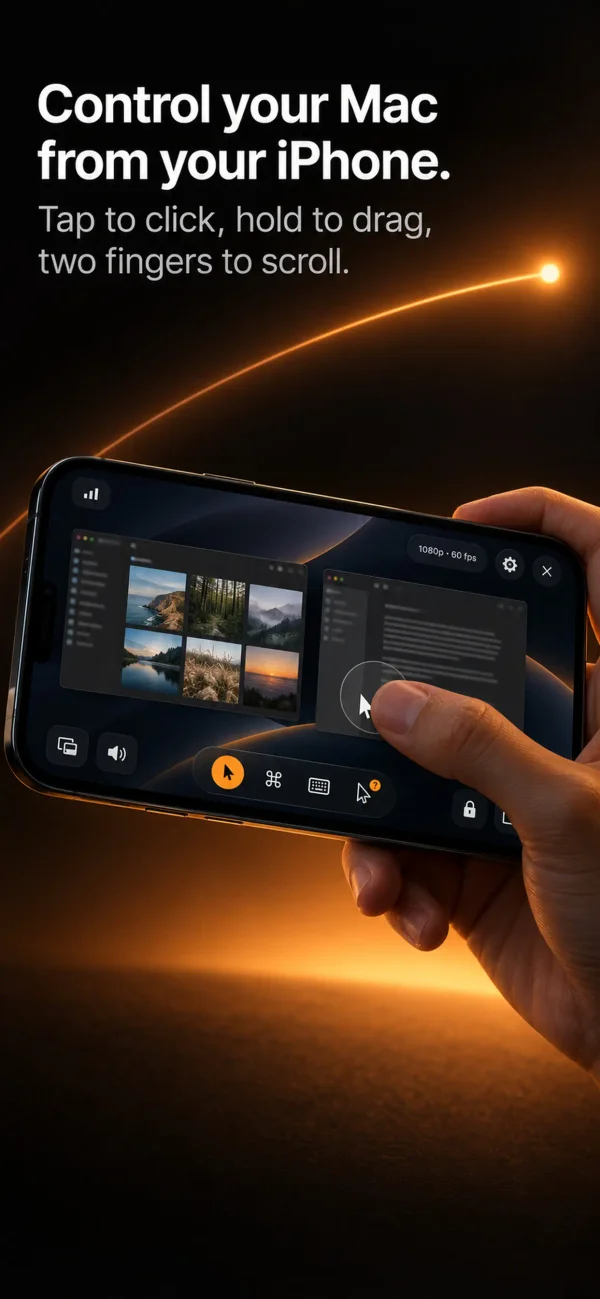
See your Mac on your iPhone or iPad, and control it from there. Beam streams your Mac's screen and sound to your phone. Tap to click, type with real Mac keys, run your own shortcuts and macros, and play Mac games with a controller.
Answer a prompt on the Mac from the couch. Keep a film going in bed. Watch a render finish from the kitchen, then tap in when it needs you.
CONTROL YOUR MAC FROM YOUR PHONE
• Click mode: tap to click, double or triple tap, touch and hold then lift to right-click, touch and hold then move to drag, slide two fingers to scroll
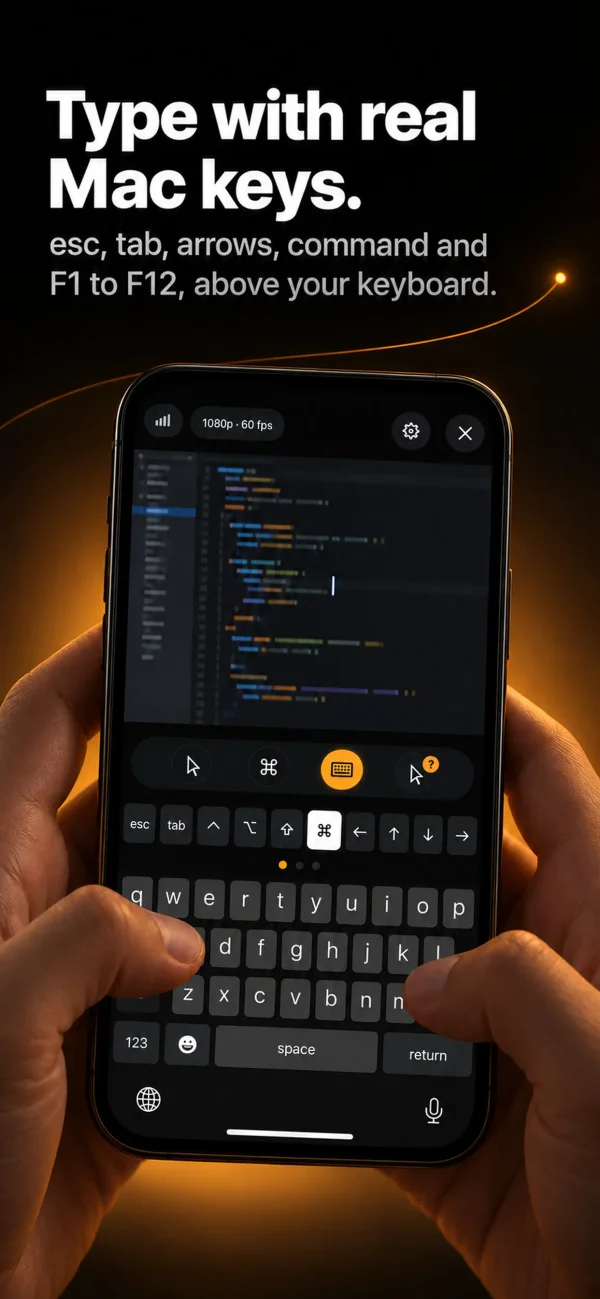
• Live keyboard with a row of Mac keys above it: esc, tab, arrows, home, end, page up and down, F1 to F12, plus command, option, control and shift (tap for one use, hold to lock)
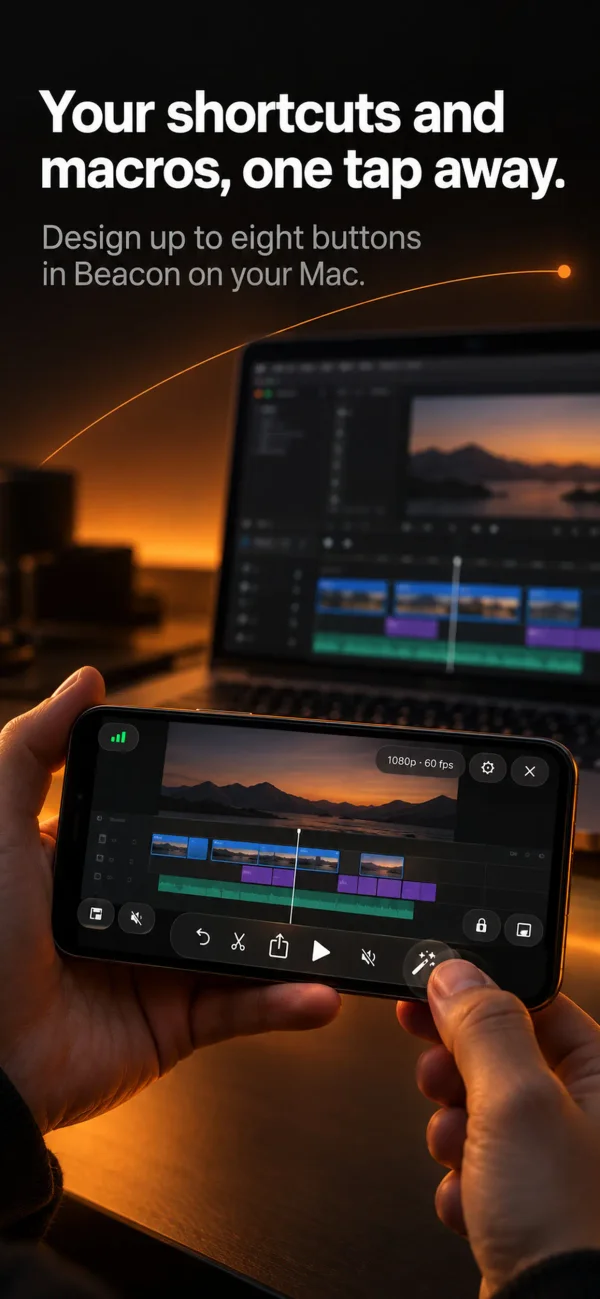
• A bar of up to eight buttons you design in Beacon on the Mac: keys and shortcuts, media keys, recorded macros, a text box, the live keyboard and click mode
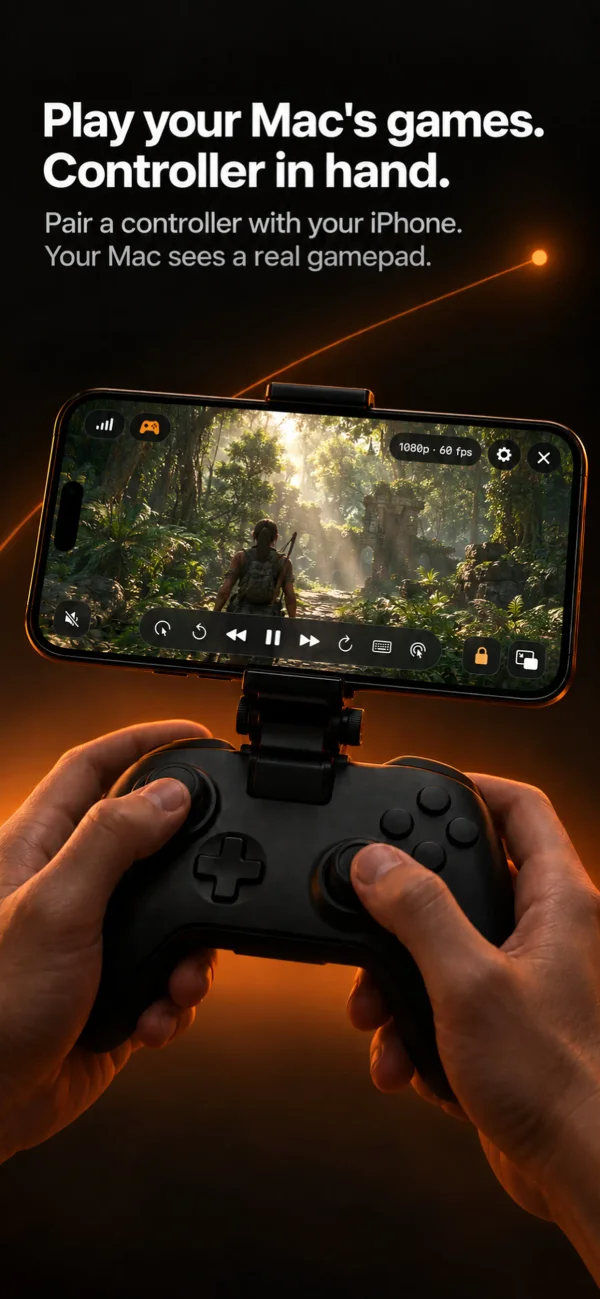
• Pair a game controller with your iPhone or iPad and your Mac sees a real gamepad. No driver to install.
STREAM YOUR MAC
• Your whole Mac display, or one window you pick from the phone
• Mac audio on your phone, or turn it off
• About 25 ms typical delay on good home Wi-Fi
• Up to 4K or your Mac display's native resolution
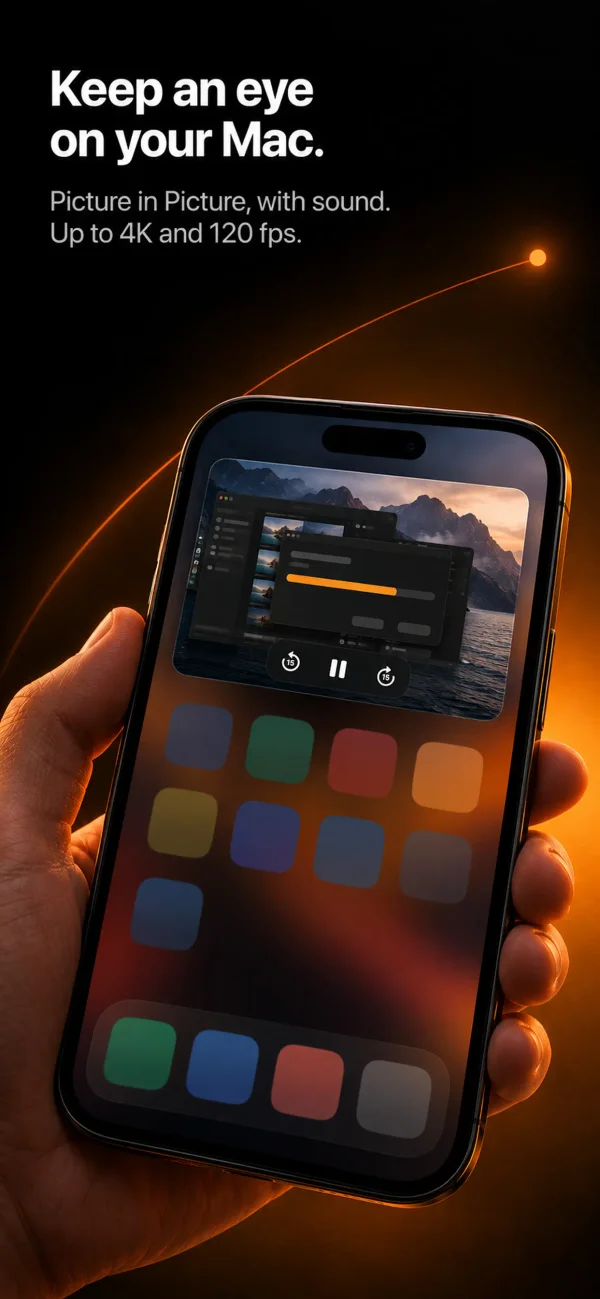
• Up to 120 fps on ProMotion iPhones and iPads when your Mac's display runs that fast
• Picture in Picture, pinch to zoom, and crop to one area of the screen
• Flip the picture for teleprompter glass
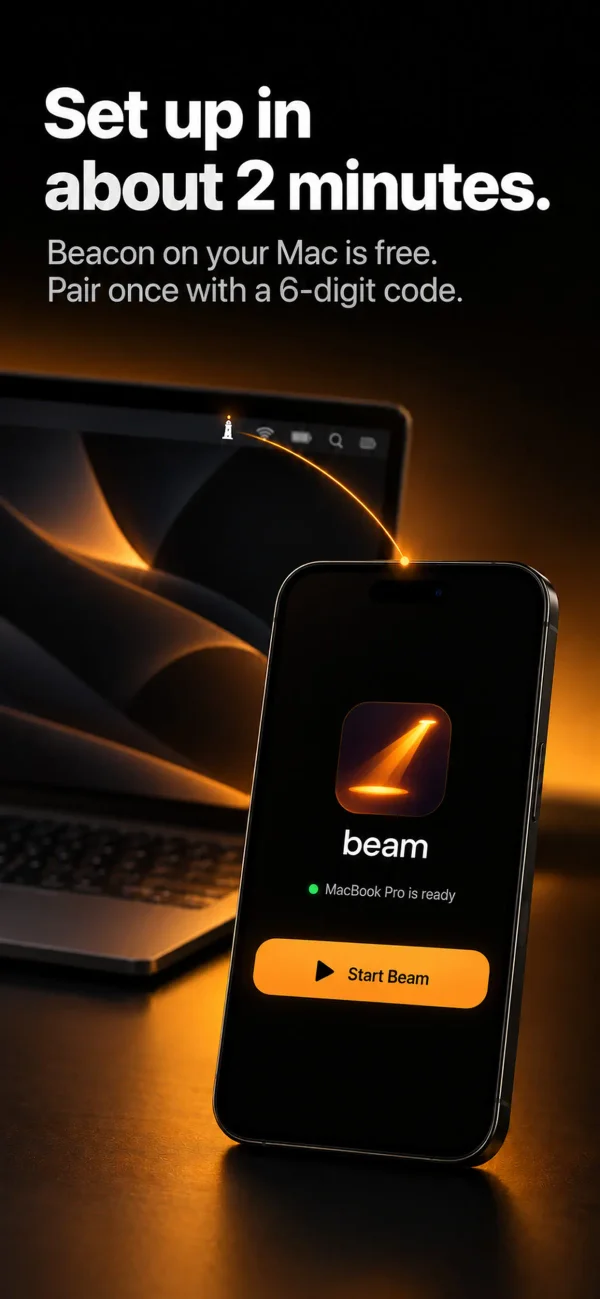
SET UP IN ABOUT 2 MINUTES
1. Install the free Beacon app on your Mac from beamscreen.app. It needs macOS 14 or later.
2. Open Beam on the same Wi-Fi and tap Pair Your Mac.
3. Type the 6-digit code Beacon shows. You only pair once.
PRIVATE BY DESIGN
• The stream goes straight from your Mac to your phone. It never passes through a Beam server.
• The picture, the sound, your clicks and everything you type are encrypted end to end with keys from your pairing.
• No account, no sign-up, no email.
• Beam and Beacon are open source under AGPL-3.0.
FREE, THEN BEAM UNLIMITED
• Your first stream starts a 3-day trial with no limits.
• After that, 30 minutes of streaming in every 24 hours on your home Wi-Fi, with every feature and every quality setting.
• Beam Unlimited is a one-time purchase, not a subscription. It removes the time limit and lets you stream and control your Mac from anywhere over your own Tailscale network (free for personal use).
GOOD TO KNOW
• Clicking and typing from the phone need Accessibility permission for Beacon on the Mac.
• Beam shows and controls your Mac's screen. It doesn't add a second display, move files or sync the clipboard.
• Beacon runs on Macs only, not Windows or Linux.
• Beam needs iOS 16 or later.
Questions go to support@beamscreen.app. A person reads every message, usually within a day.
Nouveautés
Version 3.7 · 26/10/2026
Beam now runs on iPhone Duo, folded and unfolded. The controls move with the screen, and the stream keeps going when you open or close it.
Confidentialité de l’application
Ce que Iliaster OU déclare sur l’App Store au sujet du traitement des données par cette application.
-
Données non collectées
Le développeur ne collecte aucune donnée à partir de cette application.
Les pratiques en matière de confidentialité peuvent varier, notamment en fonction des fonctionnalités que vous utilisez ou de votre âge.
Informations
- Vendeur
- Iliaster OU
- Catégorie
- Utilitaires
- Version
- 3.7
- Mis à jour
- 26/10/2026
- Publié
- 17/03/2026
- Taille
- 18,4 Mo
- Nécessite
- iOS 16.0 ou version ultérieure
- Classification d’âge
- 4+
- Prix
- Gratuit
- Achats intégrés
- Oui
- Copyright
- © 2026 Kevin Erik Iin