Bebop: Quick Notes
Capture ideas as plain text
Conçue pour iPhone
Gratuit · Achats intégrés
- Classification d’âge4+
- CatégorieProductivité
- DéveloppeurJack Cheng LLC
- LanguesAnglais
- Taille25,2 Mo
Renvoie vers la page App Store officielle
Download.org n’héberge aucun fichier de Bebop: Quick Notes. Le bouton ouvre la page de l’application sur App Store, où Jack Cheng LLC la publie. Fiche vérifiée pour la dernière fois le 15/11/2026.
Captures d’écran
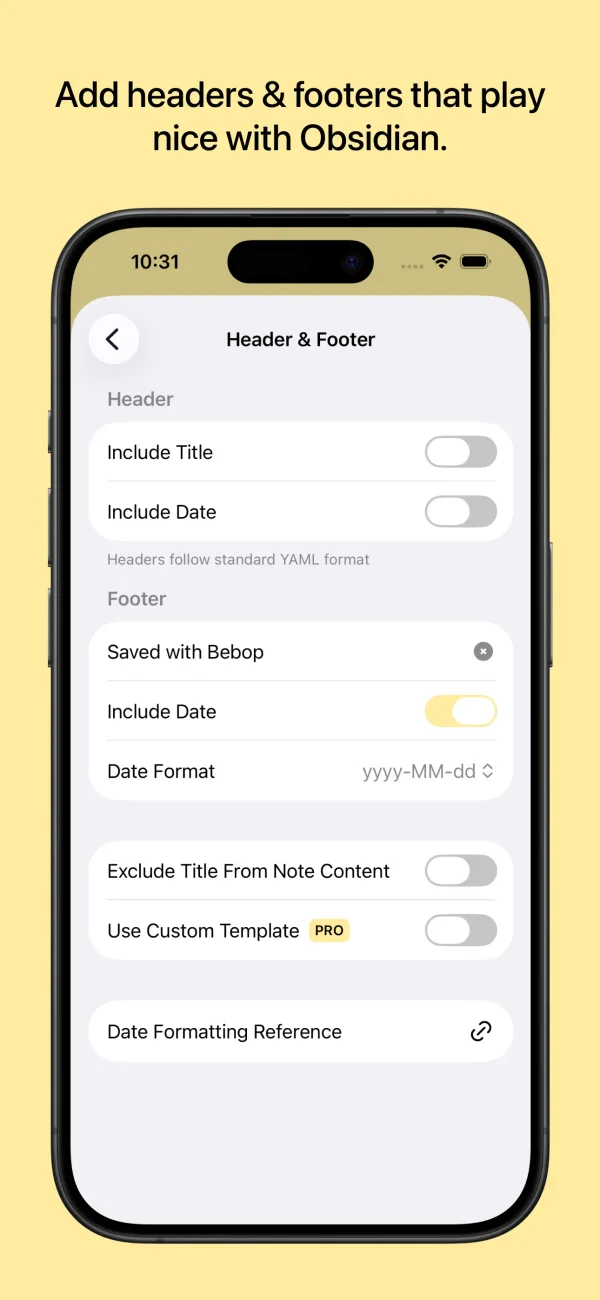

À propos
Le développeur n’a pas fourni ce texte dans votre langue.
Bebop helps you get down your ideas, fast. It assumes that review and organization are better done on larger screens—that a mobile text editor should be lightning-fast, clutter-free, and capture-first.
• No ads, no logins, no tracking: Files are synced natively to your chosen iCloud Drive or Dropbox folder
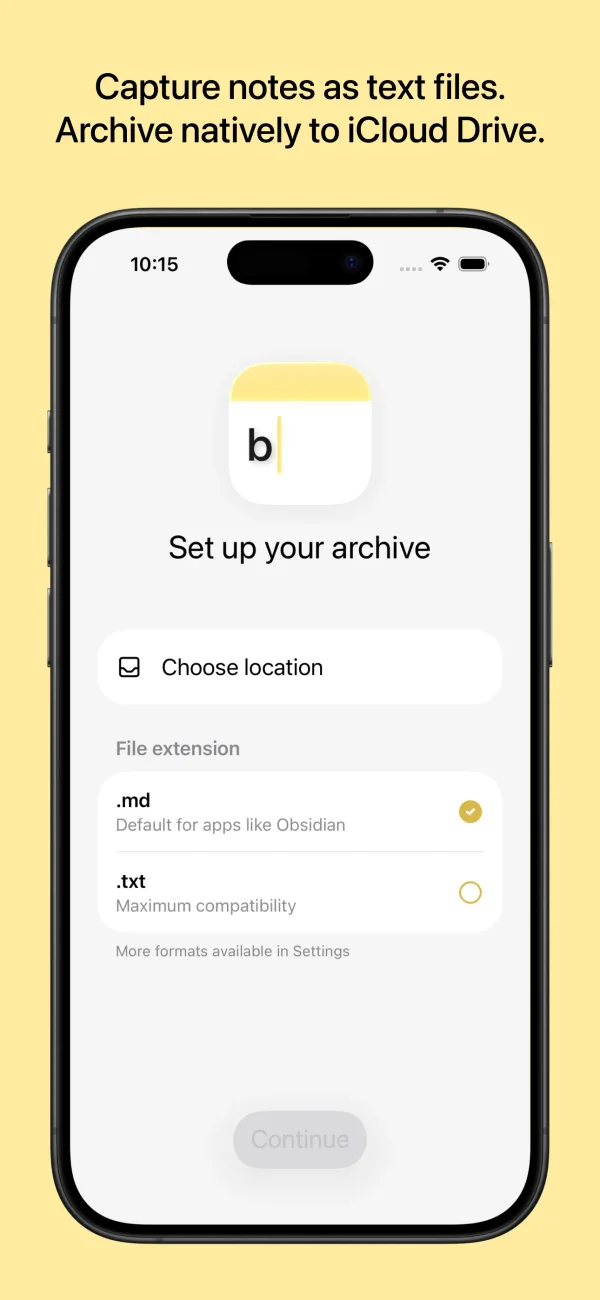
• BYOMA (Bring Your Own MacOS App): Open plain-text formats like .txt and .md/markdown plug neatly into Obsidian
• Custom headers, footers, and filename formats: To work with your workflow
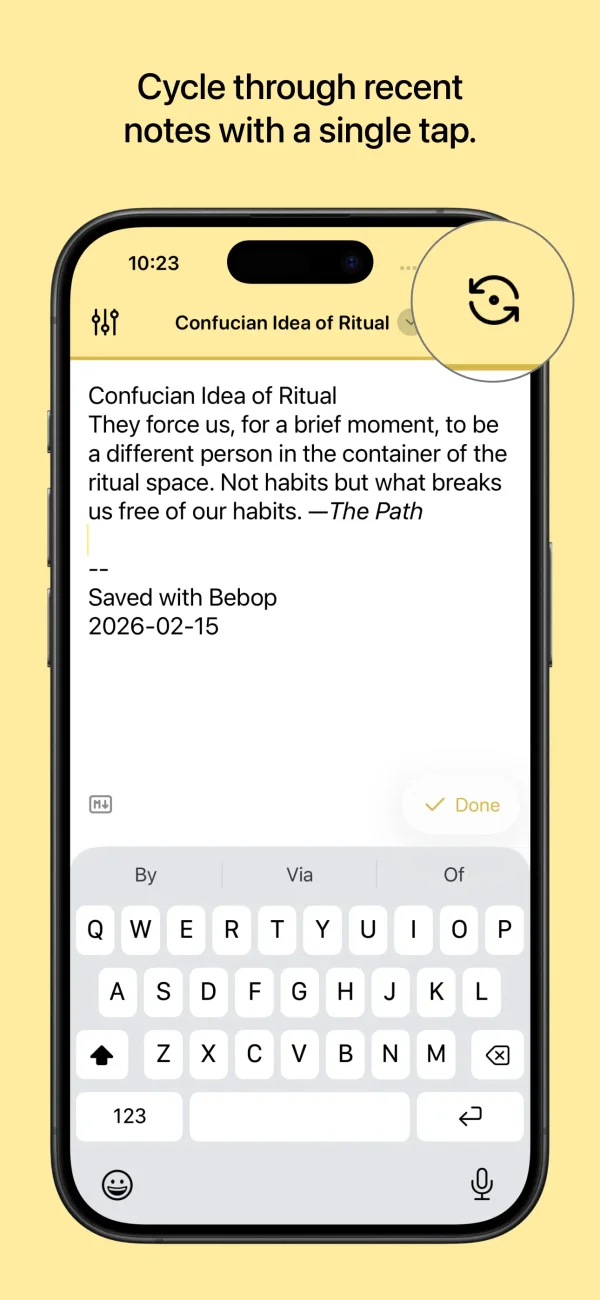
• Flashback notes: Cycle through recent notes with a single tap
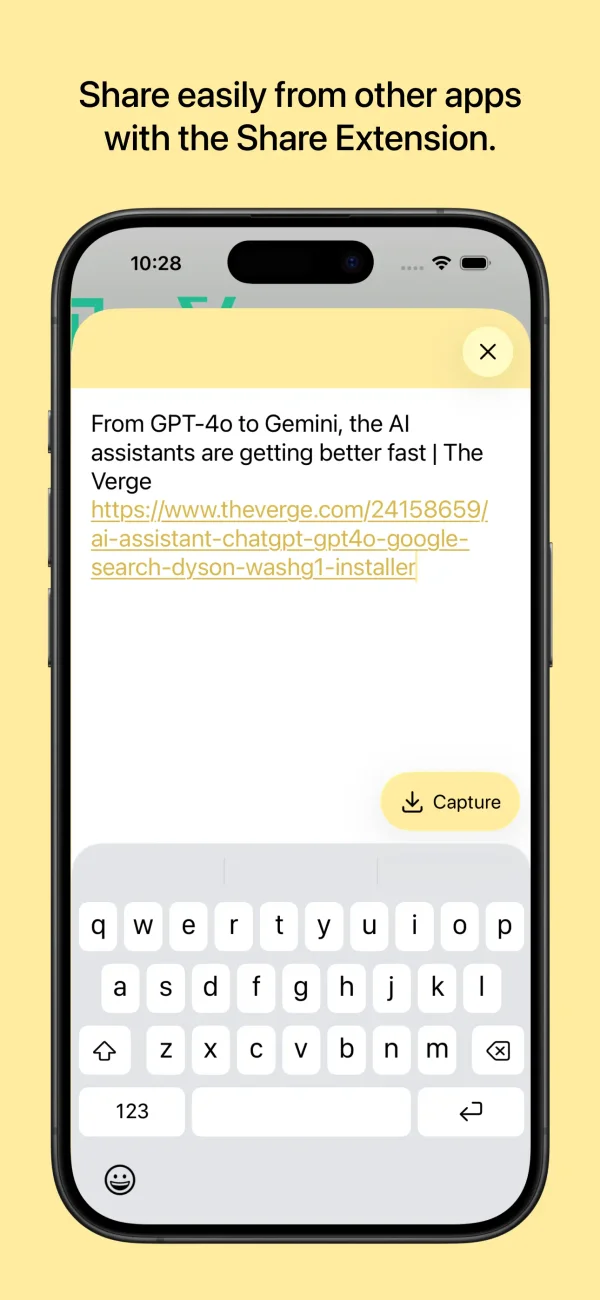
• Share extension: Quickly save links and text from other iOS apps
• Widgets and shortcut: Launch Bebop in any number of ways
• Unlimited notes (even for free users)
For a one-time Pro upgrade (no subscriptions!) you’ll also get color themes, custom templating, power-user settings, and help support future development.
---
Bebop is made by Jack Cheng, an author and solo developer in Detroit, Michigan.
More info and privacy policy:
https://www.jackcheng.com/bebop/
* Dropbox sync requires you to have the Dropbox iOS app installed.
Nouveautés
Version 1.3.0 · 07/06/2026
This update comes with one main new feature: Quick Append. Start a note with @ (or choose your preferred trigger in Settings) to pick an existing file. Your note will append to that file instead saving the usual way.
So if you typically use a daily format like 2026-05-24.md, this lets you target other files like To read.md or Blog.md. I like keeping a note for each major project, e.g. Bebop.md. Give it a try!
Other fixes and improvments in this build:
- Editor now auto-continues lists
- Editor line spacing is a smidge roomier, with less scroll jumping while editing long notes
- Improved toolbar and bottom bar touch handling, including larger tap areas for Settings and Flashback
- Fixed the markdown helper bar making the editor too wide when iOS Show Borders is enabled
—Jack
Confidentialité de l’application
Ce que Jack Cheng LLC déclare sur l’App Store au sujet du traitement des données par cette application.
-
Données non collectées
Le développeur ne collecte aucune donnée à partir de cette application.
Les pratiques en matière de confidentialité peuvent varier, notamment en fonction des fonctionnalités que vous utilisez ou de votre âge.
Informations
- Vendeur
- Jack Cheng LLC
- Catégorie
- Productivité
- Version
- 1.3.0
- Mis à jour
- 07/06/2026
- Publié
- 03/05/2024
- Taille
- 25,2 Mo
- Nécessite
- iOS 17.0 ou version ultérieure
- Classification d’âge
- 4+
- Prix
- Gratuit
- Achats intégrés
- Oui
- Langues
- Anglais
- Copyright
- © 2026 Jack Cheng LLC
Vous aimerez peut-être aussi
-
 Funnel - Quick CaptureProductivité
-
 Quick Notes - SupasendProductivité
-
 Quick Capture - Vault notesProductivité
-
 Godspeed – To Do ListProductivité
-
 Plinky: Save & Bookmark LinksProductivité
-
 Tot PocketProductivité
-
 Quick Notes - CaptureBrain dump thoughts & ideas
-
 Simple Scan • Quick ScannerProductivité
-
 ZavalaProductivité
-
 Alto Daily Habit TrackerHabitudes, séries et rappels